- Age rating4+
- CategoryGraphics & Design
- Developer256 Arts
- LanguagesEnglish+ 5 more
- Size7.5 MB
Links to the official App Store page
Download.org hosts no file of Palette Studio+. The button opens its official App Store page, published by 256 Arts. Listing last checked on Nov 13, 2026.
Screenshots
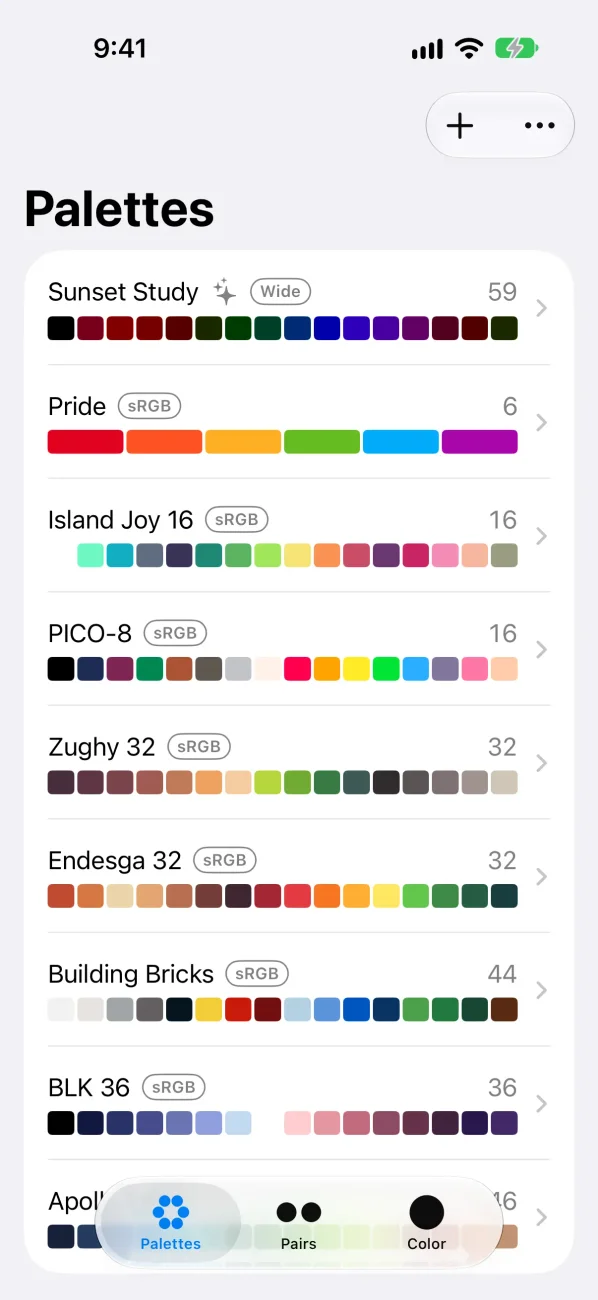
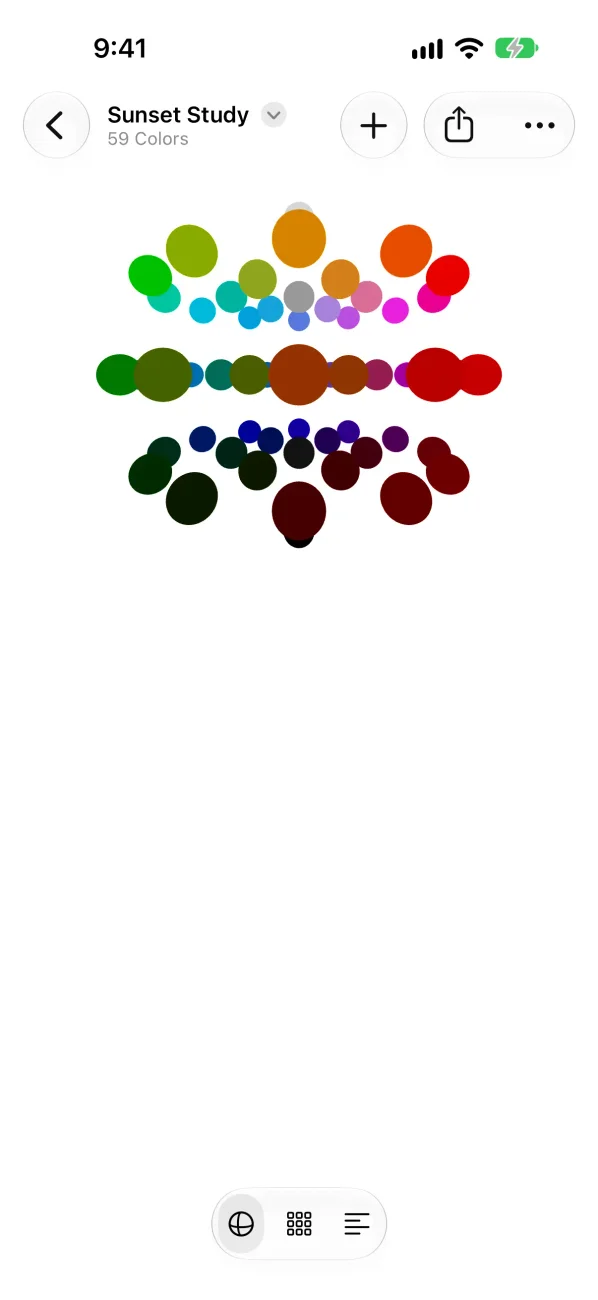
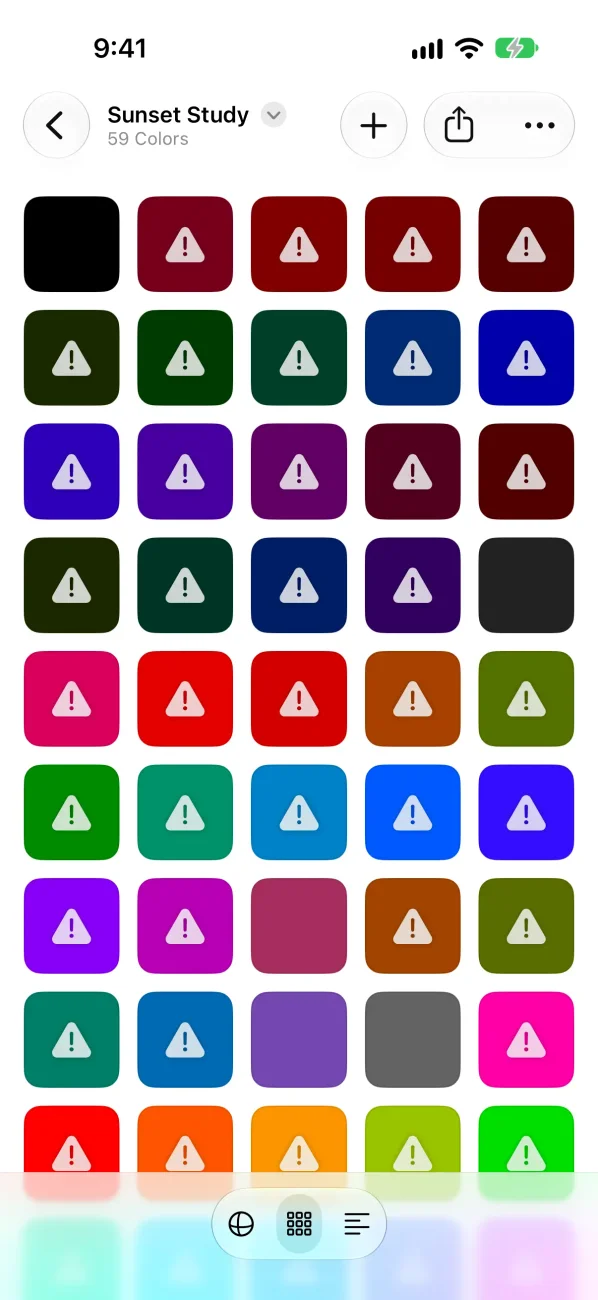
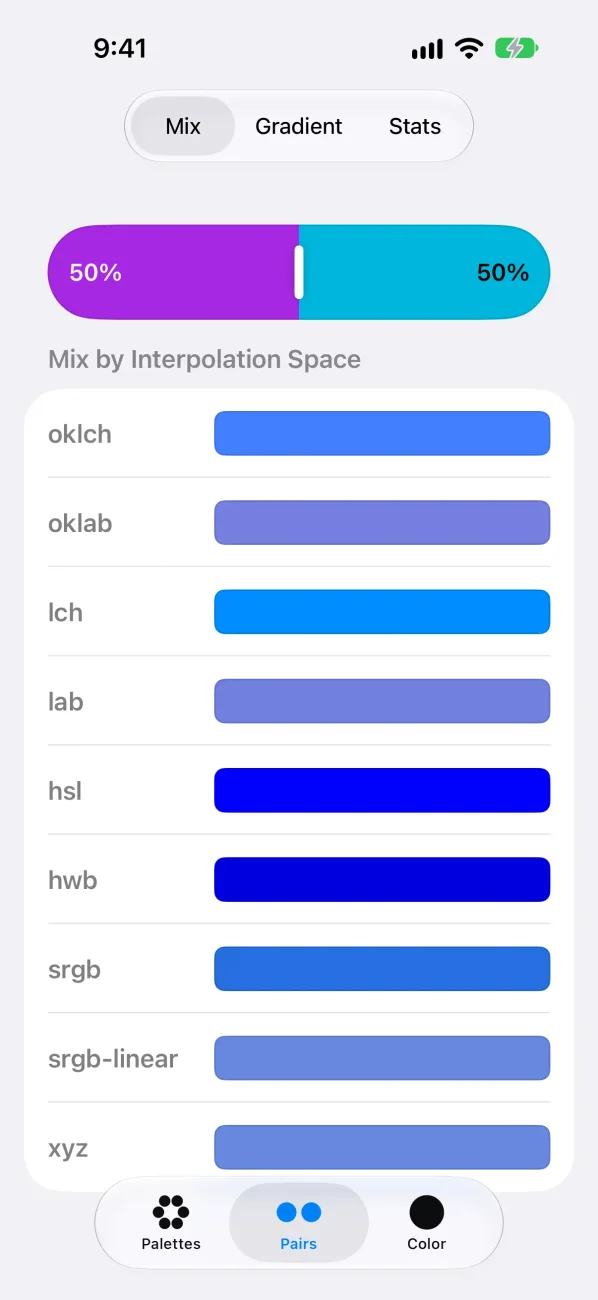
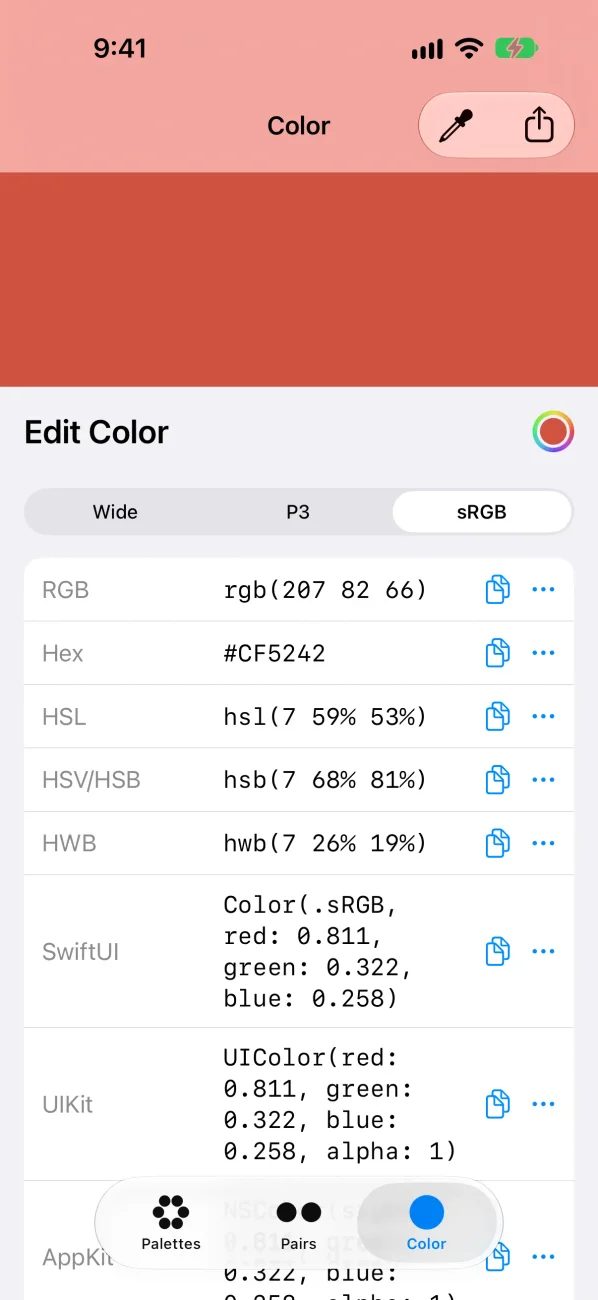
About
Design color palettes you can see in three dimensions — and trust to work together.
Palette Studio places every color in a palette inside a 3D sphere by lightness, chroma, and hue. Instead of a row of swatches, you see how your colors relate in space, and move them until the spacing feels just right. It's built on perceptual color spaces like Oklch and CIE LCh, so even steps look even to the human eye.
Create
• Generate a balanced palette in a single tap, then lock, reorder, or fine-tune any color
• Arrange colors in a grid, or edit them as CSS color strings like oklch() and lch(), with edits syncing both ways
• Build tints and shades toward white and black
• Step around the color wheel for complementary and triadic schemes
Check
• WCAG contrast ratios for every pair of colors
• Perceptual difference (ΔE 2000) so near-duplicates stand out
• Preview your palette through common color vision deficiencies, like deuteranopia and protanopia
• Compare any two colors side by side
Import and Export
• Bring in GIMP palettes, palette images, or palettes from lospec.com
• Export to GIMP, macOS color lists, palette images, or CSS, hex, HSL, and other text formats
Your palette library syncs across iPhone, iPad, Mac, and Apple Vision Pro with iCloud.
What’s new
Version 2.0 · Oct 28, 2026
Palette Studio gets a big update, with your library now synced over iCloud and every edit fully undoable.
• Preview palettes under color vision deficiencies, with an analysis that flags confusable pairs
• Undo and redo any edit to a palette
• New menu bar commands for quick access to your library and editor
• visionOS gets a redesigned display picker and a better-fit color sphere
• Bug fixes and improvements
App privacy
What 256 Arts declares on the App Store about how this app handles data.
-
Data not collected
The developer does not collect any data from this app.
Privacy practices may vary, for example with the features you use or your age.
Information
- Seller
- 256 Arts Inc.
- Category
- Graphics & Design
- Version
- 2.0
- Updated
- Oct 28, 2026
- Released
- Sep 16, 2024
- Size
- 7.5 MB
- Requires
- iOS 26.0 or later
- Age rating
- 4+
- Price
- Free
- Languages
- English, French, German, Japanese, Simplified Chinese, Spanish
- Copyright
- © 256 Arts Inc.
You might also like
-
 Spatial ShaderSpatial Stereoscopic Shader
-
 Asterhue - Color WheelPalette maker & color picker
-
 Palette Studio:Color GeneratorGraphics & Design
-
 ModulatorStart Creating
-
 Pixel ScalerLossless pixel art scaling
-
 PlaneDot Drawvector graphics drawing tool
-
 Color Trendscolor palette generator
-
 Color Picker XPalette Generator & Identifier
-
 Kolorist: Color PalettesColour palettes for designers
-
 PickalatorCreate, edit and share assets