
Paper: Smart Notes & Memos
Organize, Sync & Collaborate
Designed for iPhone, iPad, Mac
Free · In-app purchases
- Age rating4+
- CategoryProductivity
- DeveloperSteve NOSSE
- LanguagesEnglish
- Size77.5 MB
Links to the official App Store page
Download.org hosts no file of Paper: Smart Notes & Memos. The button opens its official App Store page, published by Steve NOSSE. Listing last checked on Nov 12, 2026.
Screenshots
About
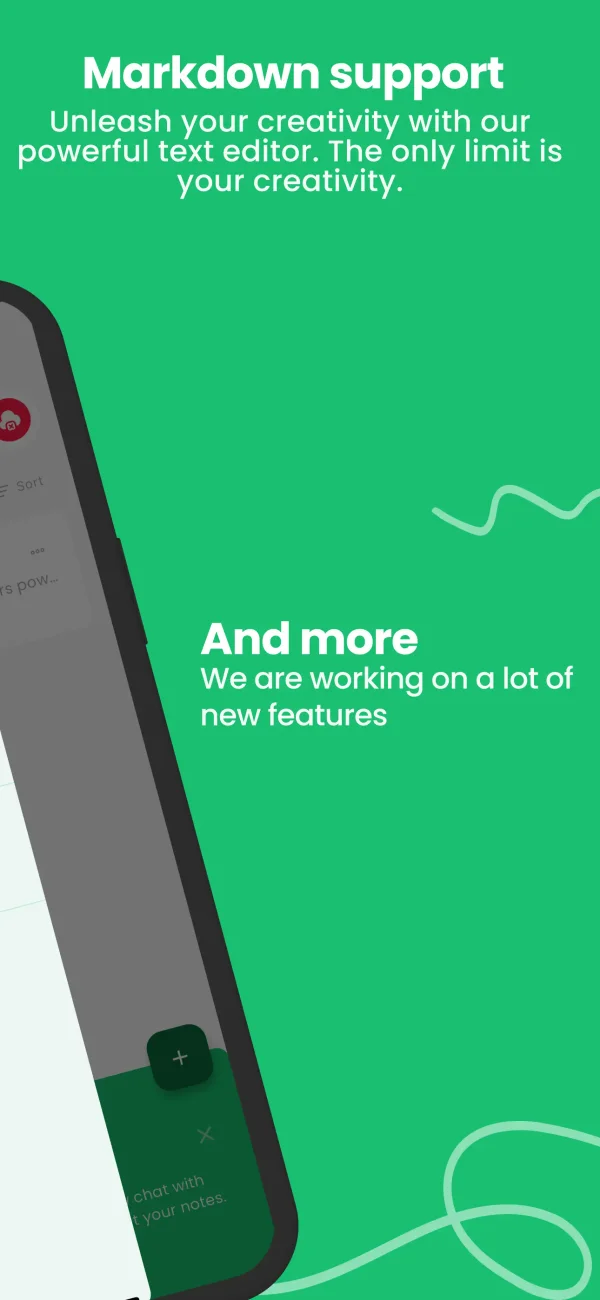
Paper is the simplest way to take notes, capture ideas, and stay organized. This free note taking app brings text notes, voice notes, checklists, and smart reminders together in one clean, fast and private space.
TAKE NOTES YOUR WAY
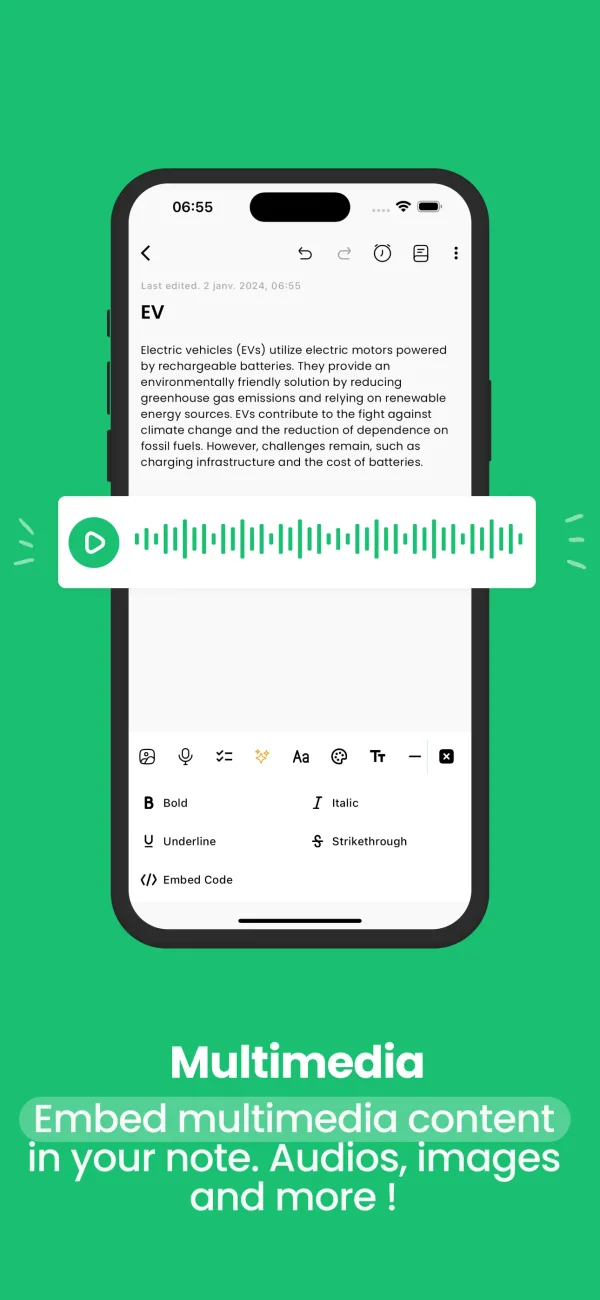
• Write text notes, record voice notes, and add images, drawings and math equations
• Turn any note into a checklist or to-do list with deadlines and recurring reminders
• Jot down memos and ideas on the go, wherever you are
STAY ORGANIZED
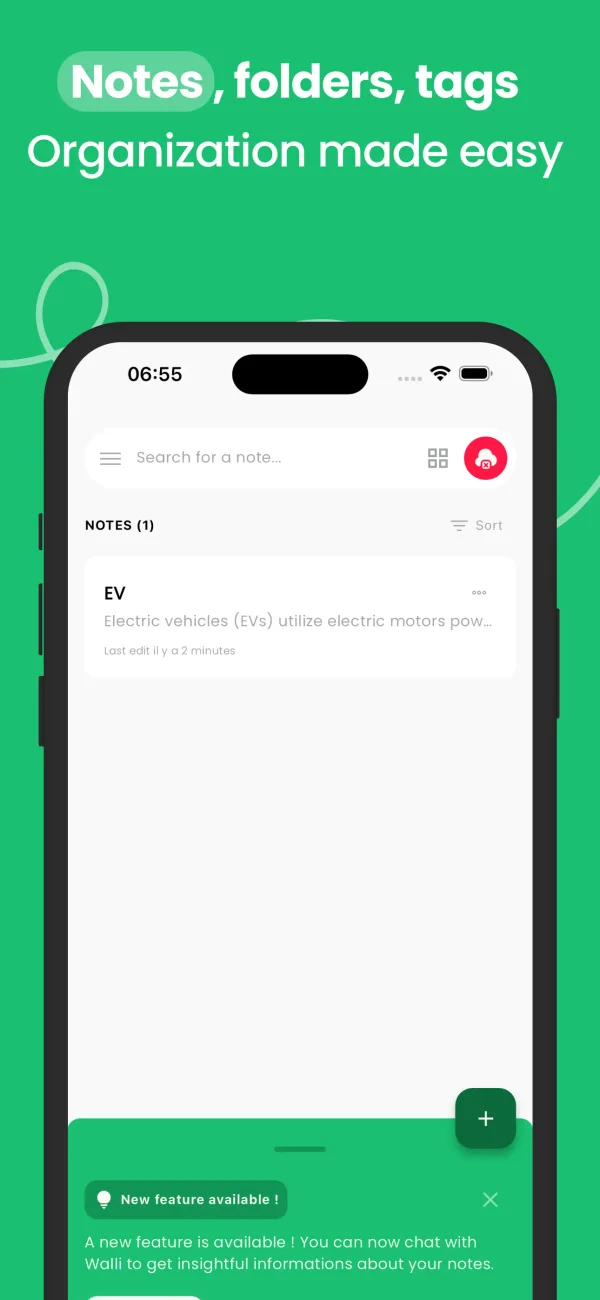
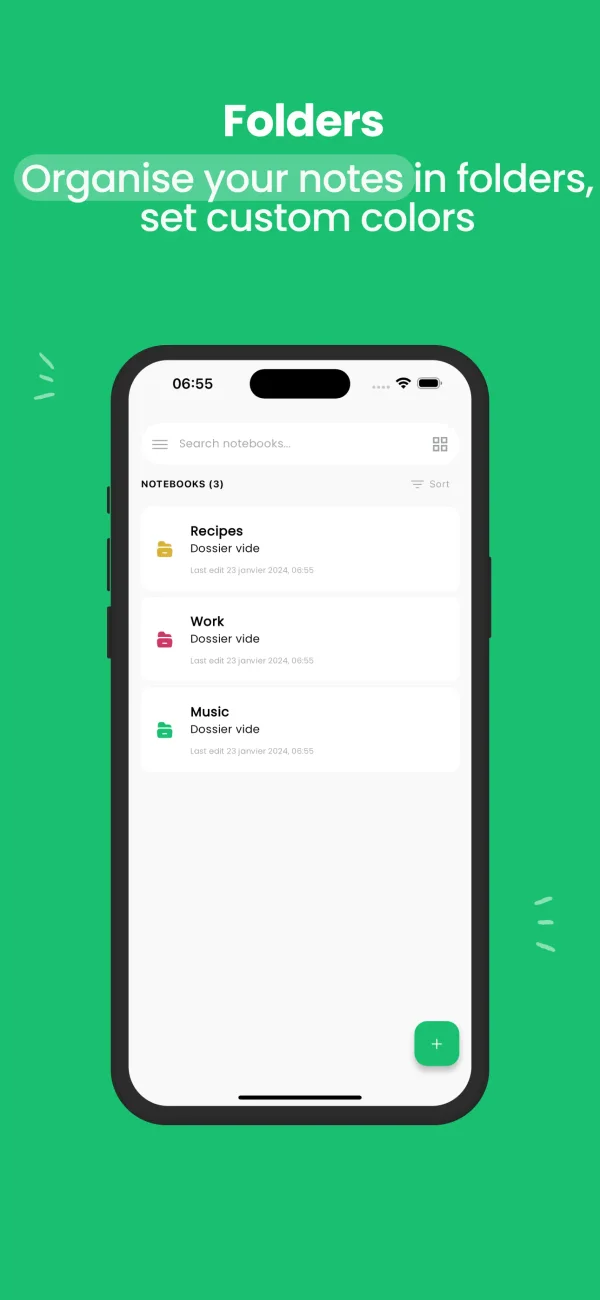
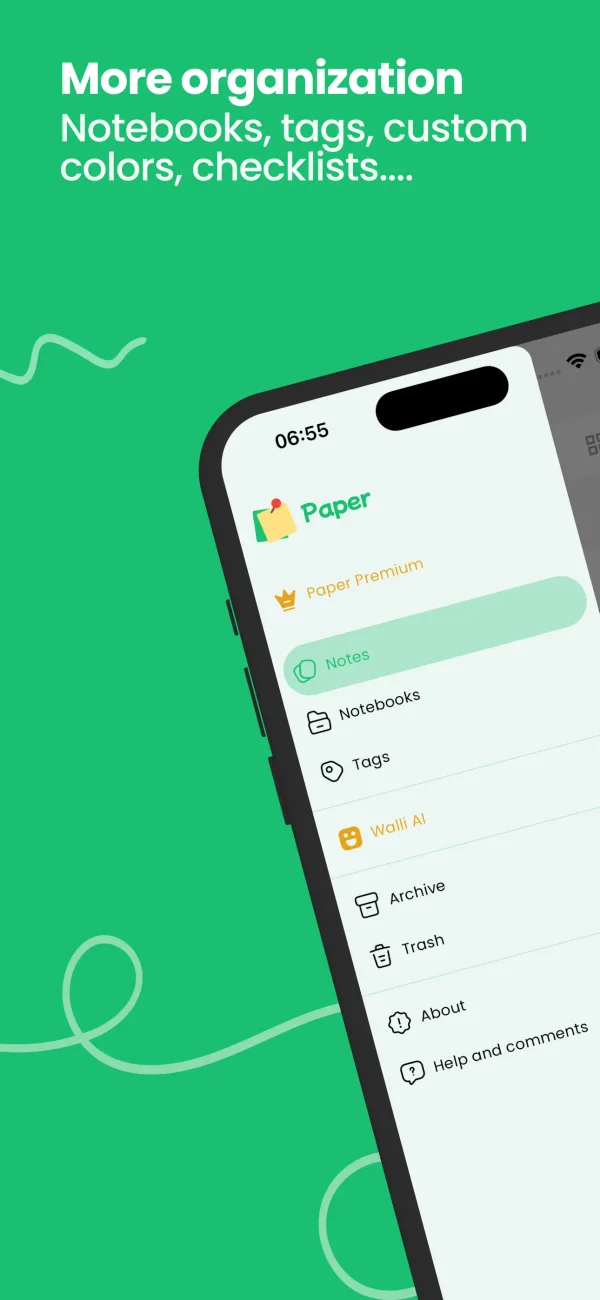
• Organize notes with notebooks, tags and pinned notes
• Search everything instantly and filter by tag
• Sync your notes across phone, tablet and computer
• Use it as a journal, a memo pad, or your daily planner
SMART AI ASSISTANT
• Summarize long notes in one tap
• Translate your notes into any language
• Auto-tag and structure your notes automatically
PRIVATE & SECURE
• Notes are end-to-end encrypted
• Secret Garden: a password-protected space for your most personal notes
• No ads, no tracking: a private notes app you can trust
SHARE EASILY
• Share notes as a link, Markdown, or HTML
• Collaborate on notes in real time with friends and teammates
Paper Premium unlocks unlimited notebooks, automatic voice to text transcription, AI features, unlimited recurring reminders, and real-time collaboration.
Download Paper now, the free notes app with AI, voice notes, checklists and full privacy.
What's new:
• Completely redesigned app: navigation now uses a bottom tab bar
• Create notes with your voice
• Notes sharing has been rebuilt and is now much more reliable
• Fresh new UI across the entire app for a smoother experience
• AI features have been improved and stabilized
https://www.apple.com/legal/internet-services/itunes/dev/stdeula/
What’s new
Version 4.0.0 · Aug 14, 2026
What's new in this version:
- Completely redesigned app: navigation now uses a bottom tab bar for easier one-hand use
- Create notes with your voice
- Notes sharing has been rebuilt from the ground up and is now much more reliable
- Fresh new UI across the entire app for a smoother experience
- AI features have been improved and stabilized
App privacy
What Steve NOSSE declares on the App Store about how this app handles data.
-
Data not linked to you
May be collected but is not linked to your identity.
- Identifiers
- Usage data
- Diagnostics
Privacy practices may vary, for example with the features you use or your age.
Information
- Seller
- Steve NOSSE
- Category
- Productivity
- Version
- 4.0.0
- Updated
- Aug 14, 2026
- Released
- Jun 18, 2023
- Size
- 77.5 MB
- Requires
- iOS 16.0 or later
- Age rating
- 4+
- Price
- Free
- In-app purchases
- Yes
- Languages
- English
- Copyright
- © 2023 Mobitra
You might also like
-
 Notepad with Colors - NotesProductivity
-
 AI Bookmark Manager: SplixSave links, reels, screenshots
-
 Comet NotesProductivity
-
 MyNotes - Notes with LockSecret Notebook & Safe Notepad
-
 Simple Notes.Simple & easy note taking app.
-
 Note!The ultimate simple notes app!
-
 Notezilla - Notes & RemindersSimple & nice little app :)
-
 Daily NotesProductivity
-
 Quick Notes - CaptureBrain dump thoughts & ideas
-
 Calendar - Schedule PlannerDaily & Weekly Planner, Agenda