
Quick Notes - Capture
Brain dump thoughts & ideas
Designed for iPhone, iPad, Mac
Free · In-app purchases
- Age rating4+
- CategoryProductivity
- DeveloperFurkan Simsir
- LanguagesEnglish+ 11 more
- Size118.8 MB
Links to the official App Store page
Download.org hosts no file of Quick Notes - Capture. The button opens its official App Store page, published by Furkan Simsir. Listing last checked on Nov 23, 2026.
Screenshots



About
Capture's intuitive interface and smart features turn your mobile device into a powerful thought organizer, letting you seize, sort, and execute your ideas with unprecedented ease.
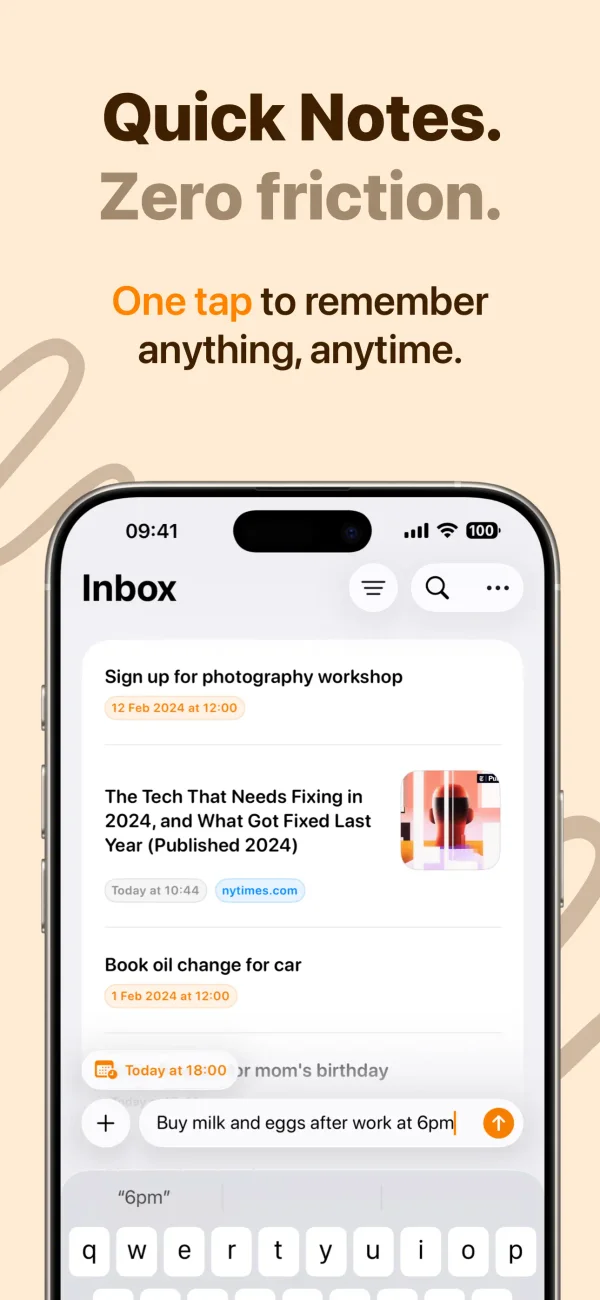
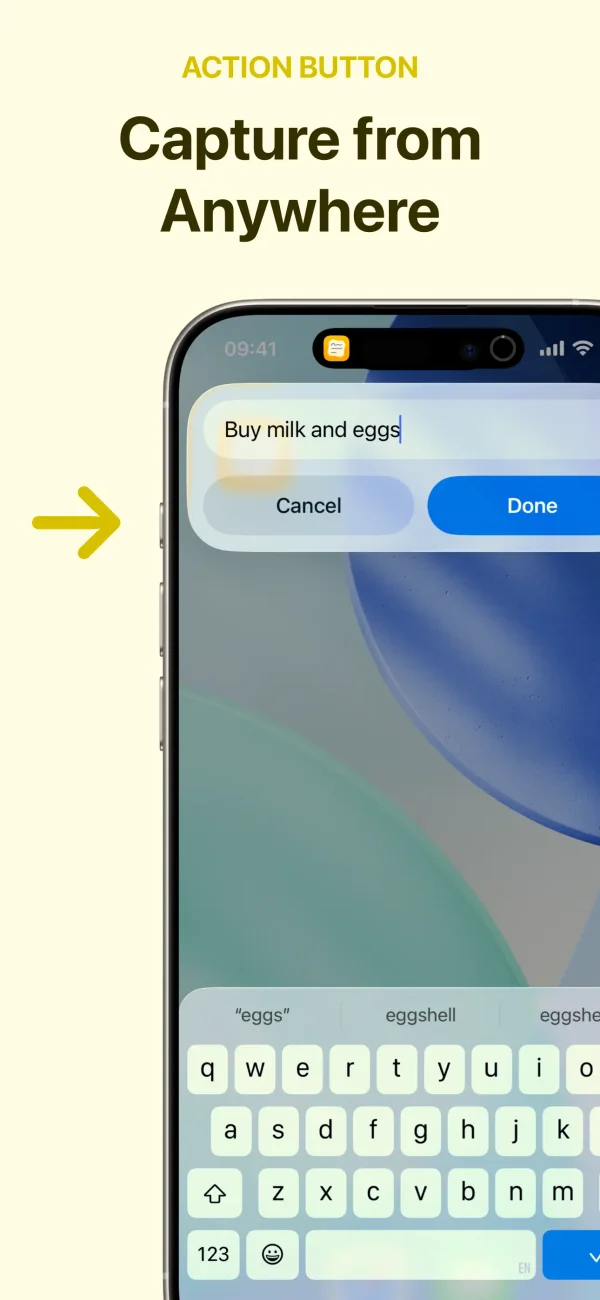
• Quick Notes: Immediacy is key, and with Capture, the moment inspiration hits, you're ready. Our quick note-taking feature is designed for those who think fast and want to write faster. Notes, lists, and reminders are captured in real-time, ensuring no idea ever slips through the cracks. Brain dump on the go and stay one step ahead of your inspiration.
• CarPlay: Talk to the Capture assistant while you drive, and save thoughts, to-dos and reminders hands-free.
• Capture Keyboard: Save selected text as a capture, or insert a capture into any text field, right from the keyboard in any app.
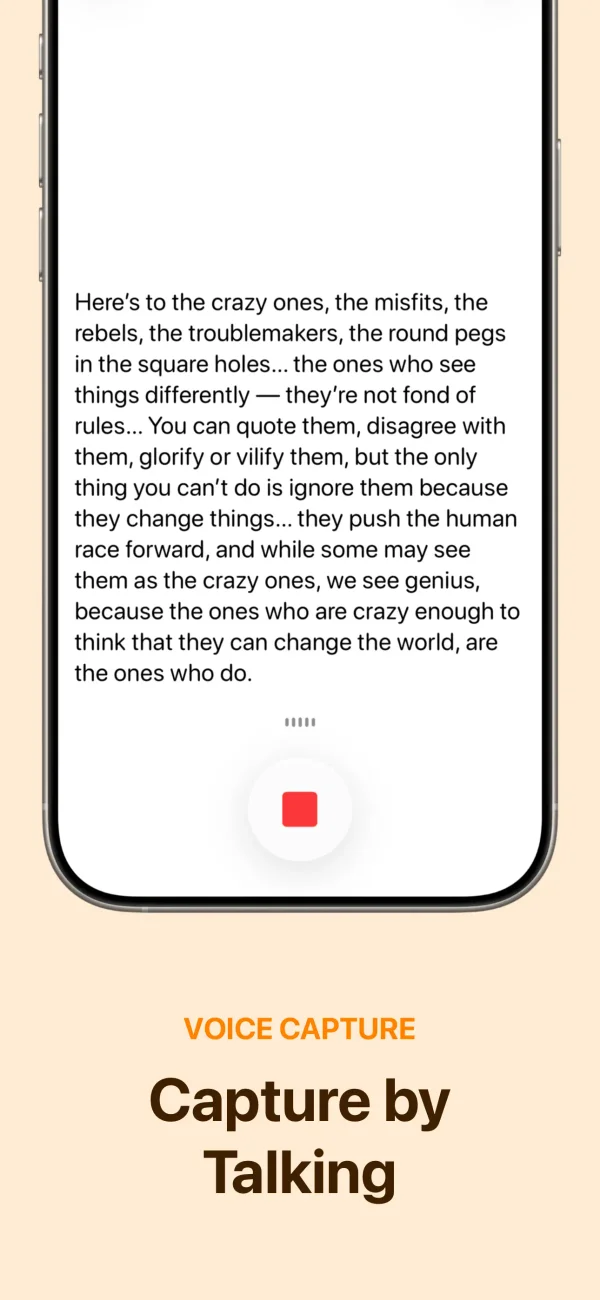
• Voice Notes: Talk instead of type. Say many thoughts in one breath, and Capture splits them up and sorts them into your lists. Recording keeps going in the background, with a Live Activity on your Lock Screen.
• Export to 70+ apps: Looking to migrate your captures to other platforms like Obsidian, Things 3, Todoist, Notion, Bear, Slack, iA Writer, Craft, Omnifocus 4, Fantastical, UpNote, NotePlan, Reminders or Apple Calendar? Capture's export functionality allows you to move your content with ease. It's all about getting your thoughts out there, wherever 'there' might be, from to-do to calendar apps. In addition, you can run any Siri Shortcut as an export option, enabling all kinds of workflows by using the capture as input.
• iCloud Sync: Keep your ideas and tasks in harmony across all your devices with Capture's iCloud Sync. Every note, list, and preference is automatically updated, ensuring you have access to your latest thoughts wherever you go.
• Intuitive reminders: With our badge system, subtle yet effective reminders keep you informed of your tasks. These intuitive nudges ensure that important notes don't get lost in the shuffle, keeping you alert and on track.
• Automatic date & URL recognition: Organization has never been so effortless. Capture's data recognition identifies your dates and URLs so you don't need to manually insert them. They are also pre-filled with your favorite export option.
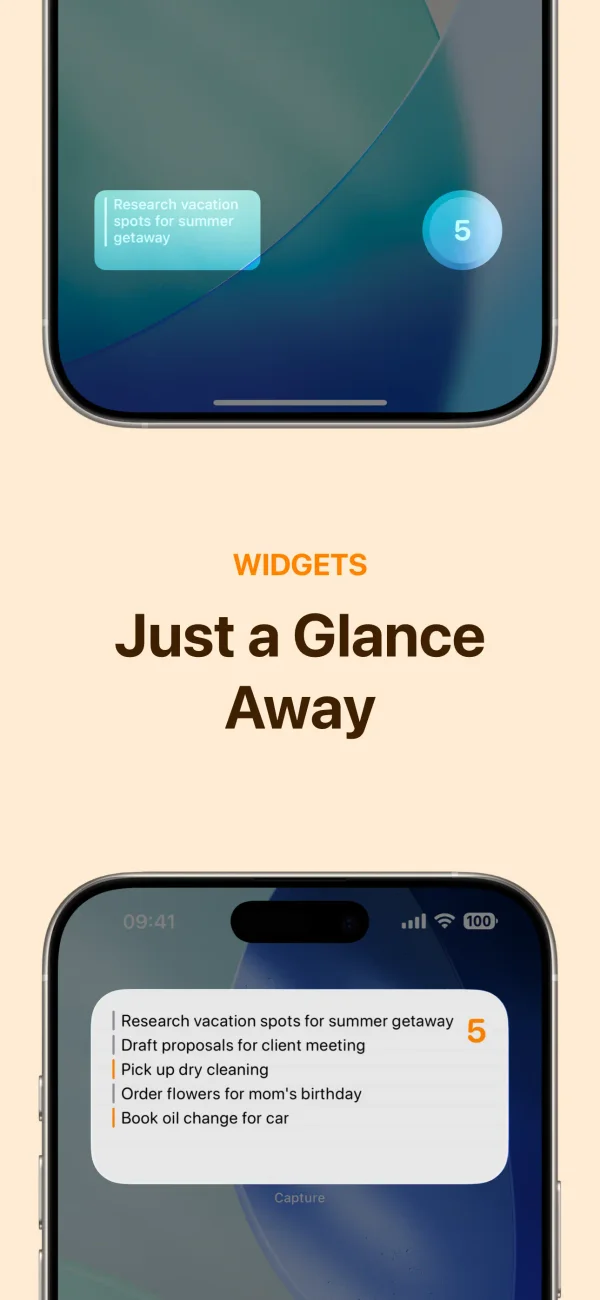
• Widgets: Access your captures instantly with our widgets right from your Home Screen, Lock Screen and Control Center. Capture prioritizes convenience, giving you a visual snapshot of your latest thoughts and to-dos without having to open the app.
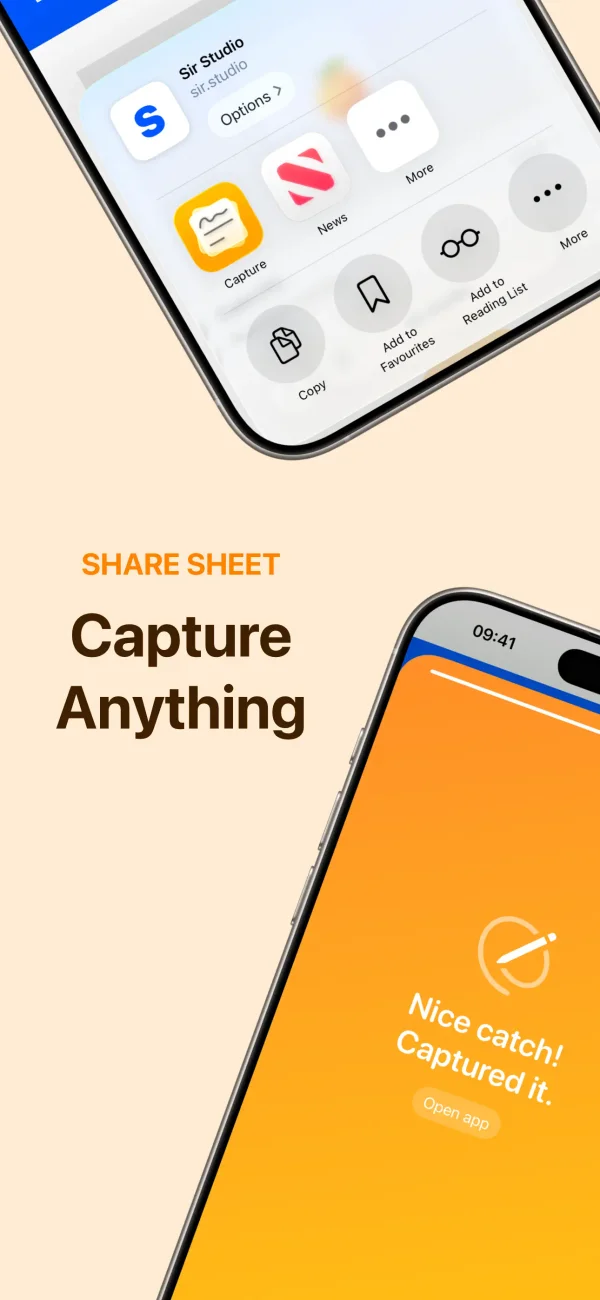
• Share Extension: Add content to Capture with ease using the Share extension — available from any app.
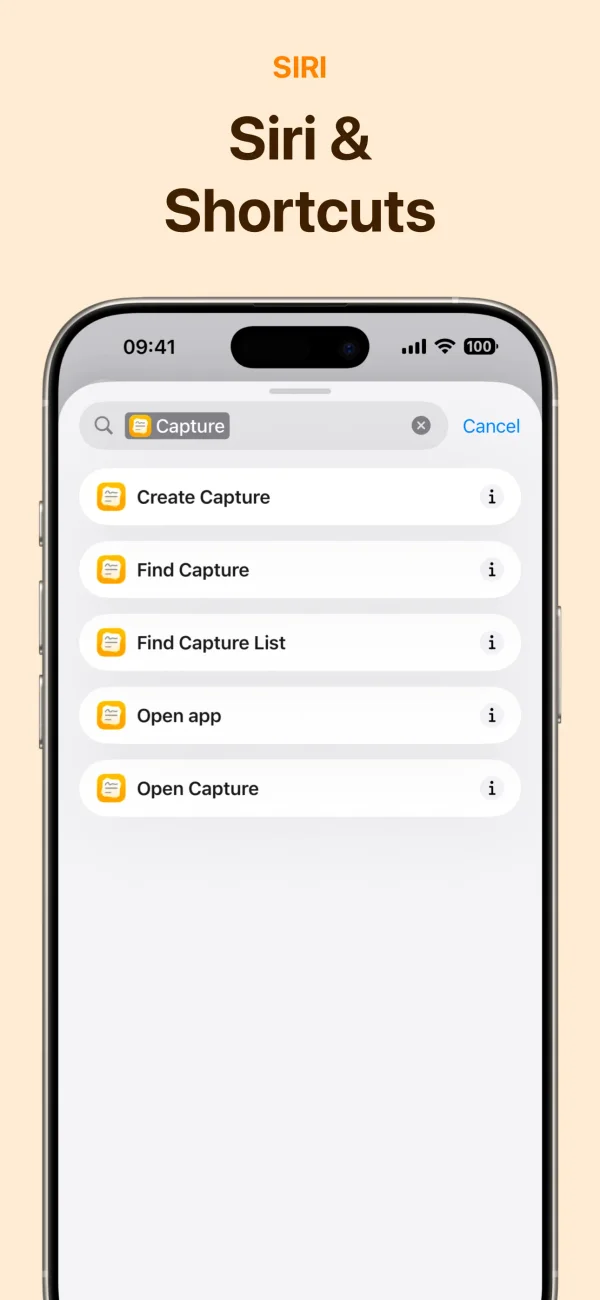
• Siri & Shortcuts: Ask Siri to find, create and edit your captures, even outside the app. Enhance your workflow with Siri Shortcuts to create, open, and search captures effortlessly.
Terms of Use: https://www.apple.com/legal/internet-services/itunes/dev/stdeula/
What’s new
Version 3.7 · Nov 20, 2026
What's new:
• Captures widget: a header with the list name and count, new Sort by and Order options, and every widget size now fills with captures.
• Apple Watch: export a capture to your API destinations, such as Notion, Craft and Eden.
• 2 new export destinations: Eden, and Flyleaf for links.
• Craft export now uses the Craft API: add captures to today's daily note, with images and files.
• Voice Notes now supports more languages, such as Finnish, Swedish, Dutch, Polish and Turkish.
• Tap the x on a detected date, link or phone number to keep it in the text.
Improvements:
• Text size now changes only the editor.
• Karakeep: http server addresses, for example on your home network, now work.
• A failed export now shows a short message, with More Info for the full reason.
Bug fixes:
• Addressed an issue where widgets in StandBy touched the edges of the screen.
• Addressed an issue where the stop button in the Dynamic Island was not aligned with its corner.
App privacy
What Furkan Simsir declares on the App Store about how this app handles data.
-
Data not linked to you
May be collected but is not linked to your identity.
- Purchases
- Usage data
- Diagnostics
Privacy practices may vary, for example with the features you use or your age.
Information
- Seller
- Furkan Simsir
- Category
- Productivity
- Version
- 3.7
- Updated
- Nov 20, 2026
- Released
- Dec 13, 2023
- Size
- 118.8 MB
- Requires
- iOS 18.0 or later
- Age rating
- 4+
- Price
- Free
- In-app purchases
- Yes
- Languages
- English, Dutch, French, German, Italian, Japanese, Korean, Portuguese, Simplified Chinese, Spanish, Traditional Chinese, Ukrainian
- Copyright
- © 2026, Sir Studio
You might also like
-
 Stuff | ToDos and ListsMinimalist planner & reminders
-
 Remind Me FasterQuick-entry for Reminders
-
 Funnel - Quick CaptureCapture your thoughts
-
 Finalist: Daily PlannerYour Whole Day on One Page
-
 Task Flow: Tasks & ChecklistsTask Manager, Lists, Organizer
-
 UplockSecure your docs, cards, IDs
-
 Supernotes – Notes & JournalShareable Markdown Cards
-
 Capy - AI Meeting TranslatorTranscribe, Summarize & Notes
-
 Cheatsheet: Sticky Note WidgetQuick Recall Memos + Watch App
-
 Quick Notes - SupasendCapture quickly notes & tasks