PaperBridge: Document Scanner
Scan, OCR & AI — all offline
Designed for iPhone, iPad
In-app purchases
- Age rating4+
- CategoryUtilities
- DeveloperLiChuan Lin
- LanguagesTraditional Chinese+ 16 more
- Size7.2 MB
Links to the official App Store page
Download.org hosts no file of PaperBridge: Document Scanner. The button opens its official App Store page, published by LiChuan Lin. Listing last checked on Nov 12, 2026.
Screenshots



About
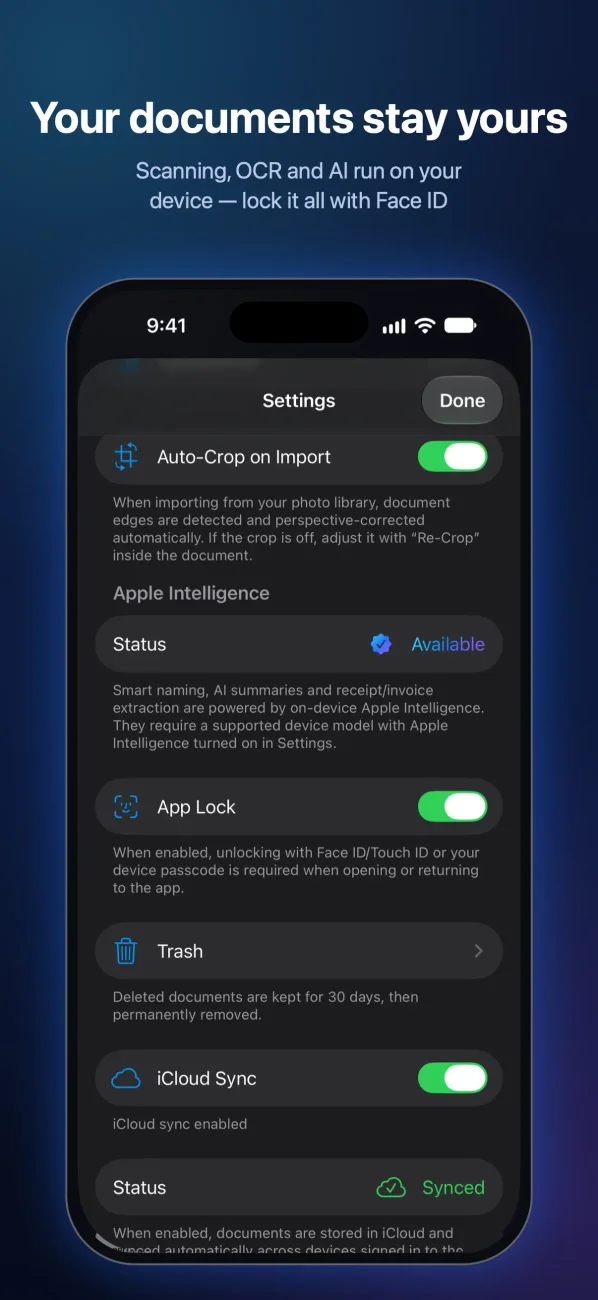
PaperBridge is a privacy-first document scanner. Scanning, recognition, organizing, and export all happen on your device — nothing is ever uploaded to a server.
SCAN & ORGANIZE
• Auto edge detection and perspective correction; photo imports are auto-cropped too
• ID card mode (front & back on one A4), book mode with page splitting, PDF import
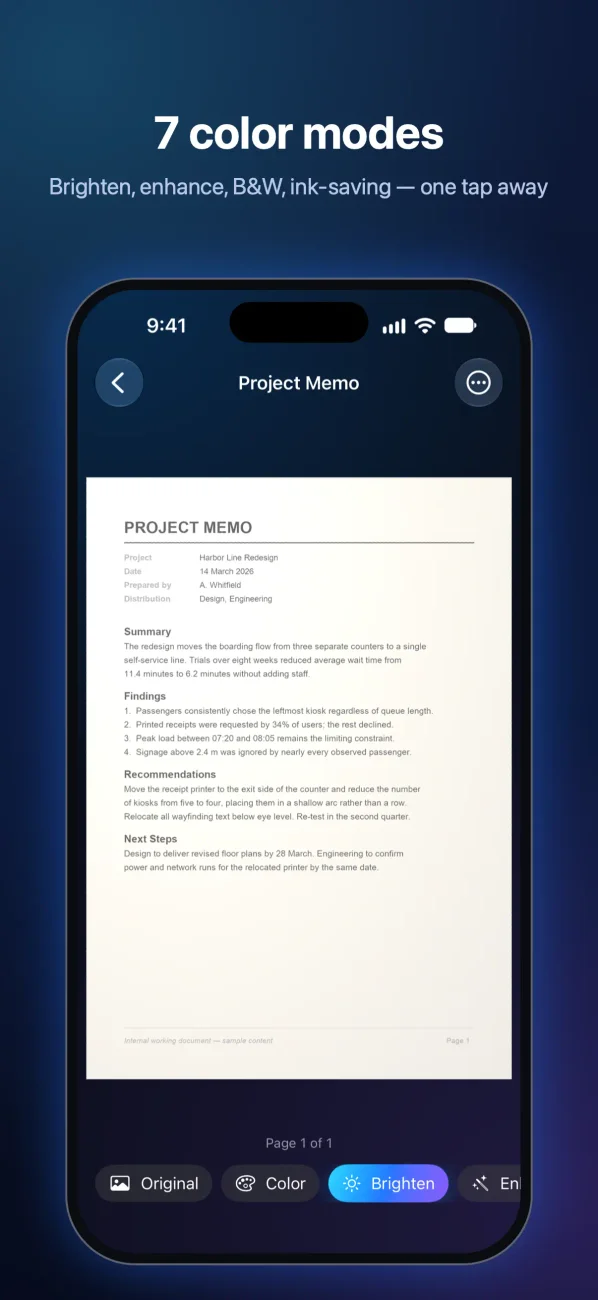
• 7 filters: brighten, sharpen, grayscale, black & white, ink-saving, and more
• Folders, tags, business card holder, full-text search, and Spotlight integration
RECOGNITION & AI
• Free: multilingual OCR, no page limits
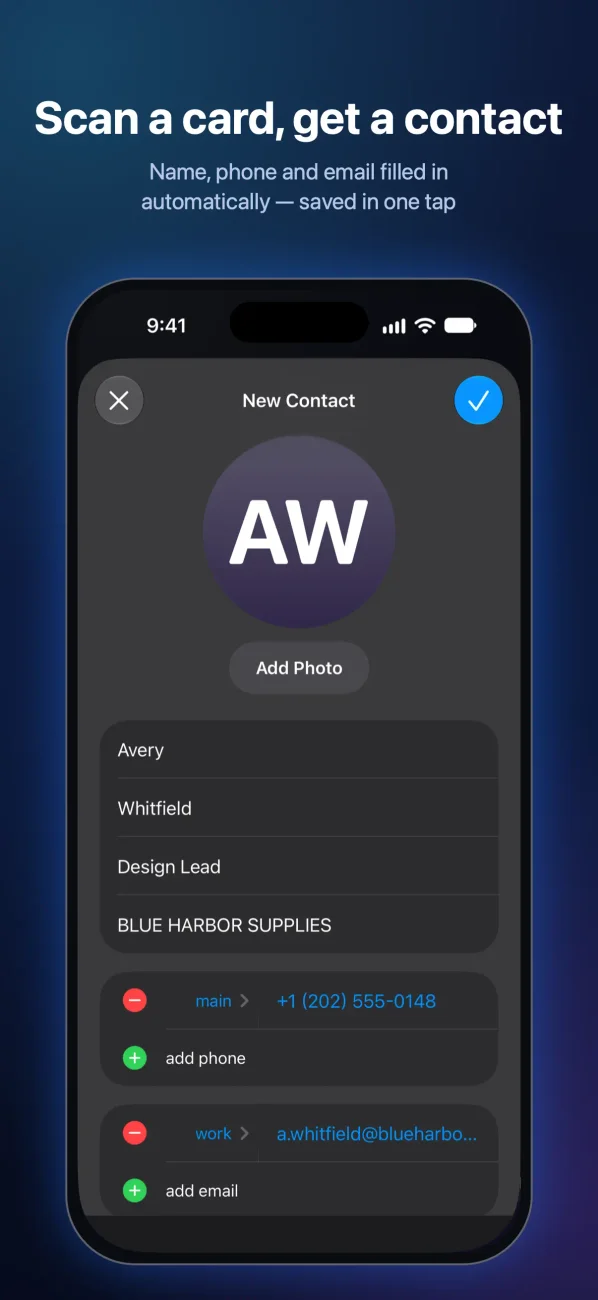
• Free: business card to contact, barcode/QR recognition
• Free: AI smart naming and tag suggestions (Apple Intelligence devices)
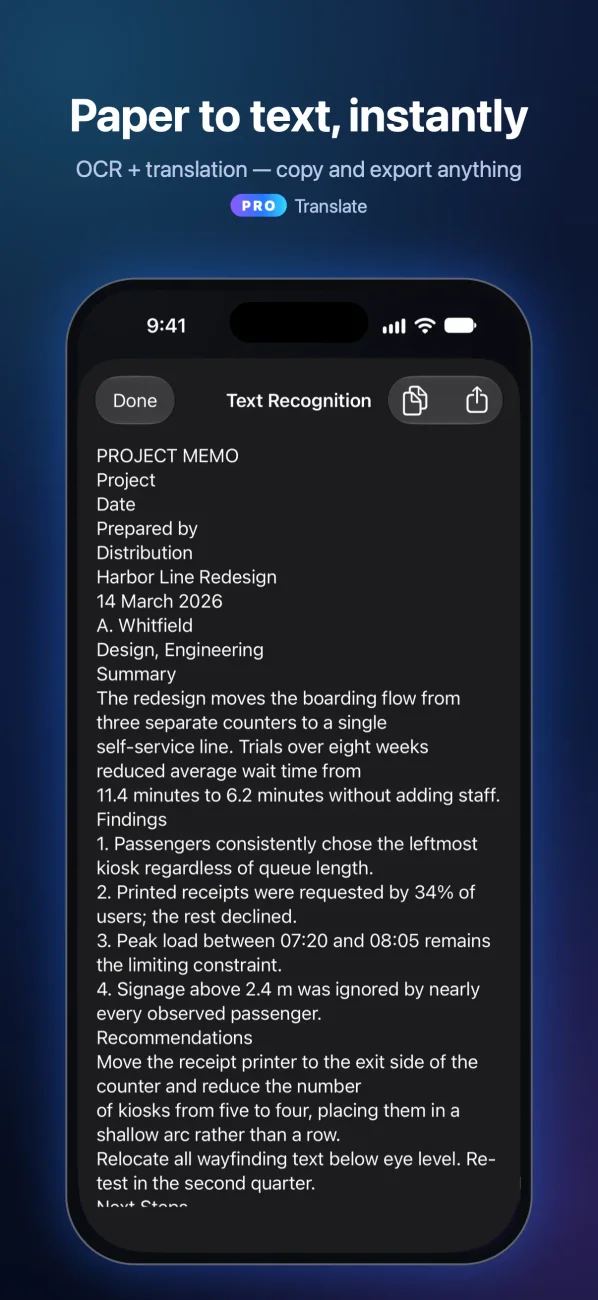
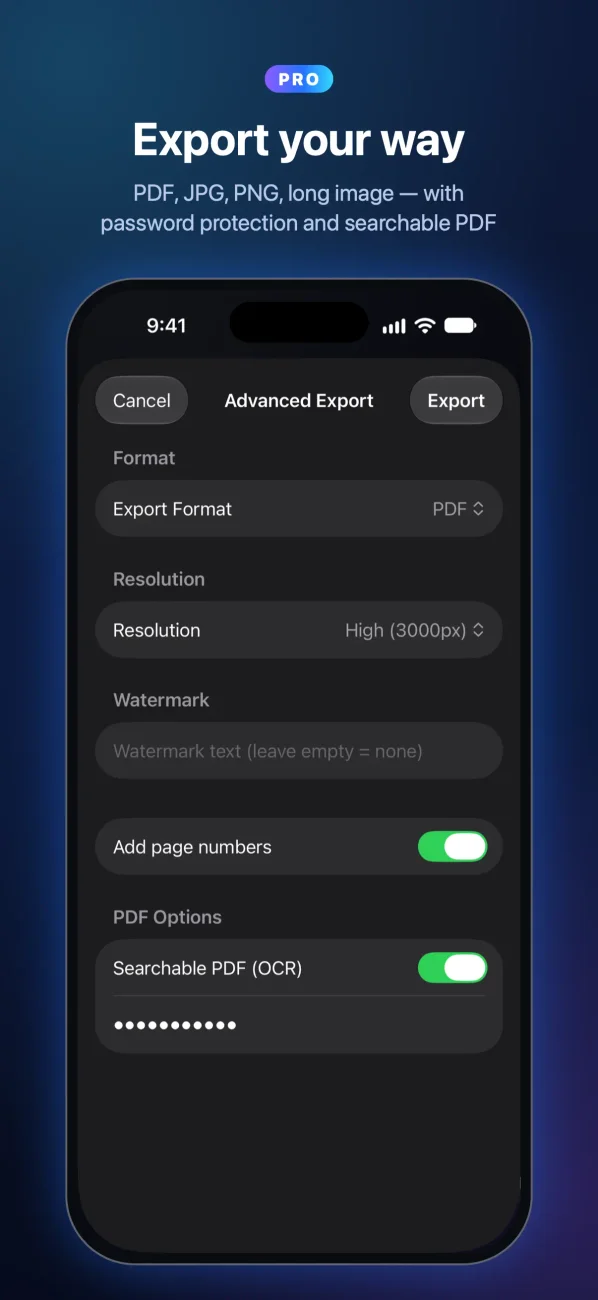
• Pro: translate into 17 languages, table to CSV, business cards to .xlsx spreadsheet, searchable PDF with text layer
• Pro: AI summaries, receipt/invoice field extraction (Apple Intelligence devices)
EXPORT & PROTECT
• PDF/JPG/PNG/long image export
• N-up printing (1/2/4 pages per sheet) via AirPrint
• Annotation and mosaic redaction, Face ID app lock, 30-day trash
• iCloud sync, Home/Lock Screen quick-scan widget, Siri Shortcuts
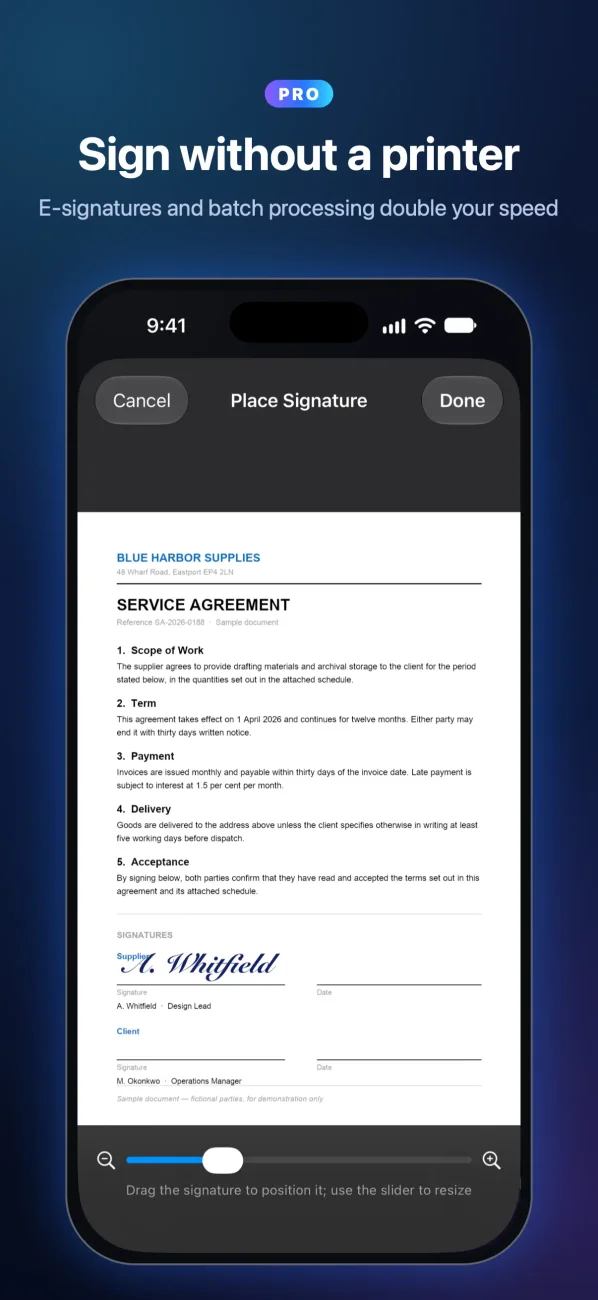
• Pro: e-signature, watermark, page numbers, PDF password, folder lock, batch actions
ONE-TIME PURCHASE, NOT A SUBSCRIPTION
Core scanning is free with no page limits. A single Pro purchase unlocks every advanced feature forever — no ads, no tracking, no subscription.
Your documents belong to you. Only you.
What’s new
Version 1.3 · Oct 29, 2026
NEW: CLOSE-UP MODE (Free)
Small labels, fine-print stickers, and nameplates come out sharp — even up close.
• Choose Close-Up Mode from the More Scan Modes button in the scan bar on the home screen, or from the + menu in a folder; in an existing document, use the document menu → Add Pages → Close-Up Mode
• On models whose camera supports macro, it switches to the macro lens automatically when you get very close; on other models it zooms in automatically, so the label fills the frame at a distance the camera can focus
• Tap the screen to refocus, and turn on the Flashlight in low light
• After each shot, the label is outlined automatically — drag the four corners to adjust or choose Full Page — and you can keep shooting
NEW: iPhone Duo SUPPORT (Free)
• When unfolded, PaperBridge fills the inner display and switches to the split layout below
• Fold or unfold and you stay on the same folder and document
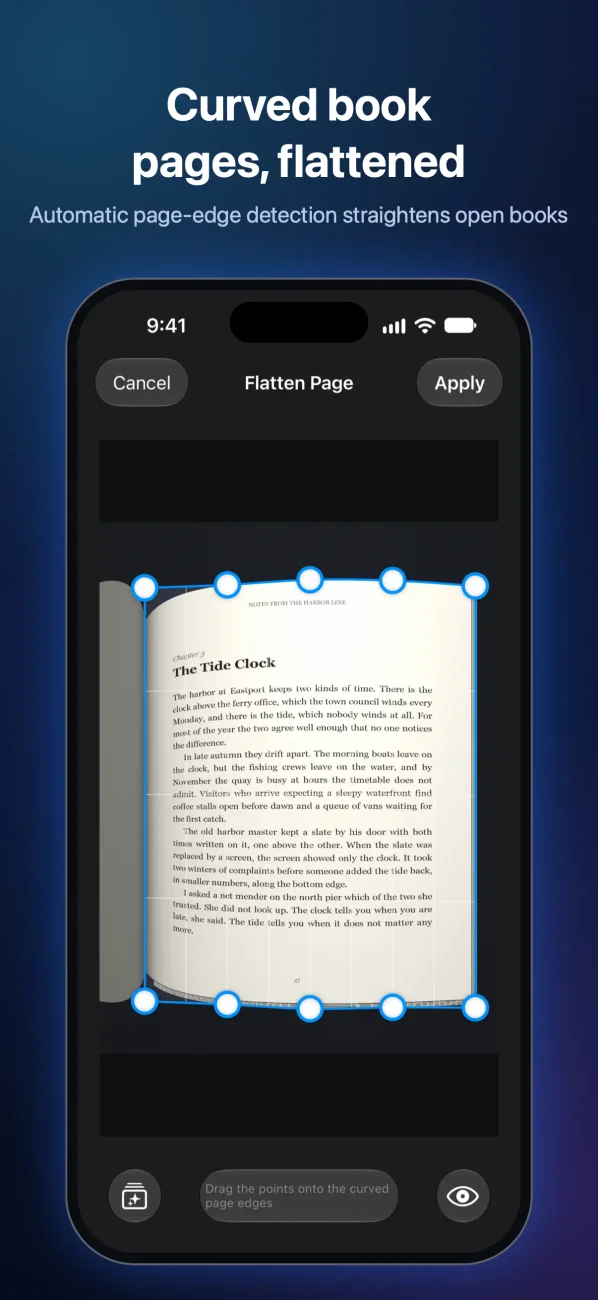
• When half-folded, Re-crop, Flatten Page, Annotate / Mosaic, Book Mode, and ID Card Layout move to one side of the fold, so no corner handle or button sits on the crease
NEW: SPLIT LAYOUT ON iPad AND iPhone Duo (Free)
Finding and reading documents on a big screen is easier.
• Documents, Business Cards, Folders, and Trash on the left, your documents in the middle, and the open document on the right
• In landscape or on a wide screen, multi-page documents show two pages side by side and turn two at a time; tap a page to select it, and Re-crop, Rotate Page, Annotate / Mosaic, and other actions apply to that page
• The iPhone interface is unchanged
As always, everything happens on your device. Nothing is ever uploaded.
App privacy
What LiChuan Lin declares on the App Store about how this app handles data.
-
Data not collected
The developer does not collect any data from this app.
Privacy practices may vary, for example with the features you use or your age.
Information
- Seller
- LiChuan Lin
- Category
- Utilities
- Version
- 1.3
- Updated
- Oct 29, 2026
- Released
- Sep 22, 2026
- Size
- 7.2 MB
- Requires
- iOS 26.0 or later
- Age rating
- 4+
- In-app purchases
- Yes
- Languages
- Traditional Chinese, Vietnamese, Russian, Indonesian, Turkish, German, Japanese, French, Polish, Thai, Simplified Chinese, Italian + 5 more
- Copyright
- © LiChuan Lin
You might also like
-
 Crisp Document ScannerScan documents to PDFs
-
 PDFcraft: Photo ConverterNo Ads, No Watermark, One-Time
-
 FlashScan Pro: QR Code ScannerQR Generator, Reader & Maker
-
 Su-vastika ESSBluetooth application
-
 EV YatraUtilities
-
 Steganos Password ManagerFor Steganos Generation 22
-
 Express Scan:Fast PDF ScannerScan, organize & edit PDFs
-
 Surveillance365Utilities
-
 Just Voice RecorderRecord voice, denoise with AI