- Age rating4+
- CategoryUtilities
- Developer鑫宇 王
- LanguagesEnglish
- Size33.2 MB
Links to the official App Store page
Download.org hosts no file of Paperforge:Scanning and Edit. The button opens its official App Store page, published by 鑫宇 王. Listing last checked on Nov 17, 2026.
Screenshots


About
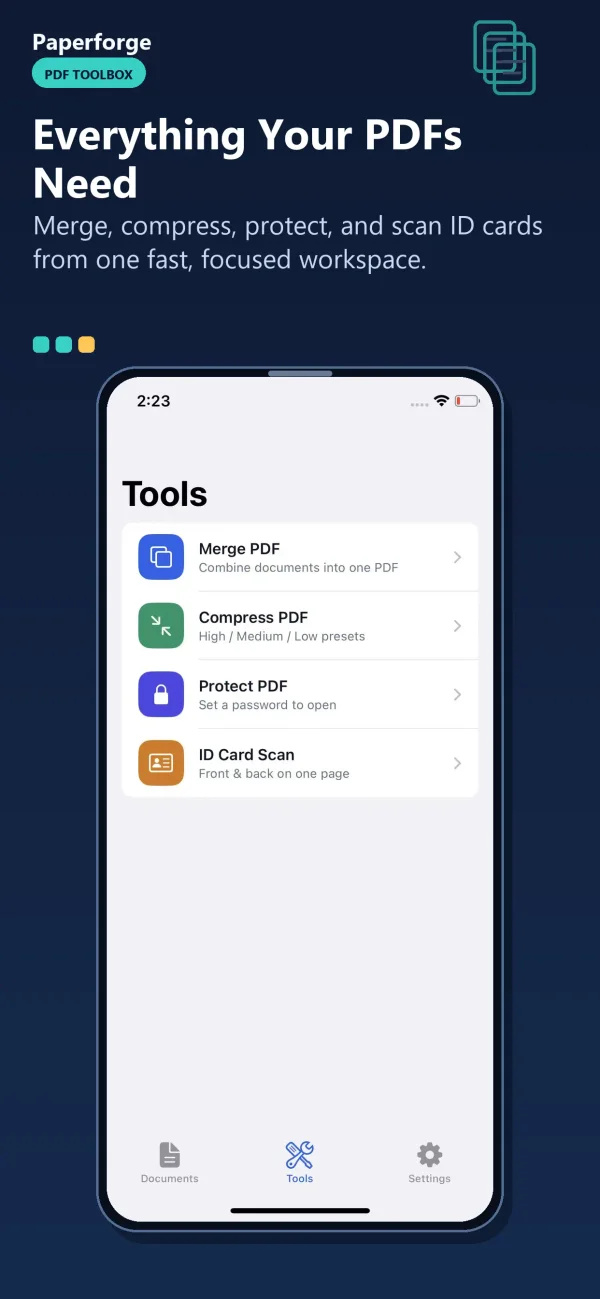
Paperforge is a document scanning and PDF processing tool that integrates scanning, merging, editing, signing, and watermarking, turning your phone into a portable scanner.
Whether it's contracts, invoices, certificates, notes, or lecture handouts, Paperforge can quickly capture, automatically optimize, and organize them into clear PDF documents.
Paperforge can scan single pages or multiple pages continuously, automatically detect document edges, remove unwanted backgrounds, and offers multiple color modes: original, enhanced, black and white, and grayscale. Paperforge also supports both camera capture and album import.
Paperforge can merge multiple documents into a single PDF, making document organization more efficient.
You can manage pages, freely adding, deleting, rotating, and dragging to sort them. You can also categorize and organize folders, quickly locate documents, and use keyword search to find target documents in seconds.
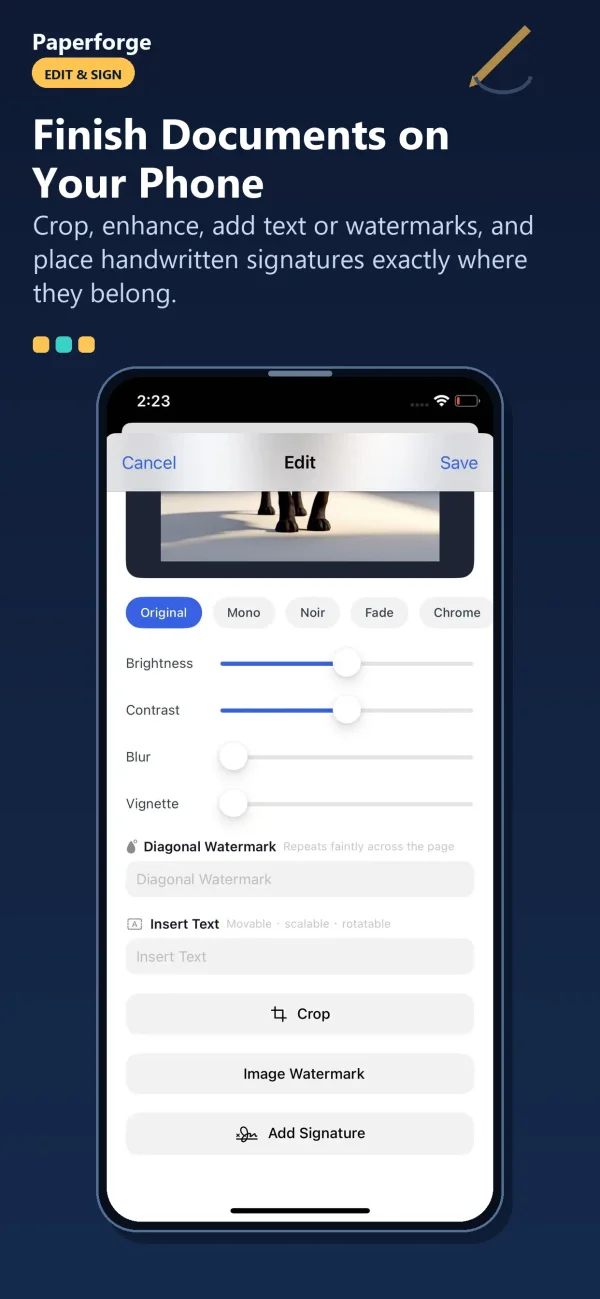
Paperforge can edit and sign documents, with a built-in signature tool for one-click insertion of handwritten signatures. You can add your own text and image watermarks to indicate document ownership. You can also try the document scanning mode to generate PDF files. Paperforge also includes a lightweight image editor, allowing you to blur, vignette, adjust brightness and contrast, and use filters.
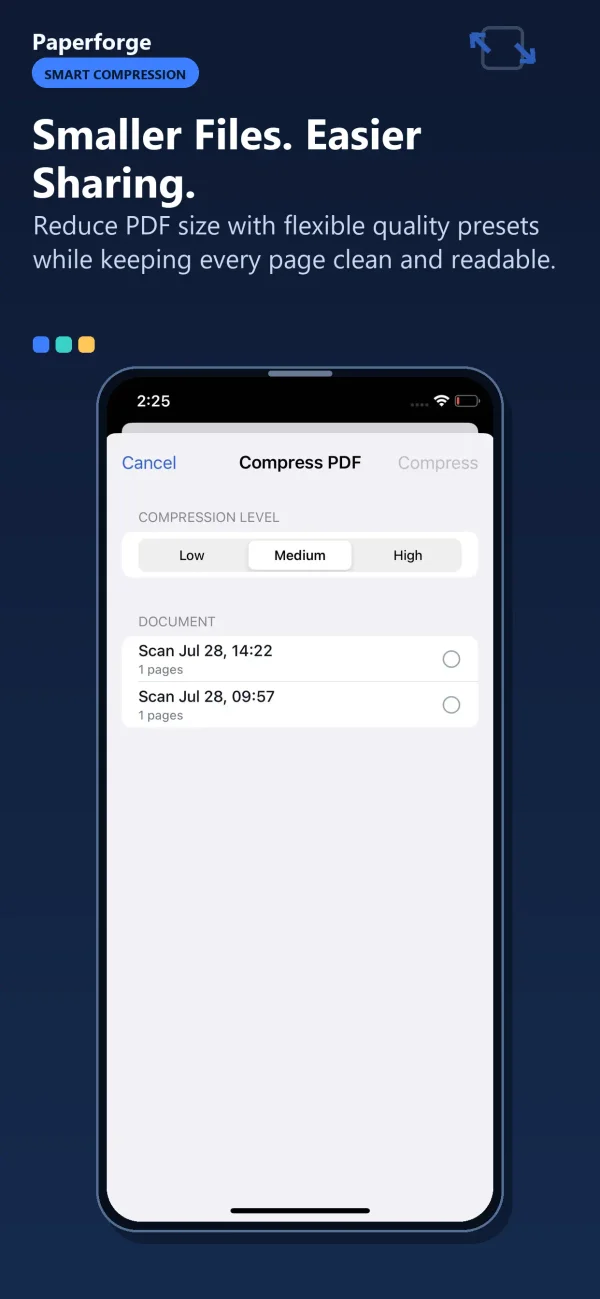
Paperforge offers password-protected PDFs for encrypted storage of important documents. It also provides PDF compression for large files, reducing file size for easier sharing. You can export to a file or save to your photo album.
Paperforge is suitable for students, office workers, freelancers, and anyone who needs to handle paper documents.
What’s new
Version 1.0.1 · Aug 11, 2026
Optimized automatic scanning and improved text recognition speed
App privacy
What 鑫宇 王 declares on the App Store about how this app handles data.
-
Data used to track you
May be used to track you across apps and websites owned by other companies.
- Identifiers
- Usage data
-
Data not linked to you
May be collected but is not linked to your identity.
- Identifiers
- Usage data
Privacy practices may vary, for example with the features you use or your age.
Information
- Seller
- 鑫宇 王
- Category
- Utilities
- Version
- 1.0.1
- Updated
- Aug 11, 2026
- Released
- Aug 6, 2026
- Size
- 33.2 MB
- Requires
- iOS 16.0 or later
- Age rating
- 4+
- Price
- Free
- Languages
- English
- Copyright
- © 2026 paperforge
You might also like
-
 Photo to PDF + Doc ScannerPDF Convertor & Document Scan
-
 GNM (1ea81b)Utilities
-
 GoPass-Your Travel CompanionUtilities
-
 Scanner PDF Docs & ImagesScan, OCR & Sign Documents
-
 Scholaread - Translator&ReaderResearch anytime and anywhere
-
 Aspose.PDF – Converter, ViewerPDF Converter,Scanner & Signer
-
 Homer: The Home Management AppSmart Home maintenance with AI
-
 Quick PDF-Reader&ViewerPDF Viewer&Editor
-
 IPTV Smart Player Xtream STBIPTV Smart Player Live UHF M3U
-
 CleanUp Now - Free Up StorageAI Cleaner for iPhone Photo