PaperNotes: Digital Notebook
Handwriting to Text Scanner
Designed for iPhone, iPad
Free · In-app purchases
- Age rating4+
- CategoryProductivity
- DeveloperMark Mueller
- LanguagesEnglish+ 14 more
- Size25.2 MB
Links to the official App Store page
Download.org hosts no file of PaperNotes: Digital Notebook. The button opens its official App Store page, published by Mark Mueller. Listing last checked on Nov 25, 2026.
Screenshots
About
Do you love writing notes on paper but don’t want to miss out on what the digital world has to offer? Then you’re in the right place. With PaperNotes, you don’t have to choose.
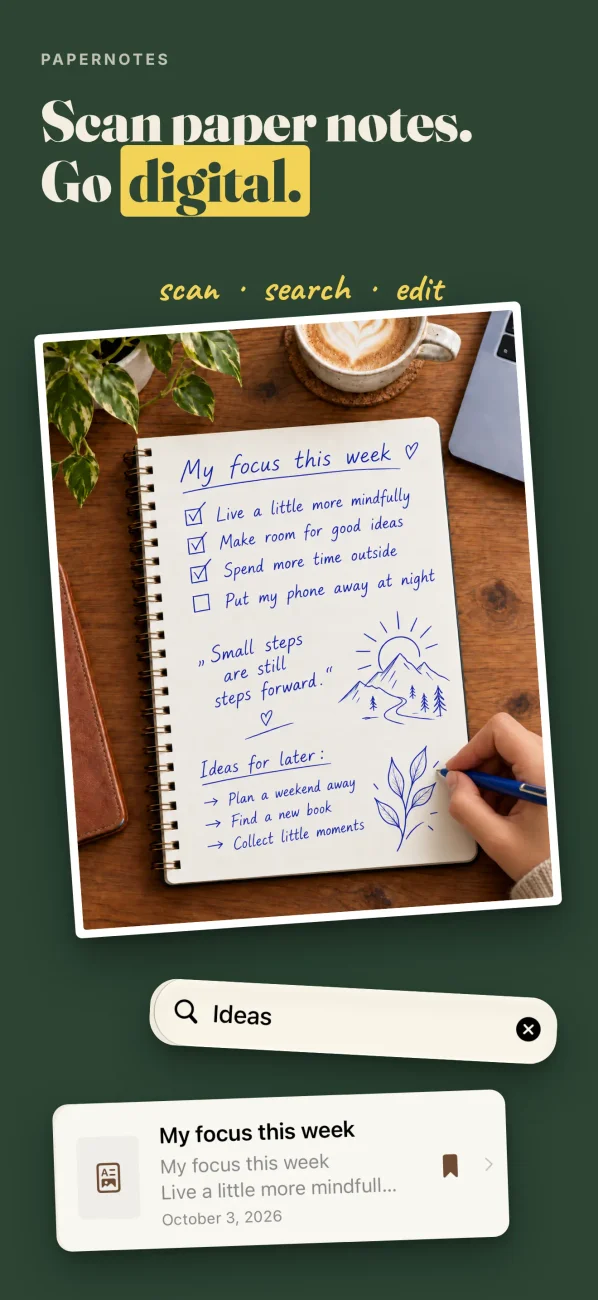
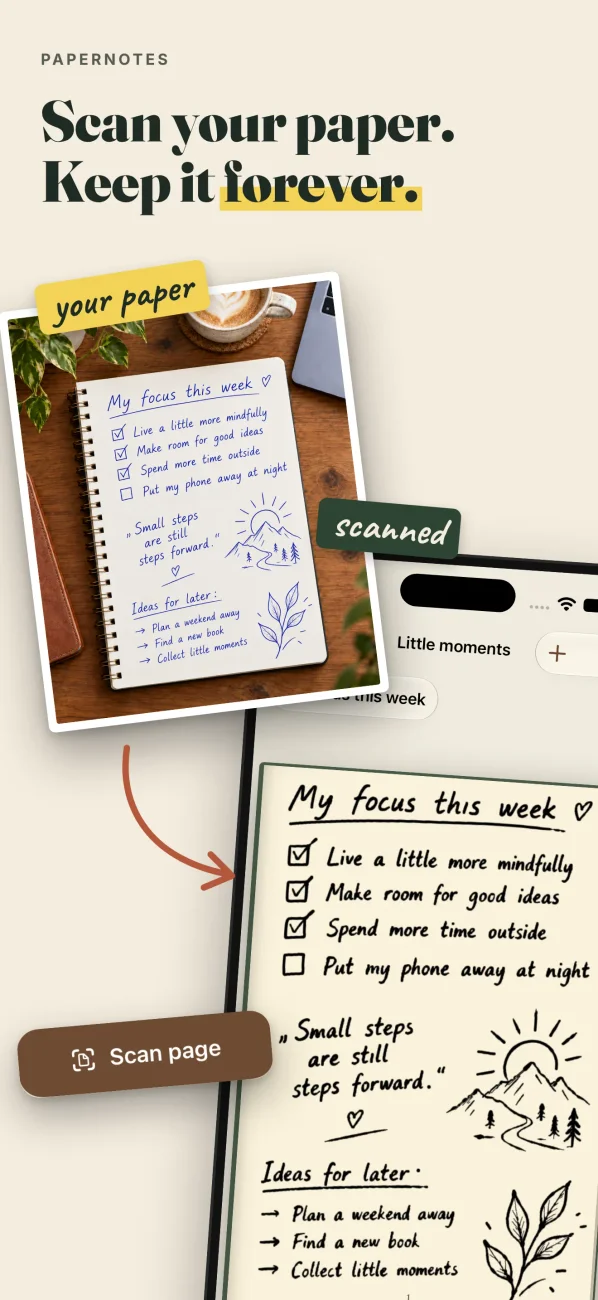
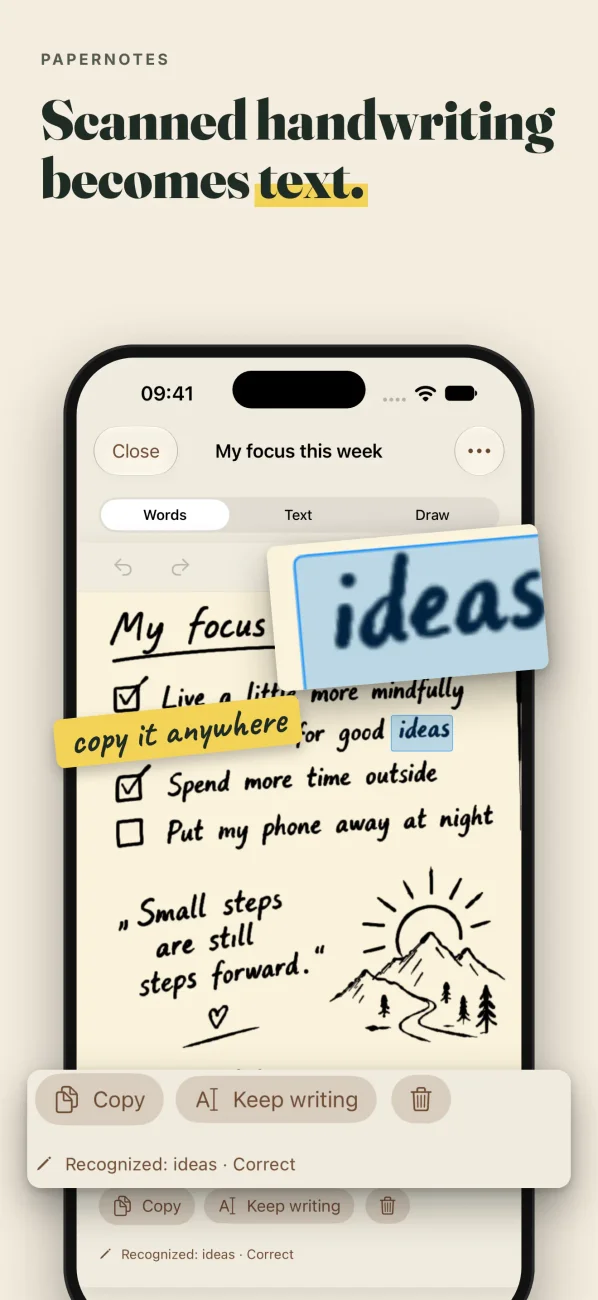
Write in your favorite notebook. Scan your pages. Move, erase, and add to your handwriting on your iPhone or iPad. PaperNotes turns your notes into digital pages you can keep working on. All you need is your usual paper and your favorite pen.
A little paper in a digital world.
Some thoughts need a pen and a blank page. A moment to pause, doodle, and make sense of things. PaperNotes keeps that feeling and gives your ideas the possibilities of a digital notebook.
Your thoughts keep their place.
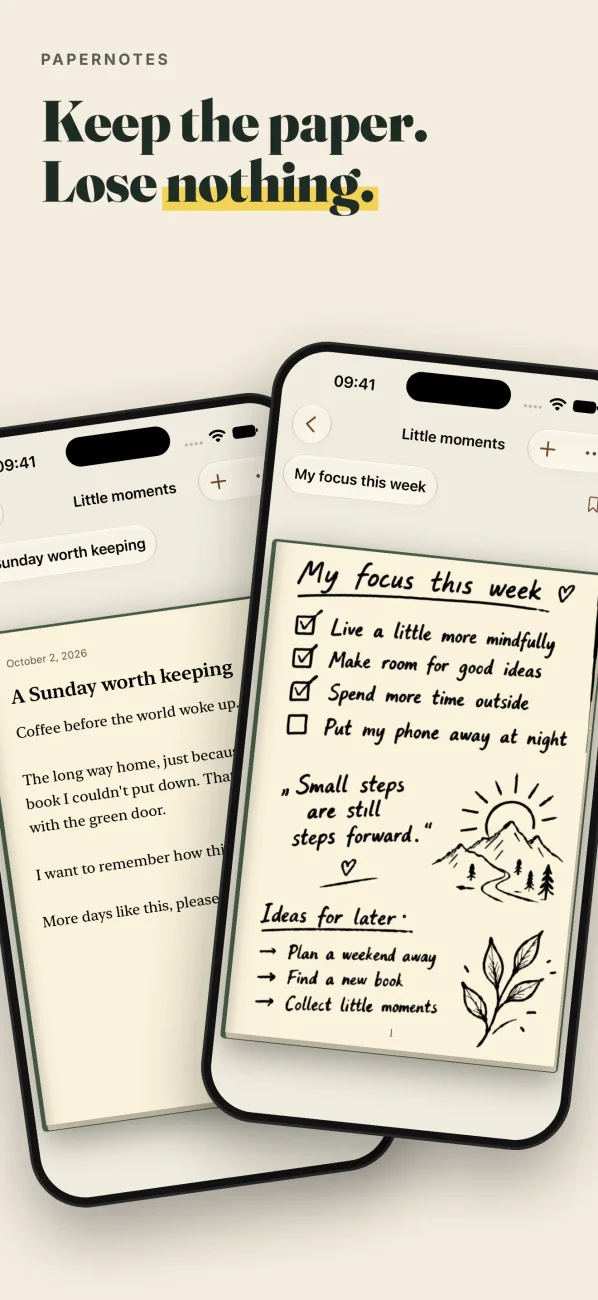
An arrow connects two ideas. A margin note captures a passing thought. A small sketch explains more than words. PaperNotes preserves the spatial layout of your handwriting and drawings while removing distracting paper lines. Your original scan stays available for reference.
From paper to your next idea.
Scan several pages in a row without leaving the scanner, then process them together. Or import existing photos. Edit your captured handwriting, add drawings and typed text, or copy recognized words into other apps. Your ideas can keep growing, even when your paper notebook is back at home.
Your notebook. Your style.
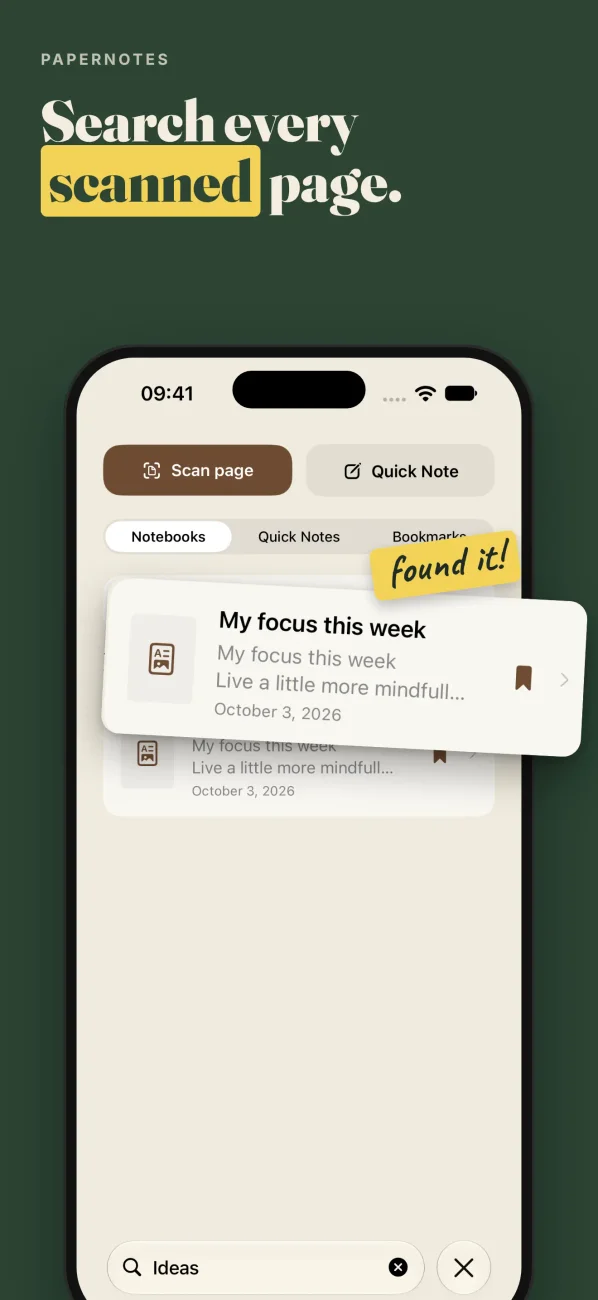
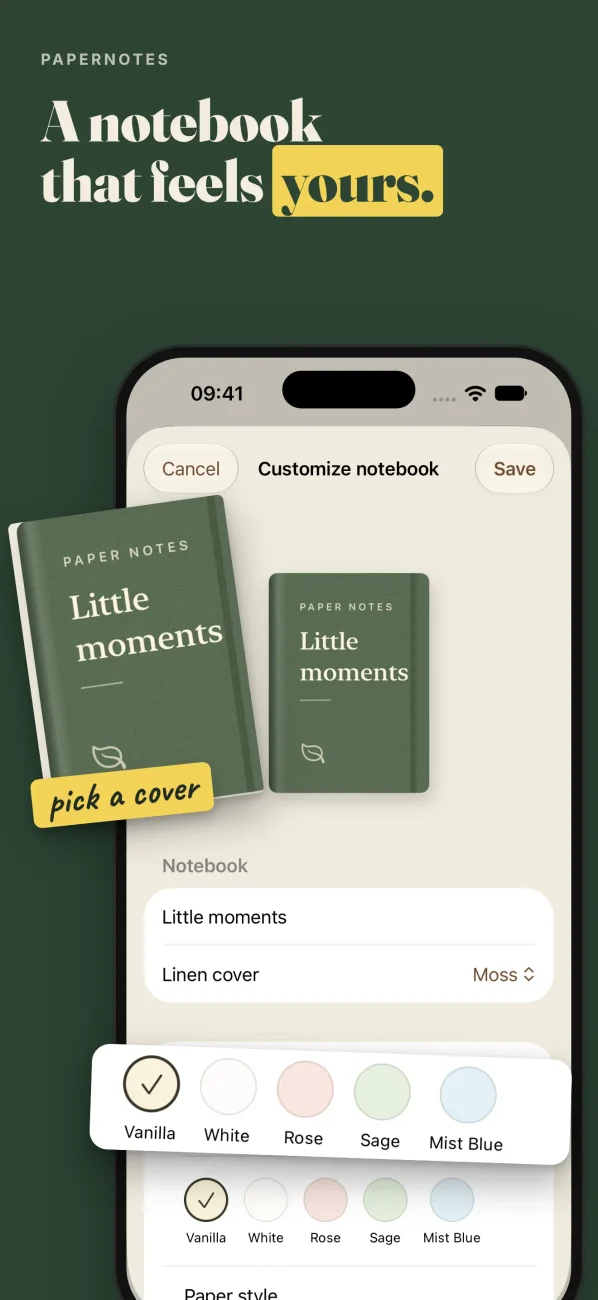
Collect your pages in personal notebooks. Choose cover colors, paper, and ruling that feel like you. Leaf through your thoughts, bookmark pages, and find content again with text search. With iCloud, your notebooks come along across your devices.
With PaperNotes, you can:
- Scan paper notes or import them from photos.
- Capture multiple pages in one session.
- Turn handwriting and drawings into editable digital strokes.
- Move, erase, and add to captured content.
- View original scans for reference.
- Search and copy recognized text.
- Customize your notebooks, covers, and paper.
- Sync your notebooks across your devices with iCloud.
Your notes. Your choice.
Use recognition directly on your device, or choose online processing for higher recognition quality. Online processing sends selected note images to our server and an AI-provider over an encrypted connection, only with your consent. Images and results are deleted from our servers after they are imported into the app; unclaimed content is deleted after seven days. The AI-provider does not use this data for model training by default. Content may generally be retained there for up to 30 days for security reviews; exceptions may apply.
One purchase. Lasting access.
Choose the one-time purchase for lifetime access to PaperNotes. A monthly subscription is also available.
Your next thought begins on paper. With PaperNotes, it stays with you.
Terms of Use (EULA):
https://www.apple.com/legal/internet-services/itunes/dev/stdeula/
What’s new
Version 1.0.7 · Nov 24, 2026
• Minor bug fixes
• Performance improvements
App privacy
What Mark Mueller declares on the App Store about how this app handles data.
-
Data not linked to you
May be collected but is not linked to your identity.
- User content
- Identifiers
- Usage data
- Diagnostics
Privacy practices may vary, for example with the features you use or your age.
Information
- Seller
- Mark Mueller
- Category
- Productivity
- Version
- 1.0.7
- Updated
- Nov 24, 2026
- Released
- Oct 6, 2026
- Size
- 25.2 MB
- Requires
- iOS 26.2 or later
- Age rating
- 4+
- Price
- Free
- In-app purchases
- Yes
- Languages
- English, Dutch, French, German, Italian, Japanese, Korean, Polish, Portuguese, Russian, Simplified Chinese, Spanish + 3 more
- Copyright
- © Mark Philipp Müller 2026
You might also like
-
 Voicemail Saver & Text BackupTransfer files for archiving
-
 Folio: Read Later on E-inkKindle & reMarkable digests
-
 Safari Tab Manager: TabCaptainSearch Tabs & Save Sessions
-
 Iris: Work NotesTrack Wins & Work Progress
-
 Perspective TasksProductivity
-
 Fold Focus: Pomodoro TimerStudy Habit, Less Screen Time
-
 podoal — Daily Habit TrackerGrow habits, one grape a day
-
 Pinde: Save & OrganiseSave links & images in boards
-
 Therapy Notebook TDSecure Therapy Notes
-
 Falcon File ManagerVideos, music, photos & zip