Papersmith – Document Scanner
Scan with no account, no cloud
Designed for iPhone, iPad
In-app purchases
- Age rating4+
- CategoryProductivity
- DeveloperMario Ademes
- LanguagesGerman+ 1 more
- Size2.5 MB
Links to the official App Store page
Download.org hosts no file of Papersmith – Document Scanner. The button opens its official App Store page, published by Mario Ademes. Listing last checked on Nov 13, 2026.
Screenshots
About
Papersmith turns paper into PDF — on your device, with no account and no subscription.
CLEANLY CAPTURED
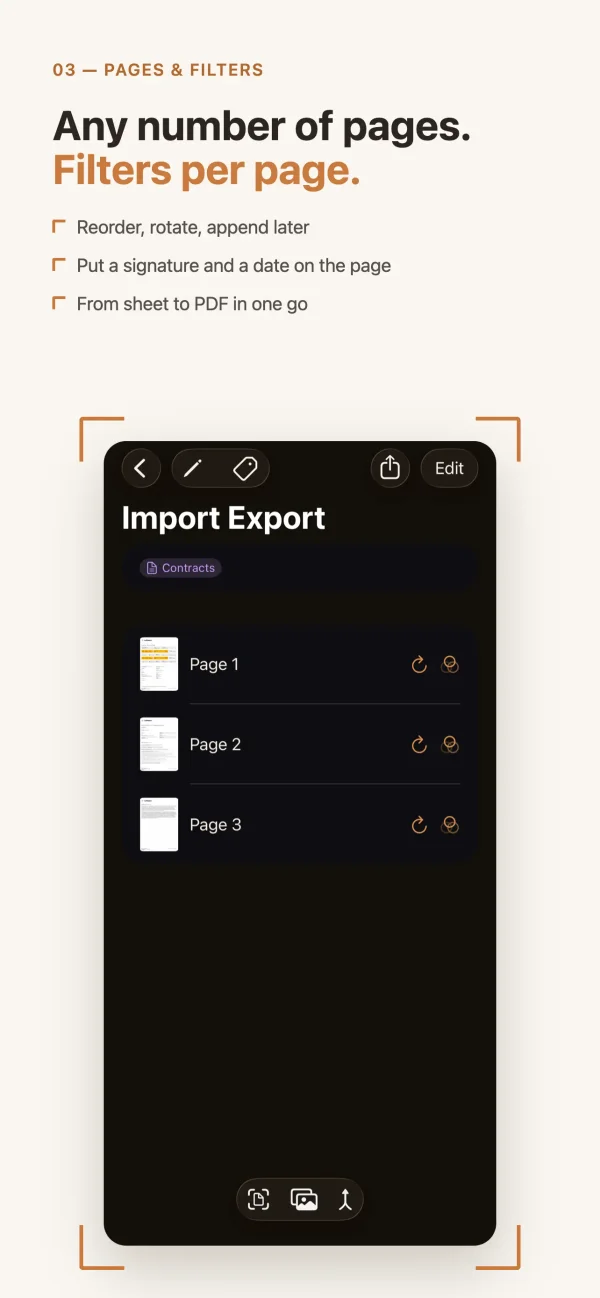
Edge detection finds the sheet in the frame, perspective correction pulls it straight. No cropping by hand, no second attempt. Any number of pages per document: reorder, rotate, append later. Every page gets its own filter — original, grayscale or black & white.
INSTANTLY SHARED
What comes out is a PDF you can share like any other. The path works the other way too: images from your photo library and PDFs from Mail, Safari or Photos come in via Share.
EVERYTHING IN ONE PLACE
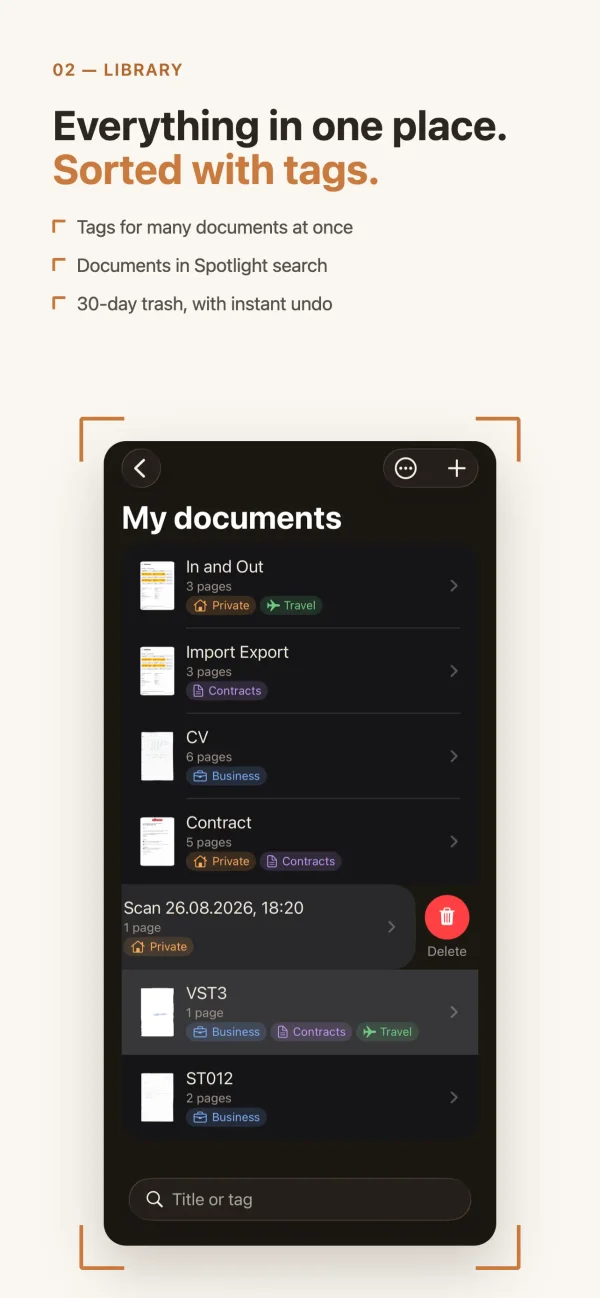
The library keeps every document at hand, sorted with tags. Multi-select to delete or tag many documents at once. 30-day trash, with instant undo.
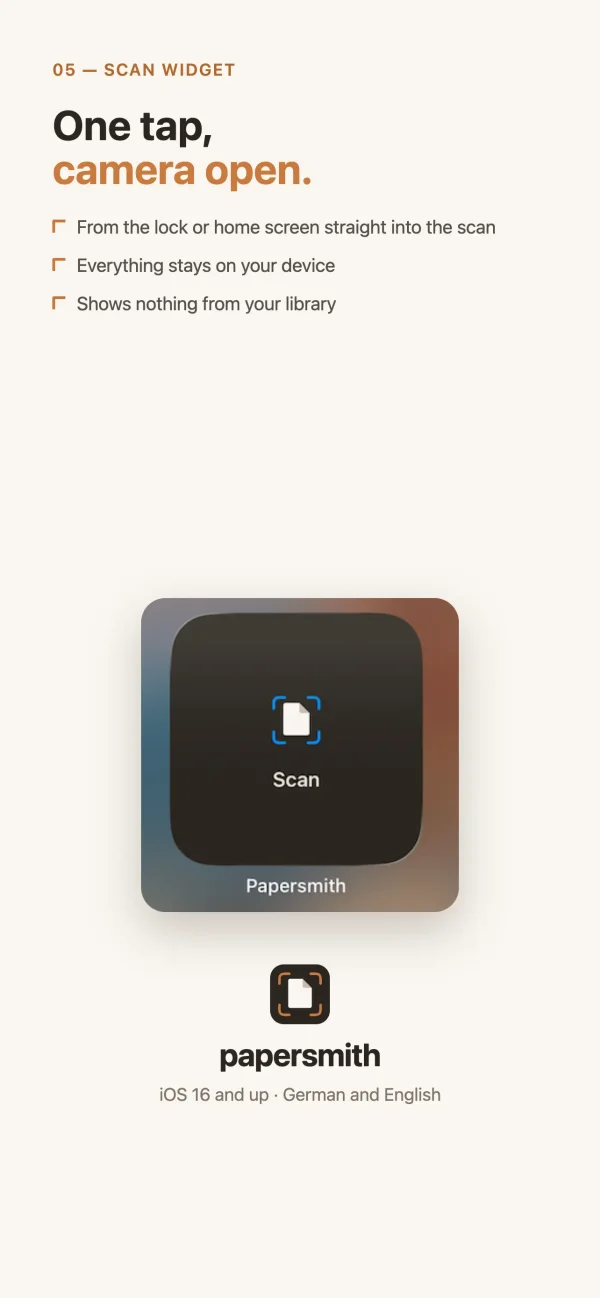
ONE TAP, CAMERA OPEN
The Scan widget creates a new document and opens the camera — from the lock or home screen, skipping the app. It shows nothing from your library, and cannot.
PRIVACY IS NOT A SETTING
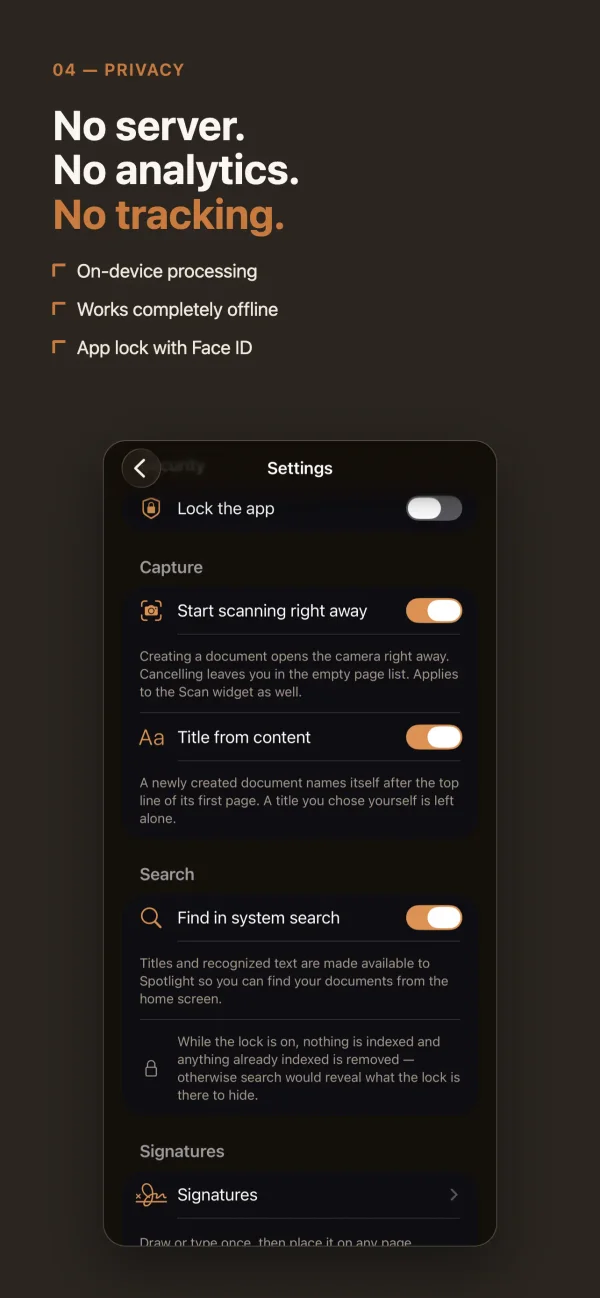
No server, no analytics, no tracking. Your scans sit in a folder on your iPhone or iPad — and nowhere else. Papersmith works completely offline. App lock with Face ID, if you want it.
PAPERSMITH PRO — ONE PURCHASE, NO SUBSCRIPTION
Scanning and sharing are free. Pro adds what heavy users need:
• Searchable PDFs — text recognition on the device
• Titles taken from the content — documents name themselves
• Tap recognized numbers, addresses and emails; turn business cards into contacts
• Read aloud in reading mode
• Put a signature and a date on the page — drawn or typed
• Lock PDFs with a password — the password is never stored
• Export without a page limit — free covers 5 pages
• Export several documents at once
• Merge and split documents
• Unlimited tags — two are free. Documents in Spotlight search
iOS 16 and up · German and English · Works offline
App privacy
What Mario Ademes declares on the App Store about how this app handles data.
-
Data not collected
The developer does not collect any data from this app.
Privacy practices may vary, for example with the features you use or your age.
Information
- Seller
- Mario Ademes
- Category
- Productivity
- Version
- 1.0
- Updated
- Oct 1, 2026
- Released
- Oct 1, 2026
- Size
- 2.5 MB
- Requires
- iOS 16.0 or later
- Age rating
- 4+
- In-app purchases
- Yes
- Languages
- German, English
- Copyright
- © 2026 Mario Ademes
You might also like
-
 QuickScan: OCR PDF ScannerOn-device PDF & OCR scan
-
 VerbTeX Pro LaTeX EditorCompile LaTeX to PDF
-
 Fair PDF Scan - Scanner & OCRScan receipts & docs offline
-
 HEAVN Intelligente BeleuchtungProductivity
-
 Next DeckVerwalte Boards von Nextcloud
-
 ABUS OneLookProductivity
-
 Paperless Document ScannerPaperless-ngx document scanner
-
 AWB Altenkirchen Abfall-AppProductivity
-
 Daily Routine Tracker - DayfulRecurring habit streak plan
-
 Paperless Less PaperNative paperless-ngx client