
- Age rating4+
- CategoryProductivity
- DeveloperHolger Heidkamp
- LanguagesEnglish
- Size26.5 MB
Links to the official App Store page
Download.org hosts no file of Next Deck. The button opens its official App Store page, published by Holger Heidkamp. Listing last checked on Nov 20, 2026.
Screenshots


About
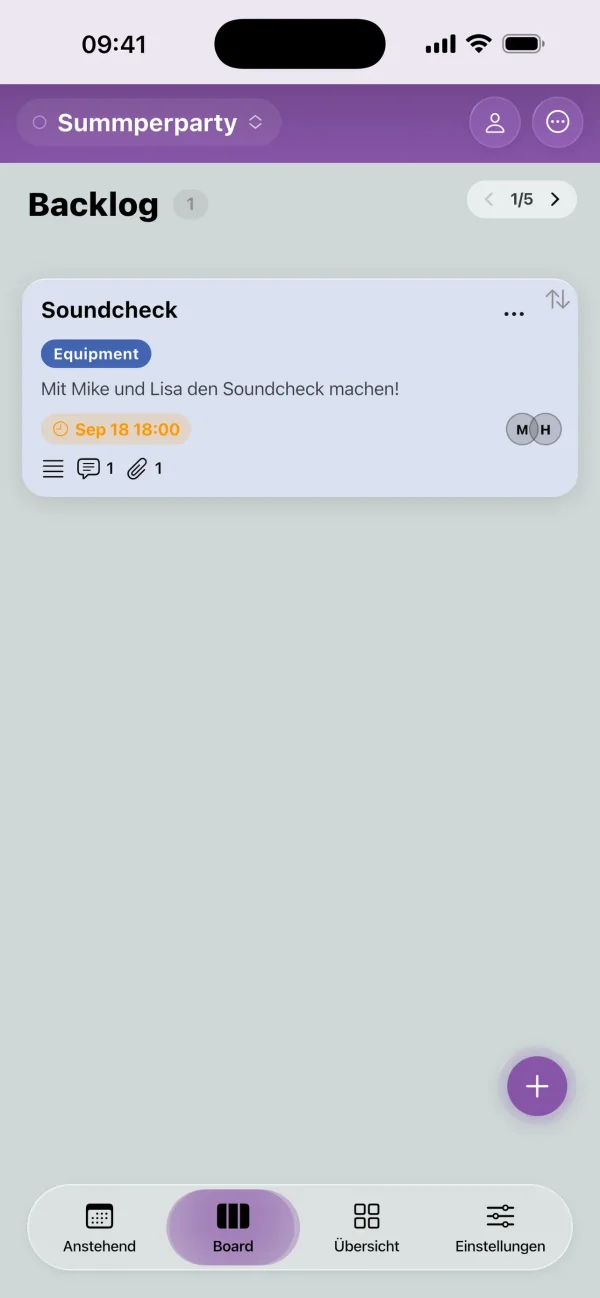
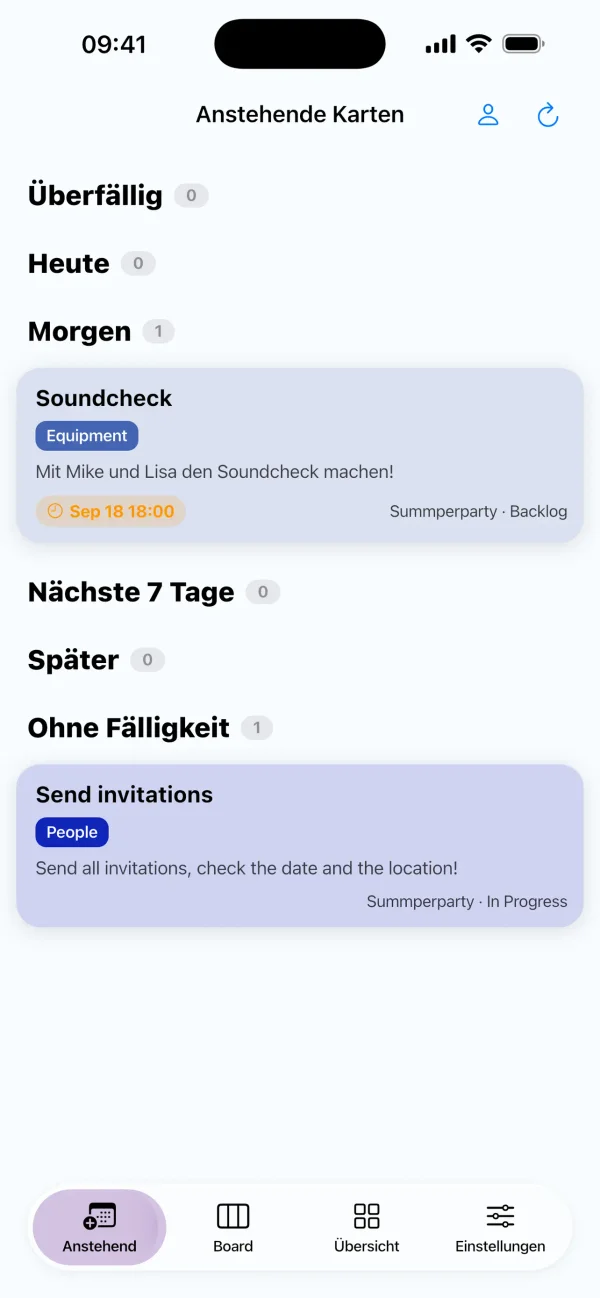
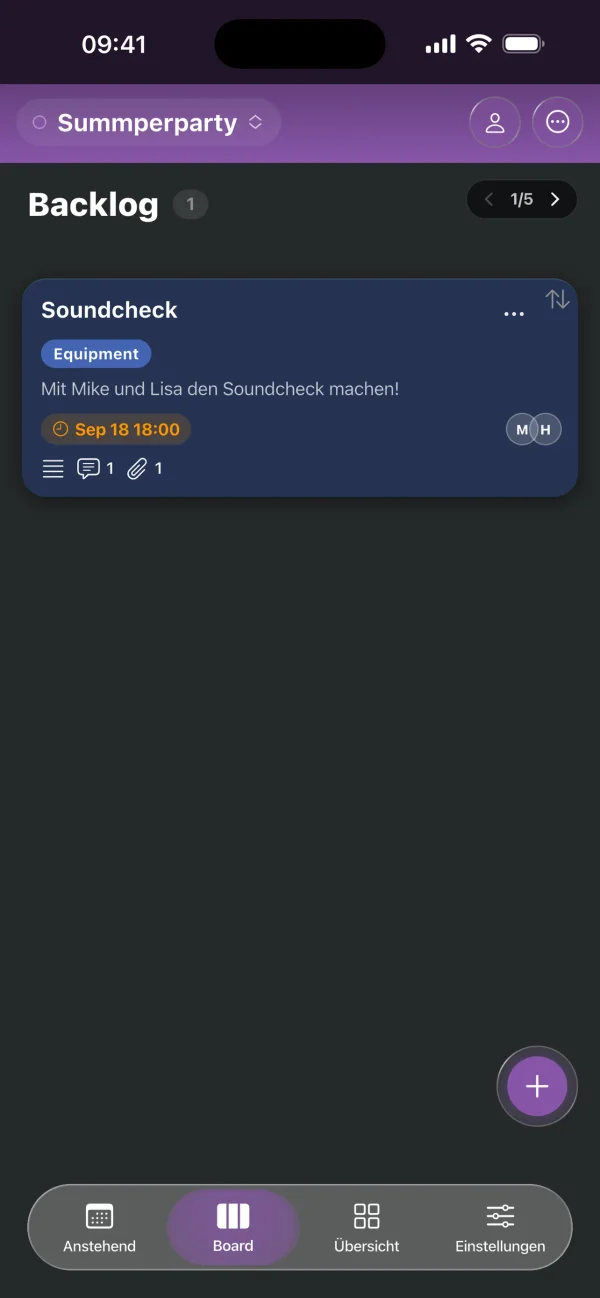
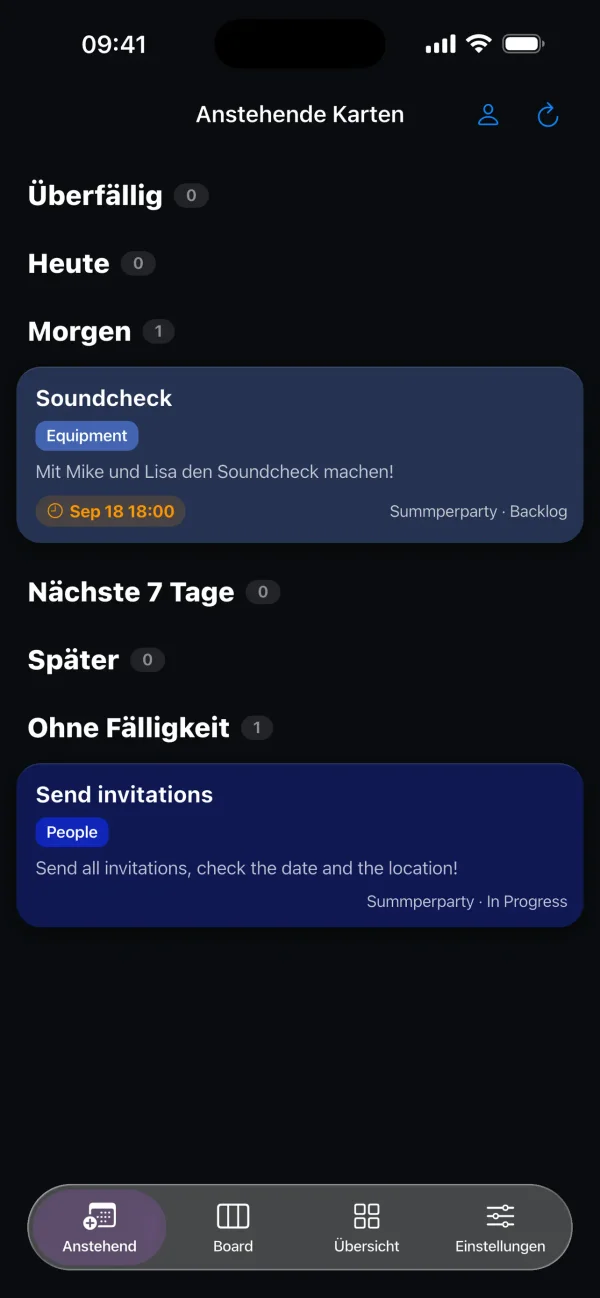
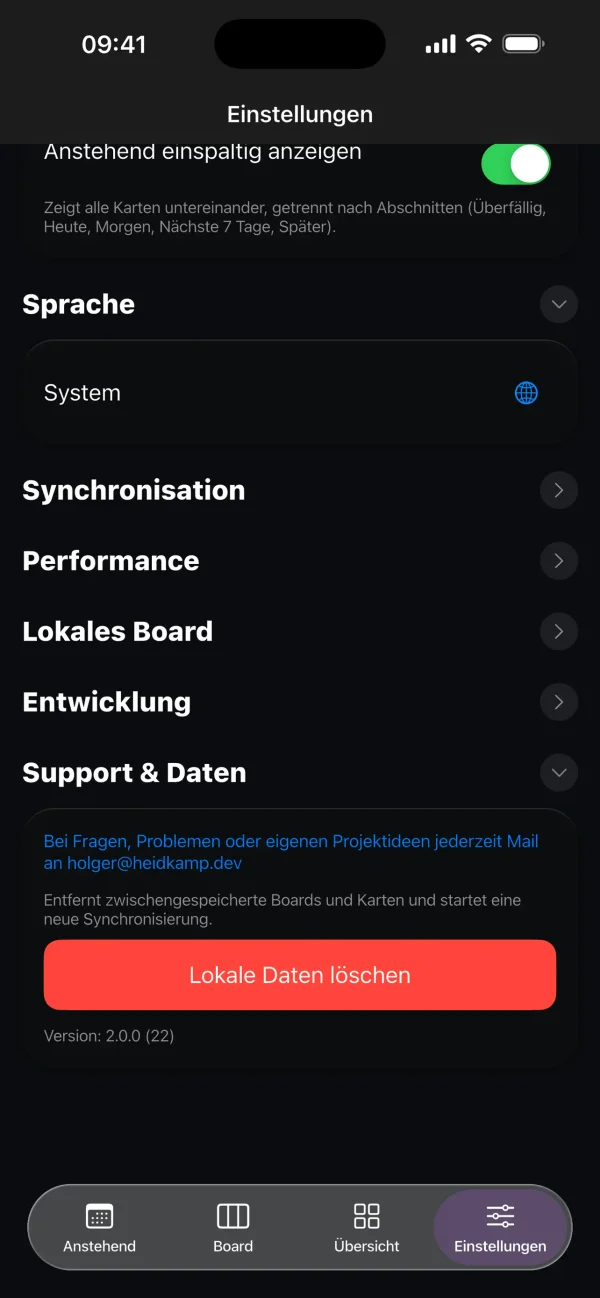
Nextdeck is the modern, lightning‑fast client for Nextcloud Deck — perfect for Kanban, tasks, and projects. Keep boards, columns, and cards under control at all times: move cards via drag and drop, edit details, and keep your overview — on iPhone and iPad, in light and dark mode.
Highlights
- Drag & drop: move cards within a column or across columns — precise and intuitive.
- Reorder & positions: insert cards exactly before another card or move up/down.
- Labels & colors: instant orientation with color coding.
- Due dates: clear urgency colors for upcoming deadlines.
- Assignees: assign teammates and make responsibility visible.
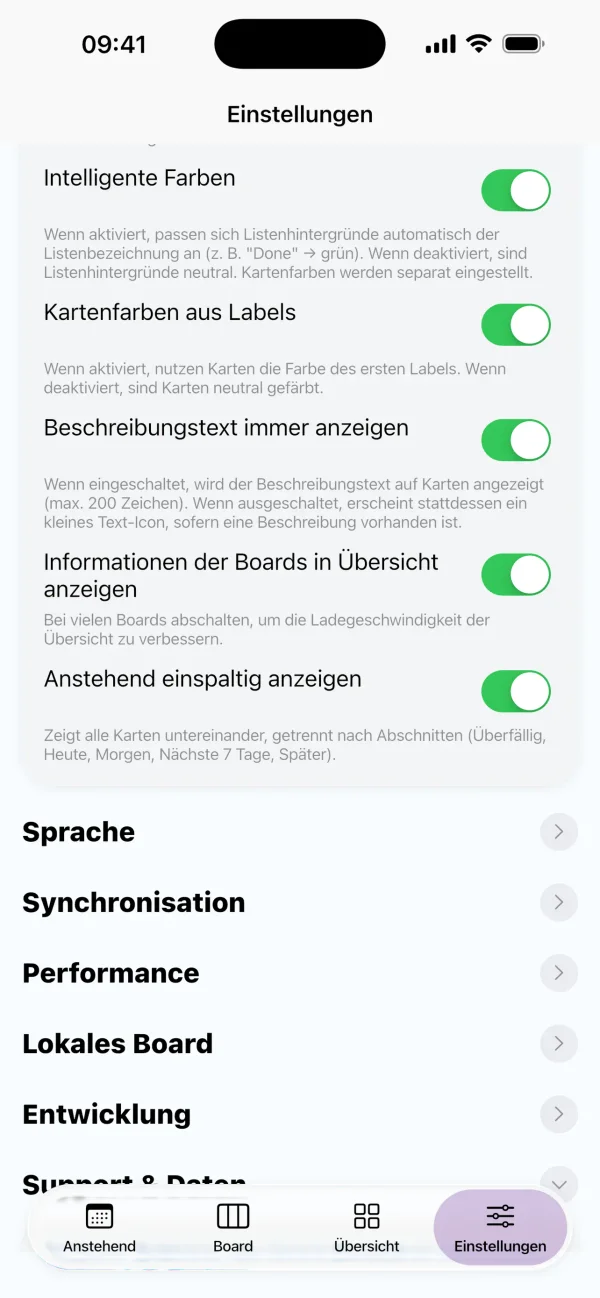
- Markdown description: jot down details, neatly previewed on the card tile.
- Comments & attachments: compact counters right on the card.
- Search: find cards quickly without endless scrolling.
- Optimized for iPhone & iPad: compact lists on iPhone, wide columns on iPad.
- Dark mode & smart colors: pleasant contrast and great readability.
- Privacy‑friendly: your data stays on your own Nextcloud server.
Why Nextdeck?
- Speed focus: smooth scrolling, snappy interactions, minimal waiting.
- Clean, native UI: feels right from the first tap.
- Reliable sync: changes persist cleanly with Nextcloud Deck.
Requirement: a running Nextcloud instance with the Deck app enabled. Sign in with server URL, username, and app password — done.
What’s new
Version 2.6 · Nov 18, 2026
- Sign in with Nextcloud: enter your server, sign in on your familiar Nextcloud page (two-factor authentication included) — done. The app now creates the app password automatically, no more copying.
- At a glance: Settings now show at the top which Nextcloud and which user you are signed in with — or that you are not.
- Attachments are now stored in your Nextcloud Files (folder "Deck"), just like in the Deck web interface — edited PDFs included. You can always find them again in the Files app.
- New ⋯ menu on every attachment: view details, copy or move it to another card — even on another board — and delete it with confirmation.
- Fixed: some attachments, such as edited PDF copies, could not be deleted.
- Fixed: in rare cases, opening an attachment could open a different file with the same name.
App privacy
What Holger Heidkamp declares on the App Store about how this app handles data.
-
Data not collected
The developer does not collect any data from this app.
Privacy practices may vary, for example with the features you use or your age.
Information
- Seller
- Holger Heidkamp
- Category
- Productivity
- Version
- 2.6
- Updated
- Nov 18, 2026
- Released
- Sep 23, 2025
- Size
- 26.5 MB
- Requires
- iOS 26.2 or later
- Age rating
- 4+
- Price
- $3.99
- Languages
- English
- Copyright
- © Holger Heidkamp
You might also like
-
 Deckloud: Nextcloud DeckSelf-hosted Kanban & tasks
-
 Pantry for NextcloudHome lists, photos & notes
-
 Nextscan - Scans for NextcloudDocument Scanner for Nextcloud
-
 Nextcloud CalendarCalendar for Nextcloud
-
 Passwords for NextcloudProductivity
-
 Nextcloud NotesProductivity
-
 Nextcloud TalkChat and meet on your terms
-
 Vikunja ClientProductivity
-
 Conduit: Open WebUI & AIOpen WebUI, APIs & Agents
-
 Swift PaperlessNative document managament