
Paperstead: Notes & Sketch
Notes, sketches & checklists
Designed for iPhone, iPad, Mac, iPod touch
Free · In-app purchases
- Age rating4+
- CategoryProductivity
- DeveloperAaron Mylius
- LanguagesEnglish
- Size41.9 MB
Links to the official App Store page
Download.org hosts no file of Paperstead: Notes & Sketch. The button opens its official App Store page, published by Aaron Mylius. Listing last checked on Nov 20, 2026.
Screenshots

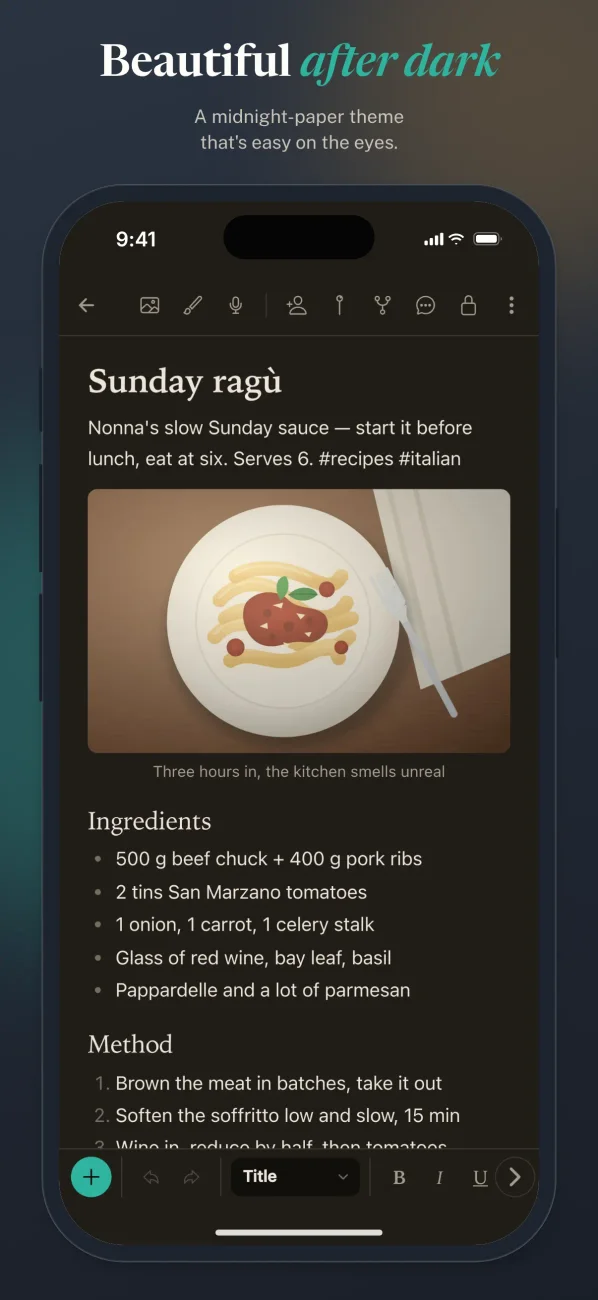
About
Paperstead is a home for everything you write. Notes, sketches, checklists, scans and PDFs live together in one calm, fast app on your phone, tablet, computer and the web.
WORKS OFFLINE, FREE ON YOUR DEVICE
Every writing feature works without an account or a connection. Your notes open instantly because they live on your device first.
WRITE THE WAY YOU THINK
• Rich text with headings, tables, links, code and math
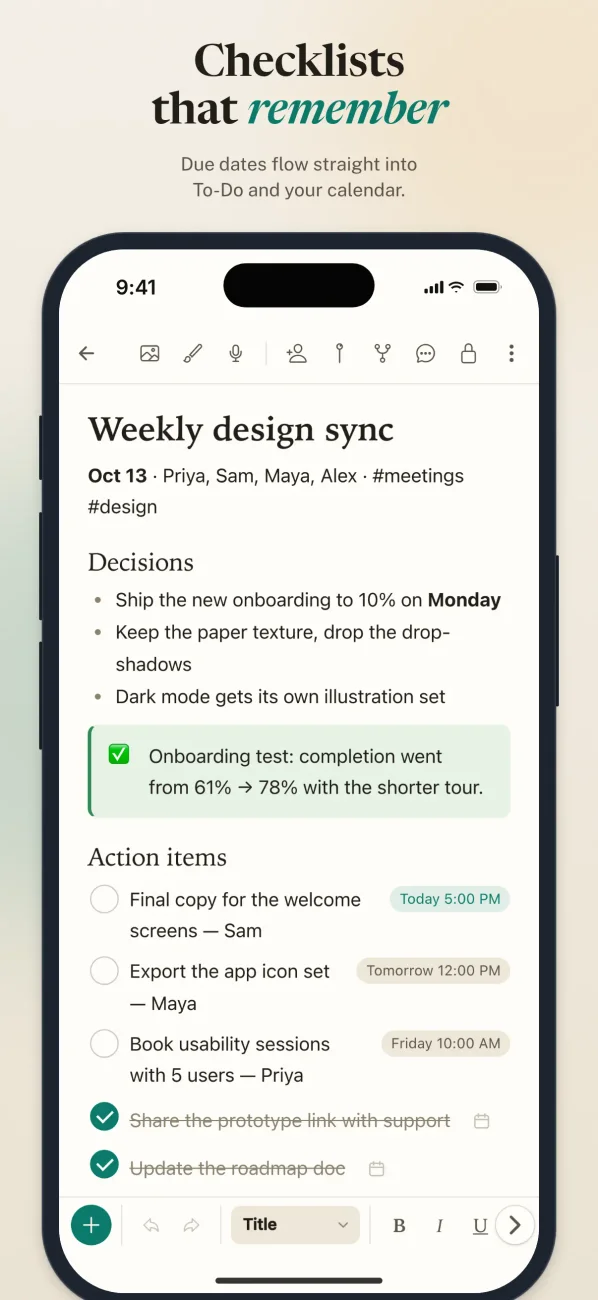
• Checklists with due dates and reminders that flow into To-Do
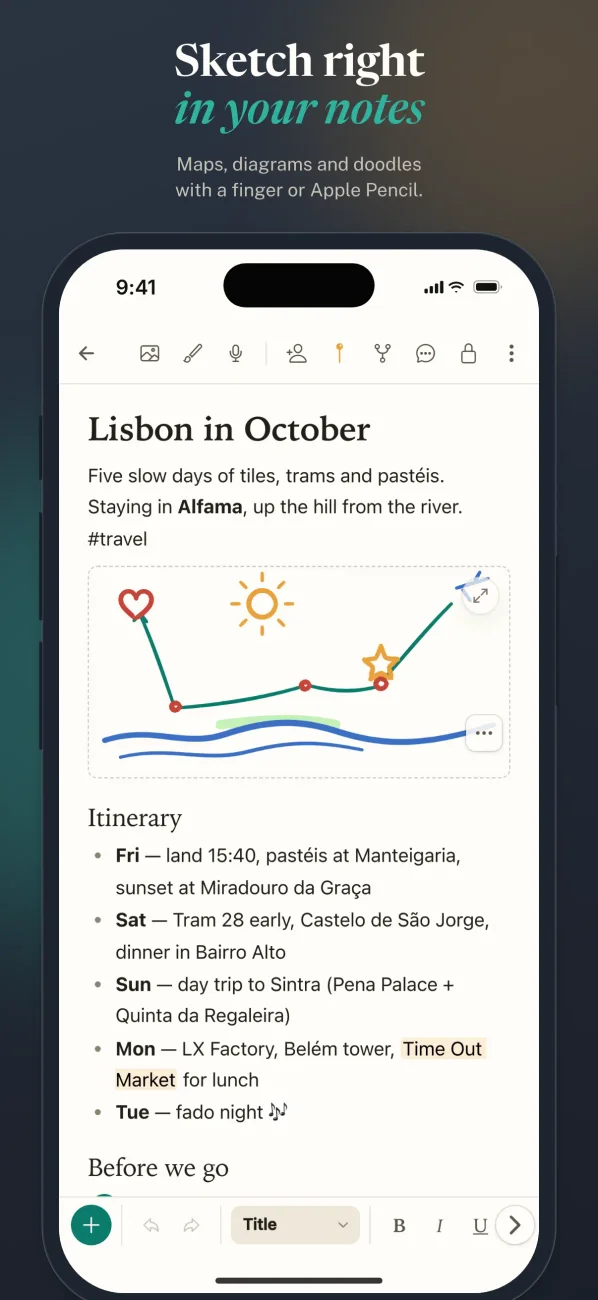
• Draw anywhere: sketch on a canvas or right on top of your notes, with Apple Pencil and stylus support
• Voice notes transcribed on your device, photos and file attachments
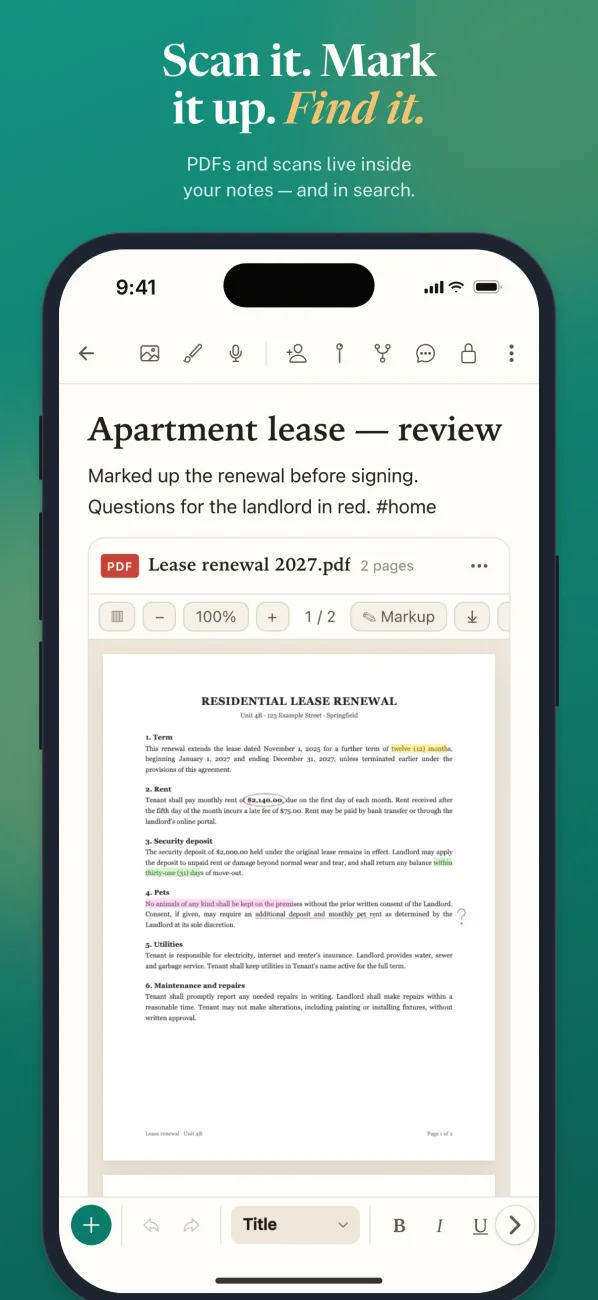
• Scan documents, mark up PDFs, and search the text inside them, even your handwriting
• Link notes together with backlinks, embed videos and maps, and add rich link previews
• Folders, subfolders, #tags, pins, smart views and daily notes
ALWAYS WITHIN REACH
Home screen widgets, the share sheet ("Save to Paperstead" from any app), quick capture, Siri and Spotlight. Lock notes with Face ID, Touch ID or a passcode.
PLAN IN THE SAME PLACE
To-Do, Calendar and Reminders sit next to your notes, and your phone's calendar can show up right beside them. Templates and version history are built in, including who changed what.
PRIVATE BY DESIGN
With Premium, your notes sync across your devices with end-to-end encryption. Notes, drawings, files and lists are encrypted on your device before they leave it, so not even Paperstead can read them. Approve new devices with a matching code, and keep a recovery key or passkey so you never lose access.
SHARE AND WORK TOGETHER
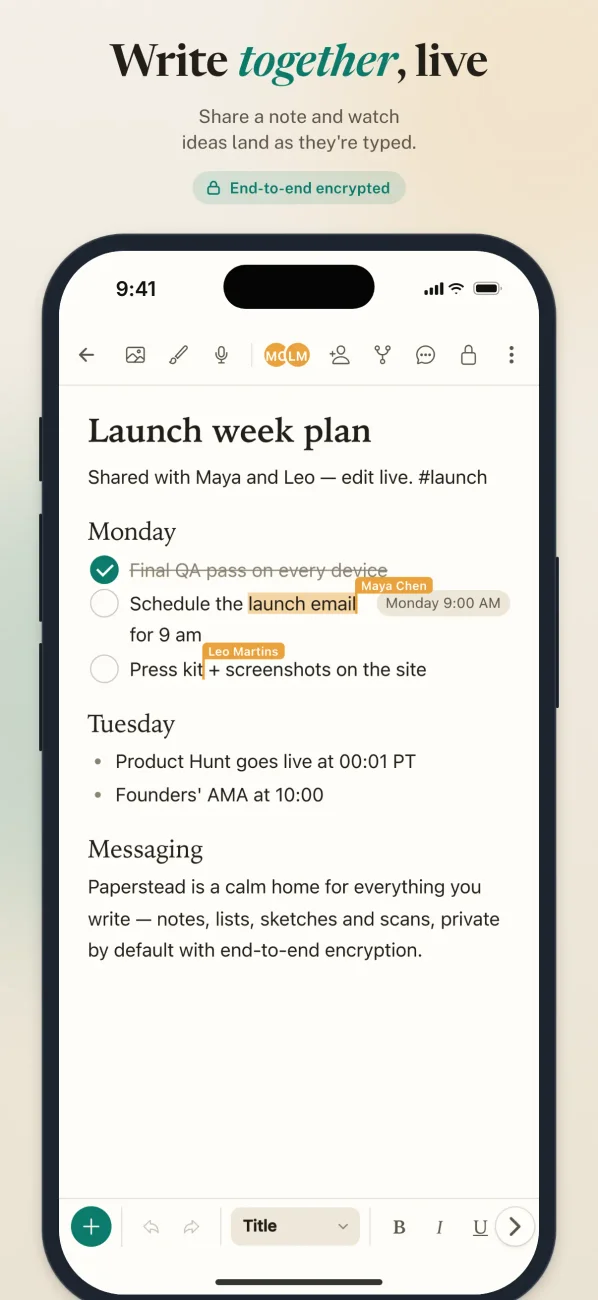
Invite people to a note and edit together in real time, with live cursors, comments and @mentions. Add friends for one-tap sharing. People you invite don't need their own subscription.
MAKE IT YOURS
Light and dark modes, plus optional seasonal themes that bring falling leaves, winter lights and more, with a matching app icon.
PAPERSTEAD PREMIUM
Premium adds encrypted sync across your devices, sharing and real-time collaboration, and 20 GB of encrypted storage for photos and files. Monthly or yearly, with a 7-day free trial for new subscribers. Cancel anytime.
Bring your notes from Notion and Evernote, and export everything to Markdown, HTML, PDF or a zip whenever you like.
Paperstead is made by Mylius Tech LLC, a small independent studio.
Payment is charged to your Apple Account at confirmation of purchase. Subscriptions renew automatically unless cancelled at least 24 hours before the end of the current period. Any unused portion of a free trial is forfeited when you subscribe. Manage or cancel in your App Store account settings.
Privacy Policy: https://paperstead.com/privacy
Terms of Use: https://paperstead.com/terms
What’s new
Version 1.0.12 · Nov 11, 2026
• New widgets: Quick capture, Recent notes, a Pinned note you choose, and Today — in light and dark
• Edit reminders: tap one on the Reminders page to change its text, time or repeat
• Checklists now show in All notes, in tags and in the note counts
• Calendar: add your Paperstead events and dated to-dos to your iPhone calendar, kept in step across all your devices
• Sharing a note, accepting invites, adding friends and opening links are noticeably faster
• Shared notes now update live within about a second
• Paperstead links (shared notes, invites, friend links) open right in the app
• Copied lists paste without blank lines, and pasted text no longer brings odd fonts along
• Menus stay above the keyboard, and Delete moved to the bottom of the note menu
• Plus many smaller fixes and polish
App privacy
What Aaron Mylius declares on the App Store about how this app handles data.
-
Data linked to you
May be collected and linked to your identity.
- Purchases
- Contact info
- User content
- Identifiers
-
Data not linked to you
May be collected but is not linked to your identity.
- Diagnostics
Privacy practices may vary, for example with the features you use or your age.
Information
- Seller
- Mylius Tech LLC
- Category
- Productivity
- Version
- 1.0.12
- Updated
- Nov 11, 2026
- Released
- Oct 20, 2026
- Size
- 41.9 MB
- Requires
- iOS 15.0 or later
- Age rating
- 4+
- Price
- Free
- In-app purchases
- Yes
- Languages
- English
- Copyright
- © 2026 Mylius Tech LLC
You might also like
-
 Bear NotesNotes
-
 BLISS Note: Notes PDF PlannerHandwritten notes & PDF markup
-
 QH: Quantified HappinessReport card for your real life
-
 Nested Folder Notes - FolinoVoice Memos, Outline & Journal
-
 Plot — your creative hubStore & share ideas & assets.
-
 HabitDots - Life&Habit Tracker0 Pressure & Achieve with Ease
-
 MyPeoriaAZProductivity
-
 Charts IQ: Chart & Graph MakerChart builder & data analysis
-
 Day Planner – Daily ScheduleStay focused. Build routines
-
 Streqa: Daily Habit TrackerDaily Routine Habit Diary Pro