Papertuck: Document Vault
Scan, find & track paperwork
Designed for iPhone, iPad
In-app purchases
- Age rating4+
- CategoryProductivity
- DeveloperVarun Adiyeri Parambath
- LanguagesEnglish
- Size68.2 MB
Links to the official App Store page
Download.org hosts no file of Papertuck: Document Vault. The button opens its official App Store page, published by Varun Adiyeri Parambath. Listing last checked on Nov 12, 2026.
Screenshots
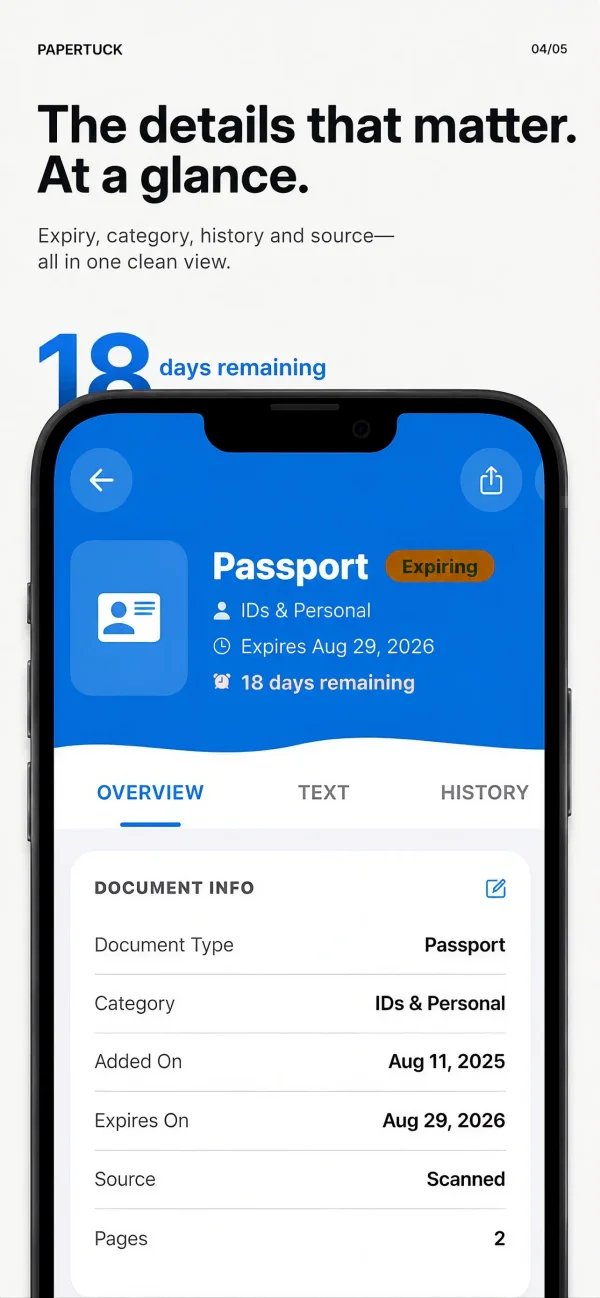
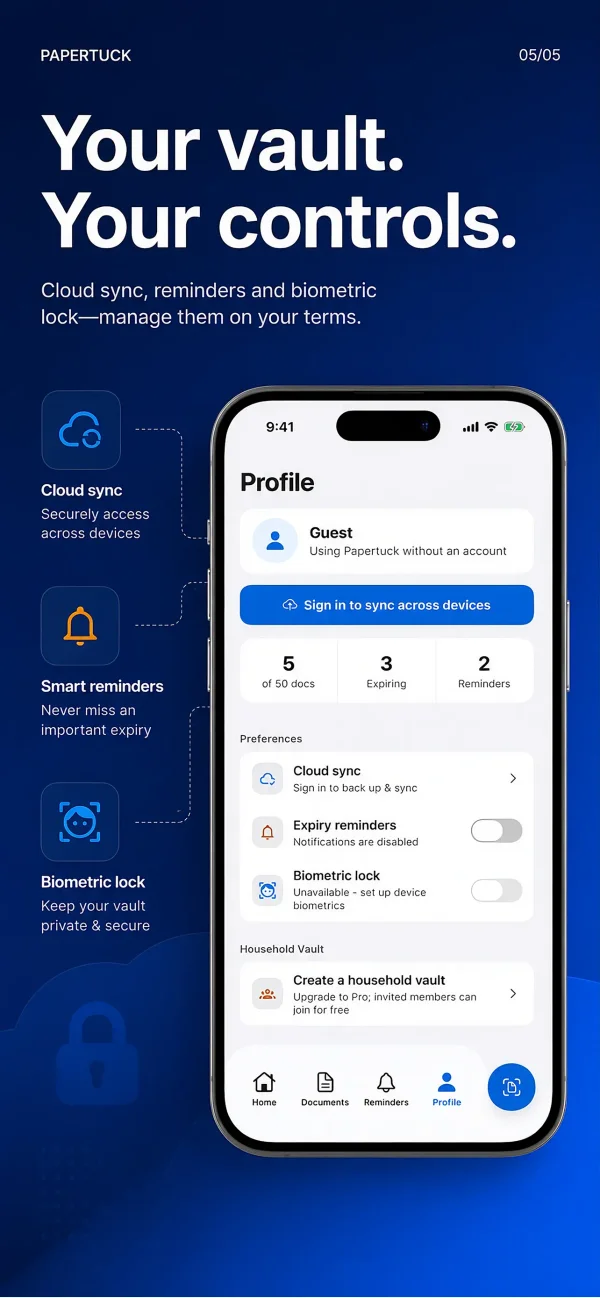
About
Paperwork feels unimportant - until it suddenly matters.
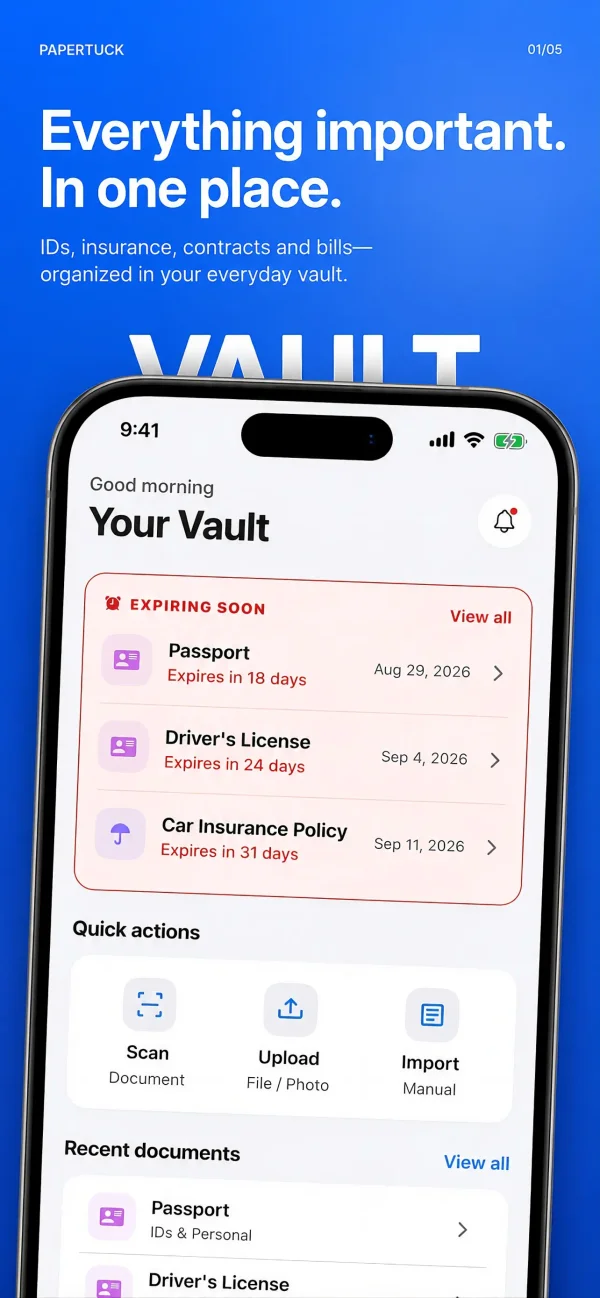
Papertuck keeps receipts, warranties, IDs, insurance papers, contracts, tax records, and other household documents ready for the moment you need them. Scan or import a paper, use on-device text extraction to make it searchable, and set reminders for expiries and renewals.
SCAN, ORGANIZE, FIND
• Scan with your camera or import photos and PDFs
• Keep multi-page documents together
• Extract text on device with OCR
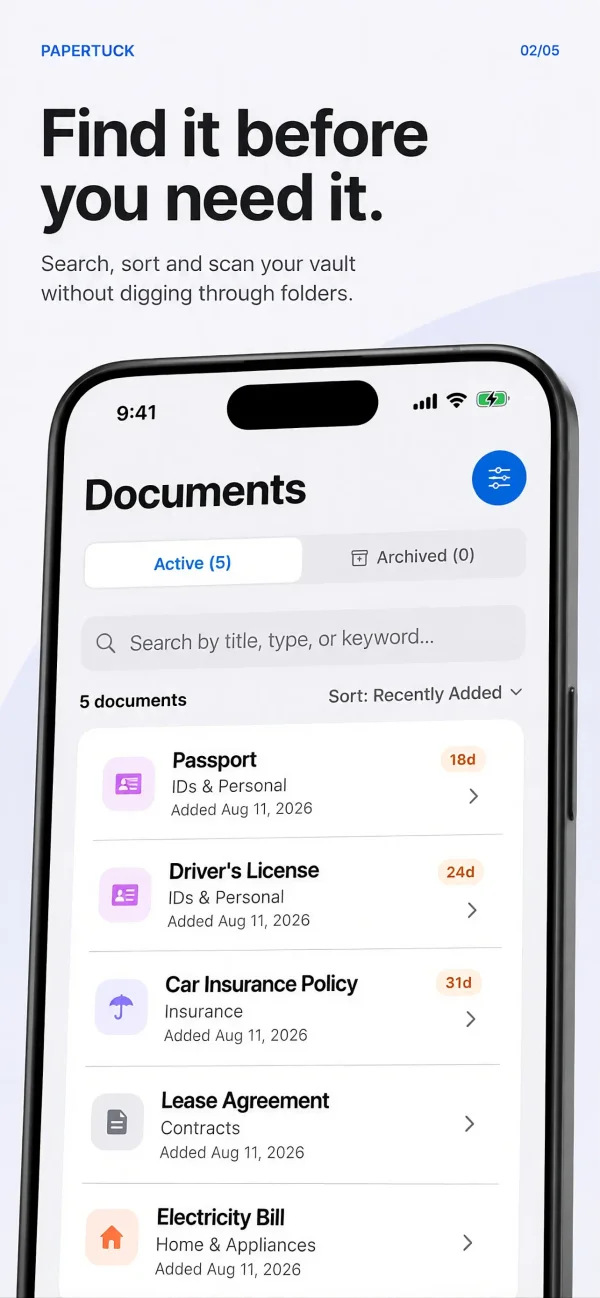
• Search by title, category, merchant, or words in the document
• Automatically suggest practical categories from extracted text
• Track dates, amounts, notes, and warranty details
• Archive or share a document when you need it
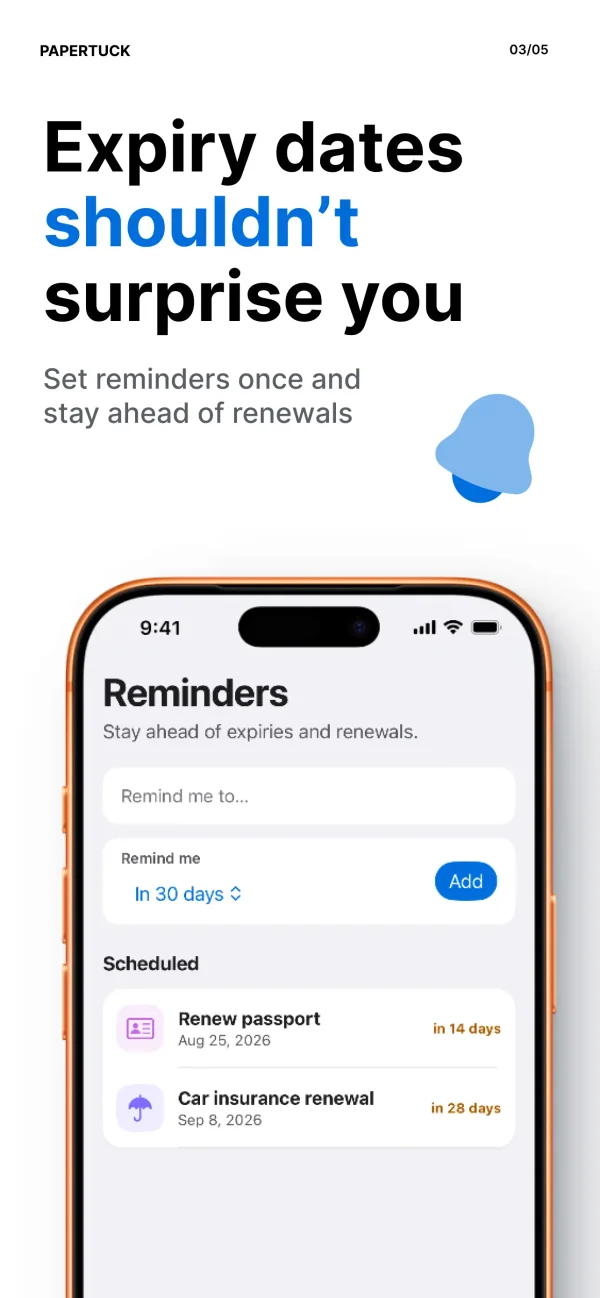
STAY AHEAD OF IMPORTANT DATES Add reminders for passport expiries, insurance renewals, warranty deadlines, return windows, and more. Local notifications help you act before a document becomes urgent.
LOCAL FIRST Start free without creating an account. Your free vault supports up to 50 active documents and stays on your device. There are no ads and no cross-app tracking. On supported devices, you can protect the app with Face ID or Touch ID.
PAPERTUCK PRO Upgrade for unlimited documents, secure cloud backup, multi-device sync, and household vault sharing. Pro cloud sync is optional and requires an account. Synced documents are encrypted in transit and at rest, but cloud sync is not end-to-end encrypted.
Papertuck Pro is available as a monthly or annual auto-renewable subscription. Any free trial and your local price are shown before purchase. Payment is charged to your Apple Account when you confirm. Subscriptions automatically renew unless canceled at least 24 hours before the end of the current period. Manage or cancel your subscription in your App Store account settings.
Your papers, ready when life asks.
Privacy Policy: https://papertuck.com/privacy
Terms of Use (EULA): https://www.apple.com/legal/internet-services/itunes/dev/stdeula/
Additional Terms of Service: https://papertuck.com/terms
Support: support@papertuck.com
What’s new
Version 1.1 · Aug 26, 2026
- Added Lifetime Personal, a one-time purchase that unlocks unlimited documents and personal iCloud sync.
- The free plan now supports up to 30 active documents.
- Added clearer plan comparisons between Lifetime Personal and Papertuck Pro.
- Existing documents remain safe if your library exceeds the free limit. You can still view, edit, archive and export them.
- Improved purchase restoration and fixed minor bugs.
App privacy
What Varun Adiyeri Parambath declares on the App Store about how this app handles data.
-
Data not collected
The developer does not collect any data from this app.
Privacy practices may vary, for example with the features you use or your age.
Information
- Seller
- UI Comet
- Category
- Productivity
- Version
- 1.1
- Updated
- Aug 26, 2026
- Released
- Aug 21, 2026
- Size
- 68.2 MB
- Requires
- iOS 17.0 or later
- Age rating
- 4+
- In-app purchases
- Yes
- Languages
- English
- Copyright
- © 2026 UI Comet
You might also like
-
 DocHarbor: Document VaultPassport, ID & expiry tracker
-
 HomeVault DocumentsSecure. Private. No Account.
-
 Marker: Podcast NotesMark Your Inspiration
-
 Before You Go: ChecklistsLocation-based checklists
-
 Keepwell: Save now, ask laterIdeas, Gifts, Lists & Notes
-
 Job Tracker & PlannerOrganize Your Job Search
-
 Monolog: Text Your ThoughtsJournal & Take Notes
-
 AppBox: Save & analyse appsOrganise, review, export apps
-
 Focus Timer - StudiousStudy Planner & Pomodoro
-
 SuperWidget - Shortcuts & APIsWidgets from Shortcuts or APIs