
Passkeep - Password Keeper
Passcode protected passwords
Designed for iPhone, iPad, Mac, iPod touch
Free · In-app purchases
- Age rating4+
- CategoryUtilities
- DeveloperBearMinds
- LanguagesEnglish+ 12 more
- Size59.2 MB
Links to the official App Store page
Download.org hosts no file of Passkeep - Password Keeper. The button opens its official App Store page, published by BearMinds. Listing last checked on Nov 14, 2026.
Screenshots



About
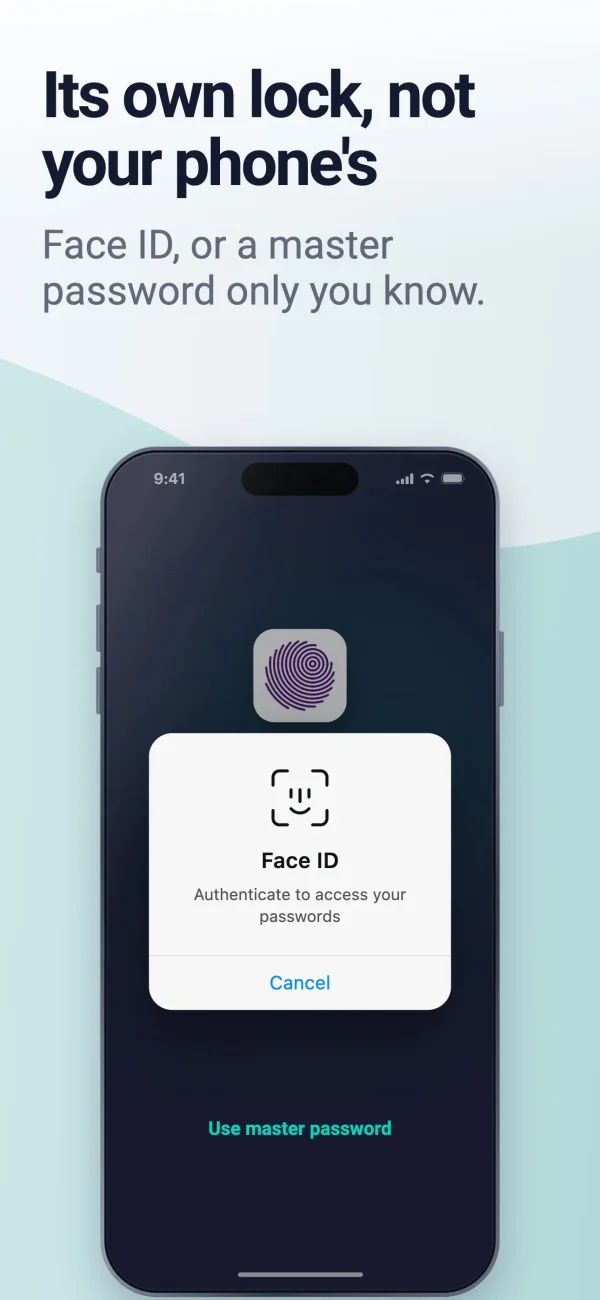
Anything your phone's passcode unlocks is only as private as your phone.
PassKeep has a lock of its own — a master password only you know.
For the handful of things that shouldn't share a door with everything else.
A LOCK OF ITS OWN
Face ID opens PassKeep in a second. Behind it is a master password you set and
nobody else has, including us. Hand someone your unlocked iPhone and your vault
is still shut.
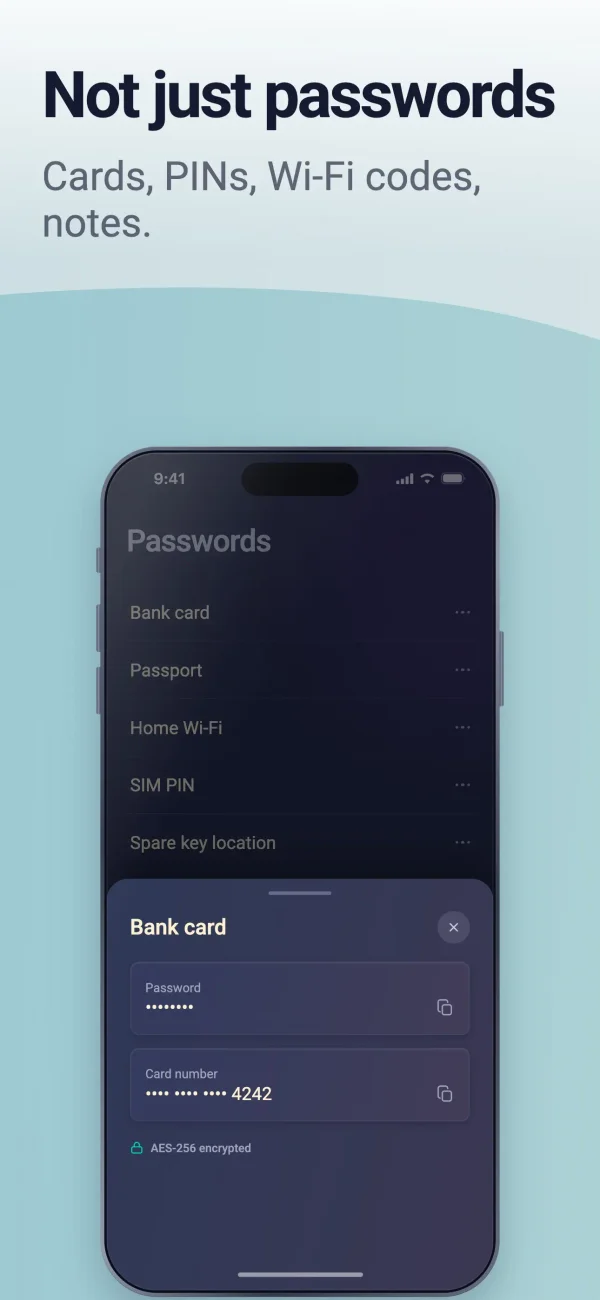
MORE THAN PASSWORDS
Card numbers and PINs. Wi-Fi codes. Passport and ID numbers. Recovery codes. The
note you keep meaning to delete from Notes. Every entry is yours to shape — add
the fields you need and name them yourself.
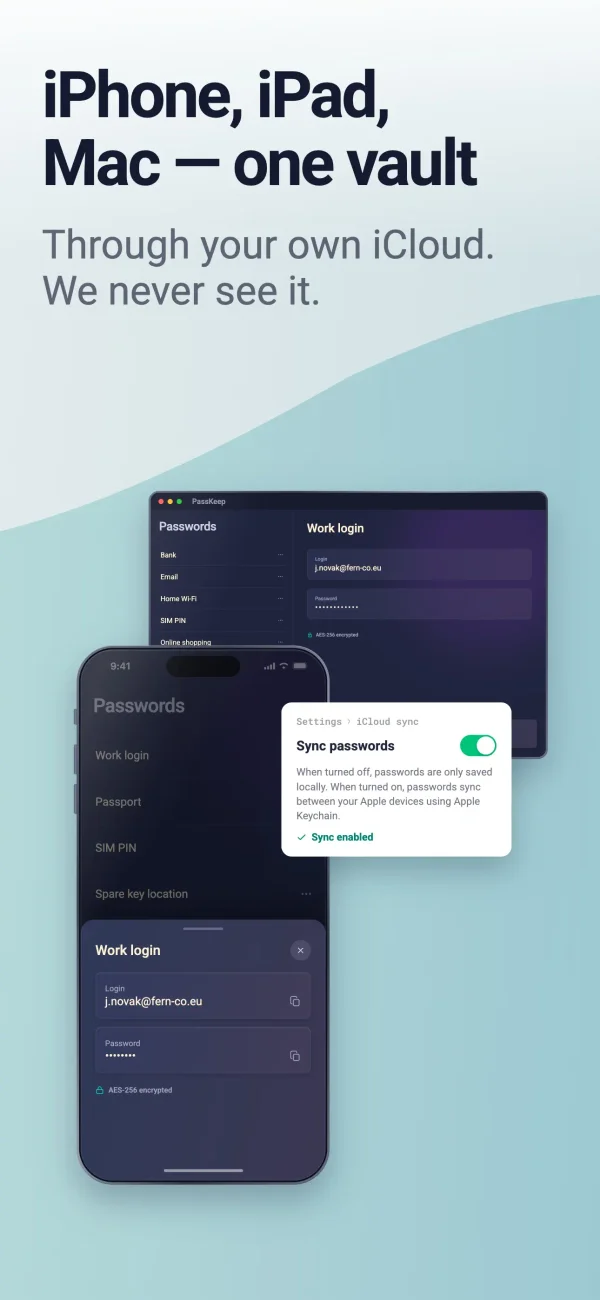
ONE VAULT, EVERY APPLE DEVICE
Turn on iCloud sync and the same vault is on your iPhone, iPad and Mac. It
travels through your own iCloud, with Apple's end-to-end encryption. No PassKeep
account to create. No PassKeep server in the middle. We never see it.
ENCRYPTION, NAMED
AES-256, with the keys held in the iOS Keychain. Nothing proprietary, nothing to
take on faith.
YOUR BACKUP IS A FILE YOU HOLD
Export an encrypted backup whenever you want — free on every plan, in a
documented format. Import it on a new iPhone in a minute. You are never locked
in, including out of PassKeep.
WHAT PASSKEEP DOES NOT DO
It does not fill passwords into apps and websites on iPhone. Keep using whatever
you use for that. PassKeep is for the things you don't type every day and can't
afford to lose.
We collect anonymous crash and usage data to fix what breaks. You can switch it
off in Settings.
FREE
5 entries. Face ID. Backup and export.
PRO
Unlimited entries. iCloud sync across your Apple devices. Password generator.
Full security analysis.
In market since 2016. Built in the EU.
Privacy Policy: https://passkeep.pro/privacy
Terms and Conditions: https://passkeep.pro/terms
What’s new
Version 1.15 · Aug 22, 2026
PassKeep now speaks Arabic, Greek, Polish and Ukrainian, with separate European and Brazilian Portuguese.
Fixes and refinements throughout, and a few things made quicker.
Your entries, your fields and your settings are untouched by this update — as always.
Something not working, or something missing? Write to us from Settings. We read everything.
App privacy
What BearMinds declares on the App Store about how this app handles data.
-
Data linked to you
May be collected and linked to your identity.
- Purchases
-
Data not linked to you
May be collected but is not linked to your identity.
- Identifiers
- Usage data
- Diagnostics
Privacy practices may vary, for example with the features you use or your age.
Information
- Seller
- BearMinds AB
- Category
- Utilities
- Version
- 1.15
- Updated
- Aug 22, 2026
- Released
- May 2, 2022
- Size
- 59.2 MB
- Requires
- iOS 15.6 or later
- Age rating
- 4+
- Price
- Free
- In-app purchases
- Yes
- Languages
- English, Danish, Finnish, French, German, Italian, Norwegian Bokmål, Portuguese, Russian, Simplified Chinese, Spanish, Swedish + 1 more
- Copyright
- © 2026 BearMinds
You might also like
-
 Password Manager_My PasswordPassword safe & vault data
-
 Password Manager:SecureSafePassword Generator & Autofill
-
 App Lock - App Blocker &VaultPassword Locker, Secure Folder
-
 My Eyes Only Password ManagerEncrypted Personal Data
-
 Password Manager. Login VaultPasswords Generator & Wallet
-
 AppLock - Fingerprint LockLock all apps with password
-
 App Lock - Password For AppsSuper Blocker • Limit • Detox
-
 App Lock - AppLock AppsAppLocker Password For Phone
-
 App Lock - Lock AppsScreen Time Blocker For iPhone
-
 Photo/Message Lock - SafeCloudSecret Vault