
Password Manager:SecureSafe
Password Generator & Autofill
Designed for iPhone, iPad, iPod touch
Free · In-app purchases
- Age rating4+
- CategoryUtilities
- DeveloperHangzhou Keyi Network Technology Co., Ltd
- LanguagesEnglish+ 8 more
- Size90.0 MB
Links to the official App Store page
Download.org hosts no file of Password Manager:SecureSafe. The button opens its official App Store page, published by Hangzhou Keyi Network Technology Co., Ltd. Listing last checked on Nov 17, 2026.
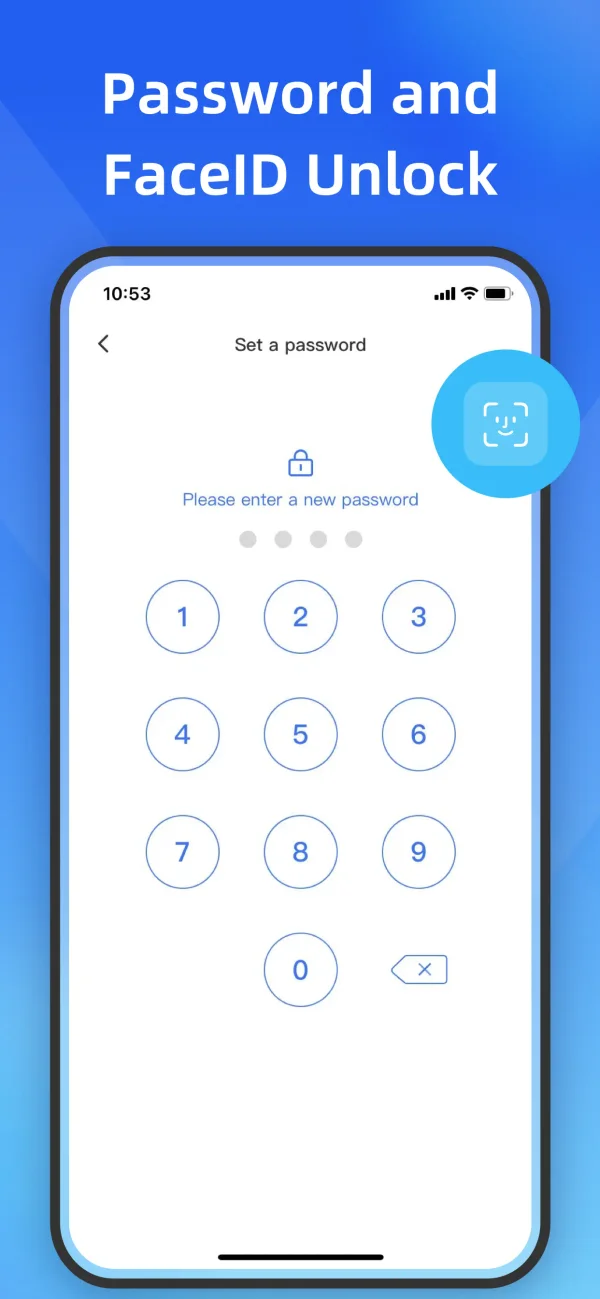
Screenshots
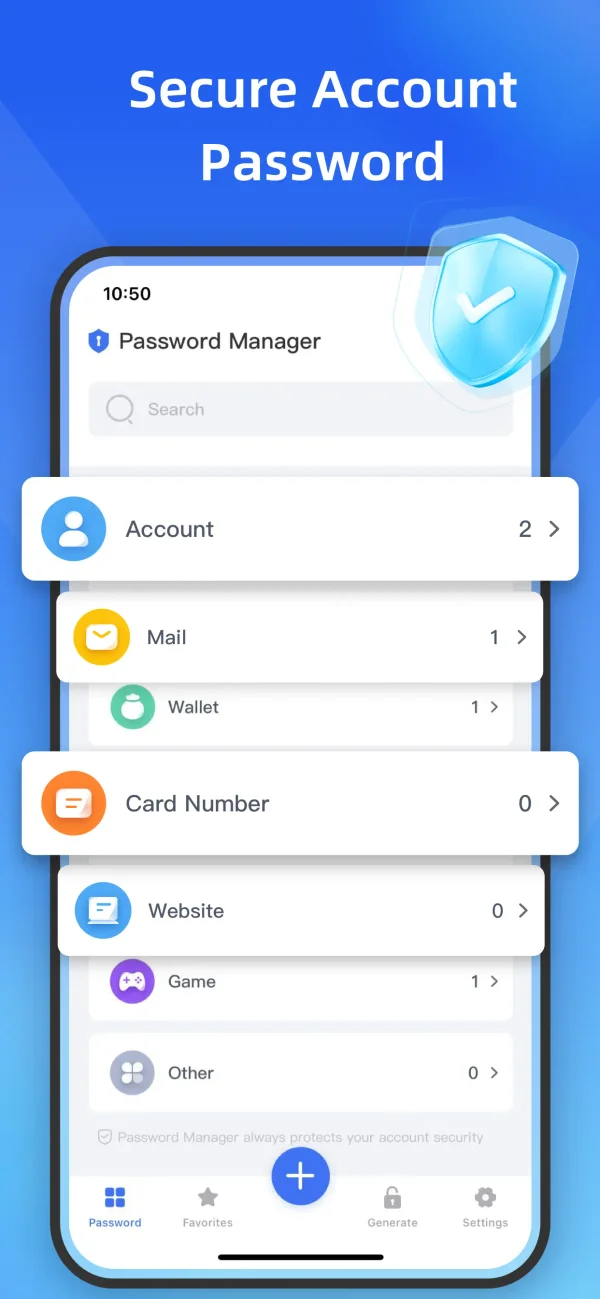
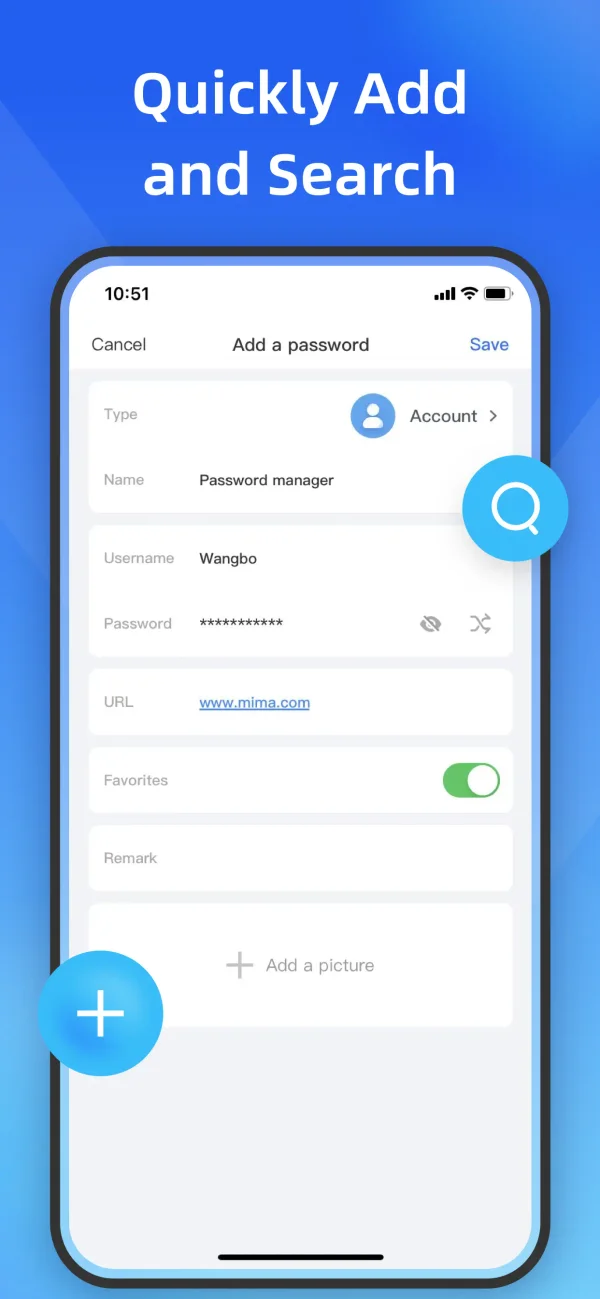
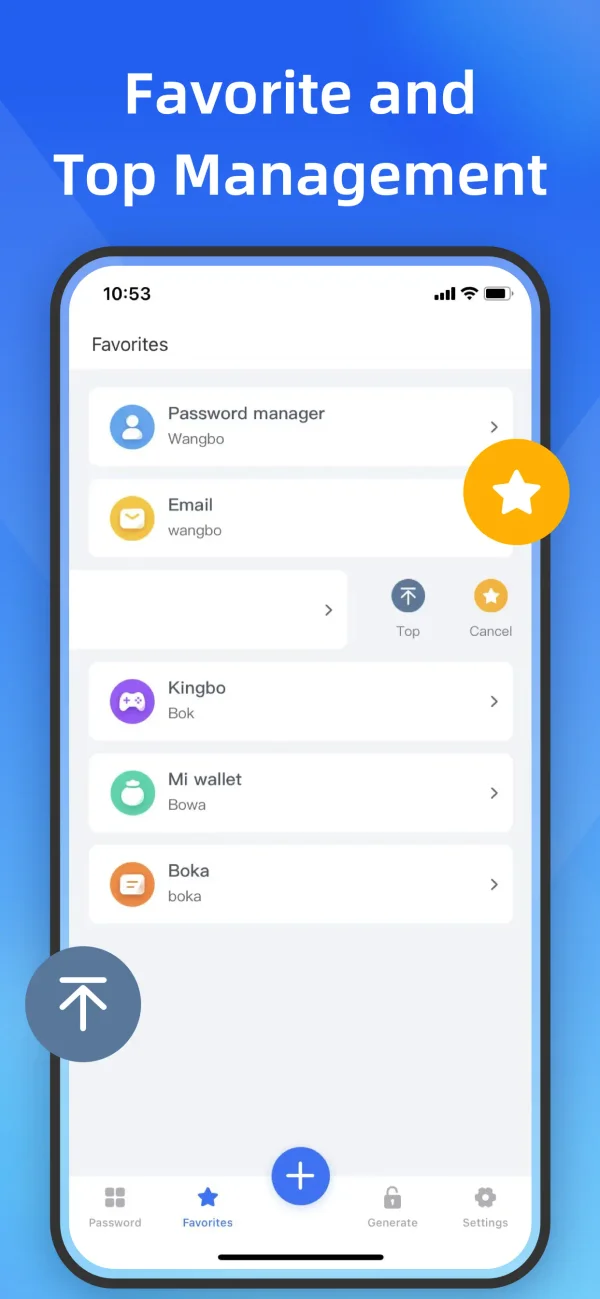
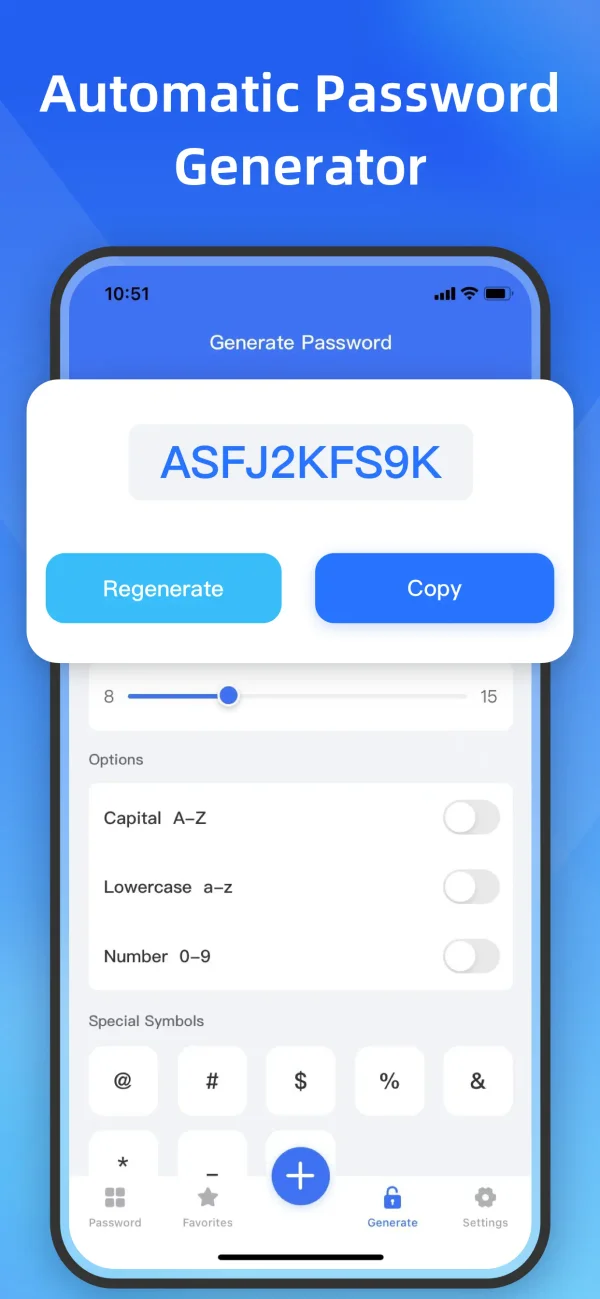
About
Password manager with safe performance, powerful functions and simple interface!
--------------------------------------------------
Do you often forget your password? "Password Manager" can help you remember all passwords and keep them safe, you only need to remember one application login password!
This application is a simple and practical account password management software. Each of us has many different website accounts and passwords, such as QQ, WeChat, Weibo, etc. If each website is set to the same account and password, once an account is leaked, the account and password on other websites are at risk of being stolen. Setting different high-strength passwords on different websites is the safest guarantee, but it is difficult to remember such a variety of account passwords. Therefore, it is very necessary to have a safe and practical password management software!
### Safety ###
This application does not have any network connection at all, and all information is stored locally on the phone. Safe and reliable
### Simplicity ###
This application uses a simple interface, you who like simplicity deserve it
###Auto-Renewal Terms###
●Subscription price: Weekly membership (¥20/month) Annual membership (¥98/year)
● Subscription payments will be charged to your iTunes account at confirmation of purchase and at the beginning of each renewal period
● Renewal: Apple iTunes account will be deducted within 24 hours before expiration, and the subscription cycle will be extended by one subscription cycle after the deduction is successful.
● Cancel Renewal: You can cancel your subscription or trial at any time by going to your iTunes account settings and canceling the subscription, otherwise it will automatically renew. This must be done 24 hours before the end of the trial period or any subscription period to avoid being charged. Subscriptions that include a trial period will automatically renew to a paid subscription.
● Subscriptions may be managed by the user and auto-renewal may be turned off by going to the user's Account Settings after purchase
●Privacy Policy: https://static.rhinox.cn/html/privacy/pwd_manage_en.html?appName=Password Manager
●Membership payment agreement: https://static.rhinox.cn/html/paymentagreement/general_en.html
What’s new
Version 3.2.0 · Oct 15, 2026
Fixed known bugs for smoother App performance!
App privacy
What Hangzhou Keyi Network Technology Co., Ltd declares on the App Store about how this app handles data.
-
Data used to track you
May be used to track you across apps and websites owned by other companies.
- Identifiers
-
Data linked to you
May be collected and linked to your identity.
- Identifiers
-
Data not linked to you
May be collected but is not linked to your identity.
- Diagnostics
Privacy practices may vary, for example with the features you use or your age.
Information
- Seller
- Hangzhou Keyi Network Technology Co., Ltd
- Category
- Utilities
- Version
- 3.2.0
- Updated
- Oct 15, 2026
- Released
- Oct 19, 2018
- Size
- 90.0 MB
- Requires
- iOS 13.0 or later
- Age rating
- 4+
- Price
- Free
- In-app purchases
- Yes
- Languages
- English, French, German, Japanese, Korean, Portuguese, Simplified Chinese, Spanish, Traditional Chinese
- Copyright
- Copyright © Keyi Inc.
You might also like
-
 PPPassword - Account AssistantRecord & Management Passwords
-
 Password Manager and GenerateEncrypt storage, iCloud backup
-
 iPass - Password ManagerAuto-Fill & Password Kepper
-
 Password Manager-memorandumEncrypted album & stickynote
-
 RDevice Viewer-Clean StorageDelete Photos & Videos
-
 Passkeep - Password KeeperPasscode protected passwords
-
 Password Manager_My PasswordPassword safe & vault data
-
 Password Manager - SecurePassword Manager Safe
-
 AuthPass – Password ManagerOne Password, on all Devices.
-
 Password Manager. Login VaultPasswords Generator & Wallet