
Password Keep
Password Storage & Autofill
Designed for iPhone, iPad, iPod touch
Free · In-app purchases
- Age rating12+
- CategoryUtilities
- DeveloperAdheera
- LanguagesEnglish+ 19 more
- Size36.1 MB
Links to the official App Store page
Download.org hosts no file of Password Keep. The button opens its official App Store page, published by Adheera. Listing last checked on Nov 18, 2026.
Screenshots
About
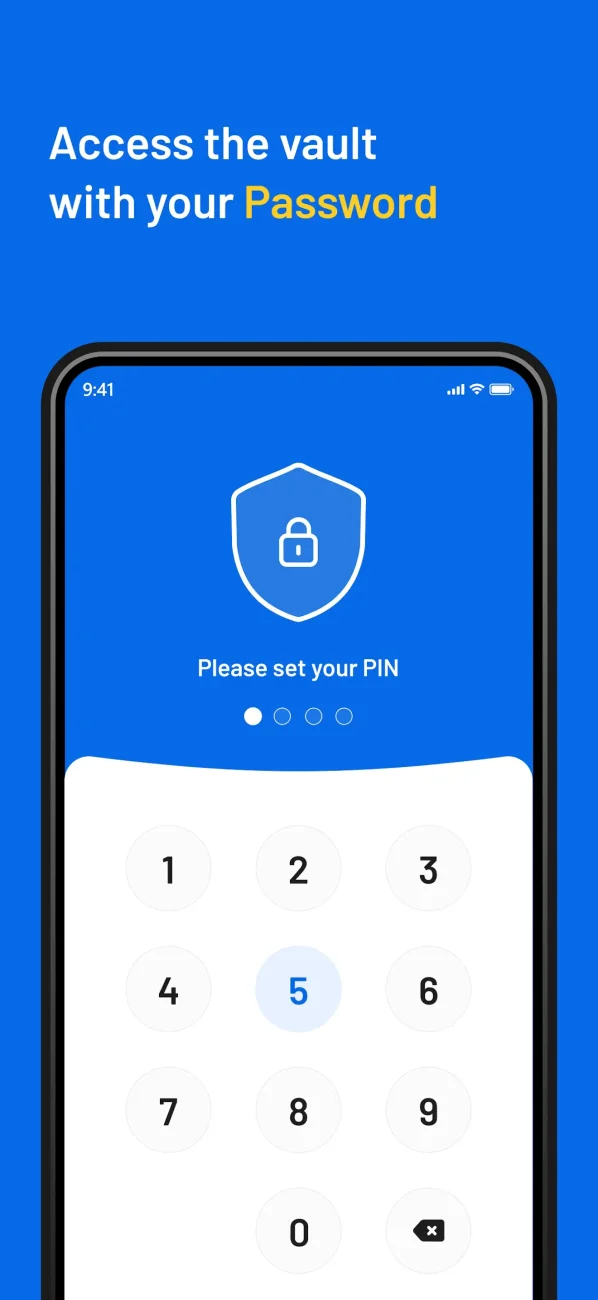
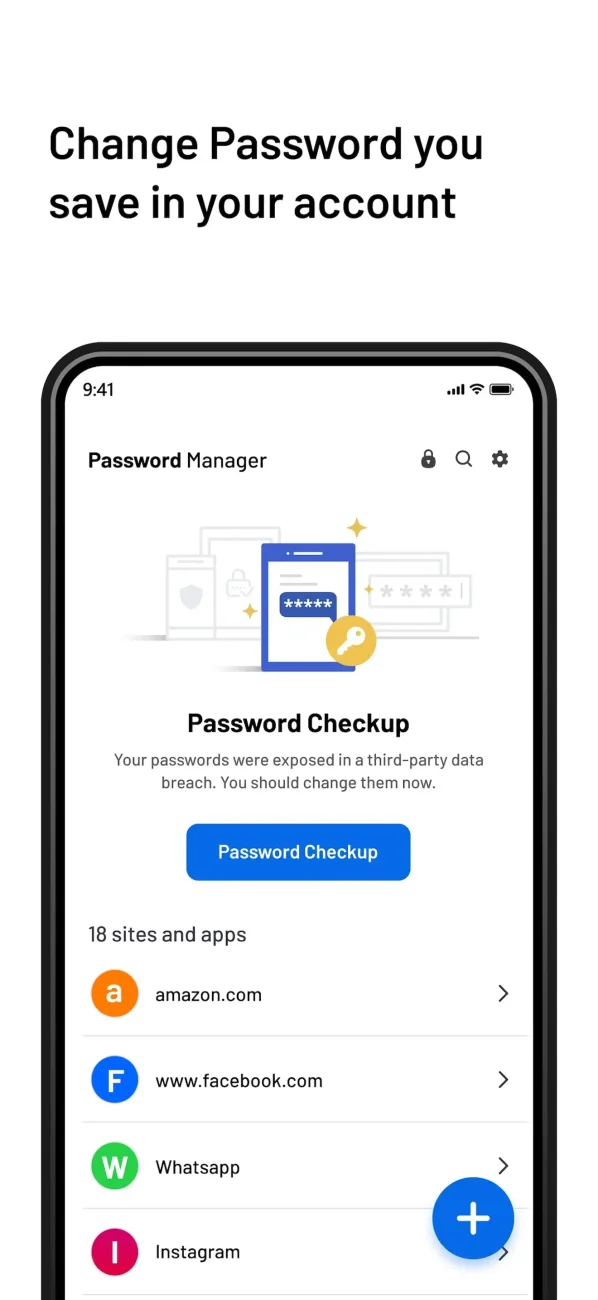
Password Manager App is a state-of-the-art designed exclusively for iOS, offering unparalleled security and convenience for managing your digital credentials. SecurePass ensures that your passwords are safely stored and easily accessible whenever you need them.
A Password Manager app offer these functionalities, more advanced versions might include features like secure password sharing, encrypted file storage, and integration with other security tools. You should choose a Password Manager app that meets their specific needs and security requirements.
Key features :.
1. Secure Password Storage:
The app securely stores passwords, credit card details, and other sensitive information in an encrypted format. Encryption ensures that even if the data is intercepted, it remains unreadable without the decryption key.
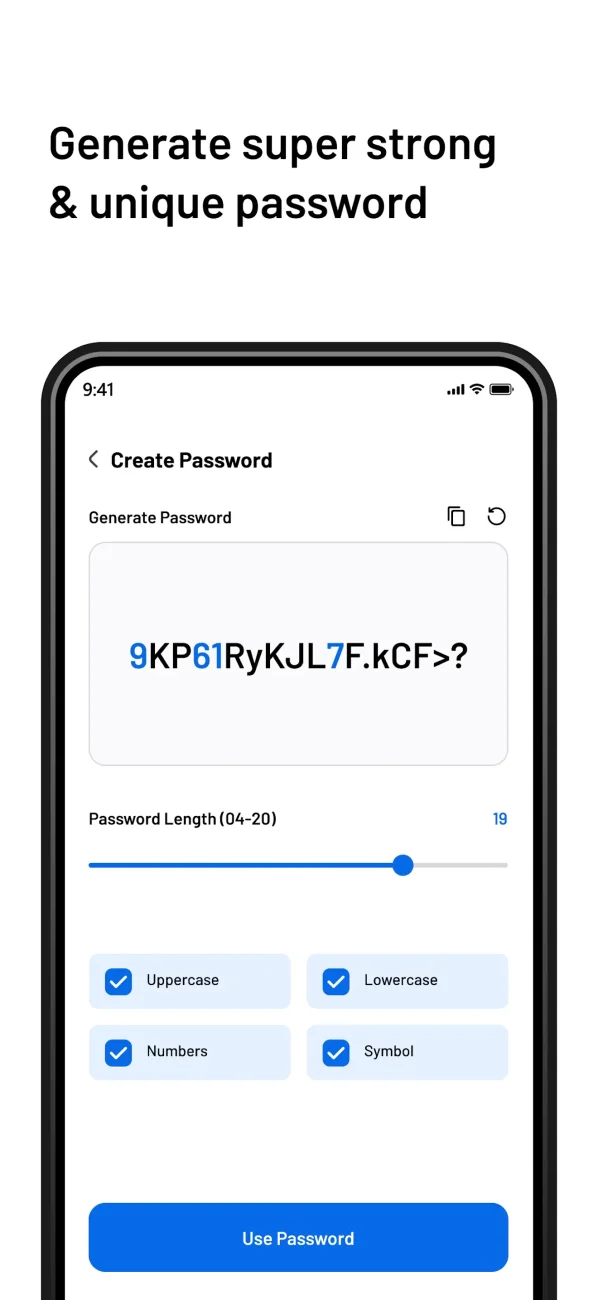
2. Password Generation:
It includes a password generator that helps you create strong and unique passwords for different accounts. These passwords usually consist of a mix of uppercase and lowercase letters, numbers, and special characters.
3. Secure Notes and Data:
Besides passwords, you can store secure notes, Wi-Fi passwords, software license keys, and other confidential information in the app.
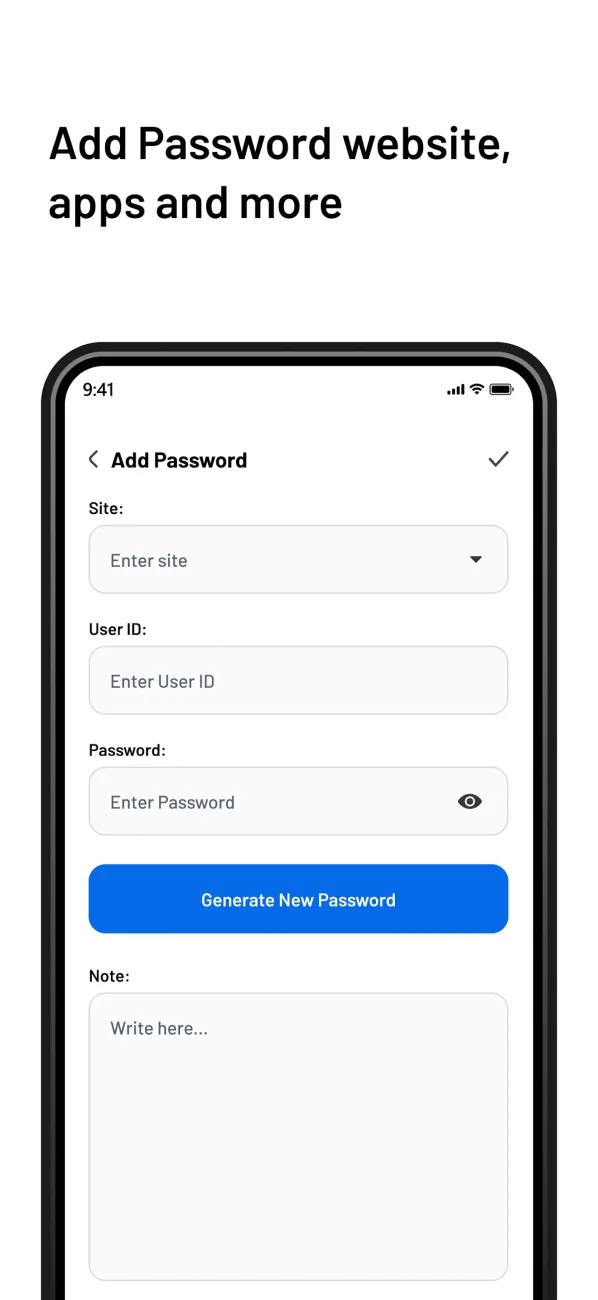
4. Organisational Tools: The app may include features to organise your passwords and other data into categories or folders, making it easier to manage and locate specific information.
5. User-Friendly Interface: A clean and intuitive user interface makes it easy to navigate the app, access your stored information, and perform tasks such as adding, editing, or deleting entries.
Overall, a basic password manager app for iOS priorities security, convenience, and ease of use to help users securely store and manage their passwords and sensitive information across multiple devices.
Subscription Details:
- Payment will be charged to iTunes Account at confirmation of purchase
- Subscription automatically renews unless auto-renew is turned off at least 24-hours before the end of the current period
- Account will be charged for renewal within 24-hours prior to the end of the current period, and identify the cost of the renewal
- No cancellation of the current subscription is allowed during active subscription period
- Any unused portion of a free trial period, if offered, will be forfeited when the user purchases a subscription to that publication, where applicable
Note:-
For Further Information:
Privacy Policy: https://privacypolicycenter.com/adheera_infotech_ios/privacy.html
Terms of Use: https://privacypolicycenter.com/adheera_infotech_ios/terms.html
What’s new
Version 1.7 · Sep 10, 2025
- Performance Improvement.
- Bugs Fixing.
App privacy
What Adheera declares on the App Store about how this app handles data.
-
Data used to track you
May be used to track you across apps and websites owned by other companies.
- Usage data
- Diagnostics
-
Data not linked to you
May be collected but is not linked to your identity.
- Usage data
- Diagnostics
Privacy practices may vary, for example with the features you use or your age.
Information
- Seller
- Adheera Infotech
- Category
- Utilities
- Version
- 1.7
- Updated
- Sep 10, 2025
- Released
- Jun 3, 2024
- Size
- 36.1 MB
- Requires
- iOS 15.6 or later
- Age rating
- 12+
- Price
- Free
- In-app purchases
- Yes
- Languages
- English, Afrikaans, Arabic, Bengali, French, German, Hindi, Indonesian, Italian, Japanese, Korean, Marathi + 8 more
- Copyright
- © 2025 Adheera Infotech
You might also like
-
 Qr Code: Generator & ReaderUtilities
-
 Ad-Free Password GeneratorPassword Generator
-
 Private Password Locker AppStore and Manage All Passwords
-
 Magnifier FlashlightZoom and Magnifier
-
 Voice & Text TranslatorSpeak & Translate Instantly
-
 Credits&DebitsTrack money you own and lend,
-
 TorrinPass Password ManagerSecure Vault with 2FA & Sync
-
 Password - Fully customizableCustom password generator
-
 Password Tool HelpAccount password record book
-
 Passwords SortedEasy Passwords