Password Manager ®
Smart pass authenticator app
Designed for iPhone, iPad, iPod touch
Free · In-app purchases
- Age rating4+
- CategoryProductivity
- DeveloperGREEN DYGITAL CONSULTING LLP
- LanguagesEnglish+ 2 more
- Size91.5 MB
Links to the official App Store page
Download.org hosts no file of Password Manager ®. The button opens its official App Store page, published by GREEN DYGITAL CONSULTING LLP. Listing last checked on Nov 14, 2026.
Screenshots


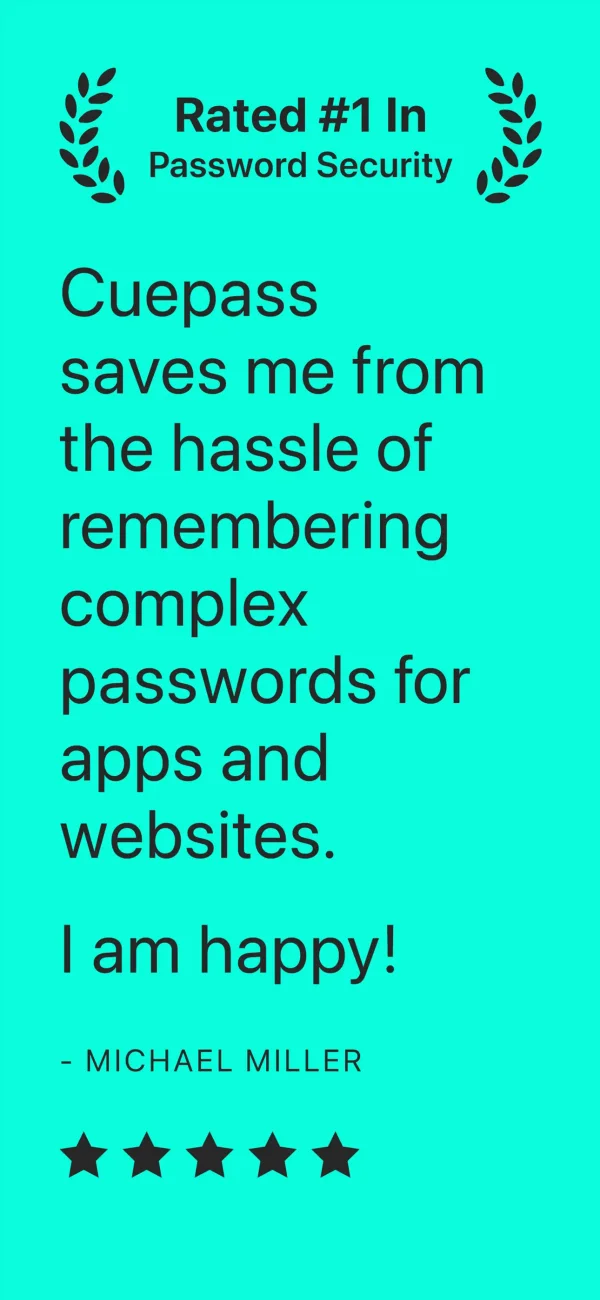
About
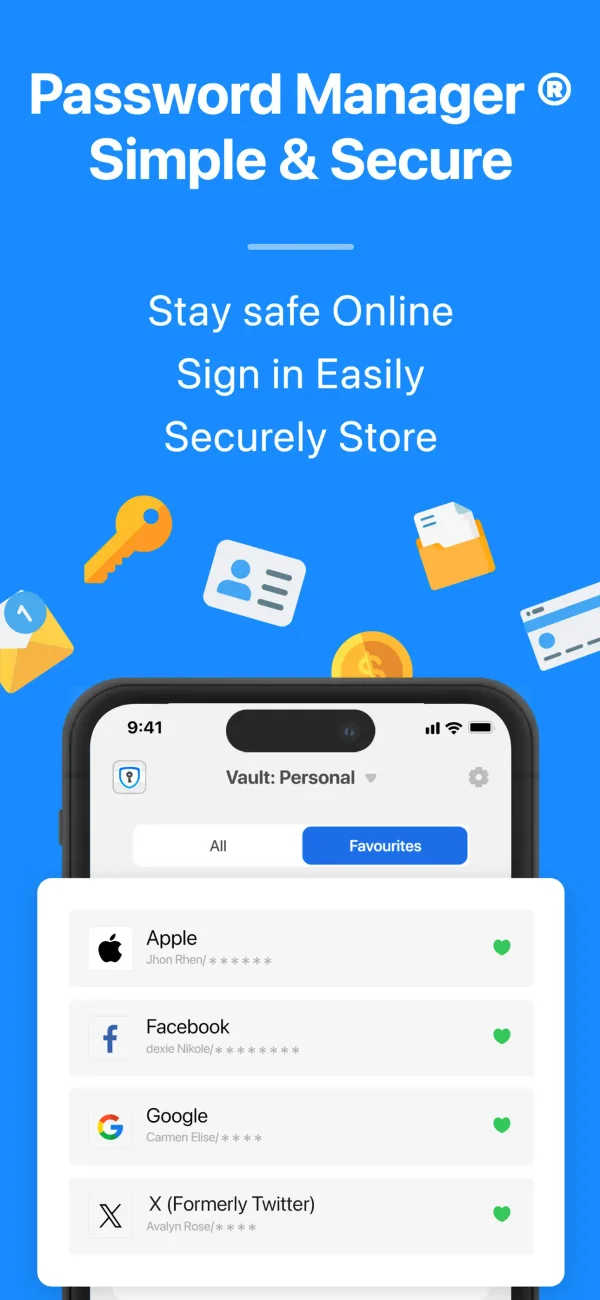
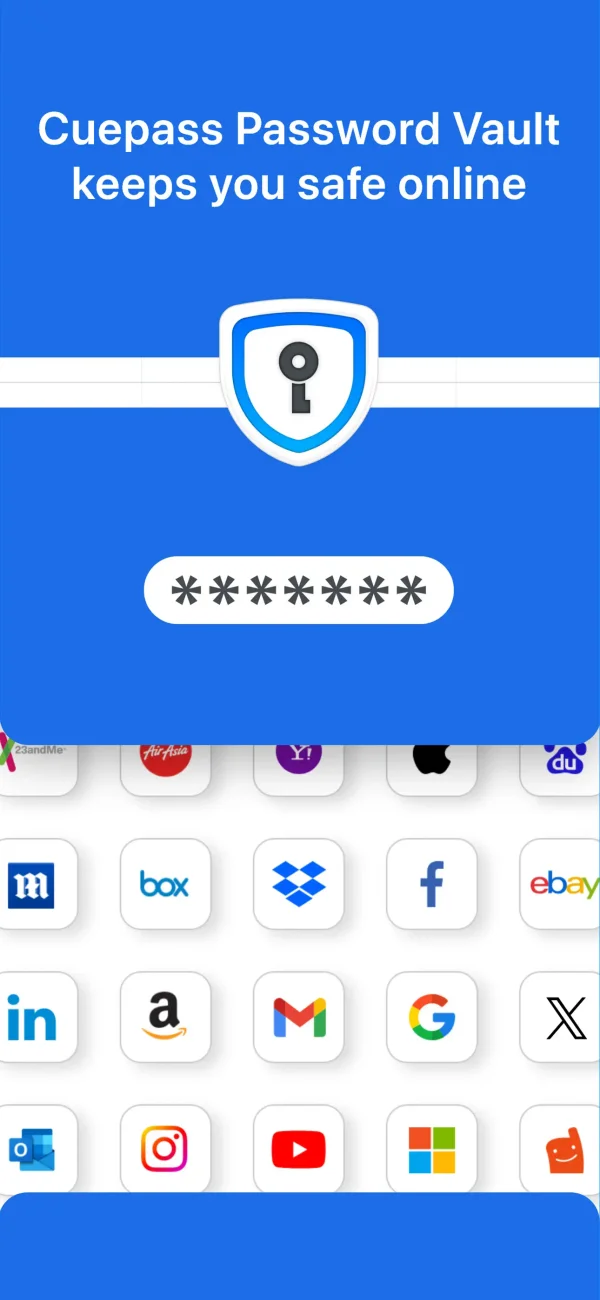
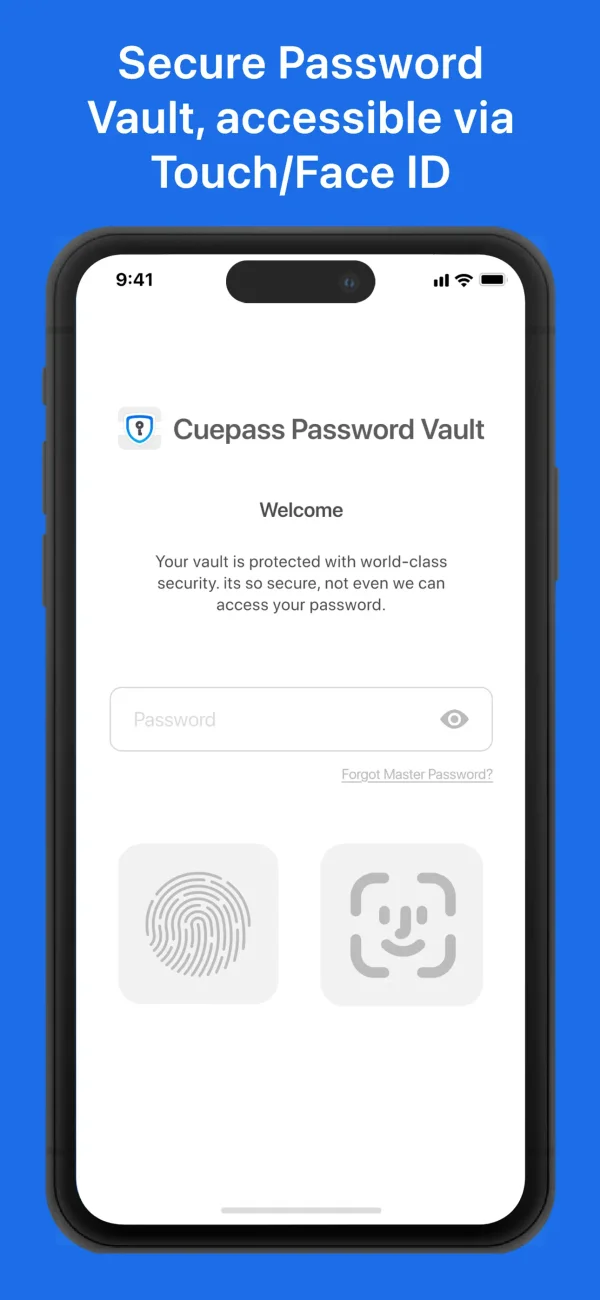
Password Manage.r remembers all your passwords for you, and keeps all the passwords safe and secure behind the one master password that only you know.
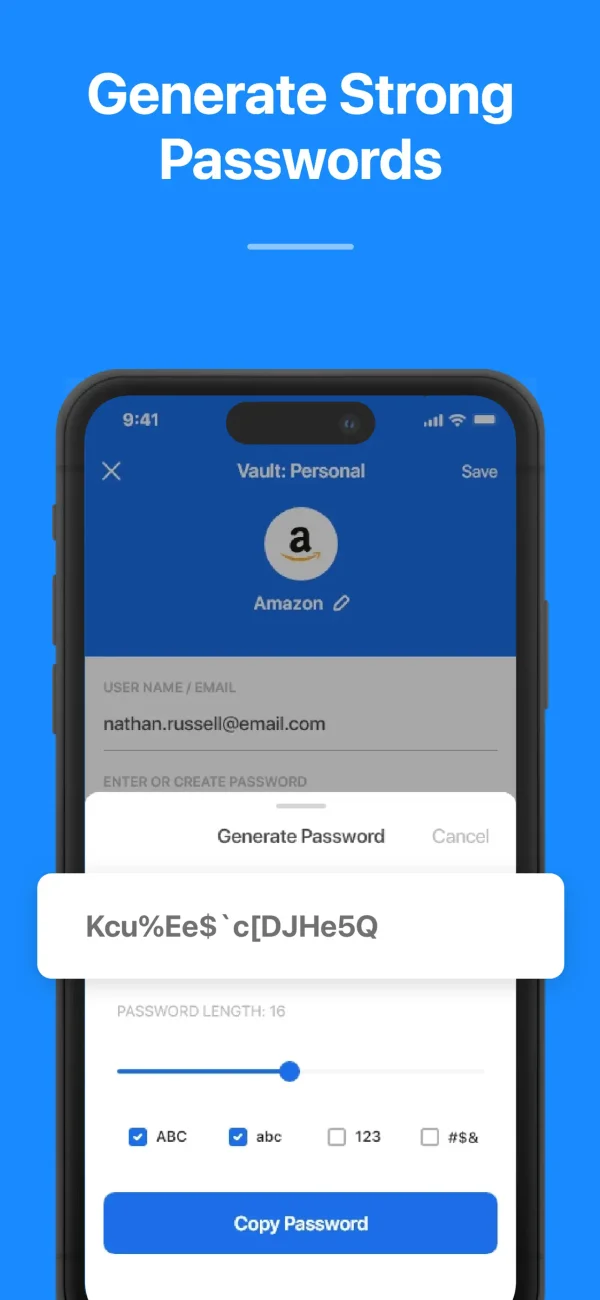
Password Manage.r is a powerful creator of passwords that will ward off hackers and keep your treasured information safe. Strong passwords are generated by complexed algorithms and stored in an encrypted database. You will only need one master pin to unlock it all and do as you wish.
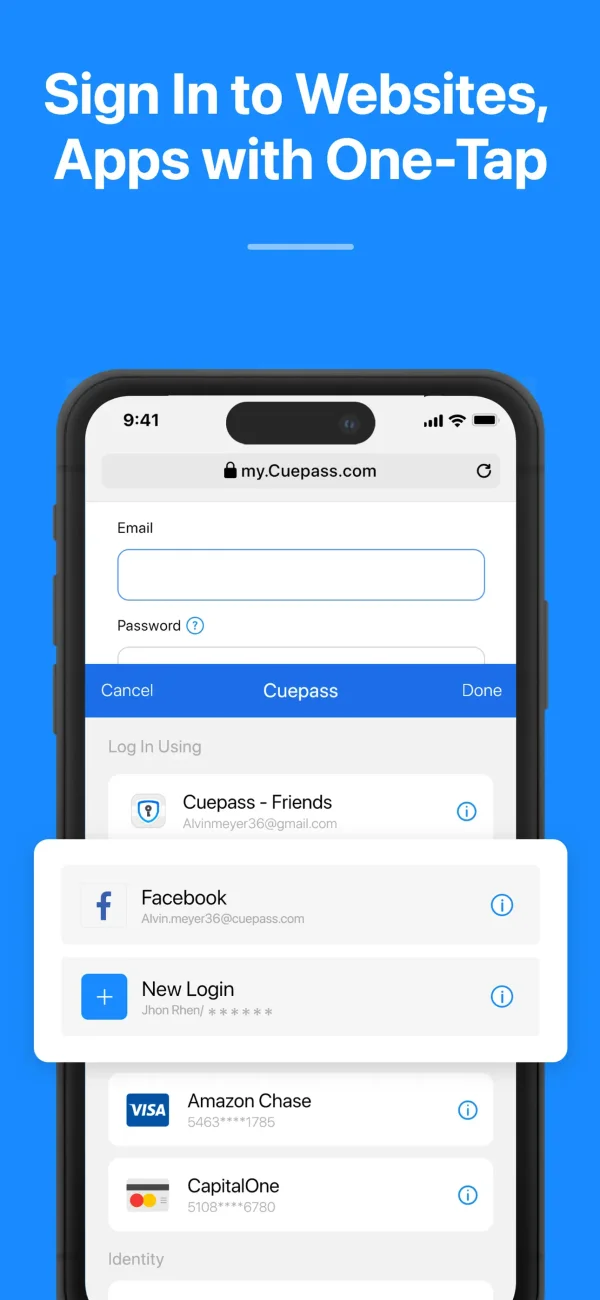
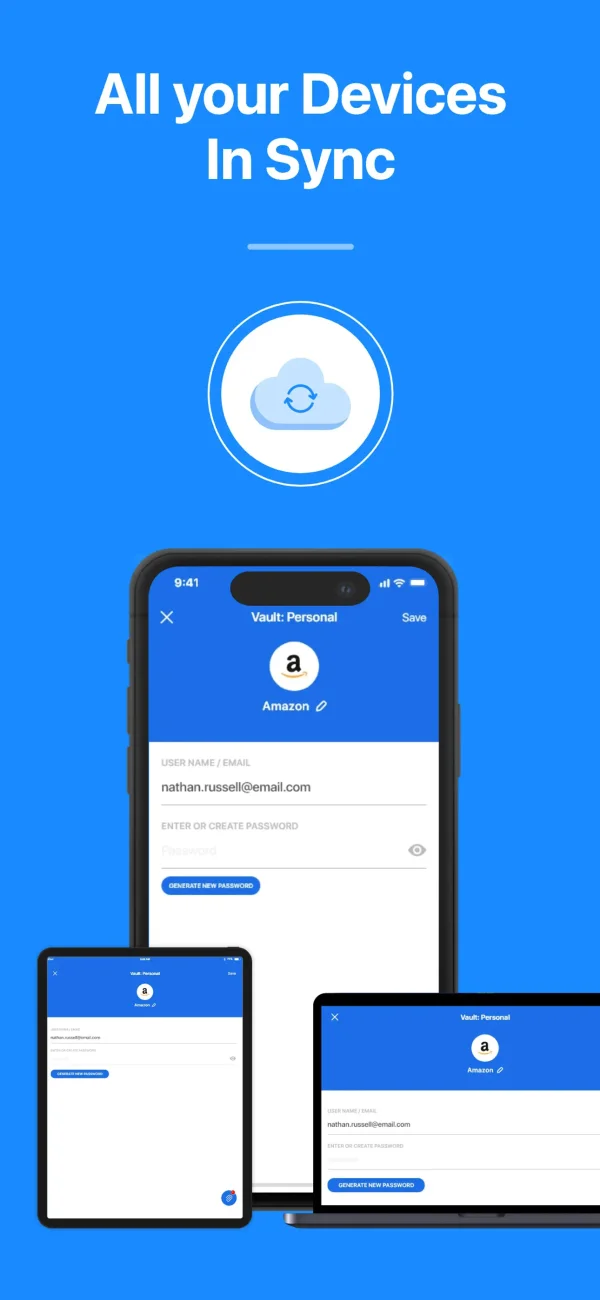
Password Manage.r can be use for websites ranging from medical to finances to simple gaming apps, so you can free your mind to tackle more important undertakings. Advance Encryption Standard (AES-256) will do all the grunt work of accessing your all devices and save your essential data.
Password Manage.r for more than just passwords, It securely stores personal info like your Contact, Wi-Fi passwords, Secure Notes or anything else you need to keep secure and accessible.
Subscription Terms and Conditions:
Password Manage.r Unlimited is a 1-month auto-renewable subscription for $7.99/month (after 3 days free trial).
Payment will be charged to iTunes Account at confirmation of purchase. Subscription automatically renews unless auto-renew is turned off at least 24-hours before the end of the current period. Account will be charged for renewal within 24-hours prior to the end of the current period. You can turn off auto-renew up to 24 hours before your next subscription payment is due via your App Store settings page. Subscriptions may be managed by the user and auto-renewal may be turned off by going to the user's Account Settings after purchase.
Privacy Policy: https://passwordvault.me/privacy-policy.html
Terms of Use: https://passwordvault.me/terms-of-use.html
EULA: https://www.apple.com/legal/internet-services/itunes/dev/stdeula/
What’s new
Version 3.1.8 · Nov 12, 2026
We've revamped your password management experience with our latest update, bidding farewell to any glitches with bug fixes, ensuring a smoother performance. Experience enhanced performance for quicker access to your passwords and accounts, while your security and convenience remain our top priorities. Update now to enjoy a seamless and secure password management experience!
App privacy
What GREEN DYGITAL CONSULTING LLP declares on the App Store about how this app handles data.
-
Data not linked to you
May be collected but is not linked to your identity.
- Contact info
- User content
- Usage data
- Diagnostics
Privacy practices may vary, for example with the features you use or your age.
Information
- Seller
- GREEN DYGITAL CONSULTING LLP
- Category
- Productivity
- Version
- 3.1.8
- Updated
- Nov 12, 2026
- Released
- Oct 10, 2020
- Size
- 91.5 MB
- Requires
- iOS 13.0 or later
- Age rating
- 4+
- Price
- Free
- In-app purchases
- Yes
- Languages
- English, French, Russian
- Copyright
- © PasswordManager
You might also like
-
 Password Manager & GeneratorSecret Photo Vault & App lock
-
 Password Manager iPassSafePassword Generator & Autofill
-
 Password Manager - Safe LockAutofill Passwords & Passcode
-
 iPassworder Password ManagerEasiest way to store passwords
-
 Passwords CloudUser-friendly Password Manager
-
 Sésame secure Password ManagerPasskeys, autofill, vault
-
 All Router Password ManagerWi-Fi password manager
-
 Password Manager ManagerPassPassword keeper and generator
-
 Password Manager: SafePasskeys & 2FA
-
 Password Manager'Lock Apps Keep Vault Safe