
Paste – Limitless Clipboard
Copy, Search, Manage, Share
Designed for iPhone, iPad, Mac
Free · In-app purchases
- Age rating4+
- CategoryProductivity
- DeveloperPaste Team
- LanguagesEnglish+ 15 more
- Size158.0 MB
Links to the official App Store page
Download.org hosts no file of Paste – Limitless Clipboard. The button opens its official App Store page, published by Paste Team. Listing last checked on Nov 21, 2026.
Screenshots


About
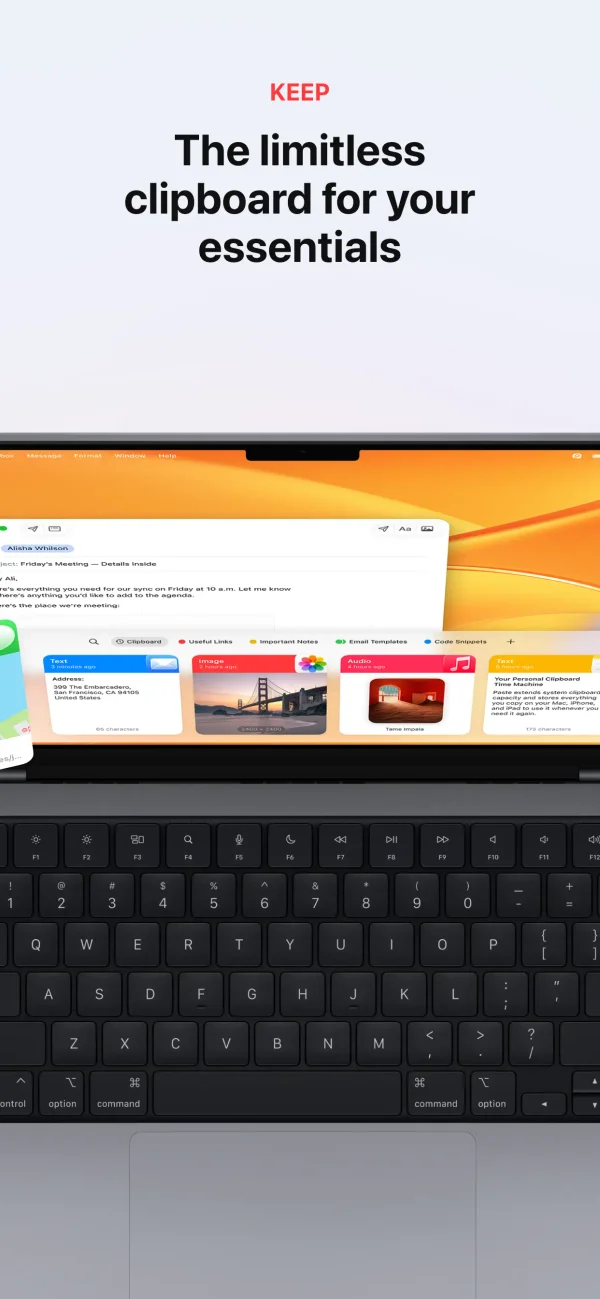
Paste remembers everything you copy — text, links, images, files — on Mac, iPhone, and iPad. So the thing you copied yesterday, last week, or last month is always one shortcut away.
Trusted for 10 years by designers, developers, writers, lawyers, and support teams. Recognized by Apple as an "invaluable utility."
NEVER LOSE A COPY AGAIN
Your clipboard normally holds one item. Paste holds them all.
– Unlimited clipboard history across all your devices
– Clear visual previews — see exactly what you copied, and where it came from
– Rules that automatically skip passwords and other sensitive content
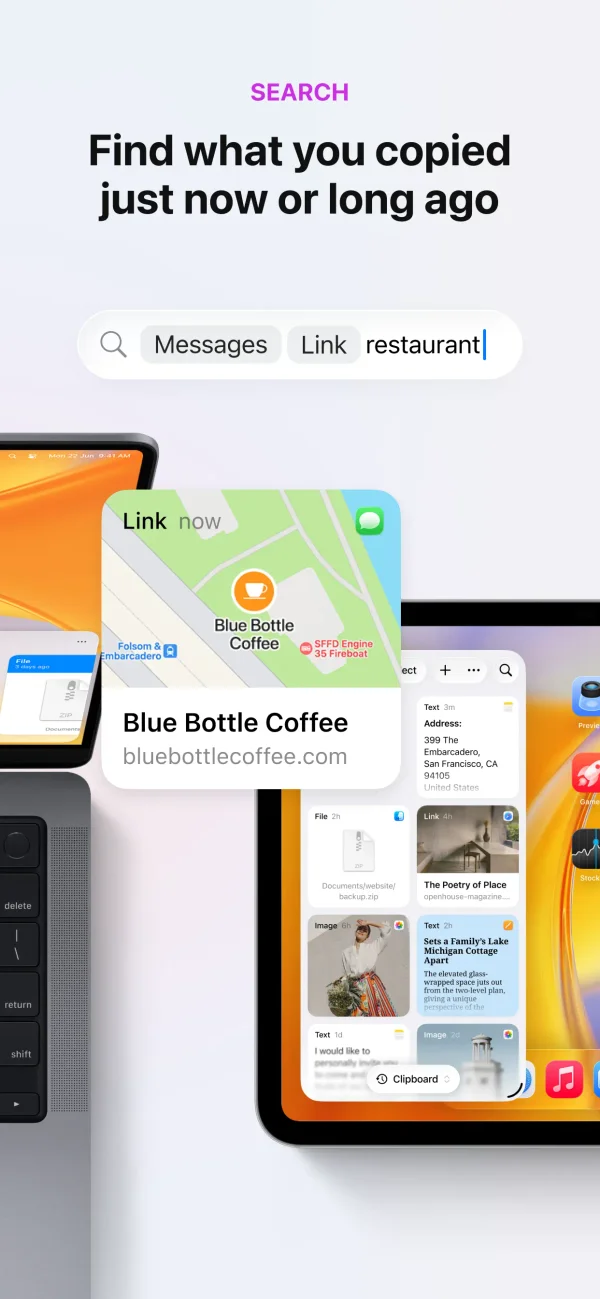
FIND ANYTHING IN SECONDS
– Search everything you've ever copied — even text inside screenshots and photos
– Filter by app, date, device, or content type
– Jump straight from a search result to its place in your history
PASTE AT THE SPEED OF THOUGHT
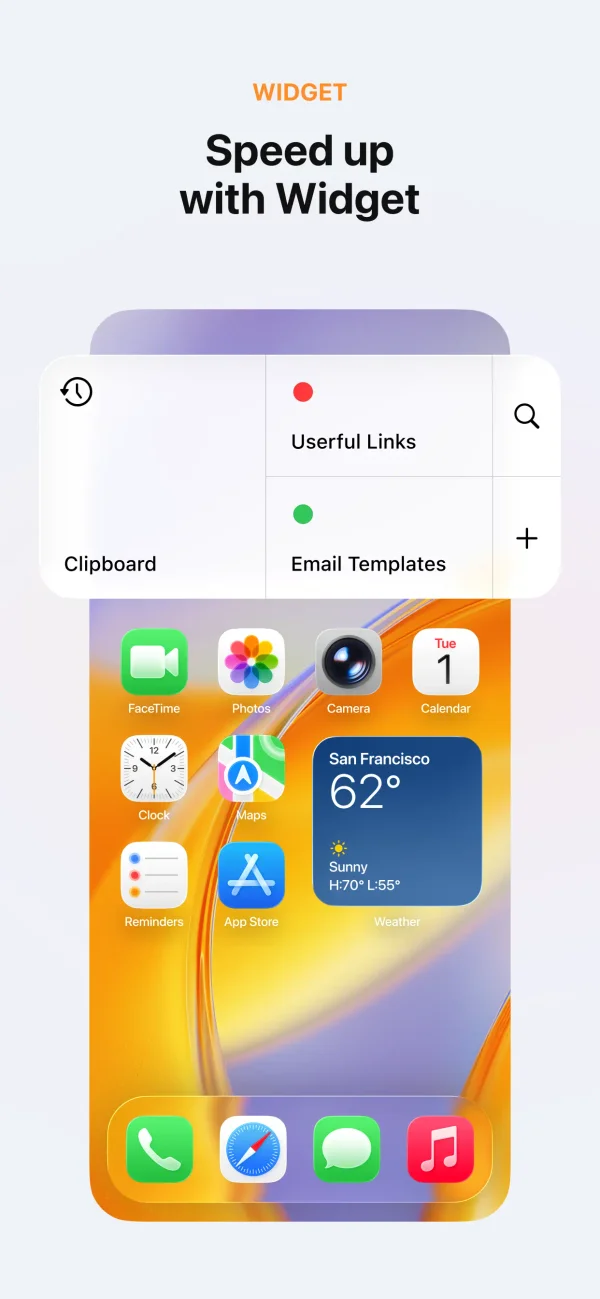
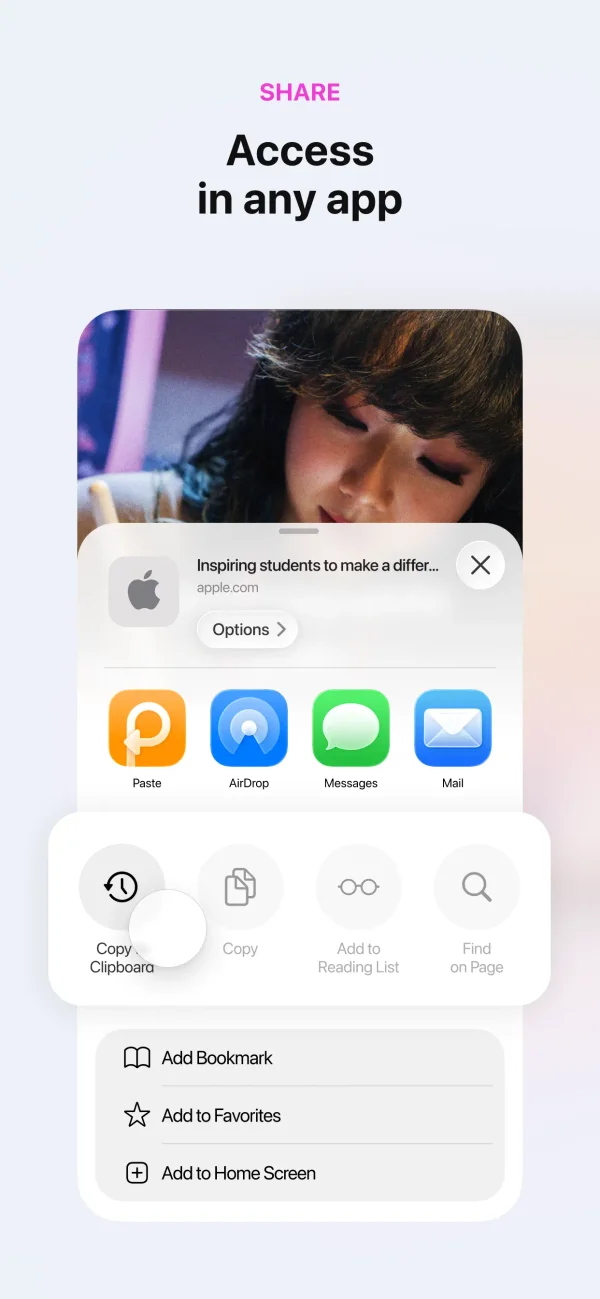
– Open Paste in any app with a single shortcut
– Paste recent items instantly with ⌘1–9
– Queue items in Paste Stack and paste them in order — perfect for forms and repetitive work
– Paste as plain text whenever you want formatting gone
EVERYWHERE YOU WORK
– iCloud sync keeps Mac, iPhone, and iPad perfectly in step
– Hand off items between devices mid-task
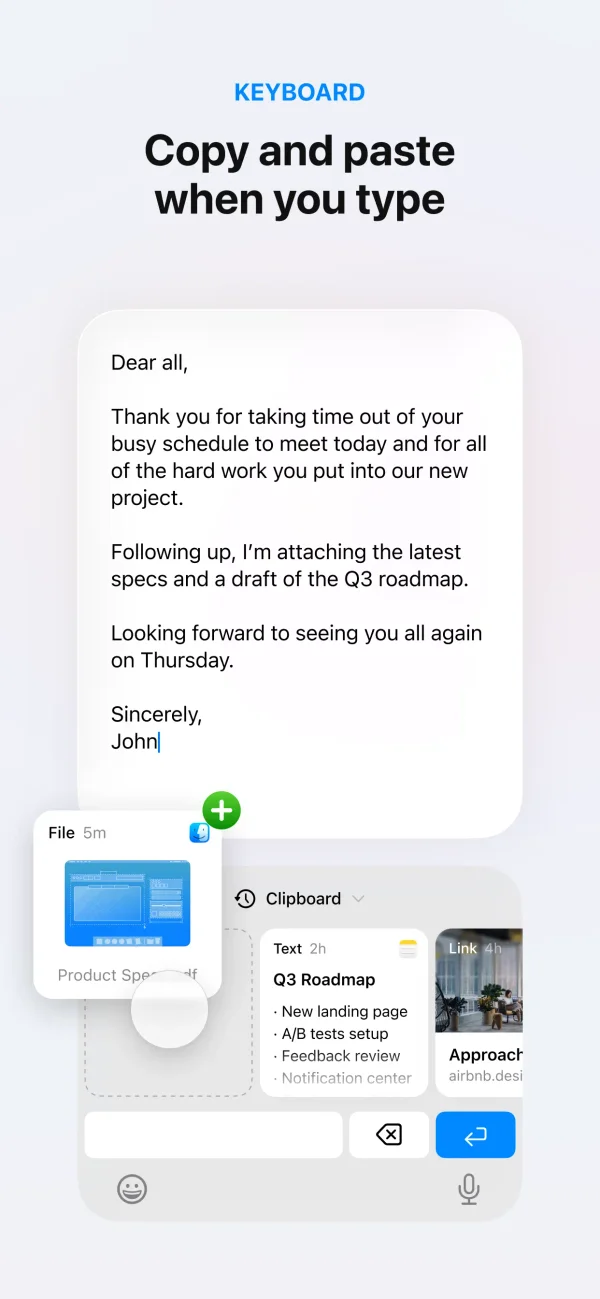
– On iOS: the Paste Keyboard brings your whole history into any app
– Works seamlessly alongside Universal Clipboard
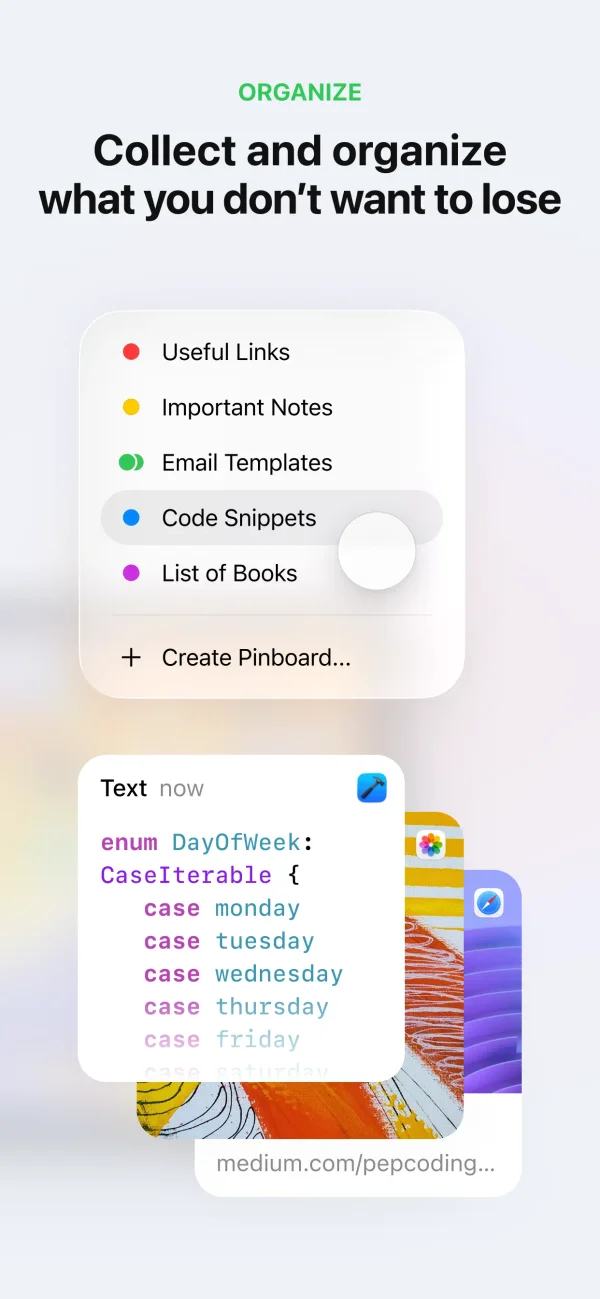
ORGANIZE AND COLLABORATE
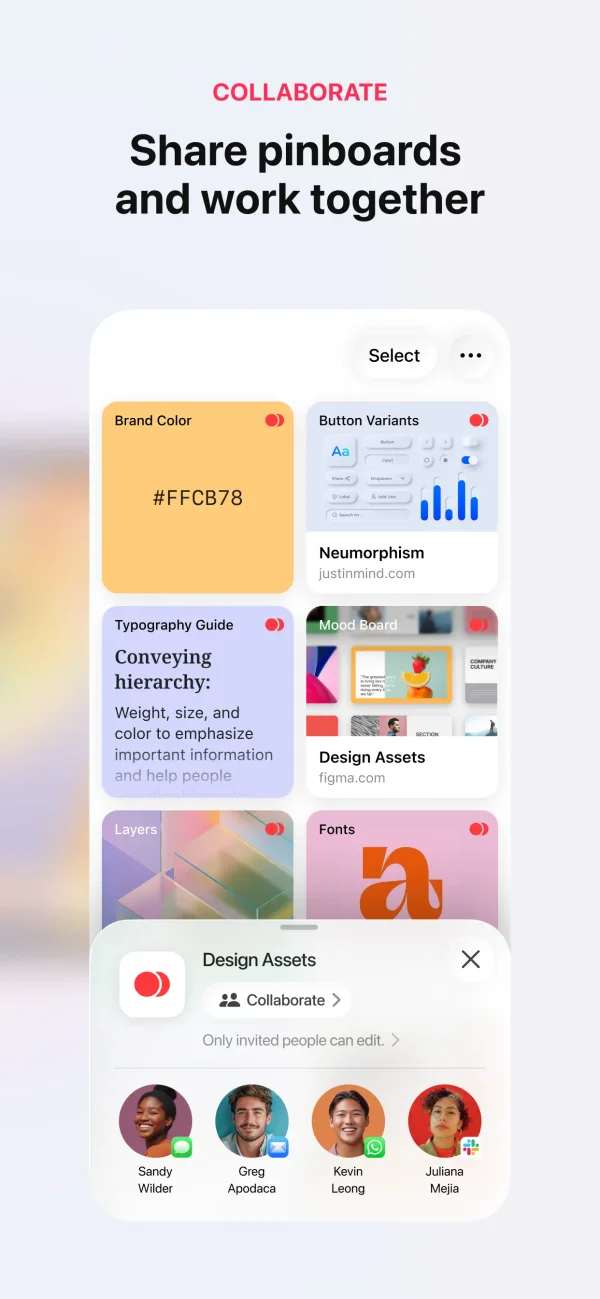
– Keep the important stuff on Pinboards — snippets, templates, and assets that never expire
– Share Pinboards with your team, family, or clients
– You decide who can view and who can edit
WORKS WITH YOUR AI TOOLS
– Connect your clipboard history to Claude, Cursor, and other AI assistants with built-in MCP support (Mac)
– Polish copied text with Apple Intelligence Writing Tools
PRIVATE BY DESIGN
– Your data lives on your devices and in your private iCloud — never on our servers
– Hide Paste from screen sharing and recordings
– Pause capture any time
Try Paste free for one week. Subscriptions (monthly or annual), a Family plan, and a one-time Lifetime purchase unlock everything on Mac, iPhone, and iPad.
"I don't know how I lived without it" — the thing users tell us most. Copy something. You'll see.
Learn more: pasteapp.io
Say hello: pasteapp.io/contact or @paste_app on X
Terms: pasteapp.io/terms
What’s new
Version 7.1.0 · Nov 16, 2026
- Copying something you copied long ago moves it back to the front of your history.
- On devices without a document camera, Scan Document shows a clear message.
Fixes
- A copy is no longer lost when you switch apps right after copying.
- The first thing you copy after setting up Paste is saved.
- The Paste keyboard no longer closes on items whose preview is not ready yet.
- On iPad with large text, the setup buttons stay reachable.
- Images, links and pinned items sync between your devices more reliably.
App privacy
What Paste Team declares on the App Store about how this app handles data.
-
Data linked to you
May be collected and linked to your identity.
- Identifiers
-
Data not linked to you
May be collected but is not linked to your identity.
- Purchases
- Usage data
- Diagnostics
Privacy practices may vary, for example with the features you use or your age.
Information
- Seller
- Paste Team
- Category
- Productivity
- Version
- 7.1.0
- Updated
- Nov 16, 2026
- Released
- Mar 21, 2015
- Size
- 158.0 MB
- Requires
- iOS 26.0 or later
- Age rating
- 4+
- Price
- Free
- In-app purchases
- Yes
- Languages
- English, Czech, Danish, Dutch, French, German, Hebrew, Italian, Japanese, Korean, Polish, Portuguese + 4 more
- Copyright
- © 2015-2026 Paste Team ApS
You might also like
-
 Clipboard - Paste KeyboardAuto Copy and Paste Keyboard
-
 ClipboardYour awaited Clipboard is here
-
 Raindrop.ioAll in One Bookmark Manager
-
 mymind – Extend your mindNever forget anything anymore.
-
 Raycast: Keyboard, AI and moreProductivity on the go
-
 Cheatsheet: Sticky Note WidgetQuick Recall Memos + Watch App
-
 NotePlan - To-Do List & NotesMarkdown, Planner, Calendar
-
 Anybox - Bookmark & Read LaterSave and Organize Links
-
 Shortcuts for Action Button 15Automation Commands for Siri
-
 Craft: Notes, Documents, AITask, Schedule & Reminder