Cheatsheet: Sticky Note Widget
Quick Recall Memos + Watch App
Designed for iPhone, iPad
Free · In-app purchases
- Age rating4+
- CategoryProductivity
- DeveloperOverdesigned, LLC
- LanguagesEnglish+ 10 more
- Size128.1 MB
Links to the official App Store page
Download.org hosts no file of Cheatsheet: Sticky Note Widget. The button opens its official App Store page, published by Overdesigned, LLC. Listing last checked on Nov 15, 2026.
Screenshots
About
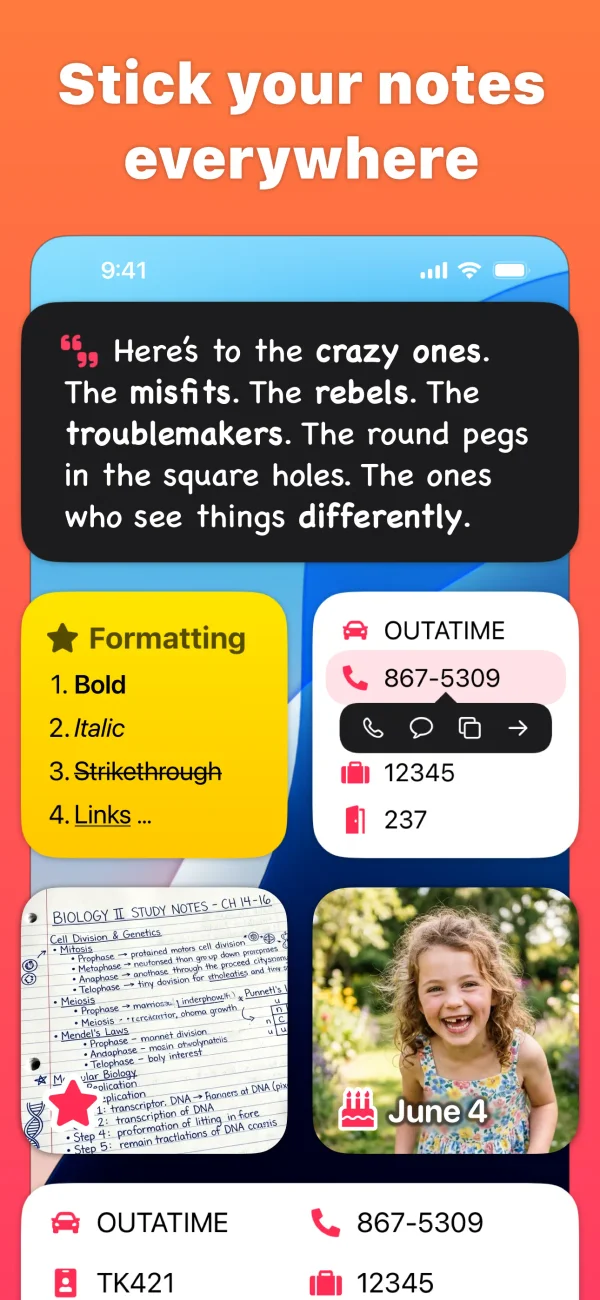
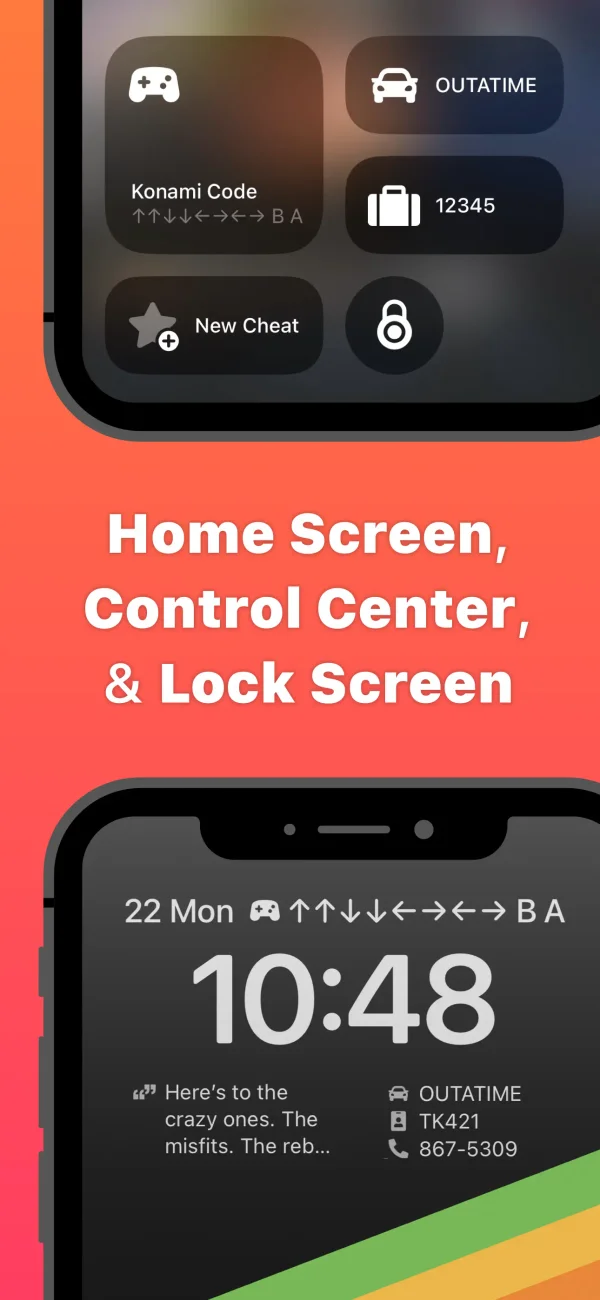
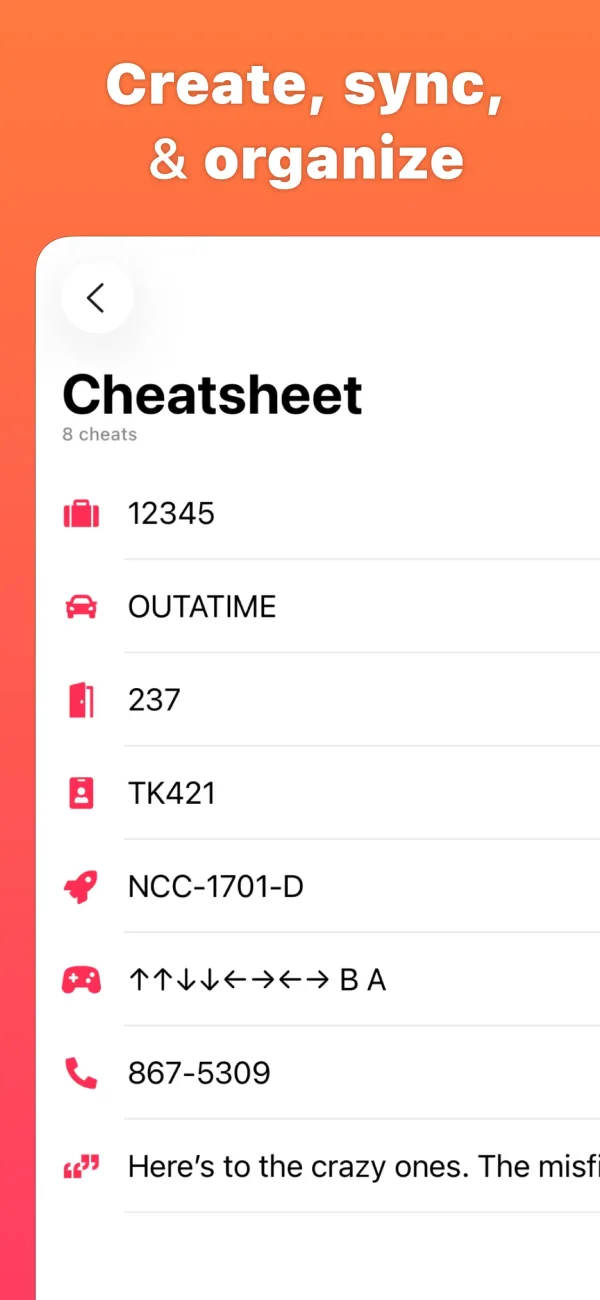
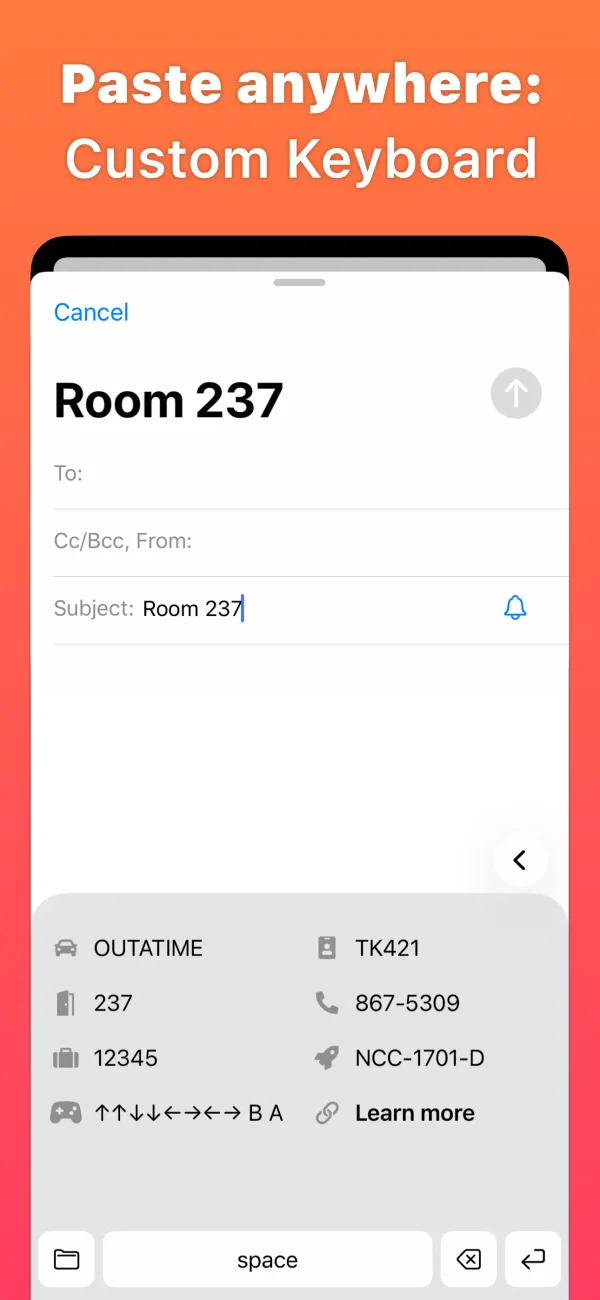
Cheatsheet is for the little things you never remember: hotel rooms, license plates, luggage combination, ID numbers. Write them down in Cheatsheet and then refer to them anytime in a Widget or paste them anywhere with the Custom Keyboard. No more fumbling to unlock your phone and find your notes app; Cheatsheet is as easy as looking at your lock screen, pulling up the keyboard, or glancing at your Apple Watch.
App Features:
• Simple UI for adding and managing your cheats.
• Over 450 icons to help you recognize what you’re looking for.
• Quickly copy a cheat by tapping-and-holding on a row.
• Search for your cheats, both in the app and in Spotlight.
• Use Shortcuts or Siri to “add notes to Cheatsheet” or “find notes in Cheatsheet”.
• Organize your cheats with folders and titles.
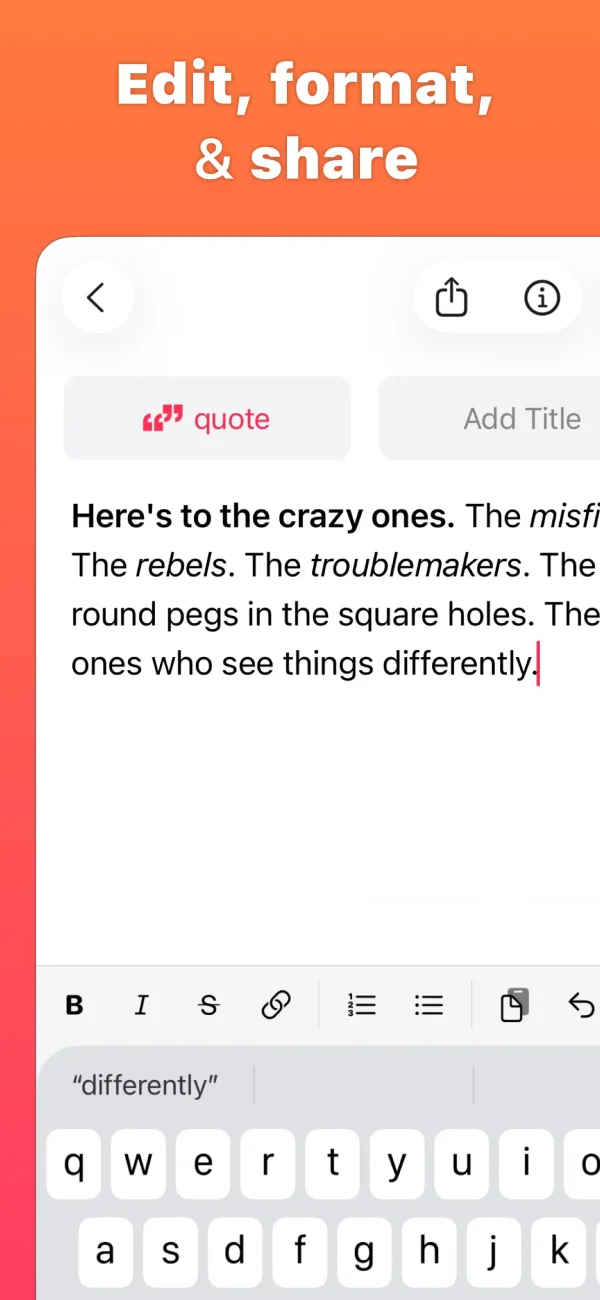
• Format your notes with bold, italics, lists, links, and more.
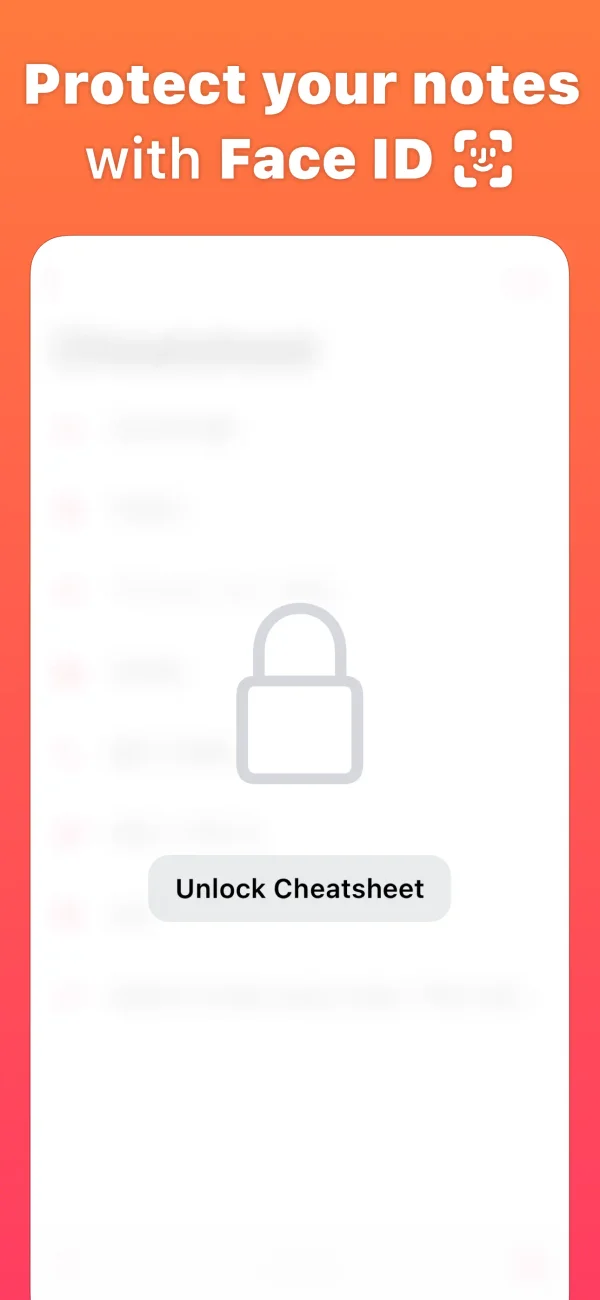
• Protect your cheats with Passcode Lock (Pro feature).
• Sync between all your iOS devices via iCloud (Pro feature).
Widgets:
• Multiple sizes, styles, and colors.
• Tap a cheat to open it. Tap the “+” button to add a cheat in the app.
• Cheatsheet also has a “Today widget” with options to copy or delete cheats.
Apple Watch:
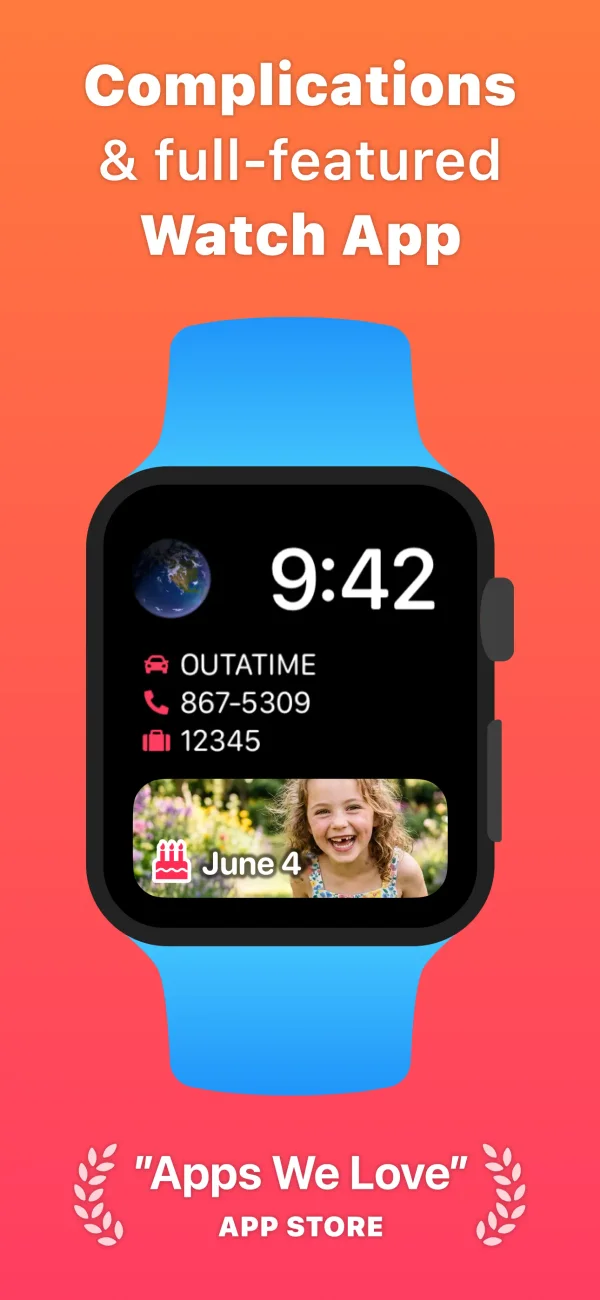
• Add, edit, and delete cheats right from your wrist.
• Complications show your top cheat (or several cheats) right on your watch face.
• Syncs to your iPhone via iCloud (Pro feature).
Keyboard Extension:
• Shows up to 50 cheats, which you can insert anywhere you can use a custom keyboard.
• Includes space, delete, and return keys to help with simple edits.
Advanced Features:
• Automate your workflows with Shortcuts.
• Action extension: send text or URLs to Cheatsheet from any app via the share sheet.
• Customize the Cheatsheet widget’s appearance and behavior to suit your needs.
• Add or open notes from Control Center (iOS 18 required).
• URL scheme for adding a cheat: cheatsheet://add?text=everything%20is%20awesome.
Cheatsheet Pro:
• Remove limits on the widget, keyboard, and Watch app.
• Protect your cheats with Passcode Lock.
• Organize your cheats with folders.
• Sync your cheats between your devices with iCloud.
• Cheatsheet Pro is a simple, annual subscription; there is a one-time purchase option for customers who want to avoid subscriptions. Cheatsheet for Mac is sold separately.
• Purchases help support the ongoing development of Cheatsheet — this app is beloved by its users and has over 10 years of active development by a single indie developer, so your support is truly appreciated!
Terms of Use: https://www.apple.com/legal/internet-services/itunes/dev/stdeula/
What’s new
Version 6.2.3 · Oct 23, 2026
Fixed some issues with Lock Screen widgets on iPhone 18 Pro. Optimized syncing on Apple Watch app.
App privacy
What Overdesigned, LLC declares on the App Store about how this app handles data.
-
Data not linked to you
May be collected but is not linked to your identity.
- Purchases
- Usage data
- Diagnostics
Privacy practices may vary, for example with the features you use or your age.
Information
- Seller
- Overdesigned, LLC
- Category
- Productivity
- Version
- 6.2.3
- Updated
- Oct 23, 2026
- Released
- Sep 17, 2014
- Size
- 128.1 MB
- Requires
- iOS 17.4 or later
- Age rating
- 4+
- Price
- Free
- In-app purchases
- Yes
- Languages
- English, French, German, Italian, Japanese, Korean, Portuguese, Russian, Simplified Chinese, Spanish, Traditional Chinese
- Copyright
- © 2014–2026 Overdesigned, LLC
You might also like
-
 Goal & Habit Tracker GridBuild Routines, Complete Tasks
-
 Quick Notes - CaptureBrain dump thoughts & ideas
-
 Bear Markdown Notes & JournalWriting app, notepad & editor
-
 Bluebird Focus TimerProductivity
-
 DraftsWhere text starts
-
 Lil Planner: Visual ScheduleRoutine for kids, ADHD, autism
-
 Sofa: Downtime OrganizerTV, books, podcasts & beyond
-
 Paste – Limitless ClipboardCopy, Search, Manage, Share
-
 Essayist: Academic Writing AppAPA, MLA, Chicago & More
-
 Folio – Save now. Read later.Great stories in your pocket