- Age rating4+
- CategoryUtilities
- DeveloperZhihui Tang
- LanguagesEnglish+ 2 more
- Size8.5 MB
Links to the official App Store page
Download.org hosts no file of PasteKit. The button opens its official App Store page, published by Zhihui Tang. Listing last checked on Nov 12, 2026.
Screenshots
About
PasteKit - Your Smart Clipboard Manager
Save, organize, and quickly paste your frequently used text across all your Apple devices. PasteKit is a powerful clipboard management suite that
puts your most important text snippets at your fingertips.
KEY FEATURES:
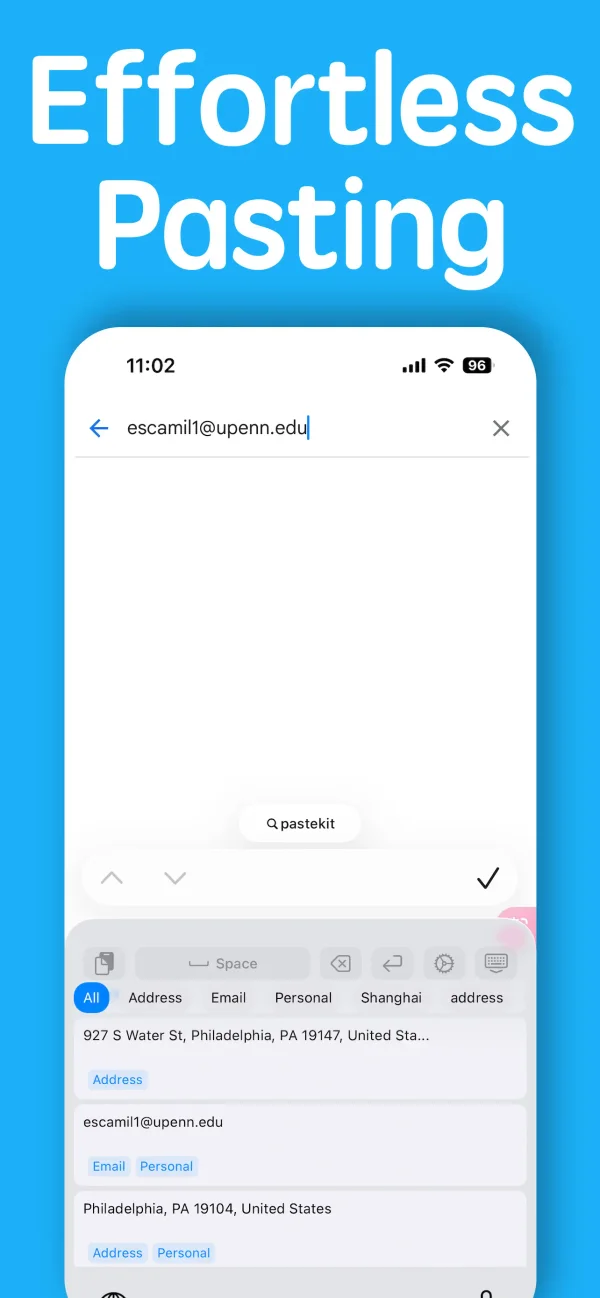
Custom Keyboard Extension (iOS)
• Access your saved items directly from any app's keyboard
• Paste frequently used text with a single tap
• Add new clipboard items on the go
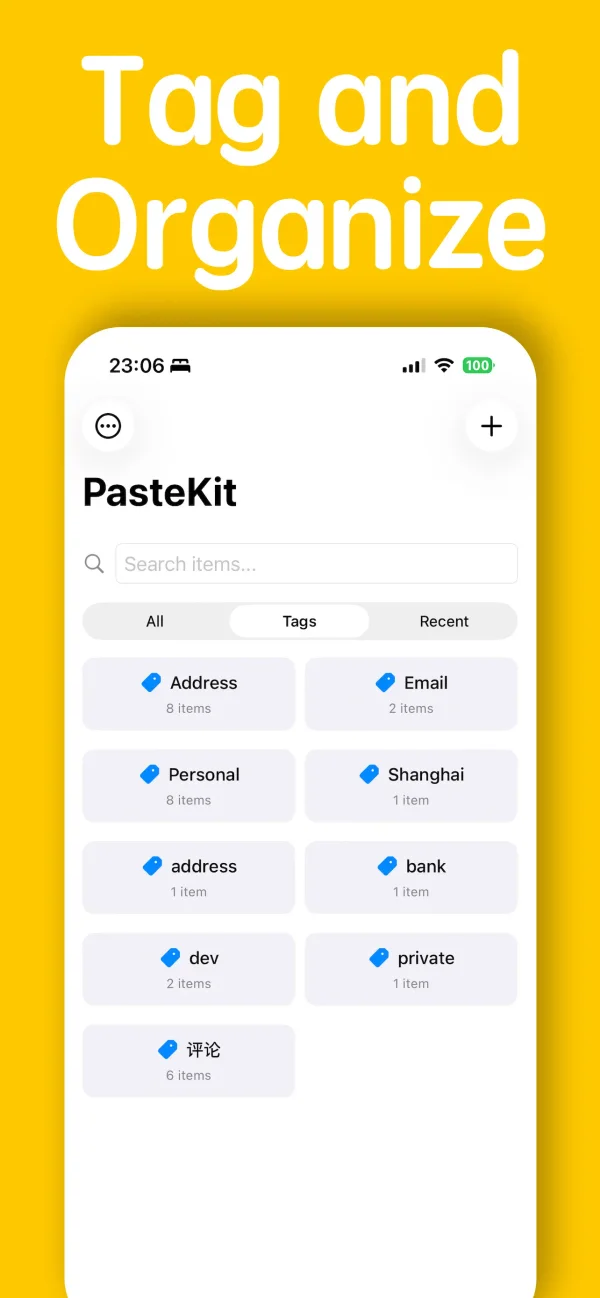
• Tab-based organization by tags
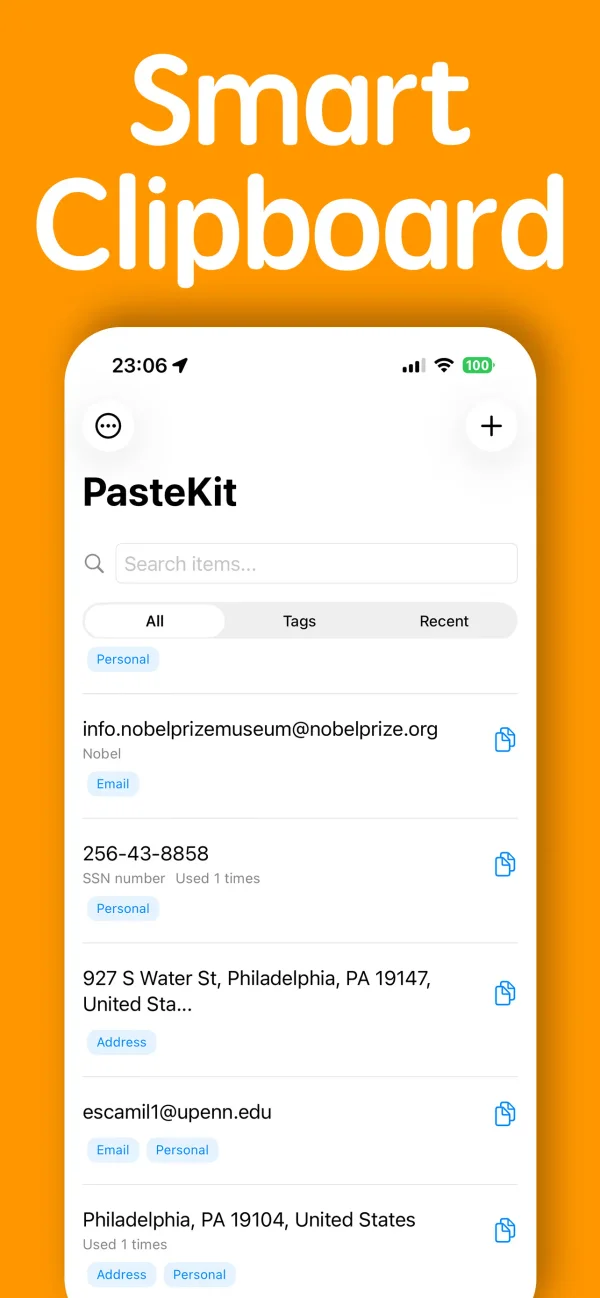
Smart Organization
• Organize items with custom tags
• Quick search to find what you need
• Usage tracking shows your most-used items
• Filter by tags for easy access
iCloud Sync
• Automatically syncs across iPhone, iPad, and Mac
• Your data stays in YOUR private iCloud account
• Works offline - syncs when connected
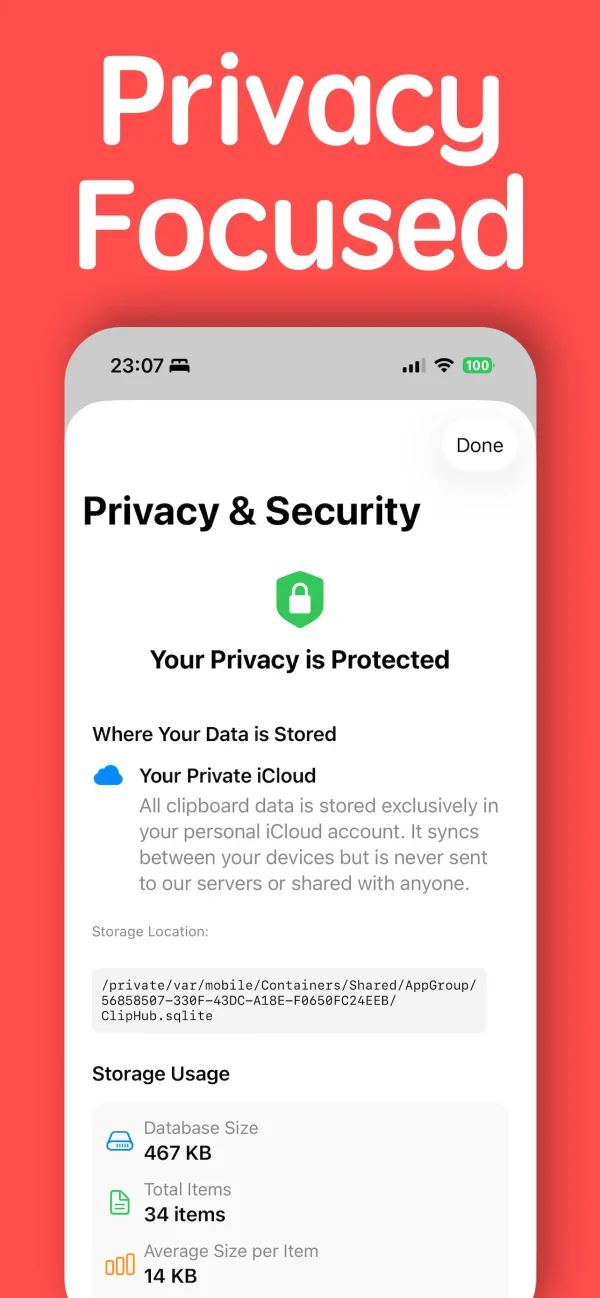
Privacy First
• All data stored exclusively in your personal iCloud
• Never sent to our servers
• End-to-end encryption via iCloud
• No third-party access to your data
macOS Menu Bar Integration
• Quick access from the menu bar
• Navigate by All Items, Tags, or Recent
• Export your data to JSON files
• Full-featured native macOS app
Powerful Features
• Save addresses, emails, code snippets, and more
• Add optional notes to identify content
• Multi-language support (English, Chinese, Swedish)
• Clean, native SwiftUI interface
PERFECT FOR:
• Developers who frequently paste code snippets
• Customer service reps with template responses
• Anyone who types the same information repeatedly
• Users who value privacy and control over their data
HOW IT WORKS:
1. Save frequently used text in the main app
2. Organize with tags and notes
3. Access instantly via the custom keyboard (iOS) or menu bar (macOS)
4. Paste with a single tap
PRIVACY & SECURITY:
Your privacy is our priority. PasteKit stores all clipboard data exclusively in your personal iCloud account. Your data syncs between your devices
but is never sent to our servers or shared with anyone. Everything is encrypted with your iCloud account credentials.
GET STARTED:
Download PasteKit today and never type the same thing twice. Say goodbye to copying and pasting from notes apps - your clipboard items are always
just a tap away.
---
REQUIREMENTS:
• iOS 16.6 or later for iPhone/iPad
• macOS 15.6 or later for Mac
• iCloud account for sync (optional but recommended)
• For keyboard extension: Enable "Allow Full Access" in Settings > General > Keyboard
Support: Contact us at pastekit1@gmail.com
App privacy
What Zhihui Tang declares on the App Store about how this app handles data.
-
Data not collected
The developer does not collect any data from this app.
Privacy practices may vary, for example with the features you use or your age.
Information
- Seller
- Zhihui Tang
- Category
- Utilities
- Version
- 1.0
- Updated
- Nov 25, 2025
- Released
- Nov 25, 2025
- Size
- 8.5 MB
- Requires
- iOS 16.6 or later
- Age rating
- 4+
- Price
- Free
- Languages
- English, Simplified Chinese, Swedish
- Copyright
- © crafttang
You might also like
-
 TapEraserRemove unwanted web elements
-
 AI Private NotesPrivate Intelligence
-
 Clipboard for KeyBoardUtilities
-
 Prompt ManagementUtilities
-
 4K UniPlayLocal Playback · Private Vault
-
 Stitch-Stitch ImageStitch Long Image
-
 SmartZip Pro: ZIP, RAR & 7ZFast Unzip, Preview & Compress
-
 Typeless Keyboard: AI SnippetsQuick Replies & Text Expand
-
 OmniClip - Universal ClipboardCopy text across all devices
-
 Neural Sound - Text to SpeechUtilities