
Pattern Studio
Draw clean vector patterns.
Designed for iPad
Free · In-app purchases
- Age rating4+
- CategoryGraphics & Design
- DeveloperCengiz Bodur
- LanguagesEnglish
- Size5.0 MB
Links to the official App Store page
Download.org hosts no file of Pattern Studio. The button opens its official App Store page, published by Cengiz Bodur. Listing last checked on Nov 17, 2026.
Screenshots
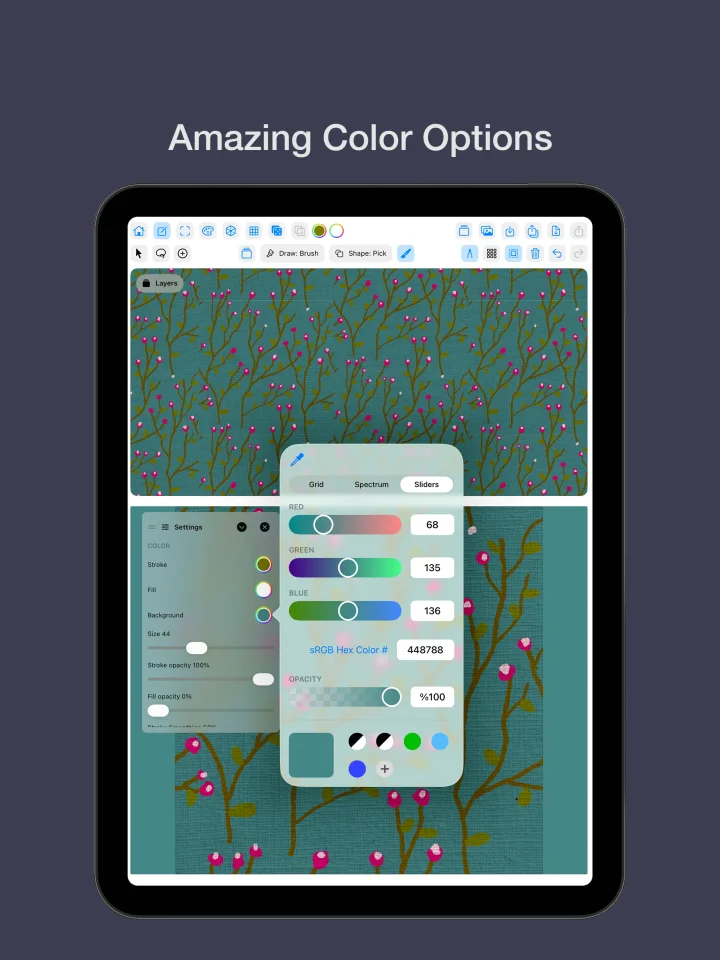
About
Pattern Studio is an all-in-one creative app for vector illustration and seamless pattern design on iPad. Whether you are a surface designer, illustrator, textile artist, or creative hobbyist, this app gives you powerful yet intuitive tools to turn your ideas into professional designs.
Create original vector illustrations from scratch, transform them into perfectly repeating seamless patterns, and export your work for print, web, or product design — all from one lightweight and easy-to-use app.
—Vector Drawing Tools
• Create clean, scalable vector-based illustrations
• Draw freely with precision tools
• Edit shapes, paths, colors, and strokes
• Perfect for icons, motifs, symbols, and illustrations
• Fully non-destructive workflow
—Seamless Pattern Creator
• Instantly turn your artwork into tileable seamless patterns
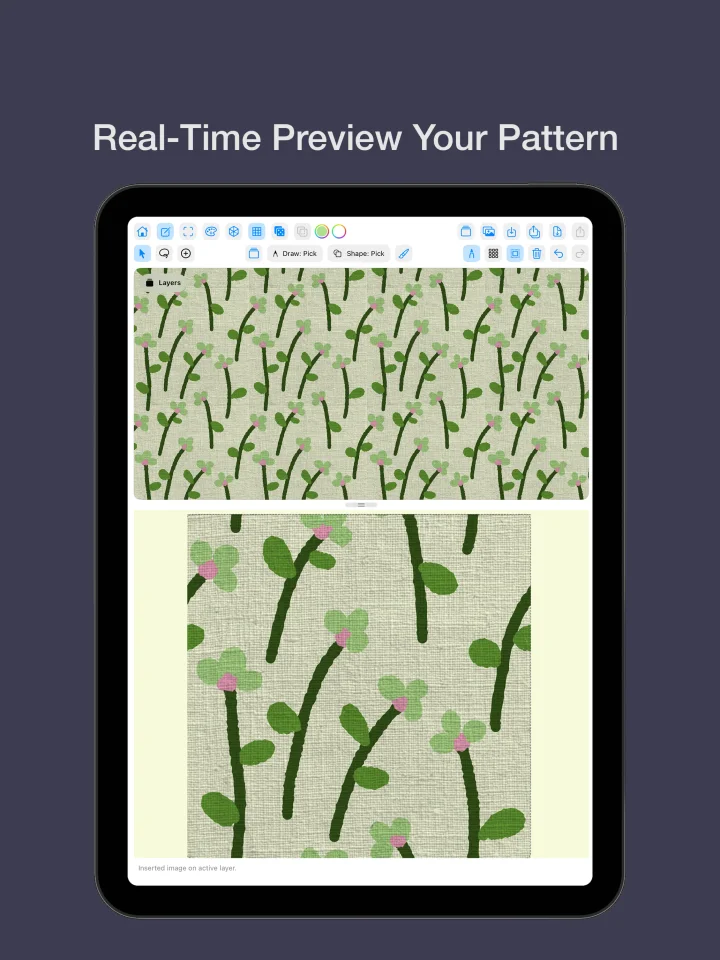
• Real-time pattern preview
• Adjust spacing, layout, and repetition
• Ideal for textiles, wallpapers, packaging, and digital backgrounds
• Create endless variations with ease
—Seamless repeats Choose how the tile connects to its neighbors: full drop, half drop, quarter or third drop, brick, diamond, hex, and more. The preview updates as you work so you can catch gaps and awkward joins early.
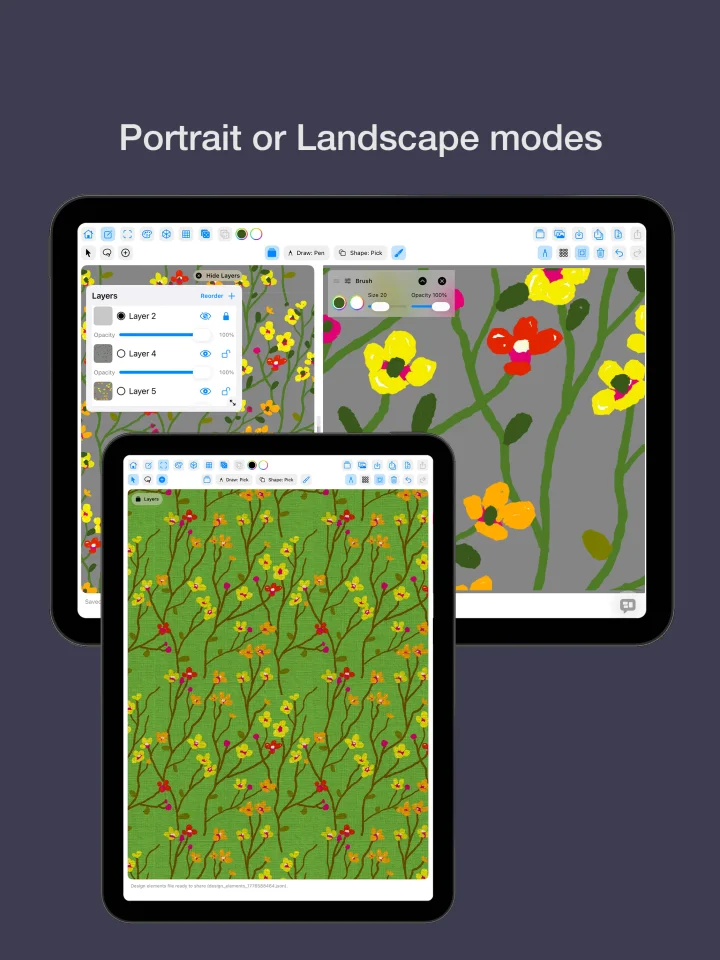
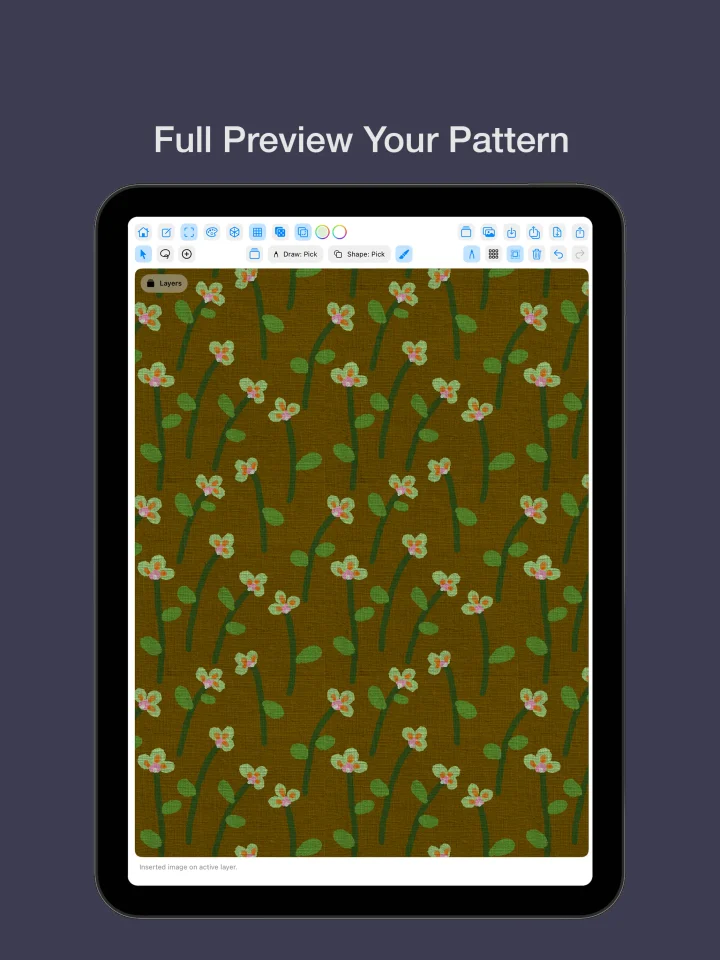
—Editor modes Switch between a tile editor (with optional repeat preview), a full pattern field, and illustration mode depending on whether you are polishing detail, checking overall rhythm, or working in a simpler layout.
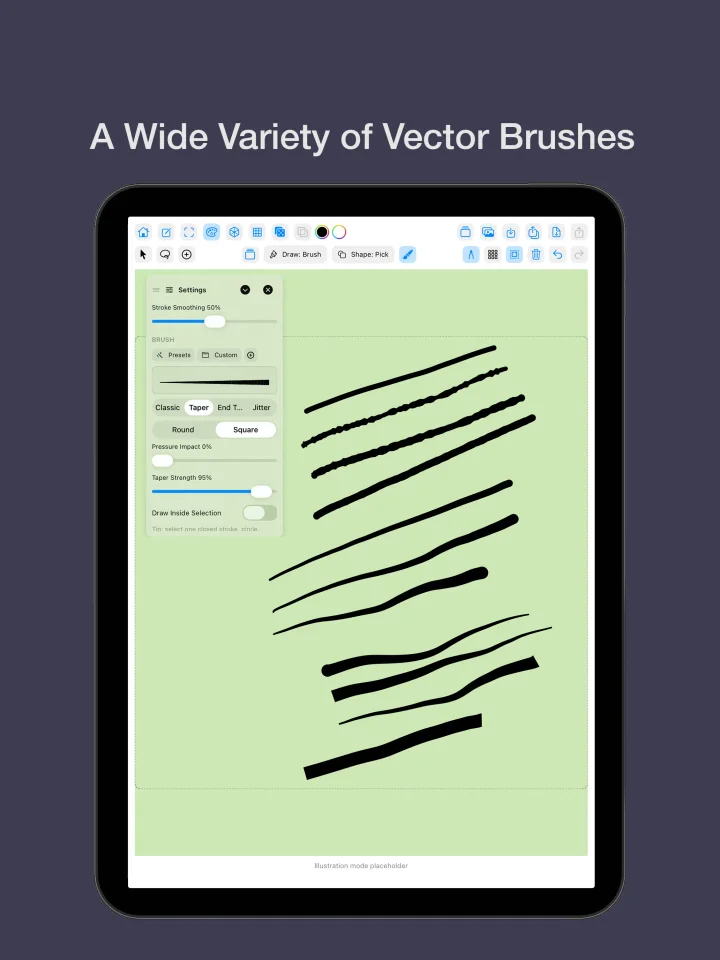
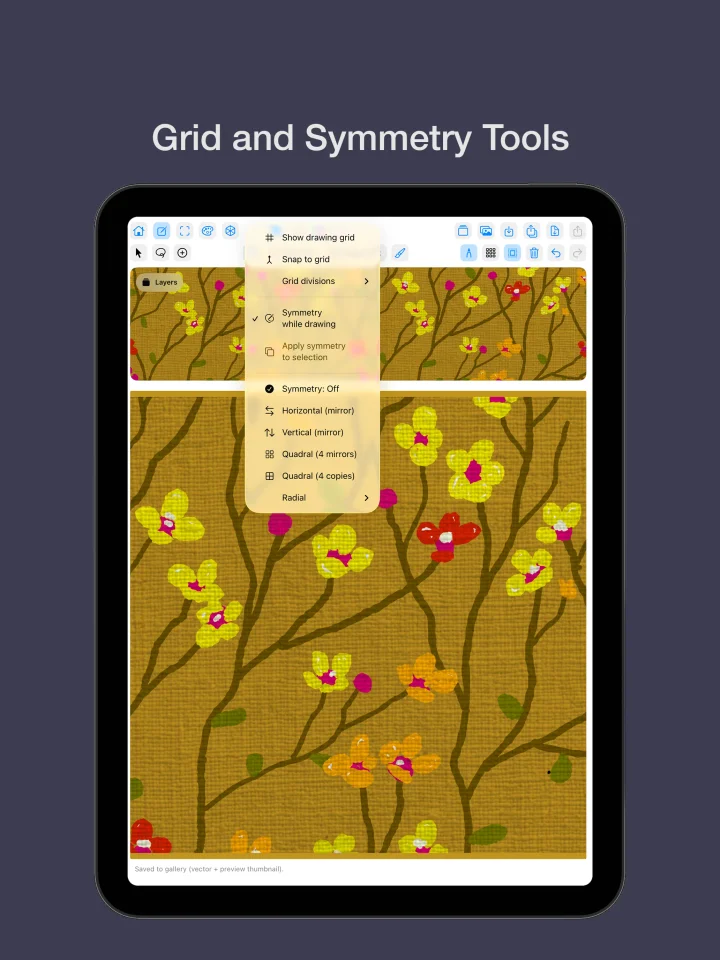
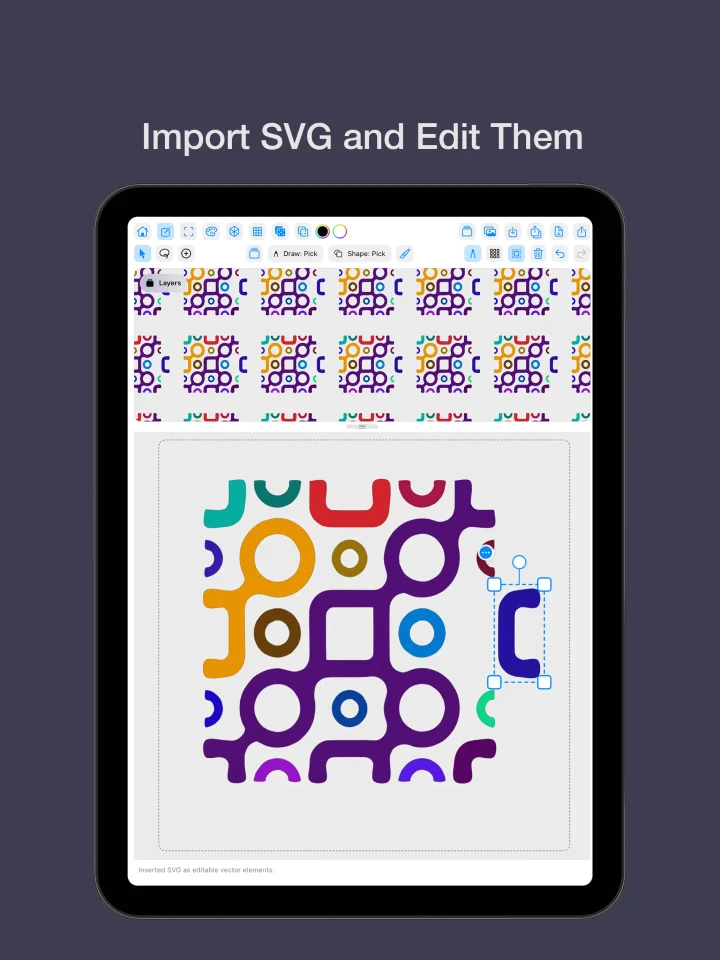
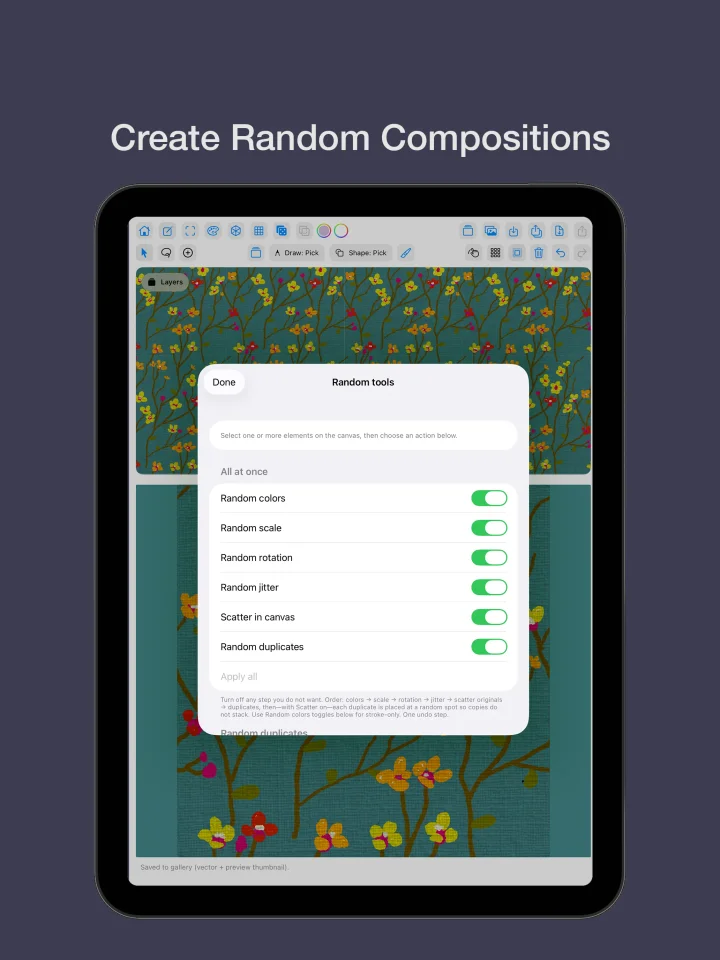
—Drawing & workflow Optional grid with snap, mirror and radial symmetry, layers, blend modes on selections, brush tools with pressure-sensitive strokes, Art brush stamps (from paths or imported SVG), randomization helpers, and image import when you want to trace or collage. Apple Pencil and touch are supported, with an optional stylus-only mode.
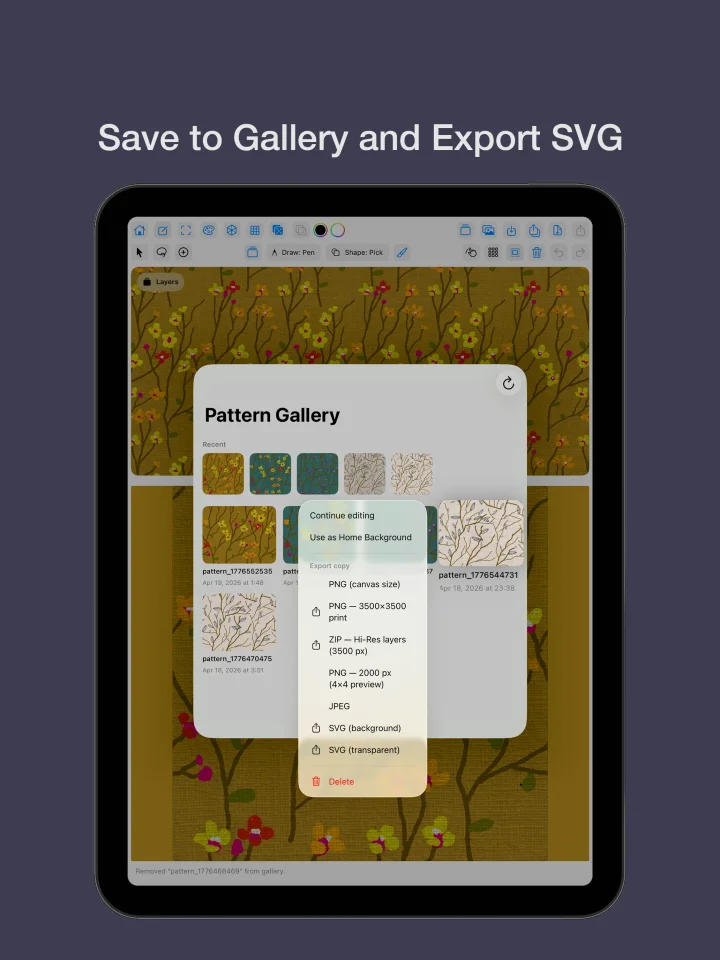
—Save, export, share Keep documents in an in-app gallery with thumbnails. Export to Files as PNG, JPEG, or vector formats depending on your plan, save snapshots to Photos, and use Share for design-elements packages. Premium unlocks high-resolution print exports and SVG export options for professional workflows.
—Privacy Pattern Studio is designed to keep your creative work on your device. See the Privacy Policy link on the App Store for details.
Requirements iPad.
Privacy Policy
https://sites.google.com/view/patterncreator-privacy/
Terms of Use
https://sites.google.com/view/patterncreator-terms/
What’s new
Version 2.2 · Sep 24, 2026
Important Performance update.
Stamp ( Texture ) brush style added.
A small draggable quick tools strip is now available on the canvas.
The Layers panel now always opens on the preview side.
App privacy
What Cengiz Bodur declares on the App Store about how this app handles data.
-
Data not collected
The developer does not collect any data from this app.
Privacy practices may vary, for example with the features you use or your age.
Information
- Seller
- Cengiz Bodur
- Category
- Graphics & Design
- Version
- 2.2
- Updated
- Sep 24, 2026
- Released
- Apr 21, 2026
- Size
- 5.0 MB
- Requires
- iOS 17.0 or later
- Age rating
- 4+
- Price
- Free
- In-app purchases
- Yes
- Languages
- English
- Copyright
- © Pattern Studio
You might also like
-
 Kaleido PatternSeamless Pattern & Tile Maker
-
 PatternDraw by FashionaryDraw beautiful patterns
-
 Affinity by CanvaPro design, photo & layout
-
 Brusher・Brushes & Stamps3000+ Tools for Digital Art
-
 Inkpad - Graphic DesignVector Art Illustrator
-
 Amadine: Vector Design and ArtGraphic Design Illustrator App
-
 Fontself - Make your own fontsVector Calligraphy Handwriting
-
 Brushes - for Procreate6000+ Brushes
-
 Premium Brushes - CozyBrusheryBrushes Made by Masters
-
 Tayasui Watercolor & PaintingSketches: Art and Drawing