Pattern Studio
Draw clean vector patterns.
iPad için tasarlandı
Ücretsiz · Uygulama içi satın alma
- Yaş sınırı4+
- KategoriGrafik ve Tasarım
- GeliştiriciCengiz Bodur
- Dillerİngilizce
- Boyut5,0 MB
Resmi App Store sayfasına bağlanır
Download.org, Pattern Studio için hiçbir dosya barındırmaz. Düğme, uygulamanın App Store üzerindeki sayfasını açar; uygulamayı orada Cengiz Bodur yayınlar. Sayfanın son kontrolü: 17.11.2026.
Ekran görüntüleri
Hakkında
Geliştirici bu metni dilinizde sunmamış.
Pattern Studio is an all-in-one creative app for vector illustration and seamless pattern design on iPad. Whether you are a surface designer, illustrator, textile artist, or creative hobbyist, this app gives you powerful yet intuitive tools to turn your ideas into professional designs.
Create original vector illustrations from scratch, transform them into perfectly repeating seamless patterns, and export your work for print, web, or product design — all from one lightweight and easy-to-use app.
—Vector Drawing Tools
• Create clean, scalable vector-based illustrations
• Draw freely with precision tools
• Edit shapes, paths, colors, and strokes
• Perfect for icons, motifs, symbols, and illustrations
• Fully non-destructive workflow
—Seamless Pattern Creator
• Instantly turn your artwork into tileable seamless patterns
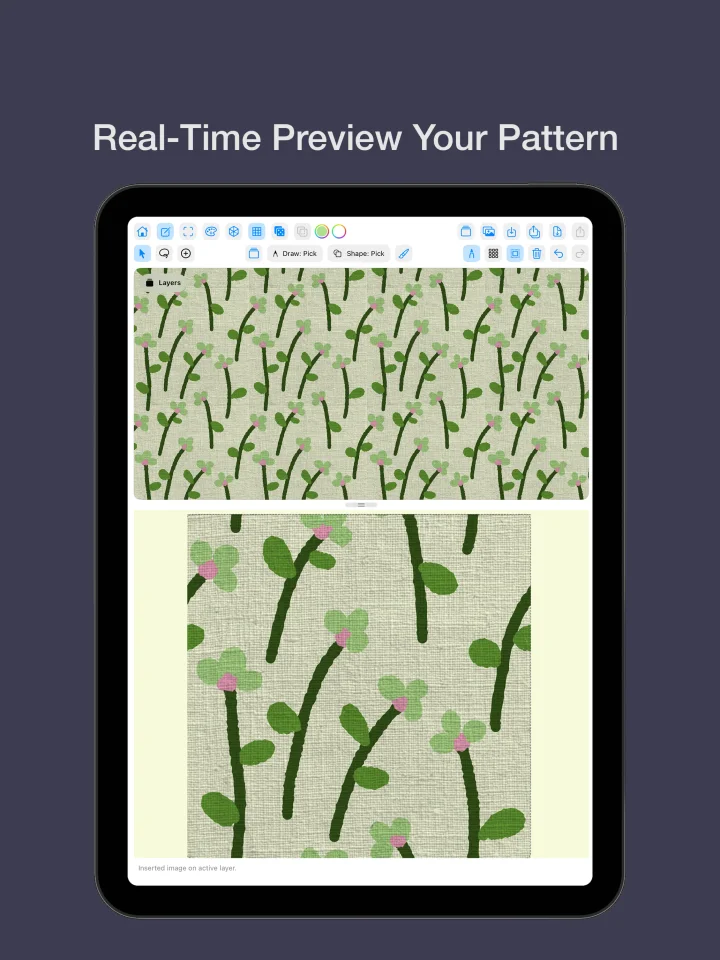
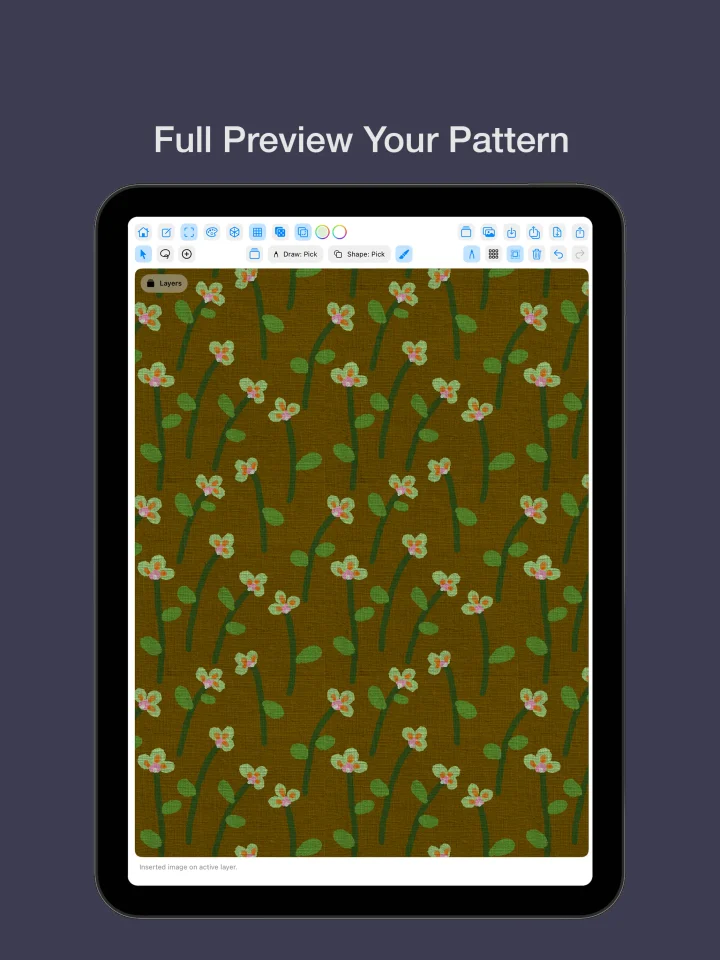
• Real-time pattern preview
• Adjust spacing, layout, and repetition
• Ideal for textiles, wallpapers, packaging, and digital backgrounds
• Create endless variations with ease
—Seamless repeats Choose how the tile connects to its neighbors: full drop, half drop, quarter or third drop, brick, diamond, hex, and more. The preview updates as you work so you can catch gaps and awkward joins early.
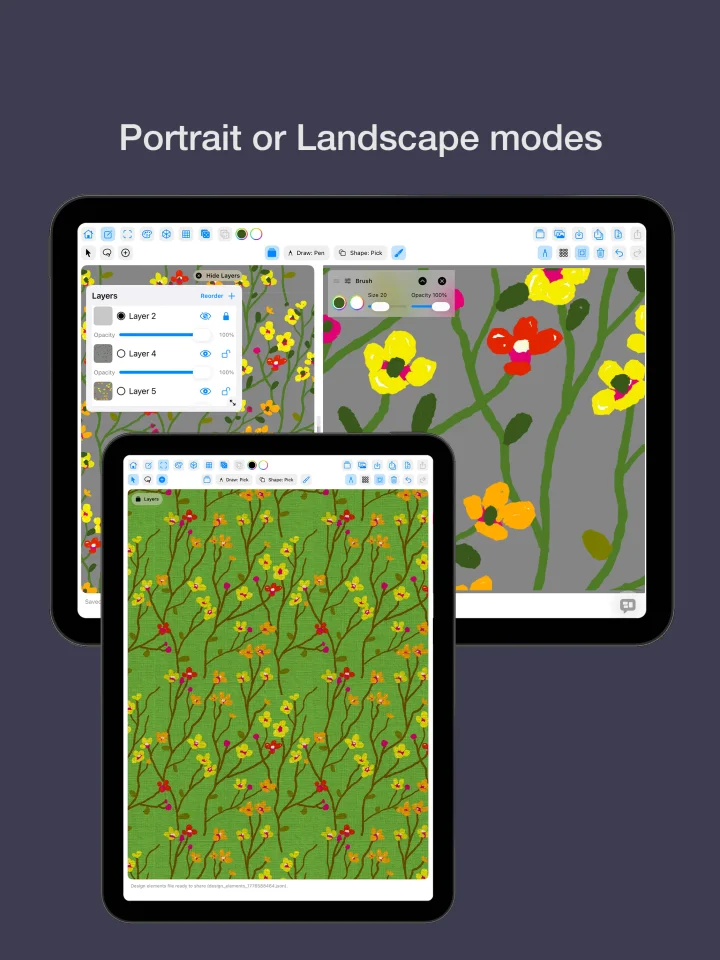
—Editor modes Switch between a tile editor (with optional repeat preview), a full pattern field, and illustration mode depending on whether you are polishing detail, checking overall rhythm, or working in a simpler layout.
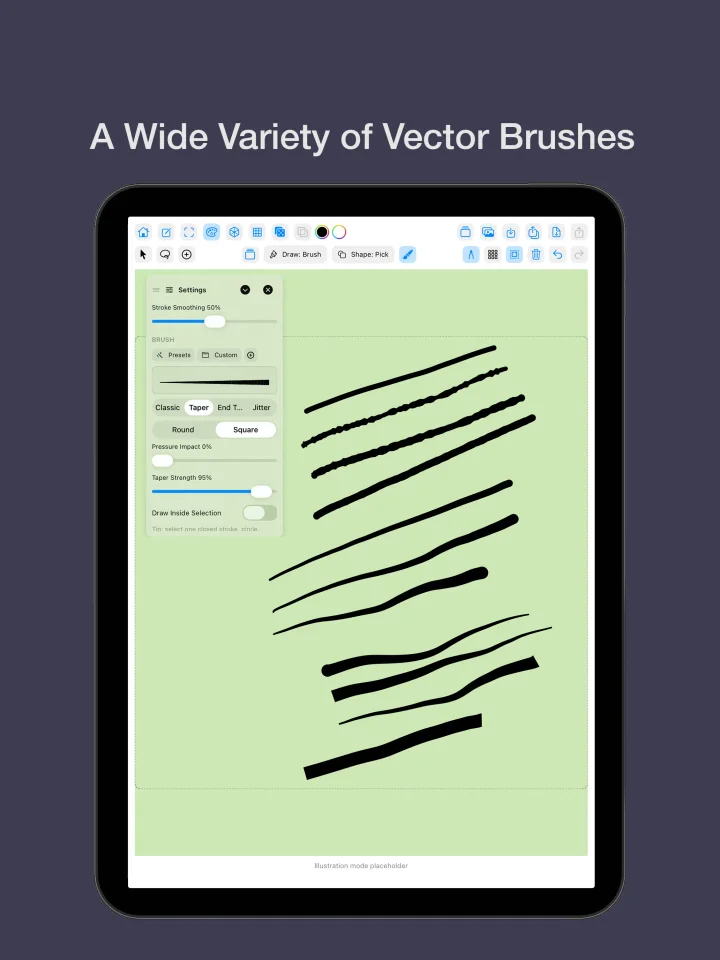
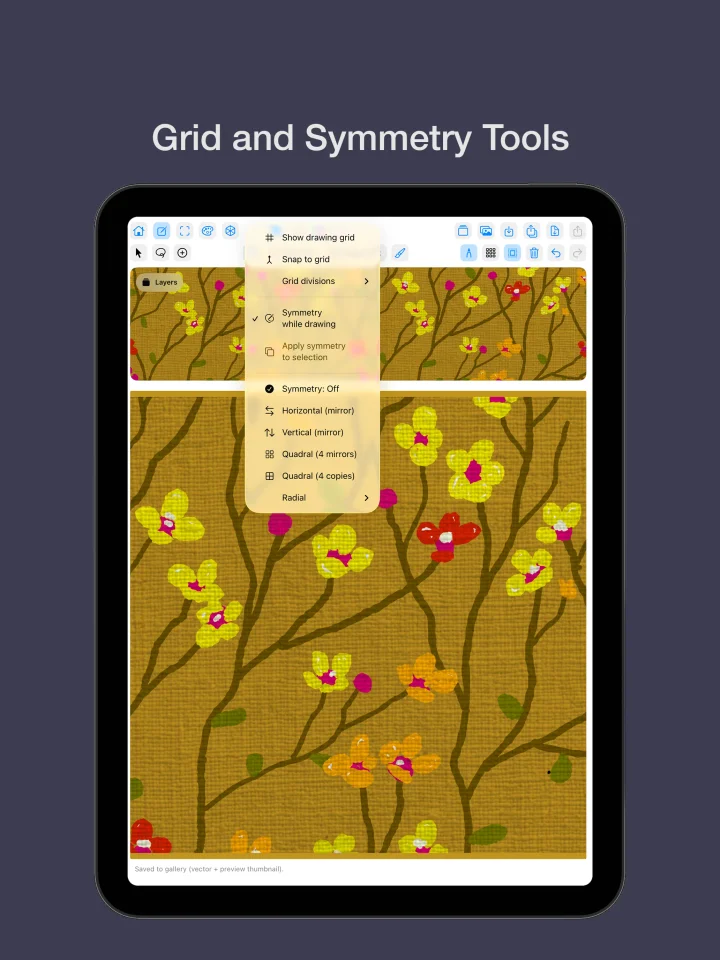
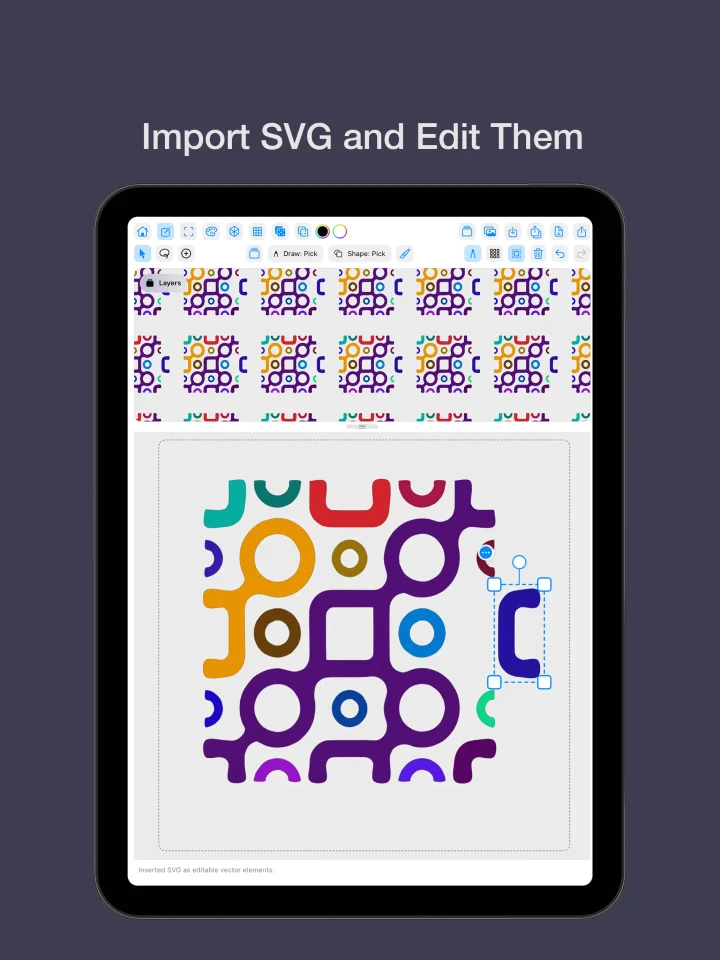
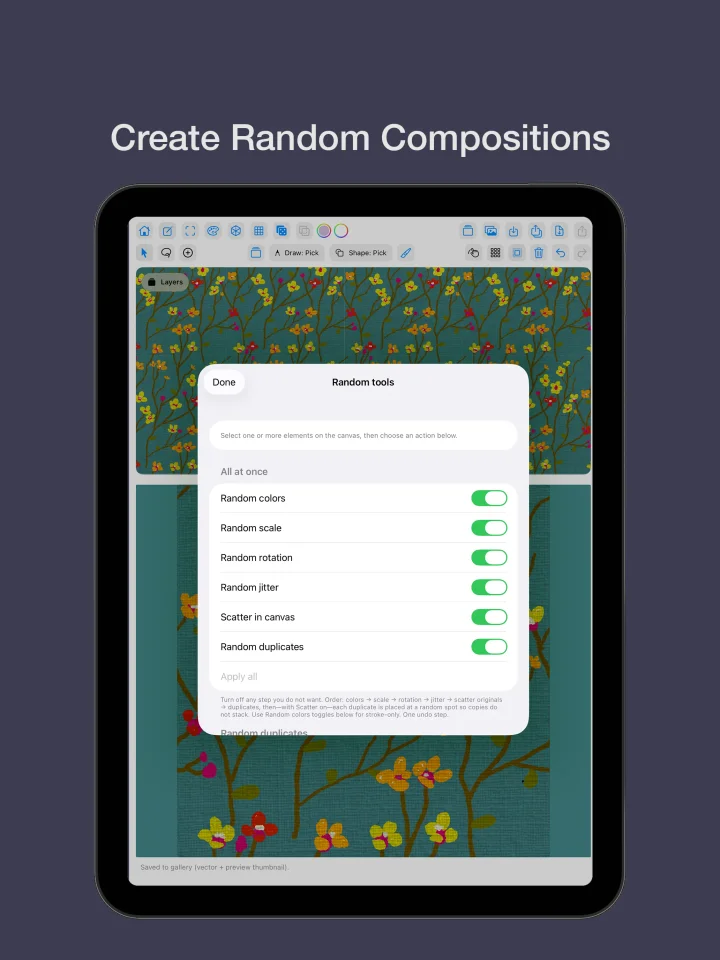
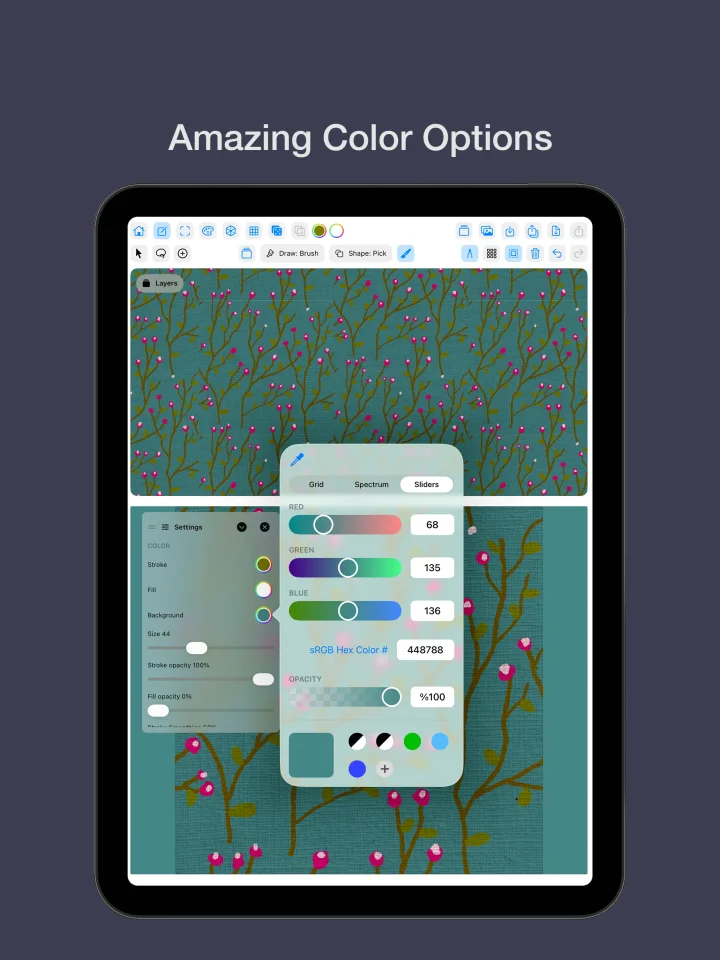
—Drawing & workflow Optional grid with snap, mirror and radial symmetry, layers, blend modes on selections, brush tools with pressure-sensitive strokes, Art brush stamps (from paths or imported SVG), randomization helpers, and image import when you want to trace or collage. Apple Pencil and touch are supported, with an optional stylus-only mode.
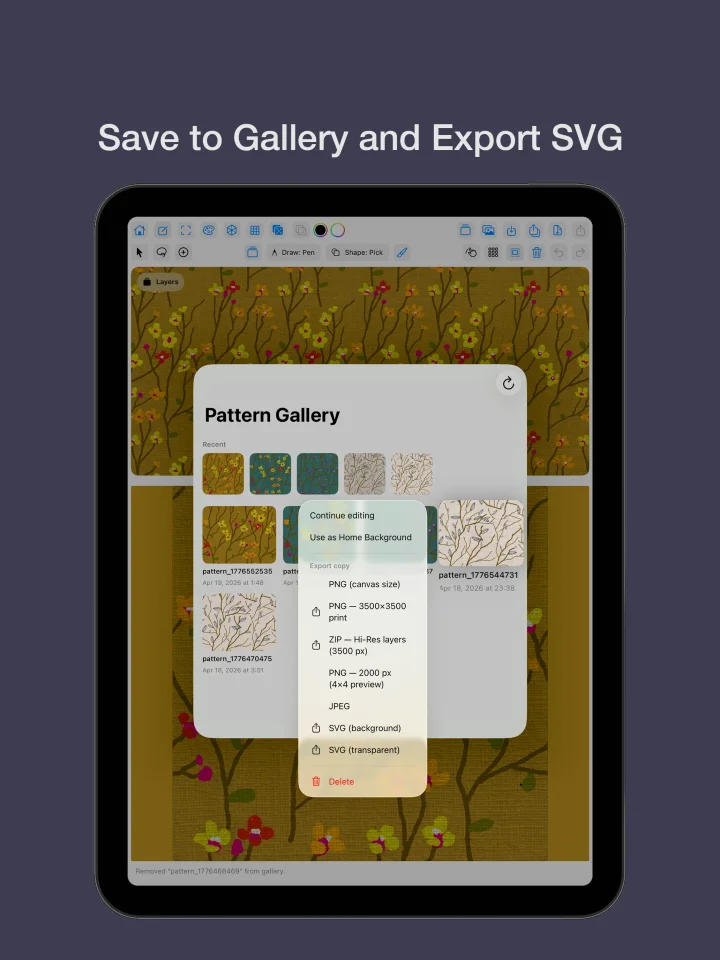
—Save, export, share Keep documents in an in-app gallery with thumbnails. Export to Files as PNG, JPEG, or vector formats depending on your plan, save snapshots to Photos, and use Share for design-elements packages. Premium unlocks high-resolution print exports and SVG export options for professional workflows.
—Privacy Pattern Studio is designed to keep your creative work on your device. See the Privacy Policy link on the App Store for details.
Requirements iPad.
Privacy Policy
https://sites.google.com/view/patterncreator-privacy/
Terms of Use
https://sites.google.com/view/patterncreator-terms/
Yenilikler
Sürüm 2.2 · 24.09.2026
Important Performance update.
Stamp ( Texture ) brush style added.
A small draggable quick tools strip is now available on the canvas.
The Layers panel now always opens on the preview side.
Uygulama gizliliği
Bu uygulamanın verileri nasıl işlediği hakkında Cengiz Bodur tarafından App Store üzerinde yapılan beyan.
-
Veri toplanmıyor
Geliştirici bu uygulamadan hiçbir veri toplamıyor.
Gizlilik uygulamaları, örneğin kullandığınız özelliklere veya yaşınıza göre değişiklik gösterebilir.
Bilgiler
- Satıcı
- Cengiz Bodur
- Kategori
- Grafik ve Tasarım
- Sürüm
- 2.2
- Güncellendi
- 24.09.2026
- Yayın tarihi
- 21.04.2026
- Boyut
- 5,0 MB
- Gereksinim
- iOS 17.0 veya sonrası
- Yaş sınırı
- 4+
- Fiyat
- Ücretsiz
- Uygulama içi satın alma
- Evet
- Diller
- İngilizce
- Telif hakkı
- © Pattern Studio
Bunları da beğenebilirsiniz
-
 Kaleido PatternGrafik ve Tasarım
-
 PatternDraw by FashionaryGrafik ve Tasarım
-
 Affinity by CanvaPro Tasarım, Fotoğraf ve Düzen
-
 Brusher・Brushes & StampsGrafik ve Tasarım
-
 Inkpad - Graphic DesignGrafik ve Tasarım
-
 Amadine: Vector Design and ArtGrafik ve Tasarım
-
 Fontself - Make your own fontsGrafik ve Tasarım
-
 Brushes - for ProcreateGrafik ve Tasarım
-
 Premium Brushes - CozyBrusheryGrafik ve Tasarım
-
 Tayasui Watercolor & PaintingGrafik ve Tasarım