Paycheck Budgeting
Payday planner, safe to spend
Designed for iPhone
Free · In-app purchases
- Age rating4+
- CategoryFinance
- DeveloperTomas Oplistil
- LanguagesEnglish+ 43 more
- Size46.8 MB
Links to the official App Store page
Download.org hosts no file of Paycheck Budgeting. The button opens its official App Store page, published by Tomas Oplistil. Listing last checked on Nov 12, 2026.
Screenshots

About
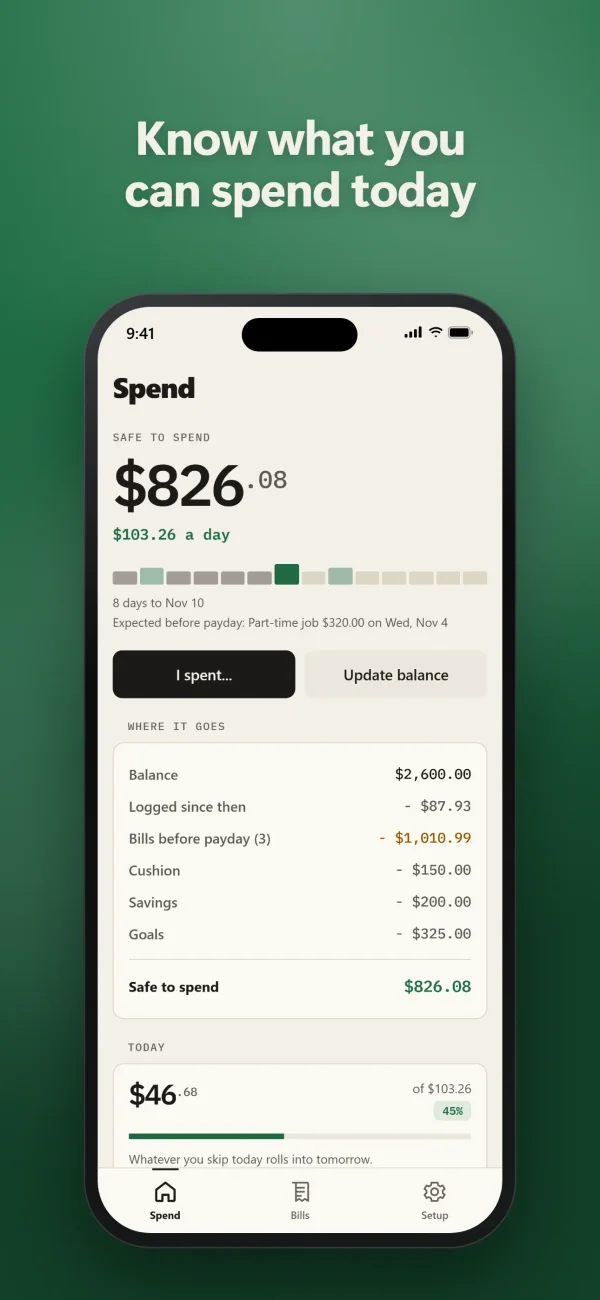
How much can I spend between now and payday? That is the only question this app answers.
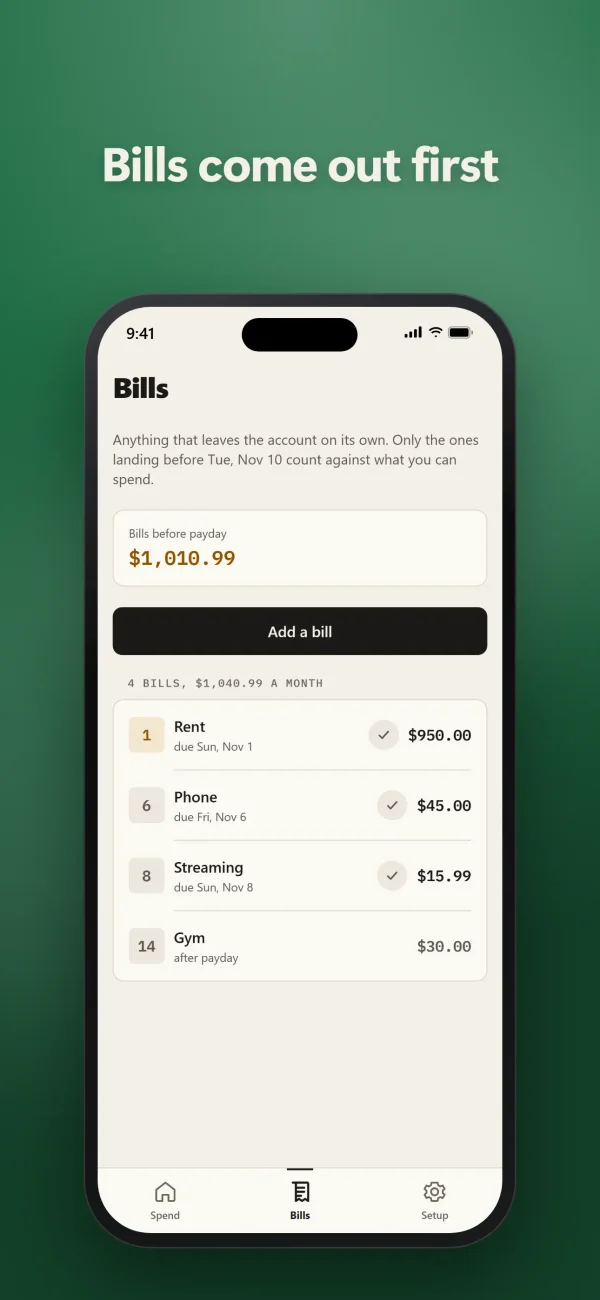
Enter your take-home pay, how often you are paid, and what is in your account. Add the bills that leave on their own. The app subtracts the bills due before payday, holds back a cushion and your savings, and divides what is left by the days you have remaining. You see one clear number and a daily allowance. Pay can be weekly, every 2 weeks, twice a month or monthly. You set it once and the app follows the calendar for you.
Log a spend and every number updates at once. You always know where you stand today. Open the app, read one number, and get on with your day.
• Safe-to-spend number for the whole pay cycle
• Daily allowance for each day until payday
• Day-by-day strip of your pay cycle, so you see how the days play out
• Bills due before payday are subtracted automatically
• A cushion and savings amount you choose are held back
• Spend log: add a purchase in a few seconds
• Reminders for payday and for bills
• Backups to a file you keep
• 48 app languages and 53 currencies
No account. No bank login. Your budget stays on your phone. The only thing that leaves the app is the banner ad, which comes from Google.
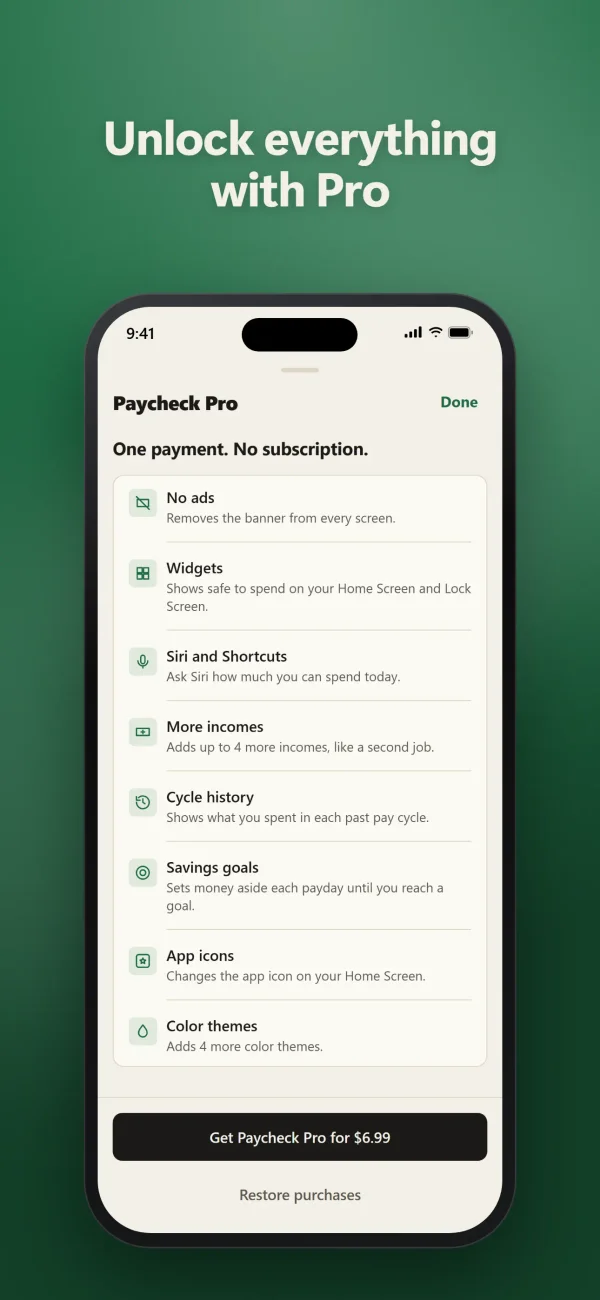
Paycheck Pro (one-time purchase, no subscription)
• No ads (Remove ads owners already have this)
• Home Screen and Lock Screen widgets show what is safe to spend today
• Siri and Shortcuts: ask for safe to spend today
• Up to 4 extra incomes
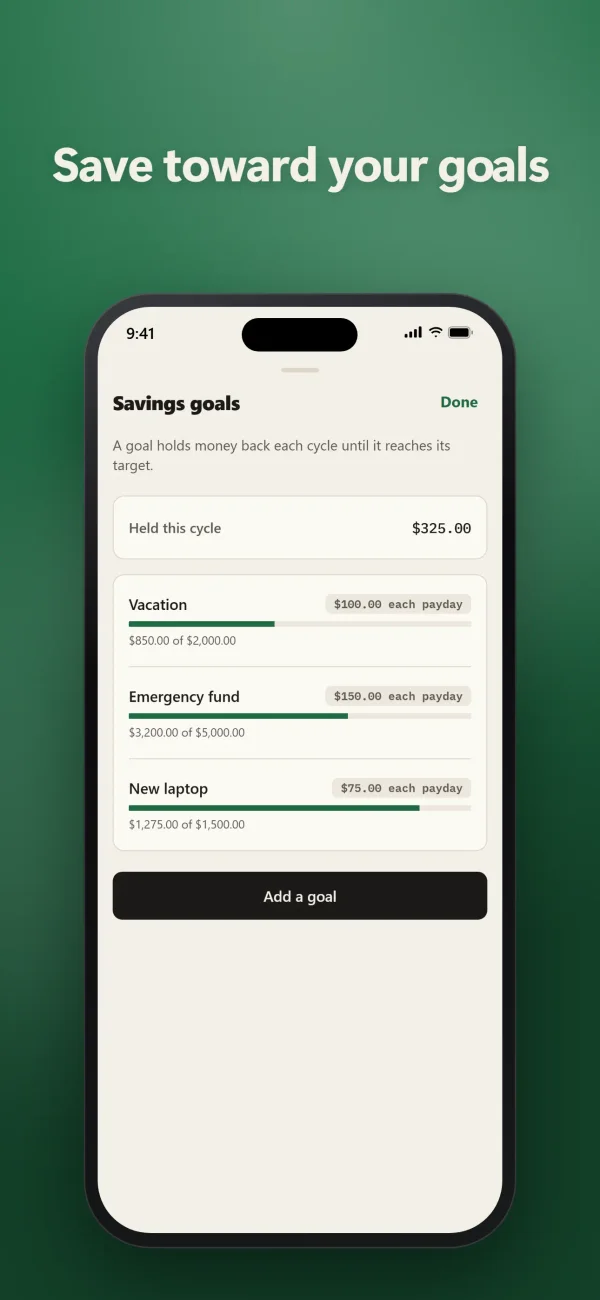
• Savings goals that set money aside each payday
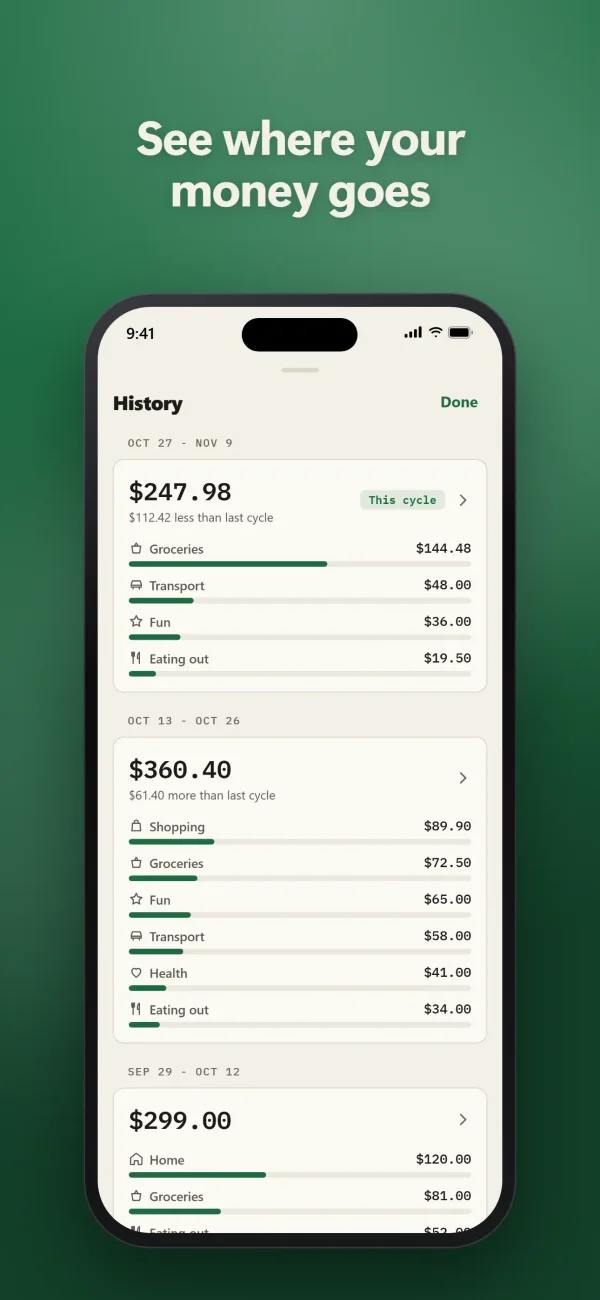
• Cycle history with spending by category
• 4 more color themes and 4 app icons
Free for everyone: spend categories and light, dark or system appearance.
What’s new
Version 1.1.0 · Nov 4, 2026
New: Paycheck Pro, a one-time purchase.
Home Screen and Lock Screen widgets show what is safe to spend today
Siri and Shortcuts: ask for safe to spend today
Extra incomes, savings goals and cycle history.
Free for everyone: spend categories and light, dark or system appearance.
Fixed: an unpaid bill now stays in safe to spend after its due date until you tick it off or enter a new balance.
App privacy
What Tomas Oplistil declares on the App Store about how this app handles data.
-
Data used to track you
May be used to track you across apps and websites owned by other companies.
- Location
- Identifiers
- Usage data
-
Data not linked to you
May be collected but is not linked to your identity.
- Location
- Identifiers
- Usage data
- Diagnostics
Privacy practices may vary, for example with the features you use or your age.
Information
- Seller
- Tomas Oplistil
- Category
- Finance
- Version
- 1.1.0
- Updated
- Nov 4, 2026
- Released
- Oct 11, 2026
- Size
- 46.8 MB
- Requires
- iOS 16.4 or later
- Age rating
- 4+
- Price
- Free
- In-app purchases
- Yes
- Languages
- English, Arabic, Bengali, Catalan, Croatian, Czech, Danish, Dutch, Finnish, French, German, Greek + 32 more
- Copyright
- © 2026 Tomas Oplistil
You might also like
-
 Centry: Expense TrackerCash & multi currency, offline
-
 Cash Envelope Budget: FundkeepZero-Based Budgeting Planner
-
 Walletly: Expense & BudgetMoney Manager & Savings Plan
-
 Balansly – Budget Planner12-Month Balance Forecast
-
 Tenra: Budget, Expense TrackerExpenses that log themselves
-
 Умный бюджет: учёт расходовFinance
-
 Кубыш: финансовый помощникФинансовые цели и план трат
-
 Money manager & tracker - ManiSpending, Budget, Expense
-
 Monthly Budget & Bill PlannerOrganizer & Expense Tracker
-
 PayCheck BudgetPlan by Paycheck, Not Monthly