PDF Breeze: Editor & Scanner
Fill, Sign, Merge & Convert
Designed for iPhone
Free · In-app purchases
- Age rating4+
- CategoryProductivity
- DeveloperPenguin Labs
- LanguagesEnglish+ 8 more
- Size14.8 MB
Links to the official App Store page
Download.org hosts no file of PDF Breeze: Editor & Scanner. The button opens its official App Store page, published by Penguin Labs. Listing last checked on Nov 20, 2026.
Screenshots

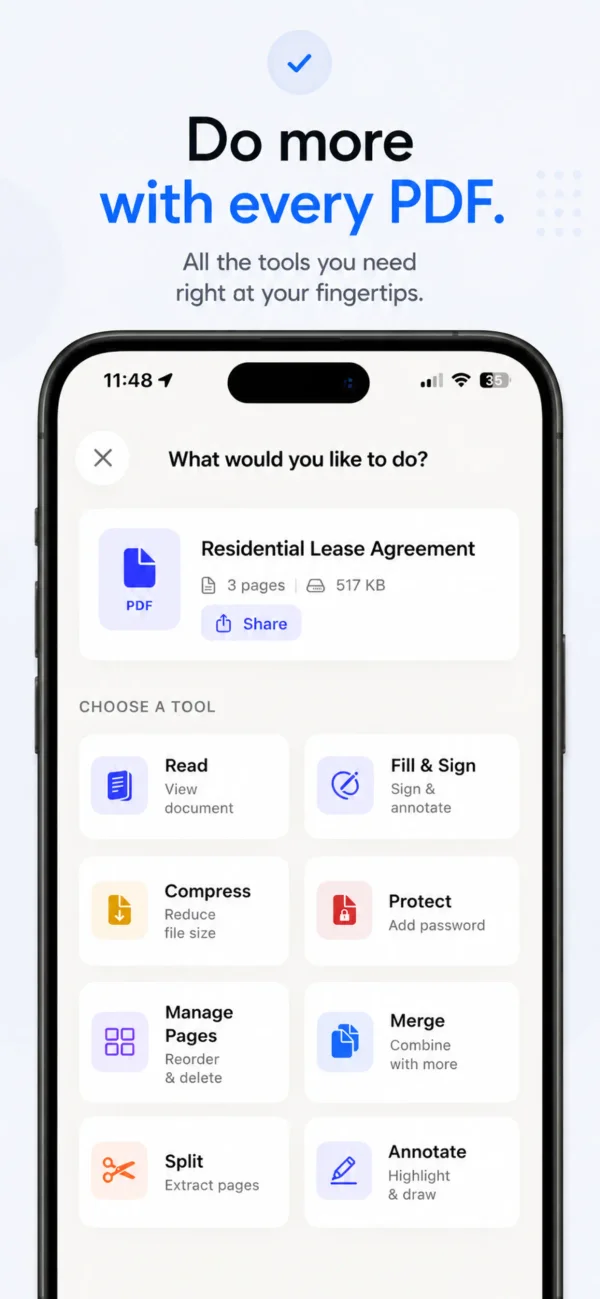
About
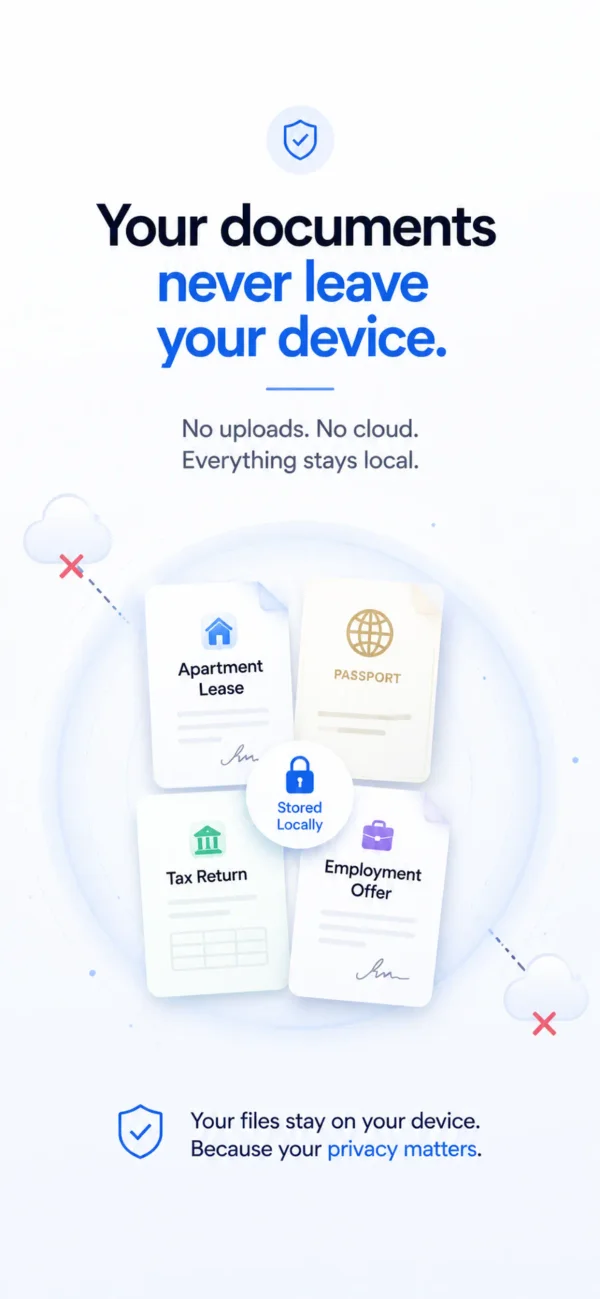
YOUR FILES NEVER LEAVE YOUR IPHONE.
PDF Breeze is the only all-in-one PDF toolkit that works 100% on your device. No cloud. No uploads. No account required. Whether you're signing a contract, scanning a receipt, or compressing a file before sending it — everything happens on your iPhone, instantly.
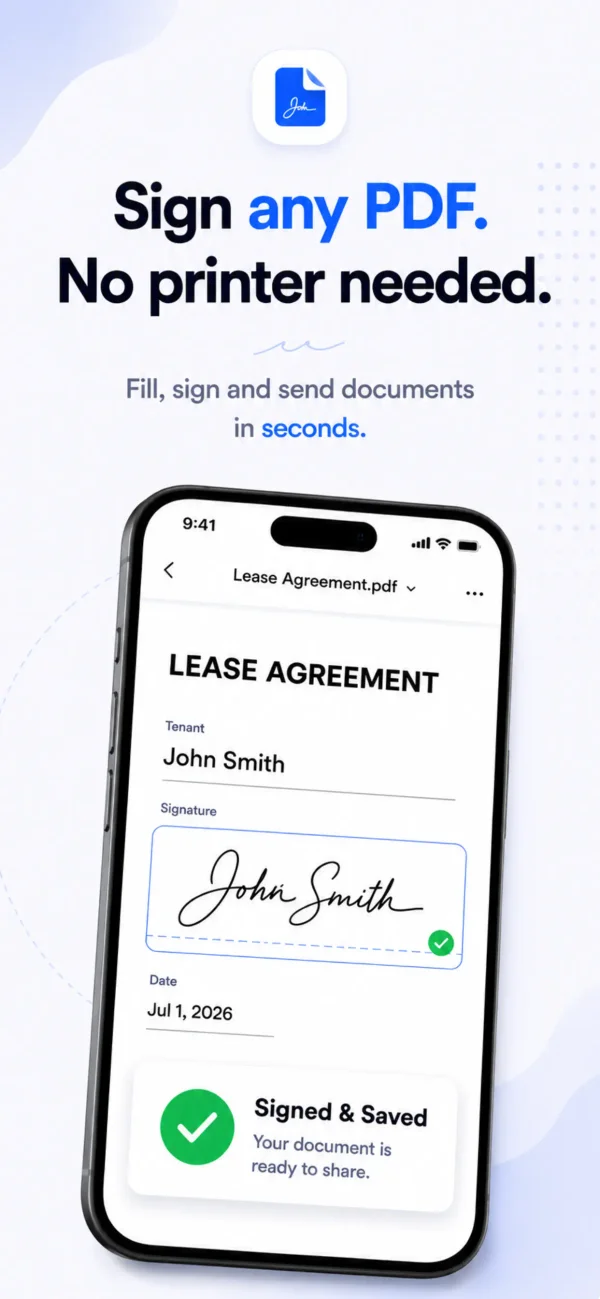
SIGN ANY PDF IN SECONDS
Draw your signature or type it. Place it anywhere on the document. Export as a clean, signed PDF — no printer, no scanner, no fuss. Works on contracts, forms, NDAs, lease agreements, and any document that needs your name on it.
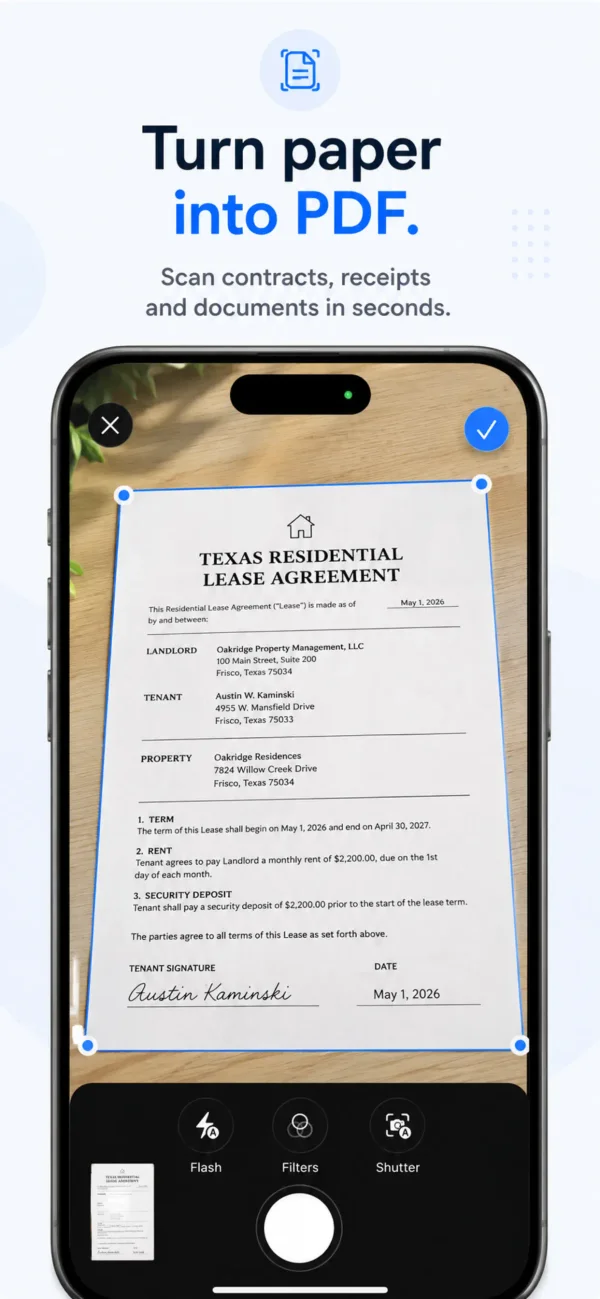
SCAN DOCUMENTS TO PDF
Point your camera at any document — contracts, letters, receipts, forms — and PDF Breeze instantly detects edges and creates a crisp, clean PDF. Multi-page scanning supported. Everything processed on your device.
COMPRESS WITHOUT LOSING QUALITY
Reduce your PDF file size before emailing or sharing. Choose your compression level — low, medium, or high — and get a smaller file without destroying the readability. Perfect for email attachments with size limits.
MERGE MULTIPLE PDFs INTO ONE
Combine two or more PDFs into a single document in seconds. Drag to reorder pages before merging. Great for combining chapters, reports, or multi-part forms into one clean file.
PROTECT WITH A PASSWORD
Add password encryption to any PDF to prevent unauthorized access. Your documents stay private and locked — only accessible to those who know the password.
SPLIT & EXTRACT PAGES
Select specific pages from a PDF and extract them into a new document. Perfect for pulling out individual pages from a large report or form pack.
CONVERT IMAGES TO PDF
Select photos from your library and convert them into a multi-page PDF instantly. Receipts, whiteboards, notes — anything you photograph becomes a shareable PDF.
ANNOTATE & HIGHLIGHT
Highlight text, draw freehand, add typed annotations. Everything you need to mark up a document without leaving the app.
EXTRACT TEXT WITH OCR
Use built-in OCR to extract all readable text from any PDF. Copy it, edit it, or search within it — even from scanned documents.
CONVERT WORD TO PDF
Open a .docx or .doc file and convert it to a clean PDF document, entirely on your device. No Microsoft Office required.
100% PRIVATE BY DESIGN
Most PDF apps upload your documents to their servers. PDF Breeze never does. Every action — signing, scanning, compressing, merging — happens locally on your iPhone.
• No cloud uploads
• No account required
• No data collection
• Works fully offline
Your contracts, tax documents, medical records, and personal files stay exactly where they belong: with you.
SUBSCRIPTION INFO
PDF Breeze Pro is available as a monthly or annual subscription. The annual plan includes a 7-day free trial with full access to all features.
• Annual plan: 7-day free trial, then auto-renews yearly. Cancel anytime before Day 7 and you won't be charged.
• Monthly plan: no trial, billed monthly.
• Payment is charged to your Apple ID at confirmation of purchase.
• Subscriptions renew automatically unless canceled at least 24 hours before the end of the current period.
• Manage or cancel your subscription anytime in iOS Settings → Subscriptions.
Privacy Policy: https://www.penguinlabs.cc/products/pdfbreeze/privacy
Terms of Use: https://www.apple.com/legal/internet-services/itunes/dev/stdeula/
What’s new
Version 1.2 · Aug 25, 2026
bug fixes
App privacy
What Penguin Labs declares on the App Store about how this app handles data.
-
Data not linked to you
May be collected but is not linked to your identity.
- Purchases
- Identifiers
- Usage data
- Diagnostics
Privacy practices may vary, for example with the features you use or your age.
Information
- Seller
- Penguin Labs LLC
- Category
- Productivity
- Version
- 1.2
- Updated
- Aug 25, 2026
- Released
- Jul 7, 2026
- Size
- 14.8 MB
- Requires
- iOS 16.6 or later
- Age rating
- 4+
- Price
- Free
- In-app purchases
- Yes
- Languages
- English, French, German, Hindi, Japanese, Korean, Portuguese, Simplified Chinese, Spanish
- Copyright
- © 2026 @ Penguin Labs LLC
You might also like
-
 Roster Champion: Rota & ShiftWork, Sports & Family Planner
-
 Vivy – Offline PDF EditorPrivate Scanner, Merge & Sign
-
 PDF Editor : EditorPDF Editor Scan, Merge PDFs
-
 DocFill – PDF Editor & MergerFill, Sign, Merge & Compress
-
 Merge PDF Files & Lock PDFMerge PDF & Lock PDF Files
-
 Docs24 - Organize documentsAll documents in one place
-
 BuilderBUILDER PROAI Construction Management
-
 Oka To Do - Task & ReminderCalendar planner & manager
-
 PDF Editor: Scanner & SignMerge, Split, Compress, OCR
-
 PDF Text Editor ‑ Edit PDFChange & rewrite existing text