
PDF Combiner - Merge & Split
Photo to PDF & Image Converter
Designed for iPhone, iPad, Mac
Free · In-app purchases
- Age rating4+
- CategoryProductivity
- DeveloperEvgeniy Konev
- LanguagesEnglish+ 28 more
- Size21.1 MB
Links to the official App Store page
Download.org hosts no file of PDF Combiner - Merge & Split. The button opens its official App Store page, published by Evgeniy Konev. Listing last checked on Nov 23, 2026.
Screenshots


About
A practical PDF editor and PDF converter built for clear everyday document work.
The app gives you a simple way to organize, edit, convert, and prepare PDF documents without relying on complicated software or web-based tools. It is designed for users who need a dependable PDF workflow for work, study, and personal files.
Most tools work offline and process documents directly on your device. This helps you work with important files while keeping them under your control, especially when online PDF services are restricted. The only tool that requires an internet connection is Office to PDF, used for converting Word, Excel, and PowerPoint files to PDF.
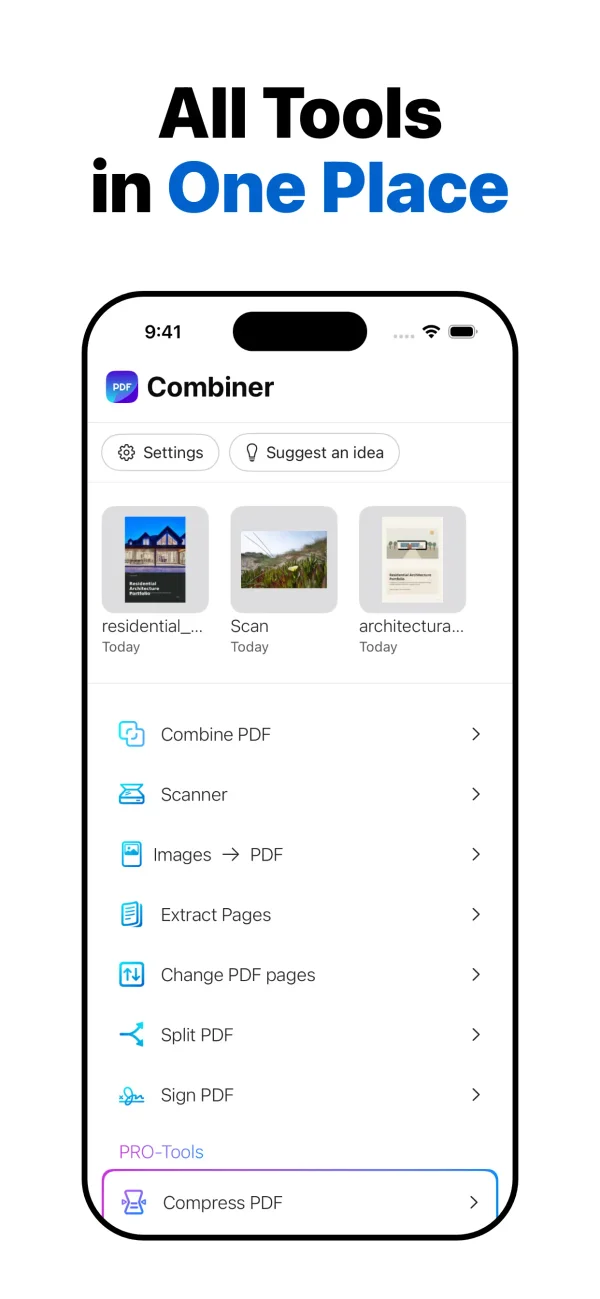
Base PDF tools:
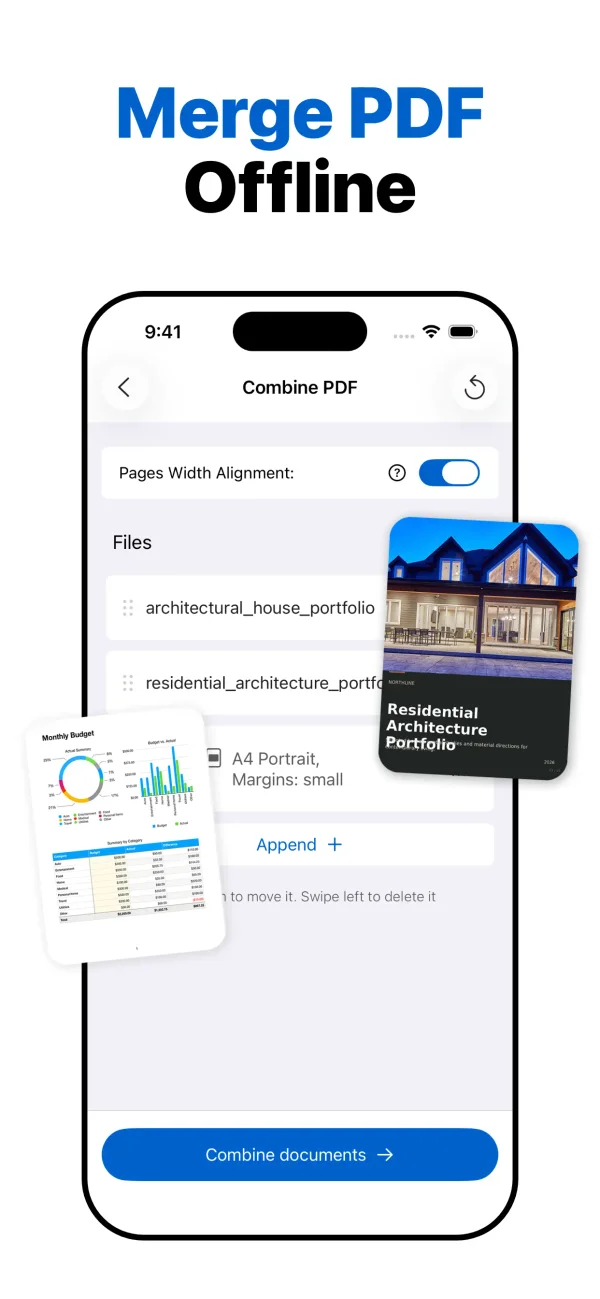
• Merge PDF. Combine multiple PDF documents and images into one PDF file.
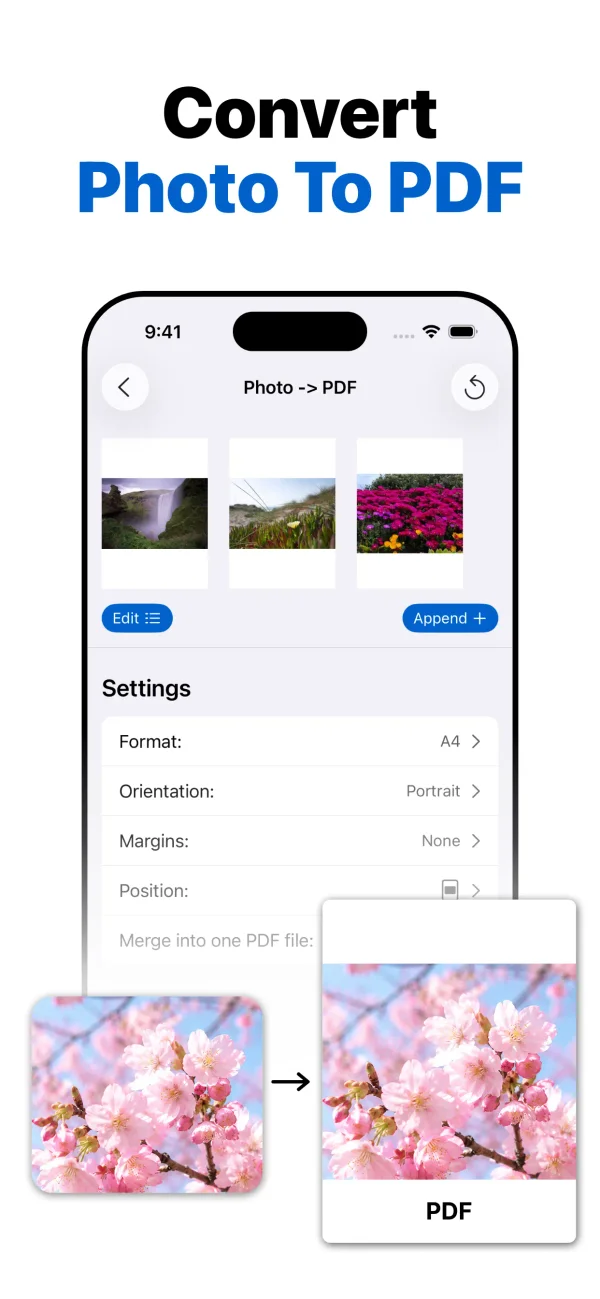
• Images to PDF. Create PDF documents from photos, scans, and image files.
• Extract PDF Pages. Save selected pages from a PDF as a new document.
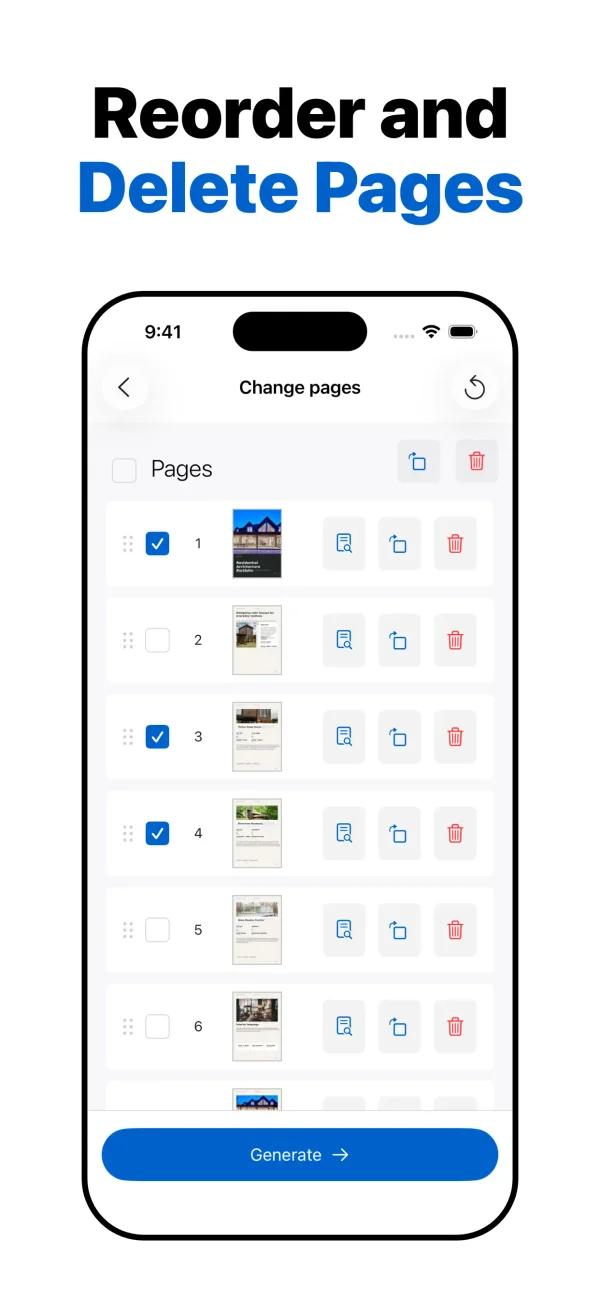
• Edit PDF Pages. Reorder, rotate, or delete pages in a PDF document.
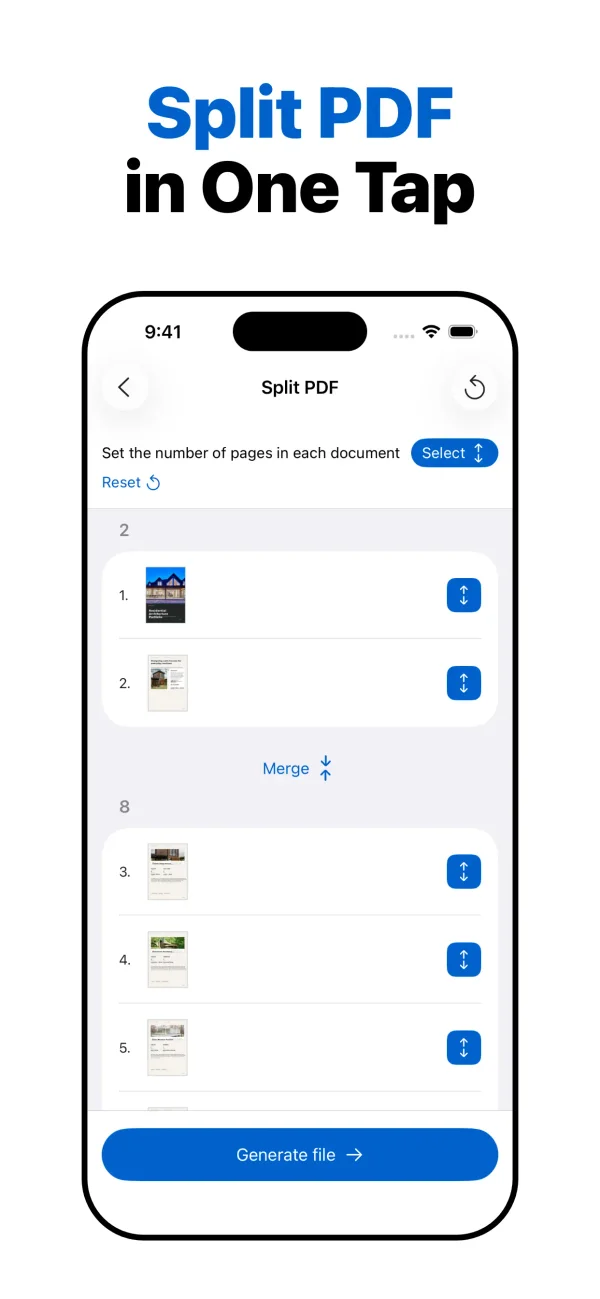
• Split PDF. Break one PDF document into smaller PDF files.
• Scan Documents. Capture documents with your camera and save them as high-quality PDF files.
• Protect PDF. Add or remove password protection from a PDF document. Removing protection requires the correct password.
• Add Page Numbers to PDF. Place page numbers where you need them in a document.
• Align PDF Page Width. Align page width across a PDF document for a more consistent layout.
• Text Recognition OCR. Recognize text in scanned documents and images.
• Sign PDF. Add a signature to a PDF document.
• Compress and Resize Photos. Reduce image file size and adjust image dimensions.
Some tools are available in the Pro version:
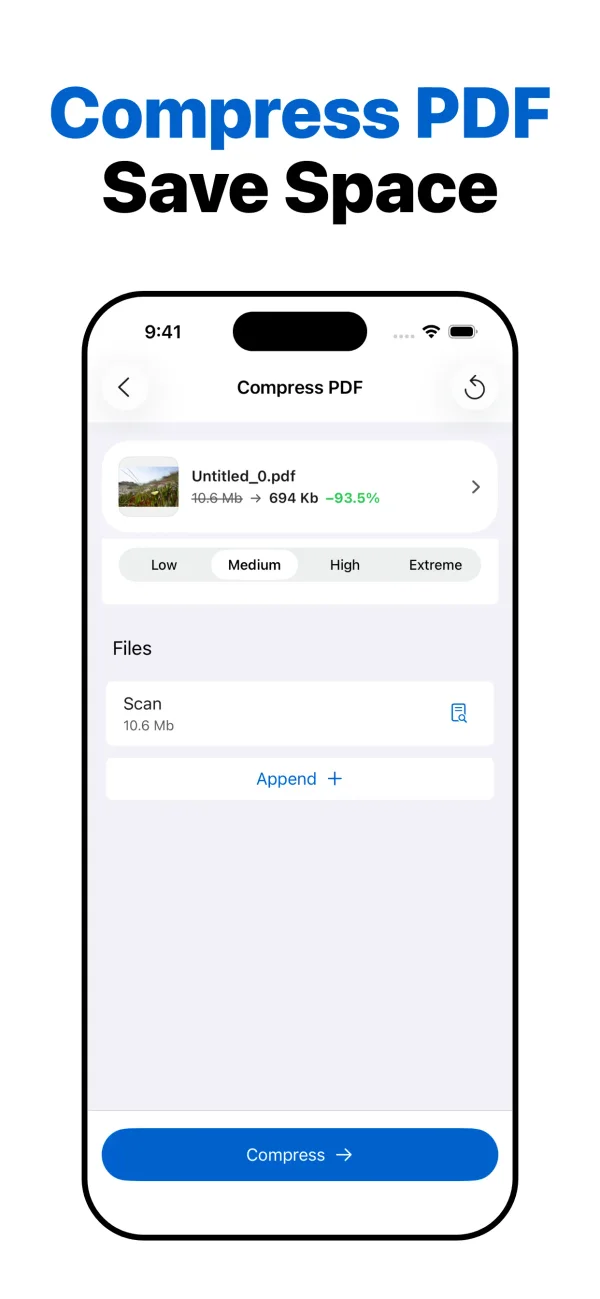
• Compress PDF. Reduce PDF file size for easier sharing and storage.
• Office to PDF. Convert Word, Excel, and PowerPoint files to PDF. This tool requires an internet connection.
• Photo Templates for PDF. Turn photos into styled PDF documents using templates.
• PDF to Images. Export selected PDF pages or a full PDF document as image files.
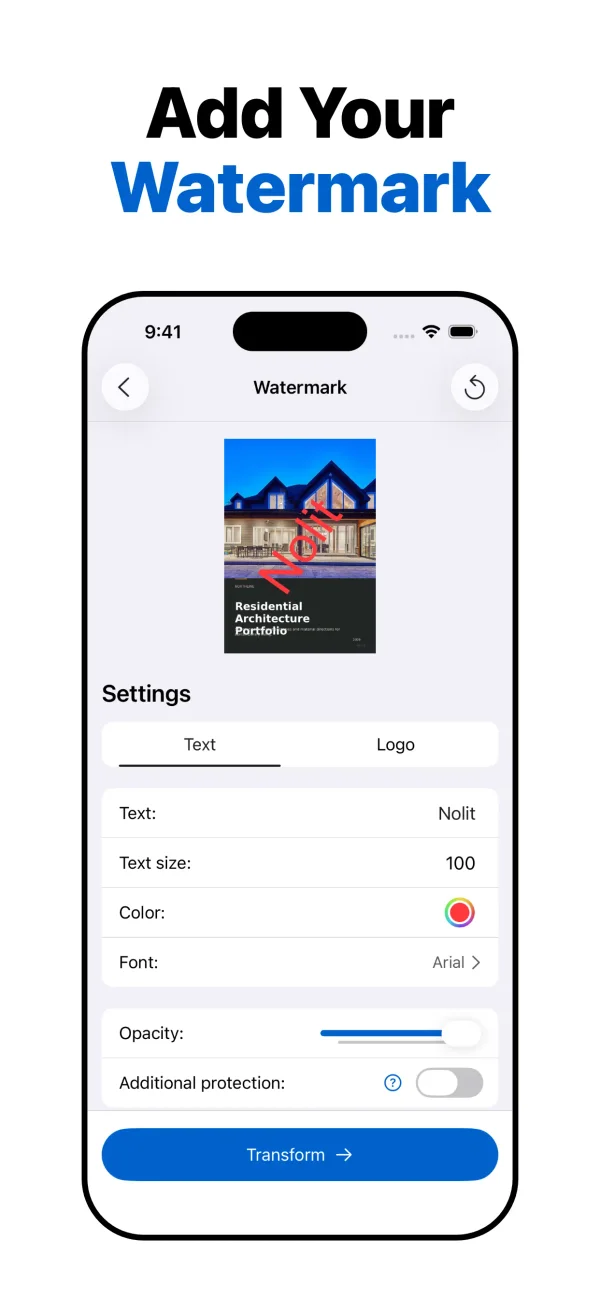
• Add Watermark to PDF. Add text or image watermarks to PDF documents.
Privacy Policy
https://docs.google.com/document/d/1Ey7ZxLODDc1tQ1_N08LCTCwsi2jnHXEbMZugFv_AiUk/edit?usp=sharing
Terms of Use
https://docs.google.com/document/d/1BjWeGxiOgNmTs-eCTKq5Y0LfgDBe_sVHDS1h22ZsZ9w/edit?usp=sharing
What’s new
Version 5.2.2 · Nov 17, 2026
Fixed an issue with renaming a document on the save screen
App privacy
What Evgeniy Konev declares on the App Store about how this app handles data.
-
Data not linked to you
May be collected but is not linked to your identity.
- Usage data
Privacy practices may vary, for example with the features you use or your age.
Information
- Seller
- Evgeniy Konev
- Category
- Productivity
- Version
- 5.2.2
- Updated
- Nov 17, 2026
- Released
- Jun 16, 2020
- Size
- 21.1 MB
- Requires
- iOS 18.0 or later
- Age rating
- 4+
- Price
- Free
- In-app purchases
- Yes
- Languages
- English, Catalan, Danish, Dutch, Finnish, French, German, Greek, Hebrew, Hindi, Hungarian, Indonesian + 17 more
- Copyright
- © 2026 Konev E.O.
You might also like
-
 Merge PDF - Combine PDFJPG to PDF Converter & Merger
-
 PDF Merge X: PDF MergerMerge, Rotate & Organize PDF
-
 PDF Splitter + PDF Mergesplit pdf & merge pdf
-
 Merge PDF Files-Split PDF DocsCombine PDF Files In Seconds
-
 PDF Export: Editor & ConverterTools, Scan, Compress & Merge
-
 PDFMaker: JPG to PDF converterDocument scanner & PDF creator
-
 PDF it All Document ConverterCompress PDF Photos,Files,Word
-
 Merge PDF - Combine PDF FilesMerge & Combine PDF Documents
-
 pdf merge, split, delete, swapcombine, split, join pdf files
-
 Smallpdf: Scanner & PDF Editorcompress, convert, ocr, sign