Smallpdf: Scanner & PDF Editor
compress, convert, ocr, sign
Designed for iPhone, iPad, iPod touch
Free · In-app purchases
- Age rating4+
- CategoryProductivity
- DeveloperSmallpdf
- LanguagesEnglish+ 23 more
- Size112.0 MB
Links to the official App Store page
Download.org hosts no file of Smallpdf: Scanner & PDF Editor. The button opens its official App Store page, published by Smallpdf. Listing last checked on Nov 20, 2026.
Screenshots
About
Smallpdf: All-In-One PDF Editor and Document Organizer
Smallpdf is your go-to PDF tool, designed to simplify your document management. Whether you need to convert, compress, edit, sign, merge, or scan PDFs, our app makes it effortless. Trusted by 2.4 billion people since 2013, Smallpdf offers a seamless PDF experience right at your fingertips.
Key Features:
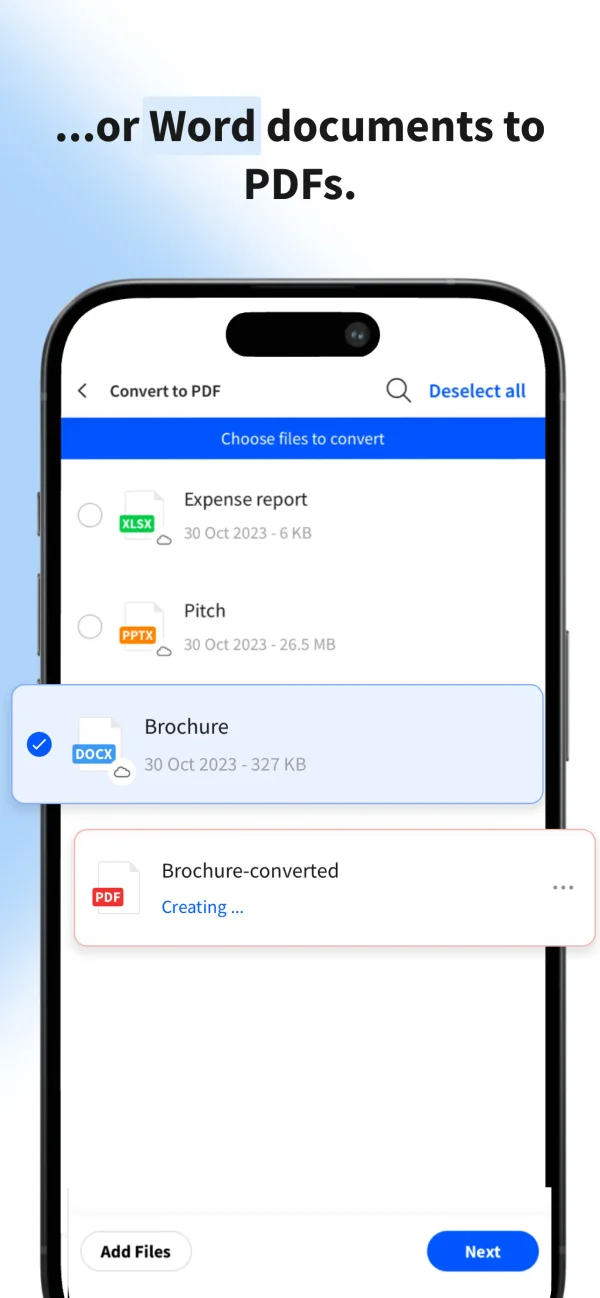
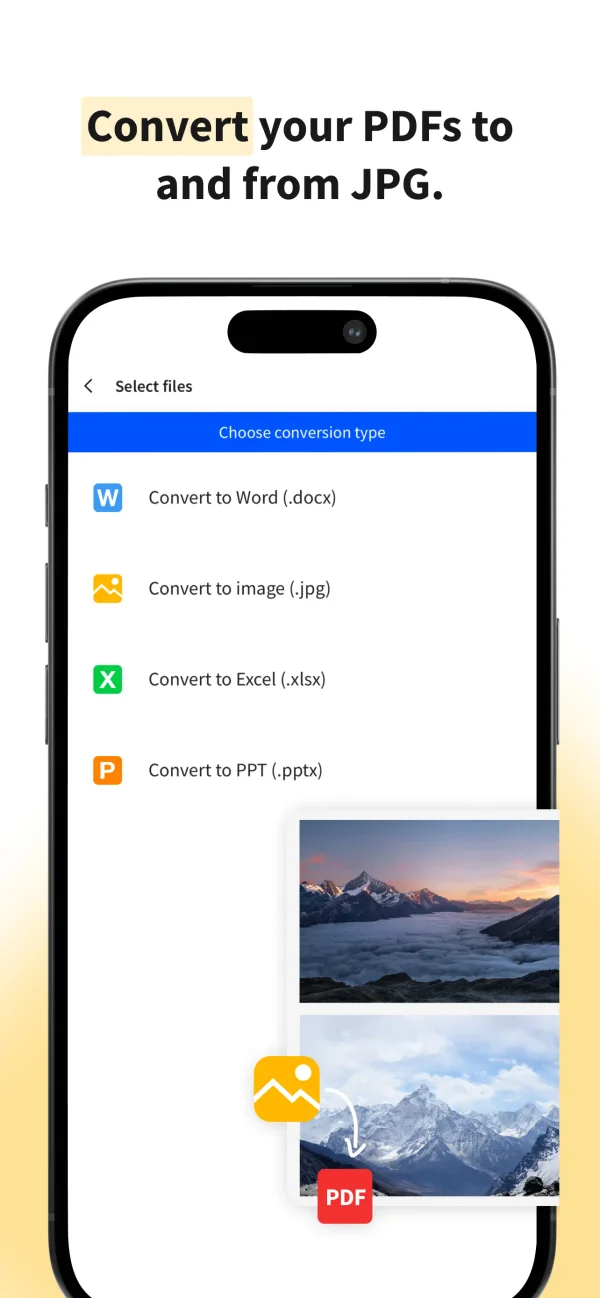
Convert PDFs Across All Document Formats Easily:
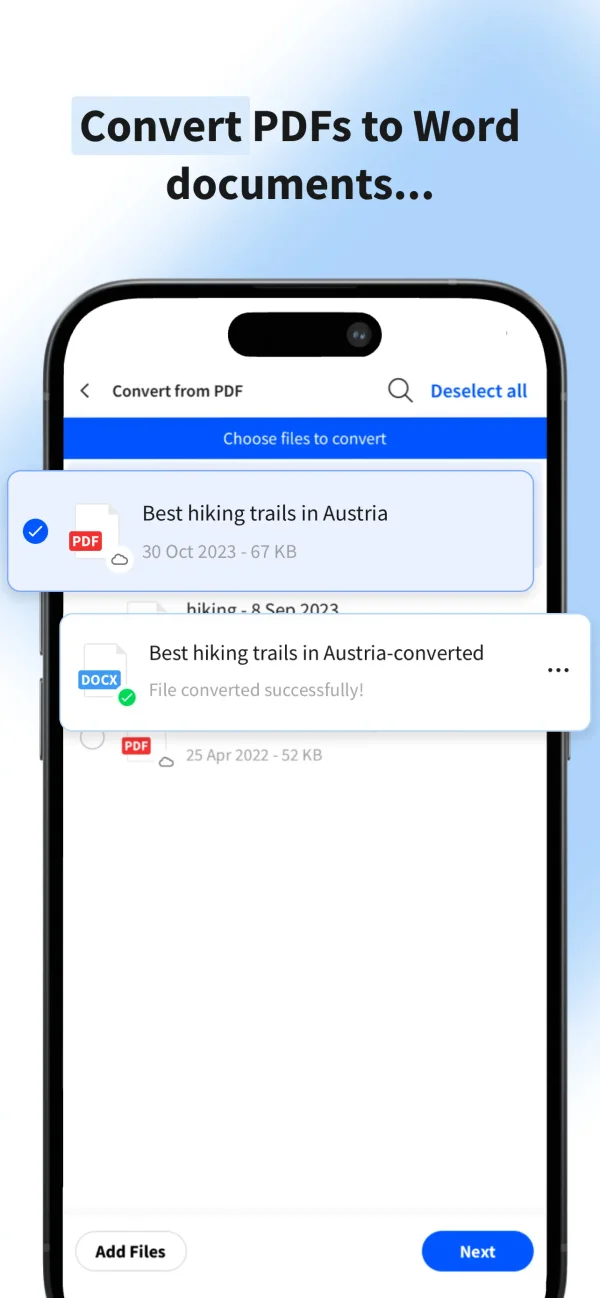
PDF to Word doc
PDF to Excel
PDF to PPT
PDF to JPG
PDF to PNG
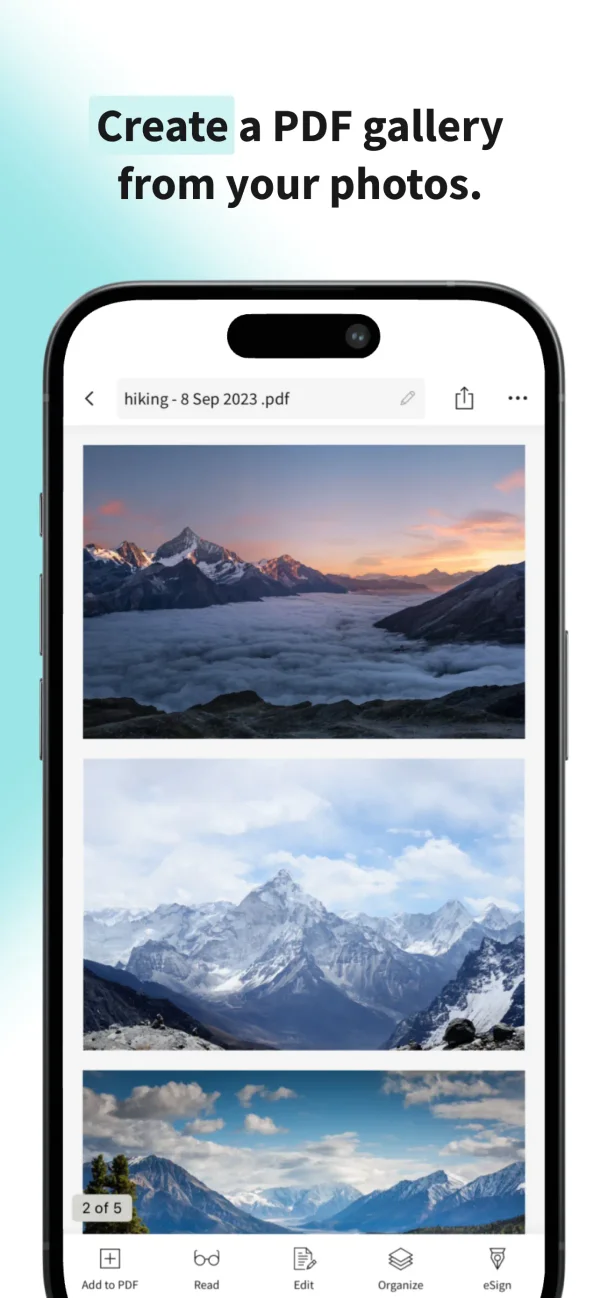
Images to PDF and vice versa!
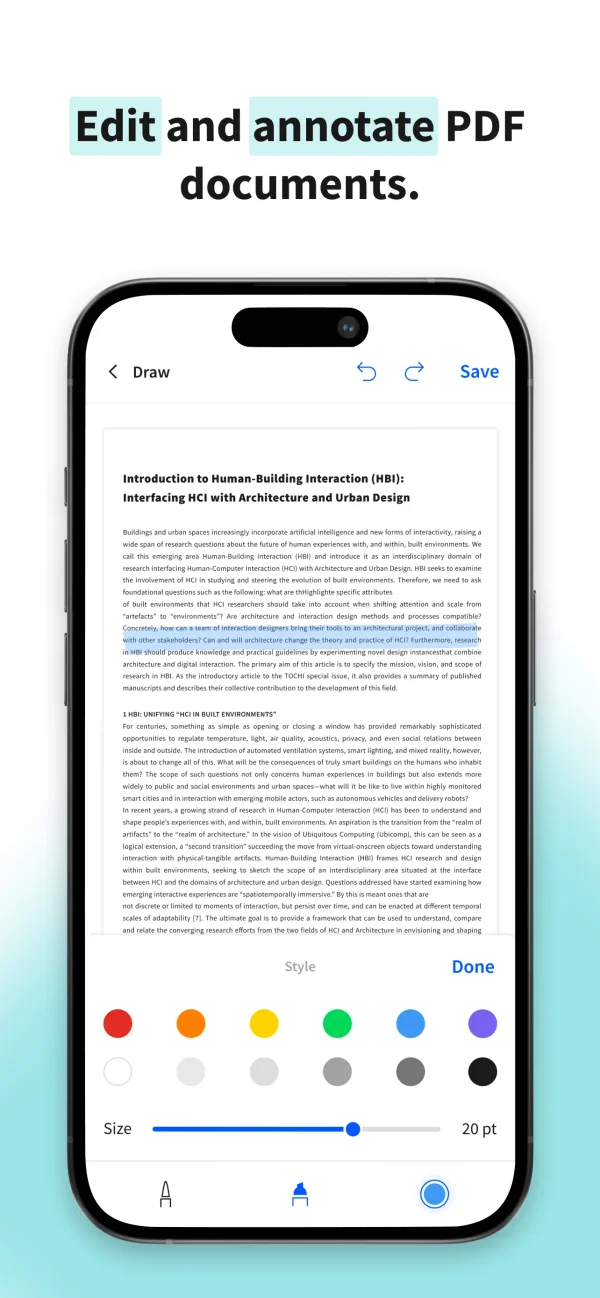
Edit PDFs:
Add text, images, and shapes directly in your PDF files
Add annotations and highlights easily
Rotate, delete, and rearrange PDF pages
PDF editing tools
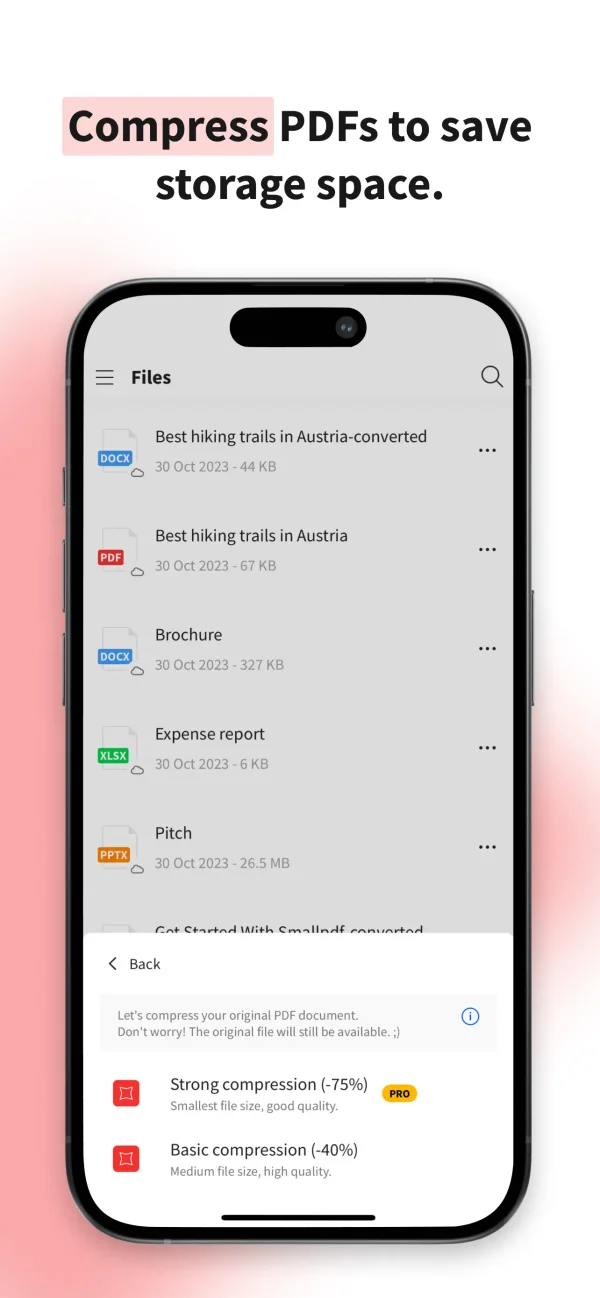
Compress PDFs:
Reduce the file size of your PDFs without compromising quality
Optimize PDFs for sharing and saving storage space
Shrink PDF files
Compress PDF documents
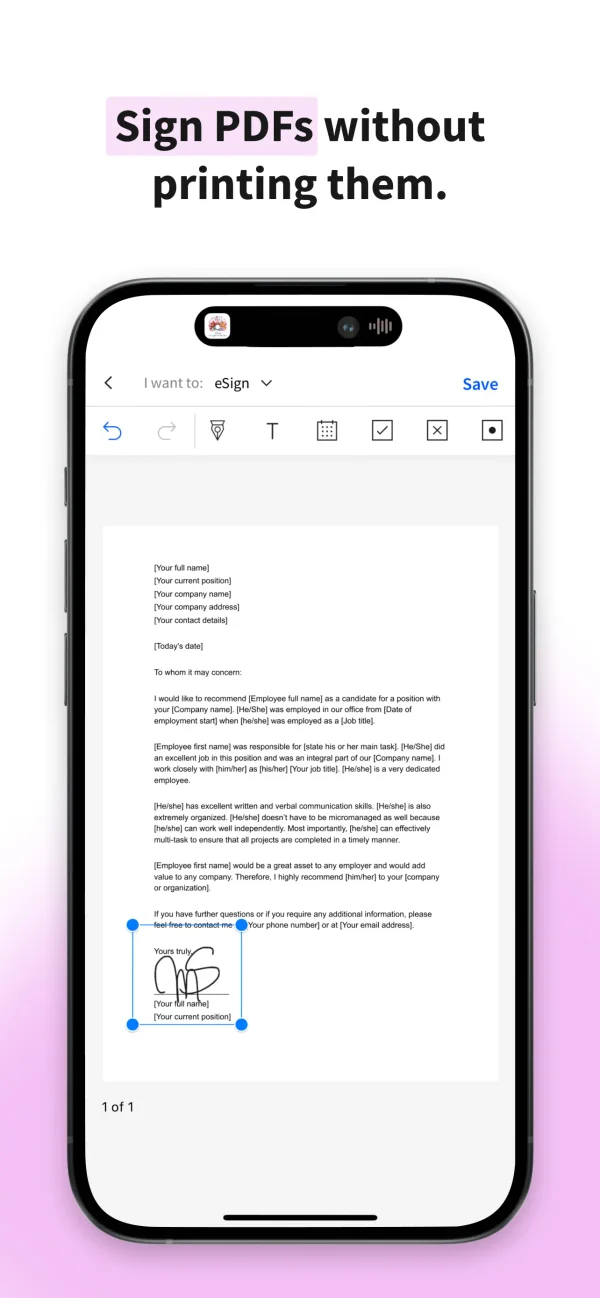
Sign PDFs:
Add an e-signature to your documents
Digitally sign PDFs securely
Electronic signatures for PDFs
Merge PDFs:
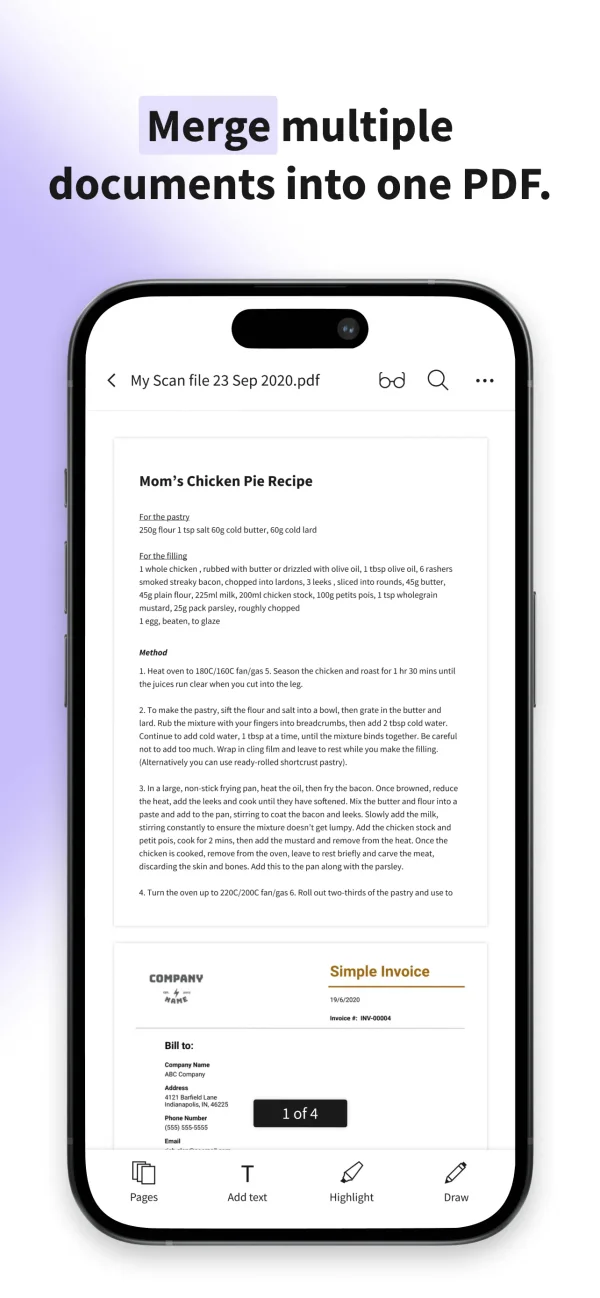
Combine multiple PDF files into one
Merge PDF documents
Scan Documents to PDF:
Use your camera to scan documents, receipts, notes, and more into PDFs
Enhance scans with automatic cropping and optimization
Convert scanned images to selectable text with OCR
Scan image to PDF
Scan doc to PDF
Scan jpg to PDF
Scan receipts to PDF
OCR Technology:
Convert scanned documents into selectable text with our advanced OCR feature
Support for multiple languages
OCR PDF converter
Why Choose Smallpdf?
User-Friendly Interface: Intuitive and easy to navigate, making PDF tasks simpler than ever.
Cloud Integration: Access and save your files directly from your local device storage.
Privacy and data protection: All uploaded files deleted 1 hour after processing (unless saved locally or to the cloud)
Cross-Platform Availability: All major operating systems. Work on your PDFs anytime, anywhere.
Fast and Reliable: Quick processing times ensure you can get your work done efficiently.
High Security: We prioritize your privacy and data security, complying with GDPR standards.
Additional Features:
PDF Reader: View and read PDF documents with ease.
PDF Scanner: Quickly scan and digitize your paper documents.
PDF Filler: Fill out PDF forms and documents electronically.
PDF Maker: Create PDFs from various file formats effortlessly.
PDF Annotator: Highlight, underline, and strikethrough text in your PDFs.
Download Smallpdf Now!
Smallpdf is free within a daily task limit.
If you would like to try out Smallpdf Pro for unlimited conversions across ALL tools, there’s a free 7-day trial available.
The Smallpdf Mobile App is the all-in-one solution for all your document management needs. Simplify your tax return or scan in receipts easily using your camera to save, edit, and manage thousands of documents in all formats. Save backups on the drive or share directly to email to manage your documents on the go!
Join 2.4B+ satisfied users and simplify your PDF tasks today. Download Smallpdf and enjoy a free trial of all premium features.
Privacy policy: https://smallpdf.com/privacy
Terms of use: https://smallpdf.com/support
We love feedback, so feel free to send yours to support@smallpdf.com.
What’s new
Version 1.53.83 · Oct 17, 2026
What’s new?
• We’ve squashed some bugs and improved app stability.
We’re improving your experience with every new release, so stay tuned to get the most out of the Smallpdf Mobile App! :)
We love feedback, so feel free to send yours to support@smallpdf.com.
App privacy
What Smallpdf declares on the App Store about how this app handles data.
-
Data used to track you
May be used to track you across apps and websites owned by other companies.
- Identifiers
-
Data linked to you
May be collected and linked to your identity.
- Identifiers
-
Data not linked to you
May be collected but is not linked to your identity.
- User content
- Usage data
- Diagnostics
Privacy practices may vary, for example with the features you use or your age.
Information
- Seller
- Smallpdf GmbH
- Category
- Productivity
- Version
- 1.53.83
- Updated
- Oct 17, 2026
- Released
- Dec 13, 2019
- Size
- 112.0 MB
- Requires
- iOS 15.6 or later
- Age rating
- 4+
- Price
- Free
- In-app purchases
- Yes
- Languages
- English, Arabic, Danish, Dutch, French, German, Hindi, Indonesian, Italian, Japanese, Korean, Malay + 12 more
- Copyright
- © 2019 Smallpdf GmbH
You might also like
-
 iLovePDF - PDF Editor & ScanFor Work, Study & E-Signing
-
 PDF it All Document ConverterCompress PDF Photos,Files,Word
-
 Foxit PDF EditorView, Edit, Convert, and Sign
-
 PDFelement: PDF Editor & ScanDocuments Converter & Signer
-
 PDF Pro - Reader Editor FormsEdit, annotate, view documents
-
 Photos PDF : Scanner ConverterPhoto & image to Scan Document
-
 PDF Expert: Editor & ReaderFill & Sign, Annotate, Convert
-
 UPDF - AI-Powered PDF EditorAI Chat, Convert & Sign PDF
-
 Image to PDF Converter · EditScan & Convert Image to PDF
-
 PDF Reader – PDFelementPDF Editor & Viewer, PDF Maker