PDF Converter -
Convert Photo to PDF
Designed for iPhone, iPad, iPod touch
Free · In-app purchases
- Age rating4+
- CategoryProductivity
- Developer晓珍 胡
- LanguagesEnglish+ 15 more
- Size38.5 MB
Links to the official App Store page
Download.org hosts no file of PDF Converter -. The button opens its official App Store page, published by 晓珍 胡. Listing last checked on Nov 23, 2026.
Screenshots

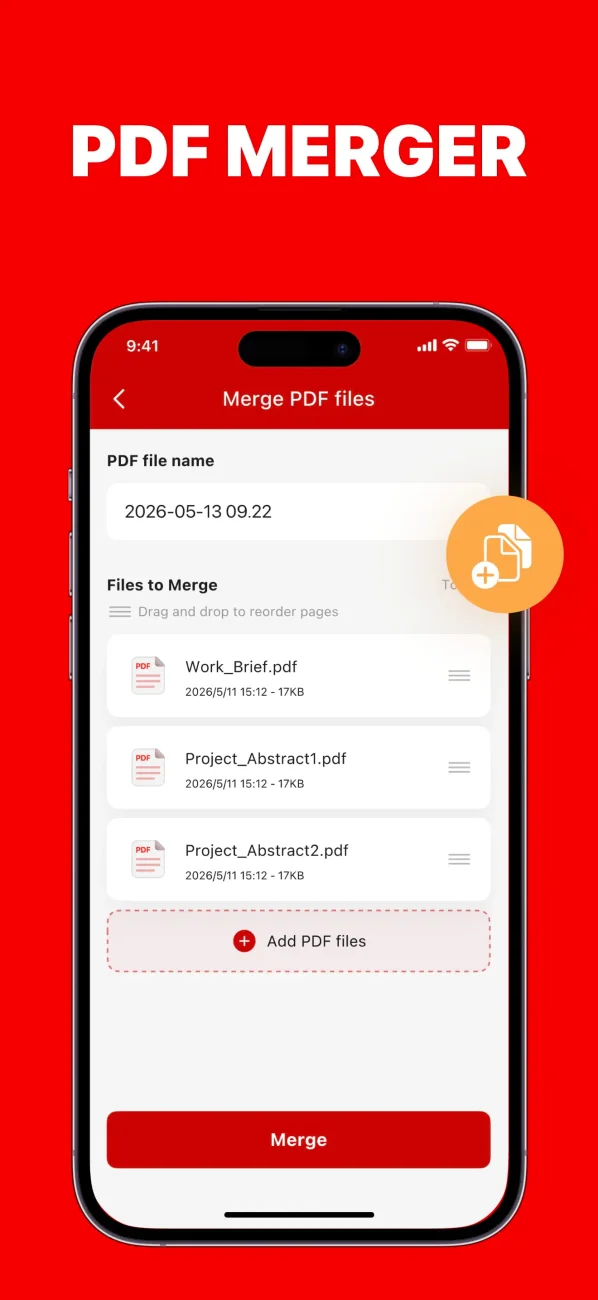
About
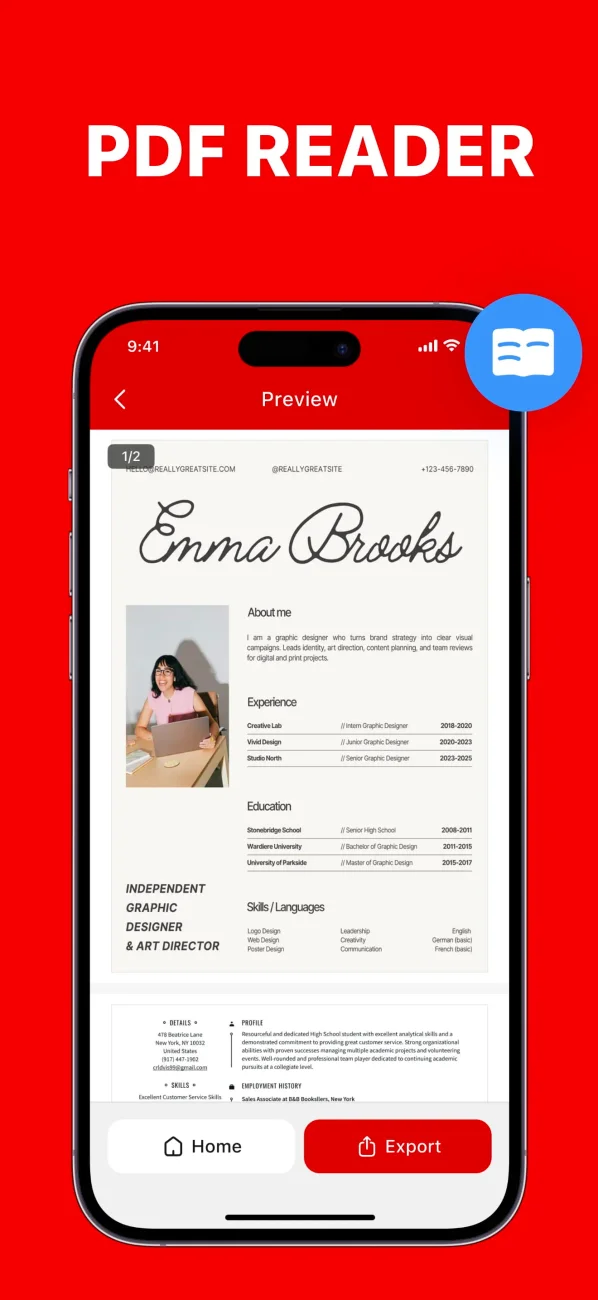
This professional PDF app helps you handle documents quickly and efficiently. With a clean interface and powerful features, managing PDFs has never been easier.
FEATURES
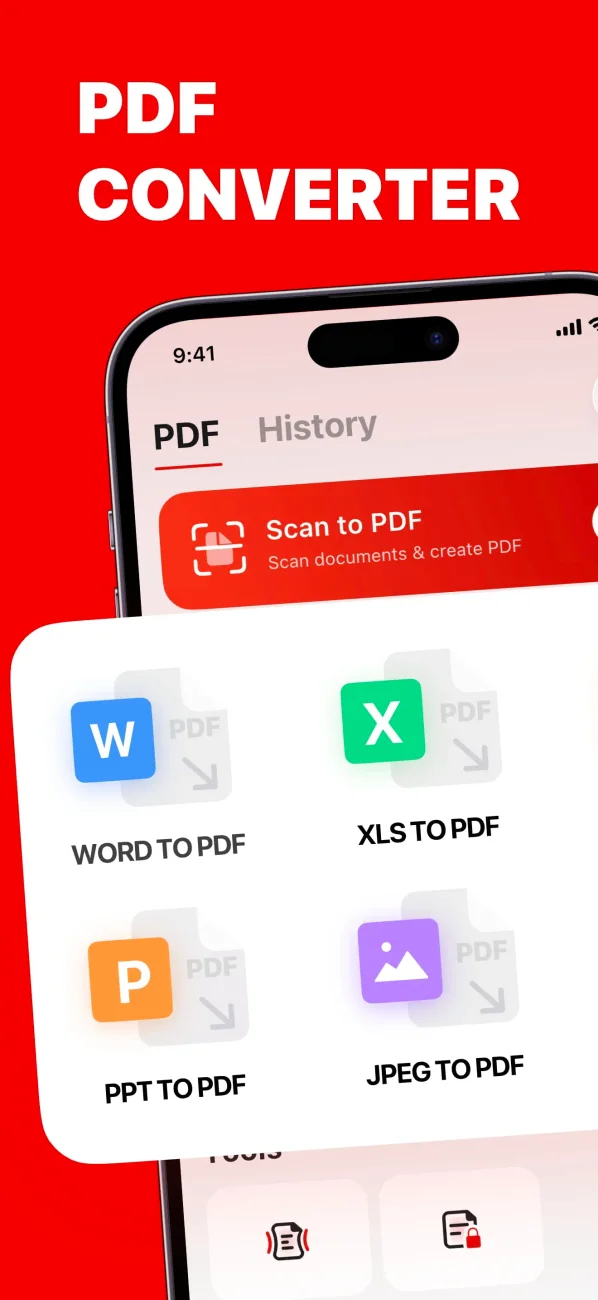
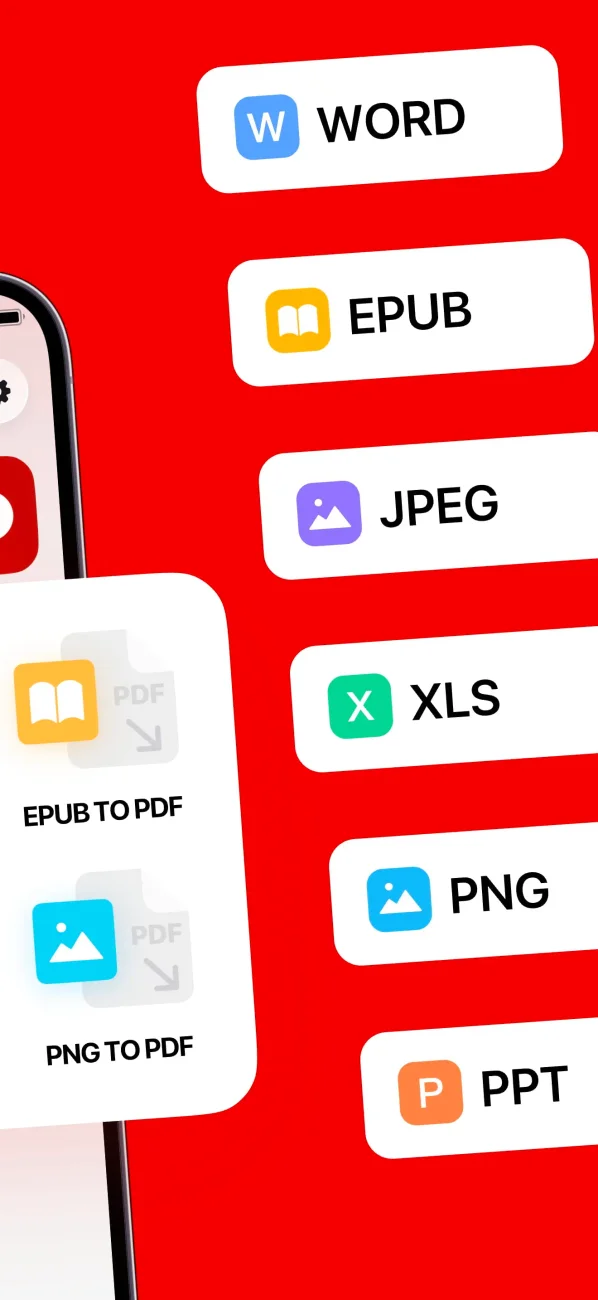
- PDF Converter: Convert images and documents into high-quality PDF files.
- Split and Merge PDF: Easily split large PDFs or merge multiple files into one organized document.
- Compress PDF: Reduce file size while maintaining quality, making sharing and storage easier.
- Protect PDF: Secure your files with password protection to keep your information safe.
- Manage PDF: Organize, rename, and manage your PDF files with ease.
- Scan PDF: Scan documents anytime, anywhere and instantly turn them into PDFs.
SUBSCRIPTION
- Subscriptions are available on a weekly, monthly, or yearly basis. Your subscription will automatically renew based on the selected plan.
- Payment will be charged to your Apple ID account upon confirmation of purchase.
- Your account will be charged for renewal within 24 hours prior to the end of the current period.
- Subscriptions automatically renew unless auto-renewal is turned off at least 24 hours before the end of the current period.
- You can manage or cancel your subscription in your App Store account settings: https://support.apple.com/en-us/HT202039
Privacy Policy:
https://best.kirable.com/links/PDFConverter/PrivacyPolicy
Terms of Service:
https://best.kirable.com/links/PDFConverter/UserAgreement
What’s new
Version 1.1.0 · Aug 21, 2026
- Added PDF compression to efficiently reduce file size.
- Added PDF encryption to enhance file security.
- Added PDF scanning to quickly generate digital documents.
- Optimized and refined parts of the interface layout.
- Fixed several known issues to improve user experience.
- Improved app stability and overall performance.
App privacy
What 晓珍 胡 declares on the App Store about how this app handles data.
-
Data used to track you
May be used to track you across apps and websites owned by other companies.
- Identifiers
- Usage data
-
Data not linked to you
May be collected but is not linked to your identity.
- Identifiers
- Usage data
Privacy practices may vary, for example with the features you use or your age.
Information
- Seller
- 晓珍 胡
- Category
- Productivity
- Version
- 1.1.0
- Updated
- Aug 21, 2026
- Released
- Oct 26, 2023
- Size
- 38.5 MB
- Requires
- iOS 15.6 or later
- Age rating
- 4+
- Price
- Free
- In-app purchases
- Yes
- Languages
- English, Arabic, Dutch, French, German, Indonesian, Italian, Japanese, Korean, Portuguese, Russian, Spanish + 4 more
- Copyright
- ©️XIAOZHEN HU
You might also like
-
 Convert Image To PDF toolsImage to Pdf Convert
-
 Image to PDF Converter · EditScan & Convert Image to PDF
-
 PDF Converter・Scanner・Editor・Scan Documents・Convert & Edit
-
 UniPDF: PDF Converter, ScannerPDF editor, photo to PDF, sign
-
 Word to PDF Converter - ReaderConvert PDF to Word,JPG to PDF
-
 PDF Converter ©Photo to PDF
-
 Photos PDF : Scanner ConverterPhoto & image to Scan Document
-
 PDF Scanner・Document ScannerScan ID Card, Sign, OCR & Edit
-
 PDF Converter: Convert・ScannerScan・Document, Photos, FIles
-
 Convert PDF to Word OCRConvert PDF to DOC and DOCX