PDF Converter: Docs Scanner
Scan, OCR, Sign, Edit & Merge
Designed for iPhone, iPad
Free · In-app purchases
- Age rating4+
- CategoryUtilities
- DeveloperKomal Gangani
- LanguagesEnglish+ 12 more
- Size102.6 MB
Links to the official App Store page
Download.org hosts no file of PDF Converter: Docs Scanner. The button opens its official App Store page, published by Komal Gangani. Listing last checked on Nov 26, 2026.
Screenshots

About
PDF Converter — Scan, Convert & Edit PDFs Like a Pro
The all-in-one PDF powerhouse for iPhone and iPad. Scan documents, convert almost any file to or from PDF, sign, edit, protect, and organize — all in one beautifully designed, privacy-first app. No desktop required.
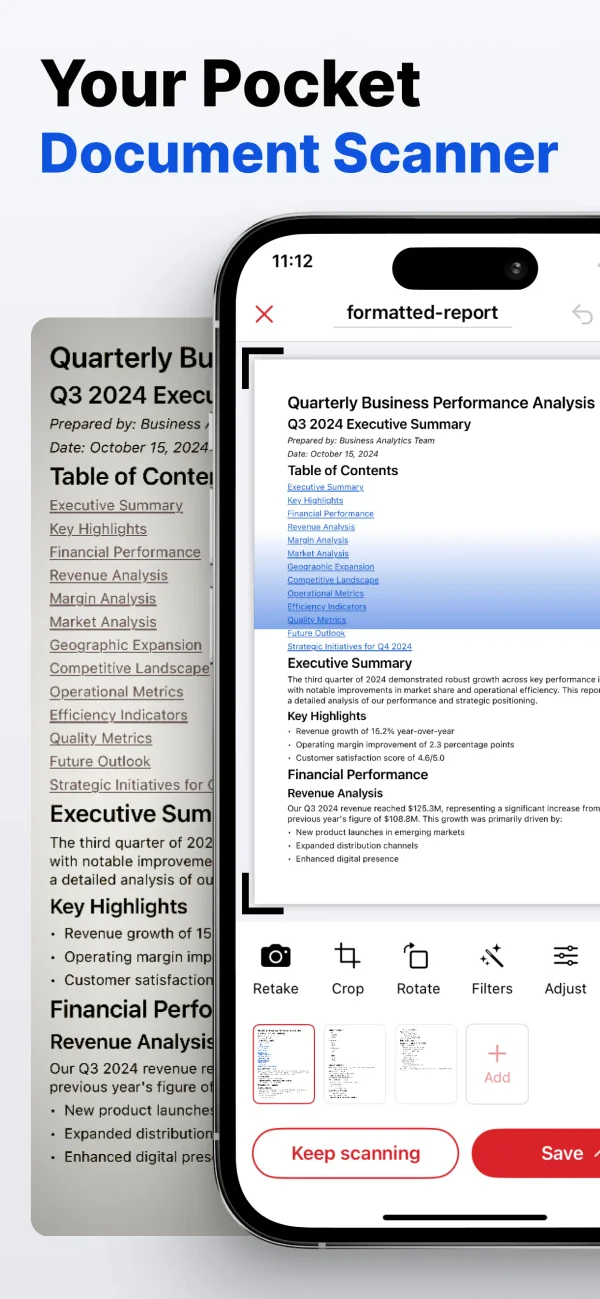
SCAN ANYTHING, INSTANTLY
Turn your camera into a pocket scanner. Automatic edge detection and perspective correction deliver crisp, professional scans every time. Capture multi-page documents, receipts, IDs, and even barcodes — then save straight to PDF.
SEARCHABLE TEXT WITH ON-DEVICE OCR
Smart OCR recognizes text in your scans and images, turning every document into a fully searchable, selectable file. It runs entirely on your device in multiple languages — fast, accurate, and private.
THE ULTIMATE FILE CONVERTER
Convert to and from PDF with studio-grade fidelity:
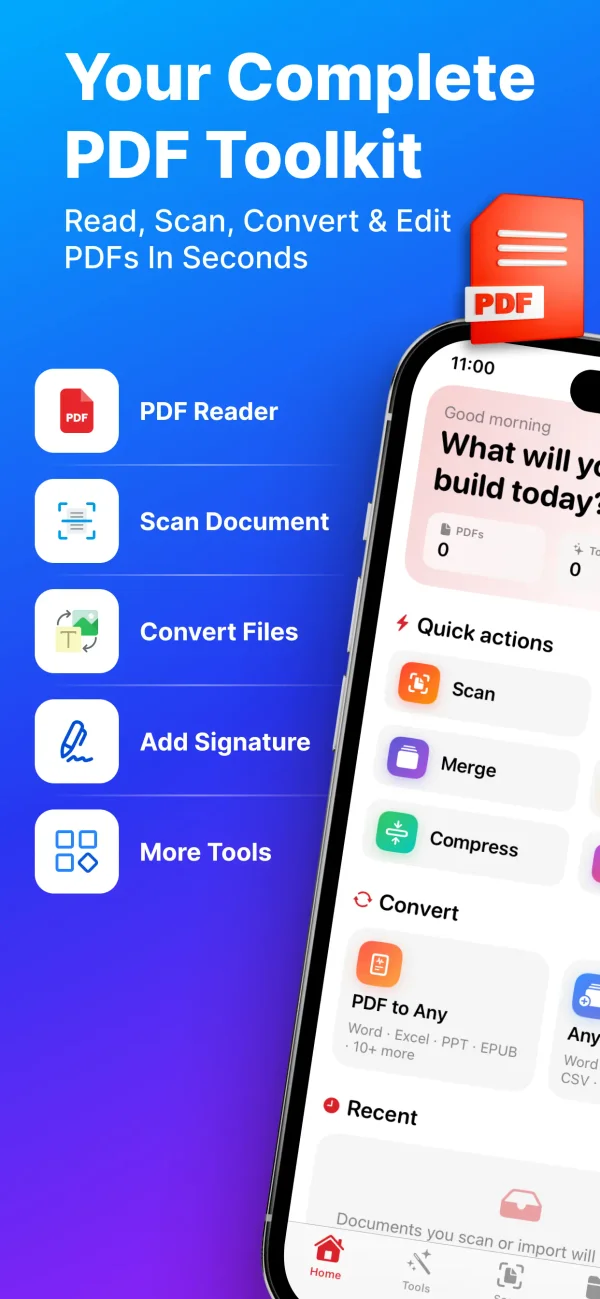
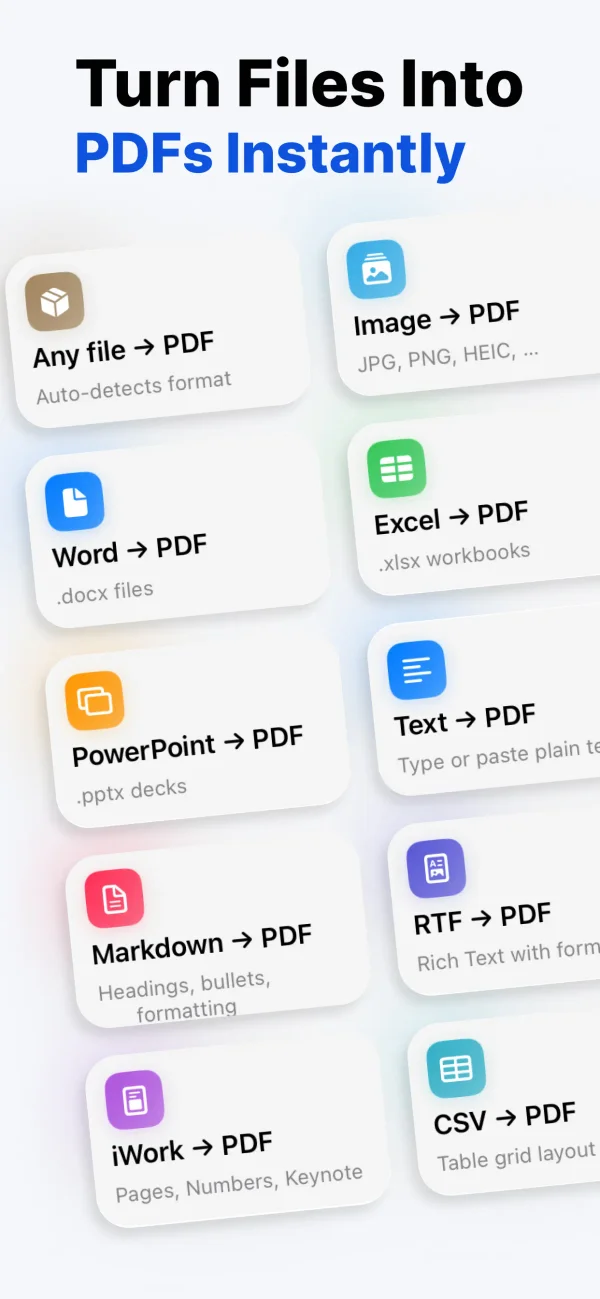
• PDF → Word, Excel, PowerPoint, EPUB, Image, Text, Markdown, HTML, JSON & CSV
• Word, Excel, PowerPoint & Apple Pages/Numbers/Keynote → PDF
• Images (JPEG, PNG, HEIC, TIFF, SVG), RTF, Markdown, HTML, CSV, code & more → PDF
If you have a file, iPDF can turn it into a polished PDF — and back again.
A COMPLETE PDF TOOLKIT
Everything you need to finish the job:
• Merge & split documents
• Reorder, rotate & delete pages
• Compress — even down to a target file size
• Add watermarks, headers, footers & Bates numbering
• Edit metadata, bookmarks & outlines
• Find & replace text
• Compare two PDFs side by side
• Extract images & text
SIGN, FILL & ANNOTATE
Draw and save your signature, then drop it onto any document in seconds. Fill out forms, highlight, draw, and add notes with a fluid, intuitive markup toolkit.
PROTECT WHAT MATTERS
Lock PDFs with passwords and strong encryption. Permanently redact sensitive information. Add a Face ID / Touch ID app lock so your files stay yours and yours alone.
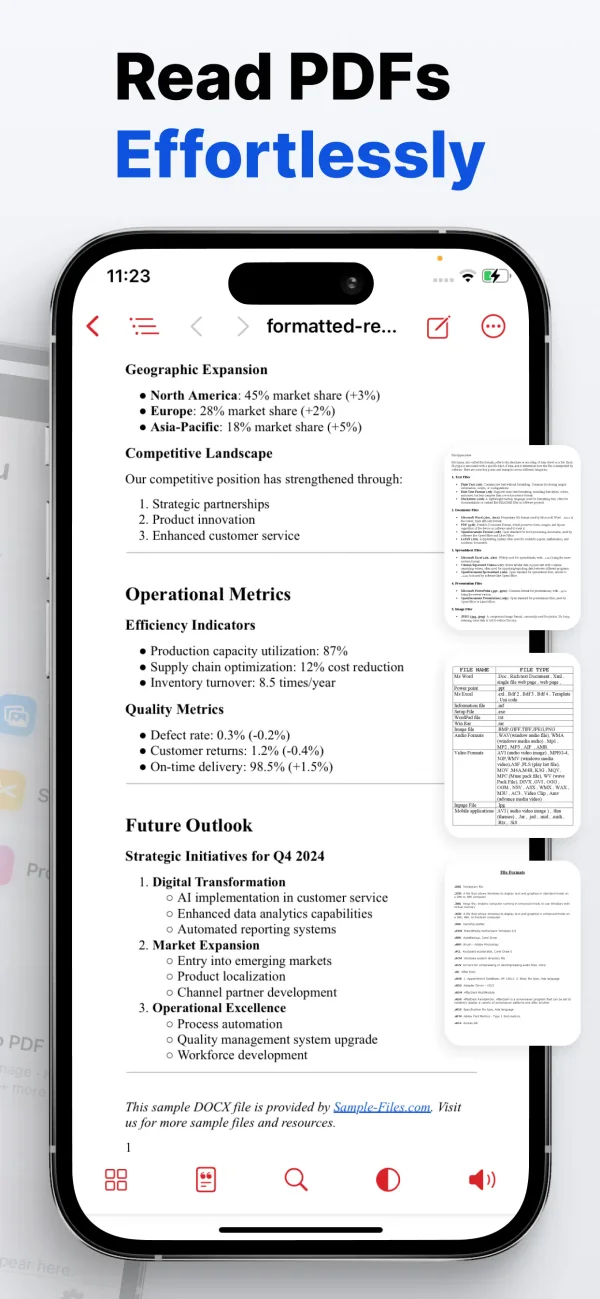
READ & ORGANIZE WITH EASE
A distraction-free reader with bookmarks, search, and saved reading positions. Keep everything in sync across your devices with iCloud Drive, and import files from any app through the share sheet.
BUILT FOR PRIVACY
Scanning and OCR happen right on your device. Your documents stay in your control — no account required.
MORE TO LOVE
• Siri Shortcuts & App Intents
• Native iPhone & iPad design
• Available in 13 languages
• Fast, modern, and built for the latest iOS
SUBSCRIPTION & PRICING
• $49.99/Yearly and $9.99/Week and $9.99/Week with 3-day free trial
• 3-day free trial, then auto-renews weekly at the price shown before purchase
• Payment charged to your iTunes account at purchase confirmation
• Subscription auto-renews unless canceled ≥24h before the end of the current period
• Manage/cancel anytime in your iTunes account Settings
Privacy Policy: https://appspolicymanager.com/apps/pdf-converter-docs-scanner/privacy-policy
Terms of Use: https://appspolicymanager.com/apps/pdf-converter-docs-scanner/terms
Whether you're a student, a freelancer, or a business professional, iPDF Ultimate replaces a whole stack of apps with one. Download now and take total command of your documents.
Premium subscriptions unlock unlimited access to all tools, with weekly, yearly, and lifetime plans and a free trial. Subscriptions auto-renew; cancel anytime in Settings.
What’s new
Version 2.0.17 · Nov 25, 2026
-Bug fixed
App privacy
What Komal Gangani declares on the App Store about how this app handles data.
-
Data used to track you
May be used to track you across apps and websites owned by other companies.
- Diagnostics
-
Data not linked to you
May be collected but is not linked to your identity.
- Usage data
- Diagnostics
Privacy practices may vary, for example with the features you use or your age.
Information
- Seller
- Komal Gangani
- Category
- Utilities
- Version
- 2.0.17
- Updated
- Nov 25, 2026
- Released
- Jun 21, 2026
- Size
- 102.6 MB
- Requires
- iOS 17.0 or later
- Age rating
- 4+
- Price
- Free
- In-app purchases
- Yes
- Languages
- English, Arabic, Danish, French, German, Hindi, Irish, Italian, Japanese, Korean, Portuguese, Simplified Chinese + 1 more
- Copyright
- © pdfconverterdocsscanner@2026
You might also like
-
 PDF Reader - EZ Read PDFRead, PDF Files、Doc、PPT、Excel
-
 Fancy Cleaner - AI Space SaverPhoto Clean, Delete Duplicates
-
 PDF Reader - ViewerView, Merge, Scan & Edit PDFs
-
 Decluttr AI: Storage CleanerFree Space, Duplicate Photos
-
 Duo Cleaner: Clean Up StorageClean iPhone Duplicate Photos
-
 Spaceful: Phone CleanerAI Photo Storage Cleanup
-
 Cleanmaster-smartcleanUtilities
-
 PDF Organizer - Files ProtectMerge, OCR, Tag & Annotate
-
 PDF ProX: PDF Reader & EditorPDF Converter & Scanner
-
 Phoneclean-smartcleanUtilities