PDF ProX: PDF Reader & Editor
PDF Converter & Scanner
Designed for iPhone, iPad
Free · In-app purchases
- Age rating4+
- CategoryUtilities
- DeveloperROOSTERX GLOBAL COMPANY LIMITED
- LanguagesEnglish+ 55 more
- Size125.6 MB
Links to the official App Store page
Download.org hosts no file of PDF ProX: PDF Reader & Editor. The button opens its official App Store page, published by ROOSTERX GLOBAL COMPANY LIMITED. Listing last checked on Nov 25, 2026.
Screenshots


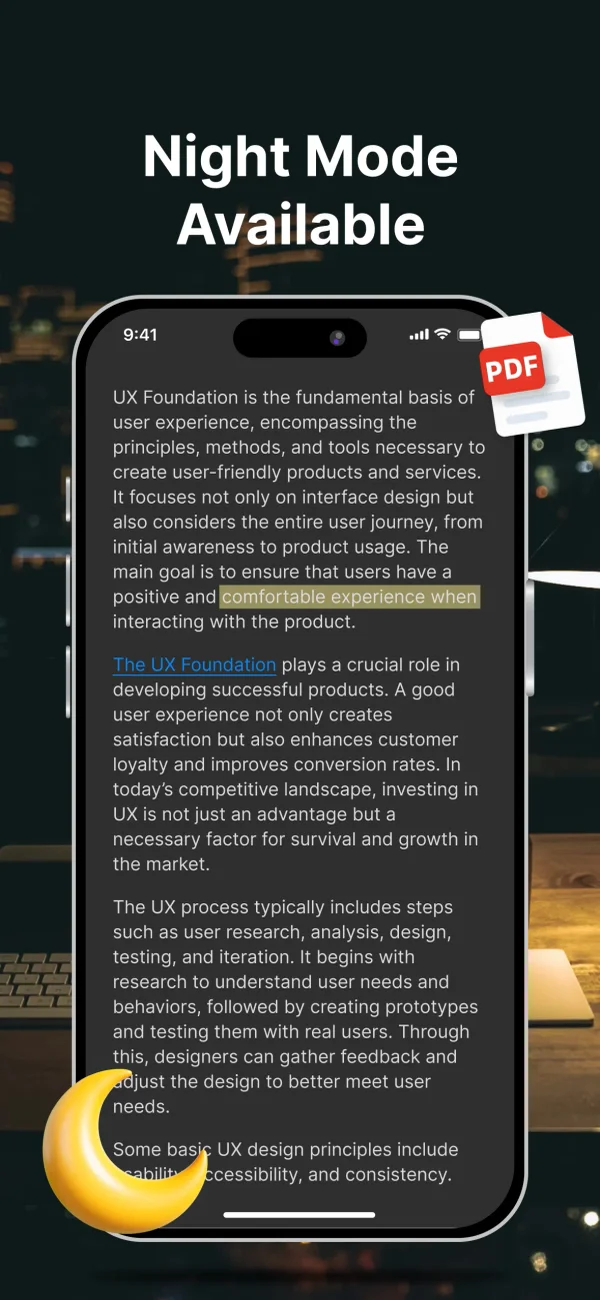
About
Read, edit, sign, convert, scan, and manage PDF documents in one place with PDF ProX: PDF Reader & Editor.
Whether you're working with office documents, study materials, contracts, or everyday paperwork, PDF ProX brings essential PDF tools together on your iPhone. Open and organize files, convert documents between PDF and Office formats, scan paper documents, sign PDFs, and use AI-powered tools to summarize, translate, and extract text—all in one convenient app.
PDF READER & FILE MANAGEMENT
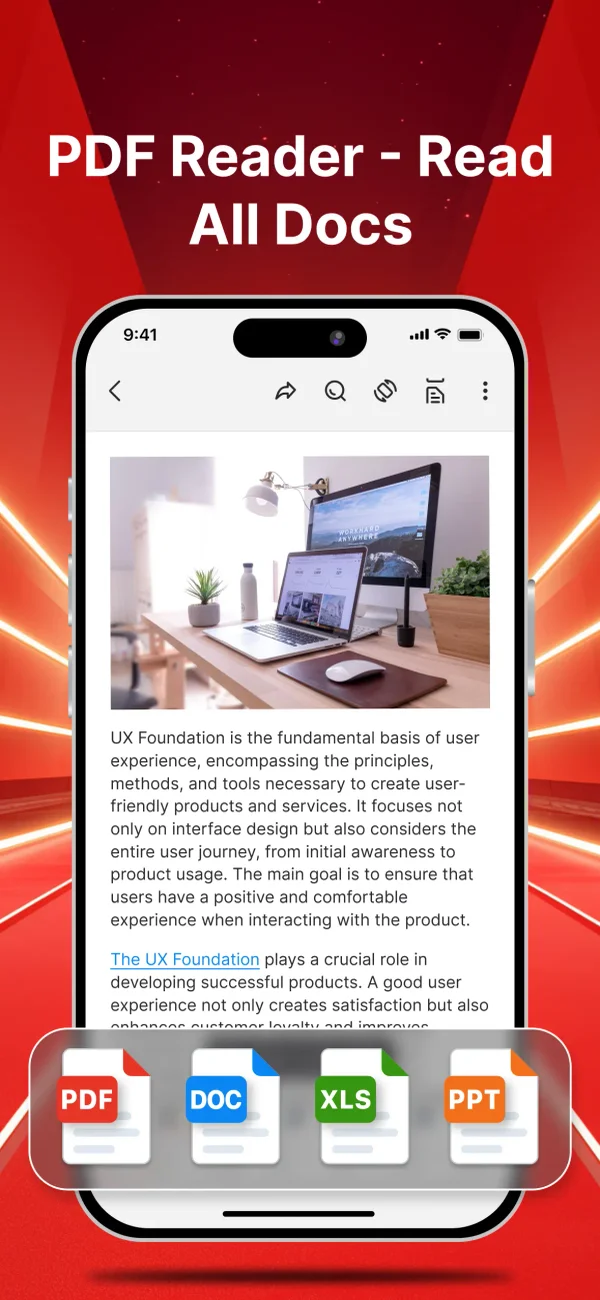
• Open and view PDF documents directly on your iPhone.
• Keep your documents organized by renaming, moving, and deleting files.
• Manage study materials, reports, contracts, and personal documents in one place.
PDF EDITING & ORGANIZATION
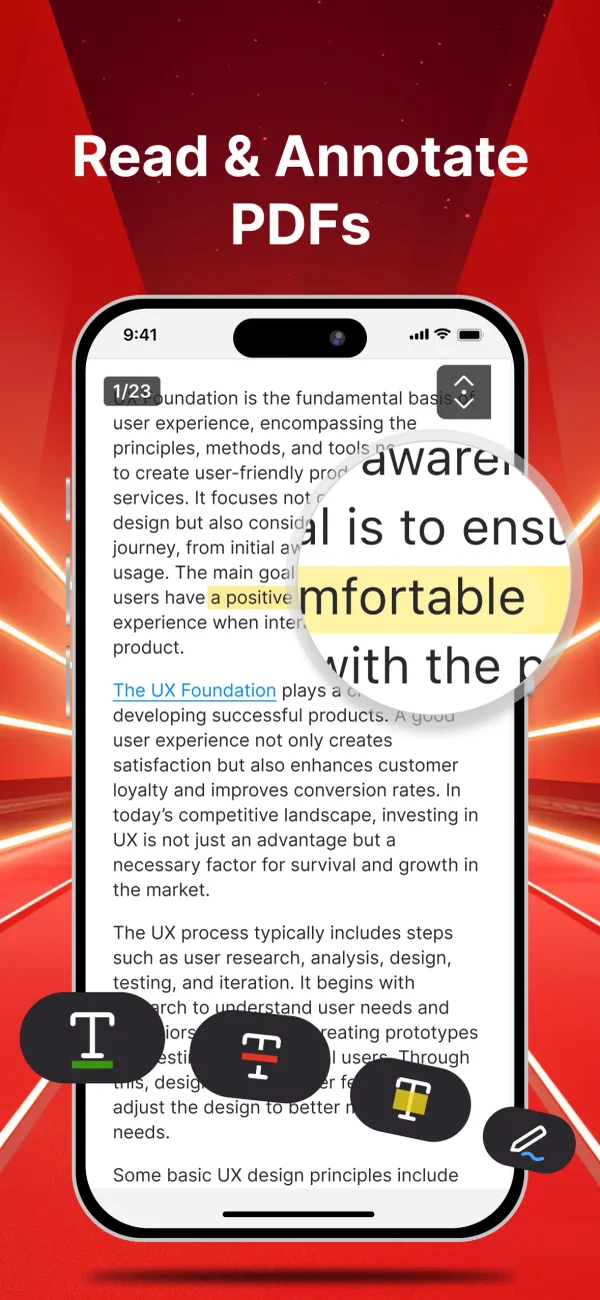
• Highlight important text, underline key details, or strike through content directly on PDF pages.
• Draw and add notes to PDFs for reviewing documents, studying, or sharing feedback.
• Merge multiple PDF files into a single document for easier sharing and management.
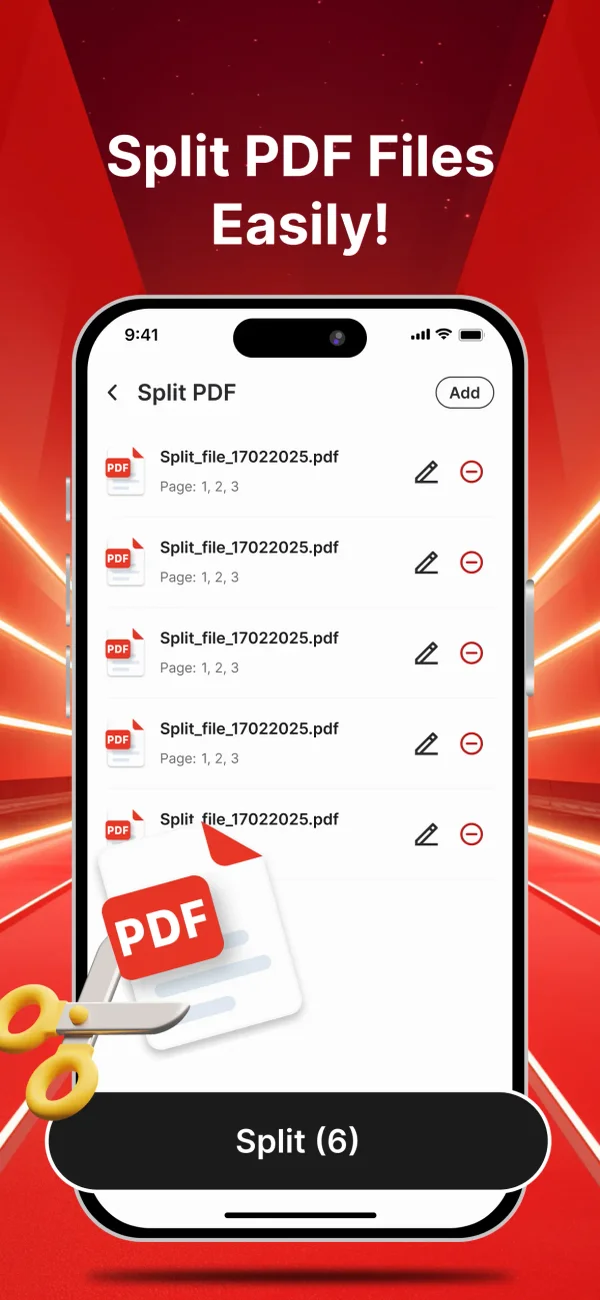
• Split large PDFs into smaller, more manageable files.
PDF SIGNATURE & PAGE TOOLS
• Create your own signature and add it directly to PDF documents.
• Place signatures on PDF pages to sign forms, agreements, and other documents.
• Add page numbers to PDFs and customize the starting number, position, size, color, opacity, and margins.
• Drag and drop PDF pages to reorder them and save documents with the updated page sequence.
PDF CONVERTER – PDF & OFFICE FILES
• Convert Word, Excel, PowerPoint, and images into PDF files for easy sharing and storage.
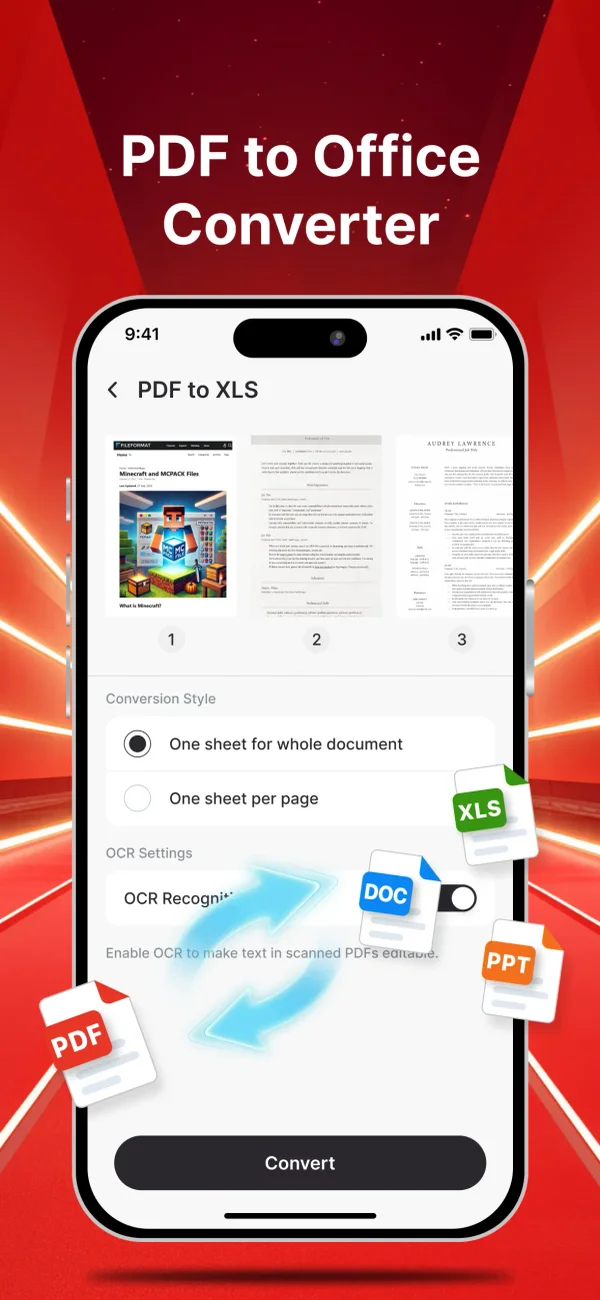
• PDF to Office: Use AI to convert PDFs into Word, Excel, and PowerPoint.
• Switch between PDF and Office formats to work with documents, spreadsheets, and presentations in one place.
AI TOOLS
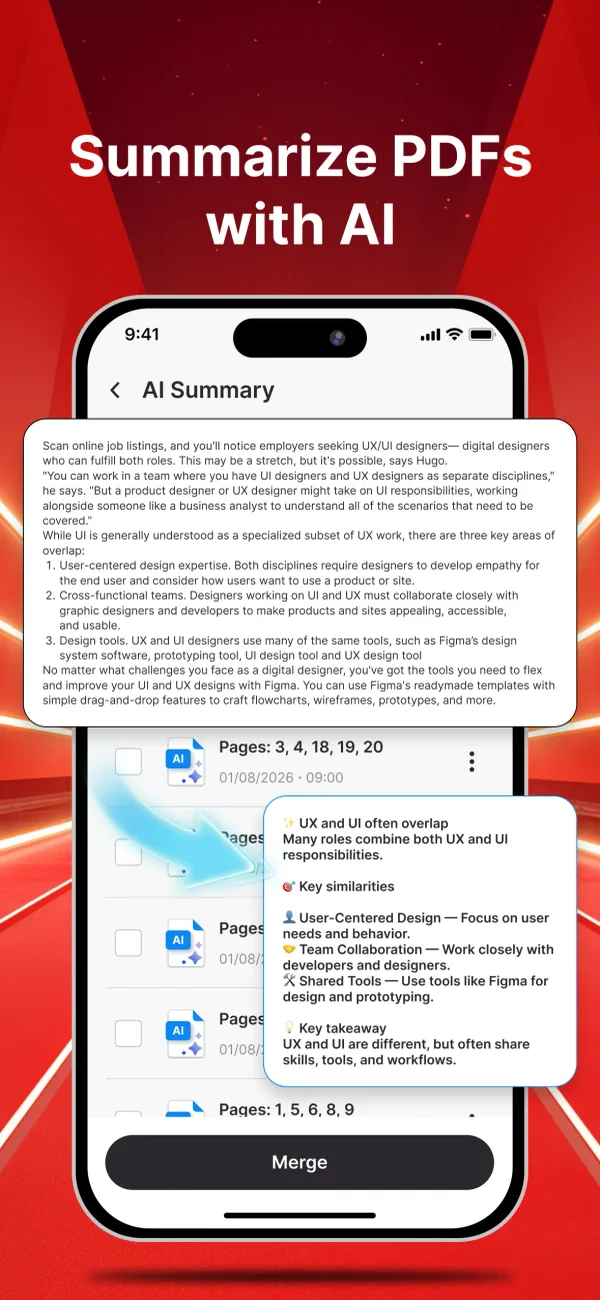
• AI Summary: Summarize selected document pages and quickly capture key information. Combine summaries, translate results, and export them as files.
• AI Translate: Translate selected document pages into your preferred language. Review translations page by page and export the translated content.
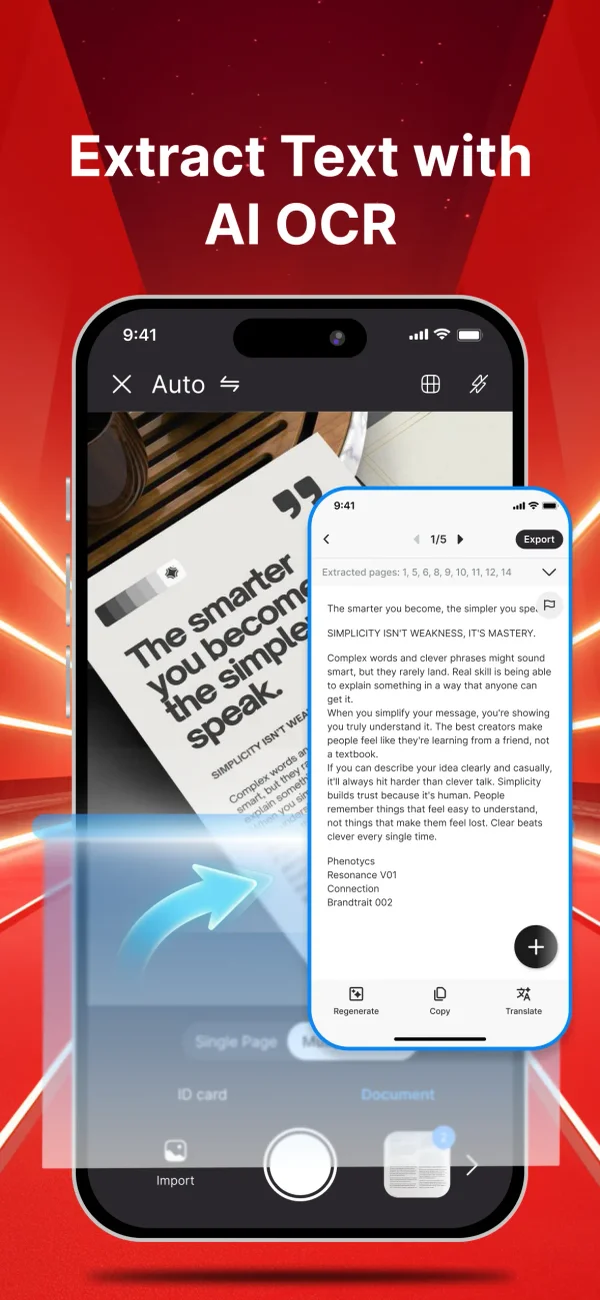
• AI OCR: Extract text from imported images or documents captured with the camera. Copy, translate, and export recognized text for later use.
SMART PDF SCANNER
• Scan receipts, notes, contracts, books, photos, and other paper documents directly with your iPhone.
• Automatically detect document edges, crop pages, and adjust colors for clearer scans.
• Convert scanned pages into PDF files for easy organization and sharing.
PDF COMPRESSION
• Reduce PDF file size to make documents easier to store and share.
• Choose different compression levels depending on your document needs.
DOCUMENT SECURITY
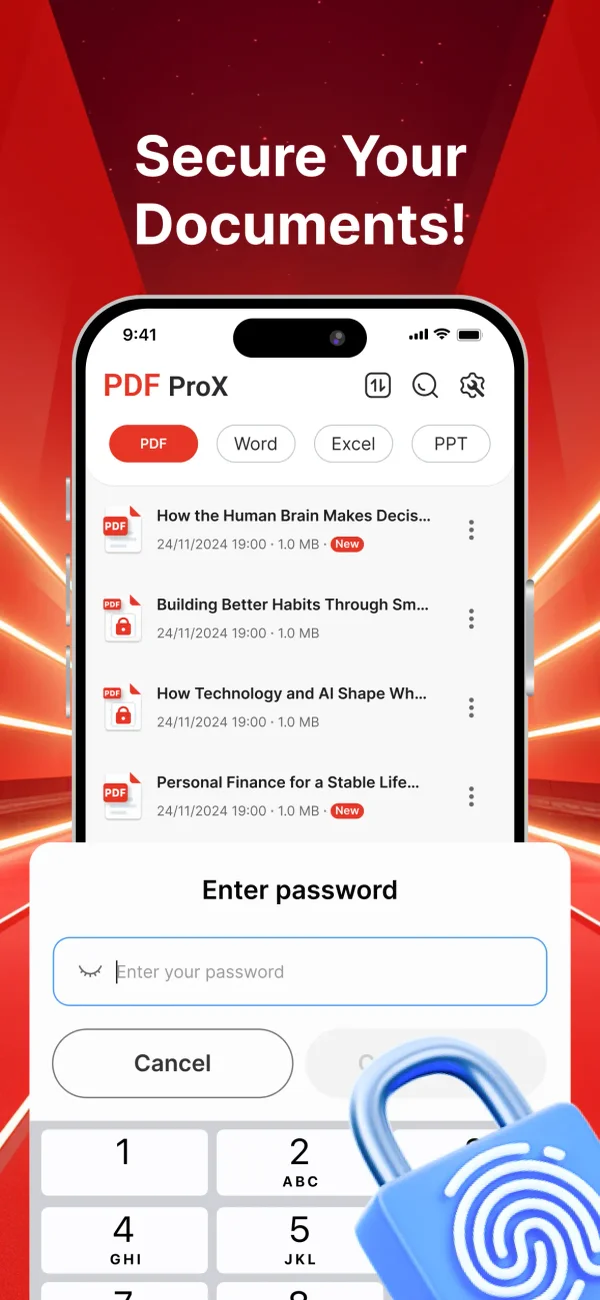
• Add password protection to sensitive PDF files.
• Manage personal, financial, and business documents with additional protection.
Privacy policy: https://sites.google.com/roosterx.vn/roosterx-appstore-privacy
Terms of use: https://sites.google.com/roosterx.vn/roosterx-appstore-termsofuse
We'd love to hear what you think. Share your feedback and help us keep improving PDF ProX.
What’s new
Version 2.0.2 · Nov 24, 2026
Fix bugs and improve performance
App privacy
What ROOSTERX GLOBAL COMPANY LIMITED declares on the App Store about how this app handles data.
-
Data used to track you
May be used to track you across apps and websites owned by other companies.
- Purchases
- Location
- Identifiers
- Usage data
-
Data not linked to you
May be collected but is not linked to your identity.
- Purchases
- Location
- User content
- Identifiers
- Usage data
- Diagnostics
Privacy practices may vary, for example with the features you use or your age.
Information
- Seller
- ROOSTERX GLOBAL COMPANY LIMITED
- Category
- Utilities
- Version
- 2.0.2
- Updated
- Nov 24, 2026
- Released
- Jul 13, 2026
- Size
- 125.6 MB
- Requires
- iOS 16.0 or later
- Age rating
- 4+
- Price
- Free
- In-app purchases
- Yes
- Languages
- English, Arabic, Azerbaijani, Bengali, Bulgarian, Burmese, Catalan, Croatian, Czech, Danish, Dutch, Estonian + 44 more
- Copyright
- © 2026 RoosterX Global Co., Ltd.
You might also like
-
 PDF Reader - ViewerView, Merge, Scan & Edit PDFs
-
 Doc Scanner OCR & PDF scanDocument Convert, Scan & Sign
-
 PDF Reader - EZ Read PDFRead, PDF Files、Doc、PPT、Excel
-
 PDF Converter: Docs ScannerScan, OCR, Sign, Edit & Merge
-
 iQR Scanner ProQR Code Maker, Barcode Scanner
-
 PDF Organizer - Files ProtectMerge, OCR, Tag & Annotate
-
 AI Safe Cleanup: Fast & EasyStorage Cleaner & Spam Blocker
-
 Phone Cleaner + Photo CleanerStorage Cleaner Smart Tool
-
 AI Guard: Smart CleanerPrivacy & WiFi Check
-
 File Manager: Tidy & ConvertConvert & Organize Documents