PDF Converter: Edit Documents
Merge Photos & Convert to PDF
Designed for iPhone, iPad, iPod touch
In-app purchases
- Age rating4+
- CategoryBusiness
- DeveloperTahir Jamil
- LanguagesEnglish
- Size48.2 MB
Links to the official App Store page
Download.org hosts no file of PDF Converter: Edit Documents. The button opens its official App Store page, published by Tahir Jamil. Listing last checked on Nov 12, 2026.
Screenshots

About
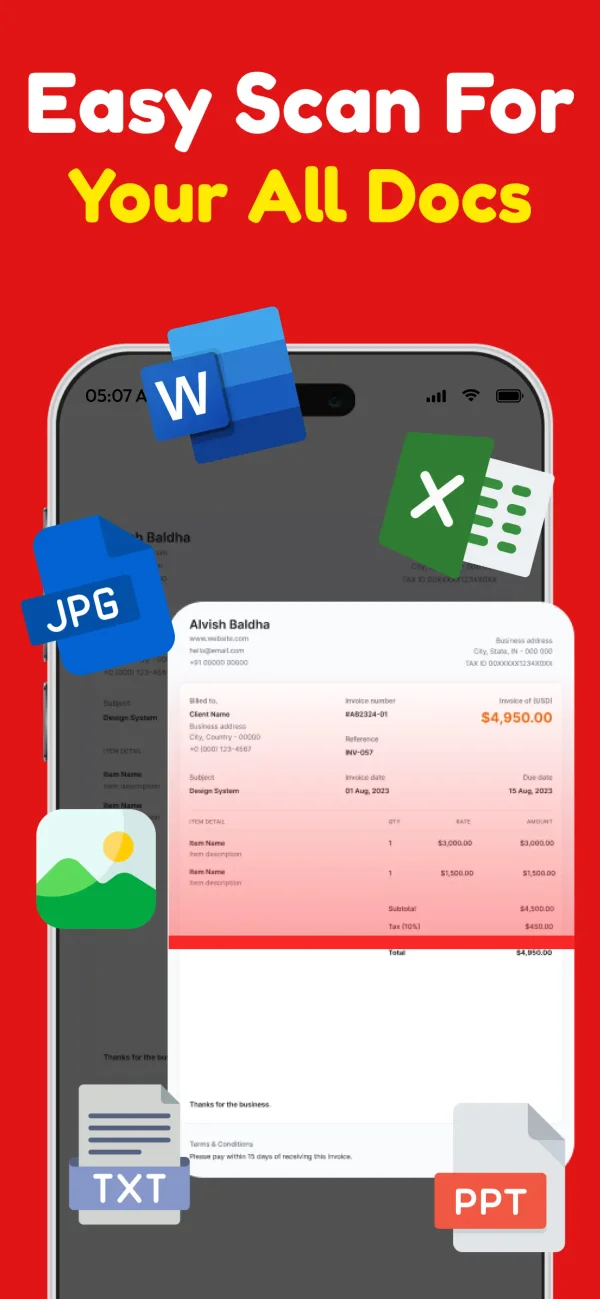
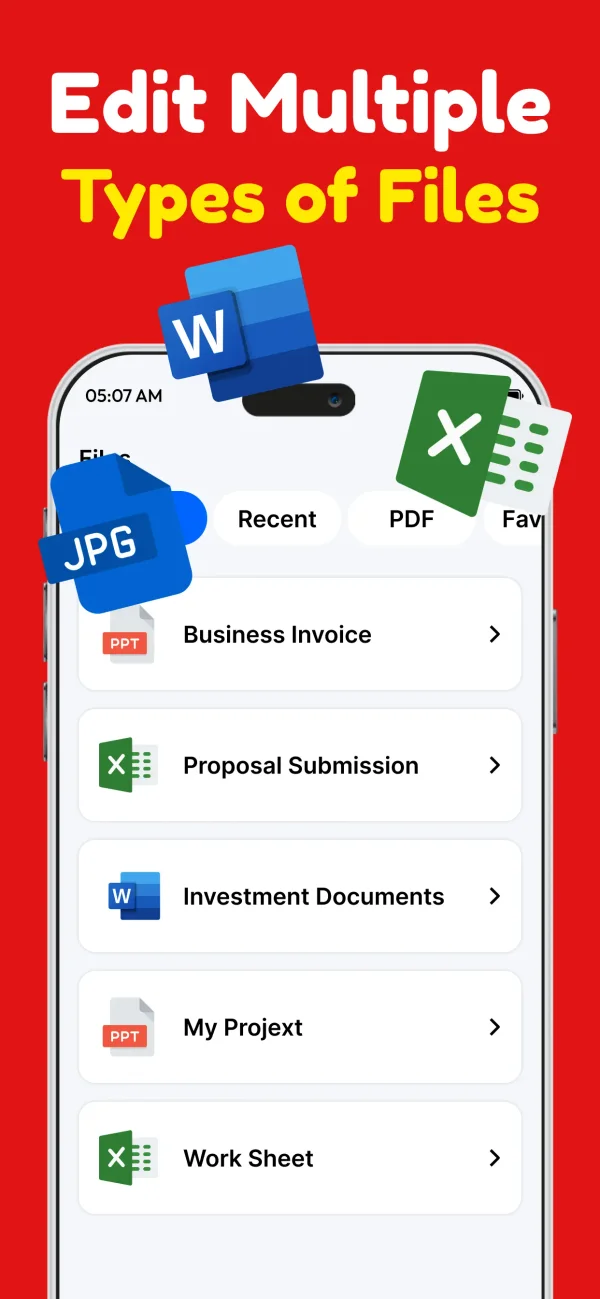
Our all-in-one PDF app gives you a powerful yet simple way to manage documents on your phone. Open and read PDF, Word, Excel, and image files with a fast and smooth viewer. Enjoy clean layouts, zoom controls, and night mode for comfortable reading anytime. Whether it’s reports, invoices, or study notes, your files stay clear and easy to access. Turn your phone into a portable scanner and create high-quality PDFs in seconds. Scan documents, receipts, ID cards, and notes using your camera with smart edge detection and auto-cropping. Enhance scans with filters for better clarity and save them as professional-looking PDF files. No bulky scanner needed—just snap and save.
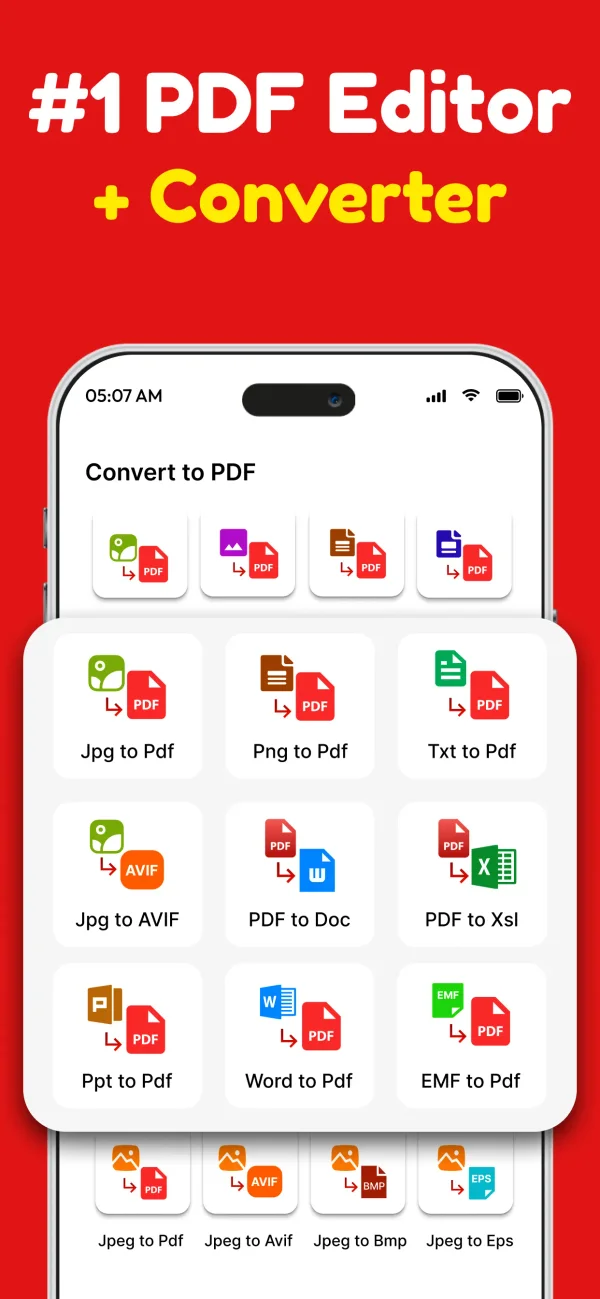
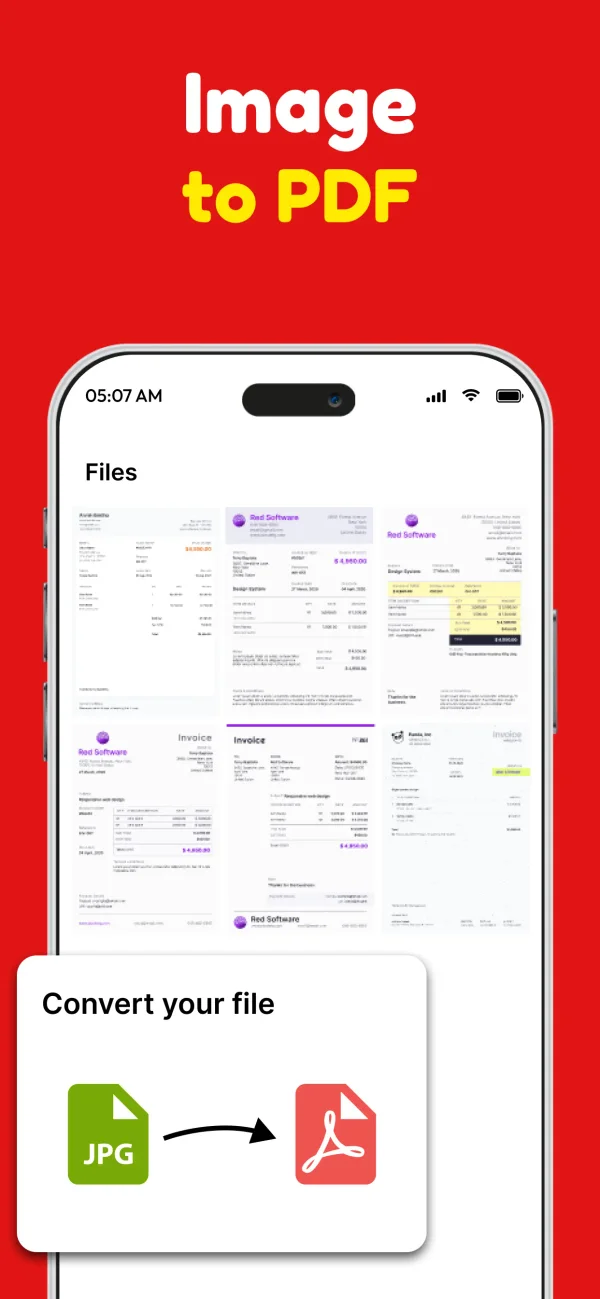
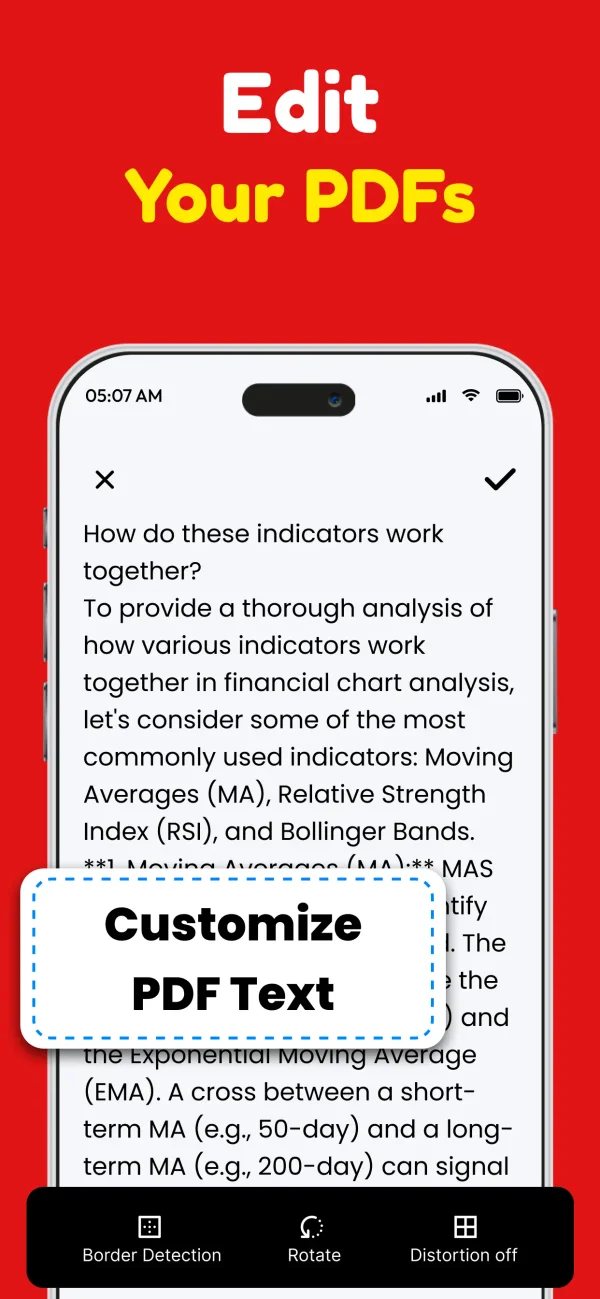
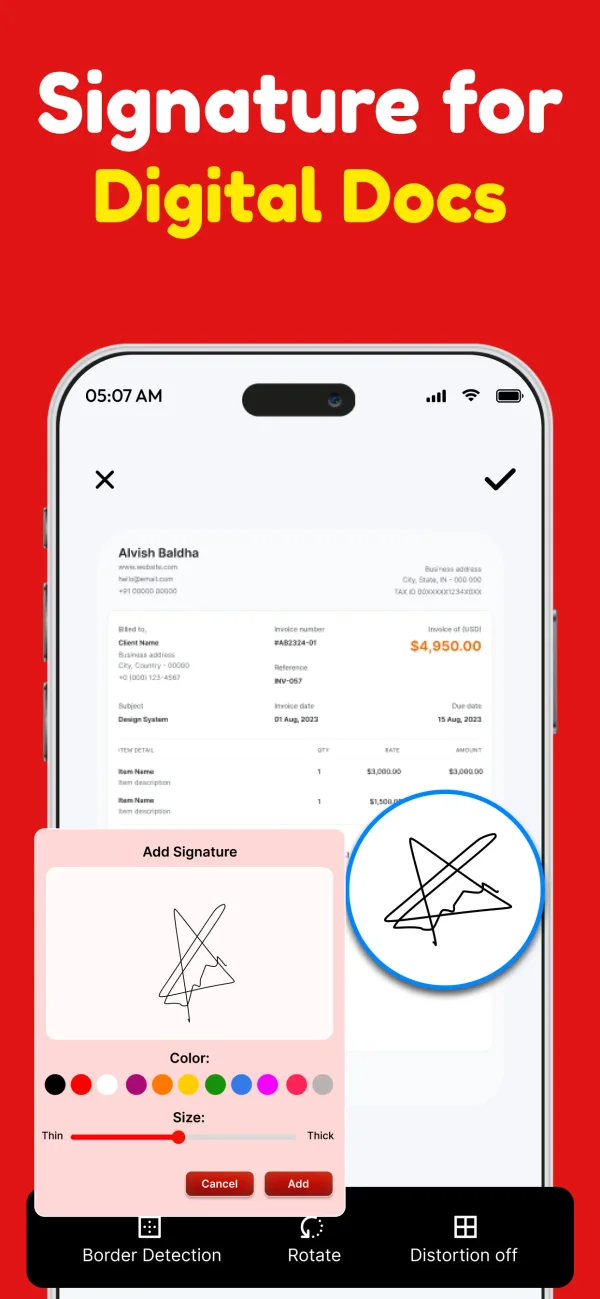
Convert files between multiple formats with ease. Change PDF to Word, Excel, or images, and convert images or Office files back into PDF instantly. Keep formatting accurate while reducing file size for faster sharing and storage. One tool handles all your conversion needs without complicated steps. Edit PDFs directly on your device with useful tools designed for productivity. Add or remove pages, insert text, draw annotations, highlight important parts, and sign documents digitally. Merge multiple PDFs into one file, split large files, and protect private documents with passwords for extra security.
Share and manage your documents effortlessly wherever you are. Organize files in folders, rename them, and search quickly when needed. Send documents through email, messaging apps, or cloud services in one tap. Perfect for students, professionals, and anyone who works with documents daily, this app saves time and keeps everything in one smart place.
Subscription Details:
Scantrix offers weekly, monthly, and yearly auto-renewing subscription plans to unlock premium features, in line with Apple’s guidelines. Payment will be charged to your Apple ID account. Subscriptions automatically renew unless canceled at least 24 hours before the end of the current billing period.
Privacy Policy: https://tahirjamilaccount.blogspot.com/2025/09/tahir-jamil-privacy-policy.html
Terms of Use: https://tahirjamilaccount.blogspot.com/2025/09/tahir-jamil-terms-of-use.html
What’s new
Version 1.3 · Feb 19, 2026
- Bug Fix & Performance Improvements
- User Experience Enhancements
App privacy
What Tahir Jamil declares on the App Store about how this app handles data.
-
Data not collected
The developer does not collect any data from this app.
Privacy practices may vary, for example with the features you use or your age.
Information
- Seller
- Tahir Jamil
- Category
- Business
- Version
- 1.3
- Updated
- Feb 19, 2026
- Released
- Oct 31, 2025
- Size
- 48.2 MB
- Requires
- iOS 15.6 or later
- Age rating
- 4+
- In-app purchases
- Yes
- Languages
- English
- Copyright
- Copyright © 2025 Tahir Jamil All rights reserved.
You might also like
-
 PDF Scanner: Creator & ReaderScan Photo to PDF Documents
-
 My PdfConverter: Scan & SignWord, Photo & Image to PDF
-
 Scanovox: PDF Scanner & ToolsScan, Convert & Edit PDF Files
-
 Image Size & Video CompressorOffline, Private & Easy
-
 MiOfficePDF, Image & Video Tools
-
 Leaf: Document Scanner & PDFEdit, Sign, Stamp & Fill Forms
-
 Push PDF: PDF Converter, ScanPhotos to PDF & File Converter
-
 PDF Merger: Combine & SplitAI PDF Editor, Scan & Compress
-
 Fogwing CopilotProductivity
-
 PiloFinance