PDF Scanner: Creator & Reader
Scan Photo to PDF Documents
Designed for iPhone, iPad
Free · In-app purchases
- Age rating4+
- CategoryBusiness
- DeveloperConteza LLC
- LanguagesEnglish+ 36 more
- Size46.0 MB
Links to the official App Store page
Download.org hosts no file of PDF Scanner: Creator & Reader. The button opens its official App Store page, published by Conteza LLC. Listing last checked on Nov 27, 2026.
Screenshots
About
Make scanning and document management easy with our PDF Scanner.
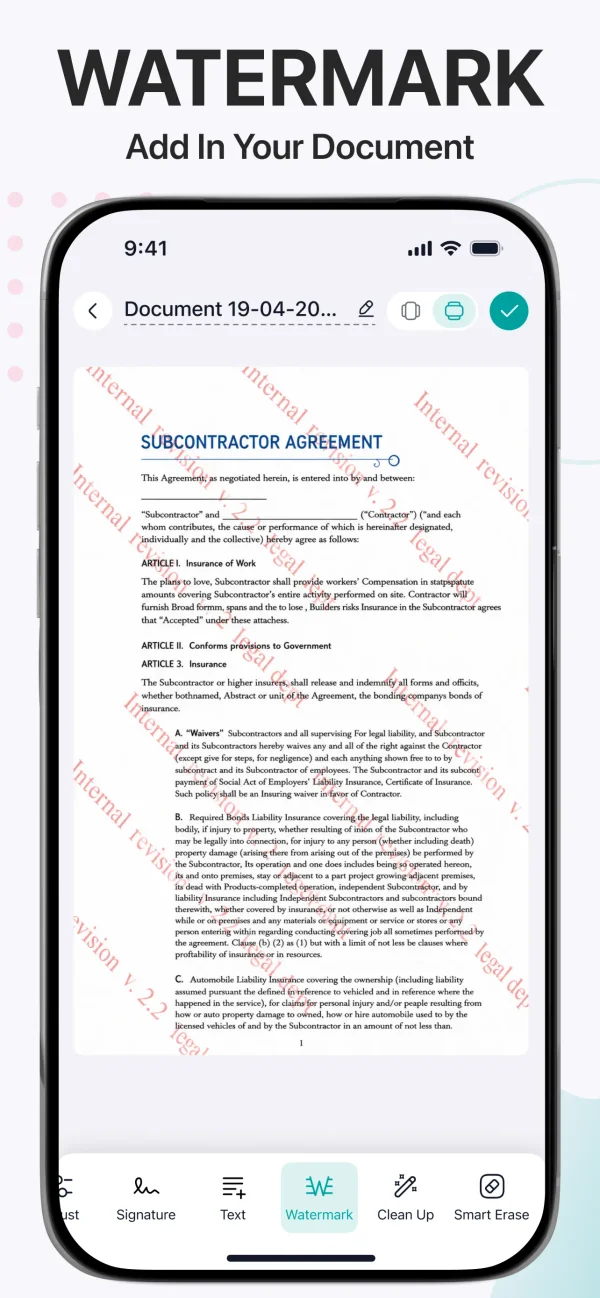
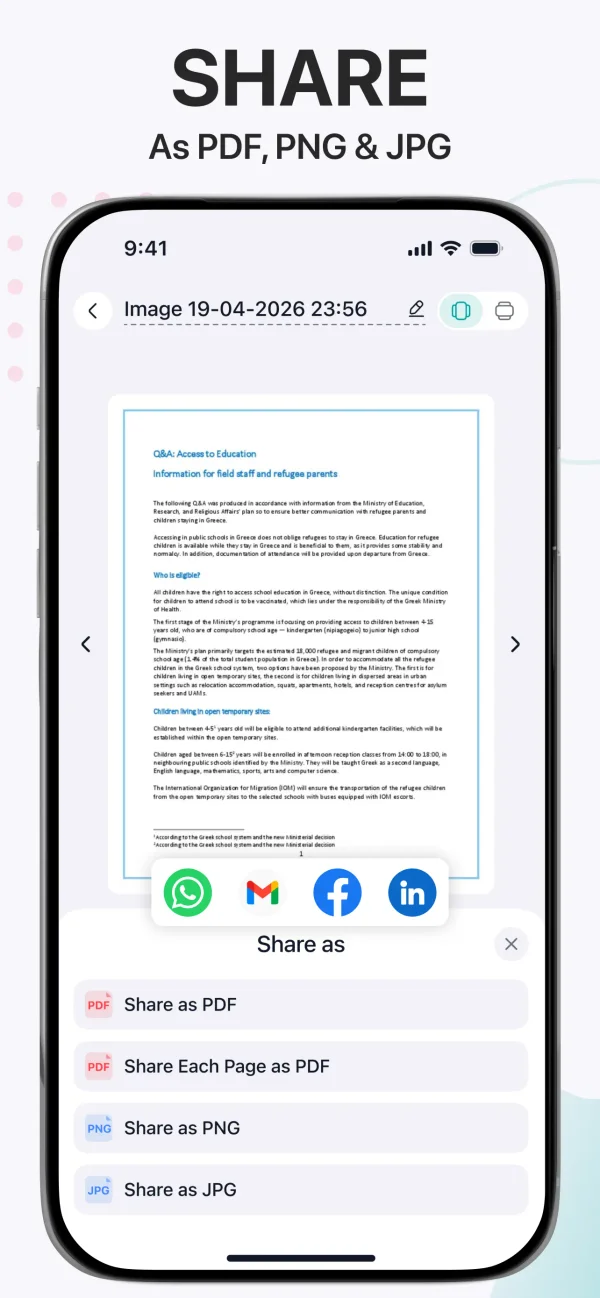
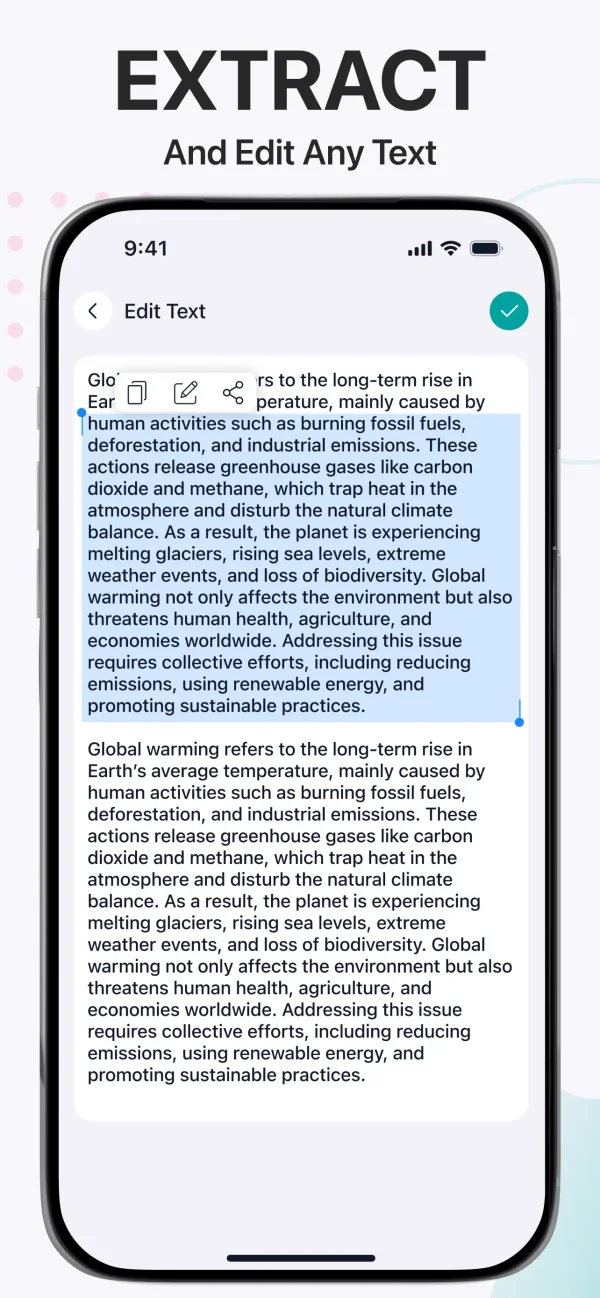
PDF Scanner is a powerful all-in-one app, aiming to simplify how users capture, manage, and interact with documents in both personal and professional life. Instead of using multiple tools for scanning, reading, converting, and analyzing content, this app brings everything to one forum.
With advanced scanning technology, intelligent AI features, and smart measurement tools, PDF Scanner helps users save time, improve accuracy, and boost productivity in everyday tasks.
Smart Document Scanner
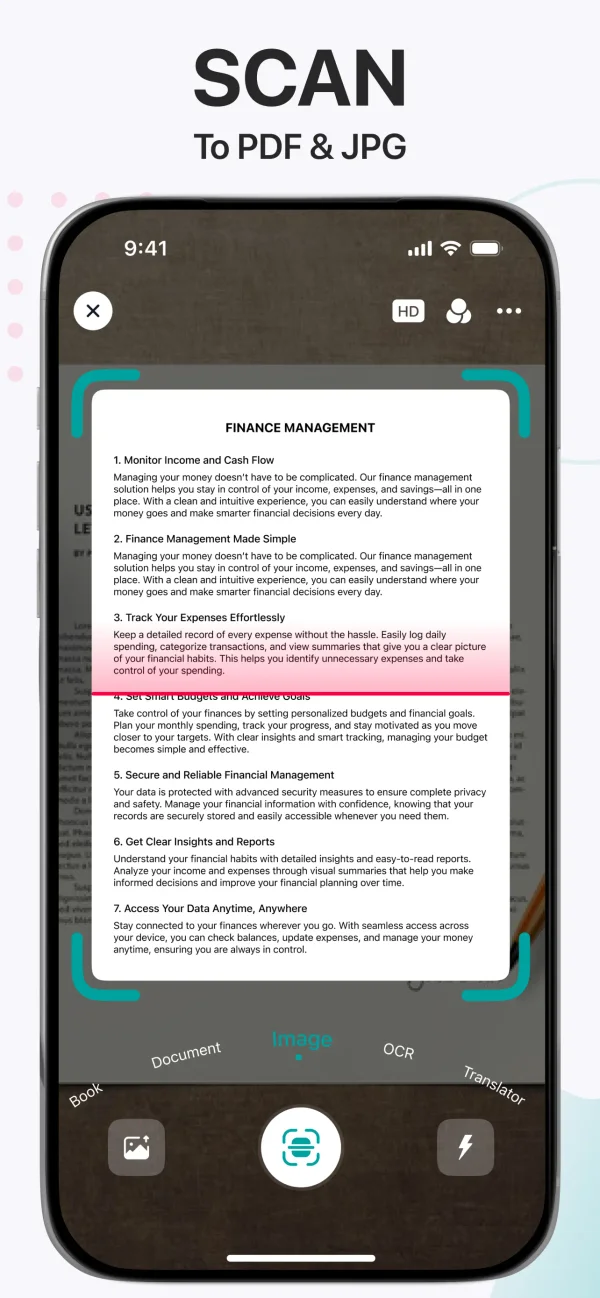
The built-in scanner transforms your mobile device into a high-quality digital scanner. It allows users to capture a wide range of documents with precision and clarity.It can also work as a dedicated book scanner, letting you scan multiple book pages into a single, clean PDF.
The scanner also includes a QR code feature for quick access to information and links. In addition, it offers translation support, making it easier to understand documents in different languages instantly.
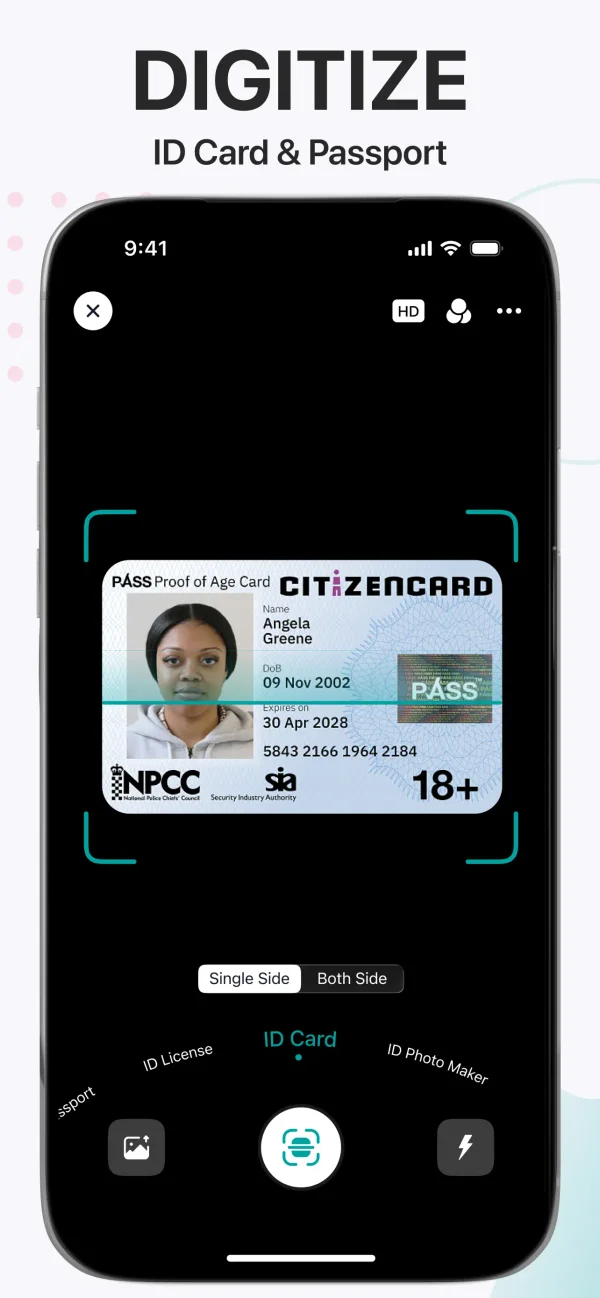
Advanced ID Scanner
Our PDF Scanner makes it effortless for individuals to manage their identity documents. The app allows users to accurately scan their official documents, such as:
ID Card
Driver’s License
Passport
The app also works as an ID photo maker that helps users generate properly formatted photos for official use. This feature ensures users always have ready-to-use identity documents without the need for external services
Built-in PDF Tools
Besides scanning, you can also use this PDF Scanner to:
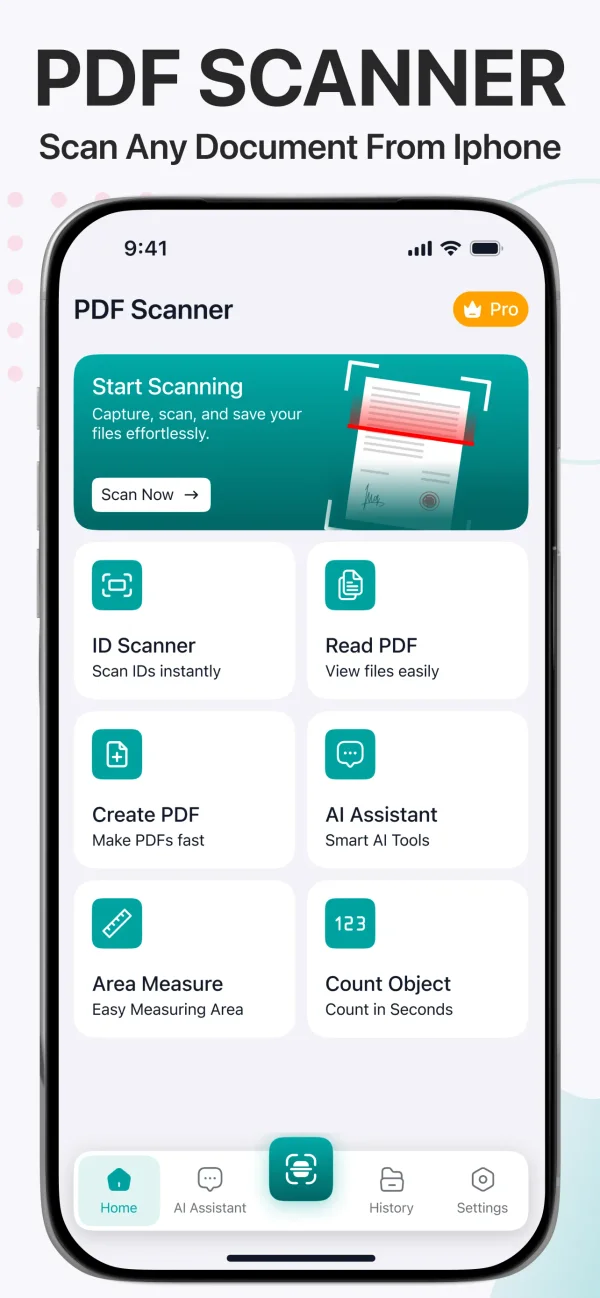
Read PDF: The PDF Reader provides a smooth and easy viewing experience for all types of PDF files, allowing users to open and review documents anytime.
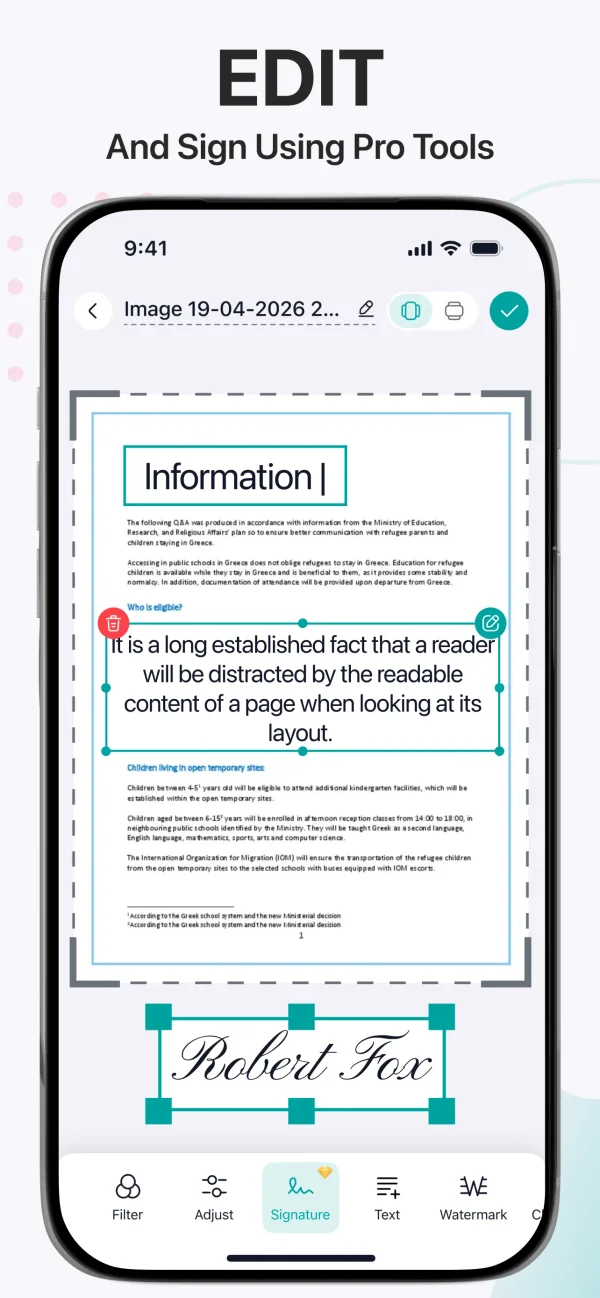
Create PDF: The PDF Creator enables users to convert scanned files, images, or content into professional PDF documents in just a few taps.
AI-Powered Assistance
At the core of the app is a smart AI Assistant designed to provide instant help and guidance. You can use it to get help on any kind of queries, such as:
Answer general knowledge questions instantly
Paraphrase, summarize, or improve documents and text
Assist with translation of words, phrases, or content
Offer suggestions for improving productivity and workflow
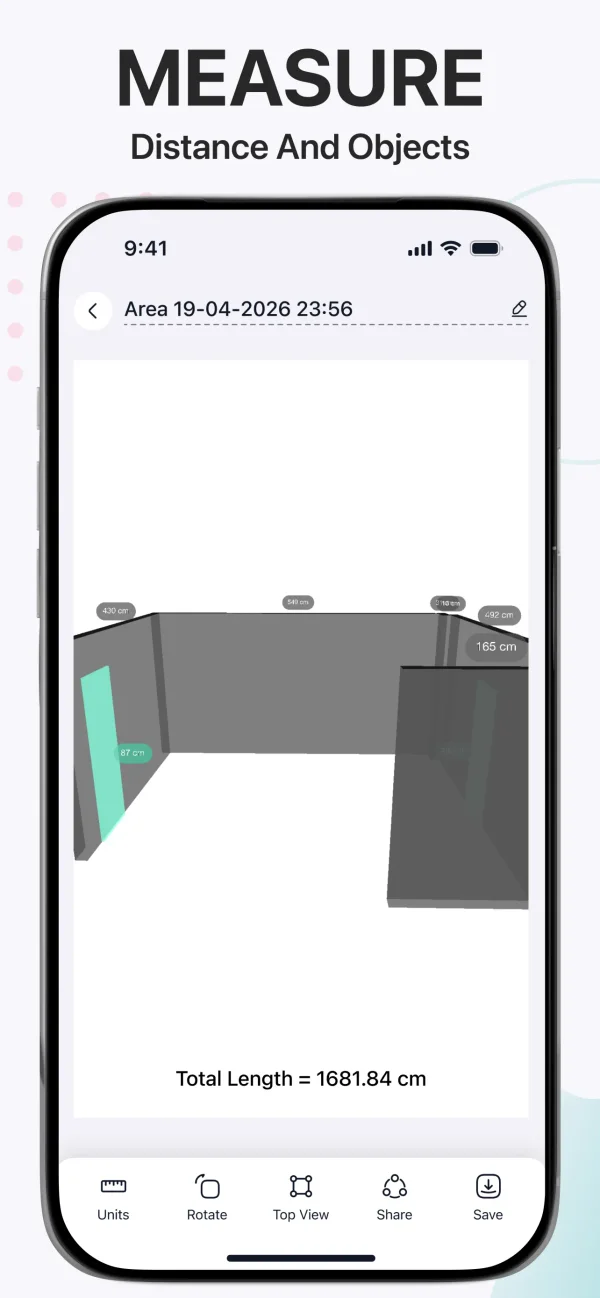
Smart Area Measurement
One of the most advanced features of PDF Scanner is its camera-based area measurement tool. Users can simply point their camera at a room or space, and the app intelligently calculates dimensions such as length, width, and total area.
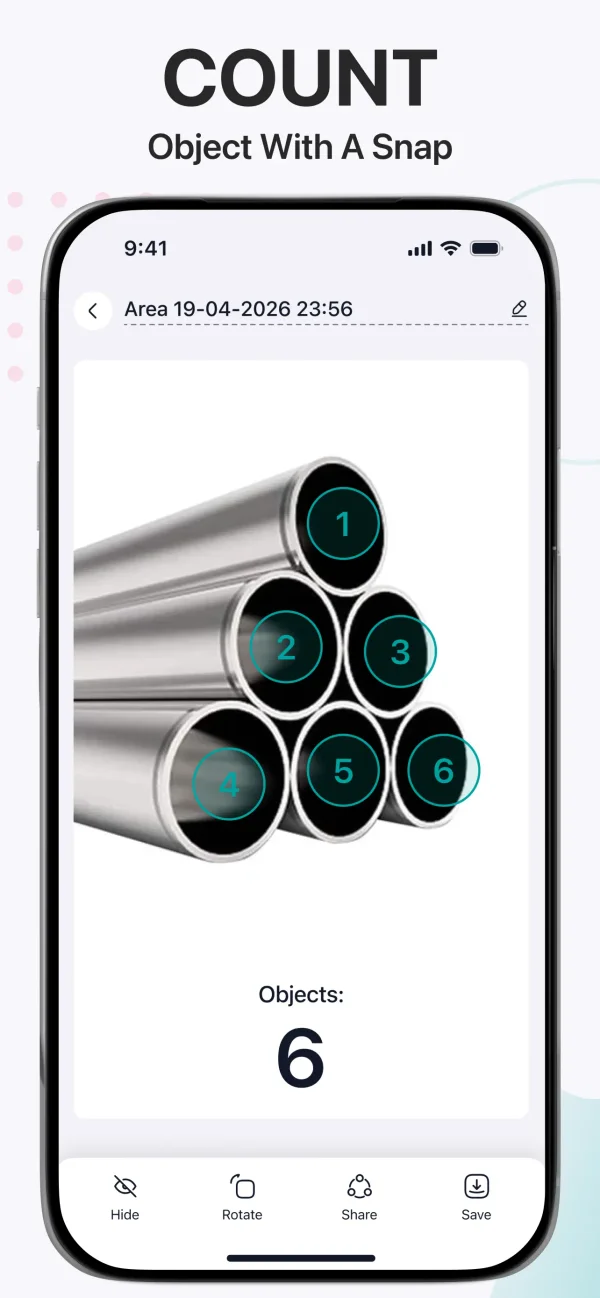
Object Counting with AI Vision
The object counting feature uses intelligent visual recognition to detect and count multiple items in an image or real-world view. Whether it’s inventory tracking, classroom materials, or everyday objects, the app provides accurate counts instantly.
Download PDF Scanner Today
From smart scanning and AI assistance to advanced visual tools like area measurement and object counting, the PDF Scanner app is designed to make everyday tasks faster, simpler, and more accurate. Download it now to experience a smarter way to scan, create, and manage files!
Note:
The payments for in-app purchases are directly charged from your iTunes account after the confirmation stage. The subscription to our service will be automatically renewed unless the auto-renewal option is turned off 24 hours before the expiration of the current subscription period. Your iTunes account will be charged for the renewed subscription within a 24-hour time period prior to the expiration of the current subscription. The users can manage their subscriptions and turn off the auto-renewal of their purchase by going to the settings of their account on the App Store.
Privacy Policy: https://conteza.com/privacy-policy.html
Terms of Use: https://conteza.com/terms-and-conditions.html
What’s new
Version 2.2 · Nov 17, 2026
In this version, you'll find:
- Enhanced app performance
- Improved scanning experience
App privacy
What Conteza LLC declares on the App Store about how this app handles data.
-
Data not collected
The developer does not collect any data from this app.
Privacy practices may vary, for example with the features you use or your age.
Information
- Seller
- Conteza LLC
- Category
- Business
- Version
- 2.2
- Updated
- Nov 17, 2026
- Released
- Jun 12, 2026
- Size
- 46.0 MB
- Requires
- iOS 17.6 or later
- Age rating
- 4+
- Price
- Free
- In-app purchases
- Yes
- Languages
- English, Arabic, Catalan, Croatian, Czech, Danish, Dutch, Estonian, Filipino, Finnish, French, German + 25 more
- Copyright
- Copyright © 2026 Conteza LLC. All Rights Reserved.
You might also like
-
 PDF Converter: Edit DocumentsMerge Photos & Convert to PDF
-
 Waterstone ScanDocument Scanner & PDF Maker
-
 Paradoc: PDF Document ScannerScan to PDF, Merge & Compress
-
 水印相机-时间地点和工作水印,打卡记录Photo & Video
-
 Tekkart Üye İş YeriBusiness
-
 Word to PDF - Docx ConverterBatch Convert DOC, DOCX to PDF
-
 PDF Editor, Converter - ReaderPhoto to PDF, Pdf Compressor
-
 IMV AIBusiness
-
 Winnie by LightfootWin while you work with Winnie
-
 Cubalo: Recargas a CubaEnvía saldo Cubacel rápido