PDF Converter - Maker & Editor
Convert Photos & Docs to PDF
Designed for iPhone, iPad
Free · In-app purchases
- Age rating4+
- CategoryProductivity
- DeveloperCodeGen
- LanguagesEnglish
- Size8.2 MB
Links to the official App Store page
Download.org hosts no file of PDF Converter - Maker & Editor. The button opens its official App Store page, published by CodeGen. Listing last checked on Nov 17, 2026.
Screenshots

About
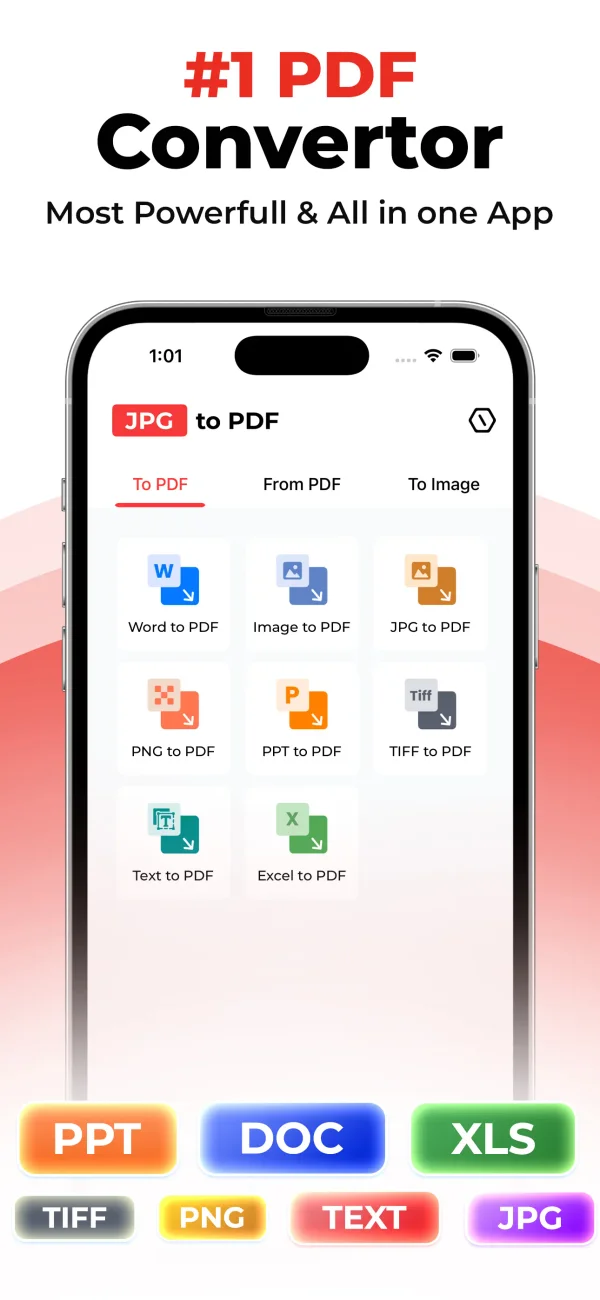
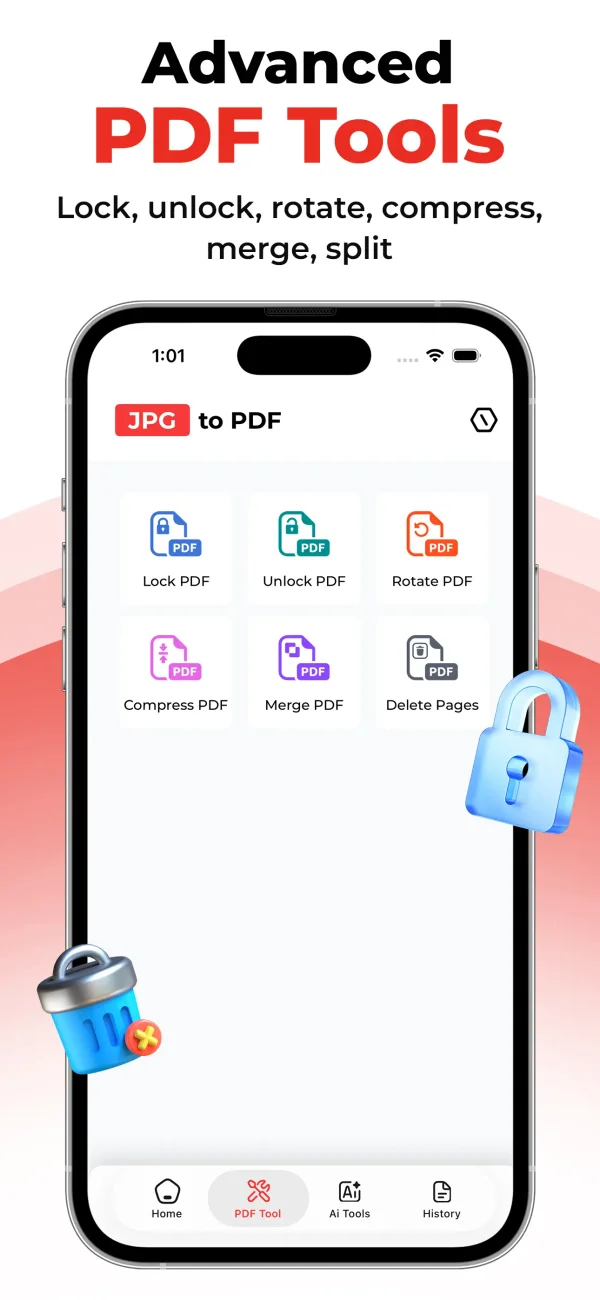
Convert, compress, and manage your files effortlessly with our all-in-one JPG File Converter & File Summarizer. This app is designed to help you work faster and smarter by giving you instant tools to convert images to JPG, extract key points from long documents, and organize your files with ease. Whether you’re a student, professional, or everyday user, everything you need is right at your fingertips.
The JPG Converter lets you turn PNG, HEIC, WEBP, TIFF, and other image formats into high-quality JPG files in seconds. You can convert single files or handle batch conversions, adjust quality and size, and share your results anywhere. Even after compression, your images remain clear and sharp, making this tool perfect for work, social media, and everyday use.
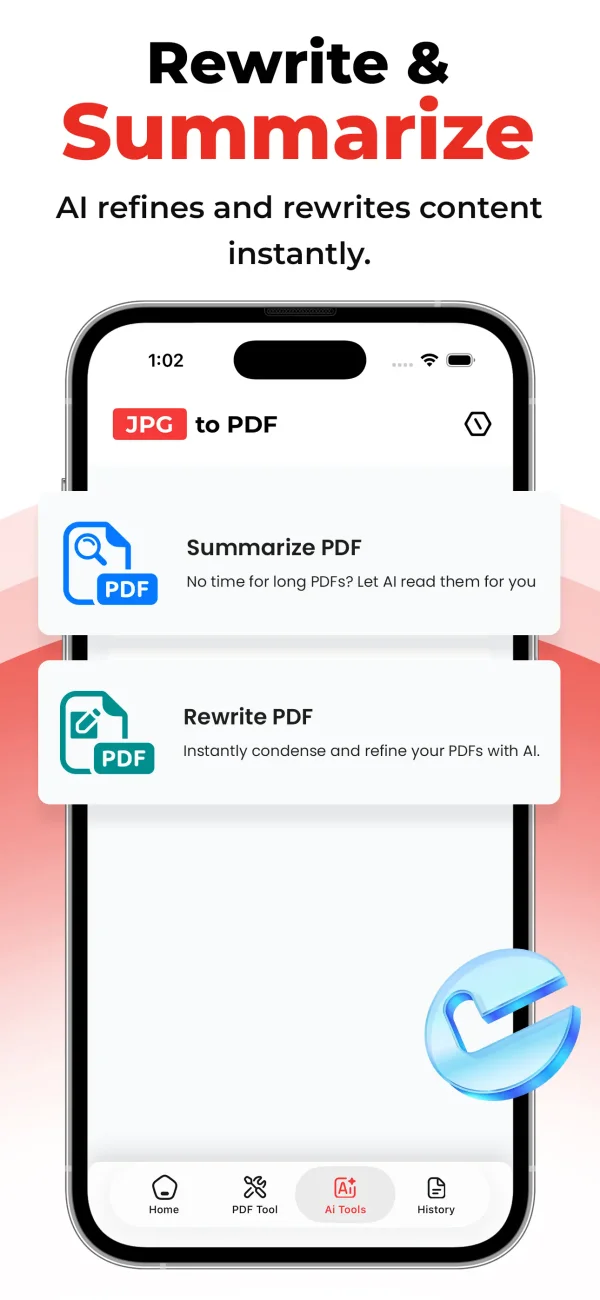
With the AI File Summarizer, long documents become easy to digest. Simply upload a PDF, DOCX, TXT, or article, and the app will generate a clear, accurate summary highlighting the most important points. Choose between short, medium, or detailed summaries—ideal for research, quick study notes, and professional reports.
Designed for simplicity and speed, the app keeps your files organized and respects your privacy. All processing happens securely, and your data stays with you. Whether you want to convert images, summarize documents, or handle multiple file tasks in one place, this app is a fast, reliable, and essential tool for everyday productivity.
-----------------
This app offers an auto-renewing yearly subscription to provide unlimited access to the all-inclusive solution while you maintain an active subscription. Your account will be charged for renewal within 24 hours before the end of the current period, and the renewal cost will be identified. You may manage your subscription and auto-renewal may be turned off by going to your Account Settings after the purchase. Any unused portion of a free trial period, if offered, will be forfeited when you purchase a subscription, where applicable.
Billing
Membership auto-renewal subscription instructions:
- Weekly: 1 week, $4.99
- Monthly: 1 month, $12.99
- Yearly :12 months, $34.99
Read more about our terms and conditions here:
Terms & Conditions: https://codegen.pk/terms-conditions/
Privacy Policy: https://codegen.pk/privacy-policy/
What’s new
Version 1.2 · Jan 29, 2026
Performance Improved!
App privacy
What CodeGen declares on the App Store about how this app handles data.
-
Data not collected
The developer does not collect any data from this app.
Privacy practices may vary, for example with the features you use or your age.
Information
- Seller
- CODEGEN LLP
- Category
- Productivity
- Version
- 1.2
- Updated
- Jan 29, 2026
- Released
- Dec 10, 2025
- Size
- 8.2 MB
- Requires
- iOS 16.6 or later
- Age rating
- 4+
- Price
- Free
- In-app purchases
- Yes
- Languages
- English
- Copyright
- © CODEGEN
You might also like
-
 Notee: Note AI TakerTranscribe audio to text
-
 Inbox Detox. Clean EmailUnsubscribe & Remove Spam
-
 Photo to PDF Converter Toolبرنامج تحويل الصور الى PDF
-
 Convert Image To PDF toolsImage to Pdf Convert
-
 ADHD Planner Organizer PlanwooHabits, Tasks, Notes & Lists
-
 Image Converter: photos to PDFConvert photo to jpeg png svg
-
 Synthy: Read Aloud Doc & ScanRead & Listen with AI power
-
 PDF Converter -Convert Photo to PDF
-
 Tidy: House Cleaning ScheduleChores Tracker & AI Checklist
-
 Darkweb for TOR Browser sitesVPN Powered ONION TOR Browsing