
PDF Converter: Scan & OCR
Merge, split and compress
Designed for iPhone, iPad
Free
- Age rating4+
- CategoryProductivity
- Developer振训 池
- LanguagesEnglish+ 3 more
- Size2.9 MB
Links to the official App Store page
Download.org hosts no file of PDF Converter: Scan & OCR. The button opens its official App Store page, published by 振训 池. Listing last checked on Nov 15, 2026.
Screenshots


About
Create, convert and organize PDFs directly on your iPhone or iPad.
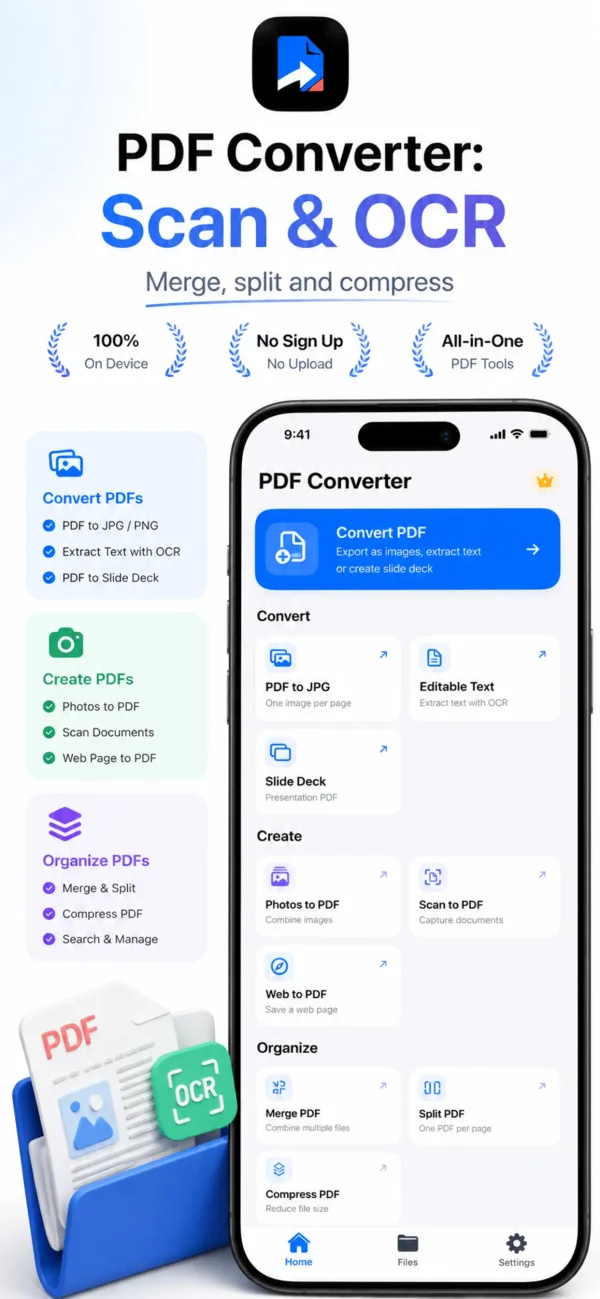
PDF Converter brings everyday document tools into one clear workflow. Turn PDF pages into images, extract editable text with OCR, build PDFs from photos or scans, save web pages, and keep generated files ready to preview, rename or share.
CONVERT PDFS
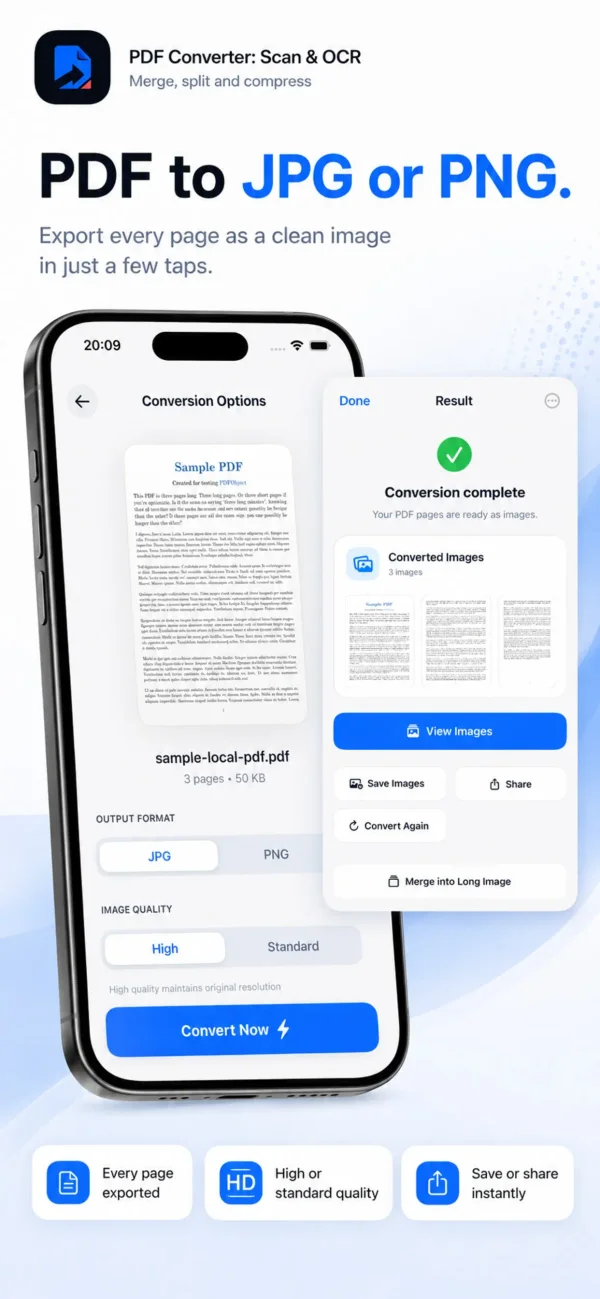
• Export every page as JPG or PNG
• Choose high or standard image quality
• Extract text with OCR and save it as an editable RTF document
• Turn PDF pages into a slide-formatted PDF for presentation-style viewing
CREATE PDFS
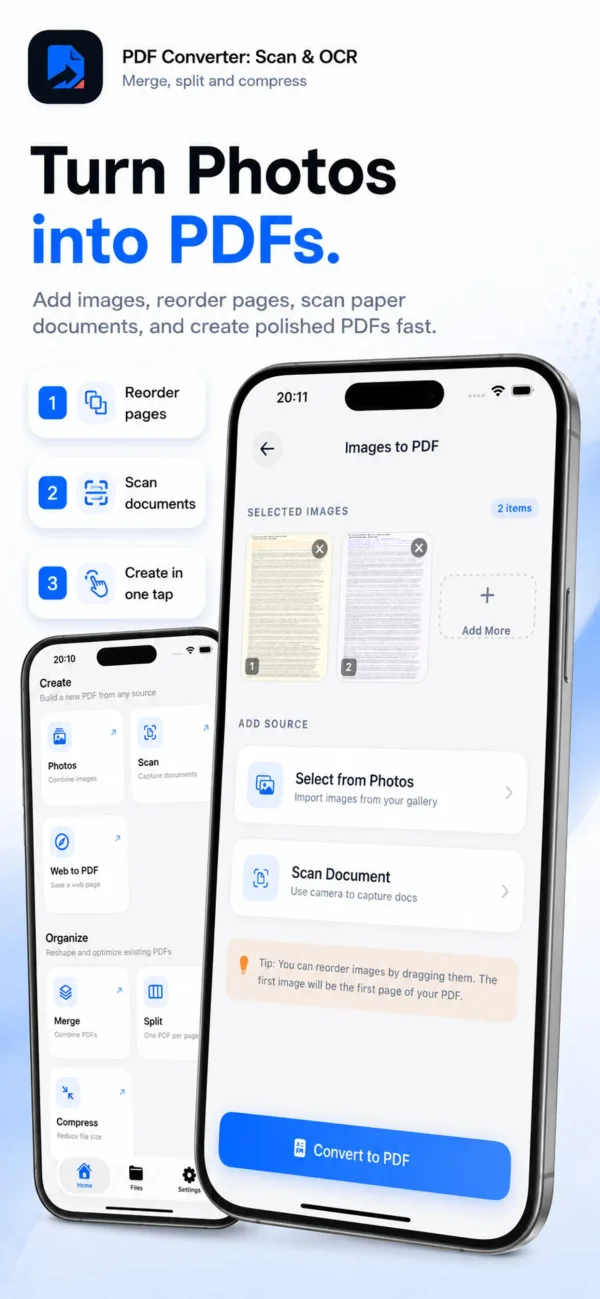
• Combine photos into a single PDF
• Scan paper documents with the camera
• Save a web page as an A4 PDF
• Reorder or remove images before creating your document
ORGANIZE FILES
• Merge multiple PDFs into one
• Split a PDF into one file per page
• Compress PDFs to reduce file size
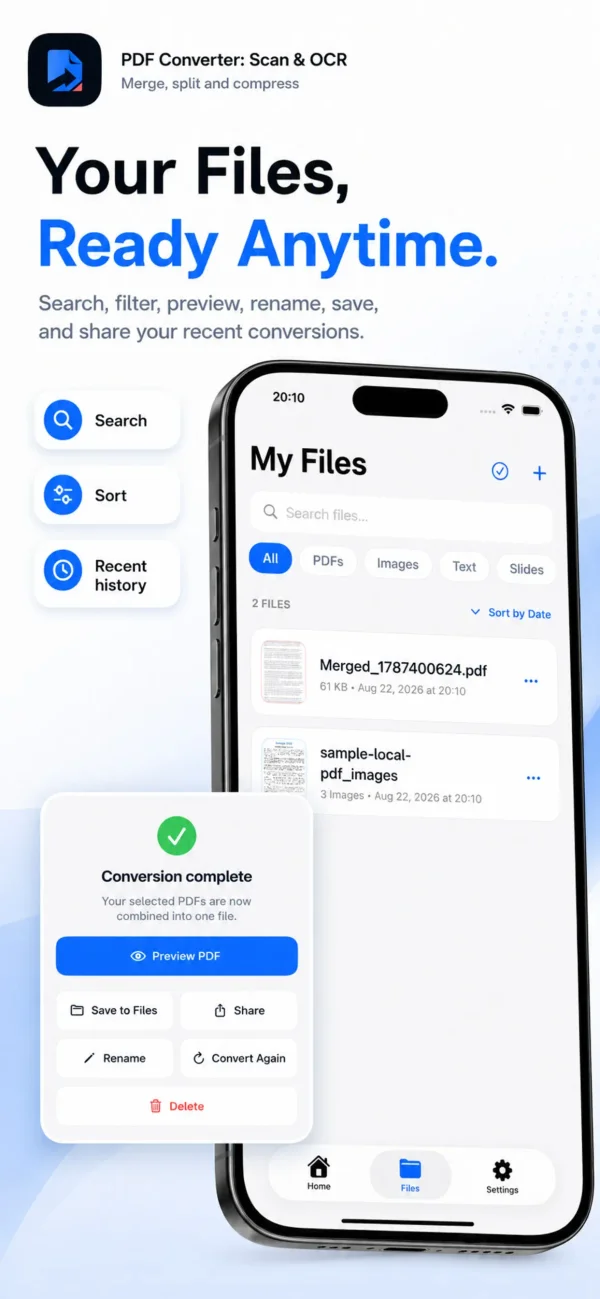
• Search, sort and filter your conversion history
• Preview, rename, save and share results
PRIVACY
Your selected documents and generated files are processed on your device and are not uploaded to our servers by the app. When you use Web to PDF, the entered website is loaded in Apple’s web view and may follow its own privacy practices.
What’s new
Version 2.0.0 · Aug 22, 2026
Version 2.0
• A redesigned home screen with dedicated Convert, Create and Organize tools
• New PDF merge, split and compression workflows
• A refreshed file browser with search, filters, sorting, rename and sharing
• Unified result previews and smoother repeat-conversion flows
• Light, dark and system appearance options
• Rendering and memory improvements for large PDF conversions
App privacy
What 振训 池 declares on the App Store about how this app handles data.
-
Data not collected
The developer does not collect any data from this app.
Privacy practices may vary, for example with the features you use or your age.
Information
- Seller
- 振训 池
- Category
- Productivity
- Version
- 2.0.0
- Updated
- Aug 22, 2026
- Released
- Feb 17, 2026
- Size
- 2.9 MB
- Requires
- iOS 16.6 or later
- Age rating
- 4+
- Price
- Free
- Languages
- English, Japanese, Simplified Chinese, Spanish
- Copyright
- Copyright © 2026 Zeschi. All rights reserved.
You might also like
-
 TimeGlass – Ephemeral NotesNotes that delete themselves
-
 Roast My Resume (AI Roaster)Brutally Honest AI Feedback
-
 Udfyld: Fill & Sign PDF EditorFill in and sign PDFs
-
 Daily Glow RemindersDaily Reminders & Routines
-
 PaperDrawerPrivate document scanner
-
 Minder: Focus EyesADHD body double & study timer
-
 TidyNotes: Notes, Docs & PDFHandwriting, Planner, Journal
-
 Scooch - Room & Floor PlannerPlan a room, see what fits
-
 Prompt MindaSave & Organize AI Prompts
-
 DocOne ExpressPDF Scanner, Receipts & ID