- Age rating4+
- CategoryProductivity
- DeveloperANTONIO PADALINO
- LanguagesEnglish+ 5 more
- Size7.4 MB
Links to the official App Store page
Download.org hosts no file of DocOne Express. The button opens its official App Store page, published by ANTONIO PADALINO. Listing last checked on Nov 15, 2026.
Screenshots
About
SCAN. SAVE. DONE.
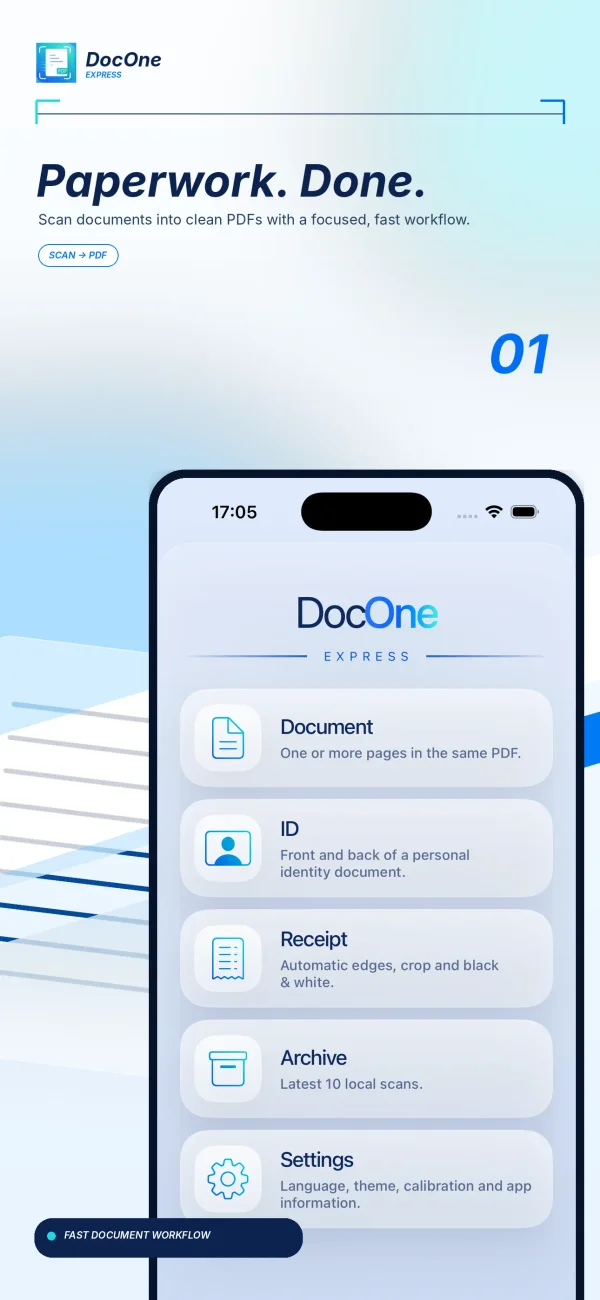
DocOne Express turns your iPhone into a simple, efficient document scanner.
Scan documents, receipts and ID cards, correct cropping and perspective, and create multipage PDFs ready to save or share.
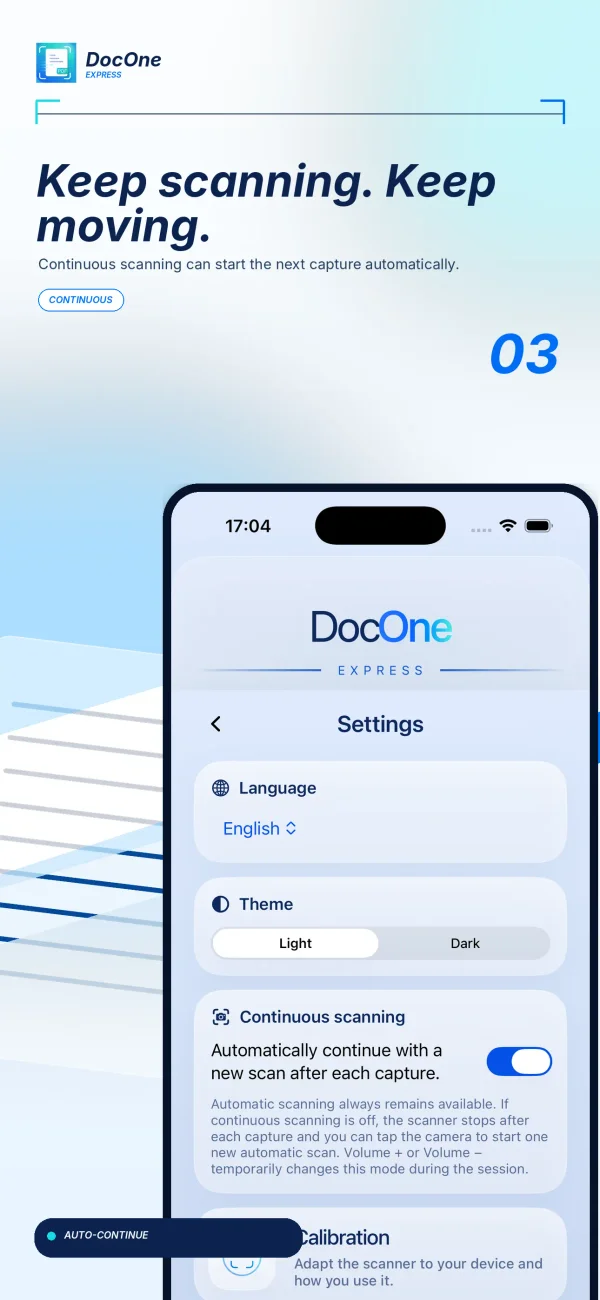
EVERYTHING YOU NEED
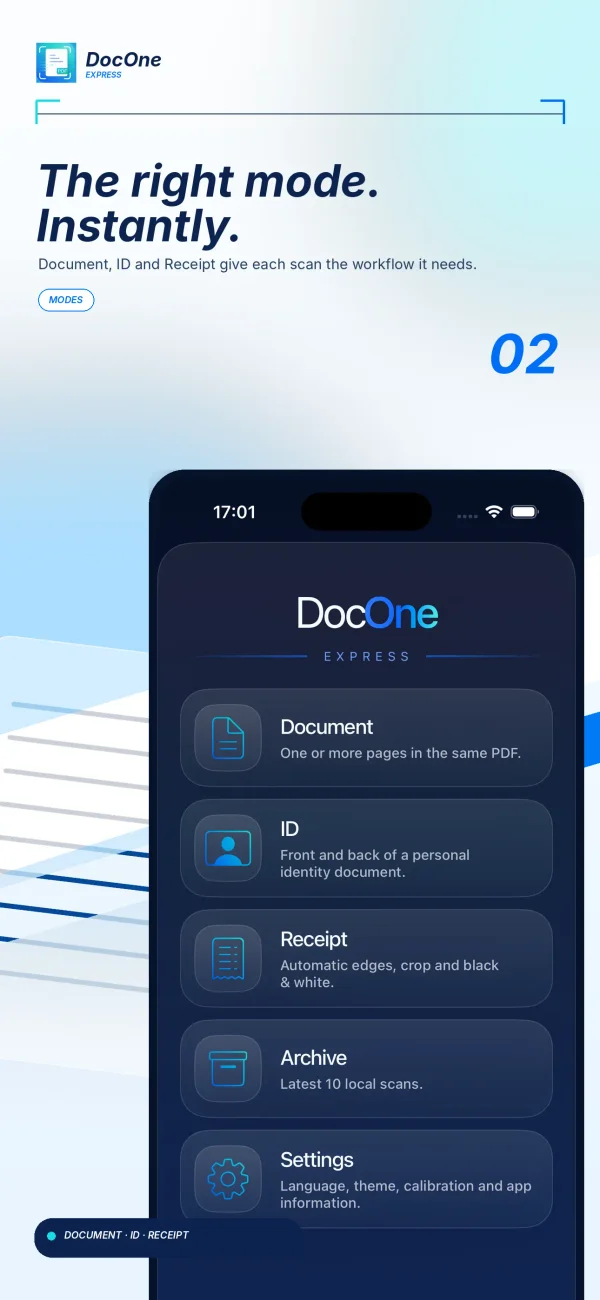
• Scan documents and paper pages
• Dedicated modes for receipts and ID cards
• Document edge detection
• Crop and perspective correction
• Filters to improve readability
• Multipage PDFs
• Page reordering
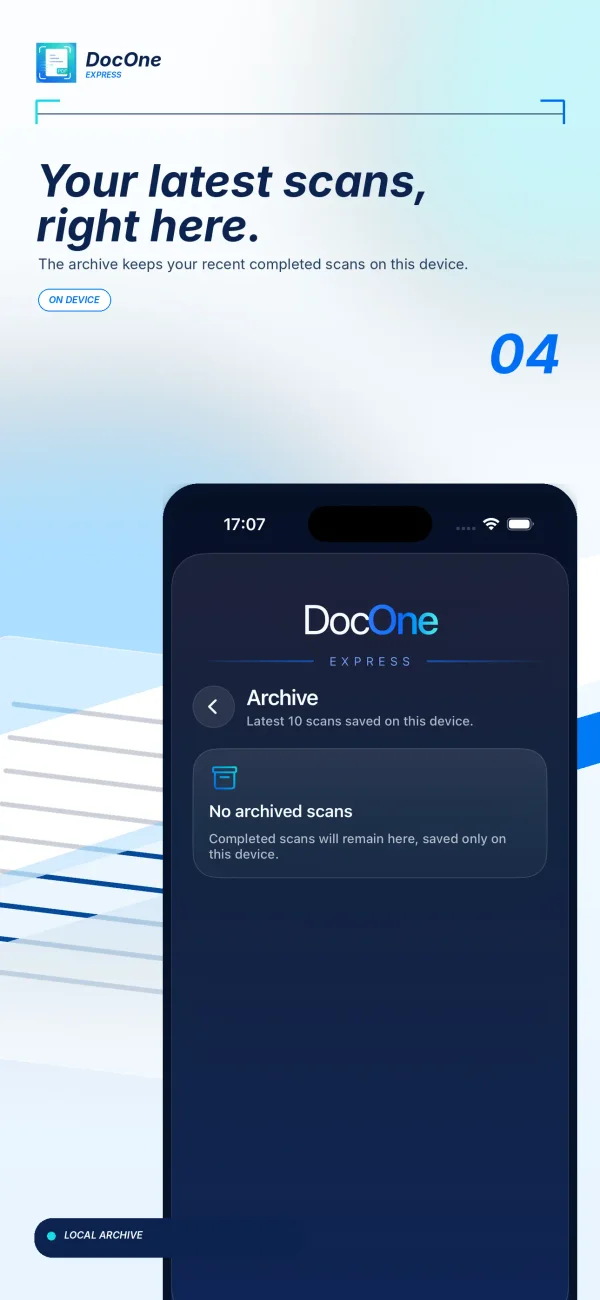
• Local storage on your device
• PDF export and sharing
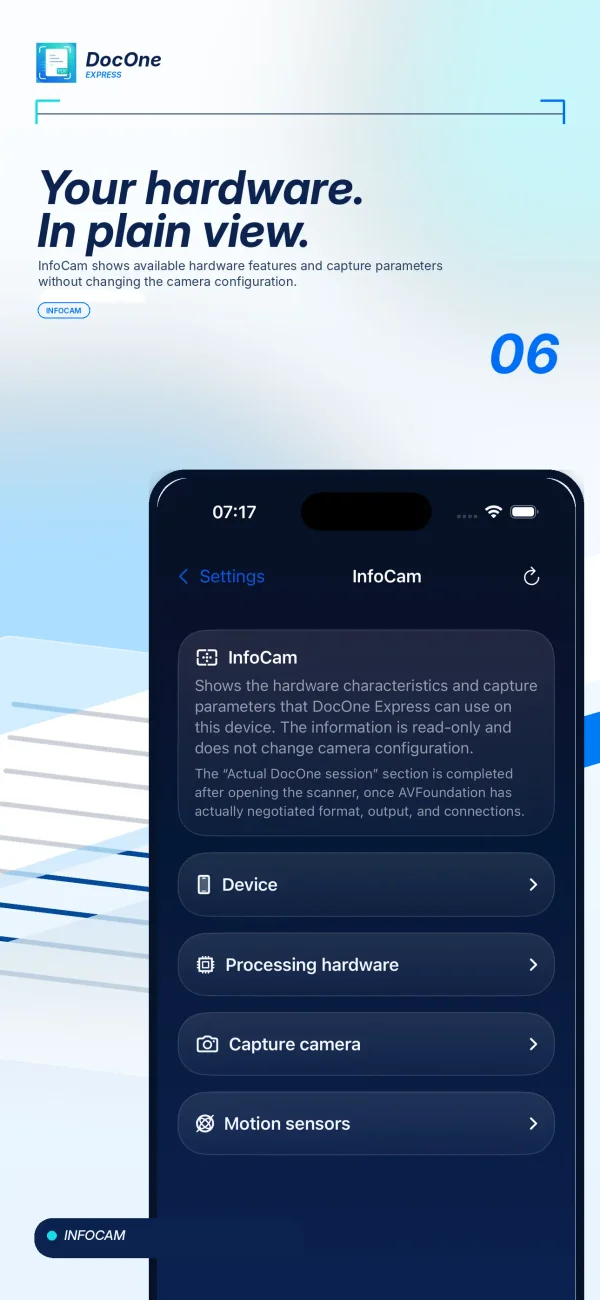
YOUR DOCUMENTS STAY ON YOUR IPHONE
No account is required, and you don't need to rely on a cloud service for your document archive. Your documents can be stored directly on your device.
NO SUBSCRIPTION
DocOne Express is a tool, not another service you have to pay for every month.
Buy the app and use it whenever you need it.
SIMPLE BY DESIGN
DocOne Express is designed to do one thing well: quickly turn what's in front of you into a clean, organized PDF that's ready to use.
No cluttered interfaces.
No unnecessary steps.
Open. Scan. Save. Done.
What’s new
Version 1.3.0 · Nov 1, 2026
PDFOne integration: you can now start a scan from PDFOne and import the scanned document directly as a PDF.
More reliable transfers: improved communication between the two apps, with import confirmation and the ability to retry interrupted transfers.
Consistent scan options: Document, ID and Receipt modes are also available when starting a scan from PDFOne.
Improved document cropping: new checks of all four edges of the photo help identify the document boundaries more accurately.
Better handling of angled documents: improved corner detection and additional checks help limit unwanted distortion.
Less unwanted background: a new check helps remove dark background strips below documents when they can be clearly identified.
Portrait-only interface: the app stays in portrait orientation on iPhone, even when you rotate your device.
Optimized camera guidance: unnecessary visual updates have been reduced while framing documents.
Improved accessibility: return-gesture animations now also respect the system's Reduce Motion setting.
App privacy
What ANTONIO PADALINO declares on the App Store about how this app handles data.
-
Data not collected
The developer does not collect any data from this app.
Privacy practices may vary, for example with the features you use or your age.
Information
- Seller
- ANTONIO PADALINO
- Category
- Productivity
- Version
- 1.3.0
- Updated
- Nov 1, 2026
- Released
- Aug 17, 2026
- Size
- 7.4 MB
- Requires
- iOS 17.0 or later
- Age rating
- 4+
- Price
- $8.99
- Languages
- English, French, German, Italian, Spanish, Traditional Chinese
- Copyright
- © 2026 Antonio Padalino
You might also like
-
 Minder: Focus EyesADHD body double & study timer
-
 FrameSlim: Compress VideosConvert, Resize & Edit
-
 PaperDraftMinimalist journal & notes
-
 Tikku: To Do & Block AppsTasks, Focus & App Blocker
-
 Droppp - File TransferJust drag files to your device
-
 PDF Converter: Scan & OCRMerge, split and compress
-
 Narration RoomTranscribe & Text to Speech
-
 FDVProductivity
-
 Scooch - Room & Floor PlannerPlan a room, see what fits
-
 Maskable: Redact & AnnotateBlur & Pixelate Screenshots