PDF Diet - Document Optimizer
Offline File Compressor
Designed for iPhone, iPad
$1.99
- Age rating4+
- CategoryUtilities
- DeveloperArtem Svitelskyi
- LanguagesEnglish
- Size3.2 MB
Links to the official App Store page
Download.org hosts no file of PDF Diet - Document Optimizer. The button opens its official App Store page, published by Artem Svitelskyi. Listing last checked on Nov 18, 2026.
Screenshots
About
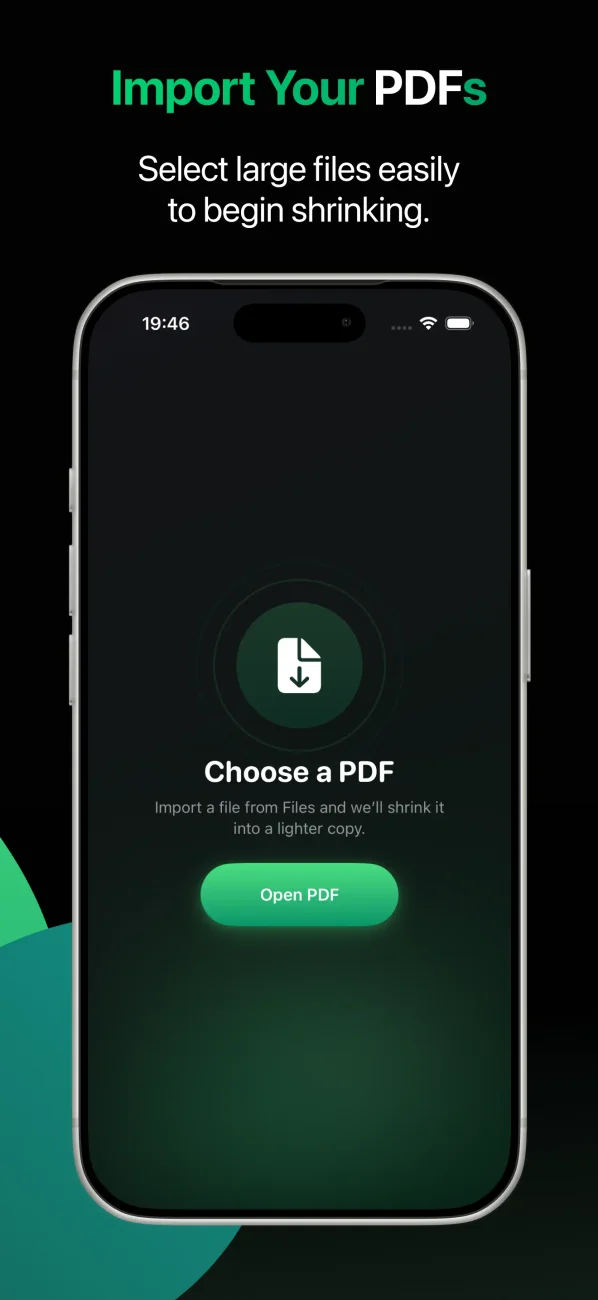
Shrink a PDF before you email it or upload it from your iPhone or iPad. Open a scanned form, a report with photos, or another large PDF from Files. PDF Diet compresses it right on your device, so you can work offline.
Find the right file size
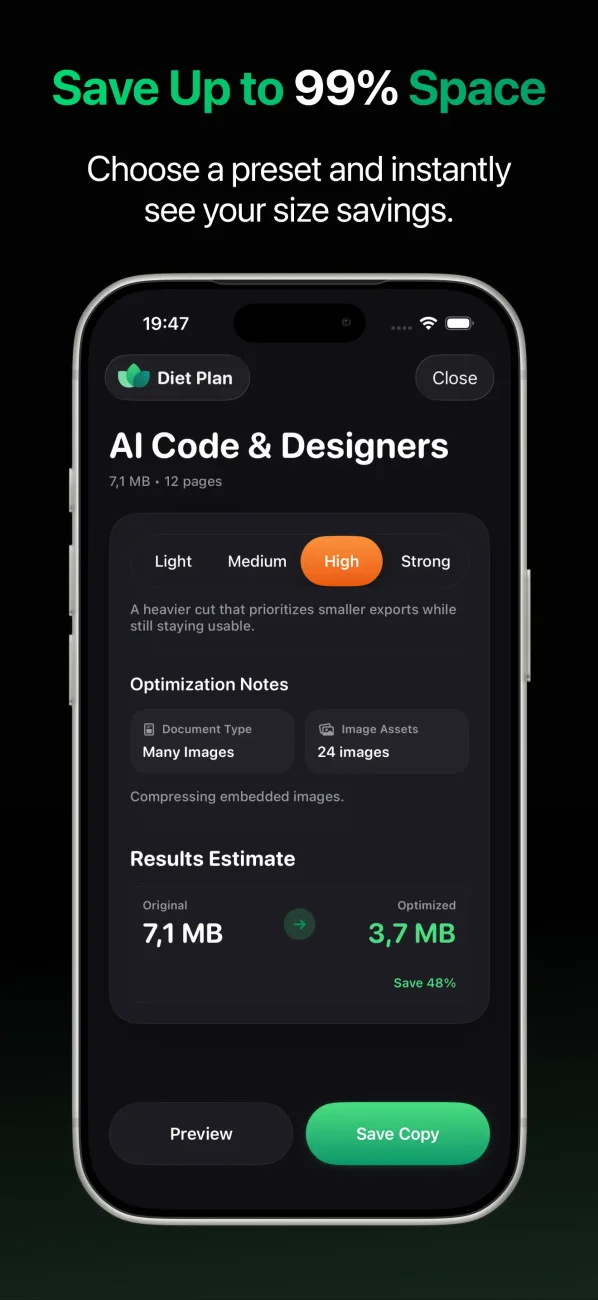
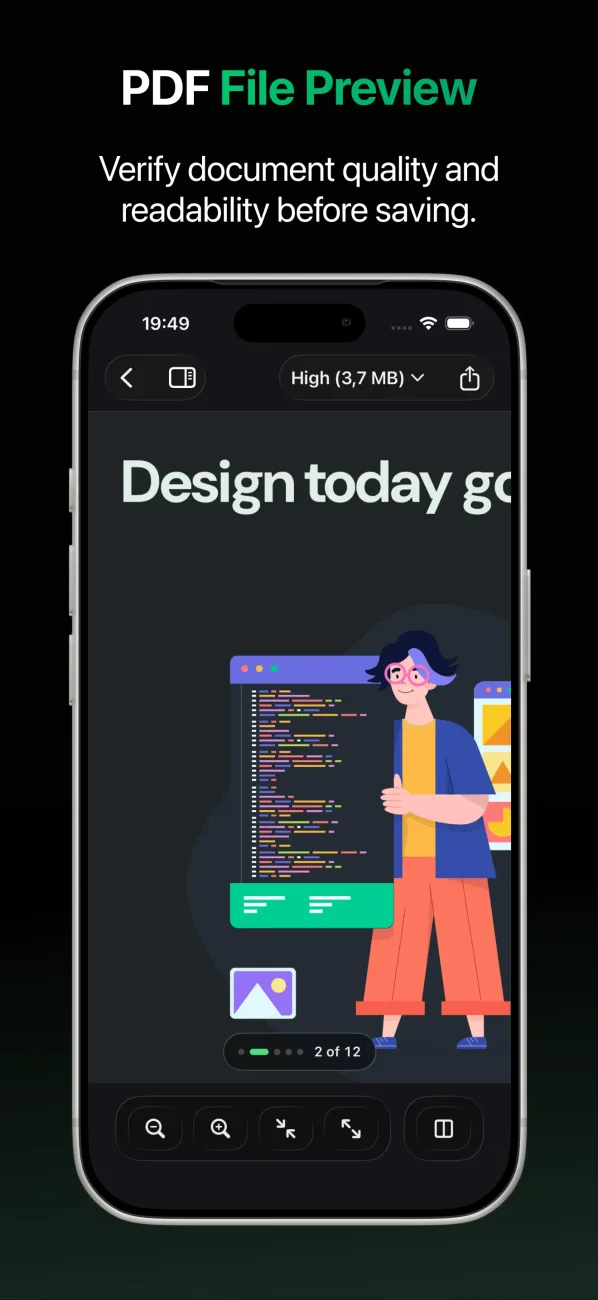
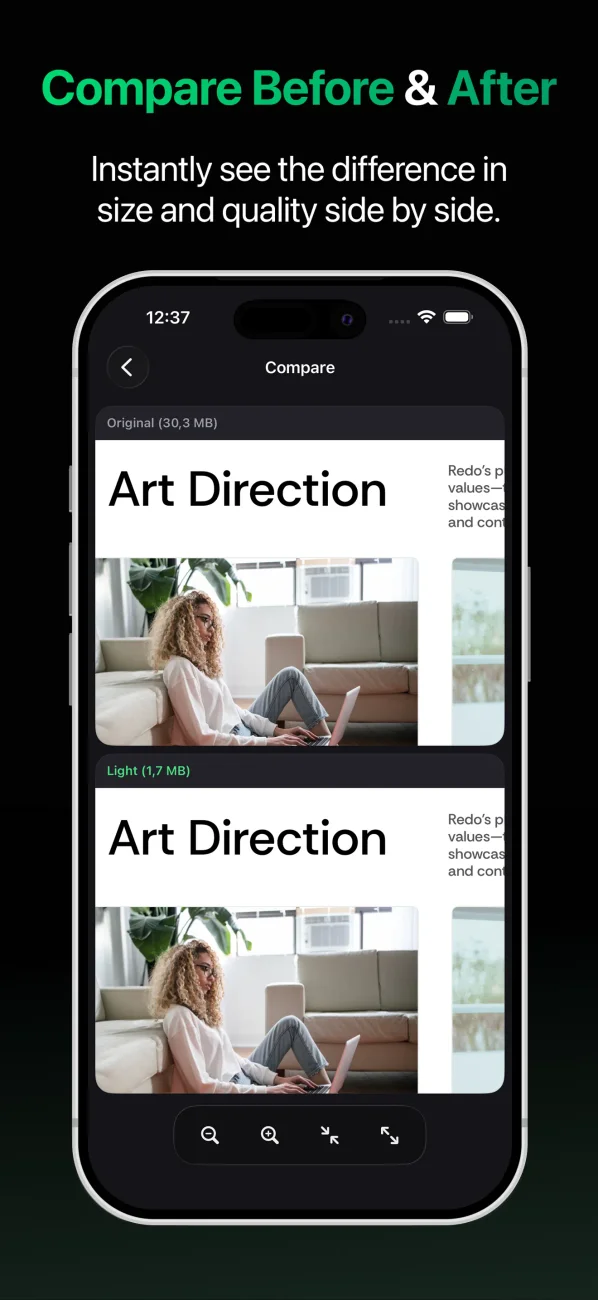
Choose Light, Medium, High, or Strong. Check the file size for each preset and compare the original and compressed pages in a synchronized preview. See what changed before you share.
Keep documents readable
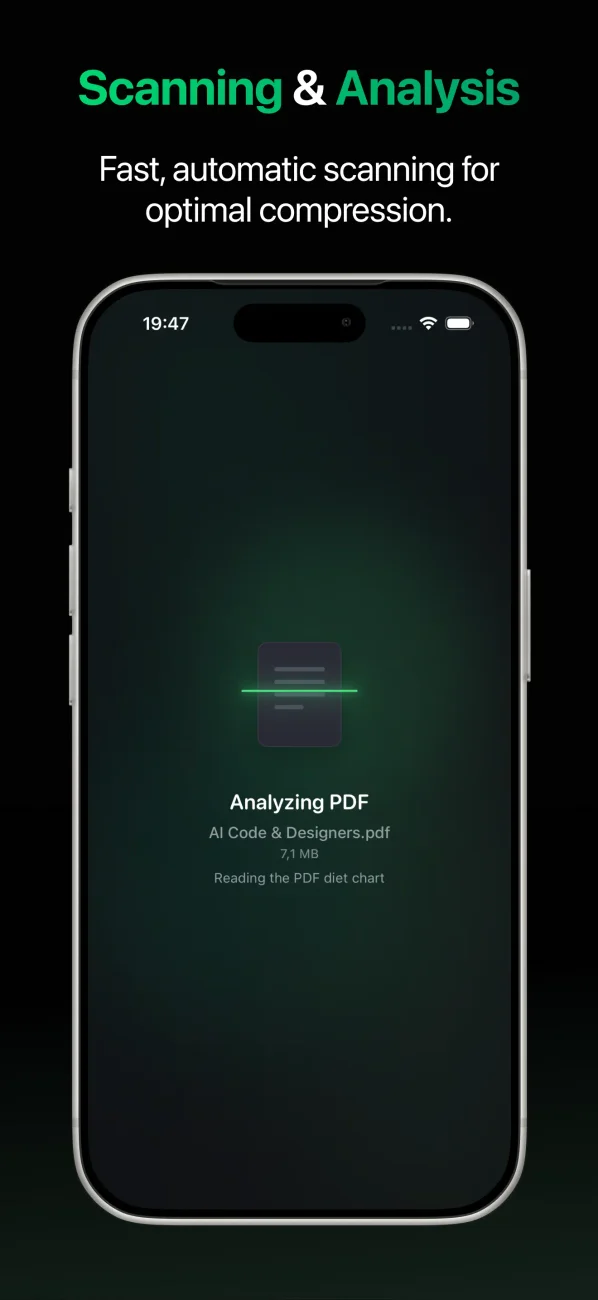
PDF Diet checks what’s inside the document. On supported PDFs, it can recompress embedded images while keeping text and vector graphics sharp. Results depend on what’s in the file.
Clean up a copy
Delete unwanted pages or choose which details to remove, including author metadata, comments, bookmarks, attachments, and links.
Save to Files or share
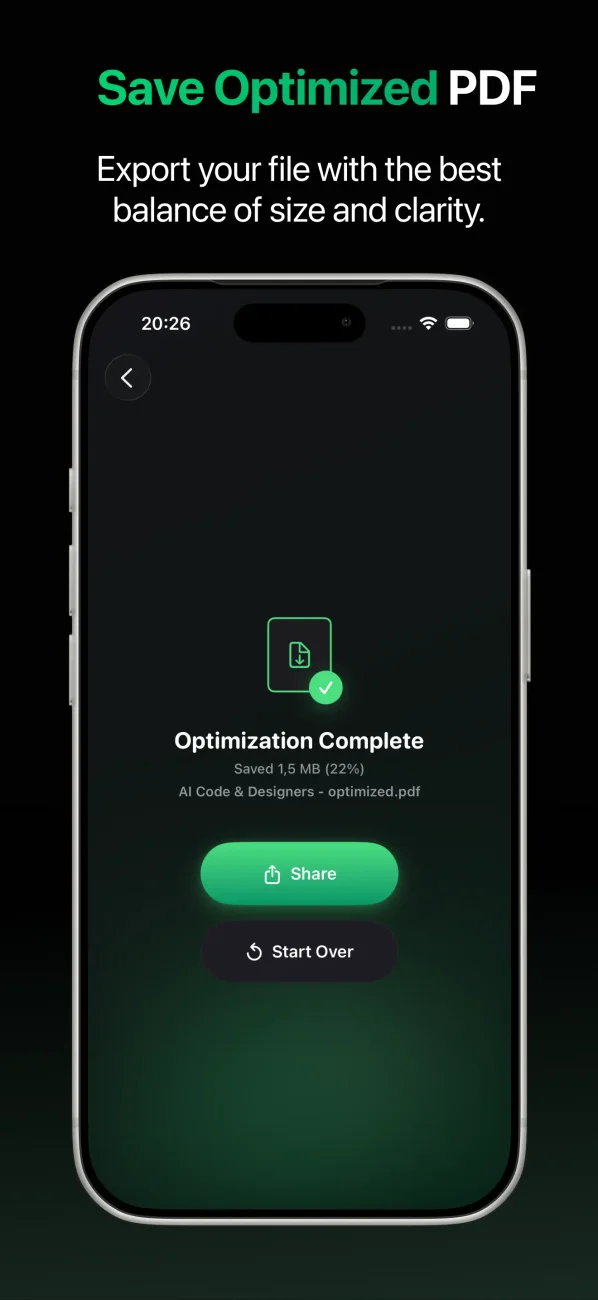
Export a separate copy and keep your original intact. Save the result to Files or send it through the share sheet with Mail, Messages, or AirDrop.
What’s new
Version 1.1.22 · Nov 7, 2026
• iPhone Duo support. The import, editor, and save screens adapt to both displays. Preview and Save Copy stay near the top so the size estimate stays clear.
PDF Diet’s rebuilt compression engine can shrink embedded images directly in supported PDFs, helping keep text and graphics sharp.
• The refreshed interface has a new logo and light and dark app icon options. Choose Light, Dark, or System appearance in Settings.
• The comparison view keeps the original and compressed previews in sync and remembers your page when you switch views.
• We improved how compression handles tagged PDFs and fixed bugs in the preview and optimization flow.
App privacy
What Artem Svitelskyi declares on the App Store about how this app handles data.
-
Data not collected
The developer does not collect any data from this app.
Privacy practices may vary, for example with the features you use or your age.
Information
- Seller
- Artem Svitelskyi
- Category
- Utilities
- Version
- 1.1.22
- Updated
- Nov 7, 2026
- Released
- Apr 23, 2026
- Size
- 3.2 MB
- Requires
- iOS 17.1 or later
- Age rating
- 4+
- Price
- $1.99
- Languages
- English
- Copyright
- © 2026 Artem Svitelskyi
You might also like
-
 Spam Text Blocker - FilteraFilter junk SMS message
-
 OutdidUtilities
-
 Fancy Units ConverterCurrency and Unit Converter
-
 SSH Term - Secure Remote ShellServer Terminal Client & SFTP
-
 PowerRoamUtilities
-
 CekSaldo: e-Toll & e-MoneyToll recap & expense reports
-
 ALLPOWERS2Utilities
-
 U-PROX Mobile IDYour phone is your key
-
 Pixel ControlScreen perfection
-
 SimpleLogin - Email aliasTemporary email for privacy