- 対象年齢4+
- カテゴリユーティリティ
- 開発元Artem Svitelskyi
- 言語英語
- サイズ3.2 MB
App Storeの公式ページにリンクしています
Download.orgはPDF Diet - Document Optimizerのファイルを一切ホストしていません。ボタンを押すと、Artem Svitelskyiが公開しているApp Storeのアプリページが開きます。ページの最終確認:2026/11/18。
スクリーンショット
概要
開発元はこのテキストをお使いの言語で提供していません。
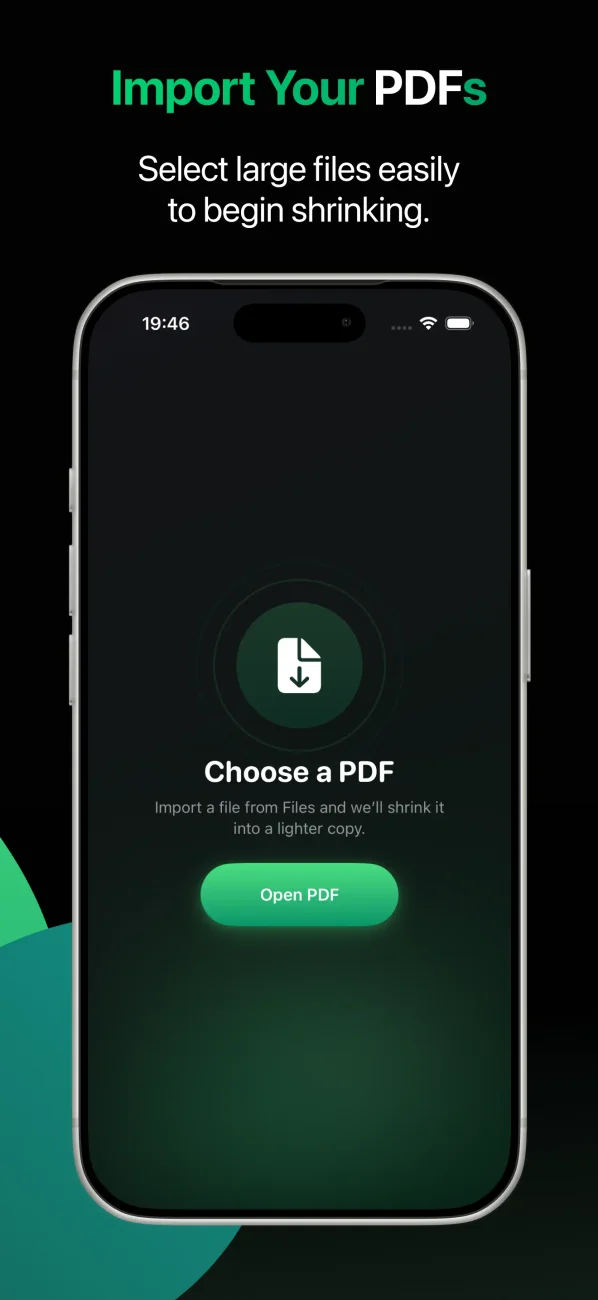
Shrink a PDF before you email it or upload it from your iPhone or iPad. Open a scanned form, a report with photos, or another large PDF from Files. PDF Diet compresses it right on your device, so you can work offline.
Find the right file size
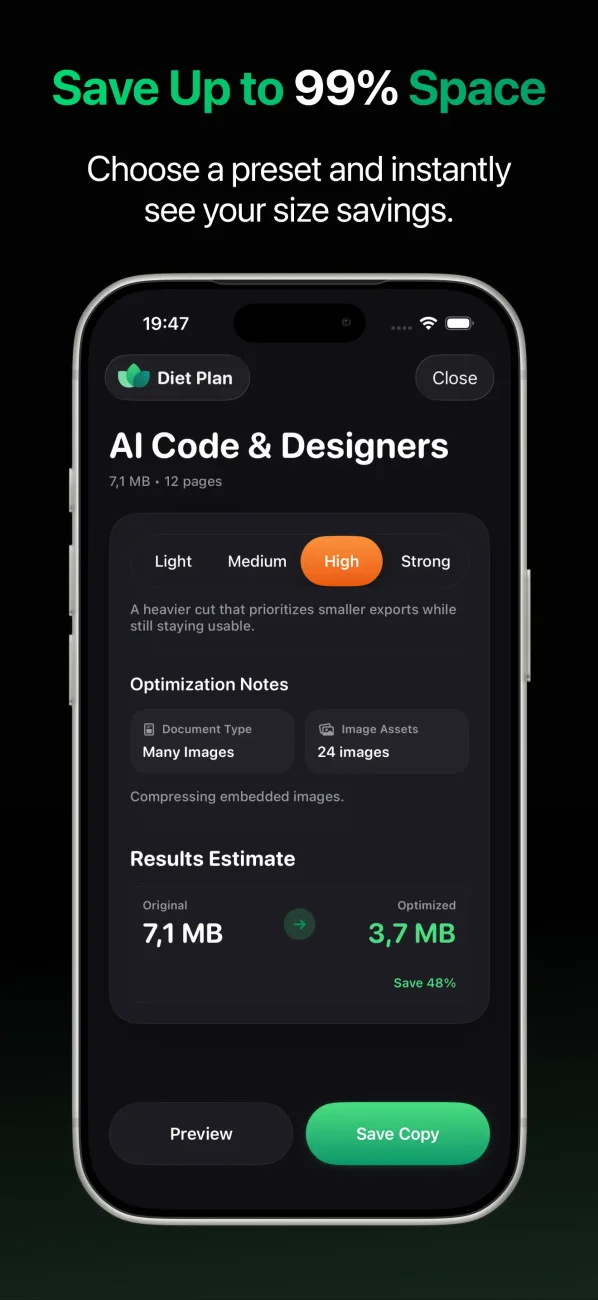
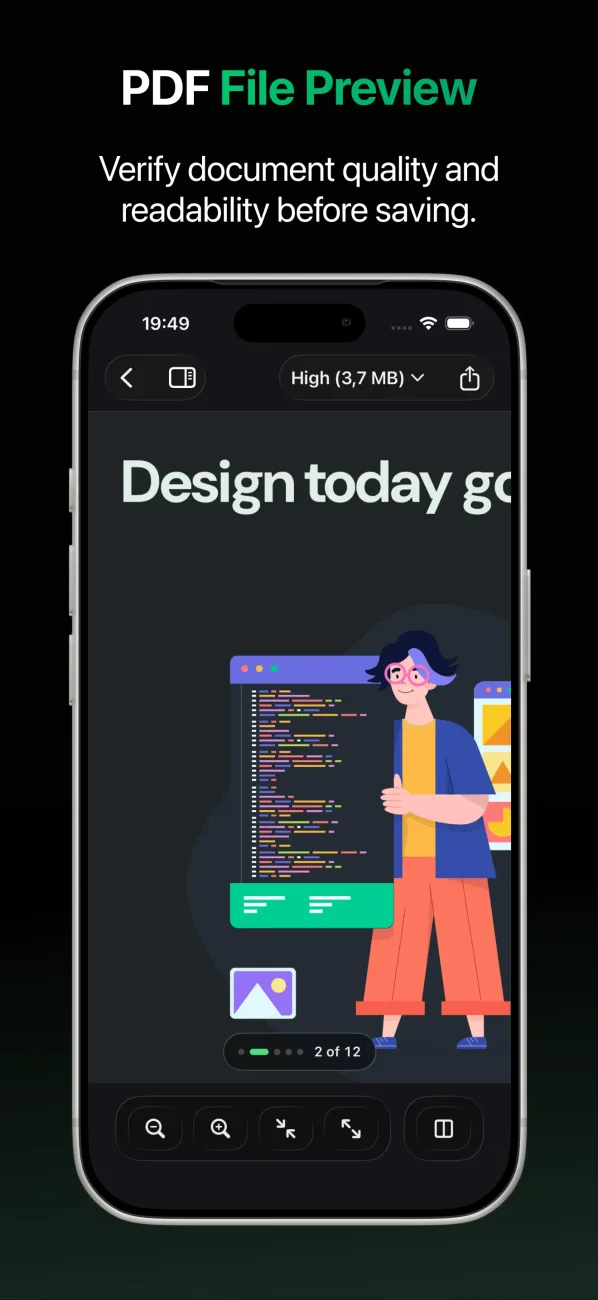
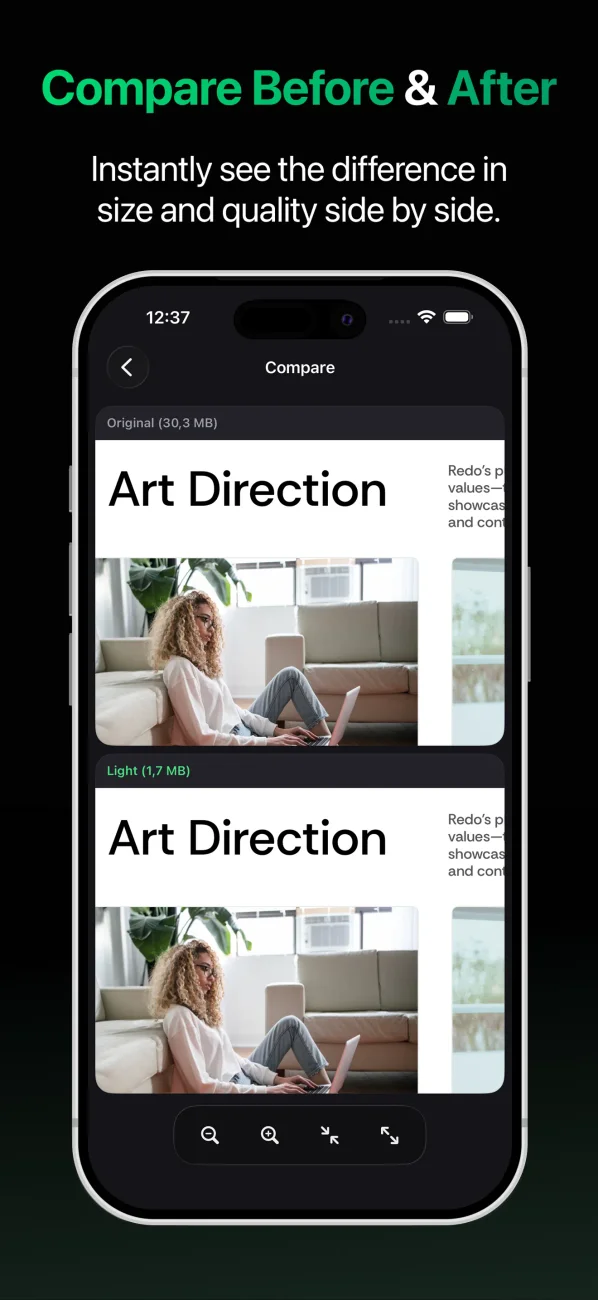
Choose Light, Medium, High, or Strong. Check the file size for each preset and compare the original and compressed pages in a synchronized preview. See what changed before you share.
Keep documents readable
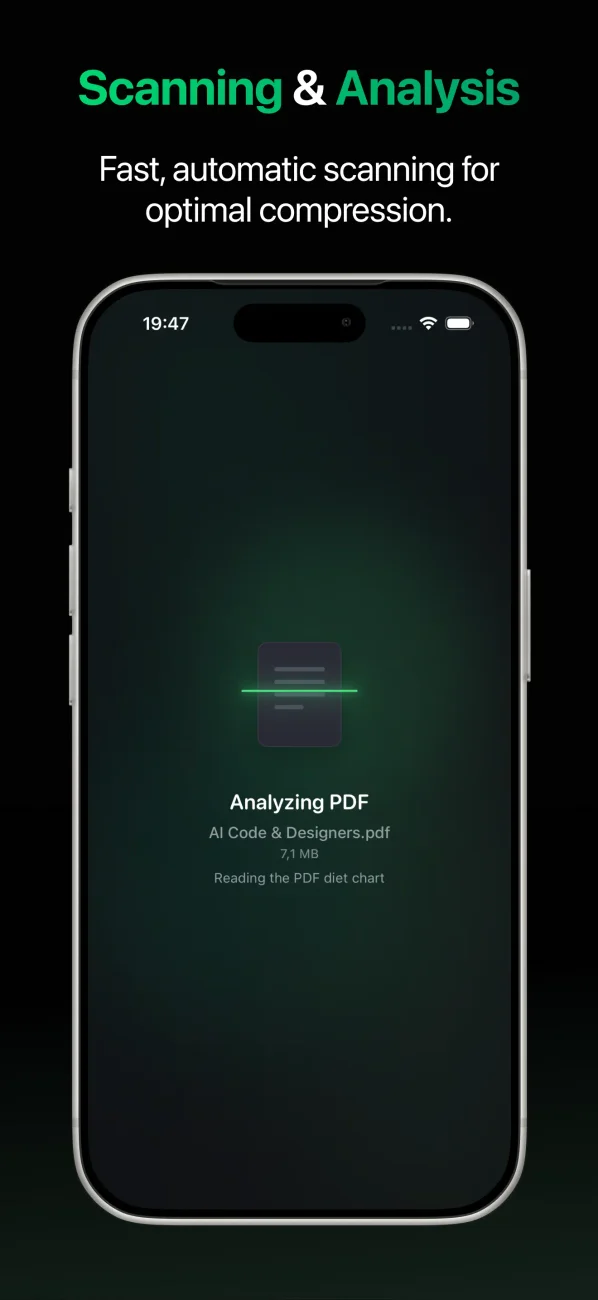
PDF Diet checks what’s inside the document. On supported PDFs, it can recompress embedded images while keeping text and vector graphics sharp. Results depend on what’s in the file.
Clean up a copy
Delete unwanted pages or choose which details to remove, including author metadata, comments, bookmarks, attachments, and links.
Save to Files or share
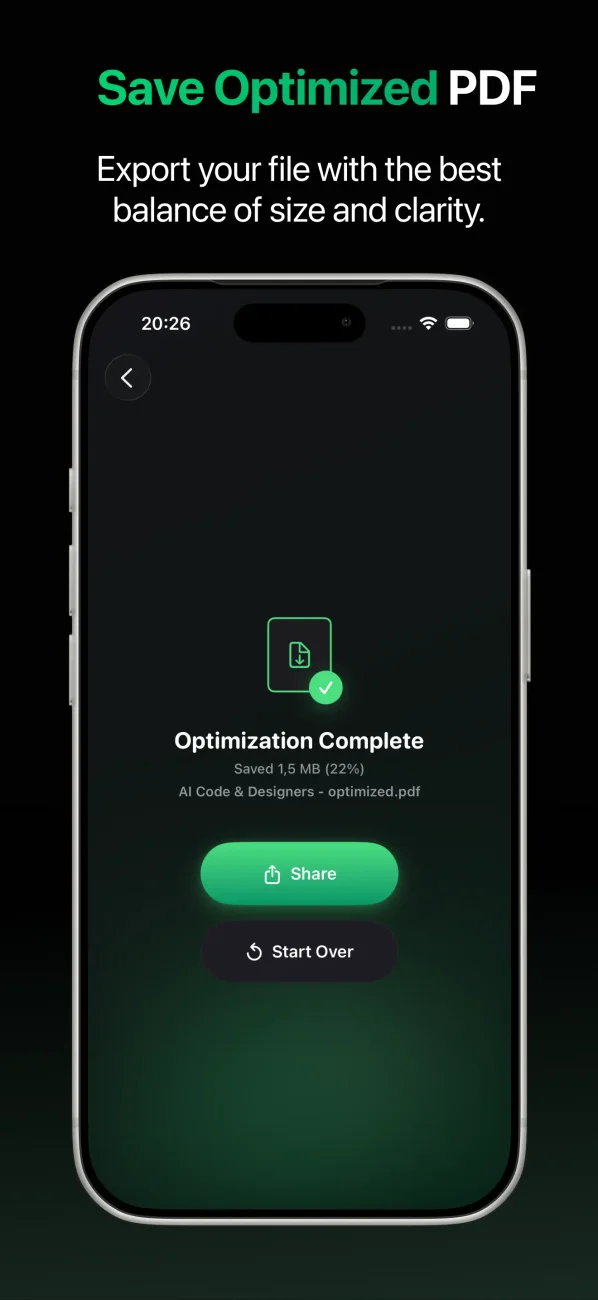
Export a separate copy and keep your original intact. Save the result to Files or send it through the share sheet with Mail, Messages, or AirDrop.
新機能
バージョン 1.1.22 · 2026/11/7
• iPhone Duo support. The import, editor, and save screens adapt to both displays. Preview and Save Copy stay near the top so the size estimate stays clear.
PDF Diet’s rebuilt compression engine can shrink embedded images directly in supported PDFs, helping keep text and graphics sharp.
• The refreshed interface has a new logo and light and dark app icon options. Choose Light, Dark, or System appearance in Settings.
• The comparison view keeps the original and compressed previews in sync and remembers your page when you switch views.
• We improved how compression handles tagged PDFs and fixed bugs in the preview and optimization flow.
アプリのプライバシー
このアプリのデータの取り扱いについて、Artem SvitelskyiがApp Storeで申告している内容です。
-
データの収集なし
開発元はこのアプリからデータを収集しません。
プライバシーの取り扱いは、ご利用の機能やお客様の年齢などに応じて異なる場合があります。
情報
- 販売元
- Artem Svitelskyi
- カテゴリ
- ユーティリティ
- バージョン
- 1.1.22
- 更新日
- 2026/11/7
- リリース
- 2026/4/23
- サイズ
- 3.2 MB
- 必要条件
- iOS 17.1以降
- 対象年齢
- 4+
- 価格
- ¥300
- 言語
- 英語
- 著作権
- © 2026 Artem Svitelskyi