PDF Editor ©
PDF Edit, Convert, Scan, Make
Designed for iPhone, iPod touch
Free · In-app purchases
- Age rating17+
- CategoryProductivity
- DeveloperUltra Logic Limited
- LanguagesEnglish+ 32 more
- Size34.1 MB
Links to the official App Store page
Download.org hosts no file of PDF Editor ©. The button opens its official App Store page, published by Ultra Logic Limited. Listing last checked on Nov 23, 2026.
Screenshots
About
From converting photos and text documents to PDFs, to compressing PDF files for easy sharing, signing documents anytime and anywhere, effortlessly editing PDFs, and ensuring everything is automatically saved and shared as needed, Top PDF ® offers a comprehensive solution to boost productivity and simplify document management.
Features
1. Versatile File Conversion
Convert photos, Word documents, PowerPoint presentations, and text files into high-quality PDFs. Conversely, transform PDF documents back into editable Word files or even high-resolution JPG images. This feature is especially useful for professionals who need to maintain document quality and format consistency across various platforms.
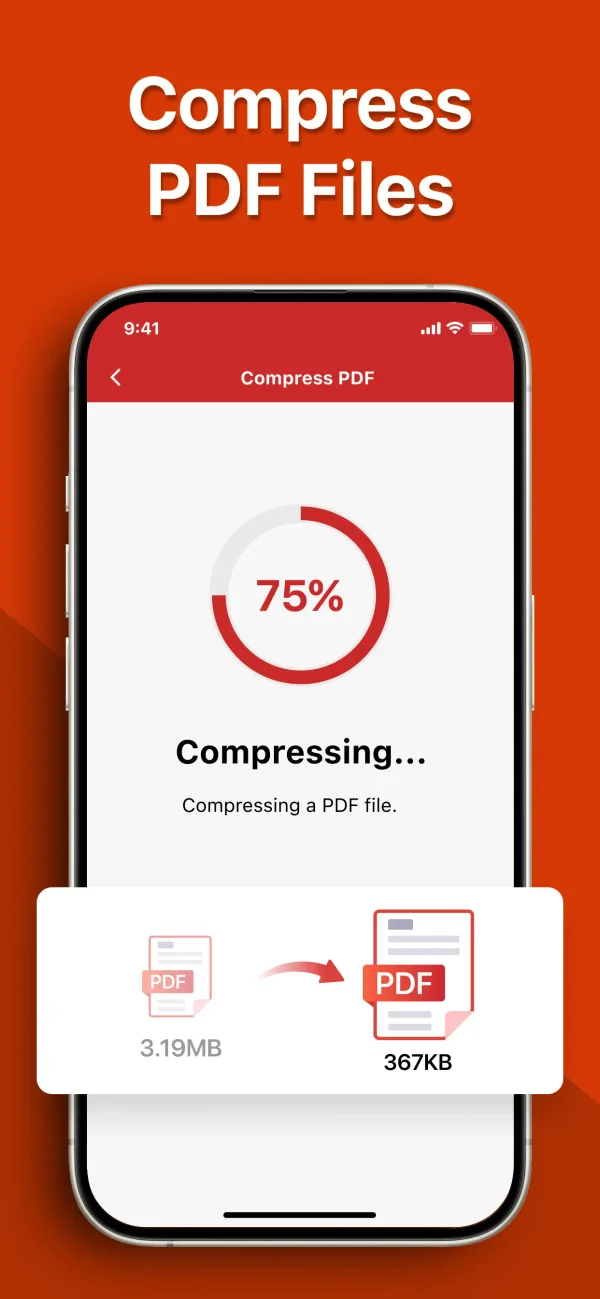
2. Efficient PDF Compression
Reduce the size of large PDF files with our efficient compression tool. Essential for users who need to meet email size limits or save storage space while maintaining the integrity of document content and layout. Compressed PDFs are easier to share and quicker to upload without compromising quality.
3. Convenient Document Signing
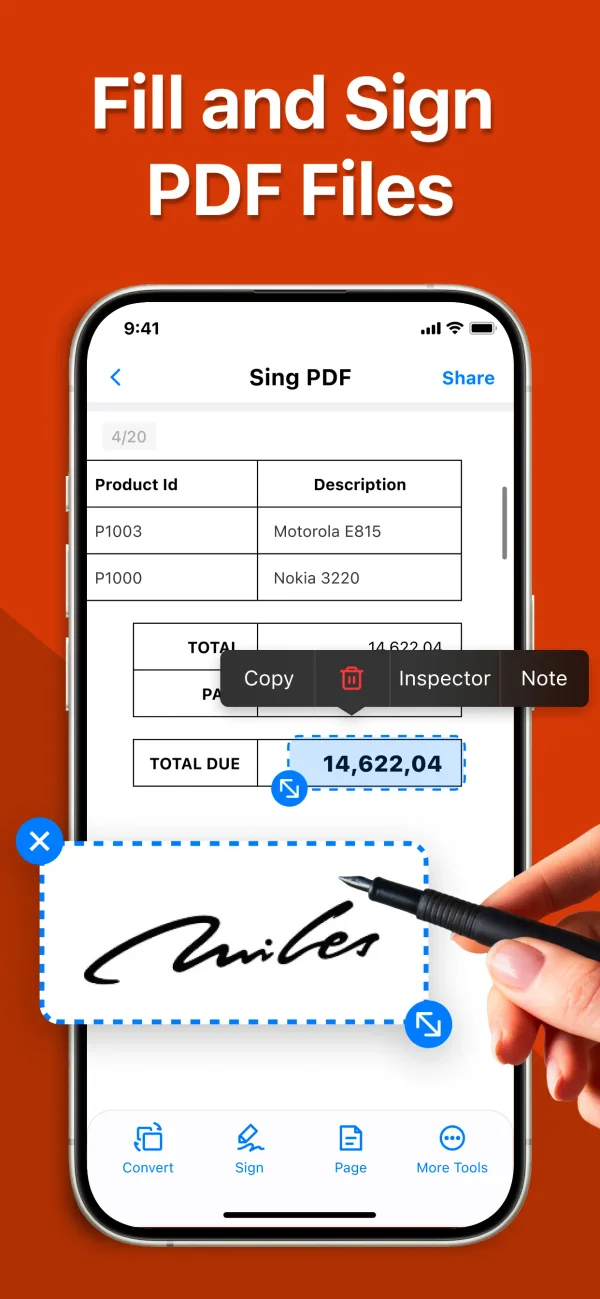
Our e-signature feature allows you to sign documents directly within the app, significantly streamlining the process of authorizing official documents and contracts. Whether you’re a corporate executive, legal professional, or just need to sign personal documents, this feature saves you time and enhances your workflow flexibility.
4. Comprehensive PDF Editing
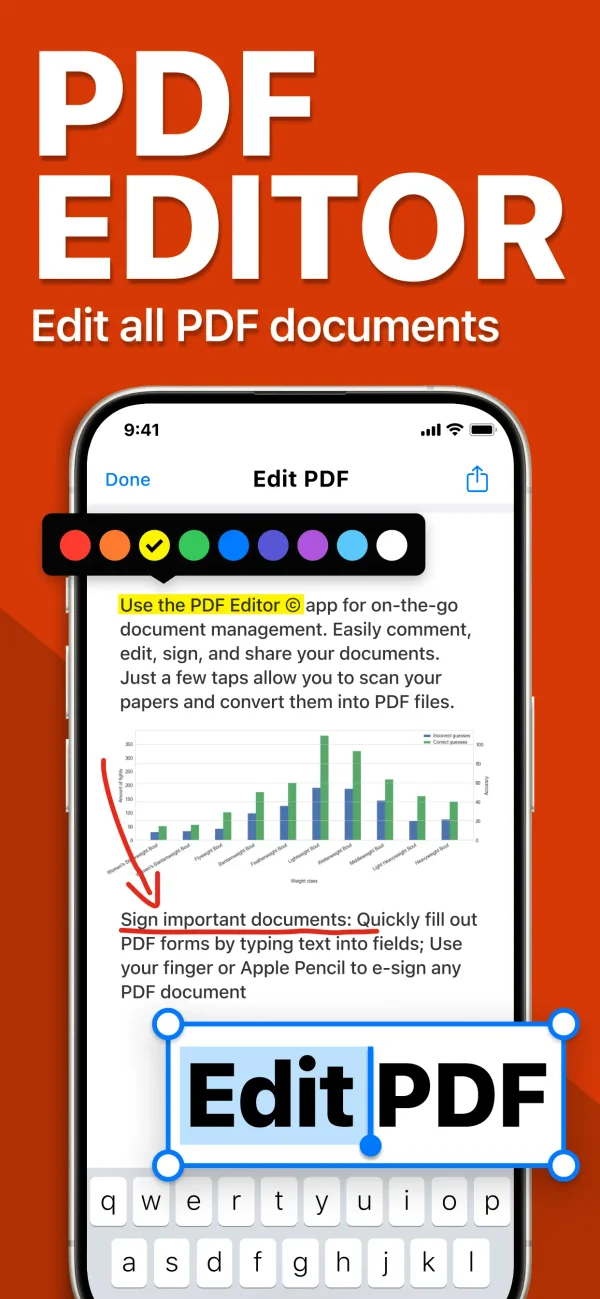
Edit your PDF files like never before. Add or remove content directly from your smartphone or tablet. This powerful editing tool ensures you can make last-minute changes or major edits without needing access to a desktop computer.
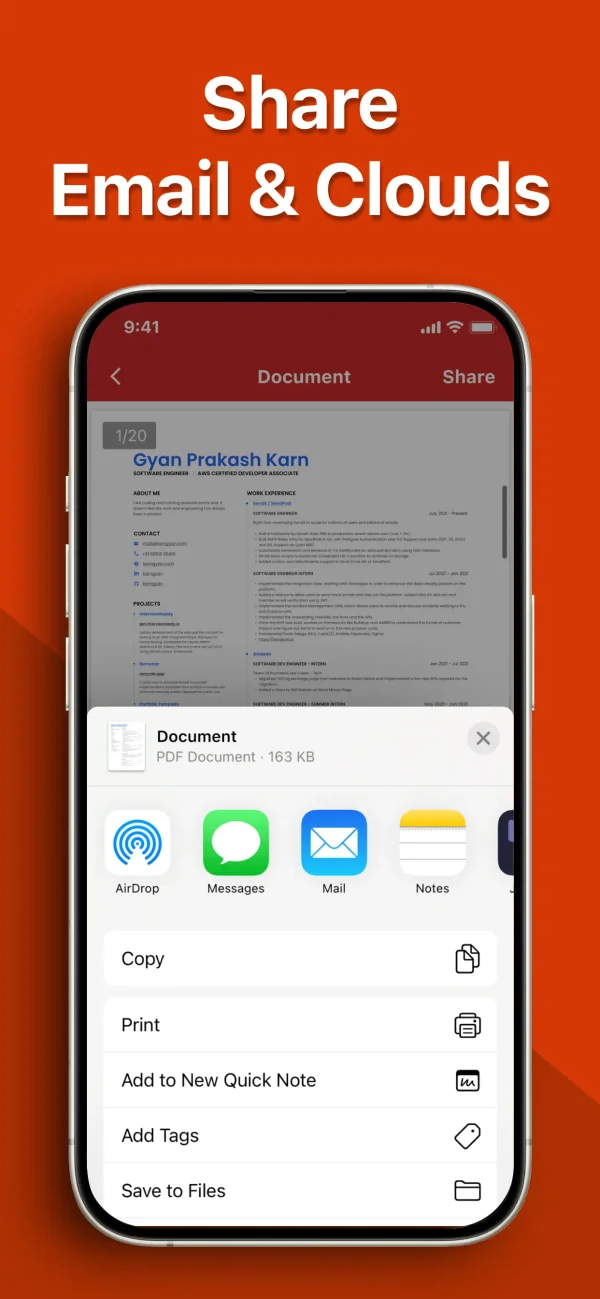
5. Seamless Sharing and Auto-Save Functionality
Easily share your documents directly from Top PDF ® with colleagues, friends, or on social media. Combined with auto-save functionality, you never have to worry about losing your latest edits or updates. Every change is saved instantly, ensuring your work is secure and up-to-date.
Subscription information:
After purchase confirmation, the fee will be deducted from your iTunes account. The subscription will automatically renew at least 24 hours before the end of the current period unless auto-renewal is turned off. Renewal fees depend on your subscription plan. Users can manage subscriptions and turn off auto-renewal in the account settings. Any unused portion of a free trial period (if offered) will be forfeited when purchasing a premium subscription during the free trial period.
Privacy Policy:https://www.ultralogicapps.com/privacy
Terms of Use: https://www.ultralogicapps.com/terms
What’s new
Version 1.3.2 · Nov 17, 2026
Bug fixes and performance improvements to enhance stability and overall smoothness.
App privacy
What Ultra Logic Limited declares on the App Store about how this app handles data.
-
Data used to track you
May be used to track you across apps and websites owned by other companies.
- Identifiers
-
Data not linked to you
May be collected but is not linked to your identity.
- Identifiers
- Usage data
- Diagnostics
Privacy practices may vary, for example with the features you use or your age.
Information
- Seller
- Ultra Logic Limited
- Category
- Productivity
- Version
- 1.3.2
- Updated
- Nov 17, 2026
- Released
- Aug 12, 2024
- Size
- 34.1 MB
- Requires
- iOS 15.0 or later
- Age rating
- 17+
- Price
- Free
- In-app purchases
- Yes
- Languages
- English, Arabic, Catalan, Croatian, Czech, Danish, Dutch, Finnish, French, German, Greek, Hebrew + 21 more
- Copyright
- © Ultra Logic Limited
You might also like
-
 Image to PDF Converter · EditScan & Convert Image to PDF
-
 Office Word - Edit Word DocsEdit DOCX Word, XLSX Sheets
-
 UniPDF: PDF Converter, ScannerPDF editor, photo to PDF, sign
-
 Convert Image To PDF toolsImage to Pdf Convert
-
 Word Editor: Edit Documents®Write & Edit Word, Office Docs
-
 PDF Converter・Scanner・Editor・Scan Documents・Convert & Edit
-
 PDF Converter.ㅤConvert Word, PNG, JPG to PDF
-
 LightPDF: AI Chat PDF, ScannerConvert, Chat, Scan, OCR, Edit
-
 PDF Pro - Reader Editor FormsEdit, annotate, view documents
-
 PDF Scanner・Document ScannerScan ID Card, Sign, OCR & Edit