PDF Editor - Convert File
OCR, Scan, Edit & Image to PDF
Designed for iPhone
Free · In-app purchases
- Age rating4+
- CategoryProductivity
- DeveloperWellresion Limited
- LanguagesEnglish+ 10 more
- Size79.0 MB
Links to the official App Store page
Download.org hosts no file of PDF Editor - Convert File. The button opens its official App Store page, published by Wellresion Limited. Listing last checked on Nov 20, 2026.
Screenshots

About
Transform your iPhone into a powerful mobile office with PDF Editor - Convert File. Whether you are a student, a business professional, or just organizing personal documents, our app provides you need to manage PDFs efficiently.
KEY FEATURES
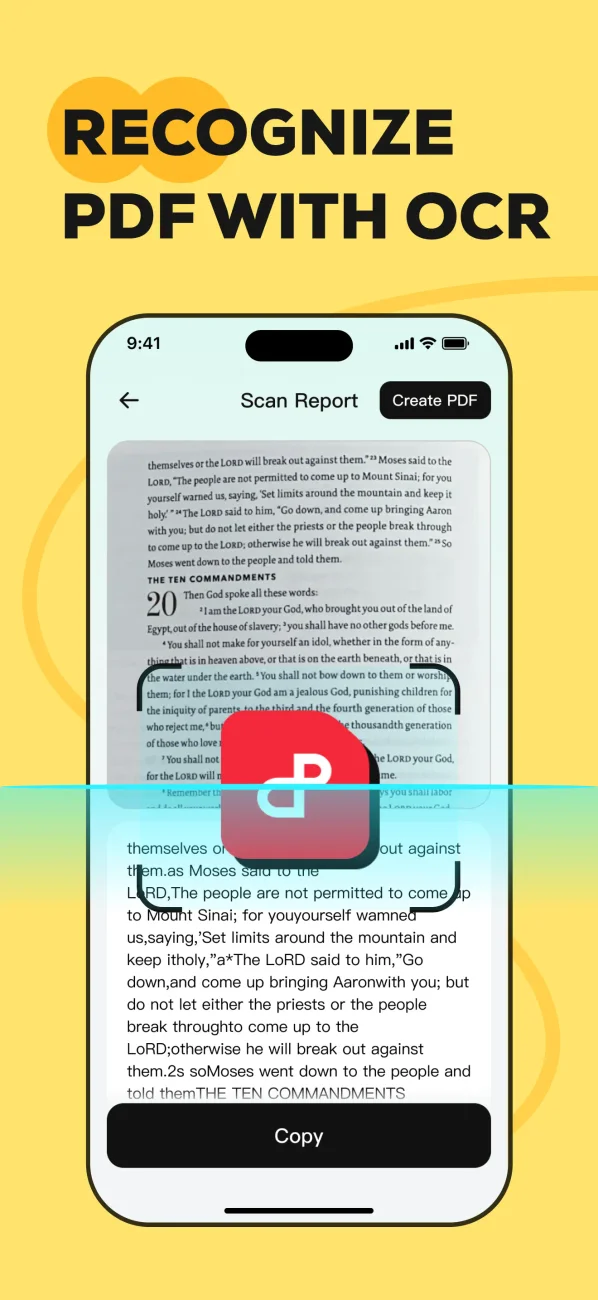
Smart OCR & Text Recognition
• Extract Text: Instantly recognize and extract text from images or scanned documents.
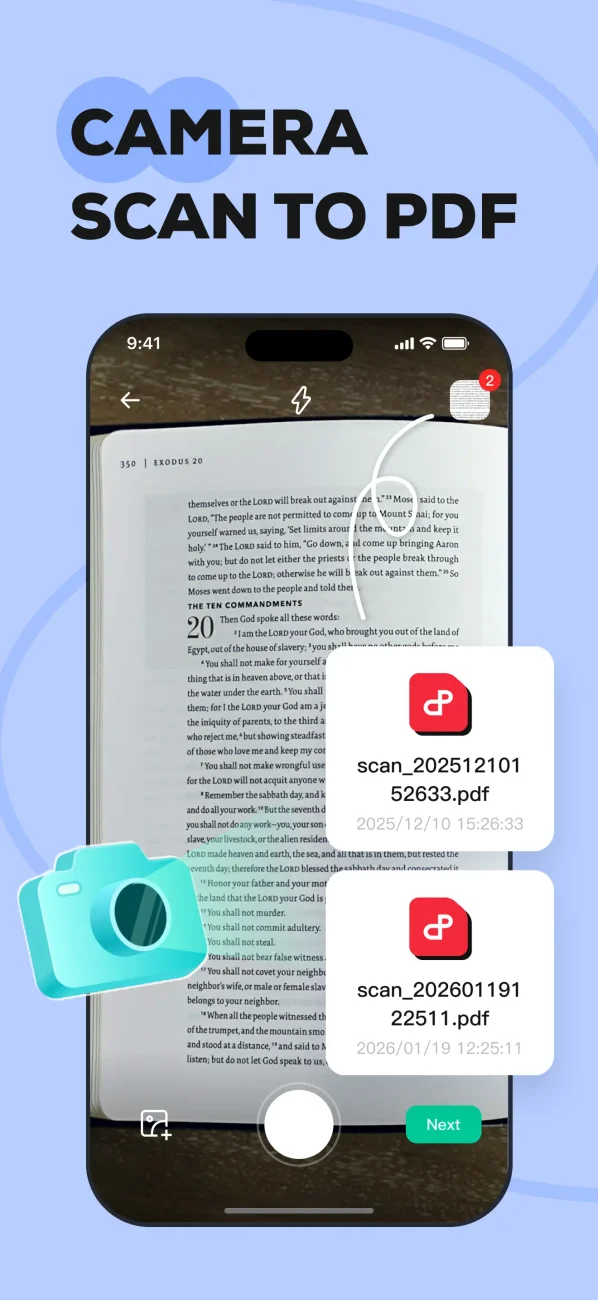
• Digitize Docs: Convert paper notes, book pages, or receipts into editable digital text files.
• High Accuracy: Powered by advanced scanning technology to ensure precise recognition.
Professional PDF Editor
• Page Management: Easily add, delete, or rearrange pages to organize your document exactly how you want it.
• Annotate & Mark Up: Highlight key information, add text notes to improve readability.
• Personalize: Make your documents stand out with custom editing tools.
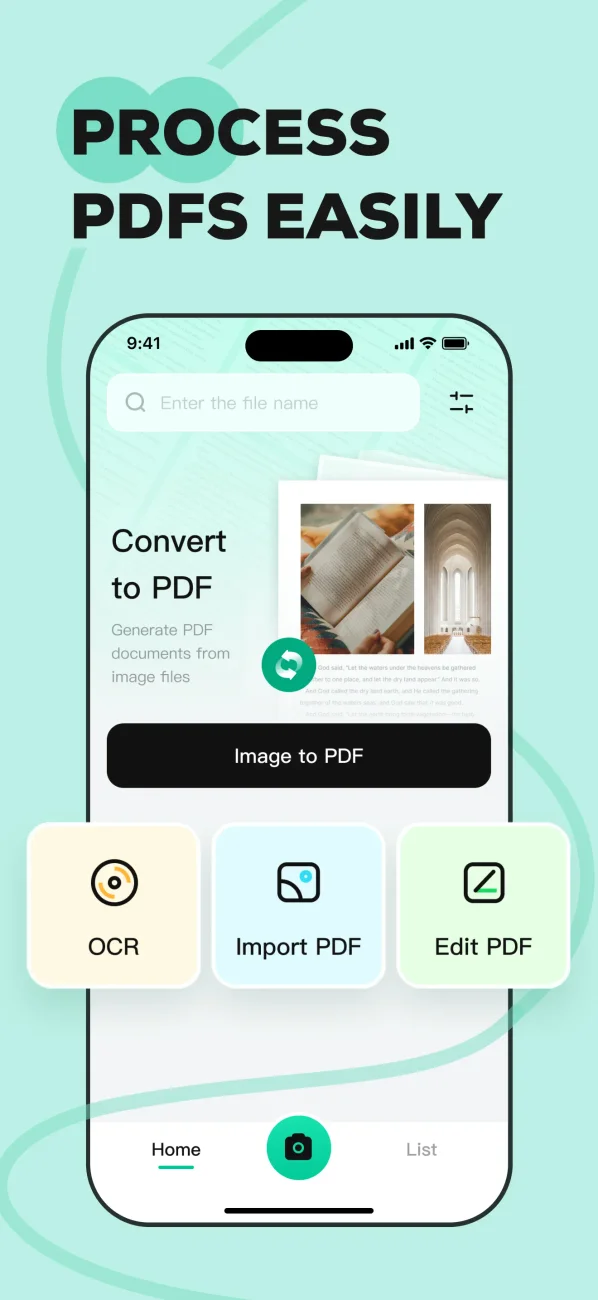
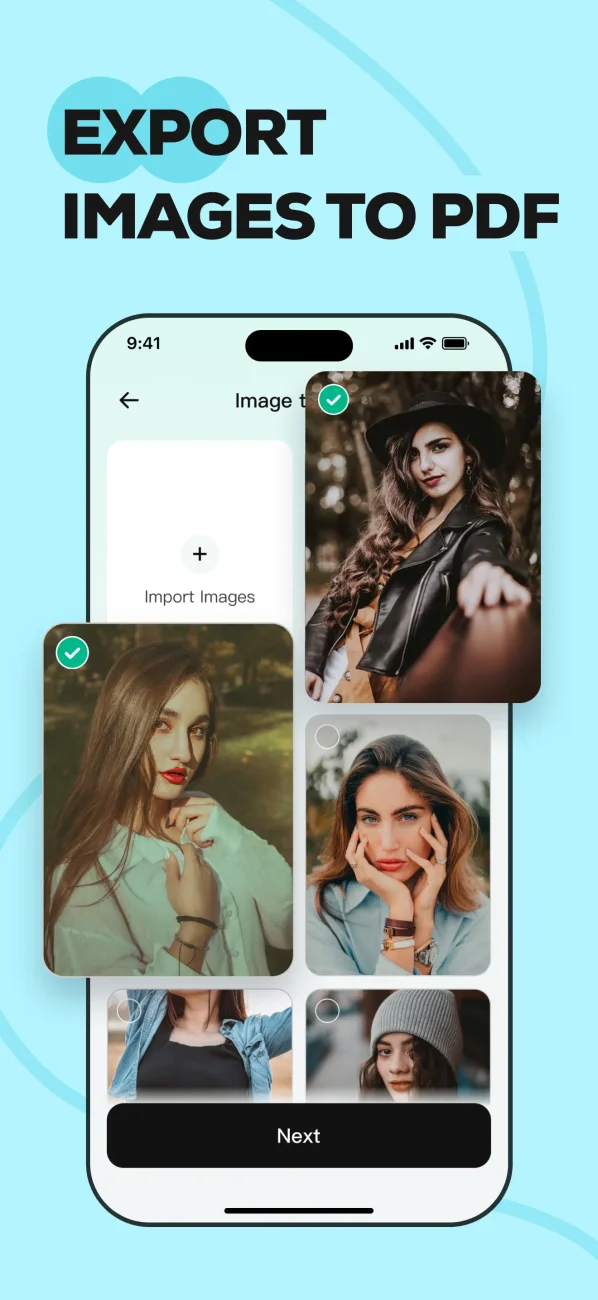
Image to PDF Converter
• Batch Conversion: Import multiple images at once and merge them into a single, high-quality PDF file.
• Clean Layout: Automatically align and format images for a polished look. Perfect for creating portfolios, photo albums, or ID copies.
Easy File Management
• Quick Import: Seamlessly import PDFs from your system files or other apps.
• Open & Read: A smooth, fast viewing experience for all your PDF documents.
• Share Anywhere: Export and share your finished documents via email or social media with just a tap.
Why Choose PDF Editor?
• User-Friendly Interface: Designed for simplicity and speed.
• Privacy Focused: We respect your data; files are processed securely.
• All-in-One Utility: No need to switch between a scanner app, an editor app, and a converter app.
Contact Us Have questions or suggestions? We'd love to hear from you. Email: contactus@wellresion.com
Subscription Information:
We offer a subscription service to provide users with an ad-free version.
• Upon confirmation of subscription, the fee will be charged to your iTunes account at the time of purchase confirmation.
• Subscriptions will automatically renew unless auto-renewal is turned off at least 24 hours before the end of the current subscription period, otherwise you will be charged for the next subscription period.
• You can manage your subscription and turn off auto-renewal in Settings after purchase.
• Cancellation of the current subscription is not allowed during the subscription period.
Links:
Privacy Policy: https://pdfeditorconvertfile.com/privacy.html
Terms of Use: https://pdfeditorconvertfile.com/terms.html
Subscription Terms: https://pdfeditorconvertfile.com/subscription_terms.html
What’s new
Version 1.2.2 · Jun 9, 2026
Optimize overall application performance and enhance stability
App privacy
What Wellresion Limited declares on the App Store about how this app handles data.
-
Data used to track you
May be used to track you across apps and websites owned by other companies.
- Identifiers
-
Data not linked to you
May be collected but is not linked to your identity.
- Identifiers
- Usage data
- Diagnostics
Privacy practices may vary, for example with the features you use or your age.
Information
- Seller
- Wellresion Limited
- Category
- Productivity
- Version
- 1.2.2
- Updated
- Jun 9, 2026
- Released
- Feb 4, 2026
- Size
- 79.0 MB
- Requires
- iOS 16.6 or later
- Age rating
- 4+
- Price
- Free
- In-app purchases
- Yes
- Languages
- English, French, German, Italian, Japanese, Korean, Portuguese, Russian, Spanish, Traditional Chinese, Turkish
- Copyright
- © Wellresion Limited
You might also like
-
 PDF Converter - OCR ReaderScan to PDF & OCR Extractor
-
 PDF Reader - OCR Scan EditEdit & Scan PDFs Easily
-
 Scan MyPDF ProScan and Share PDF Documents
-
 PDF Craft: Local DeskScan, OCR, Merge PDFs
-
 PDF Toolkit - Organize & EditManage, Merge & Annotate PDFs
-
 Easy PDF ManagerPDF to Image – Long Image
-
 PDF Reader: Edit & OCR ScanSign, annotate & convert files
-
 PDF Reader MatePDF Scan·Annotate·Convert
-
 PDF Scanner Converter & ViewerImage To PDF Editor & Reader
-
 PDF Reader&ScannerScan, edit and organize PDFs