PDF Editor & Converter App
Convert docx & Photo to PDF
Designed for iPhone, iPad
Free · In-app purchases
- Age rating4+
- CategoryProductivity
- DeveloperHabiba Rashid
- LanguagesEnglish
- Size14.4 MB
Links to the official App Store page
Download.org hosts no file of PDF Editor & Converter App. The button opens its official App Store page, published by Habiba Rashid. Listing last checked on Nov 18, 2026.
Screenshots

About
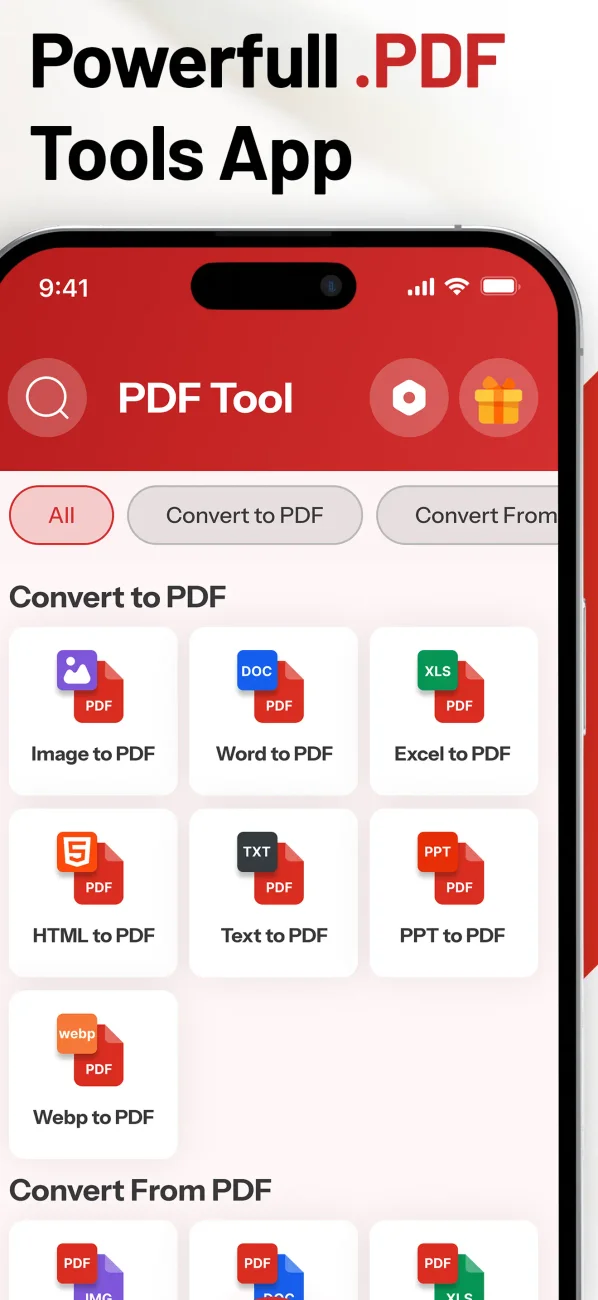
Looking for a fast, simple, and reliable way to manage your documents on iPhone or iPad? This all-in-one PDF Converter makes it easy to create, edit, and share professional files in just a few taps. Whether you need to turn a photo into a PDF, export a Word file, or transform spreadsheets, everything you need is built in.
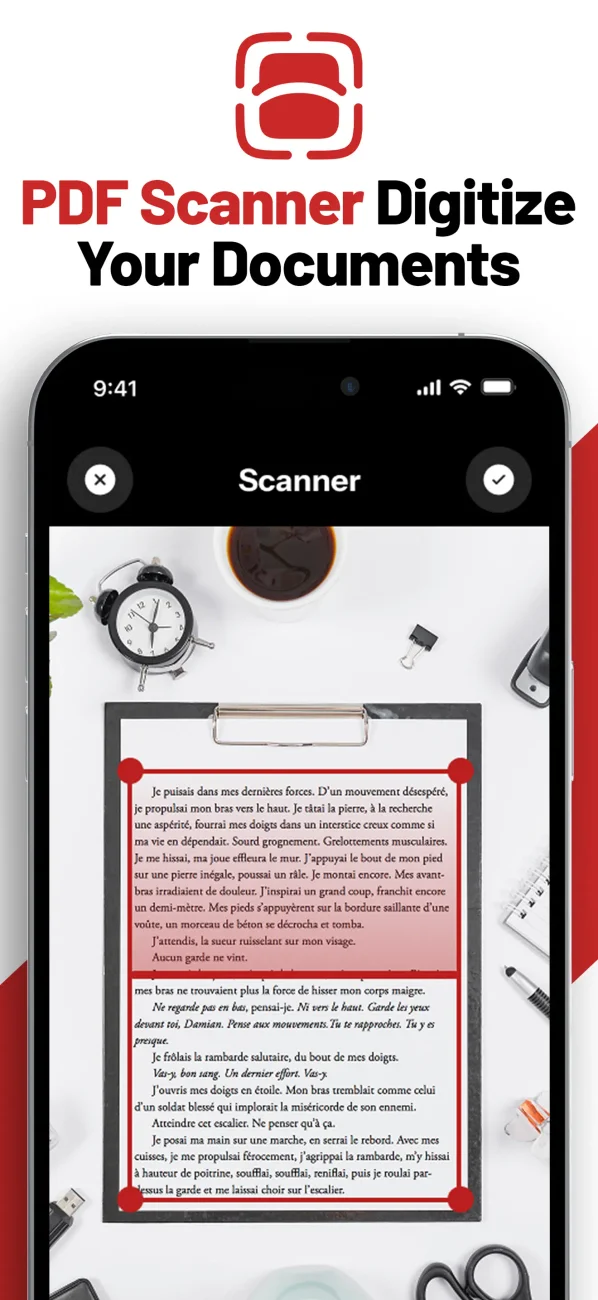
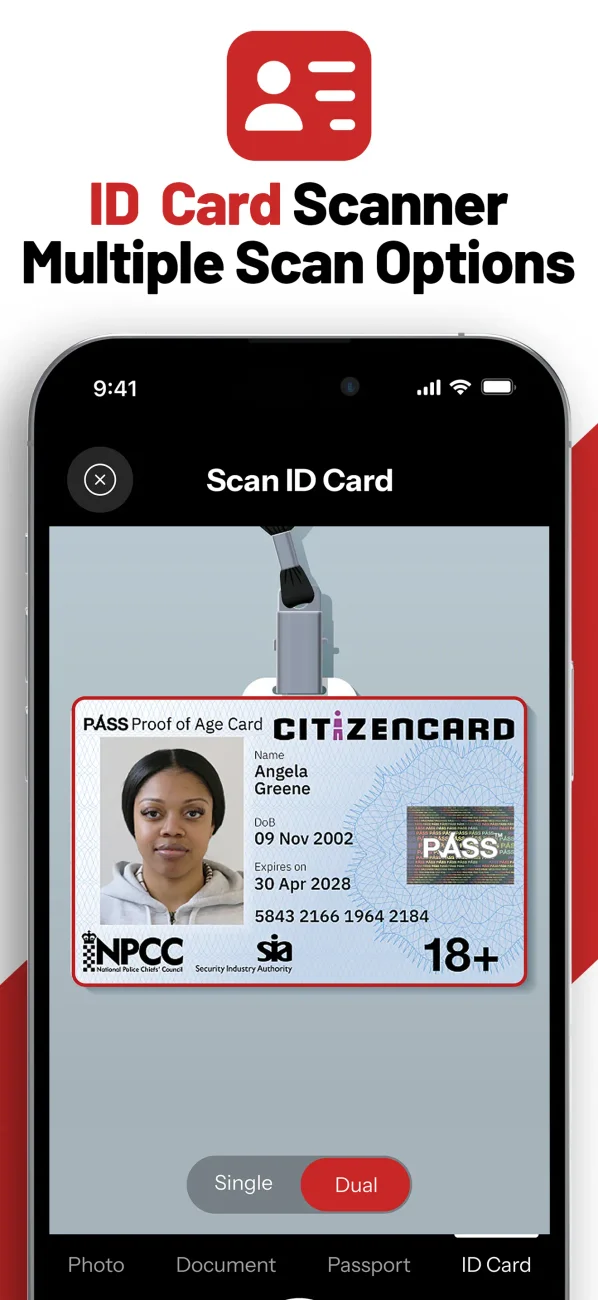
Easily capture and convert photos, scans, or images into high-quality PDFs. Just snap a picture of a document, receipt, or note, and instantly save it as a secure digital file. Perfect for students, professionals, and anyone who wants quick access to clean, organized PDFs.
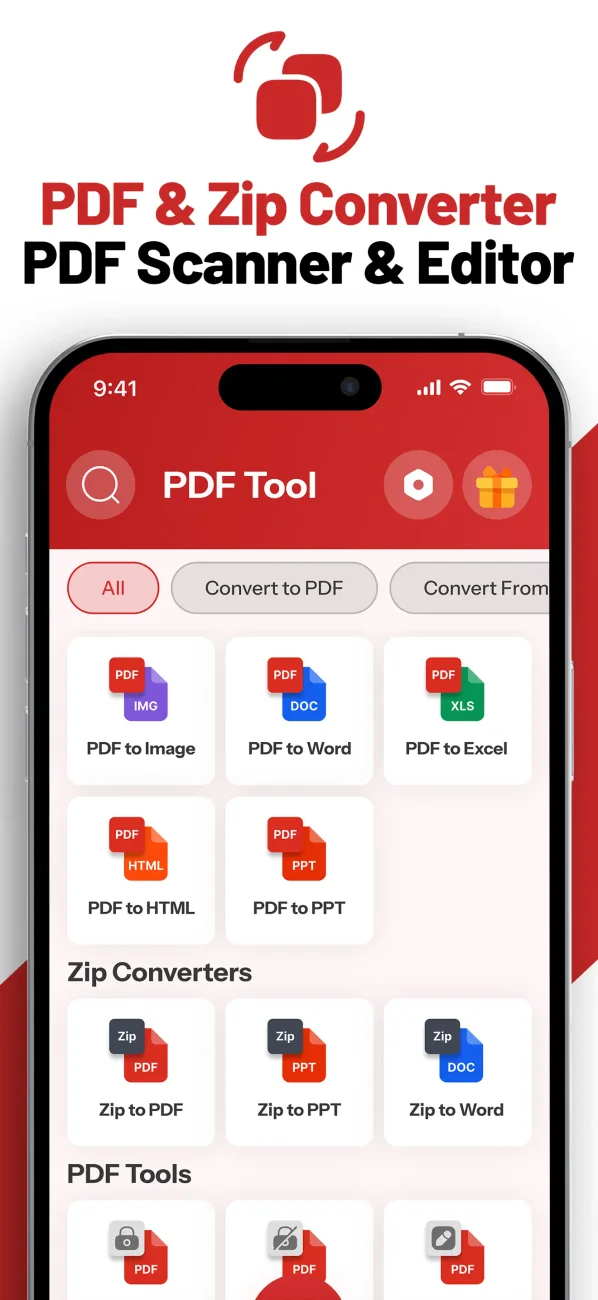
The app supports multiple formats for both input and output. Convert Word, Excel, Doc, or Docx files into polished PDFs—or export PDFs back into Word, Excel, CSV, or image formats like JPG, PNG, or JPEG. You can also create new PDFs from scratch or merge multiple photos into one universal document.
Unlike basic converters, this app ensures your files always maintain their formatting and quality. From a quick single-page scan to large reports, everything is processed quickly, smoothly, and securely.
Key Features:
Instantly convert photos, scans, and images into PDFs
Export PDFs into Word, Excel, CSV, or images
Create new PDFs or merge multiple files into one
Supports Doc, Docx, JPG, PNG, JPEG, and more
Universal converter that preserves formatting and quality
Simple, fast, and easy-to-use interface
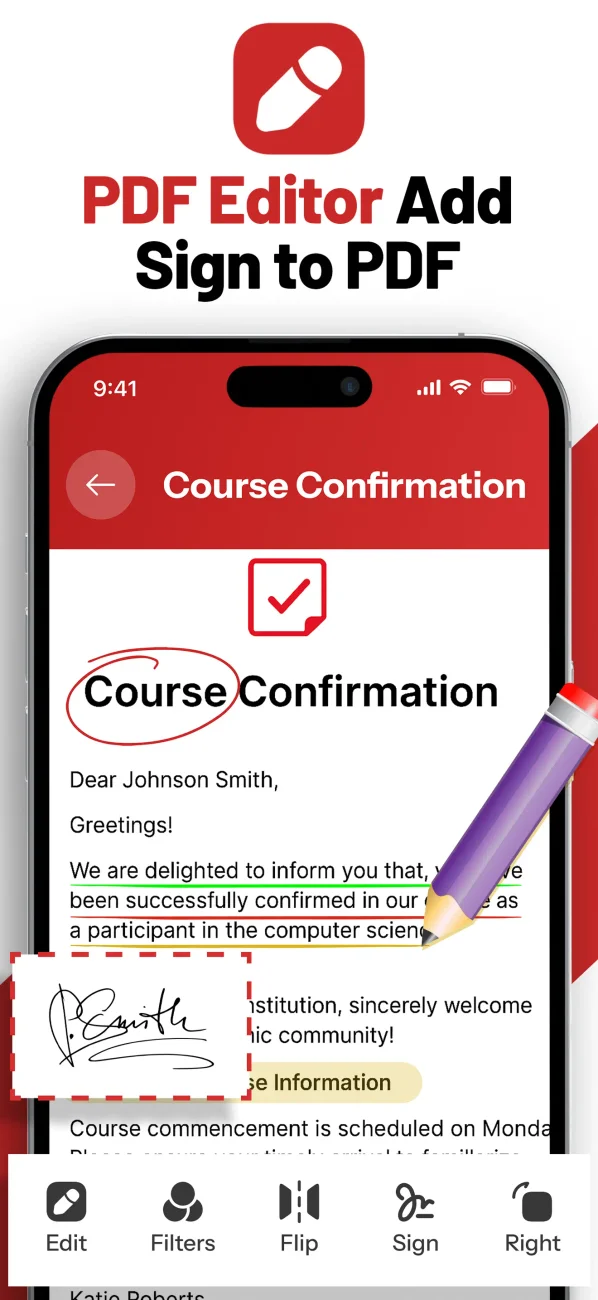
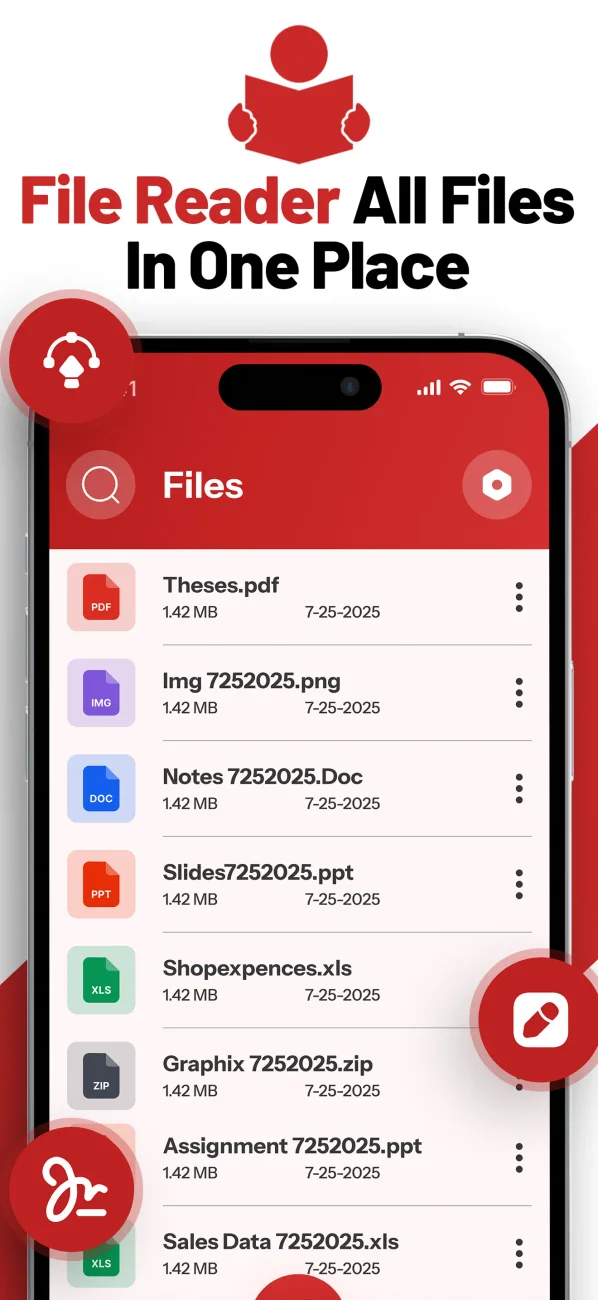
This app is more than a converter — it’s your complete document companion. With tools for creating, editing, and transforming files, you’ll always have the right solution for school, work, or personal use. Stay organized, save time, and simplify your workflow.
Subscription Information:
Payment will be charged to your Apple ID account at confirmation of purchase.
Subscriptions automatically renew unless auto-renewal is turned off at least 24 hours before the end of the current period.
Your account will be charged for renewal within 24 hours before the end of the current period.
You can manage your subscription and turn off auto-renewal in your Apple ID account settings.
Any unused portion of a free trial, if offered, will be forfeited when purchasing a subscription.
Download now and experience a smarter way to manage your files.
Privacy Policy: https://habibarashid7.blogspot.com/2025/09/privacy-policy.html
Terms of Use (EULA): https://habibarashid7.blogspot.com/2025/09/terms-and-conditions.html
App privacy
What Habiba Rashid declares on the App Store about how this app handles data.
-
Data used to track you
May be used to track you across apps and websites owned by other companies.
- Identifiers
-
Data linked to you
May be collected and linked to your identity.
- Location
- Identifiers
- Usage data
-
Data not linked to you
May be collected but is not linked to your identity.
- Diagnostics
Privacy practices may vary, for example with the features you use or your age.
Information
- Seller
- Habiba Rashid
- Category
- Productivity
- Version
- 1.0
- Updated
- Oct 6, 2025
- Released
- Oct 6, 2025
- Size
- 14.4 MB
- Requires
- iOS 16.6 or later
- Age rating
- 4+
- Price
- Free
- In-app purchases
- Yes
- Languages
- English
- Copyright
- Copyright © 2025 Habiba Rashid, All rights reserved.
You might also like
-
 Print: Smart Wireless PrinterPhoto & PDF Scanner, Airprint
-
 Hacker Antispy, Phone PrivacyProsec: Check Wifi & Phone App
-
 Screen Time App LimitStay Focused for Daily Goals
-
 PDF Document Scanner & OCRScan ID, Photos & Convert
-
 Cloud AI Chat 5.0: Ask Go AiImage, Photo & Video Generator
-
 Air Printer: Print & Scanner.Scan PDF, Smart Print Photo
-
 AI translator - languageTranslate voice, photo & text
-
 AI Note Taker - Audio to TextTranscribe Voice, Notes Taking
-
 Scriptum AIEdit Videos Podcasts
-
 PDF Editor - Reader&ConverterEdit, Convert PDF Files