PDF Document Scanner - Captize
Smart Receipts, Convert & Edit
Designed for iPhone, iPad, Mac
In-app purchases
- Age rating4+
- CategoryProductivity
- DeveloperMWare Technologies AS
- LanguagesGerman+ 9 more
- Size30.6 MB
Links to the official App Store page
Download.org hosts no file of PDF Document Scanner - Captize. The button opens its official App Store page, published by MWare Technologies AS. Listing last checked on Nov 18, 2026.
Screenshots



About
Turn paper into searchable PDFs in seconds. Scan, fill, sign, and organize documents on iPhone, iPad, and Mac — with on-device processing that never leaves your Apple devices.
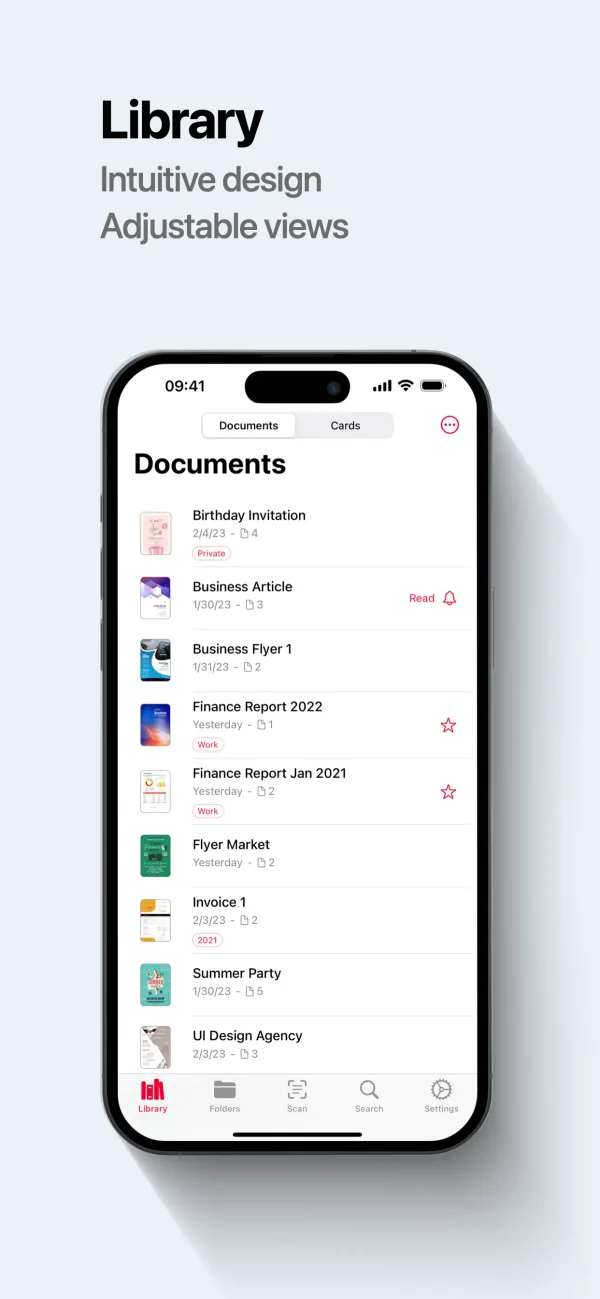
Captize is your personal document library. Capture receipts, contracts, IDs, and paperwork, then find anything later with full-text search. No extra account. Sync with iCloud.
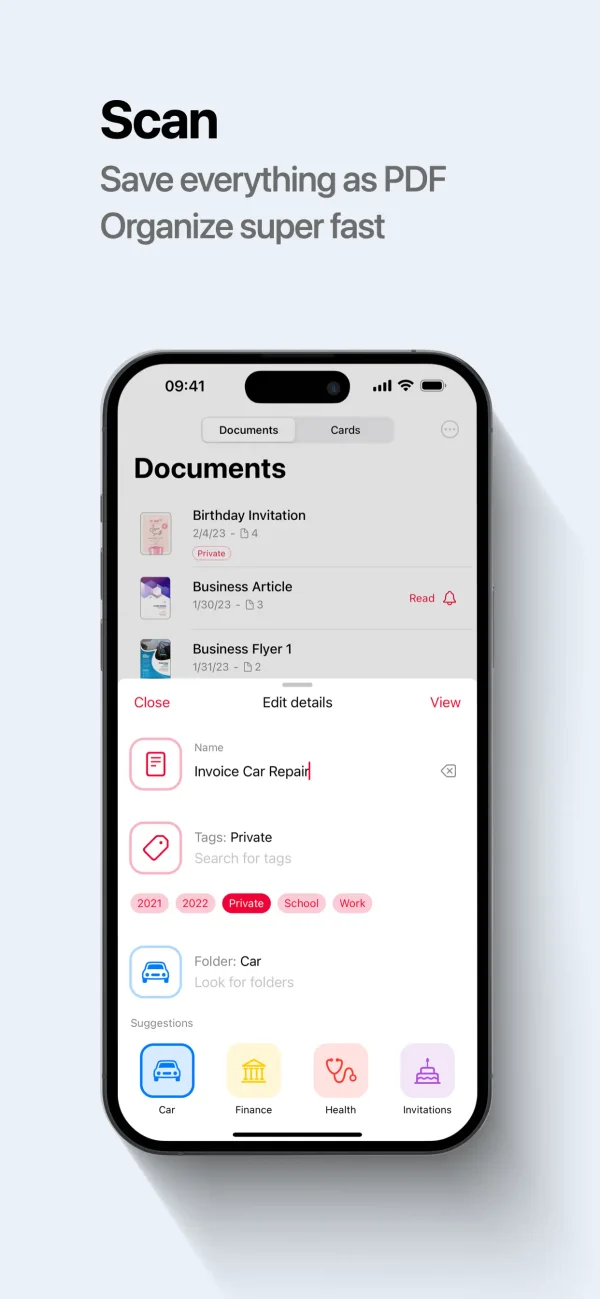
SCAN
• Automatic edge detection, crop, perspective, and exposure correction
• Batch scanning and high-definition captures
• Searchable PDFs with on-device OCR
• Smart titles from document content, with Apple Intelligence
• Import photos, files, and whole folders
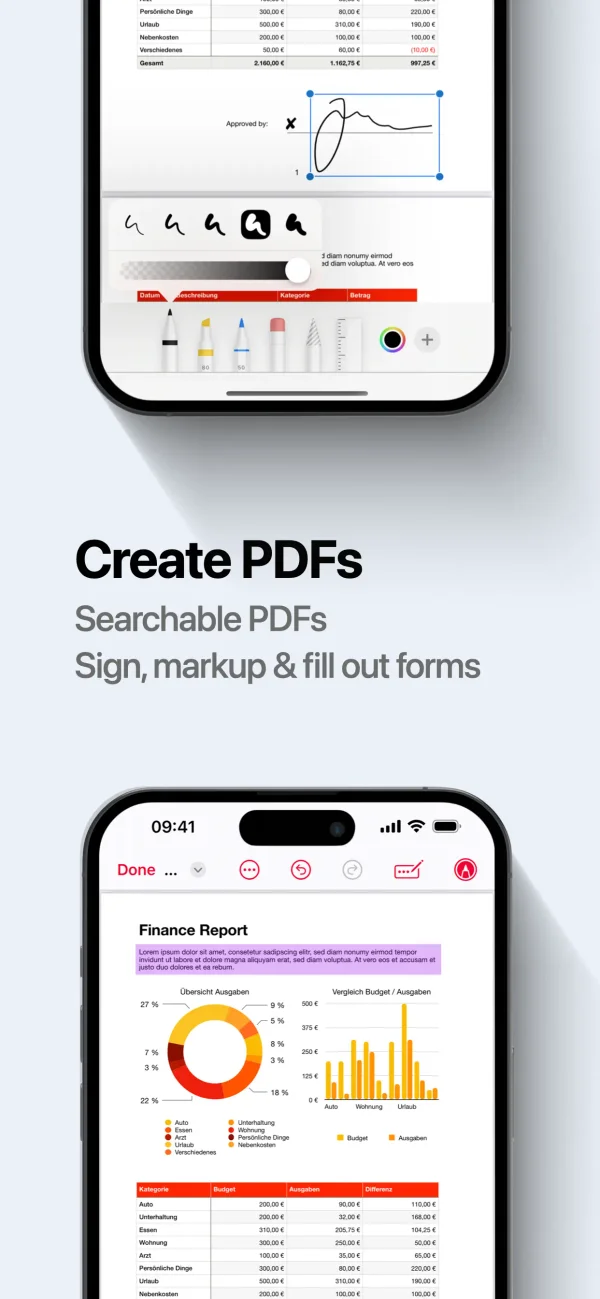
EDIT & SIGN
• Fill out forms
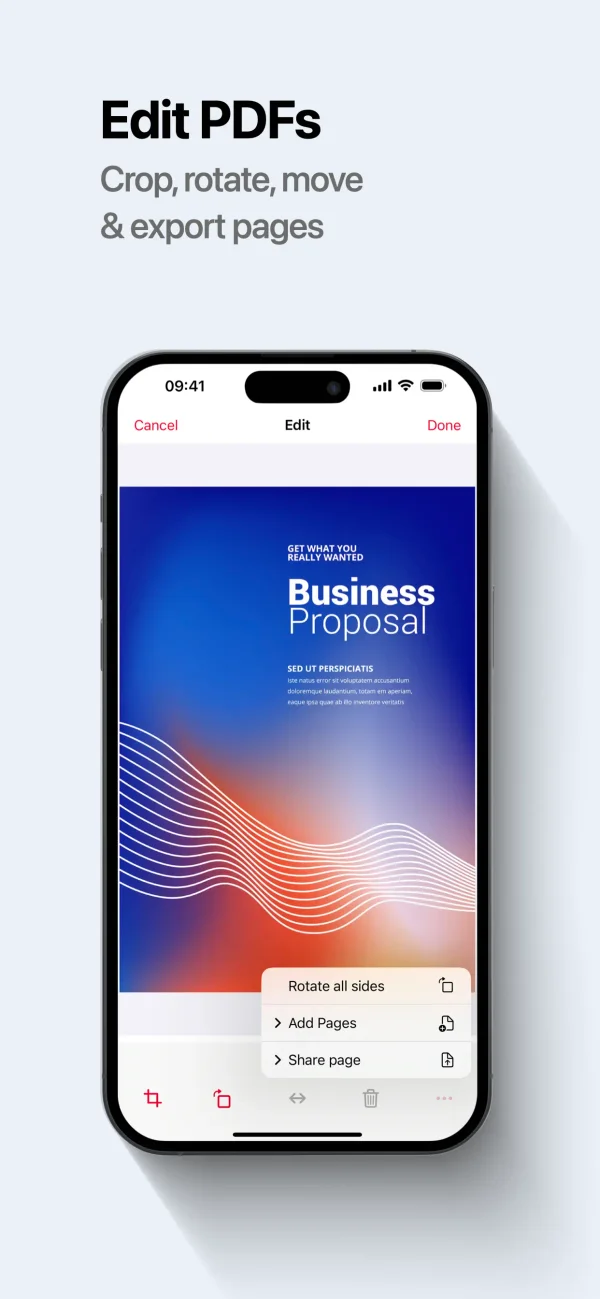
• Add signatures, markups, and comments — Apple Pencil on iPad
• Reorder, split, merge, and export pages
• Password-protect private PDFs
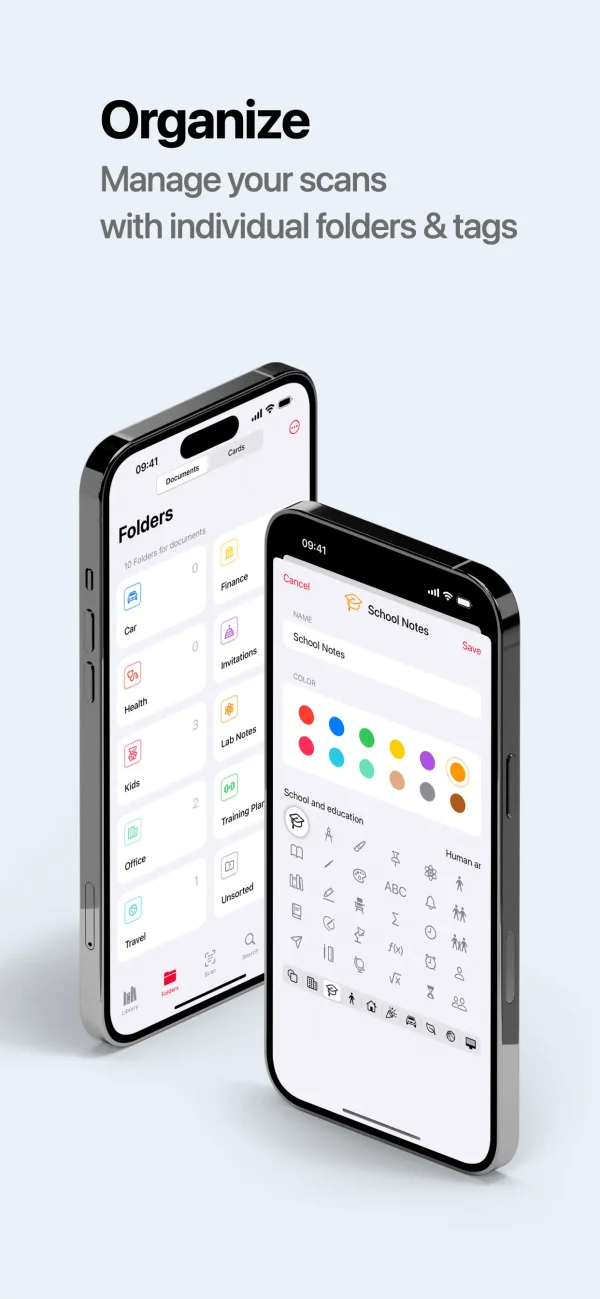
ORGANIZE
• Folders, subfolders, tags, and notes
• Instant full-text search across names, notes, and document content
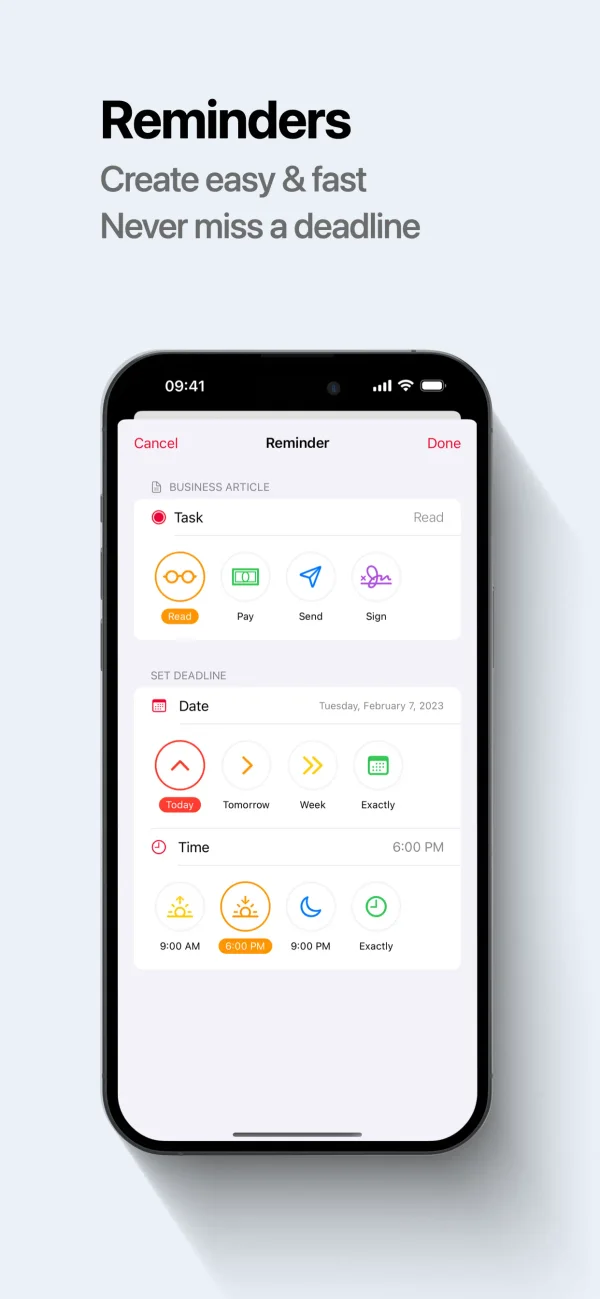
• Reminders on iPhone, iPad, Mac, and Apple Watch
• Widgets and Shortcuts for scan and search
BUSINESS CARDS
• Auto-extract name, company, email, and phone
• Save to Contacts and search by person or company
APPLE-NATIVE & PRIVATE
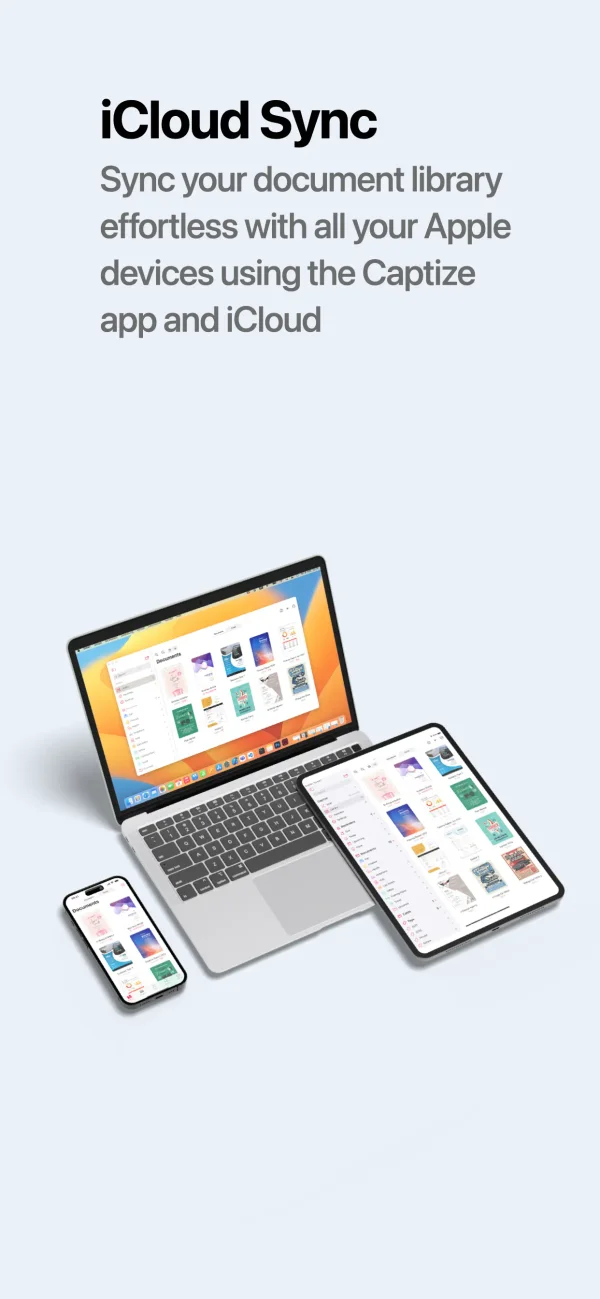
• iCloud sync across your devices — no extra login
• Optional auto-upload to iCloud Drive, Dropbox, OneDrive, or WebDAV
• Lock the app with Face ID or Touch ID
• Image processing and OCR run on-device
Terms
https://www.mwaretechnologies.com/products/captize/terms-and-conditions-en
Support
support@mwaretechnologies.com
What’s new
Version 10.1.3 · Oct 30, 2026
- Fixed an issue with file extensions when exporting documents
App privacy
What MWare Technologies AS declares on the App Store about how this app handles data.
-
Data not linked to you
May be collected but is not linked to your identity.
- Purchases
- Usage data
Privacy practices may vary, for example with the features you use or your age.
Information
- Seller
- MWare Technologies AS
- Category
- Productivity
- Version
- 10.1.3
- Updated
- Oct 30, 2026
- Released
- Feb 26, 2020
- Size
- 30.6 MB
- Requires
- iOS 26.0 or later
- Age rating
- 4+
- In-app purchases
- Yes
- Languages
- German, English, French, Italian, Japanese, Norwegian Bokmål, Polish, Portuguese, Spanish, Simplified Chinese
- Copyright
- © 2022 Marco Wenzel
You might also like
-
 PDF Editor-Scan & ConverterScan Documents, Fill & eSign
-
 UltraNotes - Note Taking & PDFType, Write & Annotate PDF
-
 PDF Scanner Document Convert +Scan Reader, Sign, Converter
-
 OCR Image AI - Photo to TextPicture to Text - Scan Text
-
 Scan PDF-Convert DocumentOCR & PDF document scanner
-
 TranscribeAI: Note TakerTranscribe Podcast & Recording
-
 Data Drop: QR File TransferSend Files & Photos Anywhere
-
 Document Signer: SimpleSignSign PDF Docs, Scan & Backup
-
 Mood Board - CreativitBookmark
-
 Penned: Private NotesAI Text Search, Local & Secure