PDF Editor: Merge, Sort & Sign
One purchase. No subscriptions
Designed for iPhone, iPad
- Age rating4+
- CategoryUtilities
- Developer大鹏 张
- LanguagesEnglish+ 14 more
- Size216.1 MB
Links to the official App Store page
Download.org hosts no file of PDF Editor: Merge, Sort & Sign. The button opens its official App Store page, published by 大鹏 张. Listing last checked on Nov 21, 2026.
Screenshots
About
Put your paperwork in order. Merge PDF files, split a document and rearrange its pages, then add a handwritten signature or image stamp. Buy once: no subscriptions or additional in-app purchases.
ORGANISE YOUR PDFS
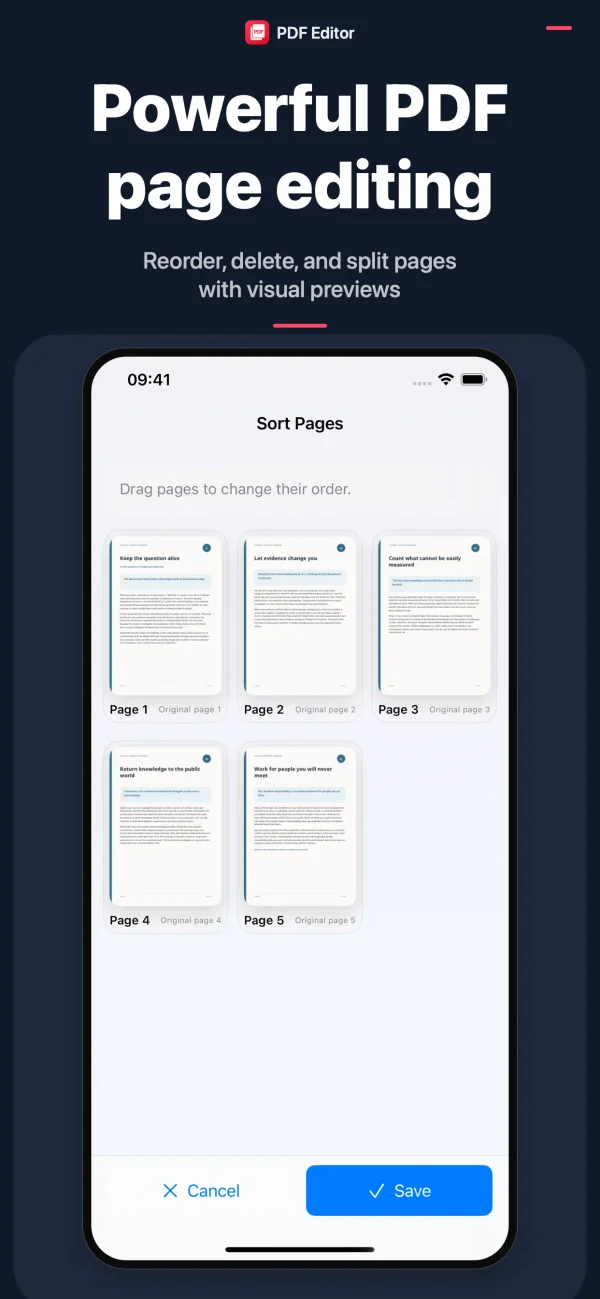
Combine several PDFs into a new document. Rearrange pages and delete those you do not need. Separate a continuous range of pages from the rest, or save every page as its own PDF. The original remains when you split a document.
SIGN AND RETURN
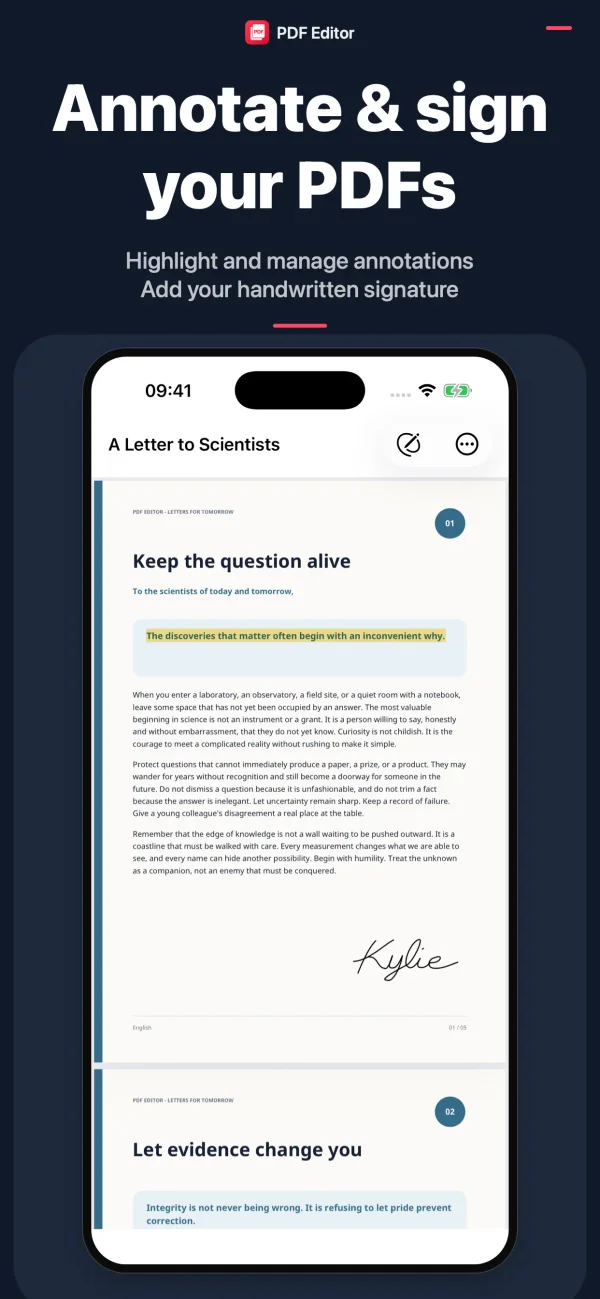
Draw a signature using your finger or Apple Pencil, or choose one saved on this device. Adjust its position and size before saving. Add images and reusable image stamps, highlight text, underline passages and add notes, then share the finished PDF.
MAKE A PDF
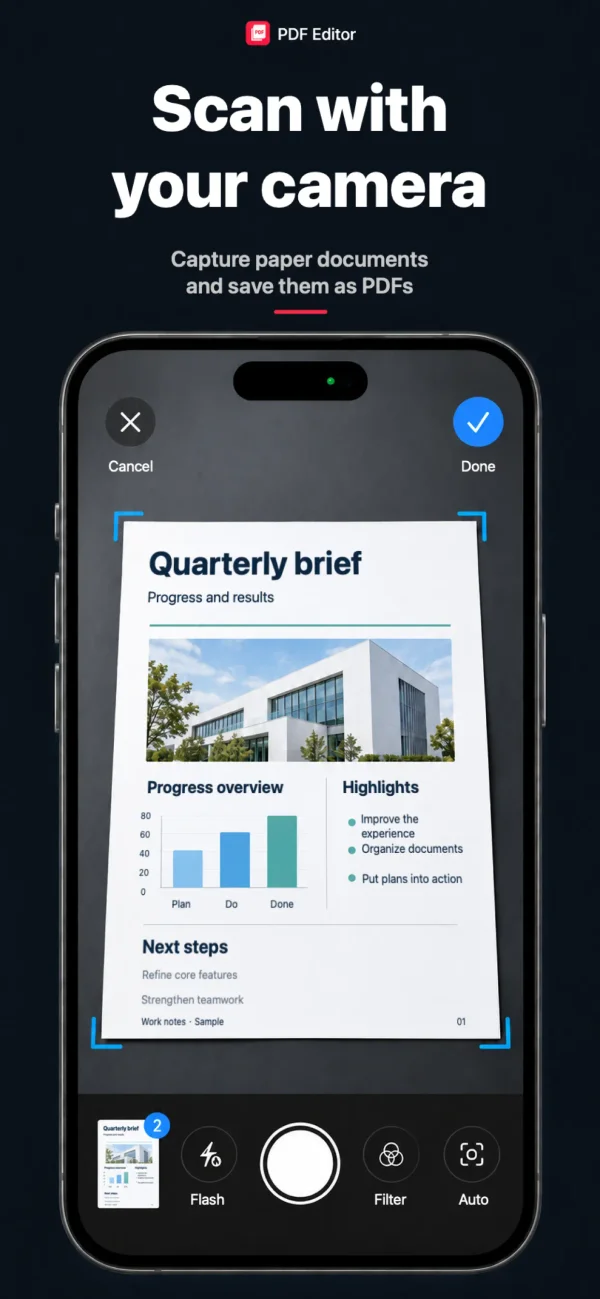
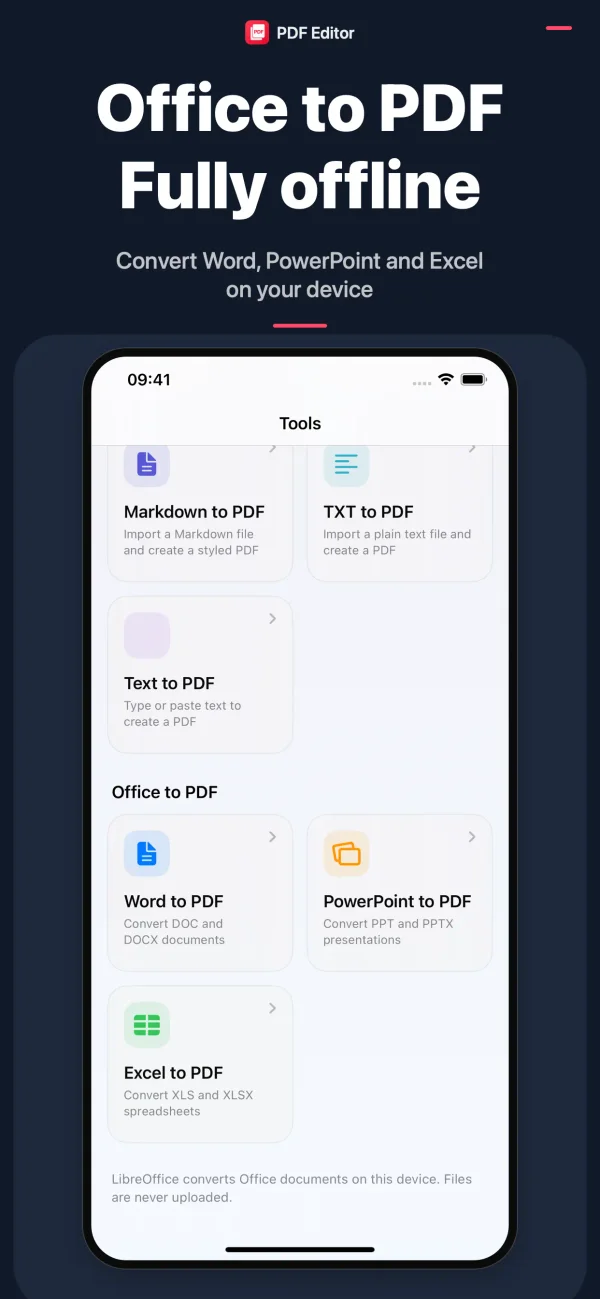
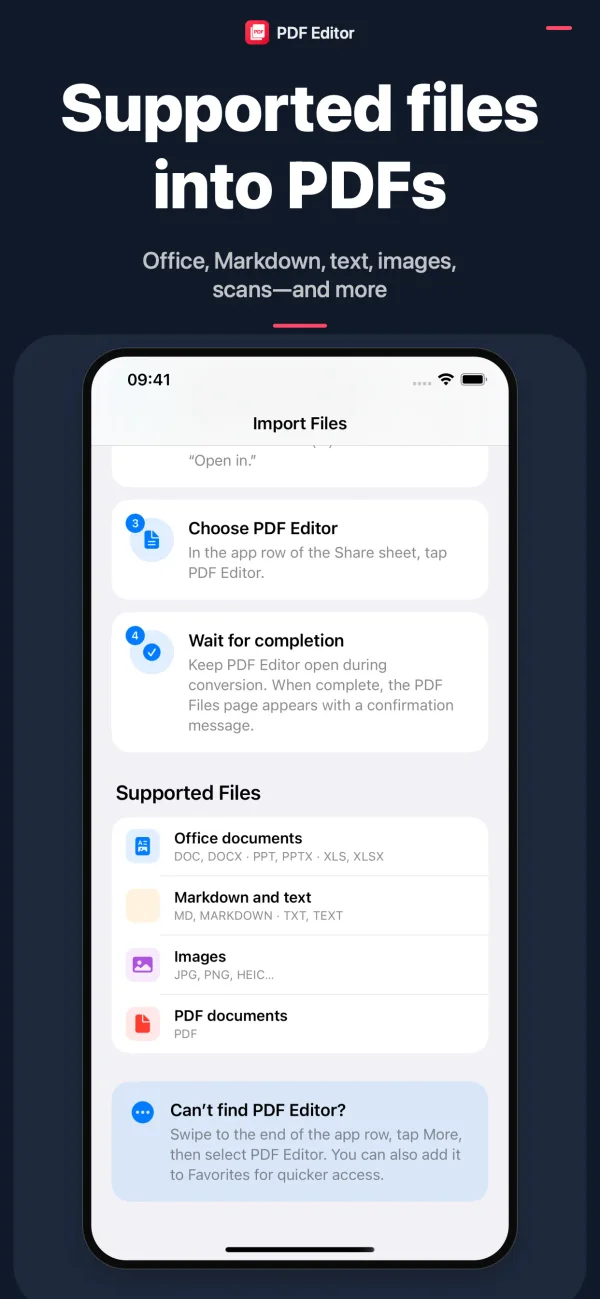
Scan paper documents with the camera or create a PDF from photographs. Convert supported Word, Excel, PowerPoint, Markdown and text documents to PDF on your device, without uploading them to a conversion service.
MANAGE YOUR DOCUMENTS
Keep PDFs in folders and import from Files or compatible sharing menus. When iCloud is available, library sync using your Apple Account is on by default; you can switch it off in Settings. Saved signature and image-stamp templates remain on this device. Signatures and stamps placed in a PDF are saved or synced with that PDF. You do not need a separate app account. Start a local-network transfer to manage files from a computer browser.
Handwritten signatures and image stamps are annotations, not certificate-based digital signatures.
What’s new
Version 2.11.0 · Nov 17, 2026
Improved the iCloud library restore status display. The completion message now clears automatically and stays dismissed when you return to the document list.
App privacy
What 大鹏 张 declares on the App Store about how this app handles data.
-
Data not collected
The developer does not collect any data from this app.
Privacy practices may vary, for example with the features you use or your age.
Information
- Seller
- 大鹏 张
- Category
- Utilities
- Version
- 2.11.0
- Updated
- Nov 17, 2026
- Released
- Jul 7, 2023
- Size
- 216.1 MB
- Requires
- iOS 17.0 or later
- Age rating
- 4+
- Languages
- English, Arabic, French, German, Japanese, Korean, Malay, Portuguese, Russian, Simplified Chinese, Spanish, Thai + 3 more
- Copyright
- © 2026 Dapeng Zhang
You might also like
-
 FileXipFiles, ZIP & Network Transfer
-
 DocWeave: PDF Converter & OCROffline Scanner, Math & Notes
-
 Glassiu Browser: Video SnifferUserscripts & Ad Blocker
-
 LocalToolbox : Offline ToolsOffline Tools for Work & Life
-
 QuickScan:扫描识别文件证件卡包 手机扫描仪全能王Utilities
-
 Image Converter!Easy Convert to JPG, PNG, PDF
-
 影转工坊Utilities
-
 QuickPaste - Quick ClipboardClipboard History · Quick Copy
-
 Network Doctor: WiFi ToolsLAN Scanner, Speed Test & Ping
-
 SideTVsADB Control, TV Casting