FileXip
Files, ZIP & Network Transfer
Designed for iPhone, iPad
$5.99 · In-app purchases
- Age rating4+
- CategoryUtilities
- Developer强 王
- LanguagesEnglish+ 15 more
- Size273.9 MB
Links to the official App Store page
Download.org hosts no file of FileXip. The button opens its official App Store page, published by 强 王. Listing last checked on Nov 12, 2026.
Screenshots
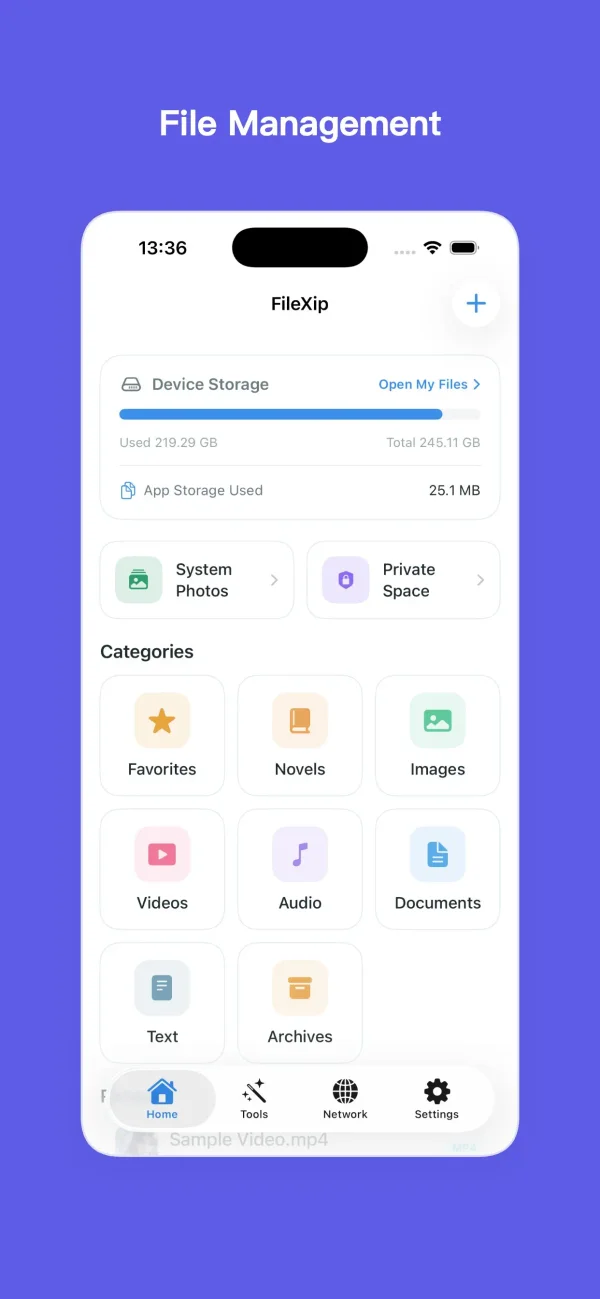
About
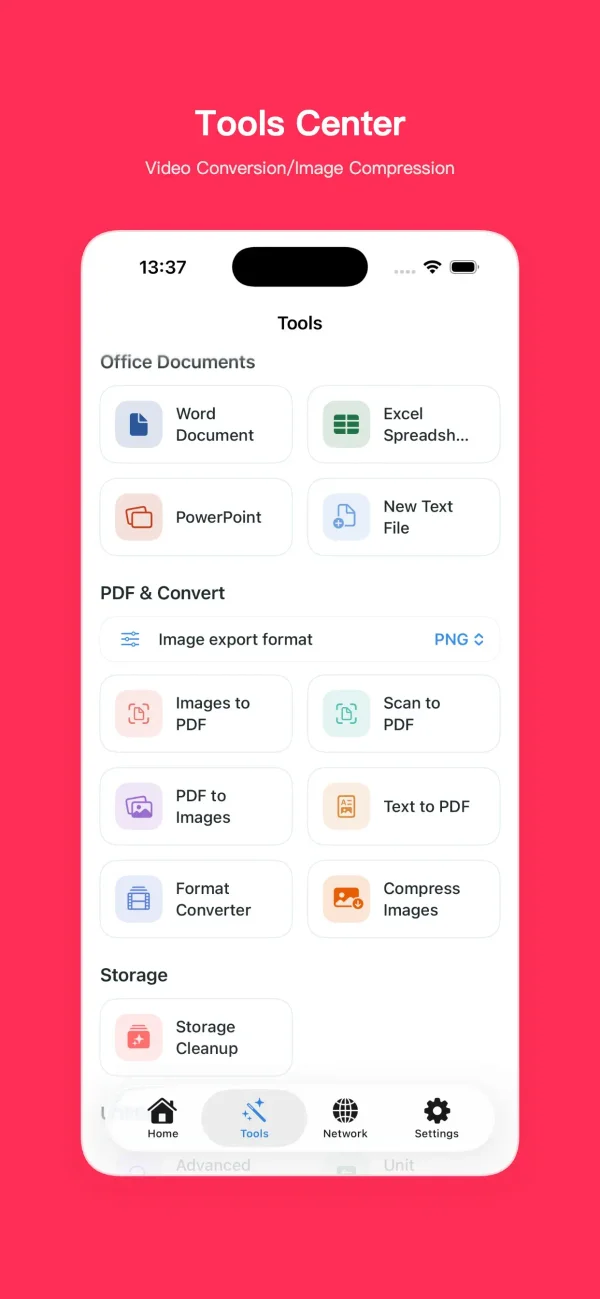
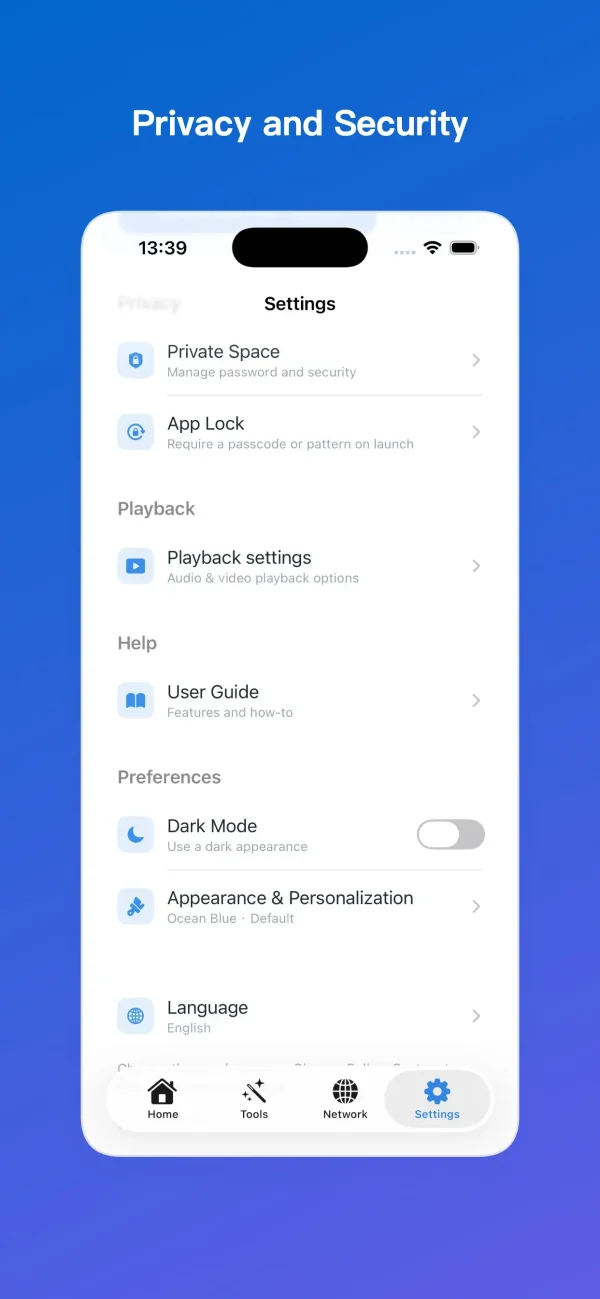
FileXip is a clean, powerful file manager for iPhone and iPad. Browse, organize, preview, and edit your files locally — with professional archive tools and built-in network transfer.
FILE MANAGEMENT
• List and grid views with sort by name, date, size, or type
• Search files instantly; advanced search with wildcards and content matching
• Create folders and text files, rename, delete, share, and import from the Files app
• Multi-select to copy, move, compress, or delete in batch
• Home dashboard with storage overview, file categories, and recent files
ARCHIVES — PROFESSIONAL GRADE
• Open ZIP, JAR, TAR, TAR.GZ, GZ, 7z, and RAR archives
• Tree-view browser: preview contents before extracting
• Extract individual files, folders, or multiple selections at once
• Password-protected archives (ZipCrypto & AES-256)
• Create encrypted ZIP files with adjustable compression levels
• Fix garbled filenames with encoding options (UTF-8, GBK, Big5, Shift-JIS, and more)
• Safe extraction with zip-slip protection and background progress
PREVIEW & EDIT
• Images: pinch-to-zoom and pan
• Video & audio: built-in player
• Text & code: syntax-highlighted editor with 190+ languages, themes, font size, encoding, find & replace
• PDF: draw, highlight, add text, erase — annotations save directly to the file
• Office & iWork documents: QuickLook preview
NETWORK TRANSFER
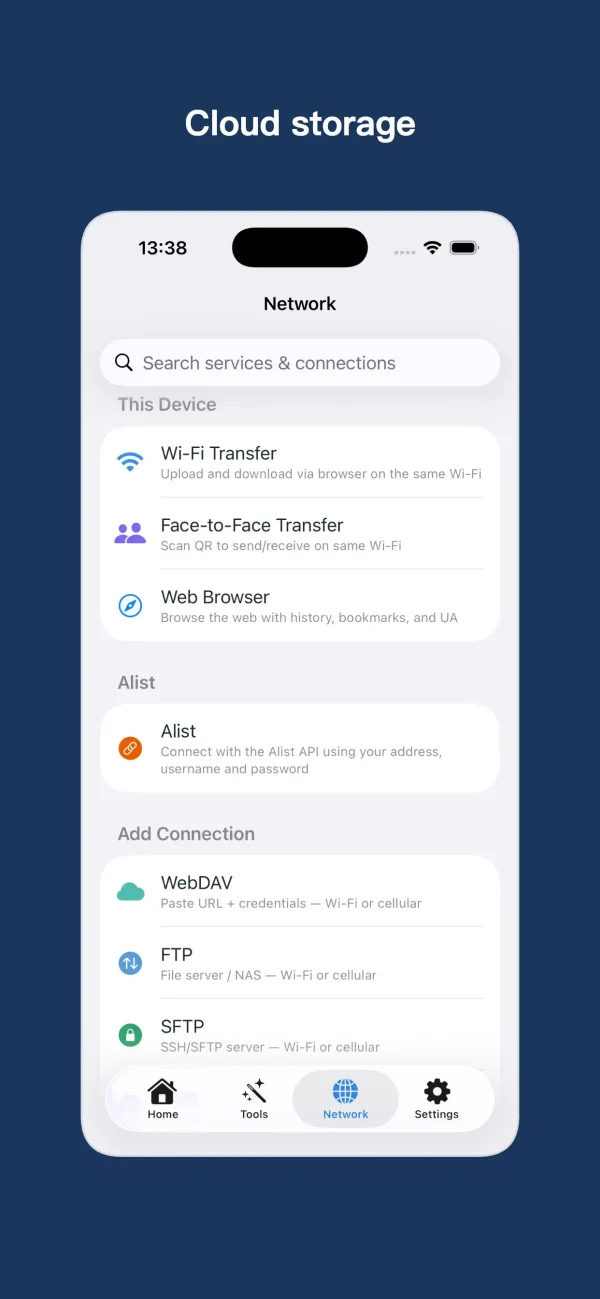
• Wi‑Fi Transfer: share files via browser on the same network (QR code included)
• FTP & WebDAV: connect to servers and NAS, browse, upload, download, and manage remotely
• SMB: import files from network shares via the system Files app
• Live transfer progress, speed, and history
DESIGNED FOR EVERYDAY USE
• Minimal, distraction-free interface
• Large file operations run in the background — no frozen UI
• English and Simplified Chinese supported
• Local-first: your files stay on your device unless you choose to transfer them
FileXip Pro (optional)
Unlock unlimited remote connections, batch encrypted compression, advanced encoding options, and early access to upcoming features.
Questions or feedback: vrlinkapp@163.com
What’s new
Version 2.9.1 · Oct 16, 2026
General fixes and updates
New tool types added
App privacy
What 强 王 declares on the App Store about how this app handles data.
-
Data not collected
The developer does not collect any data from this app.
Privacy practices may vary, for example with the features you use or your age.
Information
- Seller
- 强 王
- Category
- Utilities
- Version
- 2.9.1
- Updated
- Oct 16, 2026
- Released
- Jun 23, 2026
- Size
- 273.9 MB
- Requires
- iOS 16.2 or later
- Age rating
- 4+
- Price
- $5.99
- In-app purchases
- Yes
- Languages
- English, Arabic, Czech, Danish, French, German, Italian, Japanese, Korean, Norwegian Bokmål, Polish, Russian + 4 more
- Copyright
- © 2026 wangqiang
You might also like
-
 OpenHTML: HTML, PDF & MarkdownZIP, JSON, Media & Code
-
 Unicode: Math Symbol KeyboardSpecial Characters, Copy Paste
-
 QuickPaste - Quick ClipboardClipboard History · Quick Copy
-
 Glassiu Browser: Video SnifferUserscripts & Ad Blocker
-
 DocWeave: PDF Converter & OCROffline Scanner, Math & Notes
-
 Private Vault – Offline SafeHide Photos, Files & Passwords
-
 SilentProof: Noise ComplaintEvidence Log for Renters
-
 App Folder Launcher WidgetLoftHome & Lock Screen Widgets
-
 Voice Notes : Voice to TextRecord, Transcribe & Export
-
 MeCode: QR Barcode ScannerGenerator, Photo & PDF Reader