PDF Editor, Scanner & CV Maker
PDF Converter, Merge & Resume
Designed for iPhone, iPad
In-app purchases
- Age rating4+
- CategoryProductivity
- DeveloperHasnain Ahmad
- LanguagesEnglish
- Size106.6 MB
Links to the official App Store page
Download.org hosts no file of PDF Editor, Scanner & CV Maker. The button opens its official App Store page, published by Hasnain Ahmad. Listing last checked on Nov 13, 2026.
Screenshots

About
The only PDF editor with a built-in resume builder, OCR scanner, e-signature & QR code generator — works 100% offline. Edit, convert, sign & scan documents in seconds. Trusted by students, professionals & business owners in 7 languages worldwide.
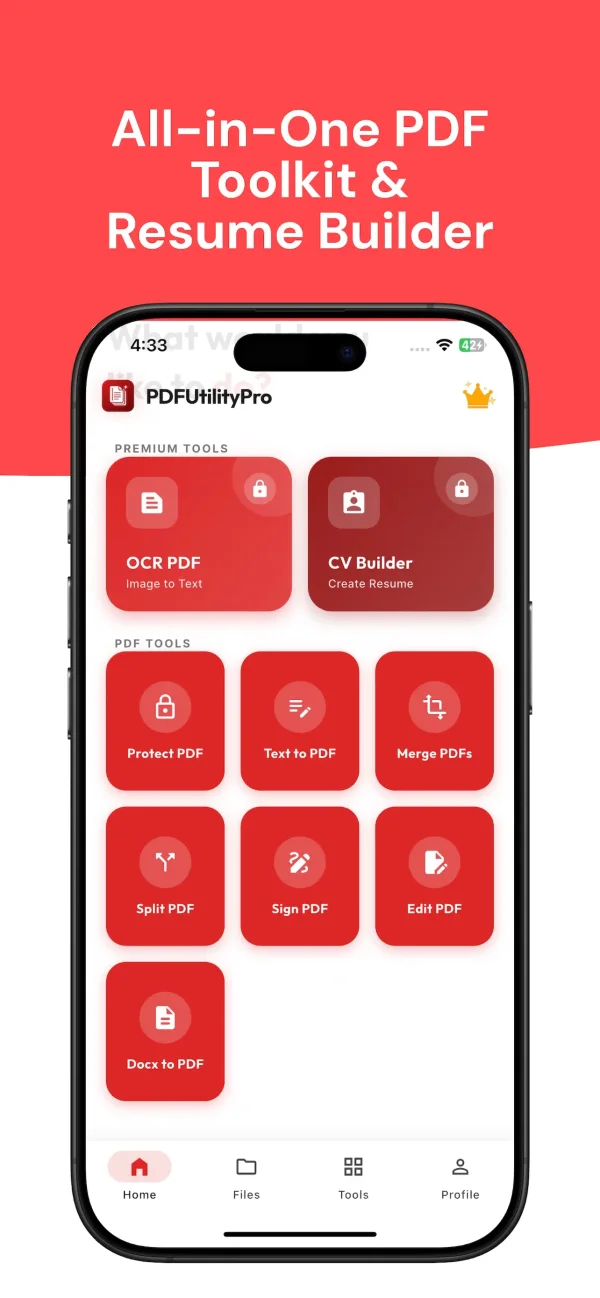
PDF EDITOR, CONVERTER & DOCUMENT MANAGER
• Image to PDF & Photos to PDF — convert receipts, notes or photos instantly
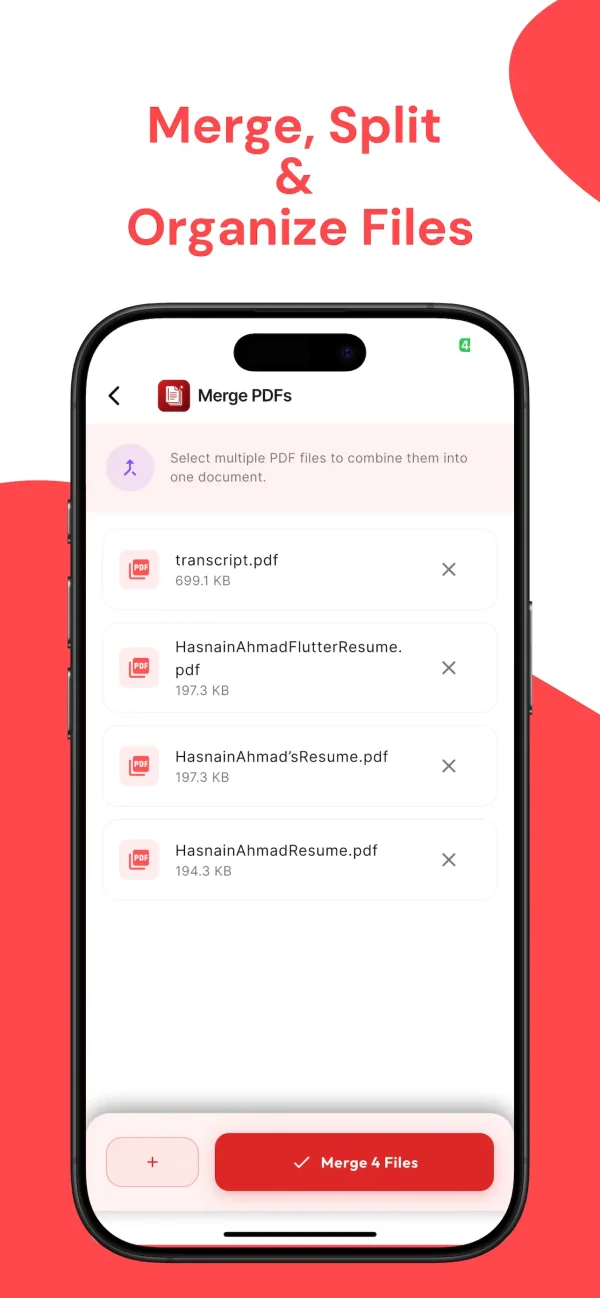
• Merge PDF & Split PDF — combine or extract pages with 100% quality retained
• Word to PDF (DOCX to PDF) — convert offline, formatting stays perfect
• PDF Annotator — reorder, rotate & delete pages with drag & drop
• Compress PDF & images — reduce file size for email without quality loss
• Protect PDF — AES-256 password encryption for sensitive documents
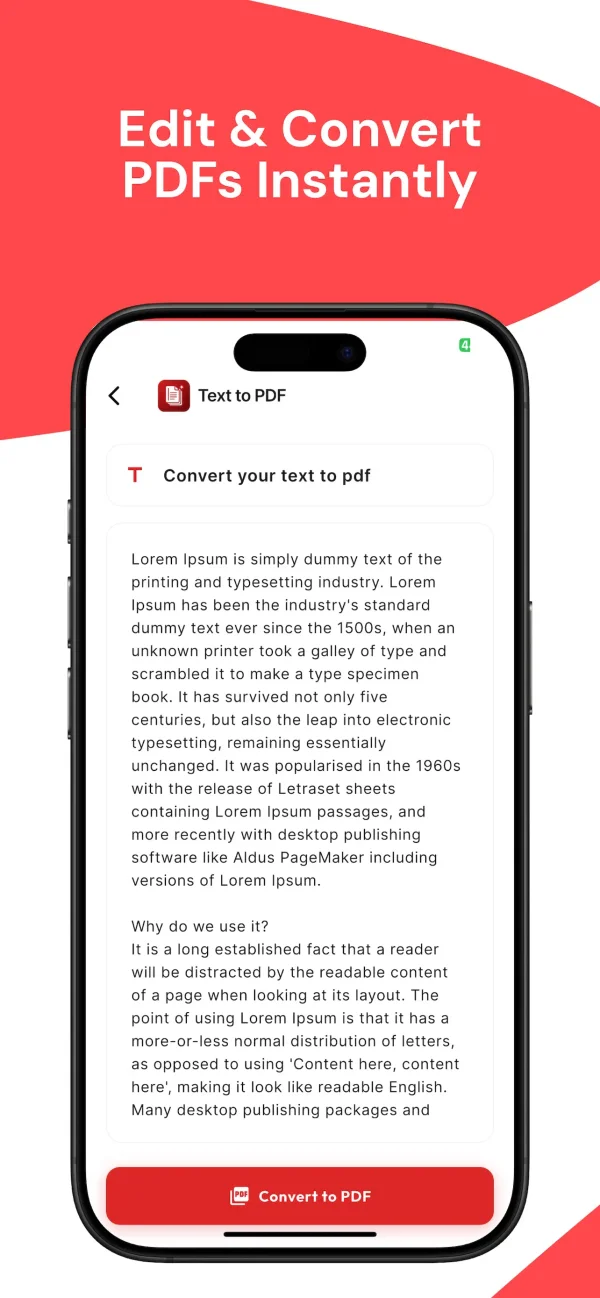
• Text to PDF — built-in notepad that exports clean, shareable PDFs
E-SIGNATURE & DIGITAL SIGNING
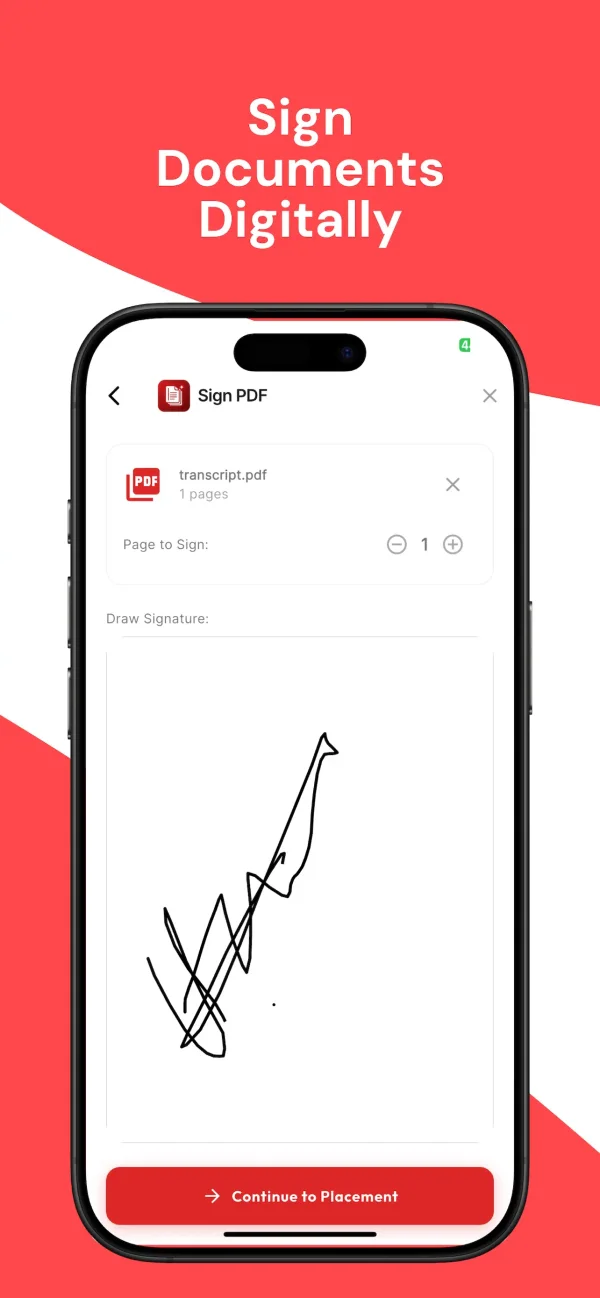
• Draw or import your e-signature with your finger
• Sign contracts, agreements & forms instantly
• Place signature anywhere on any page
• No printing. No scanning. Legally sign in seconds.
RESUME BUILDER & CV MAKER
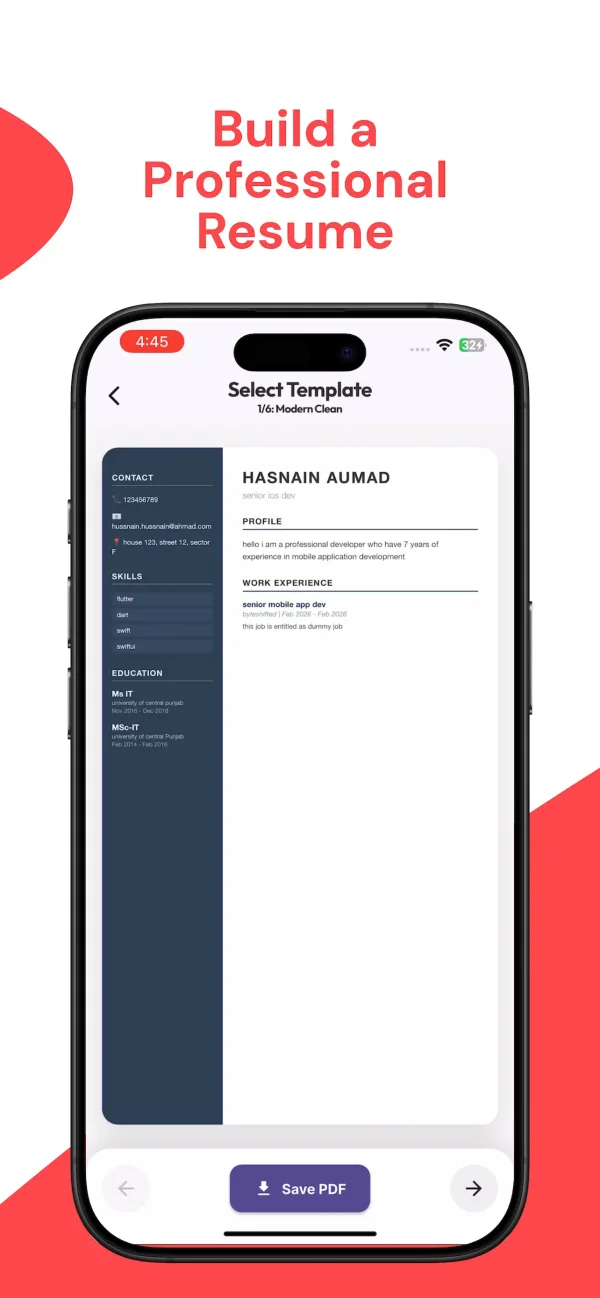
• ATS-friendly templates designed by career experts
• Build a full curriculum vitae step by step
• Customize fonts, colors & layout for your personal brand
• Instant PDF export — preview as you type
• Perfect for job applications, internships & cover letters
DOCUMENT SCANNER, OCR & QR CODE TOOLS
• AI-powered document scanner — auto edge detection & crop
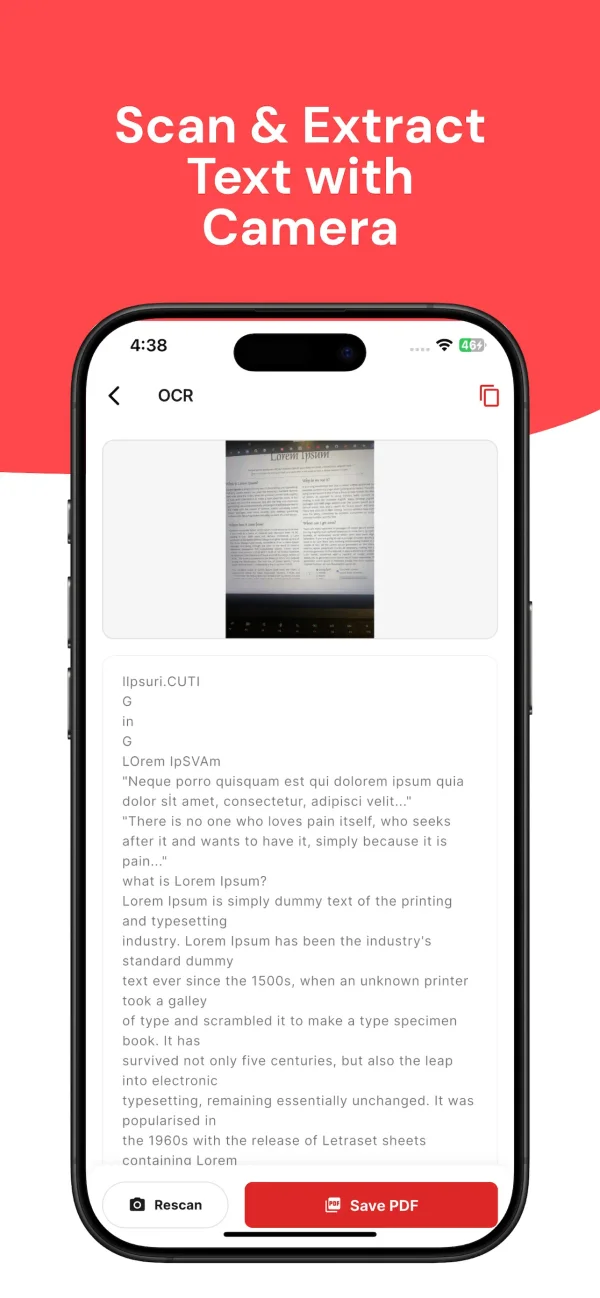
• OCR scanner — extract text from any image (multi-language)
• Copy, edit or save extracted text as a new document
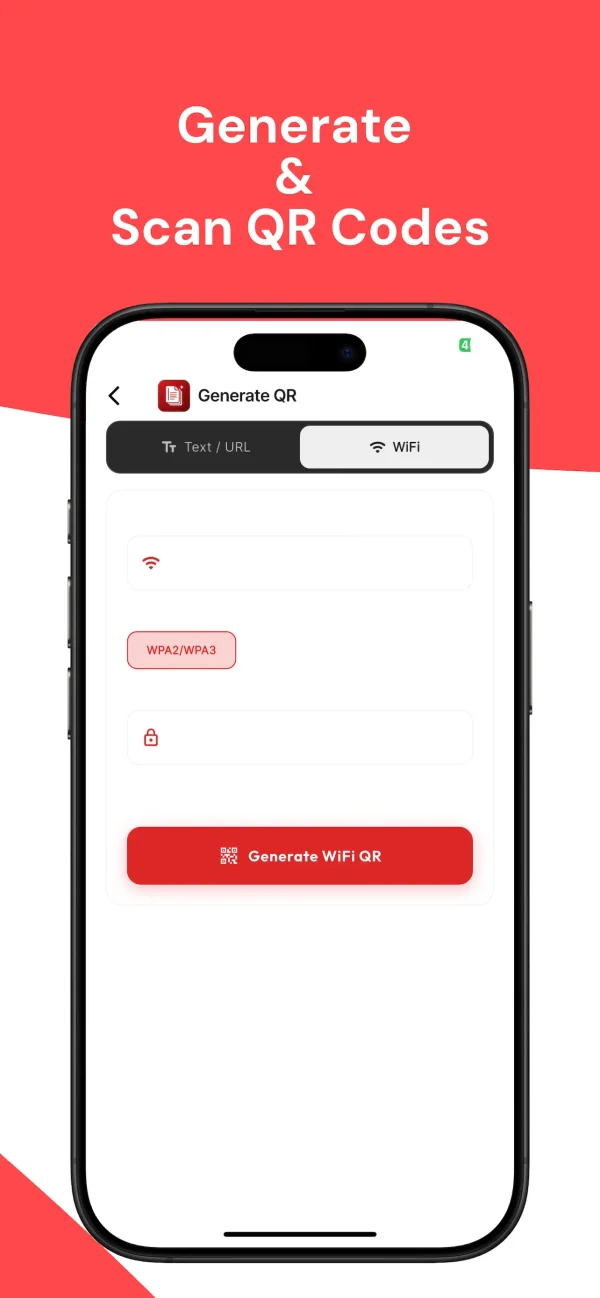
• QR code generator — create QR codes for WiFi, links & business cards
• Barcode scanner — scan any QR or barcode instantly
• 100% offline — your files never leave your device
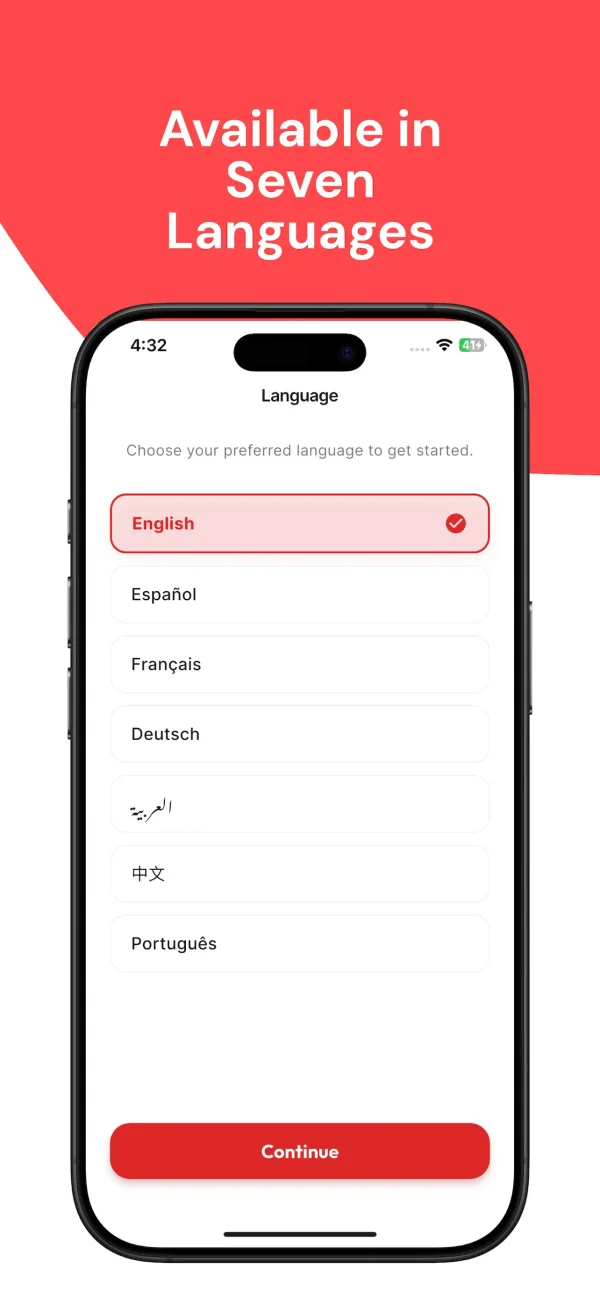
AVAILABLE IN 7 LANGUAGES
English, Arabic, Spanish, French, German, Chinese & Portuguese — with full RTL support for Arabic users.
WHO IS THIS FOR?
Students — convert notes, merge papers, build resumes
Professionals — sign contracts, manage documents on the go
Job Seekers — create ATS-ready CVs and sign offer letters
Business Owners — invoice, scan receipts & protect files
Lawyers & Realtors — merge filings, encrypt sensitive documents
Teachers & Freelancers — scan, annotate & share instantly
Download free today and join thousands of professionals who have simplified their document workflow with PDFUtilityPro — the all-in-one PDF editor, scanner & CV maker.
Privacy Policy: https://sites.google.com/view/pdfutilitypro/home
Terms of Use (EULA): https://sites.google.com/view/terms-of-services-pdf/home
What’s new
Version 1.0.3 · Mar 26, 2026
Total revamp of pdf edit tool
App privacy
What Hasnain Ahmad declares on the App Store about how this app handles data.
-
Data used to track you
May be used to track you across apps and websites owned by other companies.
- Usage data
-
Data not linked to you
May be collected but is not linked to your identity.
- Usage data
- Diagnostics
Privacy practices may vary, for example with the features you use or your age.
Information
- Seller
- Hasnain Ahmad
- Category
- Productivity
- Version
- 1.0.3
- Updated
- Mar 26, 2026
- Released
- Mar 10, 2026
- Size
- 106.6 MB
- Requires
- iOS 16.6 or later
- Age rating
- 4+
- In-app purchases
- Yes
- Languages
- English
- Copyright
- © All Copy Rights are Reserved By The Developer
You might also like
-
 Magpie: Save Links & PhotosBookmarks, notes & collections
-
 PDF Editor: Edit & Change TextFill Forms, Sign & Annotate
-
 Tiny Docs: PDF EditorScanner, Sign & Fill Forms
-
 EasyTranslate AI: PDF & DocsDocument & Photo Translator
-
 Bhoomi SpaceBhoomi Space
-
 Pioneer FarmFirstProductivity
-
 Image to Excel Converter: OCRConvert Images to Spreadsheet
-
 Focus Loop: Study Timer HabitsPomodoro, Streaks & Routine
-
 PDFHaulPDF processing made simple.
-
 Convert Image to PDF by PDFeePhoto, PNG, Merge, Scan & Sign