
PDF Editor: Edit & Change Text
Fill Forms, Sign & Annotate
Designed for iPhone, iPad
Free · In-app purchases
- Age rating4+
- CategoryProductivity
- DeveloperTechCreative Lab LLC
- LanguagesEnglish+ 32 more
- Size27.7 MB
Links to the official App Store page
Download.org hosts no file of PDF Editor: Edit & Change Text. The button opens its official App Store page, published by TechCreative Lab LLC. Listing last checked on Nov 22, 2026.
Screenshots

About
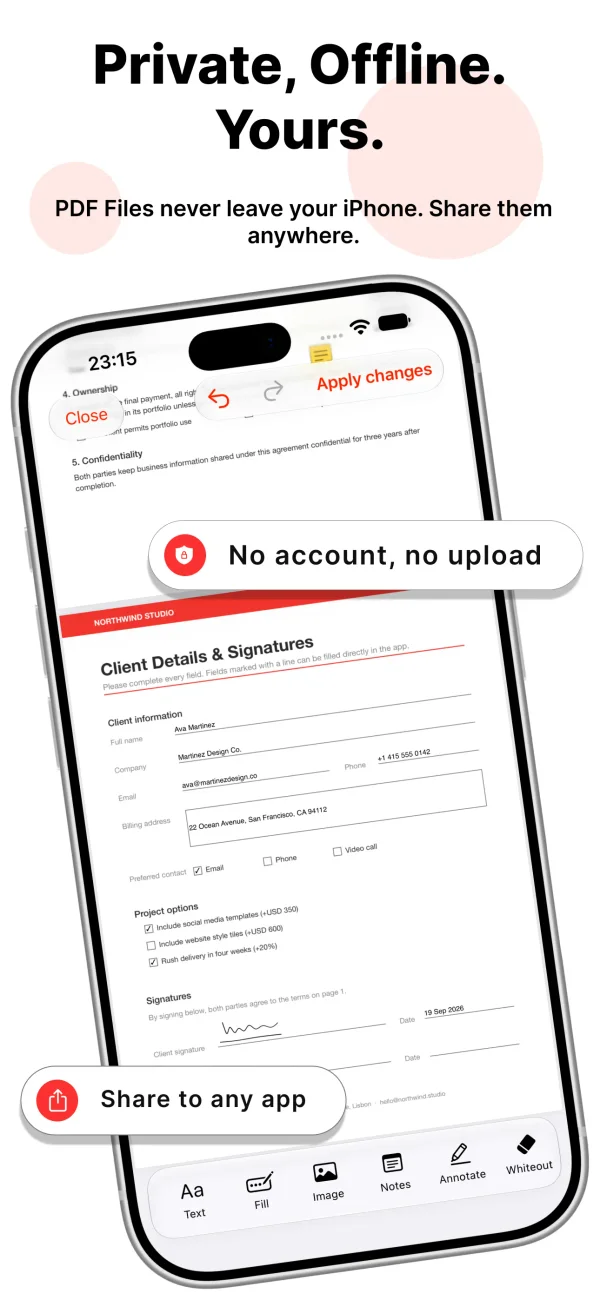
PDF Editor lets you change the words in any PDF, fill in printed forms, sign, annotate and share, right on your iPhone or iPad. No account, no upload, no ads. Your documents never leave your device.
EDIT PDF TEXT
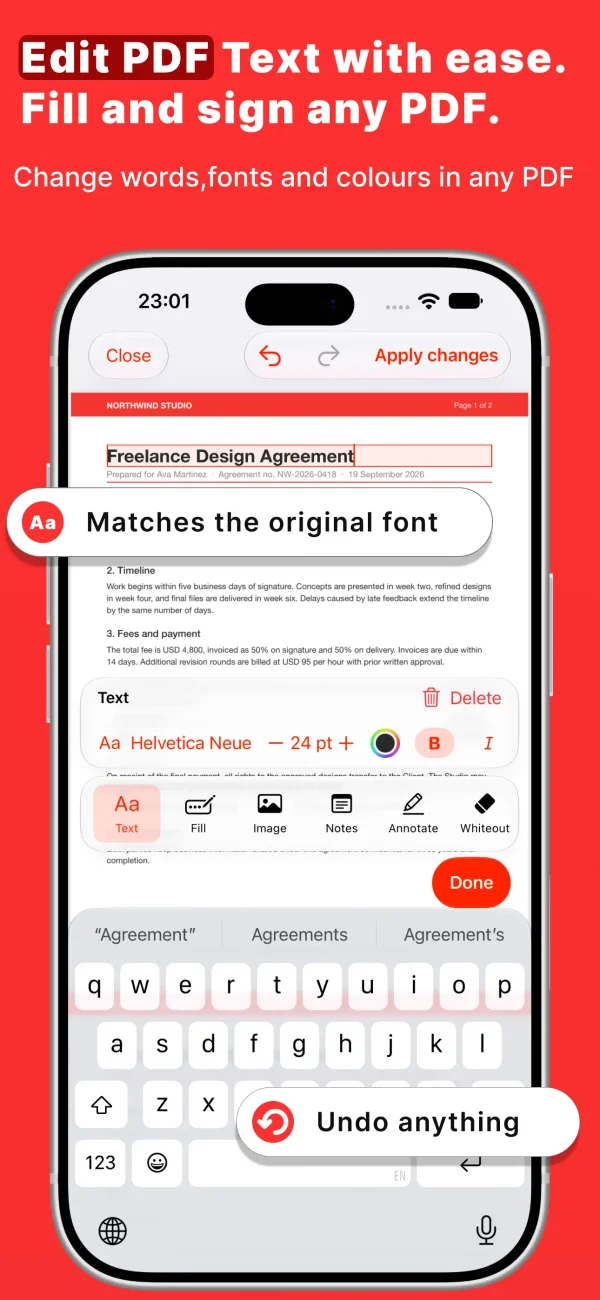
Tap any line of text to change it. PDF Editor reads the original font, size and colour and matches them, so your edit looks like it was always there. Add new text boxes anywhere, move and resize them, and choose font, size, colour, bold, italic and alignment.
FILL FORMS IN SECONDS
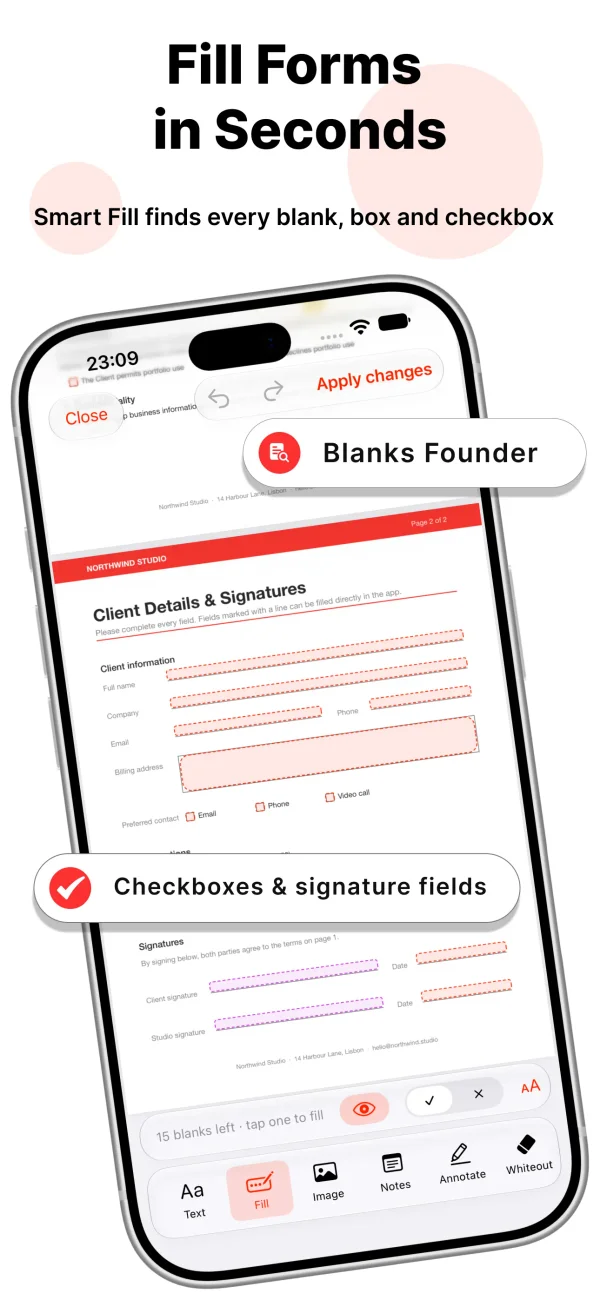
Smart Fill finds the blanks, boxes and checkboxes on printed forms, even when the PDF has no real form fields. Tap a field, type, and jump to the next one. Tick checkboxes with a single tap.
SIGN ANY DOCUMENT
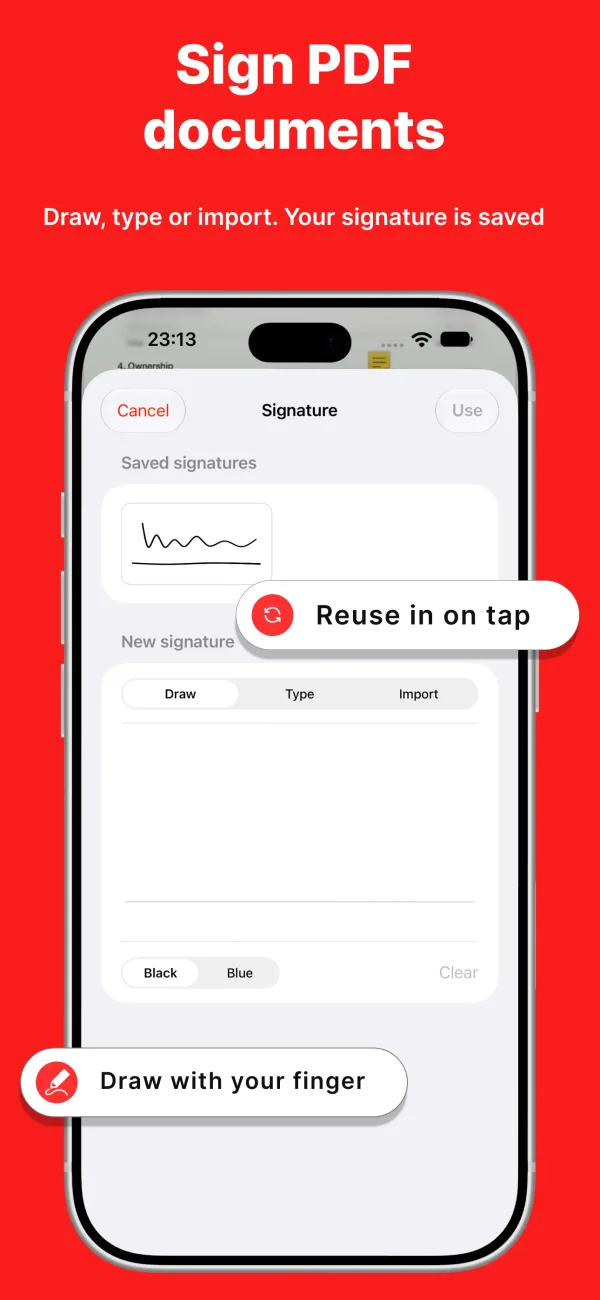
Draw your signature with your finger or Apple Pencil, type it, or import an image. Signatures are saved on your device for reuse, and placed with a transparent background so they sit naturally on the page.
ANNOTATE AND MARK UP
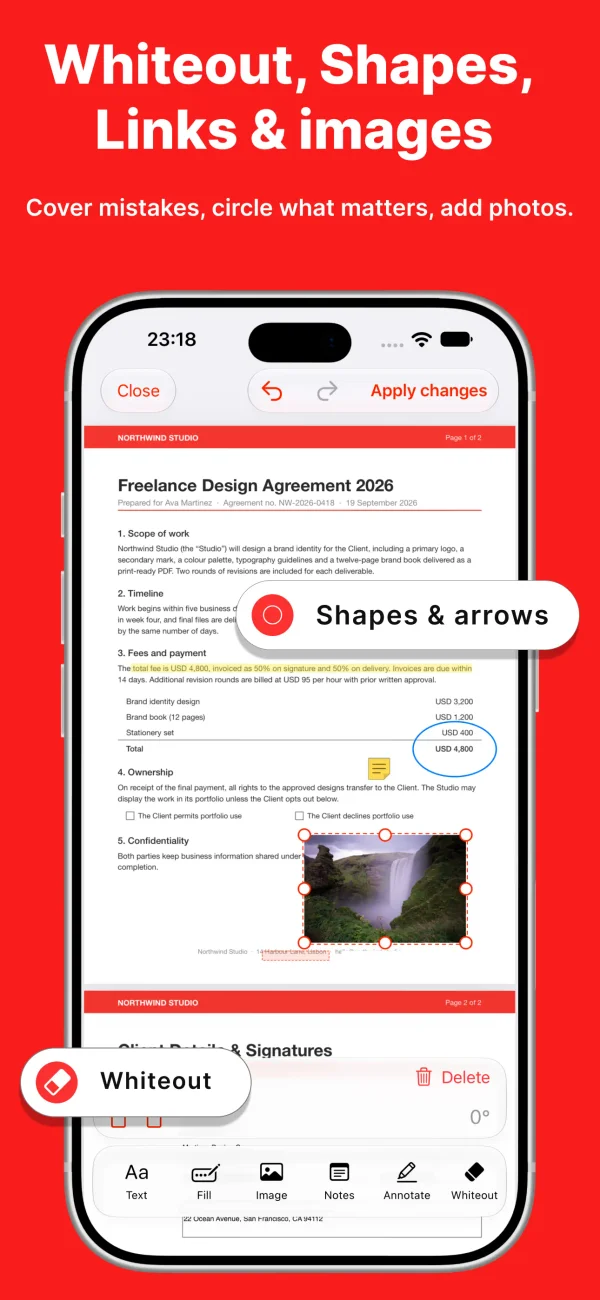
Highlight, underline and strike through text. Draw freehand with adjustable colour and width. Add sticky notes, rectangles, ellipses, lines and arrows.
WHITEOUT AND CLEAN UP
Cover anything with a whiteout rectangle in white or any colour you pick. When you export, the covered content is flattened into the page.
IMAGES AND LINKS
Insert photos from your library or files, then move, resize and rotate them. Add clickable web links or jump-to-page links to any area of a document.
EDITS STAY LIVE
Every change stays editable until you tap Apply changes. Undo and redo anything. If the app closes unexpectedly, your session is restored exactly where you left it.
EXPORT AND SHARE
Apply changes creates a new PDF that keeps vector text, page sizes, rotation and links intact. Share it to Mail, Messages, Files, AirDrop or any other app. The original file is never overwritten.
BUILT FOR REAL DOCUMENTS
• Password-protected PDFs
• Rotated pages and mixed page sizes
• Long documents, rendered page by page
• Scanned PDFs (annotate, sign, whiteout and add text)
• Dark Mode, Dynamic Type and VoiceOver
• iPad pointer support and keyboard shortcuts
• Available in 38 languages
PRIVATE BY DESIGN
Everything happens on your device. PDF Editor never uploads your documents, file names or images anywhere.
FREE AND PREMIUM
PDF Editor is free to use with every tool included. Premium unlocks unlimited exports without a watermark, unlimited Smart Fill fields, a signature library and documents of any length. Premium is available as a weekly, monthly or yearly subscription, or as a one-time lifetime purchase.
Subscriptions renew automatically unless cancelled at least 24 hours before the end of the current period. Payment is charged to your Apple ID account at confirmation of purchase. Manage or cancel your subscription in your App Store account settings at any time.
Privacy Policy: https://techcreativelab.com/apps/pdf-editor/privacy.html
Terms of Use: https://techcreativelab.com/apps/pdf-editor/terms.html
Questions or ideas? Write to support@techcreativelab.com. We read every message.
App privacy
What TechCreative Lab LLC declares on the App Store about how this app handles data.
-
Data not linked to you
May be collected but is not linked to your identity.
- Contact info
- Identifiers
- Usage data
Privacy practices may vary, for example with the features you use or your age.
Information
- Seller
- TechCreative Lab LLC
- Category
- Productivity
- Version
- 1.0
- Updated
- Sep 30, 2026
- Released
- Sep 30, 2026
- Size
- 27.7 MB
- Requires
- iOS 17.0 or later
- Age rating
- 4+
- Price
- Free
- In-app purchases
- Yes
- Languages
- English, Arabic, Catalan, Croatian, Czech, Danish, Dutch, Finnish, French, German, Greek, Hebrew + 21 more
- Copyright
- © TechCreativeLab
You might also like
-
 PDF Scanner & Editor +PDF Scan, Edit, Fill & Sign
-
 PDF Text Editor ‑ Edit PDFChange & rewrite existing text
-
 PDF Editor - Read, Fill & EditEdit PDF Files & Documents
-
 PDF Editor ©PDF Edit, Convert, Scan, Make
-
 Free PDF Editor, Converter AppReader Maker Pro: Edit & Sign
-
 PDF Pro - Reader Editor FormsEdit, annotate, view documents
-
 Foxit PDF EditorView, Edit, Convert, and Sign
-
 PDF Converter・Scanner・Editor・Scan Documents・Convert & Edit
-
 MobiPDF・PDF Text Editor・ReaderEdit File・Fill, Sign Documents
-
 PDF Expert: Editor & ReaderFill & Sign, Annotate, Convert