PDF Editor, Scanner - PDFForge
OCR,Fill,Sign,Edit,Create PDFs
Designed for iPhone, iPad, iPod touch
Free · In-app purchases
- Age rating4+
- CategoryBusiness
- DeveloperOutthinking electronics pvt ltd.
- LanguagesEnglish+ 15 more
- Size71.9 MB
Links to the official App Store page
Download.org hosts no file of PDF Editor, Scanner - PDFForge. The button opens its official App Store page, published by Outthinking electronics pvt ltd. Listing last checked on Nov 15, 2026.
Screenshots
About
Welcome to PDFForge, your all-in-one solution for creating, editing, and managing PDF documents. Whether you’re a student, professional, or business owner, PDFForge provides a robust set of features designed to meet all your PDF needs with ease and efficiency.
Key Features:
1. PDF Creation:
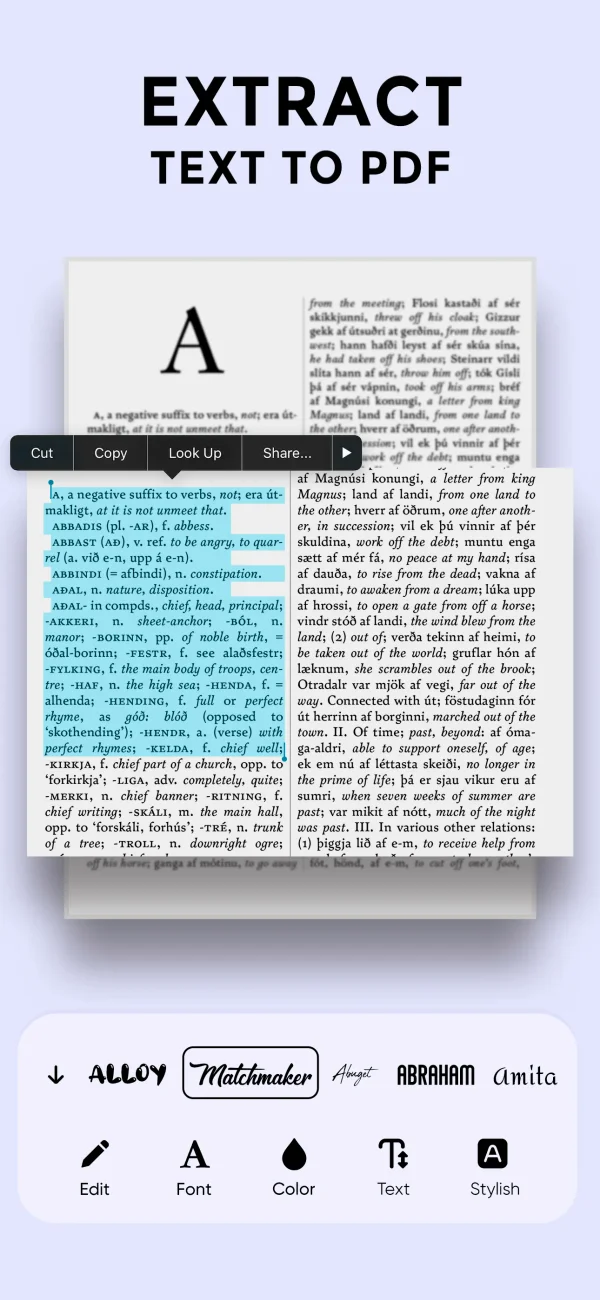
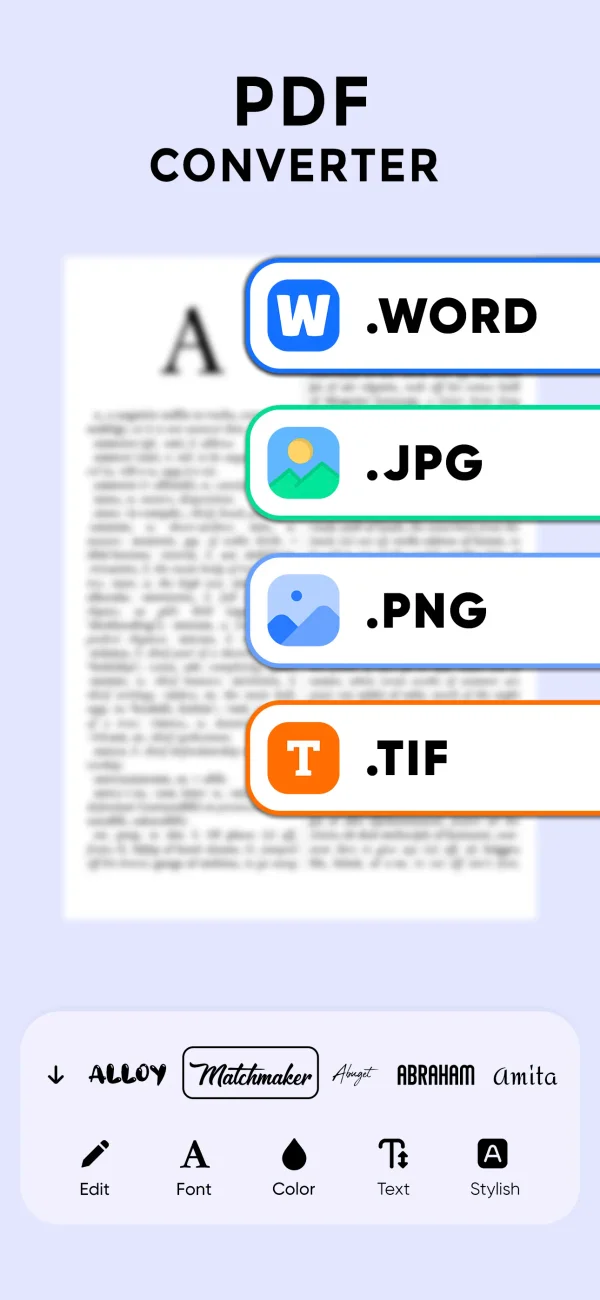
• Convert images, Word documents, and other file formats into high-quality PDFs.
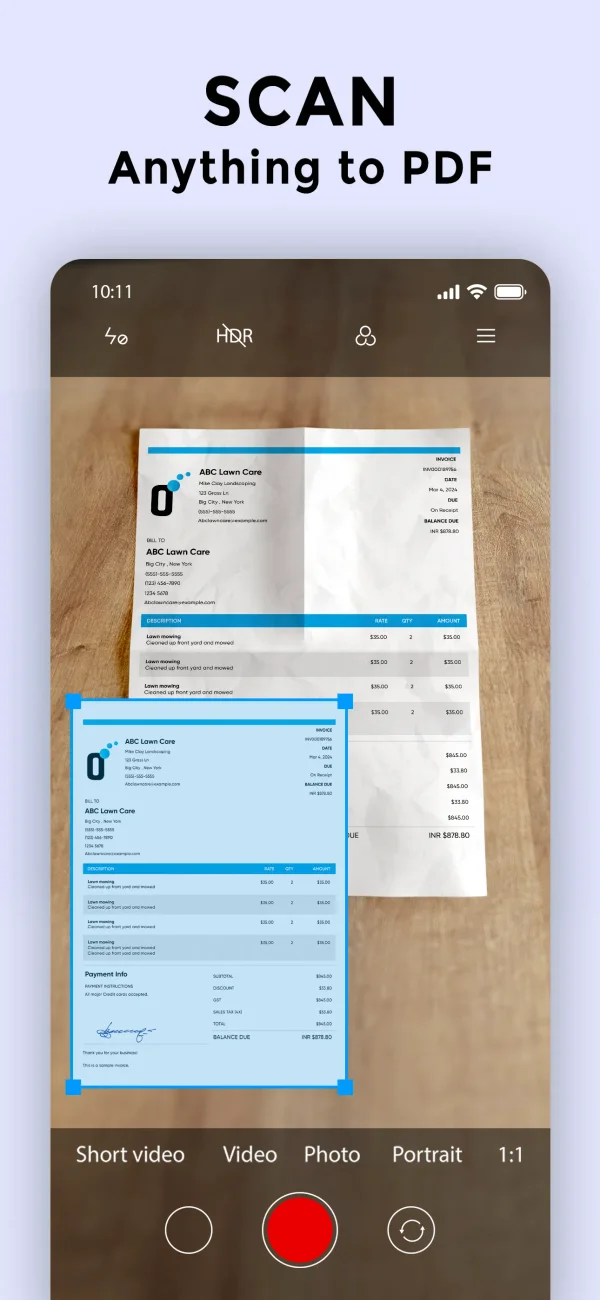
• Use your device’s camera to scan documents directly into PDF format.
2. PDF Editing:
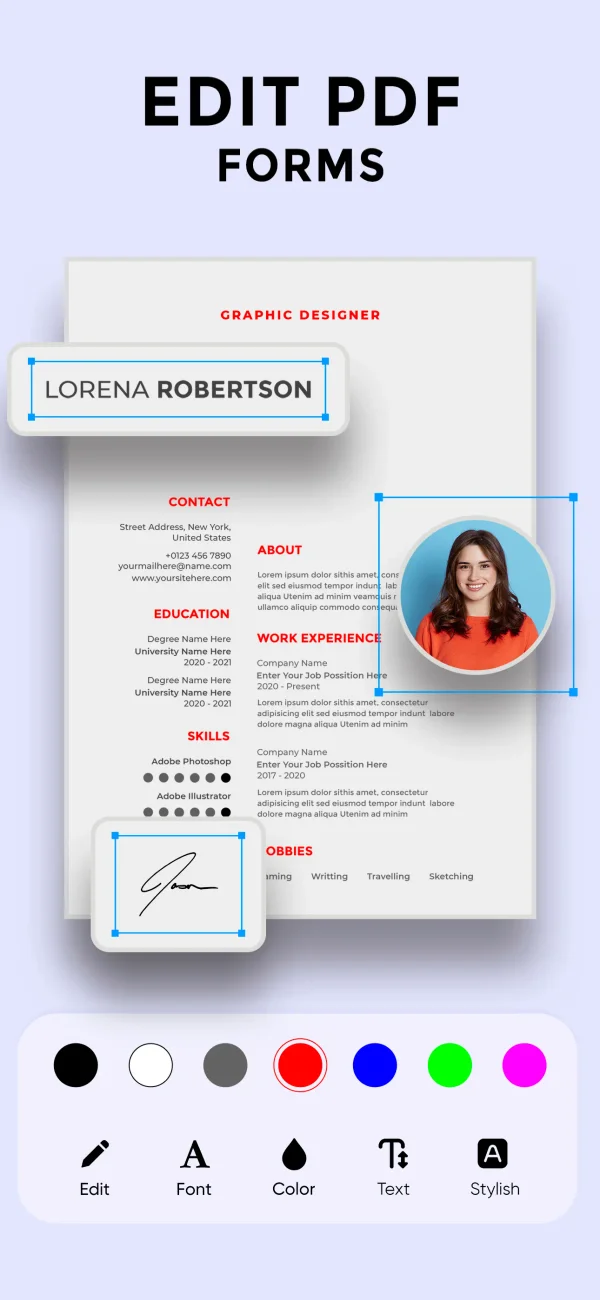
• Add and edit text, images, and shapes in your PDFs.
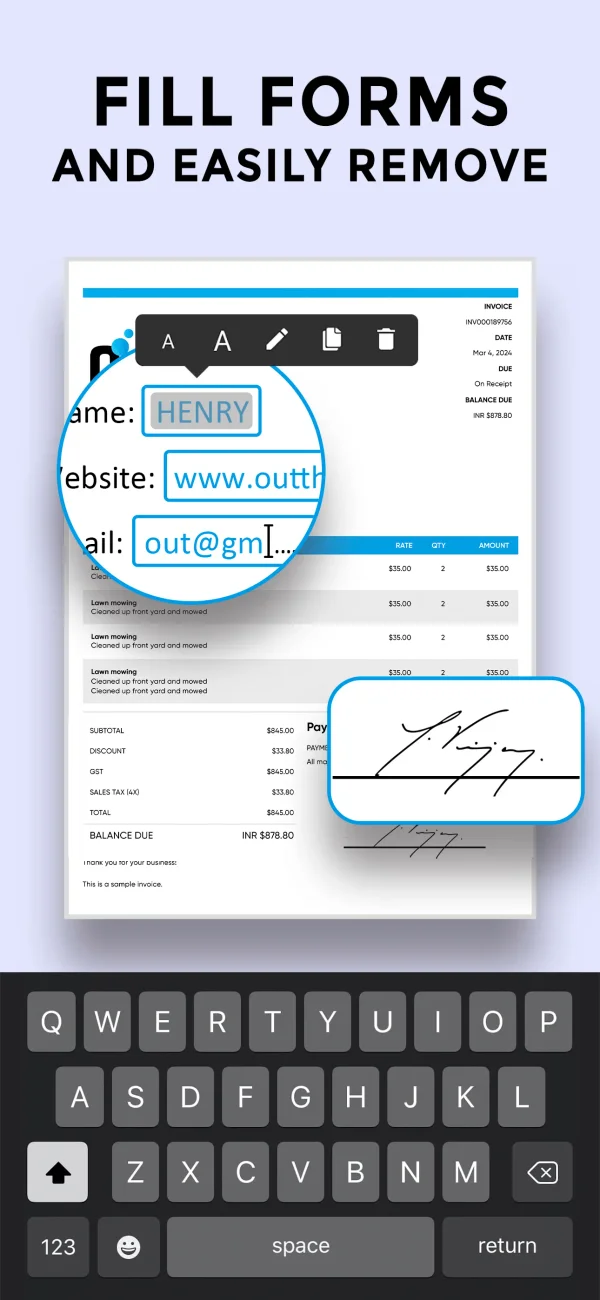
• Fill out forms, annotate with comments, and highlight important sections.
• Merge multiple PDFs into a single document or split a PDF into multiple files.
3. Advanced Tools:
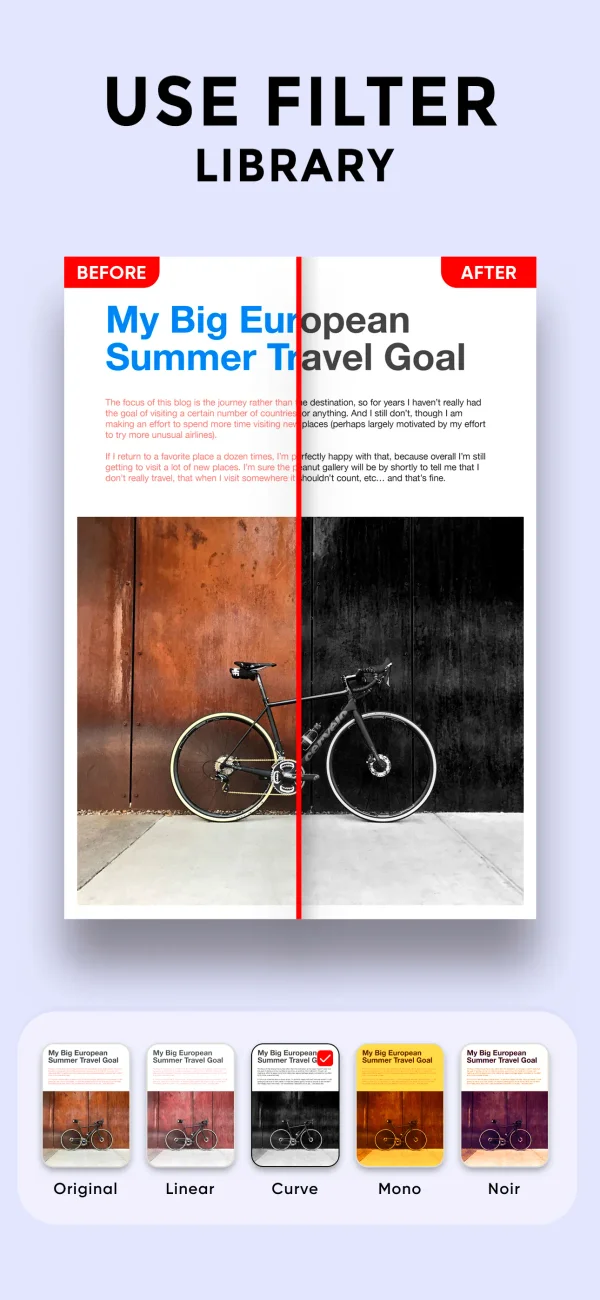
• Apply filters to enhance scanned documents.
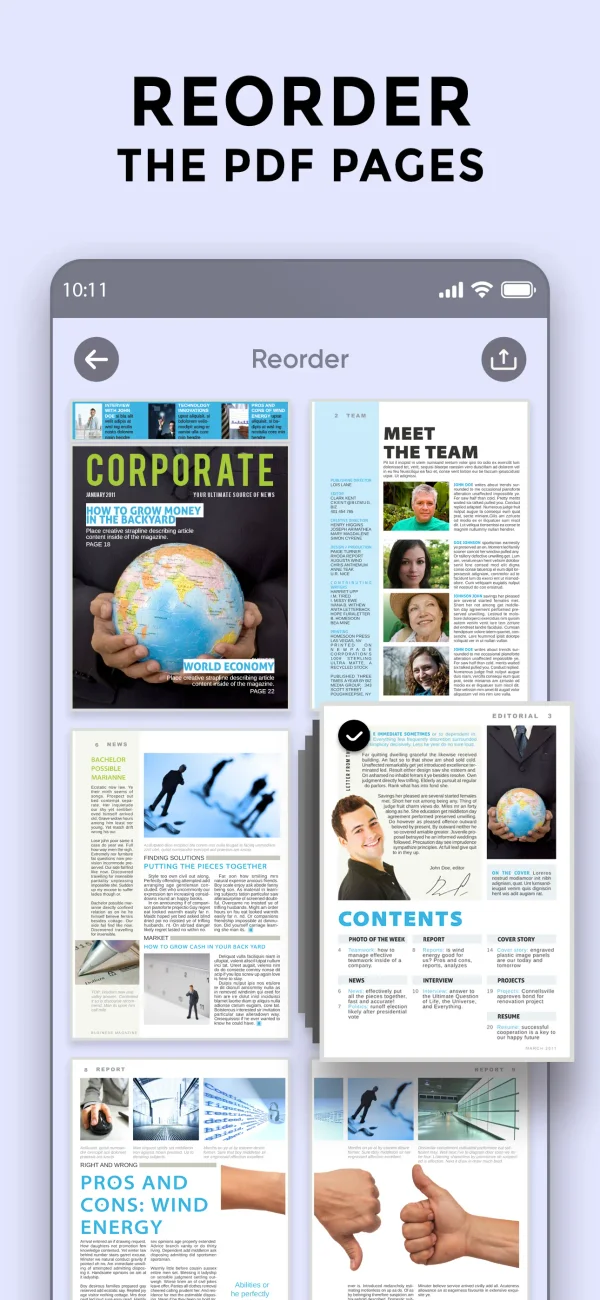
• Reorder, add, or remove pages from your PDFs.
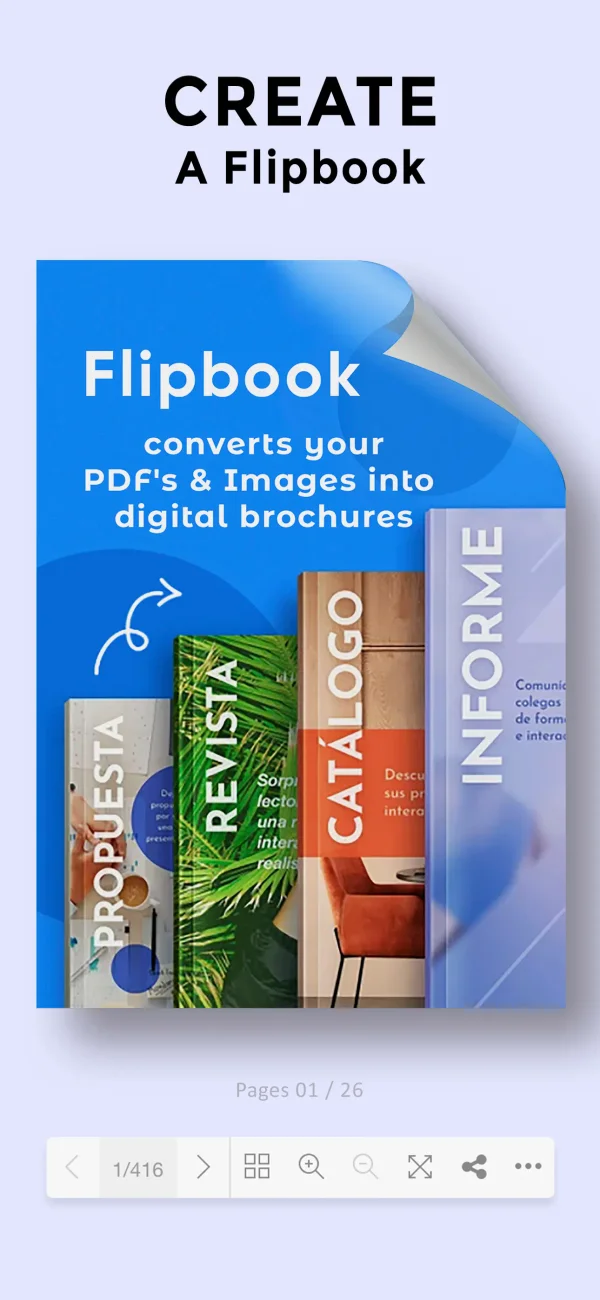
• Convert PDFs into interactive flipbooks for a dynamic reading experience.
4. Secure Your Documents:
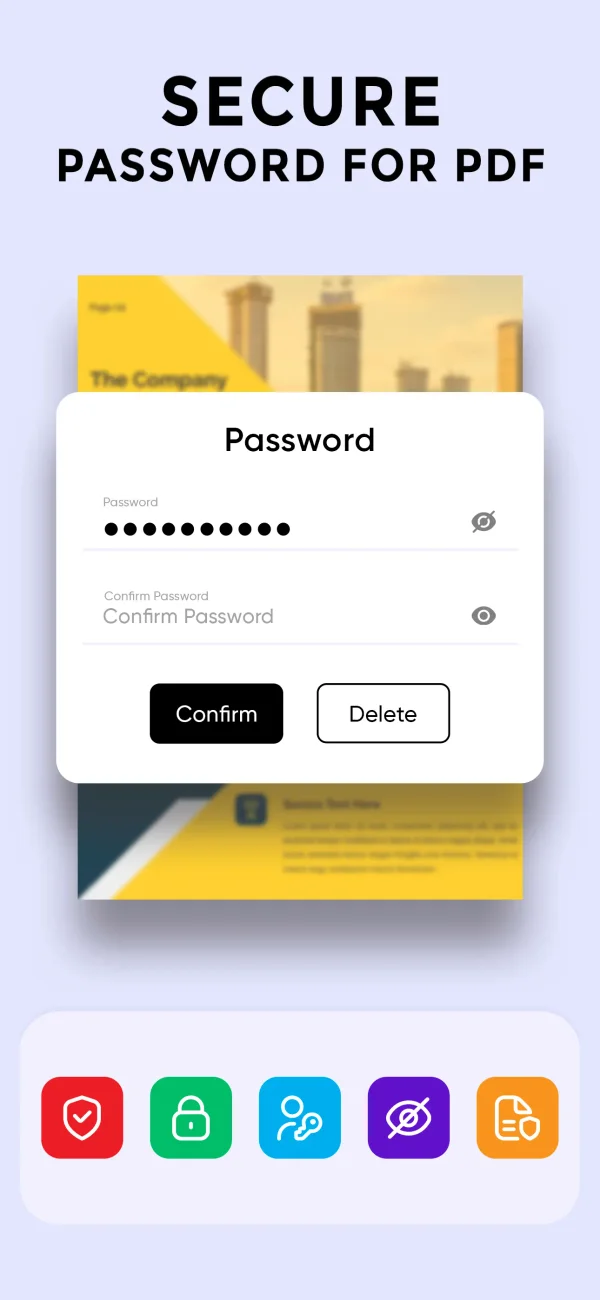
• Protect your PDFs with passwords to ensure sensitive information remains confidential.
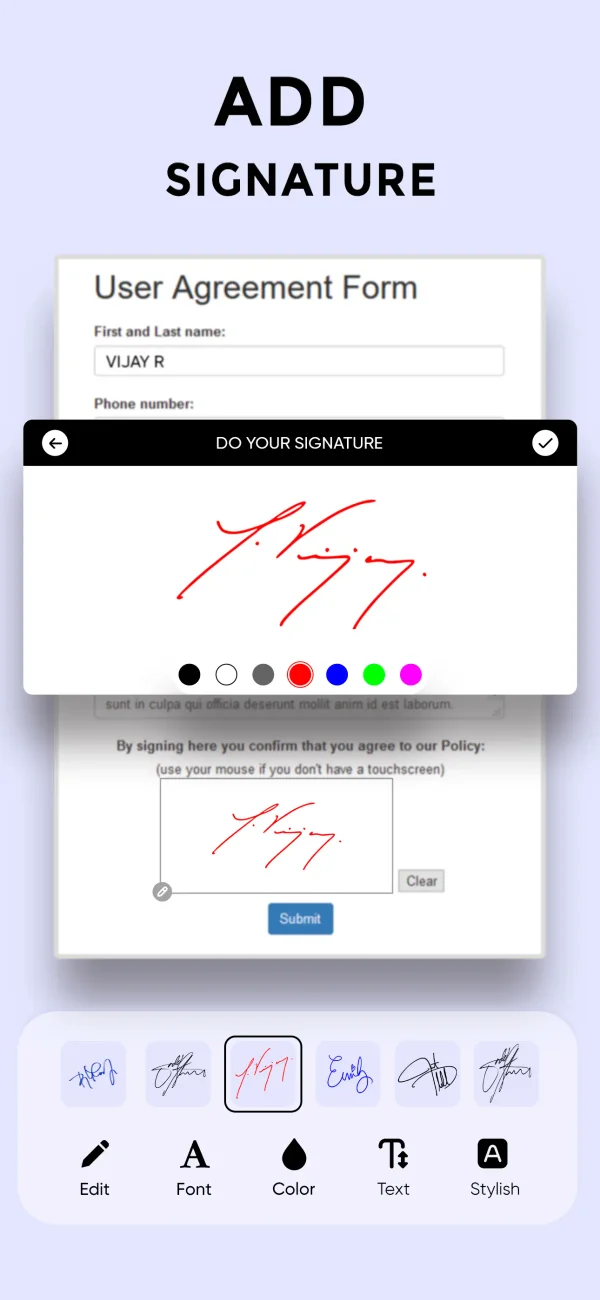
• Apply digital signatures to authenticate documents.
5. Seamless Sharing:
• Generate QR codes for easy sharing and access.
• Share PDFs via email, cloud services, or social media directly from the app.
6. Optimize and Customize:
• Compress PDFs to reduce file size without losing quality.
• Customize your PDFs with headers, footers, and watermarks.
7. User-Friendly Interface:
• Intuitive design and easy-to-use tools make PDFForge accessible for everyone, regardless of technical expertise.
• Enjoy a seamless experience with our responsive and visually appealing interface.
Why Choose PDFForge?
• Efficiency: Streamline your workflow with our comprehensive set of PDF tools.
• Versatility: Handle any PDF-related task, from creation to advanced editing and secure sharing.
• Accessibility: Available on all your devices, ensuring you have the power of PDFForge wherever you go.
• Support: Our dedicated support team is here to help you with any questions or issues you may encounter.
Transform how you handle PDF documents with PDFForge. Download now and experience the ultimate in PDF management and editing. Unlock your productivity potential with the power of PDFForge today!
Important Notes about subscription
• Subscriptions may be managed by the user and auto-renewal may be turned off by going to the user's Account Settings after purchase
• Any unused portion of a free trial period, if offered, will be forfeited when the user purchases a subscription to that publication, where applicable
Subscription plans:
1. USD $3.99 per week
2. USD $4.99 3 per week, 3 days free trail available
Subscriptions automatically renew unless they are turned off at least 24 hours before the end of the current period in account settings. Renewals are charged within 24-hours preceding the end of the current period. Payment is charged to iTunes Account at confirmation of purchase. Subscriptions are managed by the user.
Terms of Service: https://ebrochure.app/terms.php
Privacy: https://ebrochure.app/privacypolicy.php
What’s new
Version 1.3 · Oct 30, 2026
Performance Improvements
App privacy
What Outthinking electronics pvt ltd. declares on the App Store about how this app handles data.
-
Data used to track you
May be used to track you across apps and websites owned by other companies.
- Identifiers
- Usage data
-
Data not linked to you
May be collected but is not linked to your identity.
- User content
- Identifiers
- Usage data
- Diagnostics
Privacy practices may vary, for example with the features you use or your age.
Information
- Seller
- out thinking electronics private limited
- Category
- Business
- Version
- 1.3
- Updated
- Oct 30, 2026
- Released
- Jul 23, 2024
- Size
- 71.9 MB
- Requires
- iOS 15.0 or later
- Age rating
- 4+
- Price
- Free
- In-app purchases
- Yes
- Languages
- English, Arabic, French, German, Italian, Japanese, Korean, Malay, Portuguese, Russian, Simplified Chinese, Spanish + 4 more
- Copyright
- © outthinking electronics pvt ltd
You might also like
-
 PDFForge - PDF Scanner & EditOCR, Signature & File Manager
-
 محول الصور الى PDF.محول الصور الى PDF
-
 Smart Printer : iPrint ScanFor Epson Printer & Brother
-
 PDF Editor: Fill Edit,Sign PDFPDF files reader, filler esign
-
 FlippingBookBusiness
-
 PDF Creator - Fill and SignConvert, read and edit PDF
-
 PDF Converter - Pdf to WordConvert Doc, Photo, Png & JPG
-
 PDF Editor Docs files scannerRead Scan & write PDF files
-
 Photo to PDF - Image ConverterConvert JPG & PNG Pic to PDF
-
 PDF Converter - Photos to PDFWord, Merge, Webpage, Scan Doc