PDF Editor & Scanner: Private
Merge, Sign & Compress Files
Designed for iPhone, iPad, iPod touch
Free · In-app purchases
- Age rating4+
- CategoryProductivity
- DeveloperMd Habib Al Islam Miah
- LanguagesEnglish
- Size88.5 MB
Links to the official App Store page
Download.org hosts no file of PDF Editor & Scanner: Private. The button opens its official App Store page, published by Md Habib Al Islam Miah. Listing last checked on Nov 18, 2026.
Screenshots

About
Edit PDF text, scan paper documents, and combine files before sharing. No account needed.
EDIT AND SIGN
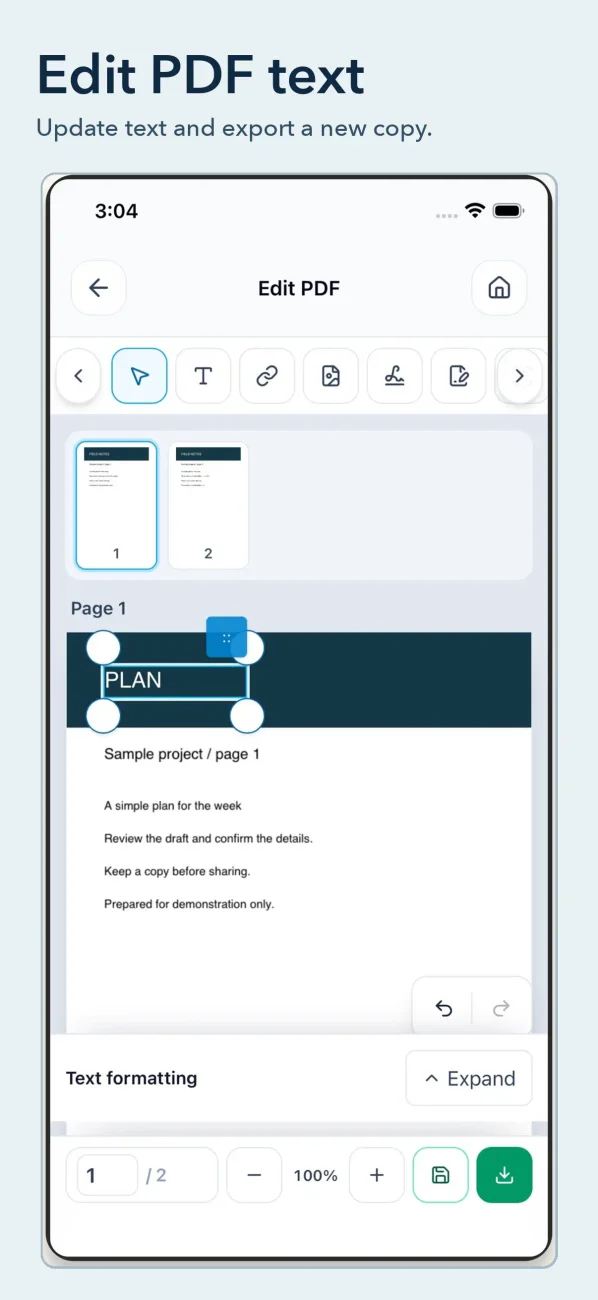
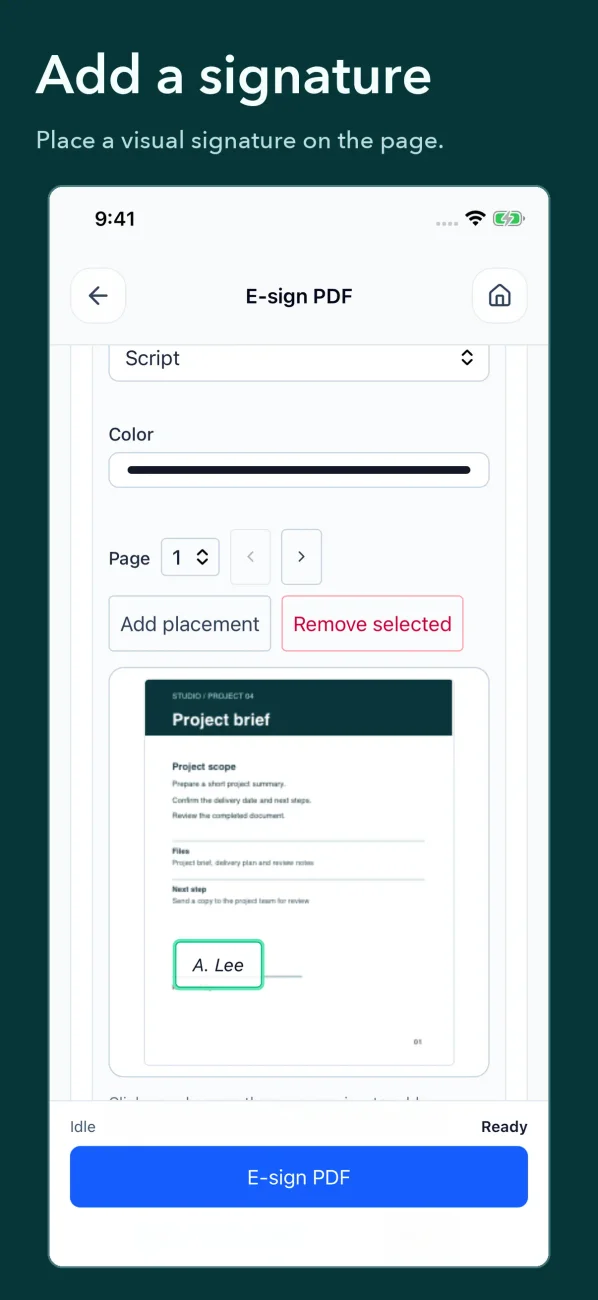
Edit supported text, add text boxes or visual signatures, and review your changes before exporting. Visual signatures are not digital certificates.
SCAN TO PDF
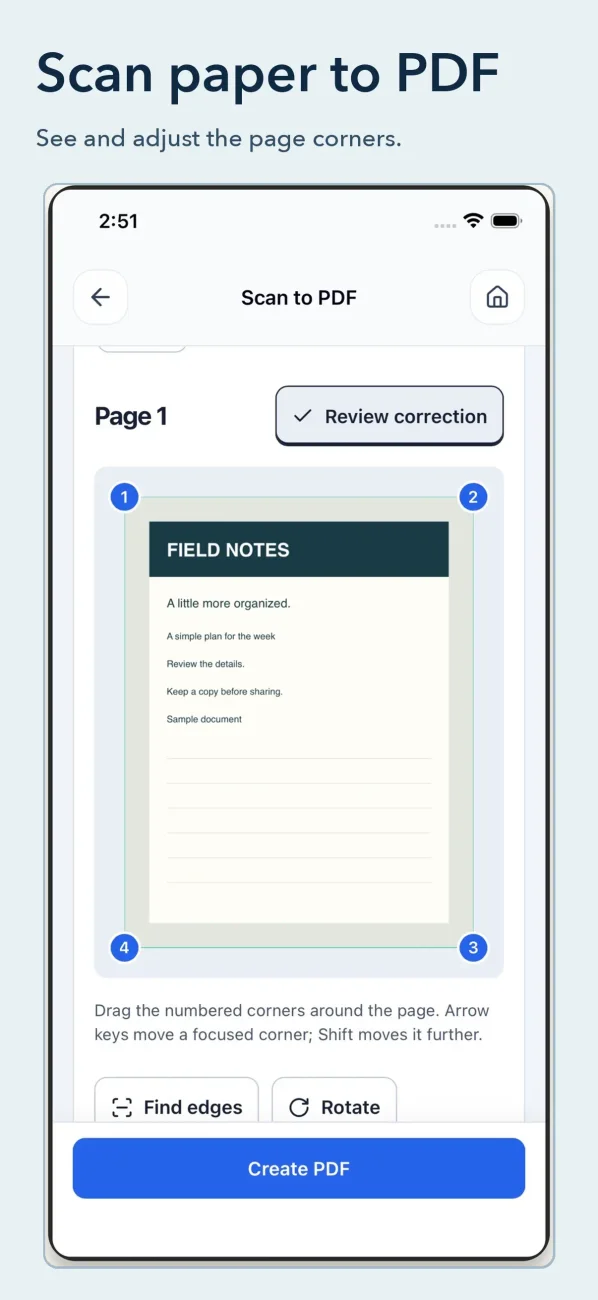
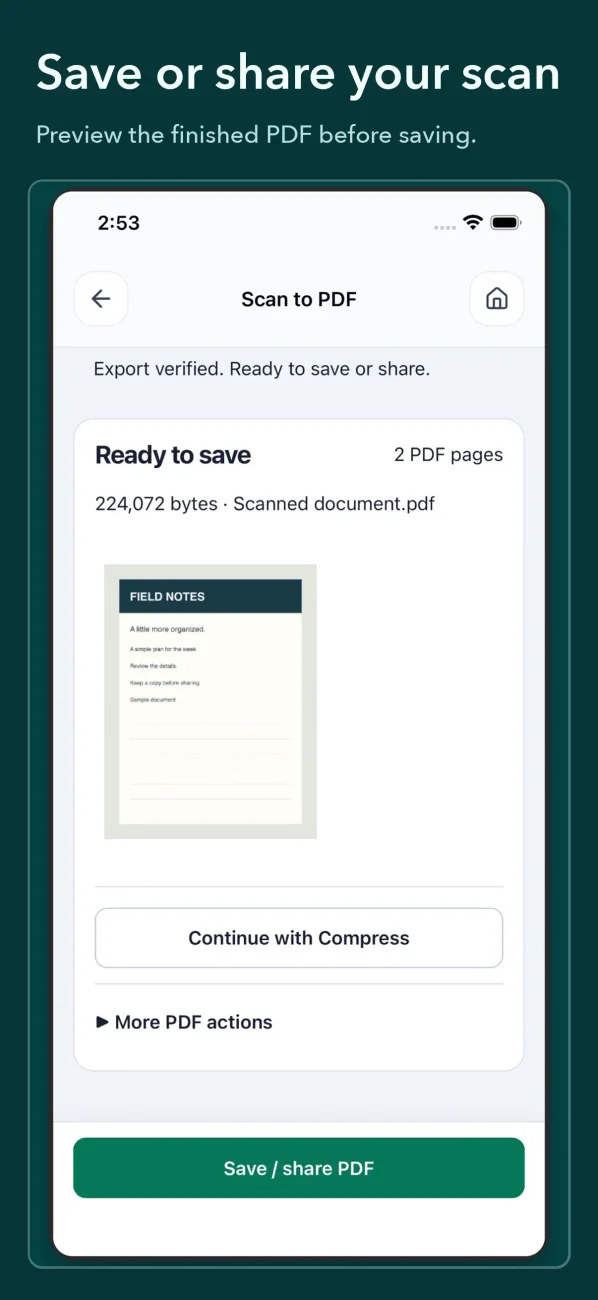
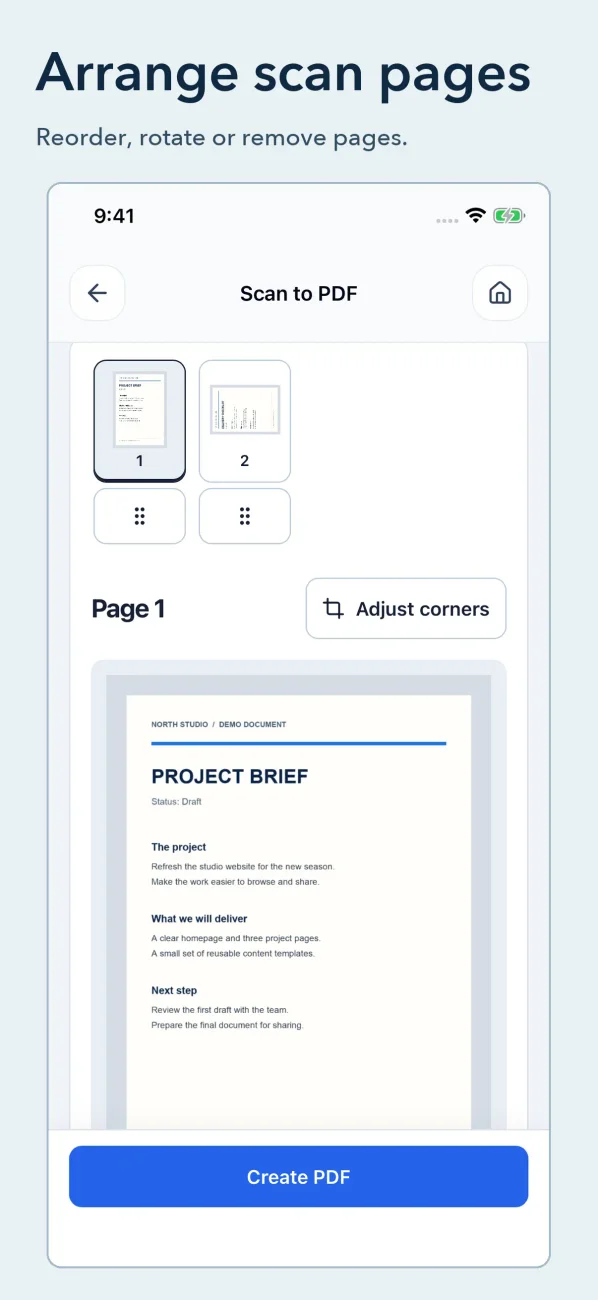
Use your camera or import photos. Adjust page corners, rotate or reorder pages, and save or share a PDF.
MERGE AND ORGANIZE
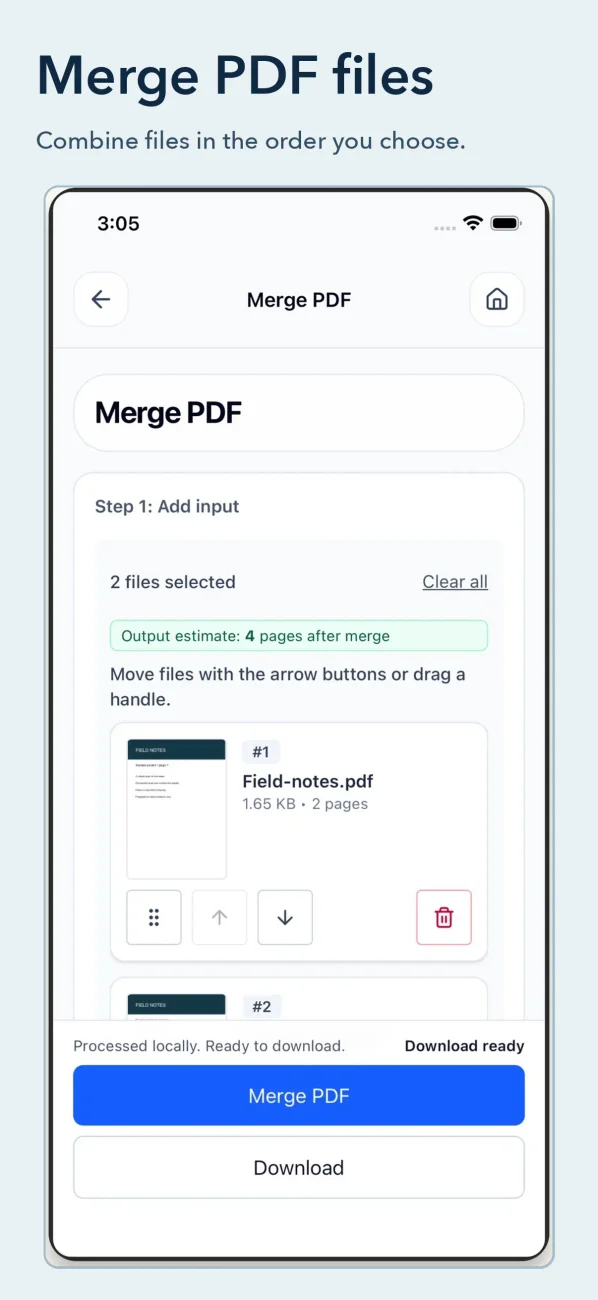
Combine documents in the order you choose. Split a PDF into smaller files, rotate pages, or remove pages you no longer need.
COMPRESS AND PROTECT
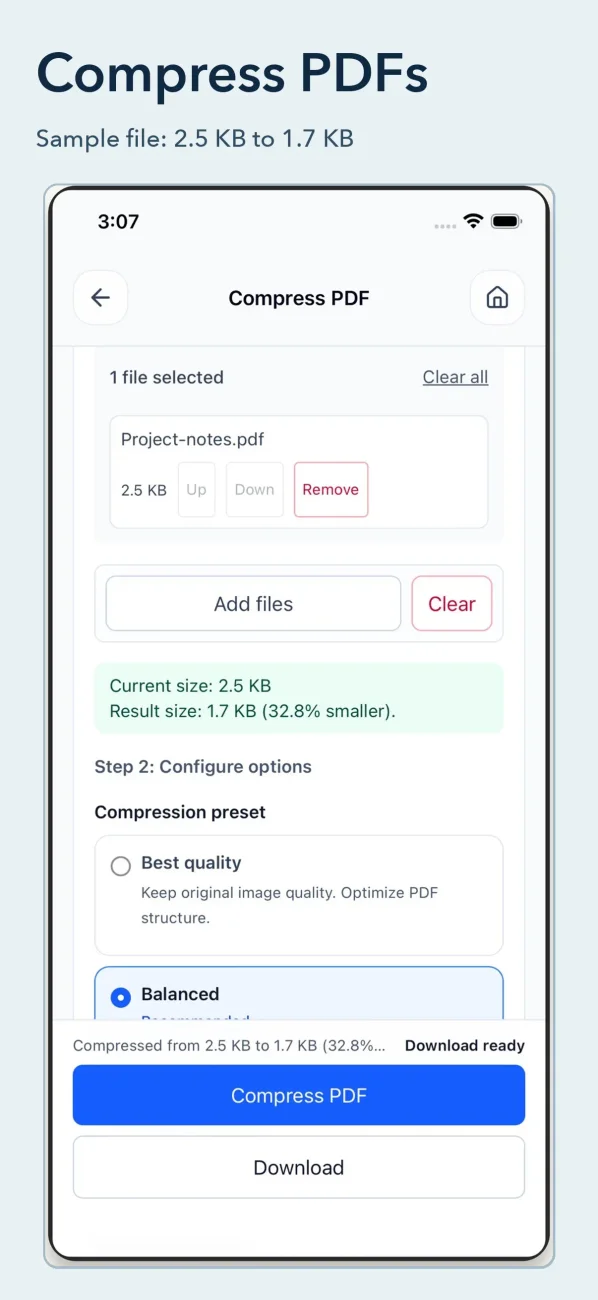
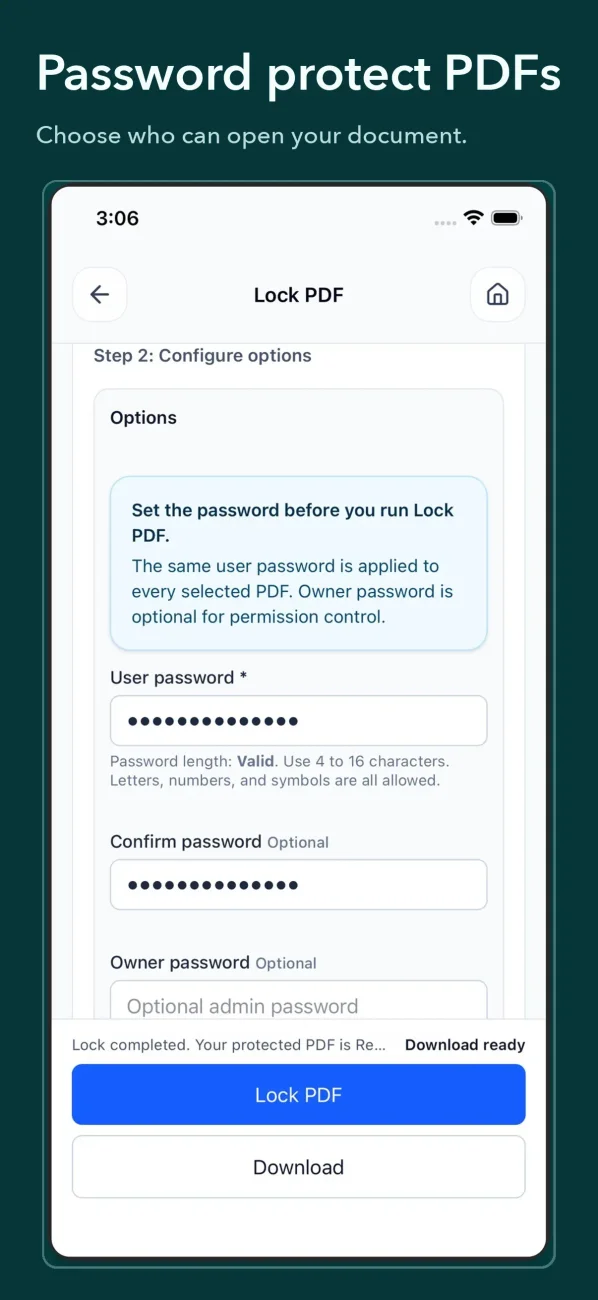
Compare the original and final file sizes before sharing. Compression results vary by file. Add a password to control who can open your PDF.
SCAN ALLOWANCE AND PREMIUM
The free scanner includes five completed scans per calendar month per device, up to 20 source pages per scan. Premium includes unlimited scans with up to 50 source pages per scan. It also includes scanner text recognition and export, book spread splitting, and batch enhancement. Make Searchable PDF includes five completed results per device, with further results requiring Premium. Monthly and lifetime Premium options are available in the app. Finished results can still be saved after Premium expires.
YOUR DOCUMENTS
Normal PDF processing runs on your device. Sharing sends the file to the destination you choose. Purchases, update checks and optional usage analytics may use the internet. Usage analytics excludes filenames and document contents.
Monthly subscriptions renew automatically unless cancelled. Prices are shown before purchase. Restore purchases in the app; manage or cancel subscriptions in your Apple Account.
Support: https://dayfiles.com/app/support
Privacy Policy: https://dayfiles.com/private-pdf/ios/privacy-policy/
Terms of Use: https://dayfiles.com/app/terms
Apple Standard EULA: https://www.apple.com/legal/internet-services/itunes/dev/stdeula/
What’s new
Version 1.1.2 · Nov 15, 2026
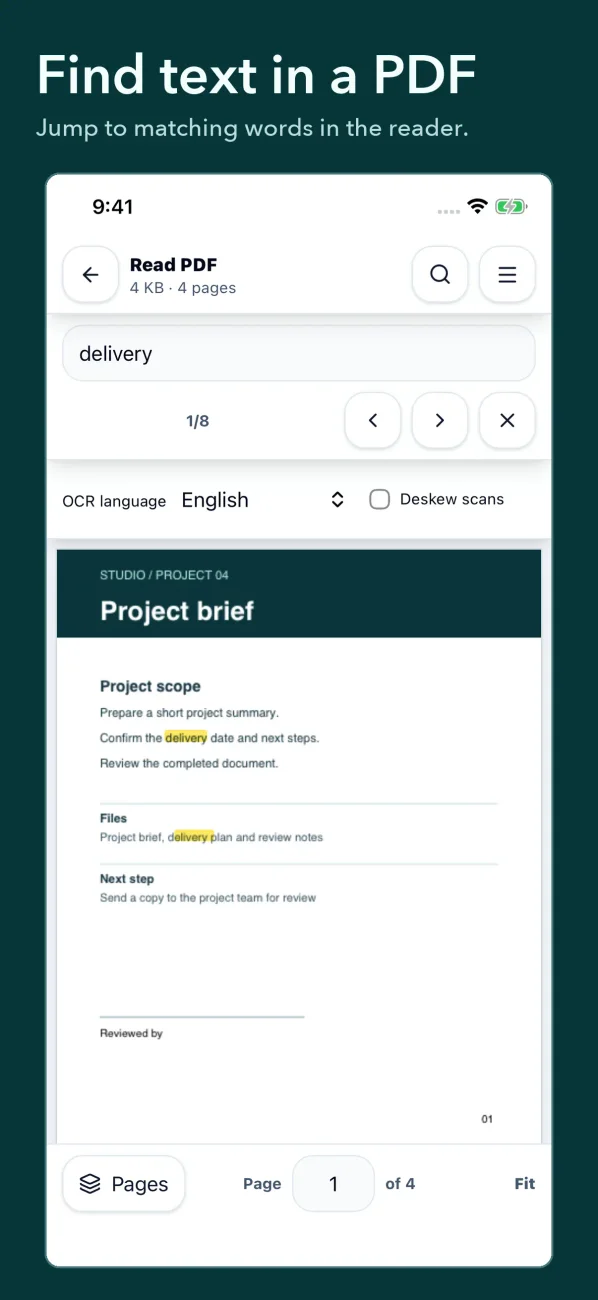
Read text-based PDFs in the new Article Reader. Adjust text size and switch between article and original-page views.
App privacy
What Md Habib Al Islam Miah declares on the App Store about how this app handles data.
-
Data linked to you
May be collected and linked to your identity.
- Purchases
- Location
- Identifiers
- Usage data
- Diagnostics
-
Data not linked to you
May be collected but is not linked to your identity.
- Identifiers
Privacy practices may vary, for example with the features you use or your age.
Information
- Seller
- Md Habib Al Islam Miah
- Category
- Productivity
- Version
- 1.1.2
- Updated
- Nov 15, 2026
- Released
- Sep 22, 2026
- Size
- 88.5 MB
- Requires
- iOS 15.0 or later
- Age rating
- 4+
- Price
- Free
- In-app purchases
- Yes
- Languages
- English
- Copyright
- © 2026 Md Habib Al Islam Miah
You might also like
-
 AI Carousel MakerAI powered Carousels
-
 OffPDF: Edit PDF Text & ScanOffline scanner & converter
-
 PDF Text Editor ‑ Edit PDFChange & rewrite existing text
-
 GP CloudProductivity
-
 Pic to Zip: Bulk Resize to PDFPhoto Group Zip, Export as PDF
-
 X File ManagerBest File Explorer
-
 Empty WidgetBlank Widget for Lock Screen
-
 TotalEnergies IZI SafetyTotalEnergies IZI Safety
-
 Easy Habit - Goals ReminderStart habits, quit addictions
-
 Fateen | فطينProductivity