PDF Extractor: Image & OCR
Offline OCR, Tables, Markdown
Designed for iPhone, iPad
Free · In-app purchases
- Age rating4+
- CategoryProductivity
- DeveloperDajiale
- LanguagesEnglish+ 24 more
- Size79.3 MB
Links to the official App Store page
Download.org hosts no file of PDF Extractor: Image & OCR. The button opens its official App Store page, published by Dajiale. Listing last checked on Nov 18, 2026.
Screenshots


About
Pull the text, tables and images out of any PDF — entirely on your device. Nothing is uploaded, so private documents stay private.
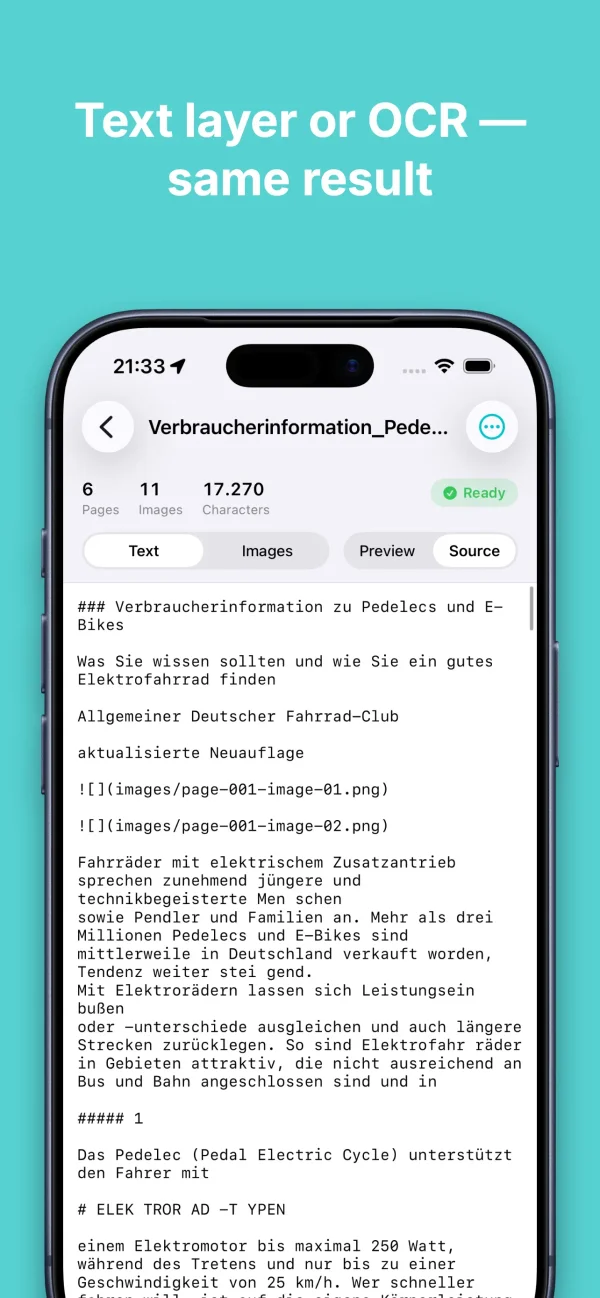
PDFExtract reads a PDF's own text layer when it has one, and falls back to on-device OCR when it doesn't. Either way it rebuilds what it finds as clean Markdown you can paste straight into your notes, docs or knowledge base. Every import becomes a project you can reopen, review and run again with different settings.
WHAT IT DOES
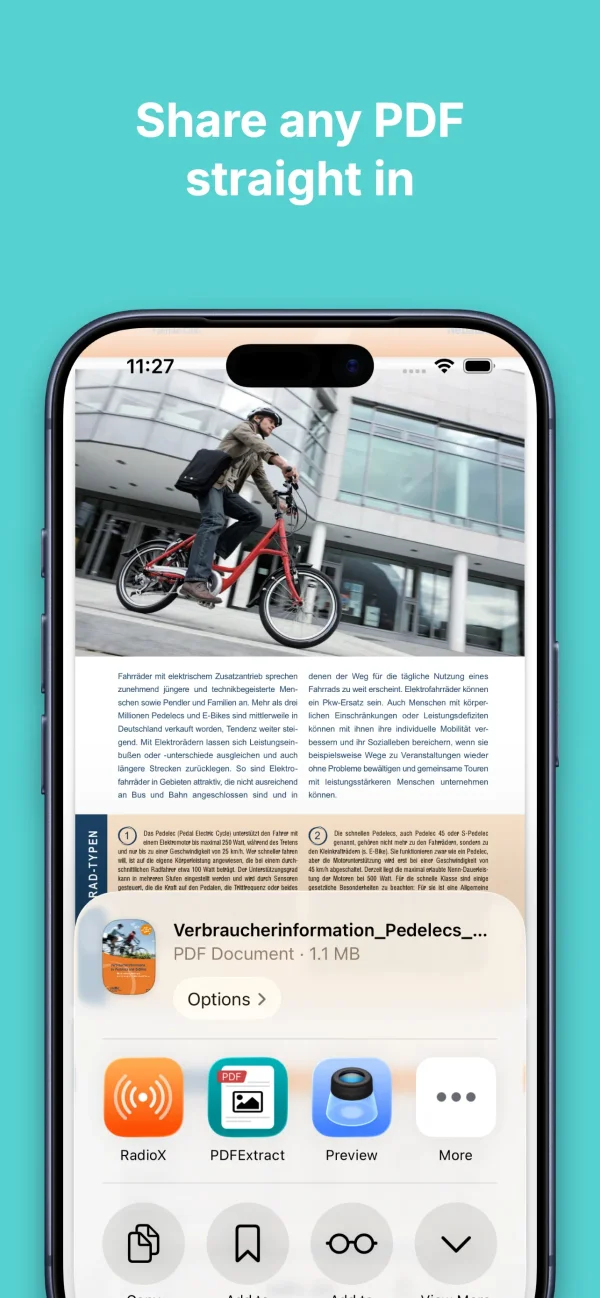
- Import standard and password-protected PDFs
- Extract the text layer from selectable PDFs
- On-device OCR for scanned and image-only pages
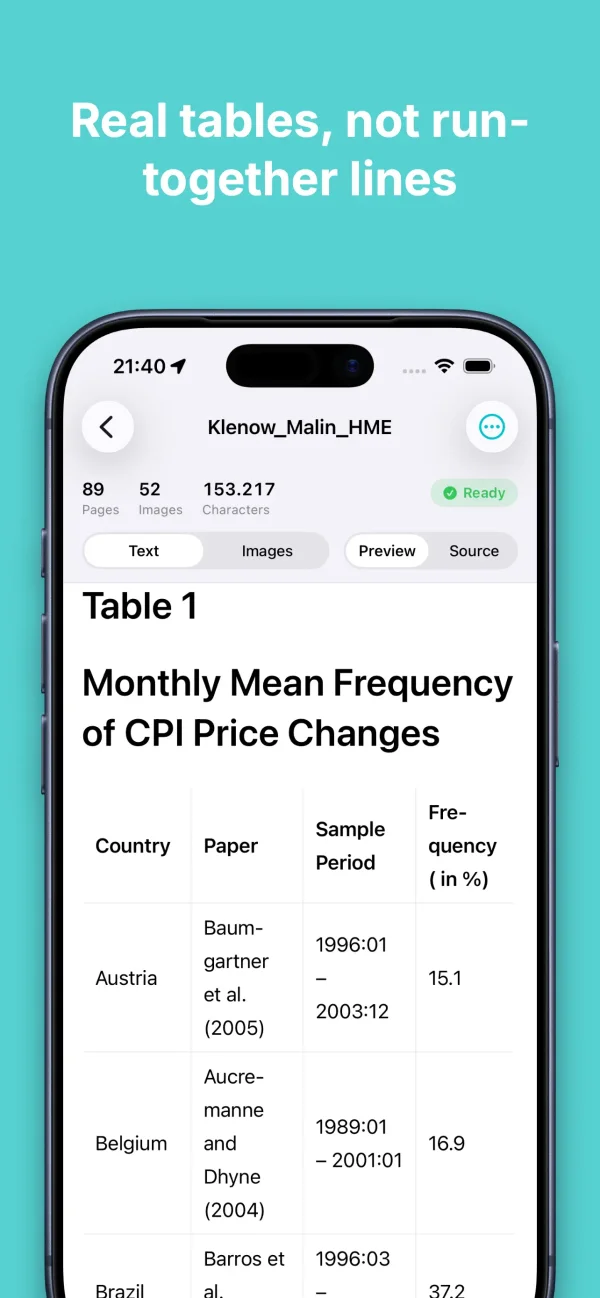
- Rebuild detected tables as real Markdown tables
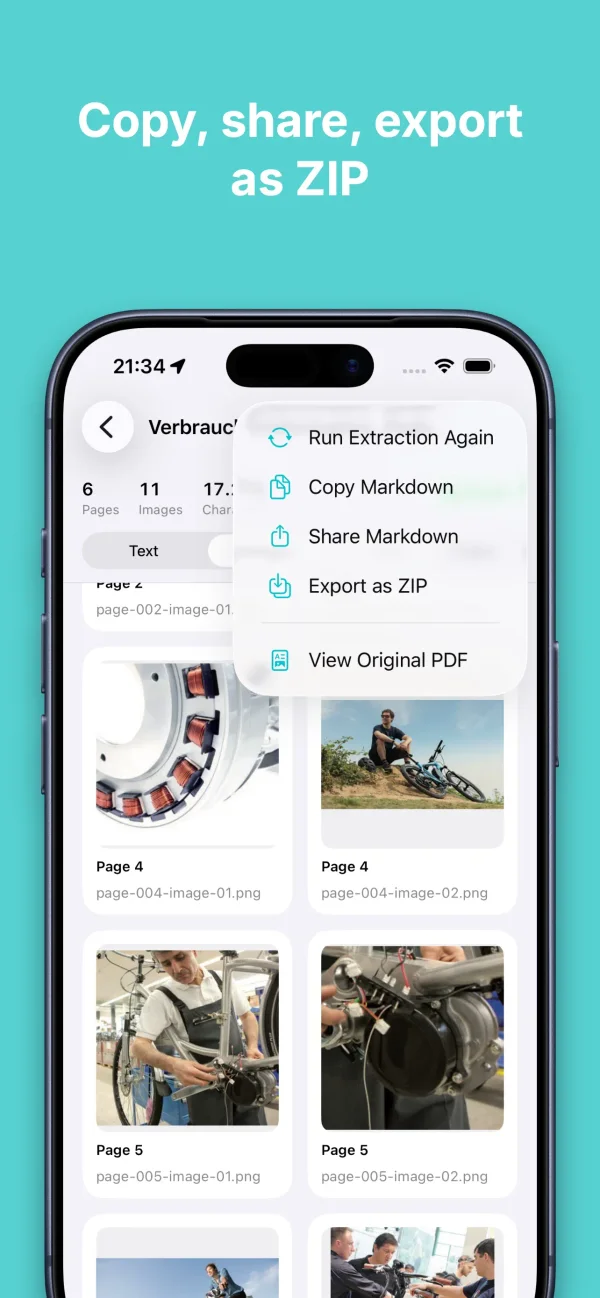
- Pull embedded images out of pages at their original resolution
- Preview the original PDF, the extracted images and the rendered Markdown
- Copy Markdown, share it as a file, or export a whole project as a ZIP
- Tune OCR: recognition level, render resolution up to 600 DPI, recognition languages, automatic language detection and language correction
- Choose the Markdown output style, page headings and document title
- Keep every import as a project you can revisit and re-extract
WHAT'S FREE
- Text, Markdown and OCR for the first 5 pages of a document
- The first 10 extracted images of a project
- Every OCR and Markdown setting
- Copy the Markdown or share it as a file
PDFEXTRACT PRO UNLOCKS
- Every page of a document, however long it runs
- Every extracted image, unblurred and shareable
- Tables rebuilt as Markdown tables instead of run-together lines
- Batch ZIP export of the Markdown and all extracted images
SUBSCRIPTION DETAILS
PDFExtract Pro is available as a monthly subscription, a yearly subscription, or a one-time Lifetime purchase.
- Monthly: auto-renews every month
- Yearly: auto-renews every year
- Lifetime: a single payment, never renews
Prices are shown in the app and vary by region. Payment is charged to your Apple Account at confirmation of purchase. A subscription renews automatically unless auto-renew is turned off at least 24 hours before the end of the current period, and your account is charged for renewal within 24 hours of the period ending. You can manage or cancel a subscription any time in your Apple Account settings.
PRIVACY
PDF parsing, OCR, layout analysis and table recognition all run locally on your device. Your documents are never uploaded to a server.
Privacy Policy: https://www.mzjpg.com/policy/pdfextract
Terms of Use (EULA): https://www.apple.com/legal/internet-services/itunes/dev/stdeula/
What’s new
Version 2.0 · Sep 7, 2026
Version 2.0 is a major update.
- Tables are back: detected tables are rebuilt as real Markdown tables instead of collapsing into run-together lines.
- The Markdown preview now renders, rather than showing raw source, and extracted images appear alongside it.
- A rebuilt interface throughout, and the app is now fully localized in 25 languages.
- PDFExtract is now free to download. The free tier covers the first 5 pages and 10 images of a document; PDFExtract Pro unlocks every page and image, table rebuilding and batch ZIP export.
- If you bought PDFExtract when it was a paid app, you keep everything — no purchase needed.
- Fixes: images inside PDFs that use a non-RGB color space now decode correctly, and re-running an extraction shows the new images rather than the previous run's.
App privacy
What Dajiale declares on the App Store about how this app handles data.
-
Data not linked to you
May be collected but is not linked to your identity.
- Identifiers
- Usage data
Privacy practices may vary, for example with the features you use or your age.
Information
- Seller
- Yongliang Wang
- Category
- Productivity
- Version
- 2.0
- Updated
- Sep 7, 2026
- Released
- Apr 10, 2026
- Size
- 79.3 MB
- Requires
- iOS 18.0 or later
- Age rating
- 4+
- Price
- Free
- In-app purchases
- Yes
- Languages
- English, Arabic, Czech, Danish, Dutch, Finnish, French, German, Hebrew, Hindi, Indonesian, Italian + 13 more
- Copyright
- © 2026 MZSoft. All rights reserved.
You might also like
-
 OraKit – PDF & File ToolsScan, OCR, convert, protect
-
 PDFfiled: PDF Editor-ScannerFill & Sign PDF. No Watermark
-
 DGenius AI CV & Cover BuilderAI-Powered CV & Cover Builder
-
 SparkPDF: Scan, Sign & FillPDF Filler & Document Scanner
-
 Screenshot Search: CaptureMindFind Text, Links & Ideas
-
 PDF Merger: Combine & SplitAI PDF Editor, Scan & Compress
-
 SignDepotScan, organize & sign PDFs
-
 DGen-WorkTimeTrackerTime tracking & reports
-
 PDF Tools - SystemPortProductivity
-
 Extension Wish MarkBrowser extensions WishList