PDF Eye: Scanner & Editor
Scan, OCR, edit & sign PDFs
Designed for iPhone, iPad
Free · In-app purchases
- Age rating4+
- CategoryProductivity
- DeveloperMuharrem Ozkan
- LanguagesEnglish+ 9 more
- Size2.4 MB
Links to the official App Store page
Download.org hosts no file of PDF Eye: Scanner & Editor. The button opens its official App Store page, published by Muharrem Ozkan. Listing last checked on Nov 17, 2026.
Screenshots

About
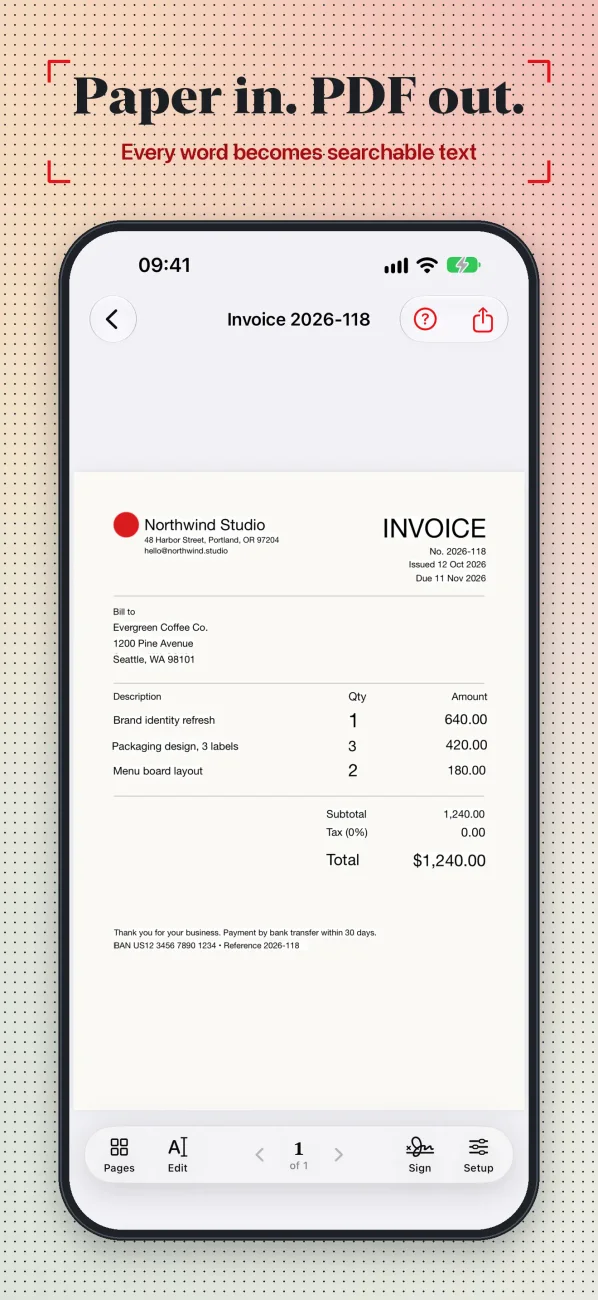
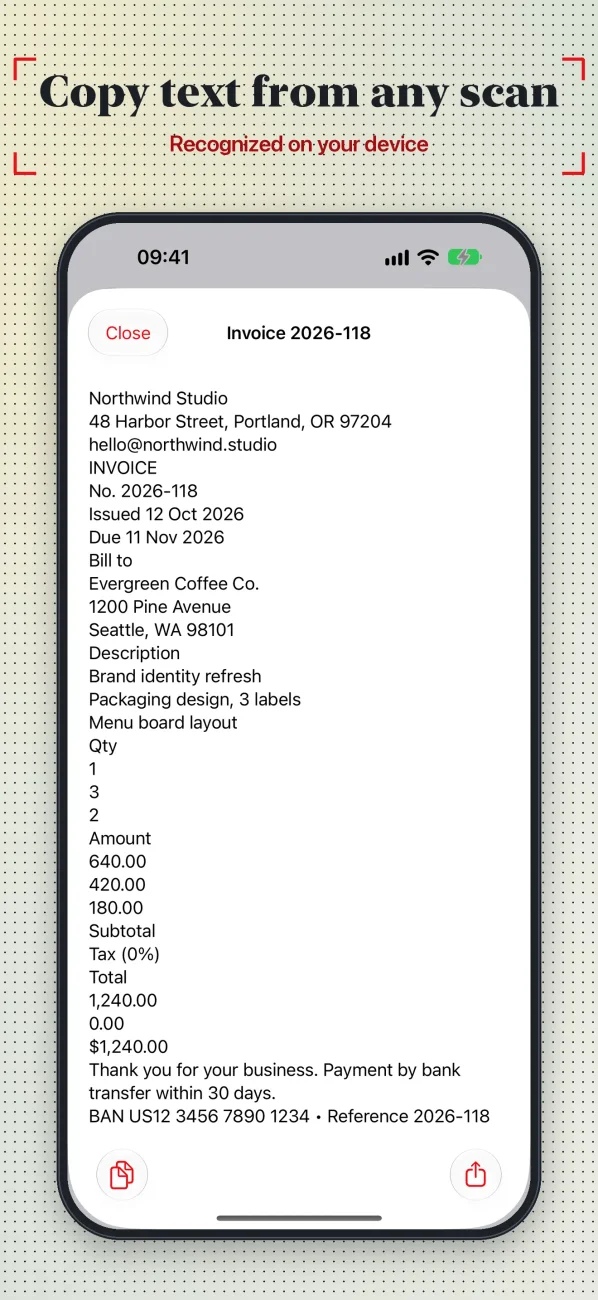
PDF Eye turns paper into real documents. Scan a page, and every word on it becomes text you can search, copy and even edit — right on the scan.
SCAN IN SECONDS
• The document camera finds the page edges, crops and flattens each page automatically.
• Import photos or image files too.
• Choose how pages are built: Text + Image keeps the look of the paper with real text; Text Only gives a clean page; Image Only keeps the picture with invisible, searchable text.
EVERY WORD, RECOGNIZED
• Text recognition runs on your device in many languages. Nothing is uploaded.
• Search and copy the text of a page or the whole document.
• Set your languages and their priority for the best results.
EDIT SCANNED TEXT
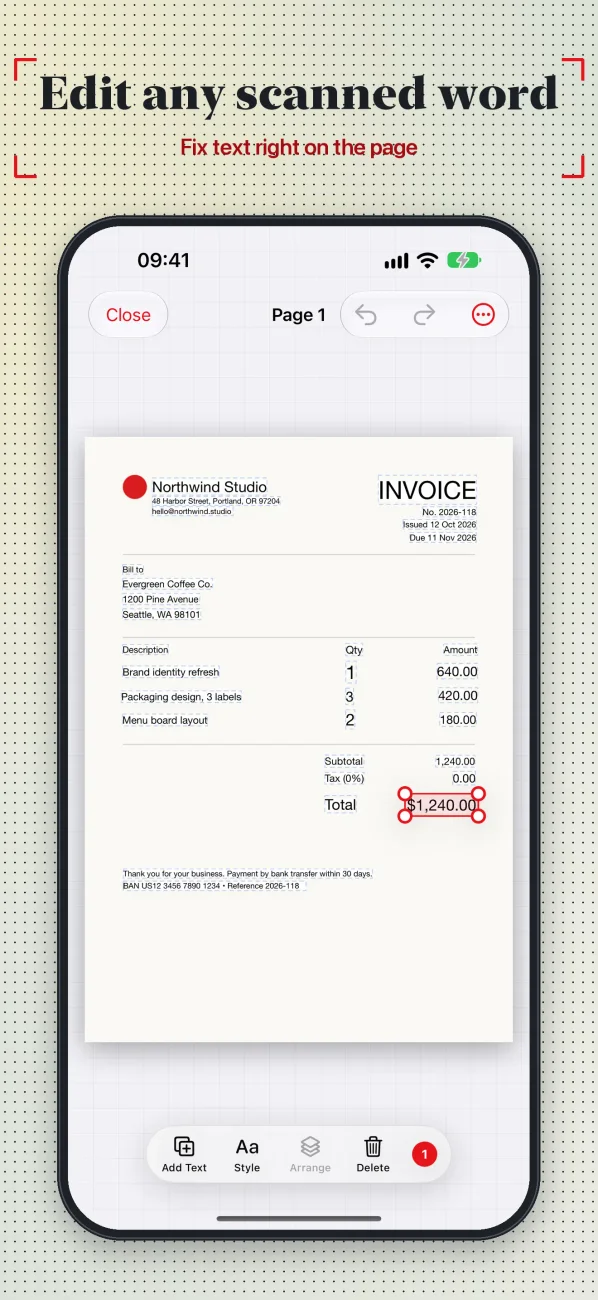
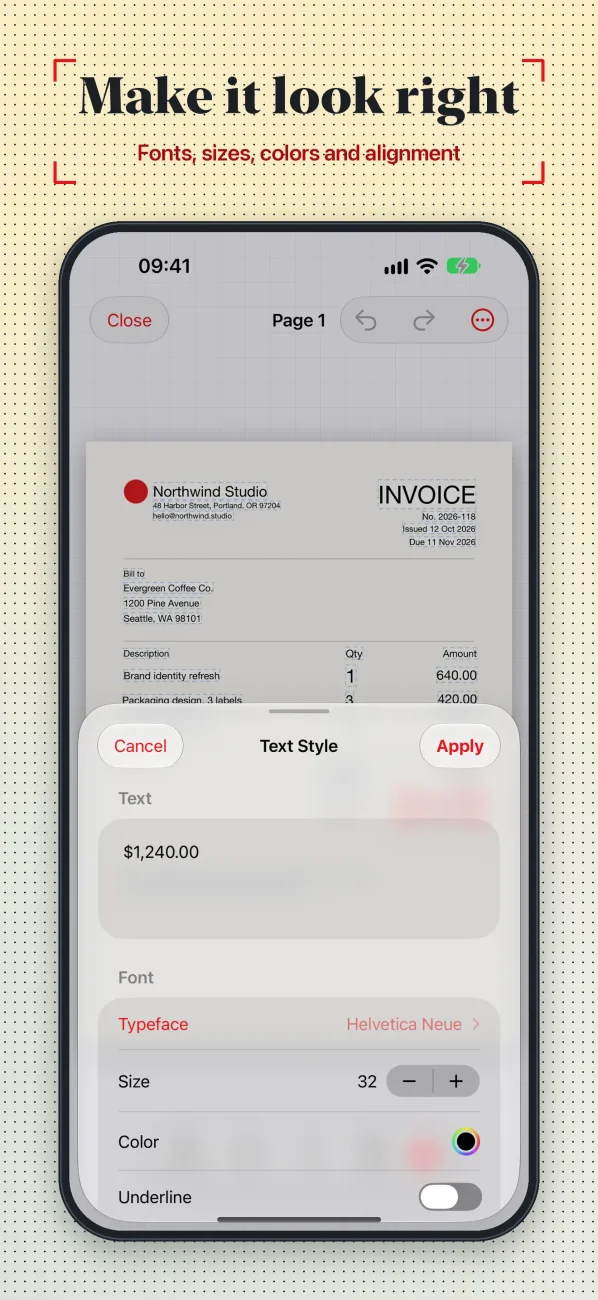
• Tap any recognized text to change the words, font, size, color and alignment.
• Move, resize, align, distribute and merge text boxes.
• Remove text and choose whether the scan underneath shows through.
• Add new text anywhere on the page.
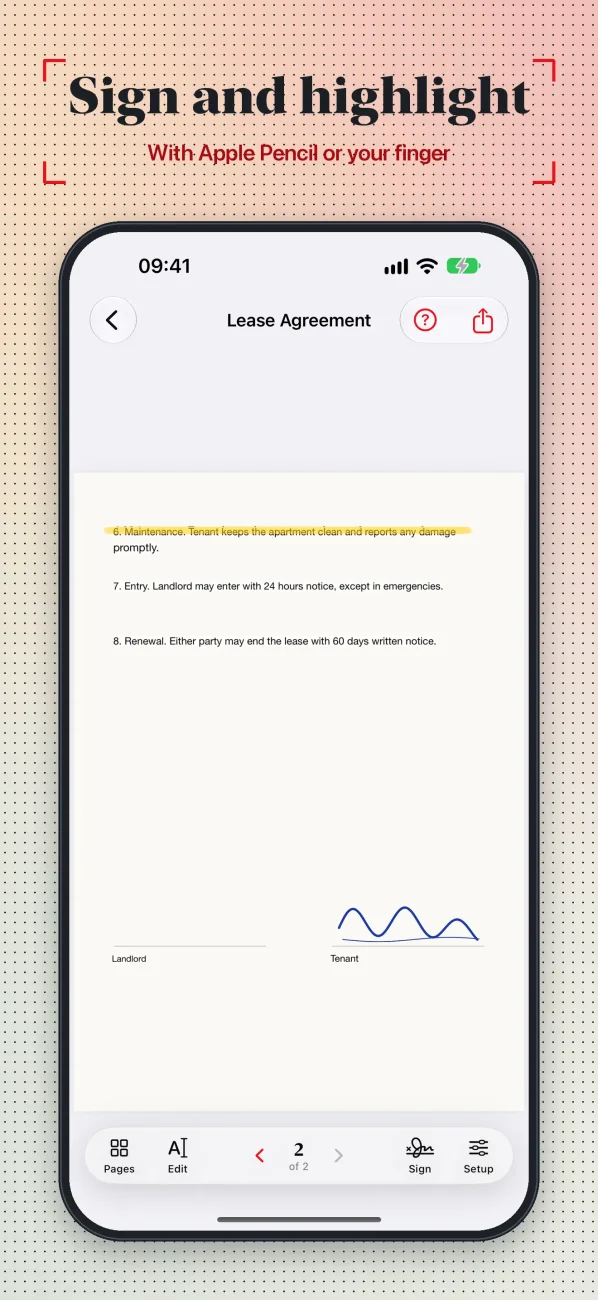
SIGN & HIGHLIGHT
• Sign contracts and highlight what matters with Apple Pencil or your finger.
PAGES THE WAY YOU WANT
• Reorder, crop, rotate, add or delete pages.
• Paper size and orientation per page: automatic, A4, A3, A2 or US Letter.
• Share the finished PDF anywhere.
PDF EYE PRO
The free version keeps up to 2 documents. PRO unlocks unlimited documents, saving your text edits, signing and highlighting, and sharing PDFs without the PDF Eye watermark.
PRO is available as a monthly or yearly subscription, or as a one-time purchase. Payment is charged to your Apple Account at confirmation of purchase. Subscriptions renew automatically unless cancelled at least 24 hours before the end of the current period. You can manage or cancel your subscription in your Apple Account settings.
Terms of Use: https://pdfeye.mozkan.com/terms.html
Privacy Policy: https://pdfeye.mozkan.com/privacy.html
What’s new
Version 2.0 · Oct 11, 2026
PDF Eye 2.0 is a complete redesign.
• All-new design, from the first scan to the finished PDF
• A new page editor: select, move, resize and restyle recognized text
• Sign and highlight with Apple Pencil or your finger
• Crop, rotate and reorder pages with a new page manager
• Import photos and image files
• Built-in guide
• Purchases are verified on your device
• Now available in 10 languages
App privacy
What Muharrem Ozkan declares on the App Store about how this app handles data.
-
Data not linked to you
May be collected but is not linked to your identity.
- Identifiers
- Usage data
Privacy practices may vary, for example with the features you use or your age.
Information
- Seller
- Muharrem Ozkan
- Category
- Productivity
- Version
- 2.0
- Updated
- Oct 11, 2026
- Released
- Nov 18, 2020
- Size
- 2.4 MB
- Requires
- iOS 16.0 or later
- Age rating
- 4+
- Price
- Free
- In-app purchases
- Yes
- Languages
- English, Dutch, French, German, Italian, Japanese, Portuguese, Simplified Chinese, Spanish, Turkish
- Copyright
- © 2026 MOZKAN
You might also like
-
 PDF Studio Manager ProConvert, merge, split offline
-
 Grammar checker - Humanize AIRewrite AI Text undetectable
-
 em — Journal, Write & PublishWrite 'em down. Send 'em out.
-
 LegalEase: Contract AnalyserUnderstand Contracts Fast
-
 Maelstrom - Routine BuilderStick to routines and habits
-
 cyberWriter - Markdown StudioMarkdown file and vault editor
-
 Image2DocProductivity
-
 TableScan StudioProductivity
-
 Saved LinksSave articles for later!
-
 LinkmarkedManage your links seamlessly