PDF Kit: Scan & Sign
Scan, Sign, Merge, OCR & More
Designed for iPhone, iPad
Free · In-app purchases
- Age rating4+
- CategoryProductivity
- DeveloperKINGMAKERAPPS LTD
- LanguagesEnglish+ 19 more
- Size8.5 MB
Links to the official App Store page
Download.org hosts no file of PDF Kit: Scan & Sign. The button opens its official App Store page, published by KINGMAKERAPPS LTD. Listing last checked on Nov 17, 2026.
Screenshots



About
Turn your iPhone into a powerful PDF scanner, editor, and document toolkit.
PDF Kit gives you the tools you need to scan documents, create PDFs, organize pages, sign files, extract text, protect documents, convert images, and more—all in one convenient app.
SCAN DOCUMENTS TO PDF
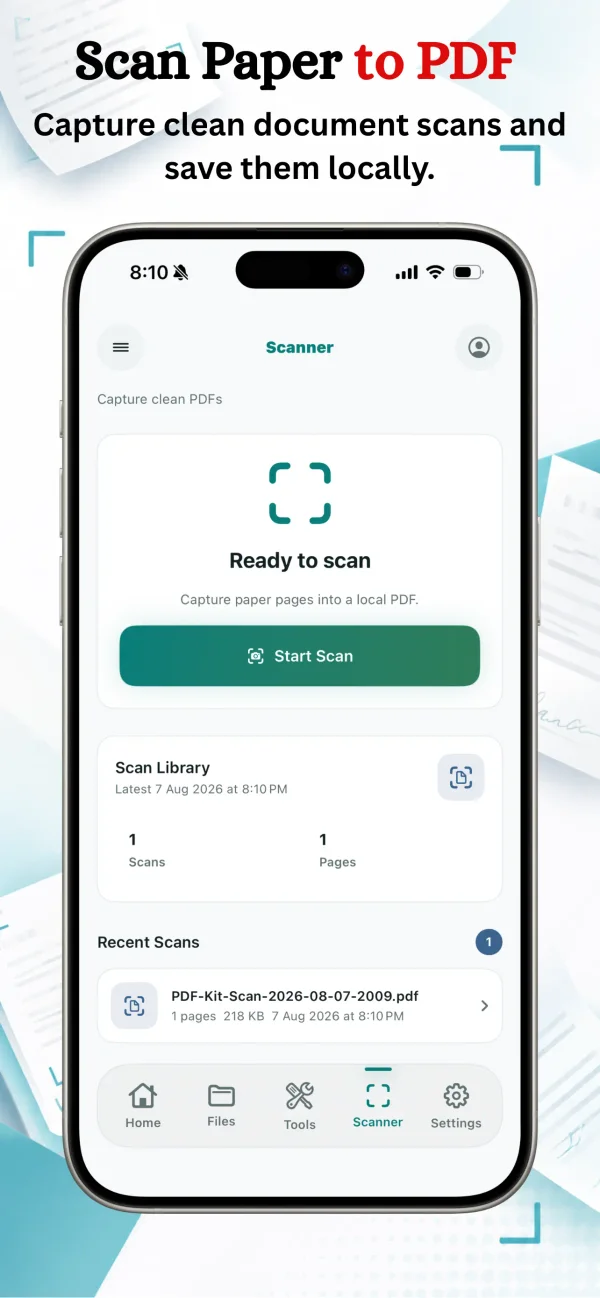
Quickly turn paper documents into digital PDFs using your iPhone.
• Scan paper documents
• Create multi-page PDF files
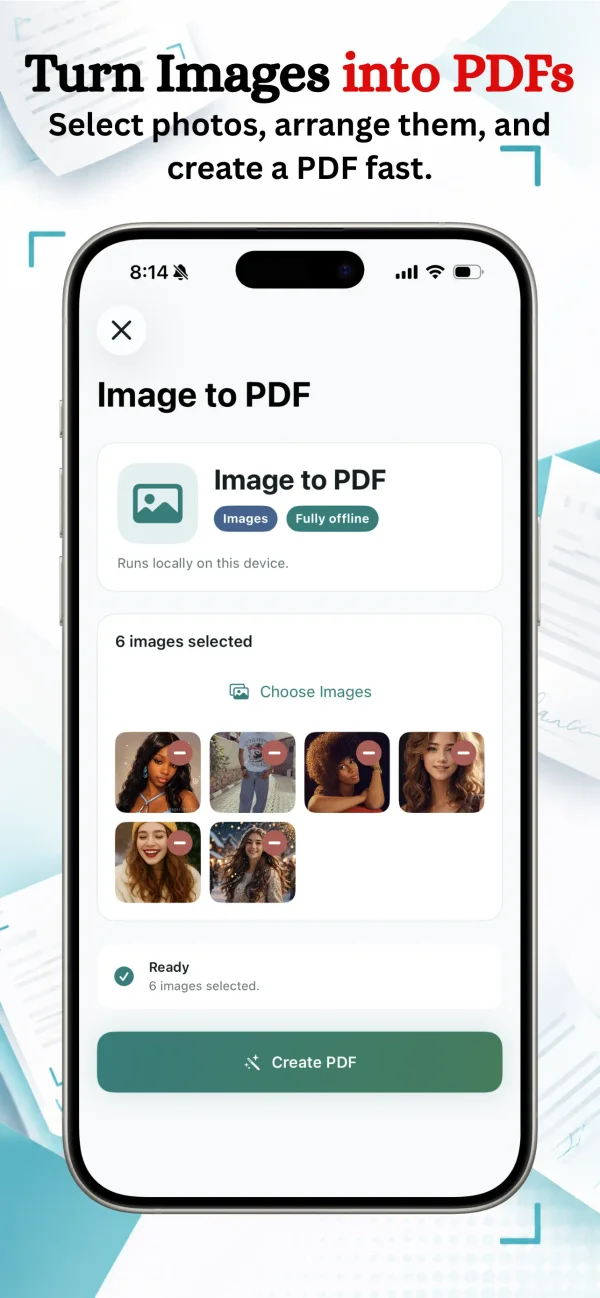
• Turn photos into PDFs
• Create PDFs from typed text
• Save and share finished documents
EDIT & ORGANIZE PDFs
Take control of your PDF documents with useful editing and organization tools.
• Merge multiple PDFs
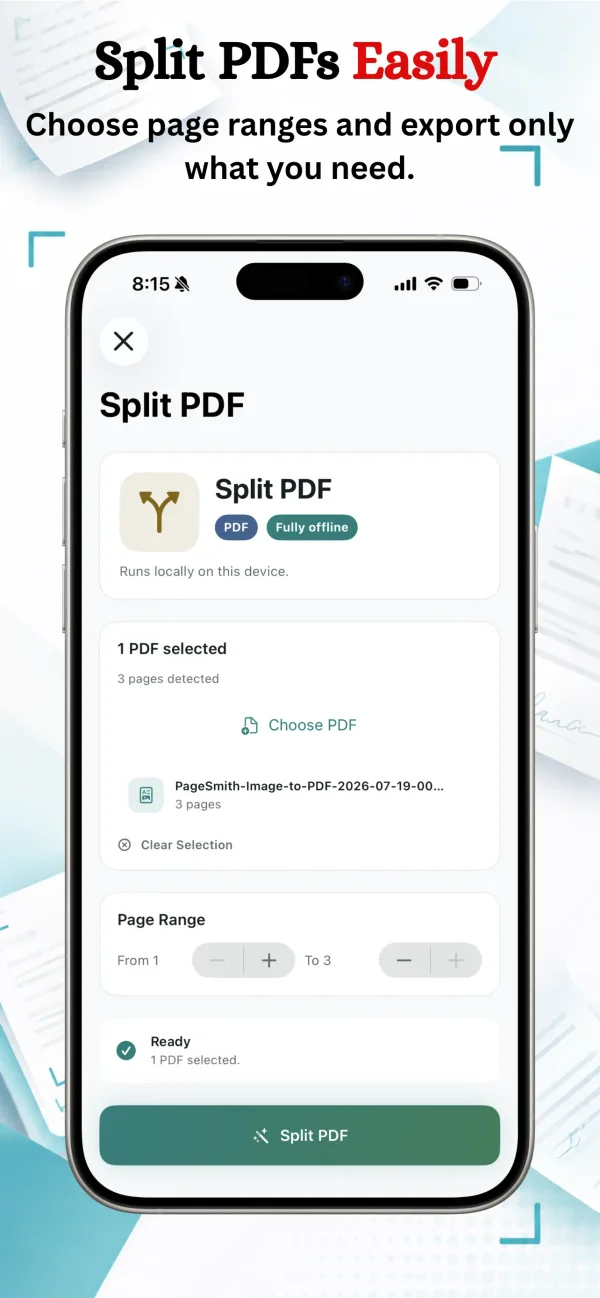
• Split PDFs by page range
• Rotate PDF pages
• Organize pages
• Add page numbers
• Add watermarks
• Add notes and simple text edits
• Rebuild readable PDF pages into a fresh file when possible
SIGN & PROTECT DOCUMENTS
Handle important documents directly from your iPhone.
• Add signatures to PDFs
• Protect PDFs with a password
• Unlock protected PDFs when you know the password
• Preview password-protected documents after entering the password
SCAN TEXT WITH OCR
Need text from a scanned document?
Use on-device OCR to recognize text from supported scanned documents and quickly work with the extracted content.
You can also extract existing selectable text from PDF documents.
PDF & IMAGE TOOLS
PDF Kit isn't limited to PDFs.
• Convert images
• Compress images
• Resize images
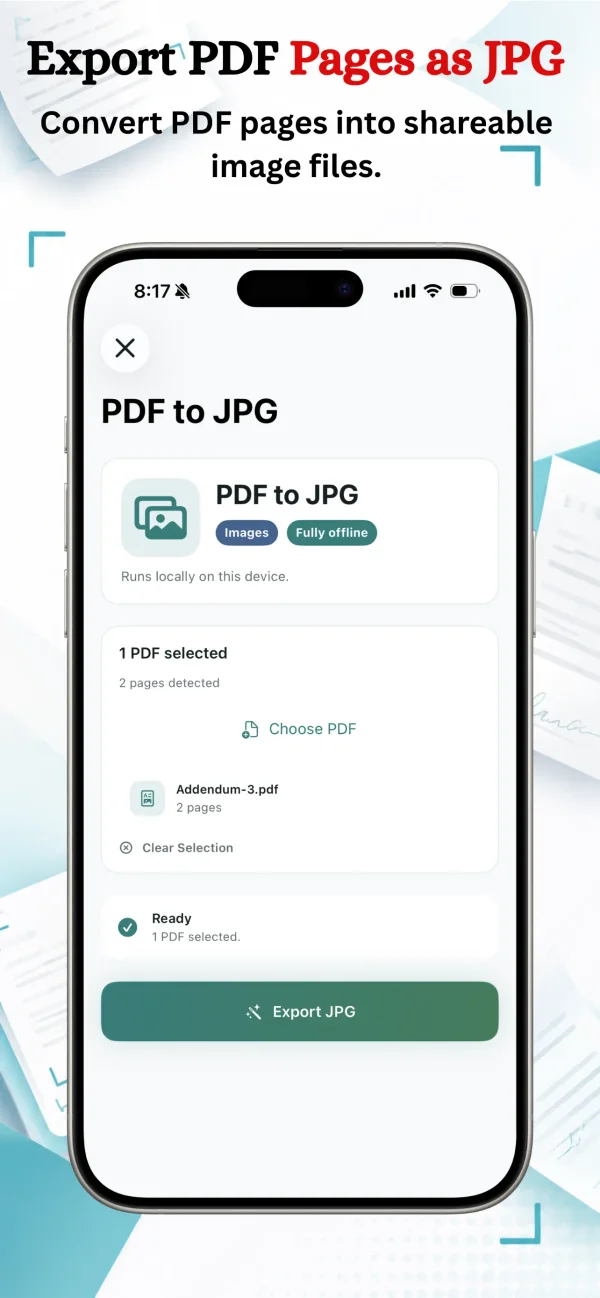
• Export PDF pages as JPG images
• Turn photos into PDF documents
YOUR PDF TOOLS IN ONE PLACE
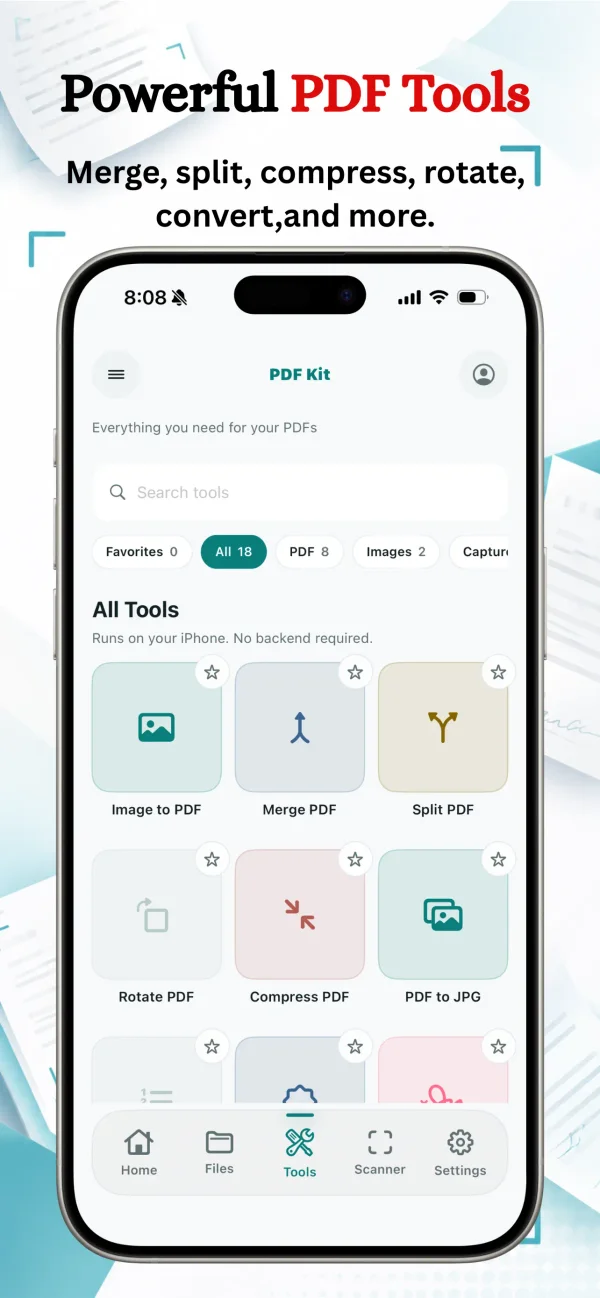
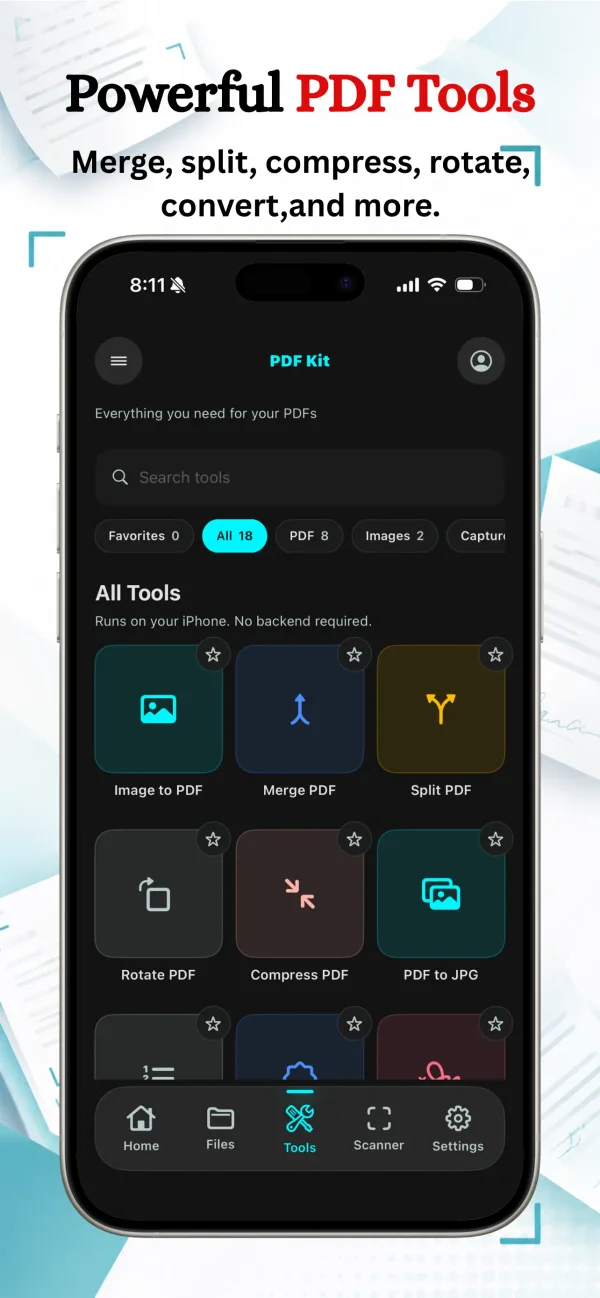
Instead of switching between different apps for everyday document tasks, PDF Kit brings your essential tools together in one clean workspace.
Use it for:
• Contracts and agreements
• Receipts and invoices
• School documents
• Business paperwork
• Forms
• Notes
• Personal documents
• Scanned records
BUILT FOR PRIVATE DOCUMENT WORK
PDF Kit is designed around local document processing. Core document tools use on-device iOS capabilities whenever possible, helping you work with personal files without relying on a backend document-processing server.
No account is required to use the core document tools.
FAST. SIMPLE.USEFUL.
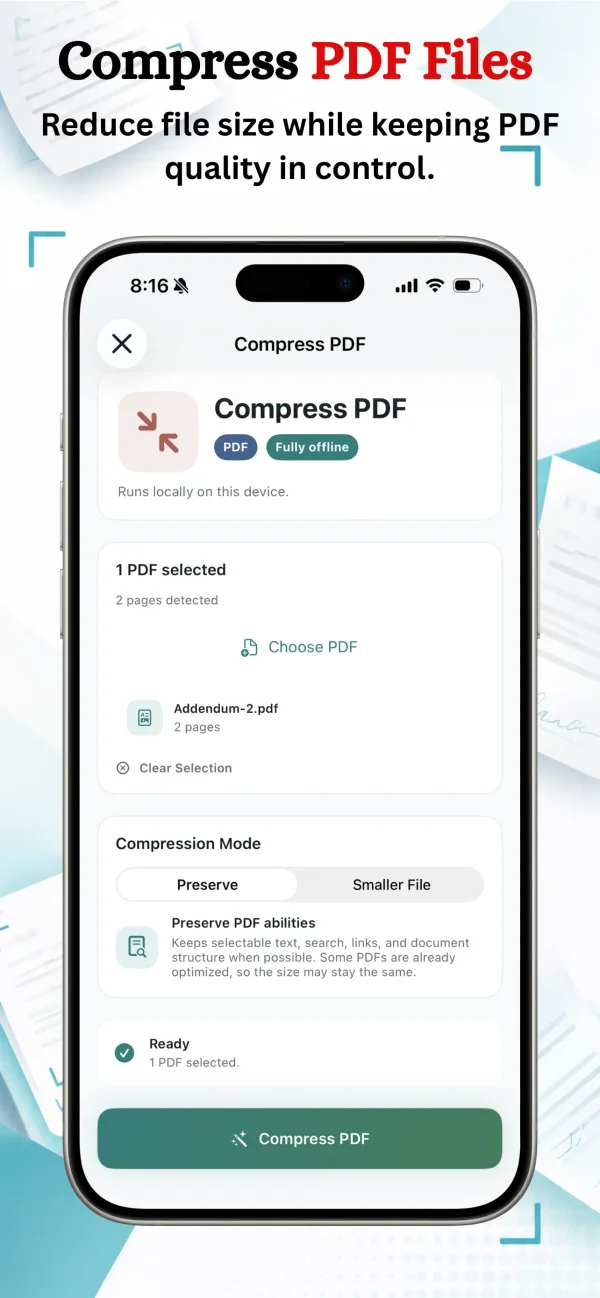
Whether you need to scan a document, merge two PDFs, add a signature, extract text, compress a file, add a watermark, or protect an important document, PDF Kit gives you the tools to get it done from your iPhone.
Download PDF Kit and keep your essential PDF tools within reach.
Terms of Use (Apple Standard EULA):
https://www.apple.com/legal/internet-services/itunes/dev/stdeula/
Privacy Policy:
https://www.kingmakerapps.com.ng/privacy
App privacy
What KINGMAKERAPPS LTD declares on the App Store about how this app handles data.
-
Data used to track you
May be used to track you across apps and websites owned by other companies.
- Identifiers
- Usage data
-
Data not linked to you
May be collected but is not linked to your identity.
- Identifiers
- Usage data
- Diagnostics
Privacy practices may vary, for example with the features you use or your age.
Information
- Seller
- KINGMAKERAPPS LTD
- Category
- Productivity
- Version
- 1.0
- Updated
- Aug 22, 2026
- Released
- Aug 22, 2026
- Size
- 8.5 MB
- Requires
- iOS 17.0 or later
- Age rating
- 4+
- Price
- Free
- In-app purchases
- Yes
- Languages
- English, Arabic, Dutch, French, German, Hindi, Indonesian, Italian, Japanese, Korean, Malay, Polish + 8 more
- Copyright
- © 2026 KINGMAKERAPPS LTD