PDF Offline Studio
Sign, redact, merge - no cloud
Designed for iPhone, iPad, Mac, iPod touch
Free
- Age rating4+
- CategoryProductivity
- DeveloperTHEJ KUMAR SIDDHOTAM ARULRAJ
- LanguagesEnglish+ 5 more
- Size55.3 MB
Links to the official App Store page
Download.org hosts no file of PDF Offline Studio. The button opens its official App Store page, published by THEJ KUMAR SIDDHOTAM ARULRAJ. Listing last checked on Nov 18, 2026.
Screenshots


About
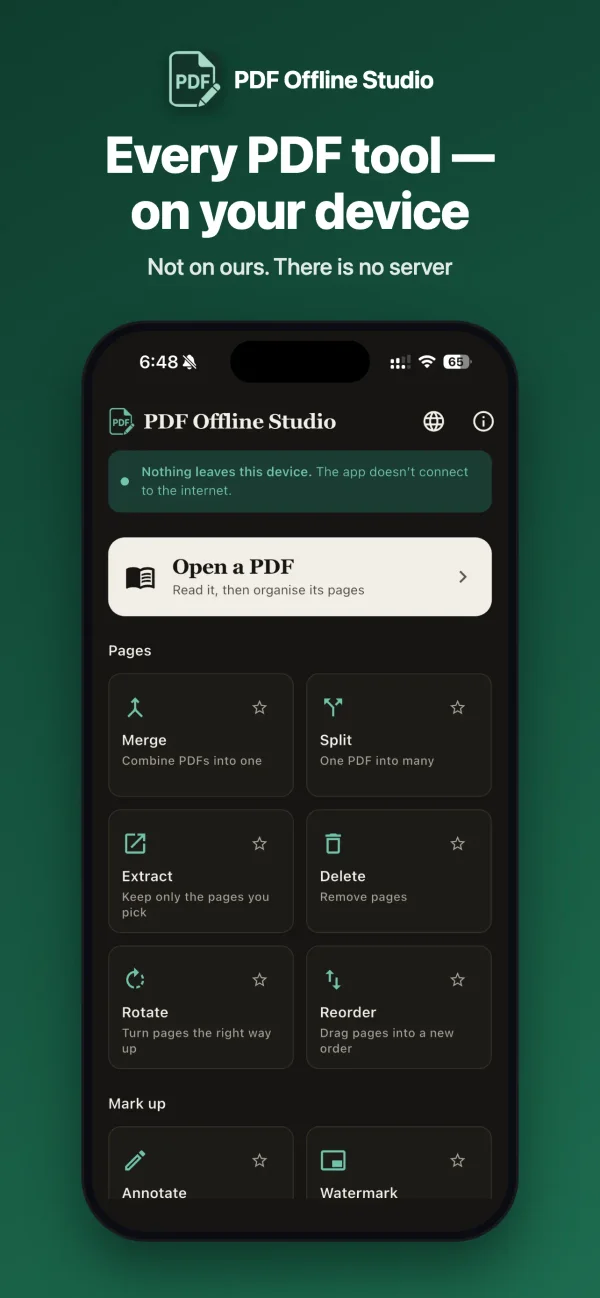
Every PDF tool you need. None of your documents ever leave your device.
Most free PDF apps quietly upload your files to a server to do the work. This one doesn't, because it can't. The app is built with no internet permission at all. Your contracts, IDs, medical records and tax forms are handled entirely on your phone or Mac.
It doesn't keep them either. There's no library and no cloud folder: you open a file, work on it, and save the result wherever you like. Nothing is left behind.
PAGES
- Merge several PDFs into one
- Split a PDF: see exactly where it will divide before you commit
- Extract only the pages you want
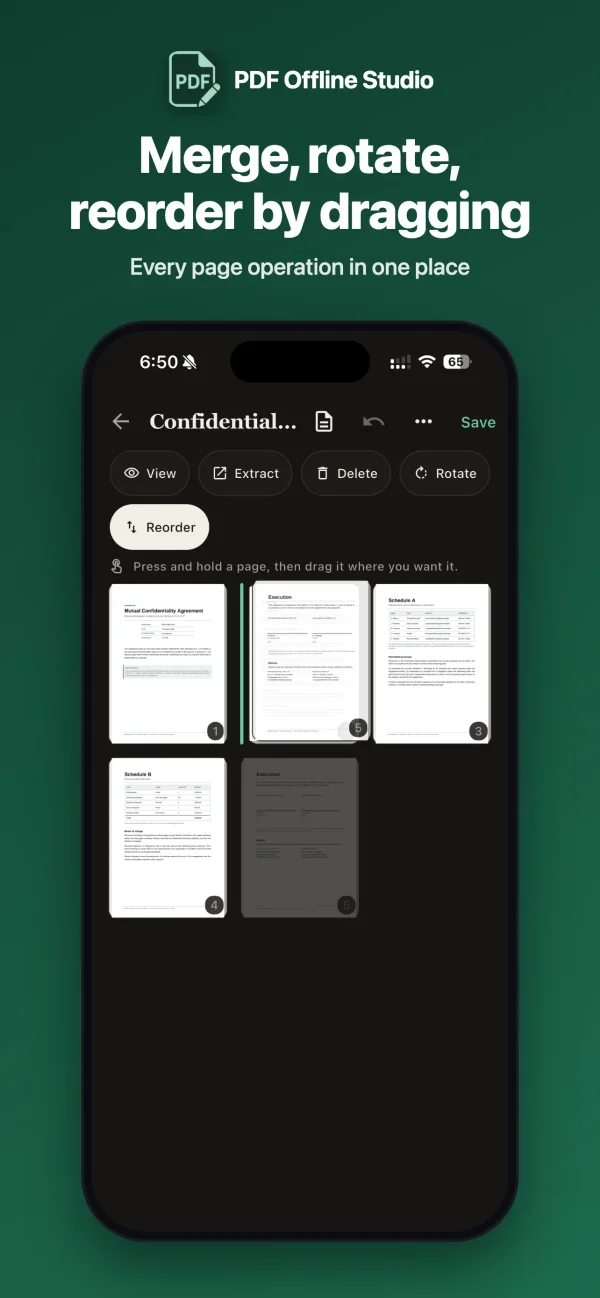
- Delete, rotate and reorder pages by dragging
MARK UP
- Draw, highlight and add text anywhere on the page
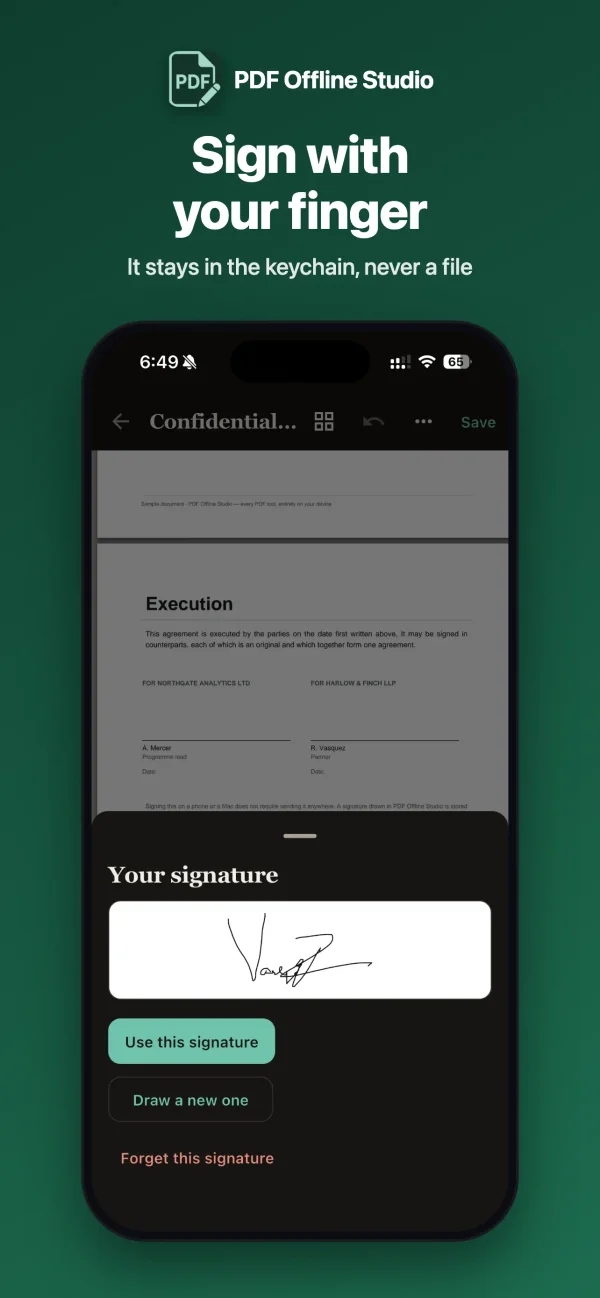
- Sign with your finger or mouse
- Fill in PDF forms: type into fields, tick boxes, pick from lists
- Stamp a page: Draft, Confidential, Approved and eleven more, or make your own
- Watermark every page, once or tiled
- Add page numbers
SECURITY
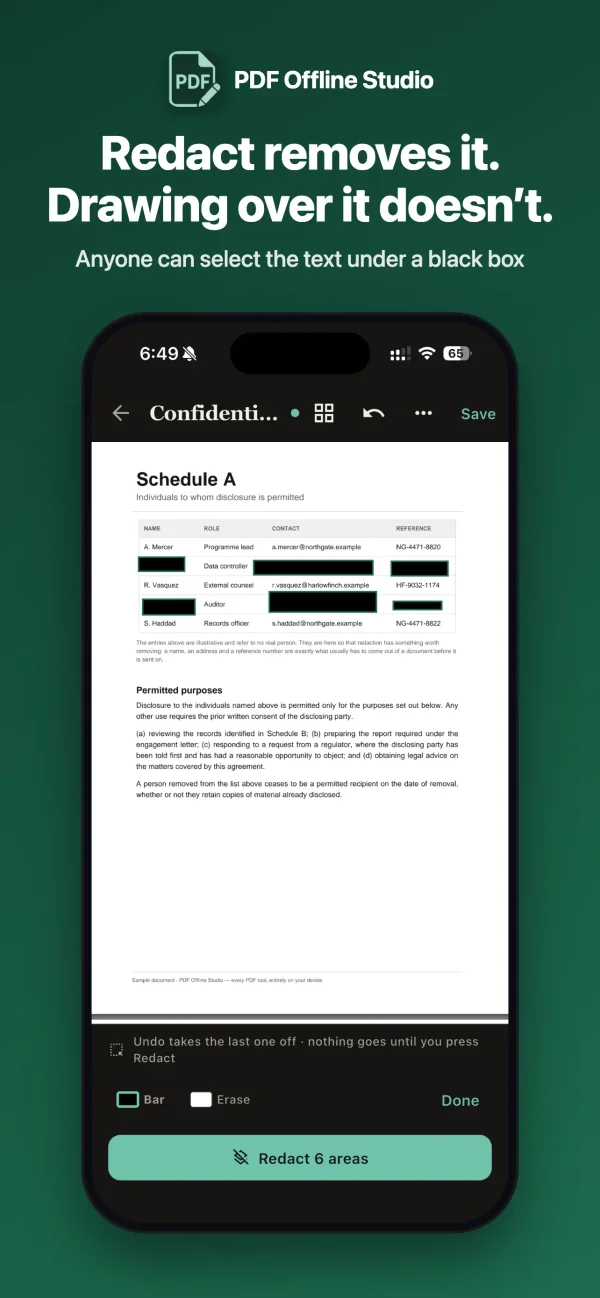
- Redact: removes what's underneath instead of covering it
- Flatten PDF: fixes your marks and filled-in forms into the page so nobody can change them
- Lock a PDF with a password, or remove one you know
READ & TRANSLATE
- Translate a whole PDF into another language, laid out where the original text was, or read the translation as clean text with Easy to read
- Make searchable: find and copy the text in scanned pages
CONVERT
- PDF to images, images to PDF: photos go in without their location or camera details
- Scan paper documents with the camera, straightened and cropped (iPhone and iPad)
- Compress, with an honest warning when there's nothing to gain
Redaction is the one worth explaining. Drawing a black box over a name doesn't remove it: anyone can still select the text underneath, and people have lost jobs over exactly that. Redact rebuilds the pages so what you covered is genuinely not in the file, then checks its own work and refuses to hand you the result if any readable text survived.
Translation and text recognition use Apple's own frameworks, on your device, like everything else here. Translating needs iOS 18 or macOS 15 or later and the two languages downloaded once by your system; after that it works with no connection at all. It translates into languages written in Latin, Greek or Cyrillic letters.
BUILT FOR PRIVACY, NOT MARKETED AS IT
- No internet permission: verifiable, not just a promise
- No library, no cache, no account, no sign-up
- No ads, no analytics, no tracking, no crash reporting
- Photos you turn into a PDF lose their location, time and camera details
- Works on a plane, in a tunnel, anywhere
Free. No subscription, no unlock, no Pro tier.
Available in English, Spanish, Portuguese, German, French and Italian.
What’s new
Version 1.1 · Sep 28, 2026
A big update, and all of it still happens on your device.
- Translate: a whole PDF into another language, in its own layout, or as clean text with Easy to read
- Make searchable: find and copy the text in scanned pages
- Scan documents with the camera, straightened and cropped (iPhone and iPad)
- Fill in PDF forms, then flatten them so the answers can't be changed
- Photos turned into a PDF no longer carry where and when they were taken
- Redact now keeps the rest of the page's text searchable
- Working copies are cleared as soon as you leave the app with nothing open
Translation and text recognition use Apple's on-device frameworks. The app still has no internet permission.
App privacy
What THEJ KUMAR SIDDHOTAM ARULRAJ declares on the App Store about how this app handles data.
-
Data not collected
The developer does not collect any data from this app.
Privacy practices may vary, for example with the features you use or your age.
Information
- Seller
- THEJ KUMAR SIDDHOTAM ARULRAJ
- Category
- Productivity
- Version
- 1.1
- Updated
- Sep 28, 2026
- Released
- Aug 30, 2026
- Size
- 55.3 MB
- Requires
- iOS 15.0 or later
- Age rating
- 4+
- Price
- Free
- Languages
- English, French, German, Italian, Portuguese, Spanish
- Copyright
- © vuolt
You might also like
-
 Veil: Redact & Hide InfoBlack out PDFs, photos & scans
-
 Redactly: Redact PDFBlack out text permanently
-
 BastionChatPrivate AI · Works Offline
-
 Shift Rota Planner: ShiftaraRotating Pattern & Night Work
-
 Transcribe Audio to Text: ADRSLive transcribe voice notes
-
 Redactify: PDF & Photo RedactBlur & black out, 100% offline
-
 FarmalendarOrganize your shifts efficient
-
 VoxyAIPrivate AI on your own devices
-
 Scan to PDF: Sign & RedactPrivate Offline Scanner No Ads
-
 PDF Masker - Secure RedactionBulk Redact and Blackout PDFs