PDF QuickScan
Scan Docs to PDF in Seconds
Designed for iPhone, iPad, iPod touch
Free · In-app purchases
- Age rating4+
- CategoryUtilities
- DeveloperChengdu Yangli Network Technology Co., Ltd.
- LanguagesEnglish
- Size65.9 MB
Links to the official App Store page
Download.org hosts no file of PDF QuickScan. The button opens its official App Store page, published by Chengdu Yangli Network Technology Co., Ltd. Listing last checked on Nov 13, 2026.
Screenshots

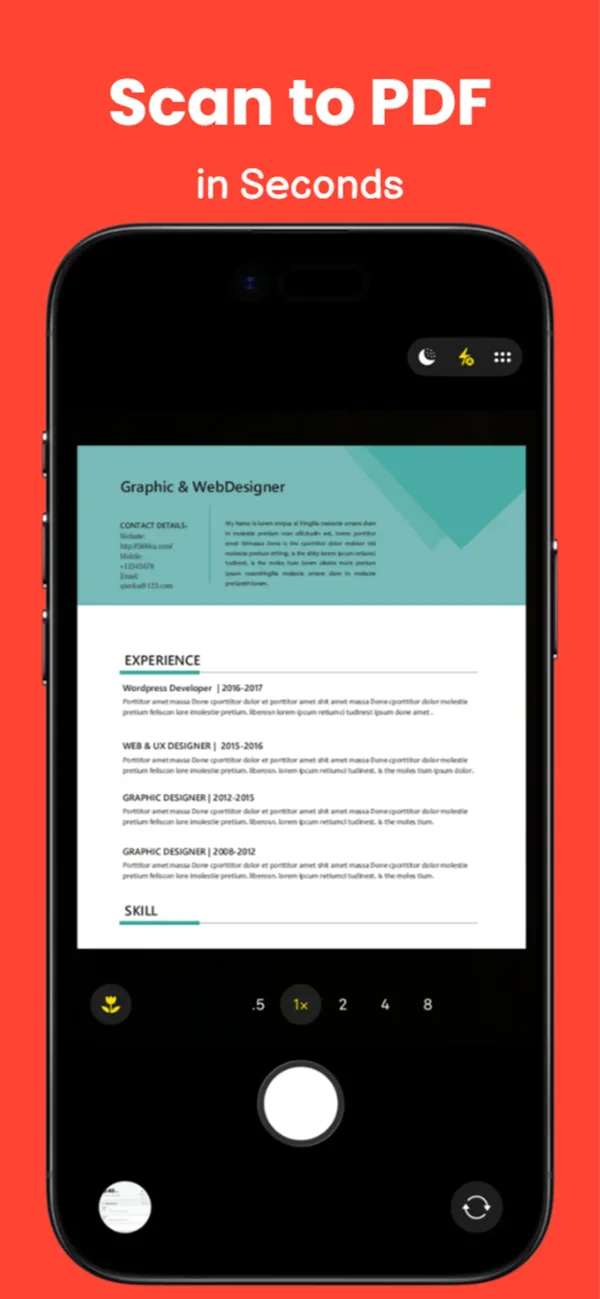
About
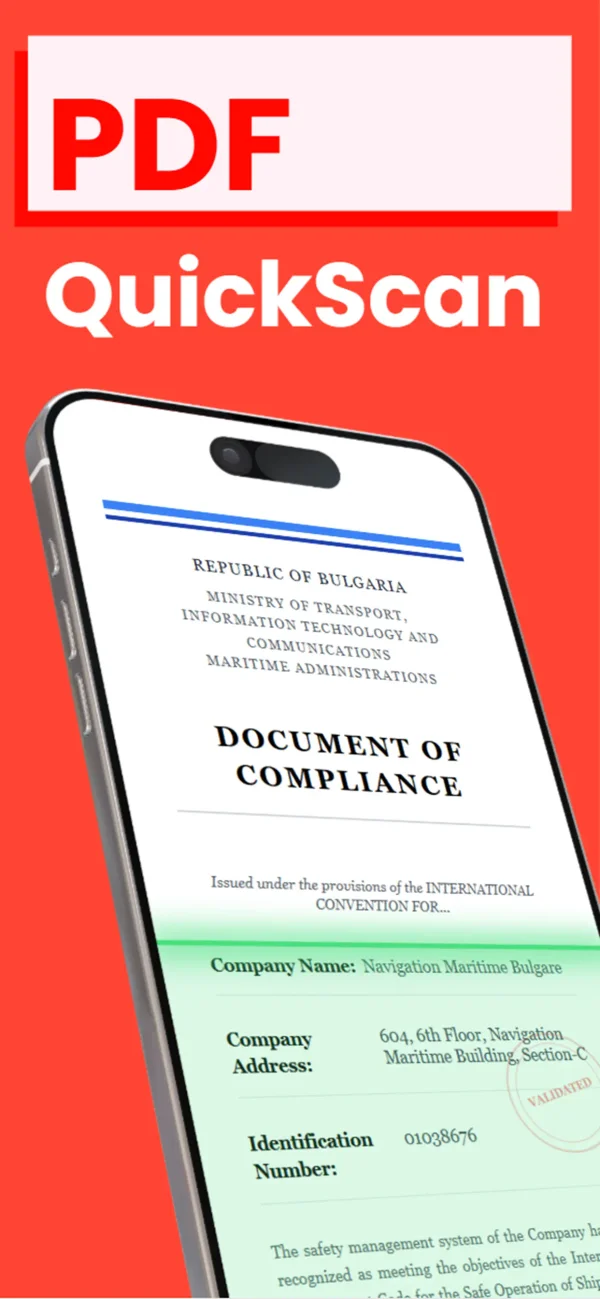
PDF QuickScan is a simple and fast PDF scanner that helps you scan documents, receipts, notes, IDs, and more with your phone.
Turn paper into clean digital files in seconds and save or share them whenever you need.
Whether you need to scan receipts for records, capture handwritten notes, or create a multi-page PDF from printed documents, PDF QuickScan gives you an easy way to scan to PDF without extra steps.
SCAN DOCUMENTS QUICKLY
Use your camera to capture clear scans with smart tools that help make every page easier to read. PDF QuickScan automatically detects document edges, crops pages neatly, and corrects perspective so your scans look clean and professional.
Perfect for scanning:
Receipts and invoices
Contracts and agreements
Handwritten notes
Study materials
Forms and reports
IDs and cards
Personal documents
KEY FEATURES
— Scan to PDF
Create PDF files from paper documents in just a few taps.
— Automatic Edge Detection
Quickly detect document borders for faster and cleaner scans.
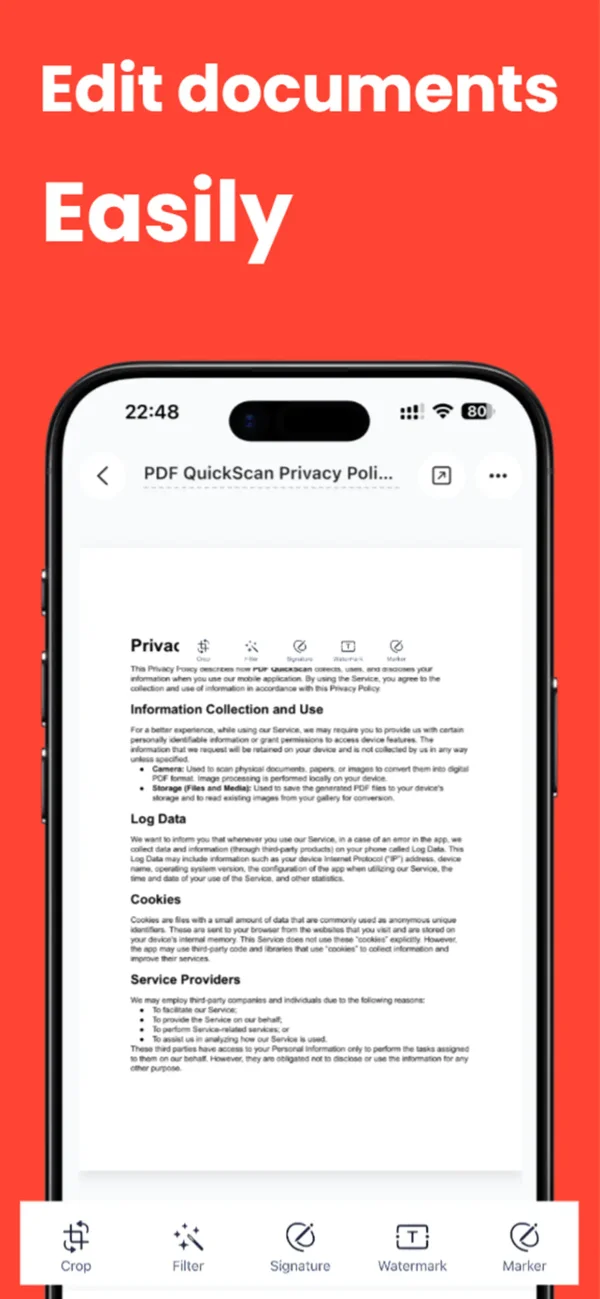
— Smart Cropping
Adjust and trim pages easily for a better final result.
— Perspective Correction
Straighten pages and reduce distortion caused by camera angles.
— Multi-Page PDF Creation
Combine multiple scans into a single PDF document for reports, forms, notes, or contracts.
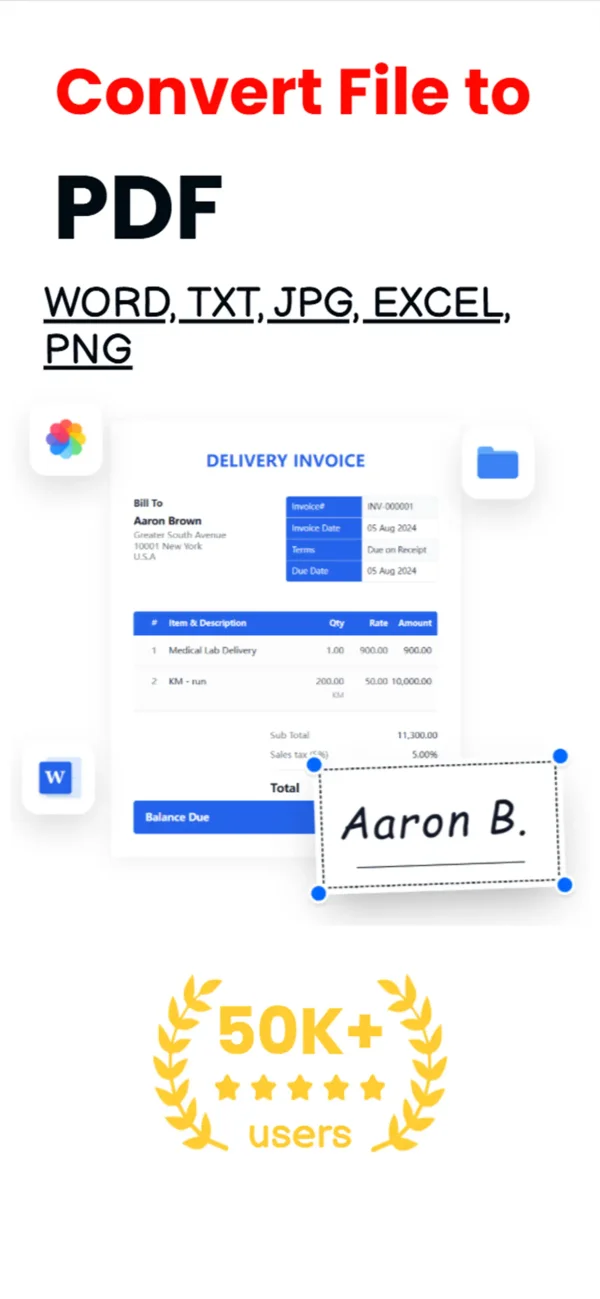
— Photo to PDF
Convert captured pages into shareable PDF files directly from your phone.
— Fast Sharing
Share scanned documents quickly as PDF or image files.
— Simple Document Scanning
A clean and easy experience for everyday scanning needs.
GREAT FOR
Students
Scan notes, worksheets, textbook pages, and study materials into digital files.
Professionals
Capture contracts, reports, printed documents, and meeting materials on the go.
Small Business Owners
Use PDF QuickScan to scan receipts, invoices, and business paperwork more efficiently.
Personal Use
Save copies of forms, letters, IDs, and important documents whenever you need them.
HOW IT WORKS
Open PDF QuickScan and point your camera at a document
Let the app detect the page and capture the scan
Adjust the crop if needed and add more pages
Save as PDF or image and share it instantly
WHY PDF QUICKSCAN
PDF QuickScan is designed to make document scanning simple.
Instead of keeping blurry photos or loose paperwork, you can create clean digital files right from your phone. It is a convenient everyday document scanner for anyone who wants a lightweight and easy PDF scanner.
FREE TO USE
PDF QuickScan is free to use.
Download the app and start scanning documents, receipts, notes, and more in seconds.
Privacy Policy: https://docs.google.com/document/d/1A6_ngBpG2-M9_yaw-gA8J8AeobPC-q22GTtXKBTlYW4/edit?usp=sharing
Terms of Use: https://docs.google.com/document/d/1B2RWsuiVQEJPLCr4ci8F2DsEuAGxslYwiXue82hpqTk/edit?usp=sharing
What’s new
Version 1.1 · May 16, 2026
Added iCloud sync for seamless access across all your devices
Fixed minor bugs for a smoother scanning experience
App privacy
What Chengdu Yangli Network Technology Co., Ltd. declares on the App Store about how this app handles data.
-
Data not collected
The developer does not collect any data from this app.
Privacy practices may vary, for example with the features you use or your age.
Information
- Seller
- Chengdu Yangli Network Technology Co., Ltd.
- Category
- Utilities
- Version
- 1.1
- Updated
- May 16, 2026
- Released
- Apr 23, 2026
- Size
- 65.9 MB
- Requires
- iOS 15.5 or later
- Age rating
- 4+
- Price
- Free
- In-app purchases
- Yes
- Languages
- English
- Copyright
- © 2026 Chengdu Yangli Network Technology Co., Ltd.
You might also like
-
 Scanner : Scan Smart & QuickScanMaster: Scan QR & Barcode
-
 Quick Scan - Scan DoxFrom page to PDF in 1s
-
 Scan PDF - Create PDFScan, Convert,Merge & Compress
-
 Vérification orthographique FRUtilities
-
 PDF Scanner Document ScannerUtilities
-
 RePNCalc - RPN Calculator ProEasy Reverse Polish Notation
-
 QuickScan Document ScannerFast offline PDF scans
-
 PDF Converter: Doc File ProConvert Word Excel PPT JPG
-
 PDF Snap Image ConverterPhoto & Picture Converter
-
 中拓CRMUtilities