PDF Snap Image Converter
Photo & Picture Converter
Designed for iPhone, iPad, Mac
In-app purchases
- Age rating4+
- CategoryUtilities
- DeveloperHuseyin Bagana
- LanguagesEnglish+ 32 more
- Size6.4 MB
Links to the official App Store page
Download.org hosts no file of PDF Snap Image Converter. The button opens its official App Store page, published by Huseyin Bagana. Listing last checked on Nov 8, 2026.
Screenshots
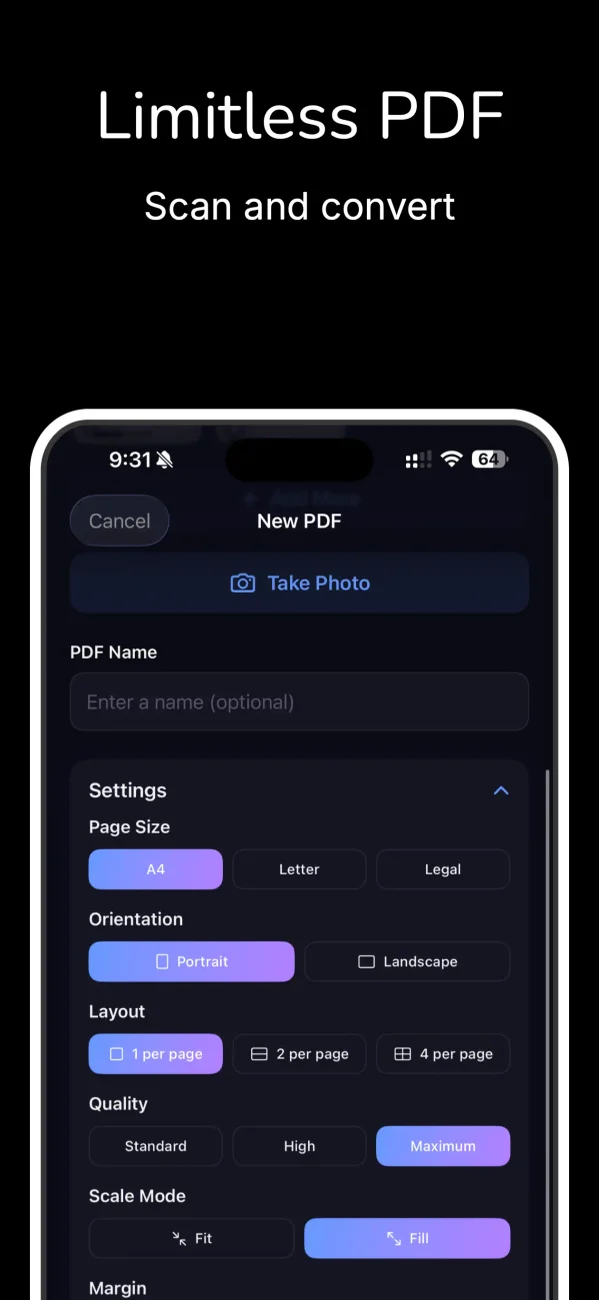
About
Turn Any Photo into a Perfect PDF — Instantly!
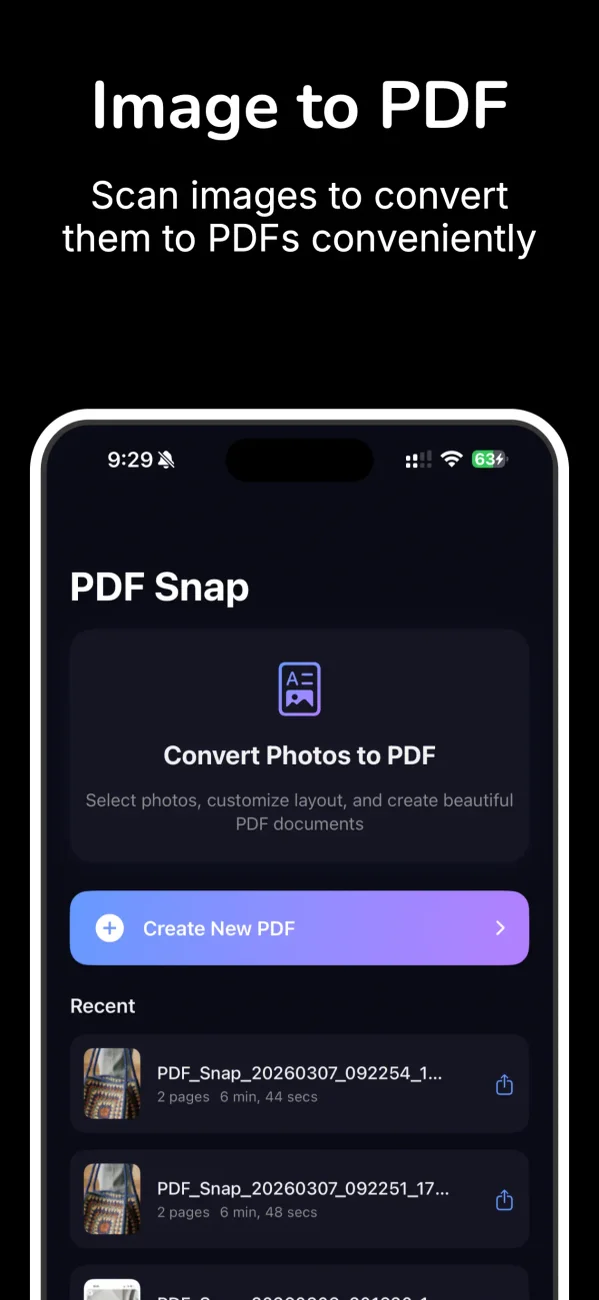
PDF Snap is the fastest, easiest way to convert your photos and images into professional-quality PDF documents. Whether you need to digitise receipts, create photo albums, or share documents — PDF Snap has you covered.
WHY CHOOSE PDF SNAP?
• Lightning-fast conversion — Turn any photo into a PDF in seconds
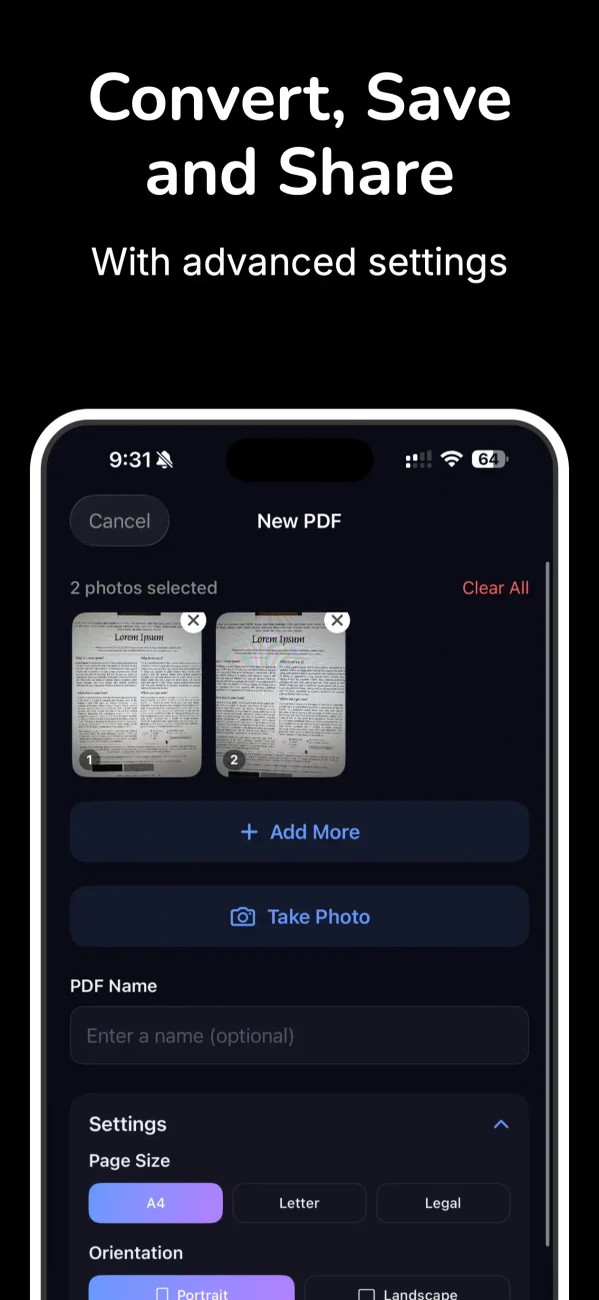
• Batch processing — Convert multiple images into a single PDF at once
• Custom layouts — Choose page sizes, orientations, and margins
• Stunning quality — Preserve every detail of your original images
• Simple sharing — Export and share PDFs via email, messaging, or cloud storage
POWERFUL FEATURES
Convert from Any Source:
• Camera — Snap a photo and instantly create a PDF
• Photo Library — Select one or multiple images to convert
• Supports JPG, PNG, HEIC, and more
Customise Your PDFs:
• Multiple page sizes — A4, Letter, Legal, and more
• Portrait or landscape orientation
• Adjustable margins and image fitting options
• Reorder pages with drag and drop
Professional Output:
• High-resolution PDF output
• Optimised file sizes for easy sharing
• Merge multiple images into one document
• Preview before exporting
Easy Sharing & Export:
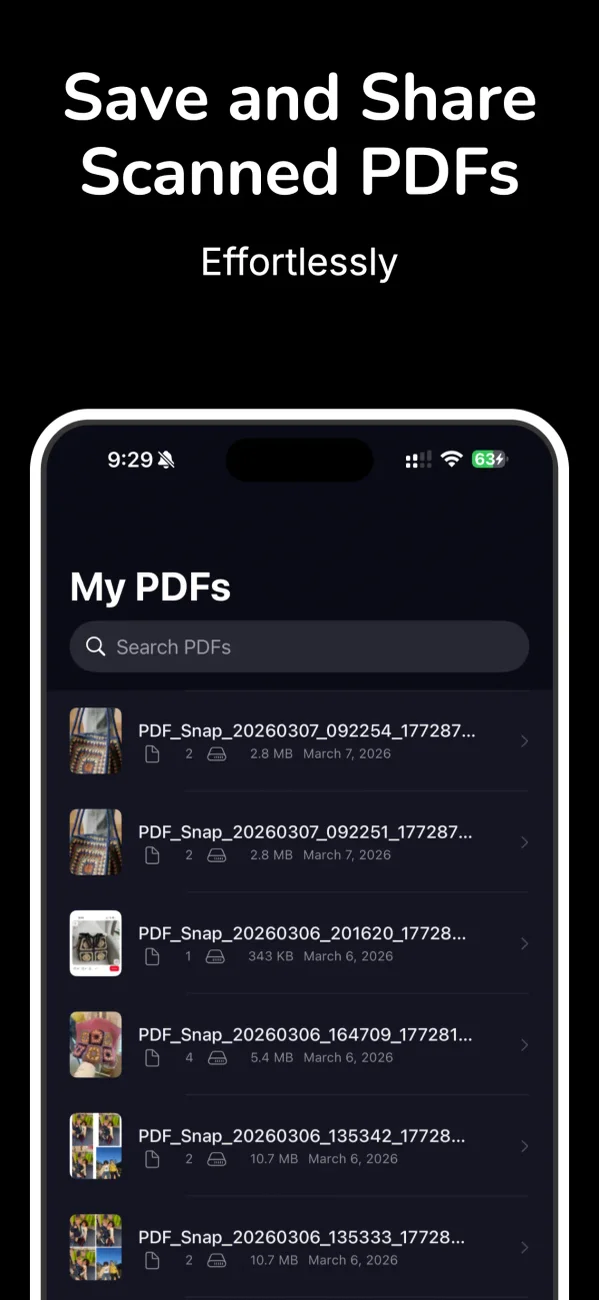
• Share directly to any app
• Save to Files, iCloud, or other cloud services
• Email PDFs with one tap
• Print directly from the app
PERFECT FOR
• Students — Convert handwritten notes and textbook pages
• Professionals — Digitise receipts, contracts, and business cards
• Travellers — Save boarding passes, itineraries, and tickets
• Artists — Create PDF portfolios of your work
• Anyone — Who needs a quick, reliable image-to-PDF converter
DESIGNED FOR SIMPLICITY
No complicated menus or confusing settings. PDF Snap is designed to be intuitive from the first tap. Select your photos, customise your layout, and export — it's that simple.
Download PDF Snap today and never struggle with image-to-PDF conversion again!
End User License Agreement (EULA):
https://www.apple.com/legal/internet-services/itunes/dev/stdeula/
What’s new
Version 2026.3.0 · Oct 17, 2026
- A fresh new app icon
- PDF Snap is coming to Mac, and your Pro subscription will work there too: find it from Settings
- Dark mode now follows your device
App privacy
What Huseyin Bagana declares on the App Store about how this app handles data.
-
Data not linked to you
May be collected but is not linked to your identity.
- Diagnostics
Privacy practices may vary, for example with the features you use or your age.
Information
- Seller
- Huseyin Bagana
- Category
- Utilities
- Version
- 2026.3.0
- Updated
- Oct 17, 2026
- Released
- Mar 12, 2026
- Size
- 6.4 MB
- Requires
- iOS 17.0 or later
- Age rating
- 4+
- In-app purchases
- Yes
- Languages
- English, Arabic, Catalan, Croatian, Czech, Danish, Dutch, Finnish, French, German, Greek, Hebrew + 21 more
- Copyright
- © 2026 iOS Corner
You might also like
-
 PDF Snap: Photo ConverterCompress, Merge, Split Offline
-
 PDFToolbox-Converter/WatermarkPDF to Image, Image to PDF
-
 PDF Snap– Scan,Compress & SignFast PDF Scanner,Merger Tools
-
 pdfxpresspdf express
-
 ShrinkPDF Go: Compress & MergeCompress and Merge PDFs Photos
-
 PDFPress - PDF CompressorShrink PDF size for upload
-
 Snap Convert - AI ConverterHEIC to JPG, PNG, WebP Upscale
-
 QuickMark - Save bookmarksSave links from all sources
-
 Image to PDF – Quick ConvertTurn photos into documents
-
 PDF QuickScanScan Docs to PDF in Seconds