- 対象年齢+4
- カテゴリユーティリティ
- 開発元FWR Tecnologia
- 言語ポルトガル語ほか3言語
- サイズ111.8 MB
App Storeの公式ページにリンクしています
Download.orgはPDF Reader & Doc Scannerのファイルを一切ホストしていません。ボタンを押すと、FWR Tecnologiaが公開しているApp Storeのアプリページが開きます。ページの最終確認:2026/11/16。
スクリーンショット
概要
開発元はこのテキストをお使いの言語で提供していません。
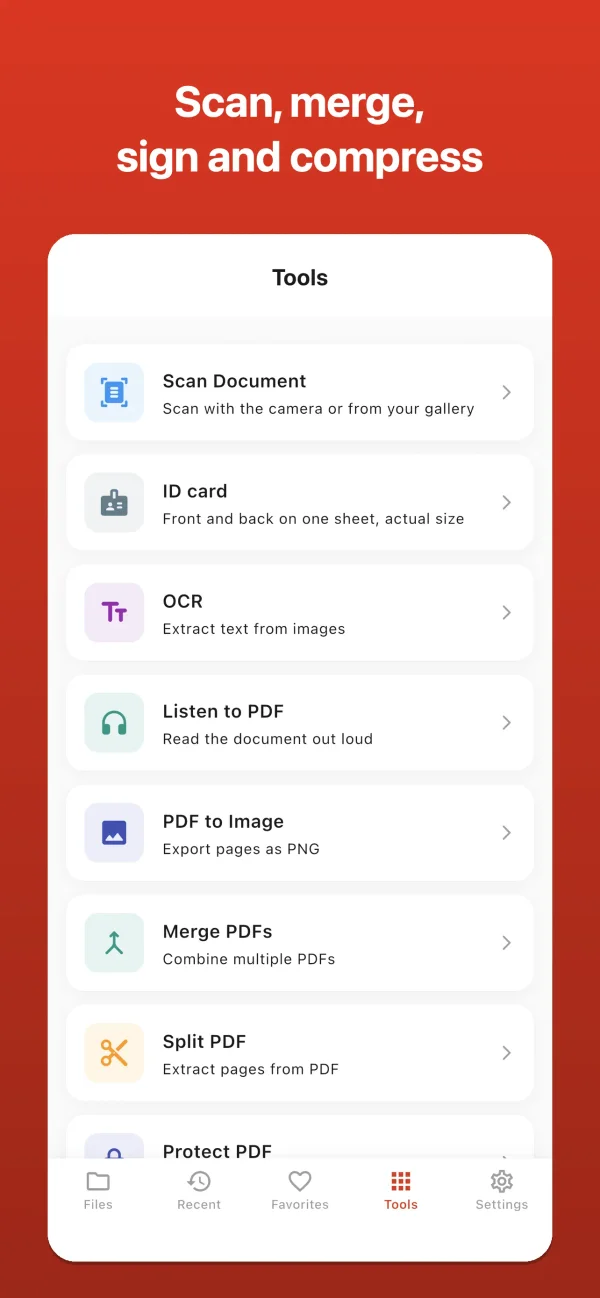
PDF Reader & Doc Scanner lets you open and read documents, add text and annotations, sign PDFs and compress files for sharing. Use the document scanner to digitize pages and OCR to extract text from photos and scanned PDFs.
Every tool is available without a subscription or trial period. The app displays ads.
PDF READER
• Open PDFs from Files, Mail and other apps through the share menu
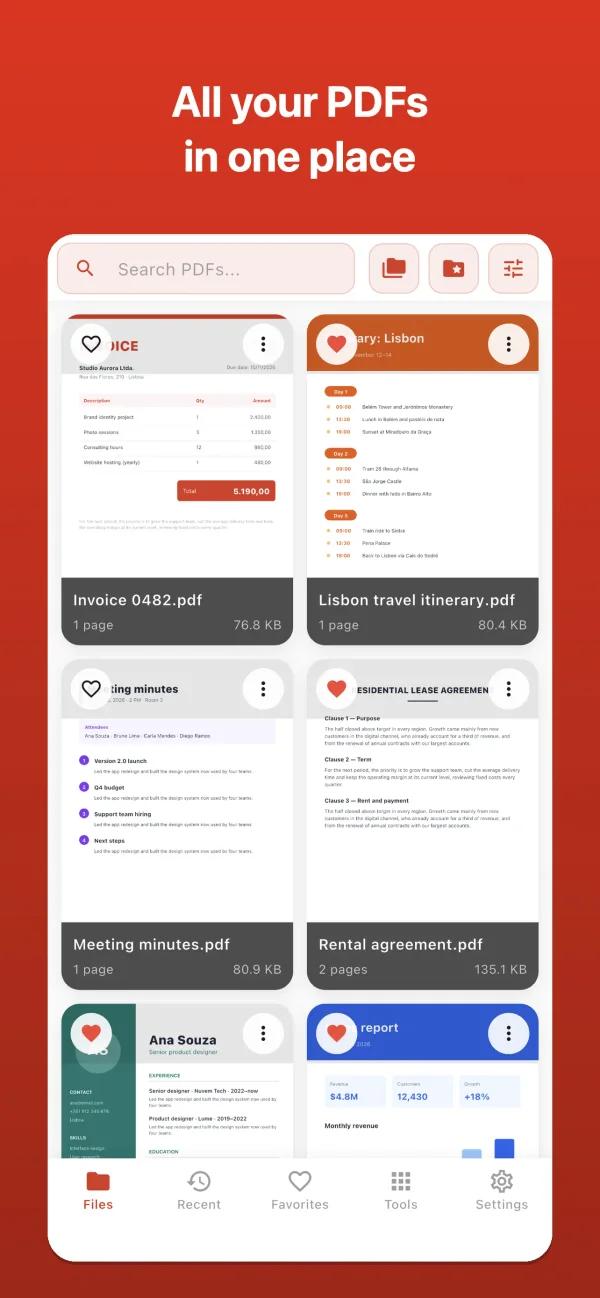
• Browse PDFs saved in the app's folder, with thumbnails, page count and file size
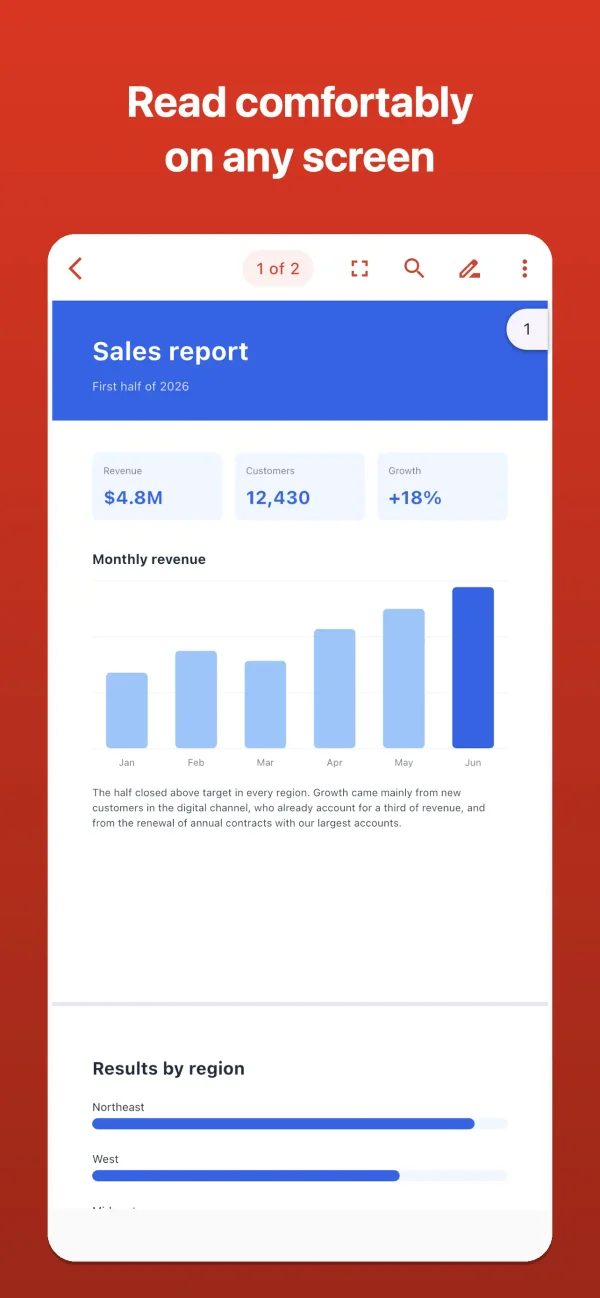
• Search for words in documents with selectable text
• Read with continuous scrolling or page by page, vertically or horizontally
• Use full screen and color inversion for reading at night
• Tap the page number to jump to the page you need
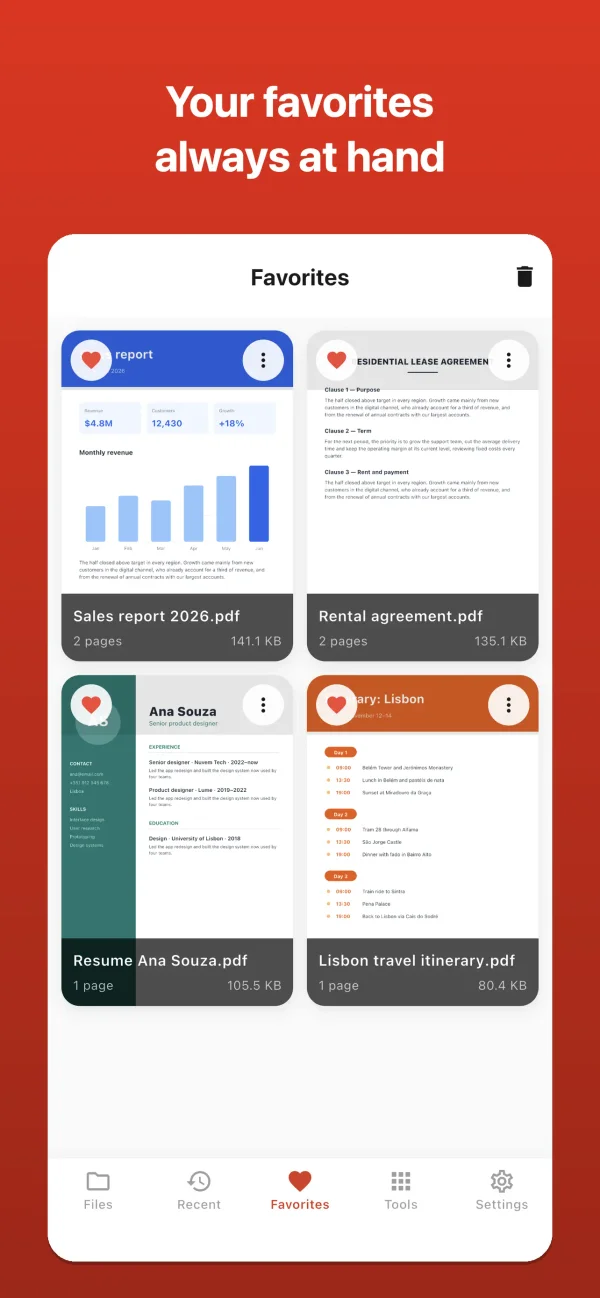
• Organize documents with favorites, recents and folders
PDF EDITOR & ANNOTATIONS
• Add text and annotations on top of PDF pages
• Highlight, underline and strike through text
• Add notes, draw freehand and insert the date, shapes, lines and arrows
• Undo and redo changes
• Save a copy or replace the original when the file allows it
SIGN PDF
• Draw your signature with your finger and save it as a template
• Take a photo of your signature on paper and remove the background automatically
• Position and resize the signature on the page
DOCUMENT SCANNER
• Scan documents with the camera and turn them into PDFs
• Use automatic cropping and filters: original, grayscale, black and white, and enhance
• Arrange the front and back of an ID card on a single page for printing
OCR: EXTRACT TEXT
• Recognize and extract text from photos, screenshots and scanned PDF pages
• Copy recognized text with one tap
LISTEN TO PDF
• Listen to document text read aloud, page by page
• Adjust the reading speed
• Use text recognition to listen to scanned pages too
PDF TOOLS
• Compress PDF: use three compression levels to shrink files before sending them by email or WhatsApp. The reduction depends on the document
• Merge PDF: combine several files into one
• Split PDF: extract any page range
• Organize pages: reorder, rotate, delete, insert blank pages or pages from another PDF, and extract pages
• Password protect PDFs with AES-256 encryption
• Remove passwords: enter the current opening password to save a copy without that protection
• Remove printing and copying restrictions from PDFs that open without a password
• Watermark: add text and adjust color, size, opacity and rotation
• Crop page margins
• PDF to image: export pages as PNG or combine pages into a long JPG image
新機能
バージョン 1.3 · 2026/11/14
- Updated packages and dependencies to improve performance and stability.
- Layout adjustments and improvements to the app interface.
アプリのプライバシー
このアプリのデータの取り扱いについて、FWR TecnologiaがApp Storeで申告している内容です。
-
ユーザーに関連付けられたデータ
収集され、ユーザーの識別情報に関連付けられる場合があります。
- 位置情報
- ID
- 使用状況データ
- 診断
-
ユーザーに関連付けられないデータ
収集される場合がありますが、ユーザーの識別情報には関連付けられません。
- 診断
プライバシーの取り扱いは、ご利用の機能やお客様の年齢などに応じて異なる場合があります。
情報
- 販売元
- FWR Tecnologia
- カテゴリ
- ユーティリティ
- バージョン
- 1.3
- 更新日
- 2026/11/14
- リリース
- 2025/12/23
- サイズ
- 111.8 MB
- 必要条件
- iOS 15.0以降
- 対象年齢
- +4
- 価格
- 無料
- 言語
- ポルトガル語, スペイン語, ヒンディー語, 英語
- 著作権
- © WR Developers